
ALLMSP Blog

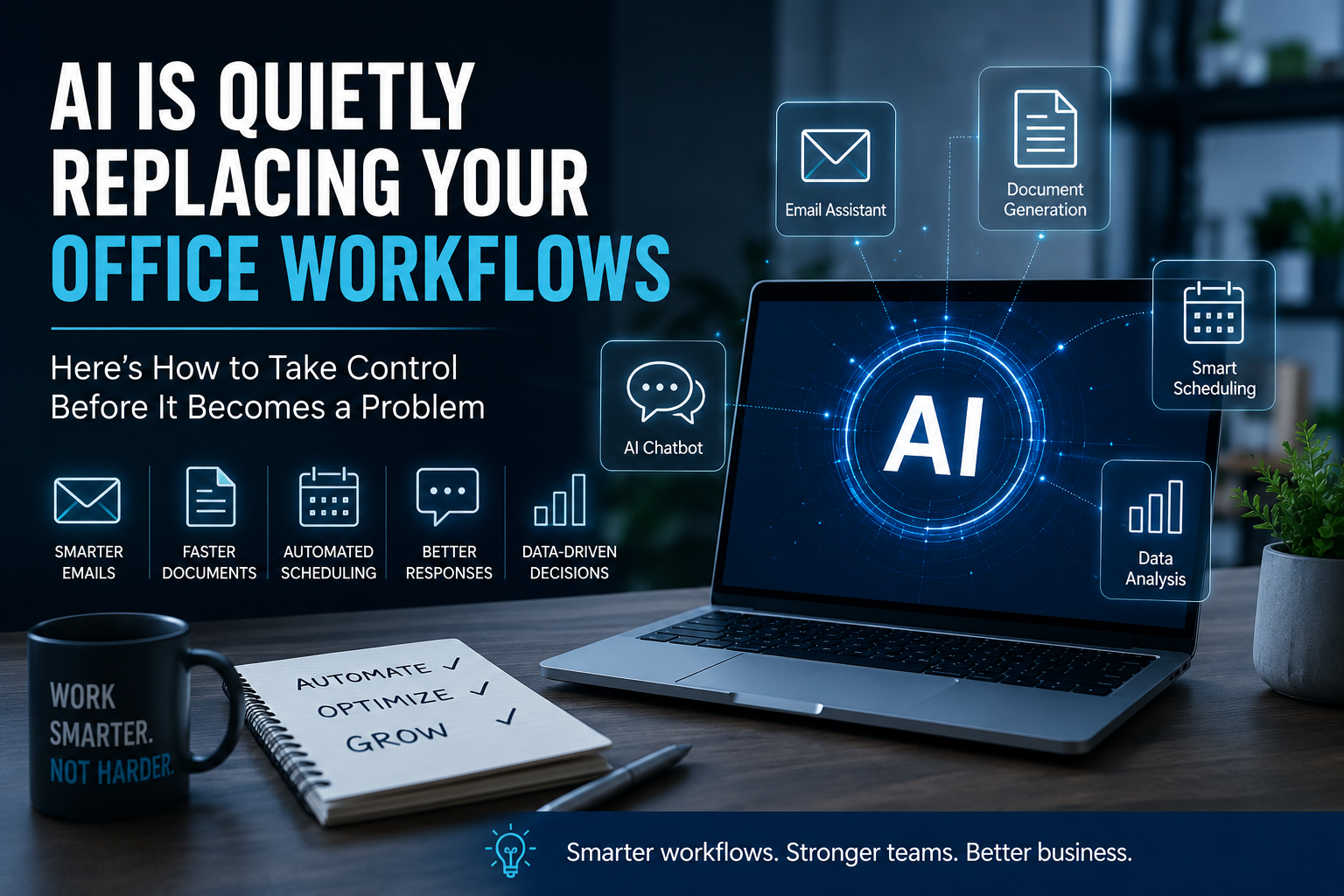
AI Is Quietly Replacing Your Office Workflows (Here’s How to Take Control Before It Becomes a Problem)

AI in the workplace

Artificial intelligence is already part of everyday business operations. It shows up in email platforms, document tools, scheduling systems, CRMs, help desks, reporting dashboards, and customer communication tools.

The challenge for most businesses is not whether AI is available. The challenge is knowing how to use it securely, consistently, and in a way that actually improves the business.

Key Takeaways

  • AI is already built into many tools businesses use every day
  • Unstructured AI use can create security, accuracy, and compliance risks
  • Businesses should start by identifying where AI is already active
  • The best results come from improving one workflow at a time
  • AI becomes more valuable when it is organized, reviewed, and integrated

What Is AI Workflow Management?

AI workflow management is the process of organizing how artificial intelligence tools are used across a business. It includes choosing approved tools, setting usage rules, improving repetitive tasks, reviewing AI output, and connecting systems where automation can save time.

For small and growing businesses, this does not have to be complicated. A practical AI strategy starts with the tools you already use and focuses on the areas where your team loses the most time.

Why Businesses Need a More Structured Approach to AI

Many teams are already experimenting with AI, but they are doing it without a clear process. One employee may use AI for email responses. Another may use it for reports. Another may paste business information into a public tool without realizing the risk.

This creates a mix of productivity gains and potential problems. Without structure, businesses can end up with inconsistent communication, inaccurate output, duplicated tools, and unnecessary exposure of sensitive information.

Important: Businesses should avoid entering sensitive client, employee, financial, or operational data into public AI tools unless those tools are approved for business use.

Step-by-Step: How to Take Control of AI in Your Business

Step 1: Identify where AI is already active

Start by reviewing the tools your business already uses. Look at email, Microsoft 365, Google Workspace, CRM systems, help desk platforms, scheduling tools, project management software, and document platforms.

Many of these systems already include AI features. The goal is to understand what is available, what is being used, and whether those tools are approved for business operations.

Step 2: Map repetitive work across your team

List the tasks your team repeats every week. Common examples include writing emails, summarizing meetings, creating reports, responding to support requests, updating spreadsheets, preparing proposals, and organizing customer information.

For each task, note who handles it, how long it takes, how often it happens, and whether it requires review. This gives you a practical roadmap for where AI and automation can help first.

Step 3: Use the AI features you already pay for

Before adding more software, check what is already included in platforms like Microsoft 365, Google Workspace, CRM tools, and help desk systems. Built-in AI features can often help with drafting, summarizing, searching, reporting, and organizing information.

Starting with existing tools helps reduce cost, avoid tool overload, and keep your systems easier to manage.

Step 4: Choose one workflow to improve first

Do not try to automate everything at once. Pick one workflow that is repetitive, time-consuming, and easy to measure.

A good starting point might be customer email responses, internal ticket routing, meeting summaries, blog drafts, sales follow-ups, or recurring reports. Build a small process, test it, review the output, and improve it before expanding.

Step 5: Create simple AI usage rules

Every business should have basic rules for AI use. These rules do not need to be complicated, but they should be clear.

  • Only approved AI tools should be used for business work
  • Sensitive data should not be entered into public AI platforms
  • AI-generated content should be reviewed before being sent externally
  • Employees should understand what AI can and cannot be used for
  • Access to AI tools should be managed like other business systems

Step 6: Connect AI to the right systems

AI becomes more useful when it works with your existing systems. For example, AI can help summarize form submissions, draft support responses, create WordPress blog drafts, organize CRM notes, or prepare follow-up emails.

The real value comes from connecting AI to repeatable workflows instead of using it as a one-off writing tool.

Common Mistakes Businesses Make with AI

  • Allowing employees to use different AI tools without oversight
  • Entering sensitive information into unapproved platforms
  • Using AI output without reviewing it for accuracy
  • Trying to automate too many workflows at once
  • Buying new AI tools before using what is already available
  • Failing to assign ownership for AI management
  • Ignoring security, compliance, and access control

Where Businesses Usually Get Stuck

Most businesses do not get stuck because AI is too advanced. They get stuck because no one has organized the process.

  • They are unsure which workflows should be automated first
  • They do not know which AI tools are safe for business use
  • They have no internal rules for AI-generated content
  • Their systems are disconnected from each other
  • The team does not have time to test and manage AI properly

This is why a structured AI plan is more valuable than simply adding another tool. The goal is to make AI useful, secure, and repeatable.

Related Business Technology Services

AI works best when it is supported by the right technology foundation. These related services can help businesses use AI more securely and effectively.

How ALLMSP Helps Businesses Use AI More Effectively

ALLMSP helps businesses turn scattered AI usage into a structured, secure, and practical system. Instead of simply adding more tools, we help identify where AI can support real business workflows.

Our team can help with AI workflow planning, automation, secure usage policies, system integrations, documentation, employee guidance, and ongoing technology support.

Whether your business wants to improve internal operations, customer support, reporting, marketing, or administrative tasks, ALLMSP can help design a practical AI setup that works with your existing systems.

Frequently Asked Questions About AI in Business

How can a small business start using AI?

A small business can start by identifying repetitive tasks and reviewing AI features already included in existing tools such as email, document platforms, CRMs, and help desk systems.

Is AI safe for business use?

AI can be safe for business use when companies use approved tools, protect sensitive data, manage access, and review AI-generated output before using it externally.

What tasks can AI help automate?

AI can help with email drafting, meeting summaries, reporting, customer support responses, content creation, document organization, lead follow-up, and internal knowledge management.

Should businesses create an AI policy?

Yes. Even a simple AI policy can help reduce risk by explaining which tools are approved, what information should not be shared, and when AI-generated content needs review.

Do businesses need new software to start using AI?

Not always. Many businesses already have AI features available through platforms they currently use. It is often better to start there before adding new tools.

Final Thought

AI is already changing how businesses operate, but the companies that benefit most will be the ones that organize it properly.

If your business wants to use AI more securely, efficiently, and consistently, ALLMSP can help build a practical system around your existing tools and workflows.

Ready to improve how your business uses AI? Contact ALLMSP to discuss AI workflow planning, automation, and business technology support.

Facebook
LinkedIn
WhatsApp
X
Email
Print
Threads
Reddit