





























































































































































Business Computer Repair
Computer repair, diagnostics, upgrades, and device support for Lawrenceville and Suwanee businesses
ALLMSP diagnoses and repairs business laptops, desktops, and workstations while protecting employee productivity, company data, security, warranties, and the repair-versus-replace decision.
Business computer repair that connects the device, employee, data, security, and replacement path
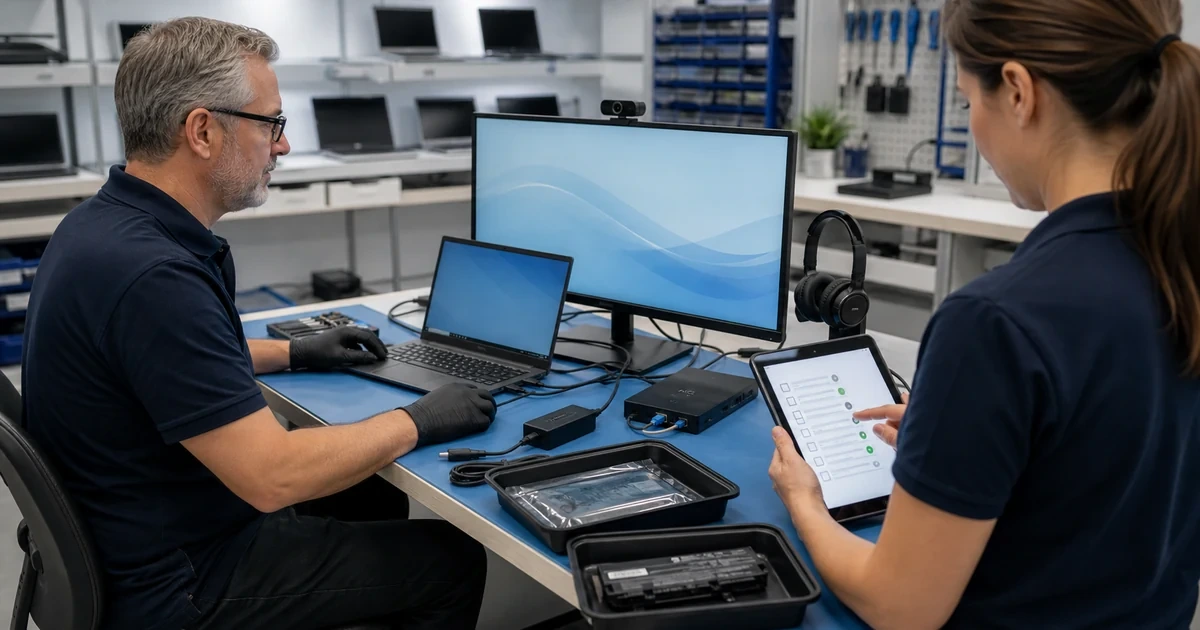
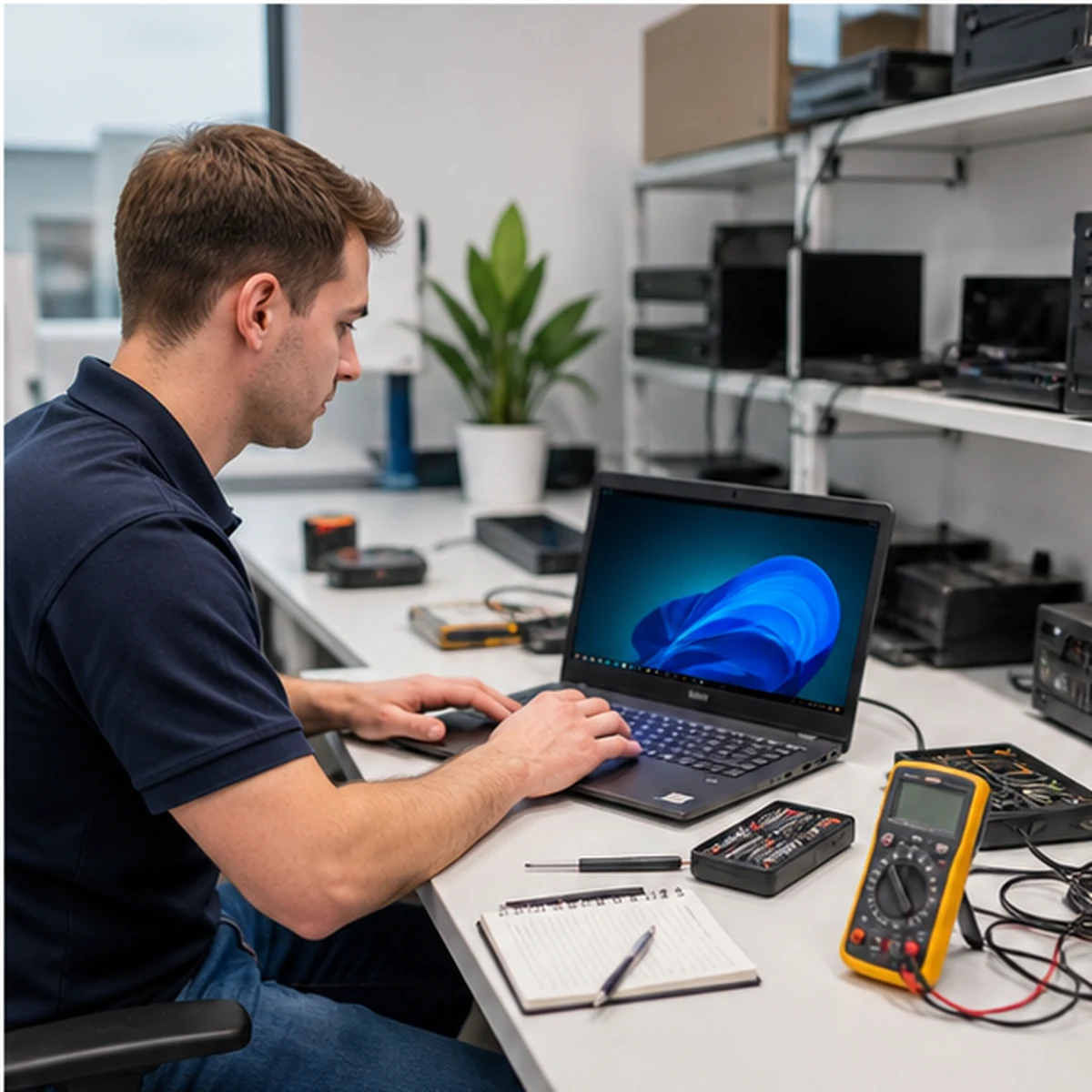
ALLMSP provides business computer repair for Lawrenceville, Suwanee, Gwinnett County, Metro Atlanta, and nearby Georgia organizations. We support laptops, desktops, workstations, storage, Windows, business applications, malware cleanup, upgrades, damaged components, and recovery after unexpected failures.
Every engagement begins with the symptoms, employee impact, warranty, device age, data condition, security status, part availability, and replacement cost. That context helps determine whether the responsible answer is repair, upgrade, replacement, or a temporary recovery plan. Ongoing needs can be connected with managed IT services, the ALLMSP IT Help Desk, cybersecurity, and data backup and recovery.
Computer repair services for Lawrenceville and Suwanee businesses
Choose the service that most closely matches the problem. ALLMSP will confirm the cause during diagnosis and coordinate related hardware, software, security, and data work when the issue crosses categories.
Computer Upgrades and Custom Builds
Every recommendation is based on measurable performance needs and the value of extending the device. ALLMSP does not add parts that will be limited by another component or cost more than a sensible replacement.
Power Supply Repair
Power supply work is treated as a system diagnosis, not a blind parts swap. That protects the replacement component and helps uncover surge damage or another failing device before the computer returns to production.
Power Cord Replacement
While PSU failure isn’t uncommon, another factor to consider is the power cord itself, at ALLMSP, we’ll run a complete set of diagnostics to find the root problem, be it the power supply or the cord, and remedy that problem quickly and affordably.
Quick Turnaround
In the age of modern computing, great computer repair service must be fast and effective, at ALLMSP, we take pride in our industry-leading repair turnaround. Whether your laptop needs a tune-up or your desktop needs a new part, we maintain a commitment to fast, high-quality service.
Computer Overheating Repair
Cleaning alone is not always the answer. ALLMSP checks whether heat is the cause of the slowdown and whether cooling hardware, placement, firmware, or the workload must also change.
Data Recovery and Drive Replacement
The goal is not simply to make the computer start. ALLMSP protects the original media, identifies the most valuable data, and avoids unnecessary activity that can reduce the chance of recovery.
Software Installation and Upgrades
ALLMSP treats installation as a complete business change. Compatibility, access, licensing, updates, integrations, user settings, and rollback considerations are addressed before employees are expected to use the software.
Bulk Installation
ALLMSP is your one-stop-shop for software upgrades, our experts can upgrade multiple programs in one session, and can ensure that all of your newly upgraded software integrates properly for a seamless computing experience.
Managed Installation
We know that software installation can be time-consuming and complicated, so we offer managed installation services to make it easier for you. Just let us know which programs you'd like to have installed, and we'll take care of everything, ensuring they're ready to use as soon as your machine is returned to you.
Liquid Damage Computer Repair
Liquid damage is evaluated by location, liquid type, powered state, corrosion, parts availability, data importance, and device value. A quick surface cleanup is not treated as proof that the computer is safe.
Virus and Malware Removal
The objective is a trustworthy computer and a clear incident record, not simply a scan that reports zero detections. ALLMSP validates the operating system, browsers, accounts, security tools, and business applications after removal.
Data Security
If your computer is infected, then it’s only a matter of time before your personal data is compromised, bring your computer to ALLMSP, and we’ll back your data up and restore your system to like-new condition, all at an affordable price.
Remote Support
Need your machine fixed now? Give us a call, and one of our experts can set up a remote support session to diagnose and repair your infected computer at no hassle to you.
Blue Screen and Windows Repair
ALLMSP avoids jumping directly to a Windows reinstall when a failing drive, memory problem, driver, or heat issue would remain afterward. Hardware and software evidence are reviewed together.
Hardware Replacement
If the blue screen error is hardware-related, it typically takes 3 to 5 days to receive the replacement part and another 24 hours to install it. However, ALLMSP provides expedited emergency repair services to get you back online as quickly as possible.
Data Recovery
If a blue screen error leads to system corruption, our data recovery experts at ALLMSP will work diligently to recover as much data as possible before it becomes inaccessible or irreparably damaged. Our team is committed to safeguarding your valuable information during this critical time.
Laptop Screen Repair
Screen repair is planned around the complete display assembly. Hinge damage, antenna routing, camera cables, lid deformation, and graphics issues are checked before a panel is ordered.

Repair decisions built around business continuity instead of an isolated device
ALLMSP considers the employee, files, security, warranty, repair history, downtime, and available replacement before recommending work. That produces a clearer decision and reduces repeat visits for a computer that should have been replaced.
We handle the full path in house, including diagnostics, parts, upgrades, Windows and application work, data protection, testing, documentation, employee handoff, and ongoing hardware support.
Industry-Specific IT, Cybersecurity, Cloud, Marketing, and HR Support
Frequently Asked Questions
Q. What signs indicate that a business computer needs business computer repair?
A. Slow performance, startup failures, unusual noises, overheating, cracked screens, power problems, malware warnings, blue screens, lost files, and failed updates are all reasons to schedule a diagnosis.
Q. How does ALLMSP diagnose business computer repair?
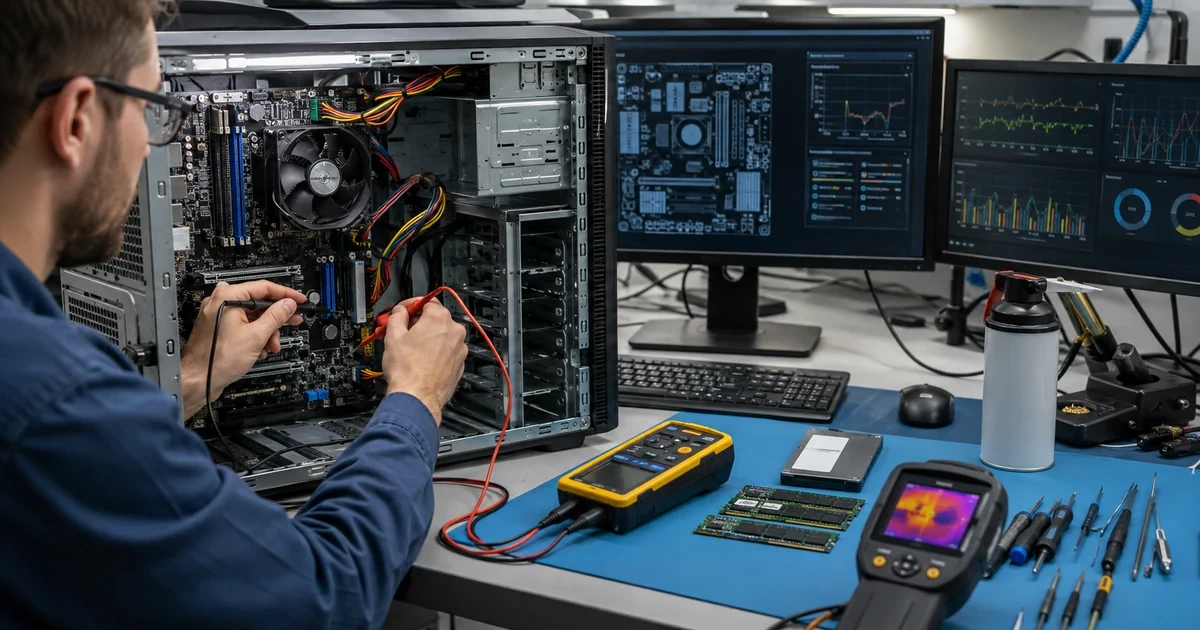
A. We document the employee impact, device history, warranty, data condition, security status, hardware health, Windows behavior, and replacement options before recommending work.
Q. Is business computer repair worth completing instead of replacing the computer?
A. ALLMSP compares repair cost, downtime, device age, warranty, reliability, security support, and replacement availability. The recommendation may be repair, upgrade, replacement, or a short-term recovery plan.
Q. How does ALLMSP protect business data during business computer repair?
A. Important business data is identified before storage, Windows, malware, or other higher-risk work. We confirm available backups and explain any recovery concern before destructive steps are used.
Q. Can ALLMSP coordinate business computer repair across multiple business devices?
A. Yes. We can prioritize devices by employee role, standardize common repairs and upgrades, track warranties and assets, schedule work in phases, and identify models that should be replaced.
Q. Can business computer repair be completed remotely or onsite?
A. Troubleshooting can begin remotely when the computer starts and can connect safely. Physical damage, component work, unstable storage, and no-boot failures require onsite or coordinated bench service.
Q. Does ALLMSP provide business computer repair in Lawrenceville and Suwanee?
A. Yes. ALLMSP provides business computer repair in Lawrenceville and Suwanee, with service throughout Gwinnett County and Metro Atlanta. We identify whether the fastest responsible path is remote service, onsite repair, a coordinated bench appointment, or replacement.
Q. How long does business computer repair usually take?
A. Timing depends on diagnosis, parts, data condition, testing, and the number of devices. ALLMSP provides the expected repair path after the problem and business priority are understood.
Q. What affects the cost of business computer repair?
A. Cost depends on diagnostic time, components, data protection, Windows or application work, urgency, testing, and whether the device is part of a larger business fleet.
Q. What can a business do to reduce the need for future business computer repair?
A. Use monitored backups, supported operating systems, managed endpoint security, current updates, clean airflow, surge protection, standardized devices, and planned replacement cycles.