

A Square integration can look like a single app tile while touching catalog, customers, inventory, orders, payments, refunds, labor, loyalty, reports, or payouts. A custom application may add Sandbox and production credentials, OAuth grants, webhook subscriptions, API versions, retry behavior, and a downstream database. Without an inventory of those dependencies, teams discover ownership only after an order stops moving or a former developer still controls the application.
Square separates seller-managed App Marketplace connections from custom developer applications. Its current developer guidance also separates personal and OAuth access tokens, production and Sandbox credentials, permission scopes, API logs, and webhook event logs. Those distinctions matter: a connection intended to read reports should not silently obtain write access, and a Sandbox success does not prove production locations, permissions, data volume, or recovery behavior.
This guide gives Georgia retailers and restaurants a support model for Square apps, APIs, automations, and reporting. It is not a coding tutorial. It defines the controls a business owner, finance lead, operations manager, developer, integration vendor, and MSP need to launch, monitor, troubleshoot, transfer, and retire a connection safely.
Key decisions at a glance
- Maintain one inventory of App Marketplace connections, custom applications, credentials, OAuth grants, webhooks, data objects, owners, vendors, and business processes.
- Use the minimum OAuth scopes, protect tokens and secrets, separate Sandbox and production, and never place full credentials in tickets or screenshots.
- Test duplicate, delayed, retried, out-of-order, partial, and failed events instead of validating only one successful transaction.
- Use Square API and webhook logs together with the downstream system's evidence to identify where an order, payment, inventory change, or customer update stopped.
- Reconcile operational reports and transfers at defined boundaries so a technically successful API call is not mistaken for a correct financial outcome.
Inventory the Application, Owner, Access, and Business Data Contract

Create one integration register covering Marketplace apps, custom applications, middleware, accounting connectors, online ordering, loyalty, delivery, inventory, marketing, data warehouses, and report exports. Record the business purpose, executive owner, technical owner, vendor, support path, Square application identity, environments, locations, data objects, direction of flow, update frequency, credentials, OAuth scopes, webhooks, downstream stores, renewal, cost, criticality, and retirement condition.
Define the source of truth per field and event. Square may own payment state while another platform owns shipping, accounting classification, or a marketing attribute. For catalog, customer, inventory, and order data, specify which system may create, update, merge, or delete; how identifiers map; how conflicts resolve; and whether changes are synchronous, scheduled, or event-driven. A diagram without field ownership cannot resolve a loop or overwrite.
Review access at the data-object level. Square recommends that OAuth applications request only the scopes they require, while personal access tokens grant broad access to the associated account and must be protected. Prefer scoped OAuth for applications serving multiple sellers, keep production tokens in a managed secret store, redact them from logs and support evidence, and name the person responsible for rotation and emergency revocation.
- Include applications that only export or email data; read access and retained files still create privacy and continuity obligations.
- Record whether the connection is seller-installed, custom-built, vendor-managed, or inherited, and identify who can disconnect or reauthorize it.
- Document object and field ownership, identifiers, locations, timing, retention, error destination, reconciliation owner, and expected recovery behavior.
- Review Marketplace apps in Square Dashboard and developer applications in the Developer Console rather than assuming one list is complete.
Separate Test and Production, Then Govern Every Release

Use Square Sandbox and test accounts to exercise API calls without production money or customer data, but preserve an explicit promotion checklist. Square provides separate Sandbox and production credentials, and applications can depend on environment-specific location IDs, webhook URLs, permissions, and data. A release should prove configuration parity without copying production secrets into test or treating synthetic data as proof of production volume and timing.
Build tests around business invariants, not endpoints alone. Create and update representative catalog records, place controlled orders, process an approved low-value payment path when required, issue a refund in the test plan, change inventory, handle customer matching, and confirm the correct downstream accounting or fulfillment result. Exercise idempotency, duplicates, retries, late events, out-of-order events, partial failures, permission denial, rate limits, and an unavailable downstream system.
Release with a versioned change record, approvers, affected scopes and locations, baseline, test evidence, secret-handling plan, monitoring window, rollback or disable path, and vendor contacts. Review Square API lifecycle and application dependencies before SDK or version changes. Never rotate a token, change a webhook URL, or reconnect an app without identifying every consumer and verifying the old path no longer writes data.
- Keep Sandbox and production application IDs, access tokens, OAuth redirects, webhook URLs, signing keys, location IDs, and data stores visibly separated.
- Validate least privilege by testing a required operation and a prohibited operation with the exact production-equivalent scopes.
- Use deterministic test identifiers and cleanup rules so retries and duplicate events can be distinguished from abandoned test data.
- Schedule a post-release reconciliation across Square, the integration, downstream records, and business reports before closing the change.
Monitor Webhook Delivery and Troubleshoot From Correlated Evidence
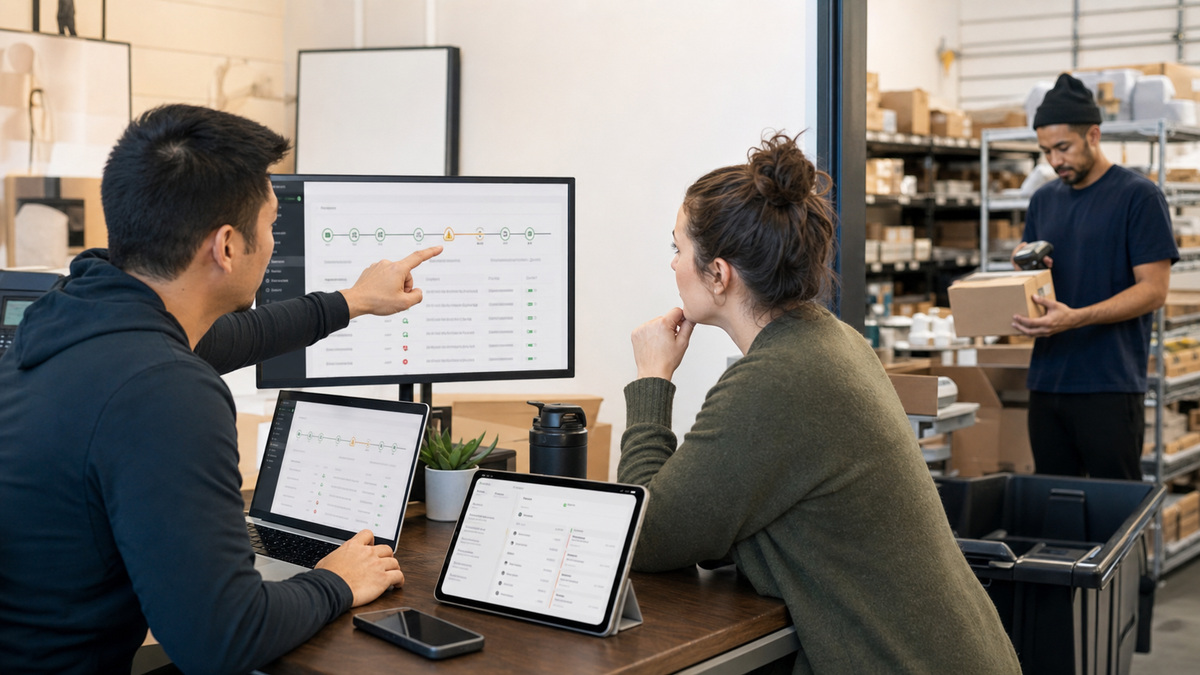
A webhook receiver should acknowledge promptly, validate that the notification came from Square, retain a correlation identifier, and hand durable work to a process that can retry safely. Square documents retries for failed delivery and requires validation using the signature header, subscription signature key, notification URL, and raw request body. Discard failed validation, protect the signing key, and use a constant-time verification helper rather than inventing comparison code.
Monitor absence as well as explicit failure. Track event age, retry count, duplicate rate, validation failures, processing backlog, downstream response, dead-letter volume, and the last successful business event per location or workflow. A green endpoint that returns a response while work accumulates elsewhere is not healthy. Define alerts in business terms such as paid orders not reaching fulfillment within the accepted window.
Troubleshoot with a timeline. Start from a known order, payment, inventory change, customer, or refund and collect its Square identifiers, location, event type, event time, request ID, application, API version, webhook delivery, downstream correlation, retry history, and final business state. Square API logs show request and response detail, while webhook logs expose sends, receipts, retry reasons, and payloads. Redact tokens and sensitive customer or payment data before sharing evidence.
- Validate webhook signatures against the exact notification URL and raw body and reject events that fail verification.
- Design idempotent processing so a legitimate retry does not create a second shipment, refund, customer, stock adjustment, or journal entry.
- Retain enough correlated evidence to identify whether failure occurred in Square, transport, middleware, vendor processing, or the destination system.
- Test the documented replay, retry, manual repair, and reconciliation paths during normal operations instead of discovering them during peak sales.
Reconcile Reports, Transfers, and Ownership Through Retirement
Agree on reporting boundaries before comparing totals. Square notes that reports can differ because of timing, status, grouping, and the transactions included. Define business day, time zone, location, completion status, gross and net measures, fees, taxes, tips, discounts, refunds, disputes, and transfer cut-off. Use Square's reconciliation and transfer detail with the downstream accounting or analytics extract; do not force agreement by inserting an unexplained plug.
Make support ownership explicit. The business should know which vendor manages the app, which developer owns code, who can reach Square Developer Console, who holds secrets, who receives failure alerts, who approves data repair, and who verifies financial results. Marketplace partners may manage their own subscriptions and features, so record both the Square disconnect path and the vendor-side termination or data-export steps.
Retire connections as carefully as they were launched. Export required records, stop writes, drain queued work, reconcile final events and reports, disconnect the Marketplace app or revoke OAuth access, remove webhook subscriptions, rotate affected secrets, archive code and evidence, remove scheduled jobs and alerts, and verify the downstream system no longer depends on the feed. ALLMSP can coordinate that lifecycle for Georgia businesses and preserve a supportable integration map.
- Document the canonical Square and downstream reports, filters, time zones, statuses, and expected timing for every formal reconciliation.
- Assign one owner to every mismatch and preserve explanations for timing, refunds, fees, split payments, transfers, and late-arriving events.
- Transfer application, code repository, domain, cloud, secret-store, vendor, alert, and billing ownership before a developer or agency leaves.
- After retirement, verify no calls, webhooks, scheduled exports, charges, credentials, or hidden manual work remain.
Vendor documentation and ALLMSP resources
- Square: Integrate third-party applications
- Square Developer: Access tokens and other credentials
- Square Developer: OAuth permissions reference
- Square Developer: Basics of building applications
- Square Developer: Square webhooks
- Square Developer: Verify and validate an event notification
- Square Developer: Developer tools and logs
- Square: Set up analytics and reporting
- Square: View sales summary and reconciliation reports
- Square: Match transfers to sales
- ALLMSP Square Software Support
- ALLMSP Software Support
- ALLMSP Retail and Restaurants
- ALLMSP Managed IT Services
- Contact ALLMSP
Frequently Asked Questions
What belongs in a Square integration inventory?
Record every Marketplace app and custom application, business and technical owners, vendor, environments, locations, objects and fields, data direction, credentials, OAuth scopes, webhooks, timing, downstream stores, alerts, reconciliation, renewal, criticality, and retirement path.
Should a Square integration use a personal access token or OAuth?
Square describes personal tokens as broad access for resources in the associated account and OAuth tokens as scoped access granted by a seller. Multi-seller production applications should use OAuth. Choose the documented pattern, minimize scopes, and protect every token.
Why must Square Sandbox and production remain separate?
They use separate credentials and can differ in accounts, locations, permissions, webhooks, volume, and data. Sandbox is valuable for safe functional testing, but production promotion still needs explicit configuration, monitoring, controlled transactions, and reconciliation.
How should a Square webhook be authenticated?
Validate the Square signature using the subscription signature key, exact notification URL, and raw request body with Square's supported helper or an equivalent constant-time method. Reject failed validation and never expose the signing key in logs or tickets.
Why can a Square webhook be delivered more than once?
Distributed event delivery can retry when acknowledgement fails or is delayed. The receiver must be idempotent so the same legitimate event cannot create duplicate shipments, refunds, customers, inventory adjustments, or financial entries.
Which evidence helps troubleshoot a missing Square order automation?
Collect the Square order and location identifiers, event and request IDs, timestamps, application and API version, webhook delivery and retries, downstream correlation, processing logs, final state, and any manual repair. Redact credentials and sensitive customer or payment data.
Where can developers inspect Square API and webhook failures?
Square Developer Console provides API logs with request and response detail and webhook event logs with delivery, receipt, retry reason, and payload evidence. Correlate those records with middleware and destination logs rather than reading one system in isolation.
Why might Square and accounting reports show different totals?
Differences can come from time zones, business-day boundaries, completion status, report definitions, refunds, fees, taxes, tips, disputes, transfer cut-offs, and late events. Agree on filters and timing before investigating a true mismatch.
What is required when retiring a Square integration?
Stop writes, drain queues, reconcile final data, export required records, disconnect or revoke access, remove webhooks and jobs, rotate affected secrets, transfer or archive ownership, terminate vendor billing, and verify that no hidden manual dependency remains.
How can ALLMSP support Square integrations for a Georgia business?
ALLMSP can inventory connections, map data ownership, reduce scopes, separate environments, coordinate tests, monitor webhooks, build incident evidence, reconcile reports, transfer ownership, and retire apps without leaving credentials or workflows behind.