Key Takeaways
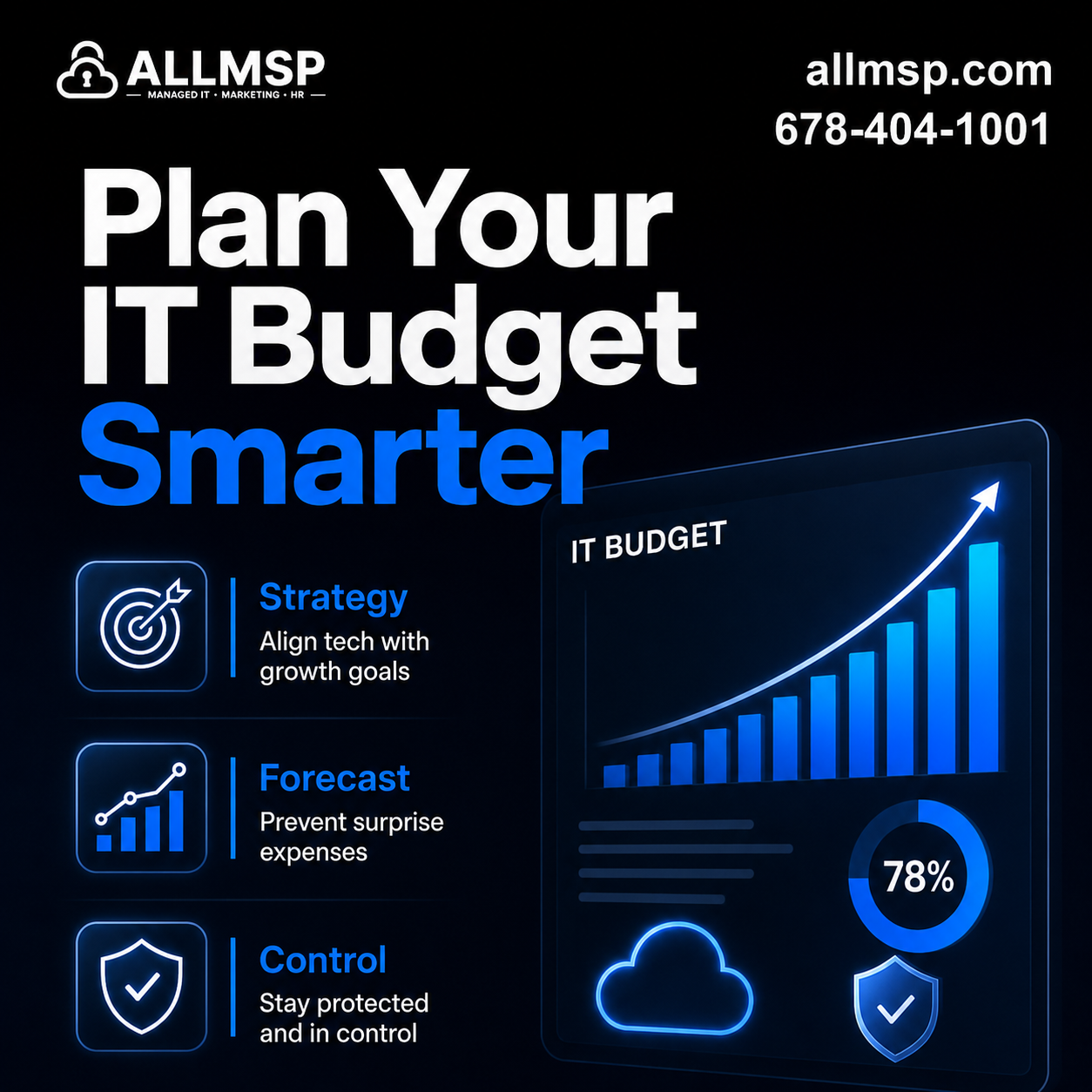
- A strong IT budget ties every dollar to growth, security, or operational efficiency.
- Forecasting hardware, software, and cybersecurity lifecycles prevents surprise expenses.
- Subscription and cloud costs require active management, not passive renewal.
- A 12-month roadmap creates visibility for leadership and reduces business risk.
Step 1: Start With Business Goals, Not Technology
Ask leadership:
- Are we hiring or opening new locations?
- Are we expanding services or product lines?
- Are we pursuing certifications or compliance standards?
- Are we improving customer response time or operational efficiency?
- Hiring 10 employees affects Microsoft 365 licensing, endpoint protection, laptops, VoIP seats, and help desk capacity.
- Opening a new office may require structured cabling, firewalls, switches, access points, and backup internet.
- Improving client response times may require better CRM integration or unified communications tools.
Step 2: Document Your Current Technology Environment
Hardware
- Servers and their age
- Network equipment such as firewalls, switches, and wireless access points
- Employee laptops and desktops
- VoIP phones and conference room equipment
Software and Cloud Subscriptions
- Microsoft 365 licensing tiers
- Line-of-business applications such as accounting or practice management systems
- Cloud storage and backup platforms
- Endpoint protection and security monitoring tools
Services
- IT support agreements
- Internet and telecom contracts
- Backup and disaster recovery services
- Compliance or security assessments
Step 3: Build a Lifecycle Replacement Plan
| Asset Type | Typical Planning Window | Budget Approach |
|---|---|---|
| Laptops and desktops | 3 to 5 years | Replace a percentage annually |
| Servers | 4 to 6 years | Forecast full replacement year |
| Firewalls and network gear | 3 to 5 years | Align with warranty expiration |
| VoIP hardware | 5 years | Replace during expansion cycles |

Step 4: Forecast Security and Compliance Investments
Core security categories to plan for:
- Endpoint protection and monitoring
- Multi-factor authentication
- Email security and spam filtering
- Data backup and disaster recovery
- Security awareness training
- Periodic vulnerability assessments
Step 5: Control Cloud and Subscription Costs
Quarterly review checklist:
- Are there inactive Microsoft 365 accounts still licensed?
- Are users assigned higher license tiers than necessary?
- Are duplicate software tools solving the same problem?
- Has storage usage increased beyond plan limits?
Step 6: Include Growth and Change Projects
- Office expansion requiring structured cabling and low-voltage upgrades
- Cloud migration from on-premise servers
- Replacing legacy accounting or practice management software
- Deploying unified communications platforms for hybrid teams
- Upgrading backup solutions for faster disaster recovery
Step 7: Create a 12-Month Roadmap With Timing
Example structure:
- Q1: Replace aging firewall and renew security licenses
- Q2: Rotate 20 percent of employee laptops
- Q3: Upgrade backup and disaster recovery solution
- Q4: Review Microsoft 365 licensing and VoIP contracts

Frequently Asked Questions
Q. How much should a company allocate to IT each year?
A. There is no universal percentage that fits every organization. Spending depends on growth plans, regulatory requirements, infrastructure age, and risk tolerance. A structured review of assets and goals provides a more accurate forecast than relying on industry averages.
Q. What causes most surprise IT expenses?
A. Unplanned hardware failures, outdated security tools, forgotten subscription renewals, and growth without licensing adjustments are common causes. Lifecycle planning and quarterly subscription reviews reduce these surprises.
Q. How often should we review our IT budget?
A. Conduct a formal review annually before budget approval and lighter reviews quarterly. Quarterly check-ins help adjust for hiring, vendor changes, and evolving security needs.
Q. Should cybersecurity be part of the same IT budget?
A. Yes. Security tools, monitoring, backups, and training are essential components of modern infrastructure. Separating them can create blind spots and underfunded protection.
Q. What is included in a Technology Budget Review Session?
A. A review typically evaluates infrastructure age, licensing alignment, cybersecurity coverage, vendor contracts, and planned business initiatives. The outcome is a prioritized roadmap with projected costs for the next 12 months.
Q. Can smaller organizations benefit from formal IT budgeting?
A. Absolutely. In fact, smaller teams often feel the impact of surprise expenses more acutely. A structured plan improves predictability and supports steady growth.
Q. How should hardware replacement be forecast in an IT budget?
A. Track the purchase date, warranty, condition, business role, repair history, and expected support life of each device. Group replacements by quarter so failures do not force large unplanned purchases.
Q. How do hiring plans affect the technology budget?
A. Each planned hire can add costs for computers, monitors, accessories, software, security, phone service, setup, support, and training. Include role-specific equipment and license needs in the hiring forecast.
Q. Should cloud and software subscriptions be reviewed during budgeting?
A. Yes. Compare assigned licenses, actual use, contract dates, overlapping products, storage growth, support needs, and future headcount before renewing or expanding subscriptions.
Q. Can ALLMSP build a 12-month IT budget and roadmap?
A. Yes. ALLMSP can inventory the environment, review contracts and lifecycle risk, estimate projects, prioritize cybersecurity and recovery needs, and build a quarterly roadmap with owners and projected costs.
How ALLMSP Helps Businesses Build Predictable IT Budgets
- Assess current infrastructure and lifecycle risk
- Identify hidden subscription waste or overlap
- Evaluate cybersecurity posture against business risk tolerance
- Forecast hardware and software replacement timelines
- Build a prioritized 12-month technology roadmap with projected costs