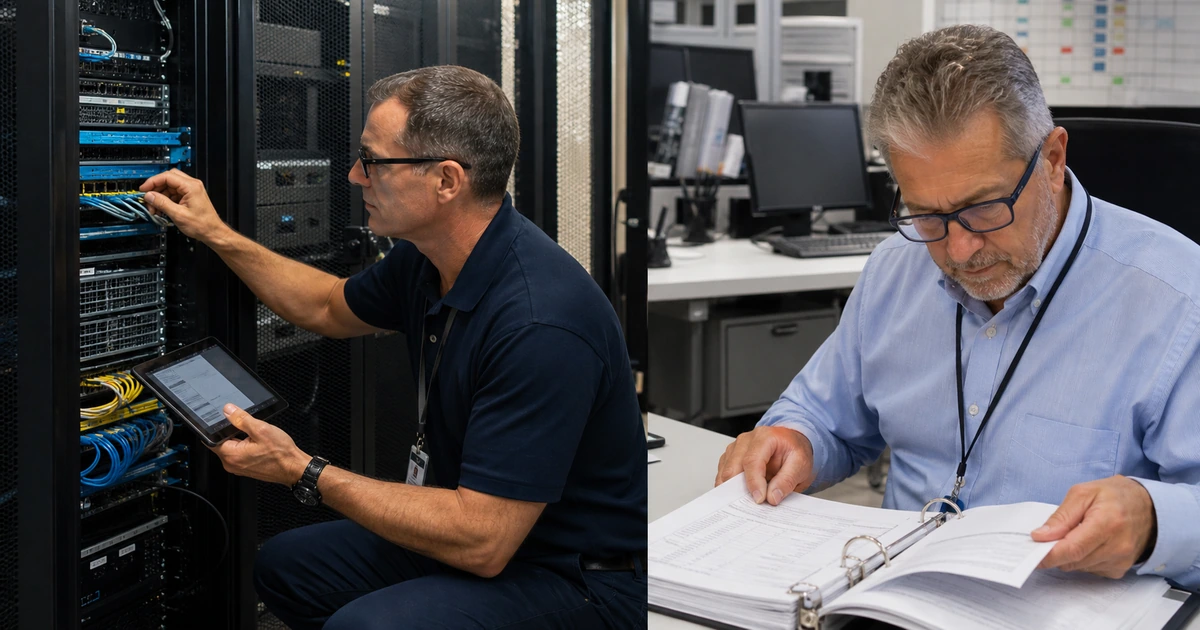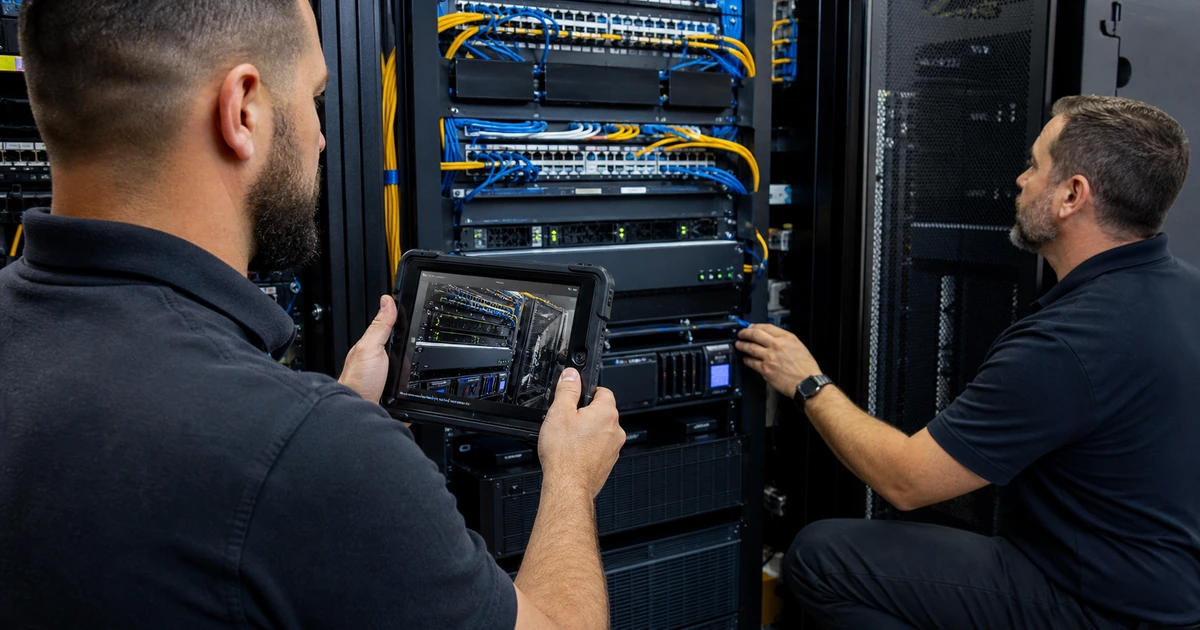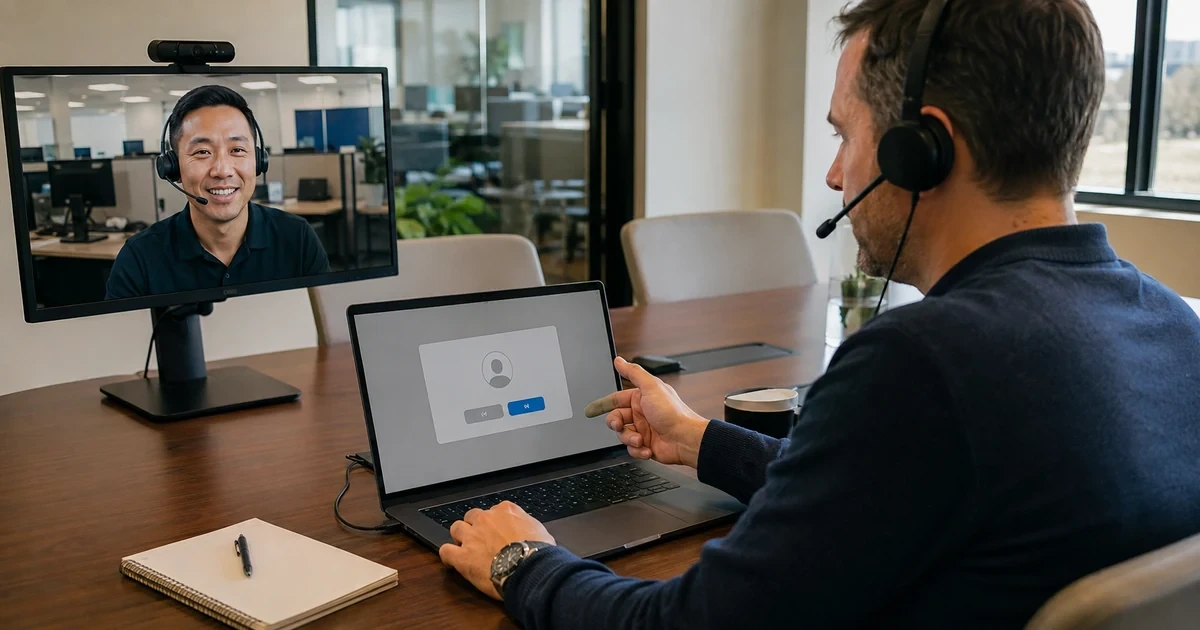
Remote support can restore an employee’s work quickly, but the same capabilities can expose many systems when identity, tools, and actions are weakly controlled. Remote monitoring and management software may run continuously, hold elevated permissions, execute scripts, transfer files, change configuration, and reach devices outside the office. Security must protect that power without making legitimate support unusable.
Build the workflow around approved software, verified requests, named technician identities, multifactor authentication, least privilege, separated administrative roles, user awareness, session limits, logging, review, and rapid revocation. Unattended access should exist only where the business and technical need is documented. Broad scripting and mass actions deserve stronger approval and safeguards because one mistake or compromised account can affect an entire fleet.
ALLMSP delivers remote monitoring and technical support in house for organizations in Lawrenceville, Suwanee, Gwinnett County, Metro Atlanta, and throughout Georgia. We secure the platform, authenticate technicians, validate support requests, limit access, document actions, monitor unusual behavior, coordinate users, and respond immediately when remote access appears suspicious.
Protect the complete route from support request to verified closure
- Authorize tools: Inventory permitted remote-support products, agents, portable tools, versions, owners, configurations, and business purposes.
- Verify requests: Confirm ticket, requester, employee, device, reason, timing, contact route, and approval before connection.
- Strengthen identity: Use named technicians, multifactor authentication, least privilege, separate administration, conditional access, and rapid revocation.
- Control sessions: Limit duration, device scope, file transfer, clipboard, credential entry, scripting, unattended access, and privileged actions.
- Preserve evidence: Record ticket, technician, device, start and end, actions, commands, files, privilege, consent, and validation.
- Detect abuse: Alert on unknown tools, impossible access, unusual hours, broad scripting, disabled security, mass changes, and deleted logs.
Inventory approved remote tools and remove unmanaged access
Discover installed agents, browser extensions, portable executables, remote-desktop services, vendor-support channels, virtual private network access, cloud management, device-management commands, and built-in operating-system tools. Compare endpoint software, firewall traffic, identity logs, management consoles, contracts, invoices, support procedures, and network scans. Record product, version, owner, tenant, administrator, hosting, authentication, agent deployment, exposed services, data handling, logging, integrations, update method, support status, and approved purpose.
Remove duplicate, unsupported, personal, trial, abandoned, or unknown tools after validating dependencies and preserving evidence. Restrict installation and execution where feasible, and monitor for portable or memory-only remote software. Close unused public ports, disable unnecessary services, and limit administrative interfaces. Separate customer-facing support access from internal platform administration. Review supplier and former-employee accounts, shared credentials, API keys, service identities, and emergency access. Every authorized path needs a current owner and a documented revocation procedure.
- Tool inventory: Find agents, portals, extensions, portable software, built-in services, device commands, VPN, and supplier routes.
- Purpose decision: Document business need, supported scope, operator, access level, data, duration, logging, and approval.
- Exposure reduction: Remove unknown tools, close unused services and ports, restrict execution, and limit management sources.
- Account cleanup: Review named users, shared access, service accounts, API keys, integrations, suppliers, and former staff.
- Revocation test: Confirm an agent, technician, device, token, integration, or supplier route can be disabled quickly.
Remote access is governable when every path is known, approved, supported, monitored, and removable.
Verify people and requests before granting a support session
Connect every session to a valid support record. Verify the employee and device using known company contact information or an authenticated support portal, not only details supplied by the caller or pop-up. State the technician’s name, purpose, expected duration, and whether the user will observe the work. Warn employees that ALLMSP will not make an unsolicited demand for payment, gift cards, banking access, or secrecy. For sensitive systems, require explicit business approval and coordinate a window.
Use separate named technician accounts with multifactor authentication and role-based access. Do not share everyday user passwords or ask employees to read them aloud. When credentials must be entered, let the authorized user enter them privately or use a controlled privileged-access method. Limit the session to the intended device and task. Disable file transfer, clipboard, recording, elevation, unattended access, reboot reconnect, or scripting unless required and approved. Time-bound elevated access and close the session when validation is complete.
- Ticket match: Confirm request number, requester, employee, device, symptom, business effect, timing, and assigned technician.
- Trusted contact: Use known phone, authenticated portal, directory, or approved callback information to verify identity.
- Technician identity: Require named accounts, multifactor authentication, least privilege, role separation, and current employment status.
- Session scope: Restrict device, duration, privilege, transfer, clipboard, recording, scripting, reboot, and unattended capability.
- User protection: Explain observable actions, protect private credentials, obtain authorization, and provide a route to stop or question work.
A secure session begins only after both sides know who is connecting, why access is needed, and which actions are permitted.
Monitor privileged actions and respond quickly to suspicious use
Centralize logs for authentication, failed sign-ins, technician role changes, device access, unattended sessions, privilege elevation, scripts, commands, file movement, clipboard use, security-control changes, agent installation, configuration edits, exports, and deletion. Create alerts for impossible travel, new locations, unusual hours, dormant accounts, repeated failures, mass device selection, broad script execution, credential changes, security tools being stopped, backup deletion, unexpected remote software, or activity without a valid ticket. Protect logs from the same accounts that perform support work.
If abuse is suspected, disable the technician or integration, terminate active sessions, isolate affected endpoints when necessary, preserve logs and volatile evidence, rotate exposed credentials, review executed commands and transferred files, inspect security and backup state, and follow the incident-response plan. Notify responsible business and security contacts with verified facts. After legitimate work, confirm the user’s original problem is resolved, applications and data are intact, security remains enabled, temporary accounts or permissions are removed, and the ticket records actions and user acceptance.
- Session evidence: Log identity, device, ticket, time, source, privilege, commands, scripts, files, configuration, and disconnect.
- Behavior detection: Alert on unusual location, time, volume, device scope, privilege, mass action, security change, or absent ticket.
- Containment: Terminate sessions, revoke identities and tokens, restrict network paths, isolate devices, and preserve evidence.
- Scope review: Inspect affected endpoints, commands, files, credentials, security tools, backups, persistence, and lateral access.
- Secure closure: Validate user work, remove temporary access, confirm controls, document actions, and review lessons learned.
Remote support remains trustworthy when privileged activity is visible, unusual behavior is detected, and access can be contained without delay.
Secure remote monitoring and IT support from ALLMSP
ALLMSP can inventory remote-access paths, standardize approved tools, harden technician identities, configure multifactor authentication and roles, restrict sessions, protect automation, centralize evidence, and remove unmanaged access. We align the controls with the devices and support workflows the business actually uses.
Our in-house help desk verifies requests, communicates with employees, performs controlled remote work, documents changes, watches for abuse, and handles containment and recovery. Customers receive fast assistance without surrendering accountability for privileged access.
- Govern: Authorize products, purposes, roles, devices, features, suppliers, records, and revocation.
- Control: Verify requests, protect identities, limit sessions, safeguard credentials, and approve broad actions.
- Detect: Monitor privileged behavior, contain suspicious access, preserve evidence, recover systems, and validate closure.
Authoritative guidance for secure remote support
Remote administration deserves controls that reflect its reach and privilege, including strong identity, limited access, monitoring, and practiced response.
- CISA guide to securing remote access software. Covers remote-access and RMM risks, defensive architecture, accounts, policies, host controls, and detection.
- CISA RMM Cyber Defense Plan. Addresses systemic risk to remote monitoring and management platforms and promotes stronger end-user defense.
- NIST enterprise remote access security. Provides security considerations and policy recommendations for remote access, telework, and managed devices.
- ALLMSP IT help desk. Provides verified user support, troubleshooting, escalation, documentation, and secure remote assistance.
Secure remote IT support FAQs
Why is remote support software a security concern?
It can provide persistent, privileged access, scripting, file movement, configuration changes, and control across many devices if abused.
How can a business identify unauthorized remote tools?
Compare endpoint software, firewall traffic, identity logs, management consoles, contracts, support procedures, and network evidence.
How should an employee verify a support request?
Match a valid ticket and use a known company phone number, authenticated portal, directory contact, or approved callback route.
Should technicians share one remote-support account?
No. Named accounts improve authentication, least privilege, accountability, revocation, logging, and investigation.
Is multifactor authentication required for remote administration?
It should be enabled wherever supported, with stronger methods and access conditions based on the privilege and risk.
When is unattended access appropriate?
Use it only for documented business and technical needs with limited scope, protected identities, monitoring, approval, and regular review.
How should mass scripting be protected?
Require narrow targeting, reviewed code, representative testing, strong approval, execution limits, logging, stop conditions, recovery, and result validation.
What activity should trigger a remote-access alert?
Watch new locations, unusual hours, mass actions, dormant users, failed sign-ins, security changes, unexpected tools, deleted logs, and sessions without tickets.
Does ALLMSP perform remote support with its own team?
Yes. ALLMSP technicians handle request verification, sessions, documentation, monitoring, escalation, containment, and recovery in house.
Where does ALLMSP provide secure remote support?
Companies throughout Georgia can receive secure remote support, including those in Lawrenceville, Suwanee, Gwinnett County, and Metro Atlanta.