










































































































































Manage Google Meet Recordings and Hybrid Rooms
A practical guide to making Google Meet recordings, transcripts, attendance reports, and hybrid rooms useful without creating sharing or privacy problems.

Type at least two characters
Type at least two characters
Browse business hardware first, then explore software by the work it supports.
Managed technology, AI integration, marketing, infrastructure, and business support.
Support, protection, devices, and dependable daily operations
AI systems, integrations, automation, analytics, and governance
Marketing, websites, hosting, print, signs, and brand visibility
Cloud, backup, cabling, planning, leadership, and business support
Technology, security, automation, and marketing aligned to the way your organization works.
ALLMSP supports businesses across Lawrenceville, Suwanee, Gwinnett County, Metro Atlanta, and nationwide remote environments.
Discuss Your Environment
Google Meet can support cloud phone systems, messaging, video meetings, contact center, call routing, numbers, rooms, and team collaboration. ALLMSP helps Atlanta and Gwinnett businesses evaluate, configure, document, train, troubleshoot, and improve Google Meet Voice, Video, and Meetings, Google Meet Phones, Rooms, and Devices, Google Meet User Access and Permissions, and Google Meet Integrations and Workflows, with every stage handled in house.
ALLMSP provides Google Meet business phone, video meeting, and messaging consulting for organizations in Lawrenceville, Suwanee, Gwinnett County, Metro Atlanta, and nearby Georgia communities. Our work covers Google Meet Voice, Video, and Meetings, Google Meet Phones, Rooms, and Devices, Google Meet User Access and Permissions, and Google Meet Integrations and Workflows with planning tied to the way employees, locations, and business systems actually operate.
For Google Meet, discovery begins with users, numbers, locations, call flows, queues, recording, contact center, integrations, devices, emergency calling, and reporting. The Google Meet plan defines implementation, support, security, training, documentation, and the next review for the actual environment.
Compare Google Meet Voice, Video, and Meetings, Google Meet Phones, Rooms, and Devices, Google Meet User Access and Permissions, and Google Meet Integrations and Workflows using users, numbers, locations, call flows, queues, recording, contact center, integrations, devices, emergency calling, and reporting. Google Meet subscriptions and administrative ownership are aligned with the people and workflows that actually need them.
Google Meet implementation work can port numbers, configure users and routing, connect devices and calendars, test voice and video, train teams, and document administration. The Google Meet rollout includes practical training and clear administrative documentation.
Google Meet optimization reviews call quality, routing, adoption, licensing, recordings, queues, analytics, integrations, and recurring support patterns. Google Meet improvements are prioritized by business value, risk, employee impact, and the effort required to deliver them.

Meet voice, video, and meeting support covers the policies, user settings, browser requirements, recording options, captions, and everyday workflows that determine whether meetings run smoothly.
Meet rooms and devices include conference room calendars, room accounts, webcams, microphones, speakers, displays, headsets, and network readiness for reliable meetings.

Meet user access and permissions control who can create meetings, invite guests, record sessions, join from outside the organization, share screens, and use specific Workspace features.
Meet integrations and workflows connect Calendar, Gmail, Chat, Drive recordings, room resources, help desk documentation, CRM notes, and recurring meeting processes.
Meet troubleshooting and adoption support helps users resolve audio, video, camera, microphone, joining, screen sharing, room device, recording, and scheduling problems.
Google Meet often connects Google Meet Voice, Video, and Meetings, Google Meet Phones, Rooms, and Devices, Google Meet User Access and Permissions, and Google Meet Integrations and Workflows with the wider needs around cloud phone systems, messaging, video meetings, contact center, call routing, numbers, rooms, and team collaboration. These related services keep Google Meet, its users, security controls, and supporting systems working as one managed business environment.
Software Support manages Google Meet Voice, Video, and Meetings, Google Meet Phones, Rooms, and Devices, and Google Meet User Access and Permissions with clean access, configuration, integrations, employee training, issue resolution, and documented administration.
Managed IT Services gives Google Meet users one support path for Google Meet Voice, Video, and Meetings, Google Meet Phones, Rooms, and Devices, and Google Meet User Access and Permissions, with documented escalation, recurring issue review, and coordination across IT.
Cybersecurity protects Google Meet Voice, Video, and Meetings, Google Meet Phones, Rooms, and Devices, and Google Meet User Access and Permissions through identity, MFA, administrator roles, calling permissions, recordings, retention, device access, fraud controls, and audit history, with controls documented for the actual Google Meet environment.
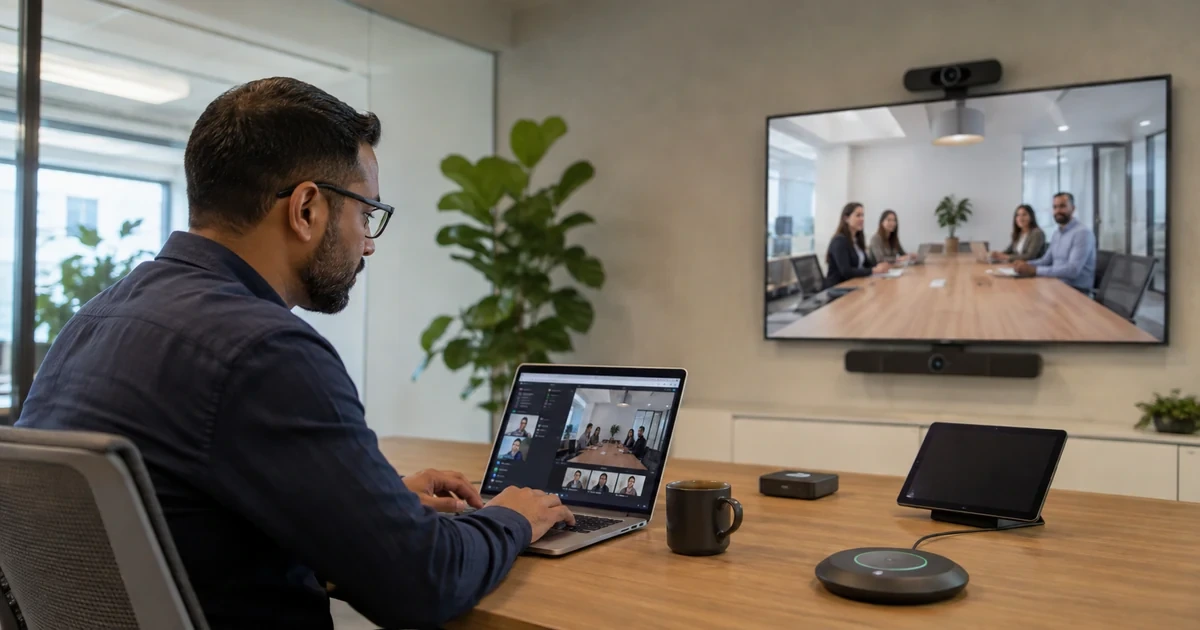
A practical guide to making Google Meet recordings, transcripts, attendance reports, and hybrid rooms useful without creating sharing or privacy problems.
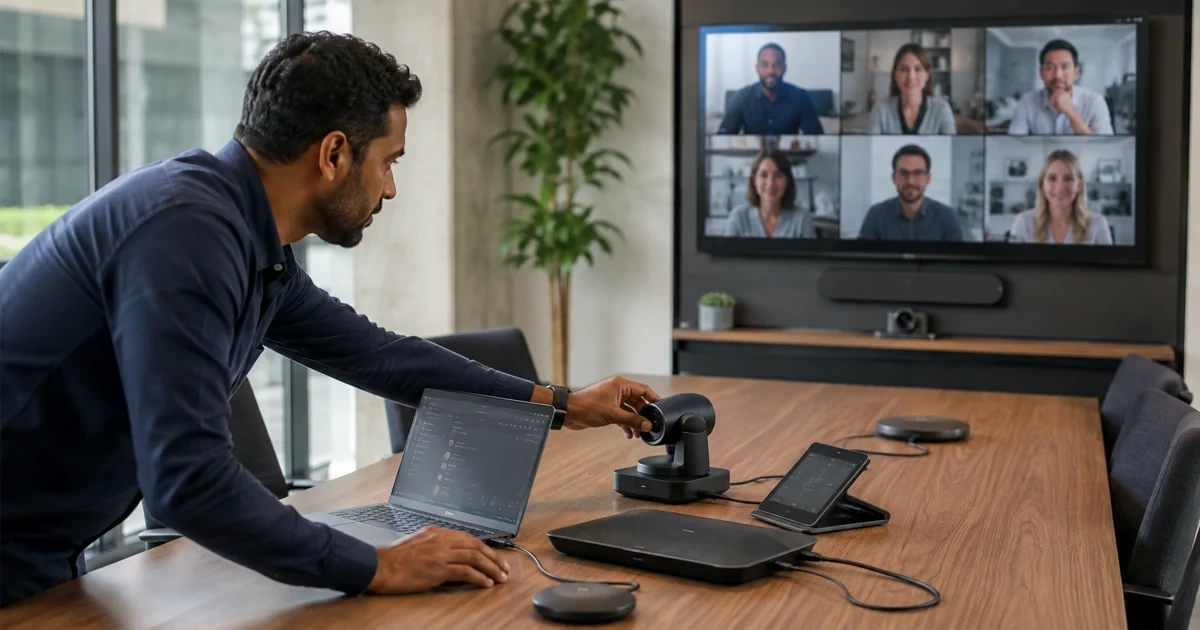
Troubleshoot Google Meet Quality With Evidence with practical steps to follow staged checks and verify a durable recovery.
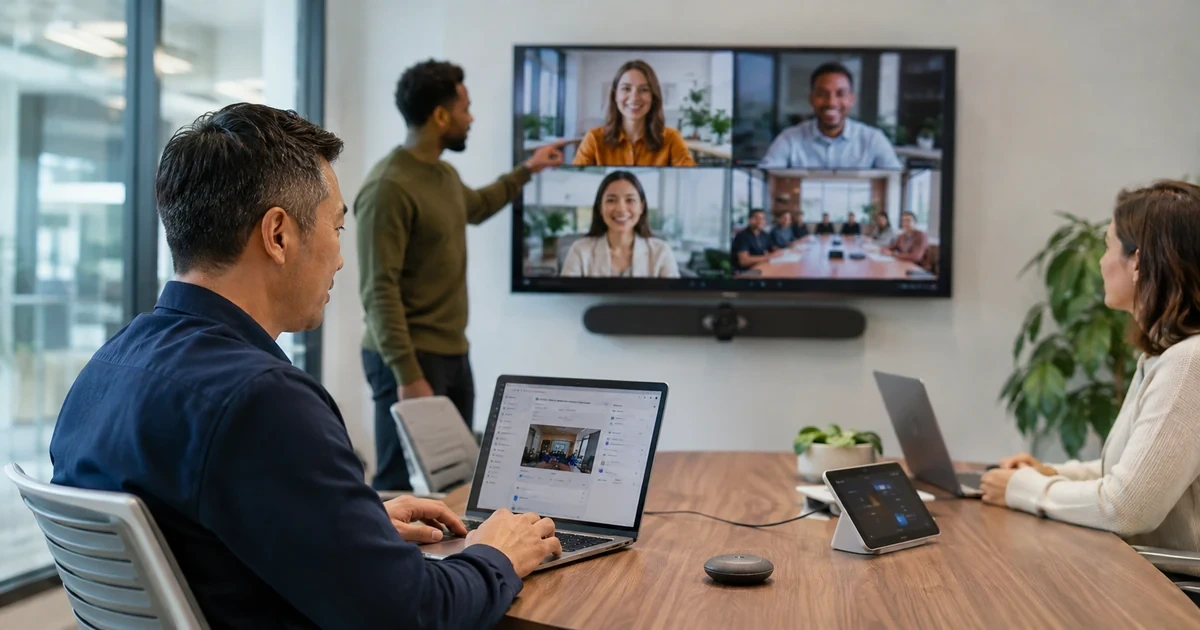
A practical guide to configuring Google Meet access and safety defaults before client calls, interviews, and internal meetings depend on them.
A. ALLMSP supports business use of Google Meet Voice, Video, and Meetings, Google Meet Phones, Rooms, and Devices, Google Meet User Access and Permissions, Google Meet Integrations and Workflows, and Google Meet Troubleshooting and Adoption. A Google Meet engagement can cover evaluation and account ownership, subscription or licensing review, configuration, migration, testing, documentation, training, and ongoing administration. For Google Meet, ALLMSP also provides troubleshooting, optimization, and a documented support plan for the selected platform.
A. Yes. ALLMSP provides Google Meet planning, implementation, and support for Atlanta and Metro Atlanta businesses. Scope is based on the organization's users, locations, current environment, risk, schedule, and the business result expected from Google Meet.
A. Yes. We compare Google Meet Voice, Video, and Meetings, Google Meet Phones, Rooms, and Devices, Google Meet User Access and Permissions, Google Meet Integrations and Workflows, and Google Meet Troubleshooting and Adoption using users, meeting types, calendars, room systems, guests, recording, retention, webinars, security, network readiness, and support needs. The Google Meet recommendation documents fit, tradeoffs, implementation work, warranty or subscription impact as applicable, and ongoing support before a purchase or commitment is made.
A. Yes. ALLMSP handles the Google Meet engagement in house from discovery and planning through account ownership, subscription or licensing review, configuration, migration, testing, documentation, training, and ongoing administration. The ALLMSP team documents Google Meet ownership, resolves launch issues, and continues improving the environment after handoff.
A. Yes. We assess the current use of Google Meet Voice, Video, and Meetings, Google Meet Phones, Rooms, and Devices, Google Meet User Access and Permissions, Google Meet Integrations and Workflows, and Google Meet Troubleshooting and Adoption, preserve what is working, and identify changes that remove risk or recurring friction. The Google Meet improvement plan is prioritized using join failures, audio and video quality, calendar handoff, guest access, recordings, licensing, network performance, and adoption.
A. Yes. ALLMSP reviews Google Meet account ownership, subscription or licensing needs, administrators, user access, integrations, billing access where applicable, and unused assignments. The result is a cleaner Google Meet administration model with documented owners and recovery contacts.
A. The Google Meet security review considers users, meeting types, calendars, room systems, guests, recording, retention, webinars, security, network readiness, and support needs. ALLMSP then documents Google Meet administrator protection, least privilege, alert or logging needs, recovery access, test results, and the person responsible for each critical control.
A. Before Google Meet deployment, ALLMSP checks users, meeting types, calendars, room systems, guests, recording, retention, webinars, security, network readiness, and support needs. We test Google Meet Voice, Video, and Meetings and Google Meet Phones, Rooms, and Devices against real devices, data, applications, integrations, and employee workflows so compatibility means more than a successful sign-in or basic connection.
A. Yes. Google Meet training is based on the work employees and administrators actually perform with Google Meet Voice, Video, and Meetings, Google Meet Phones, Rooms, and Devices, Google Meet User Access and Permissions, Google Meet Integrations and Workflows, and Google Meet Troubleshooting and Adoption. Google Meet sessions include safe daily use, common errors, ownership, documentation, and the support path for questions that appear after launch.
A. Yes. ALLMSP troubleshoots Google Meet Voice, Video, and Meetings using the product configuration, connected systems, recent changes, logs or device evidence, and the affected business workflow. Findings and completed corrections are documented so recurring Google Meet problems can be fixed at their source.
A. After Google Meet implementation, ALLMSP reviews join failures, audio and video quality, calendar handoff, guest access, recordings, licensing, network performance, and adoption. The Google Meet backlog separates urgent corrections from improvements in reliability, security, usability, cost, adoption, and lifecycle or subscription management.
A. Yes. ALLMSP can establish repeatable Google Meet models or settings, naming, access, integrations, testing, documentation, spare or licensing standards, and support procedures. Legitimate Google Meet differences between locations and teams are recorded instead of being forced into one unsuitable configuration.
A. Documentation for Google Meet can cover ownership, platform or subscription details, administrators, configuration, integrations, locations, test results, support contacts, recovery notes, warranty or renewal dates, and operating procedures for Google Meet Voice, Video, and Meetings, Google Meet Phones, Rooms, and Devices, Google Meet User Access and Permissions, Google Meet Integrations and Workflows, and Google Meet Troubleshooting and Adoption.
A. Yes. ALLMSP supports Google Meet for organizations in Lawrenceville, Suwanee, Gwinnett County, Metro Atlanta, and nearby Georgia communities. Remote Google Meet support can also serve a local business with traveling staff or locations outside Georgia.
A. Google Meet cost depends on the selected platform, user or device count, locations, current condition, migration or installation work, integrations, security requirements, training, project timing, and ongoing support. ALLMSP defines assumptions and acceptance criteria before major Google Meet work begins.