





























































































































































Notion Support
Notion software support for Metro Atlanta businesses
Notion can support projects, tasks, boards, knowledge, forms, approvals, automation, reporting, and cross-team work. ALLMSP helps Atlanta and Gwinnett businesses evaluate, configure, document, train, troubleshoot, and improve Notion Projects, Notion Databases, Notion Docs and Wikis, and Notion AI, with every stage handled in house.
Notion project management software consulting and workflow optimization for Atlanta and Gwinnett businesses
ALLMSP provides Notion project management software consulting and workflow optimization for organizations in Lawrenceville, Suwanee, Gwinnett County, Metro Atlanta, and nearby Georgia communities. Our work covers Notion Projects, Notion Databases, Notion Docs and Wikis, and Notion AI with planning tied to the way employees, locations, and business systems actually operate.
For Notion, discovery begins with workflows, teams, permissions, templates, reporting, integrations, automation, external collaboration, and adoption. The Notion plan defines implementation, support, security, training, documentation, and the next review for the actual environment.
Plan and Subscribe
Compare Notion Projects, Notion Databases, Notion Docs and Wikis, and Notion AI using workflows, teams, permissions, templates, reporting, integrations, automation, external collaboration, and adoption. Notion subscriptions and administrative ownership are aligned with the people and workflows that actually need them.
Configure and Train
Notion implementation work can design workspaces and templates, migrate active work, configure access and automation, connect applications, test handoffs, and train teams. The Notion rollout includes practical training and clear administrative documentation.
Support and Optimize
Notion optimization reviews workload visibility, stale work, automation, reporting, permissions, templates, integrations, and inconsistent team practices. Notion improvements are prioritized by business value, risk, employee impact, and the effort required to deliver them.
Notion Projects
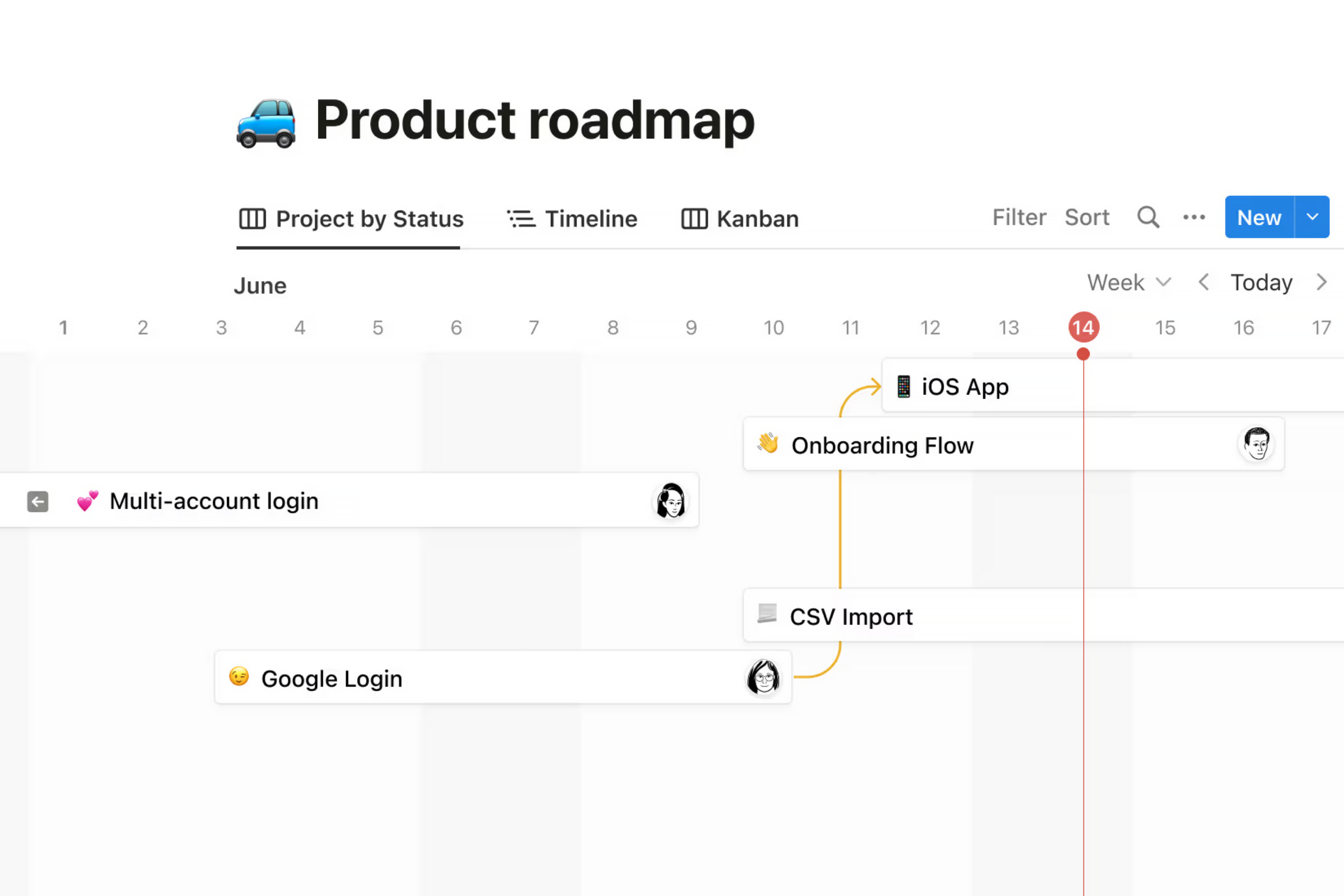
ALLMSP plans and supports Notion Projects within the Notion environment to organize projects around agreed outcomes, phases, milestones, owners, dependencies, communication, and accountable completion.
- Plan Notion Projects around project types, phases, milestones, teams, roles, dependencies, resources, dates, templates, permissions, reporting, and closeout requirements.
- The Notion Projects rollout includes work to configure project templates and roles, migrate active projects, define milestones and dependencies, connect approved applications, test closeout, and train teams.
- After the Notion Projects launch, ALLMSP reviews project health, milestone slippage, missing owners, dependency risk, workload, scope changes, closeout quality, and portfolio visibility.
Notion Databases
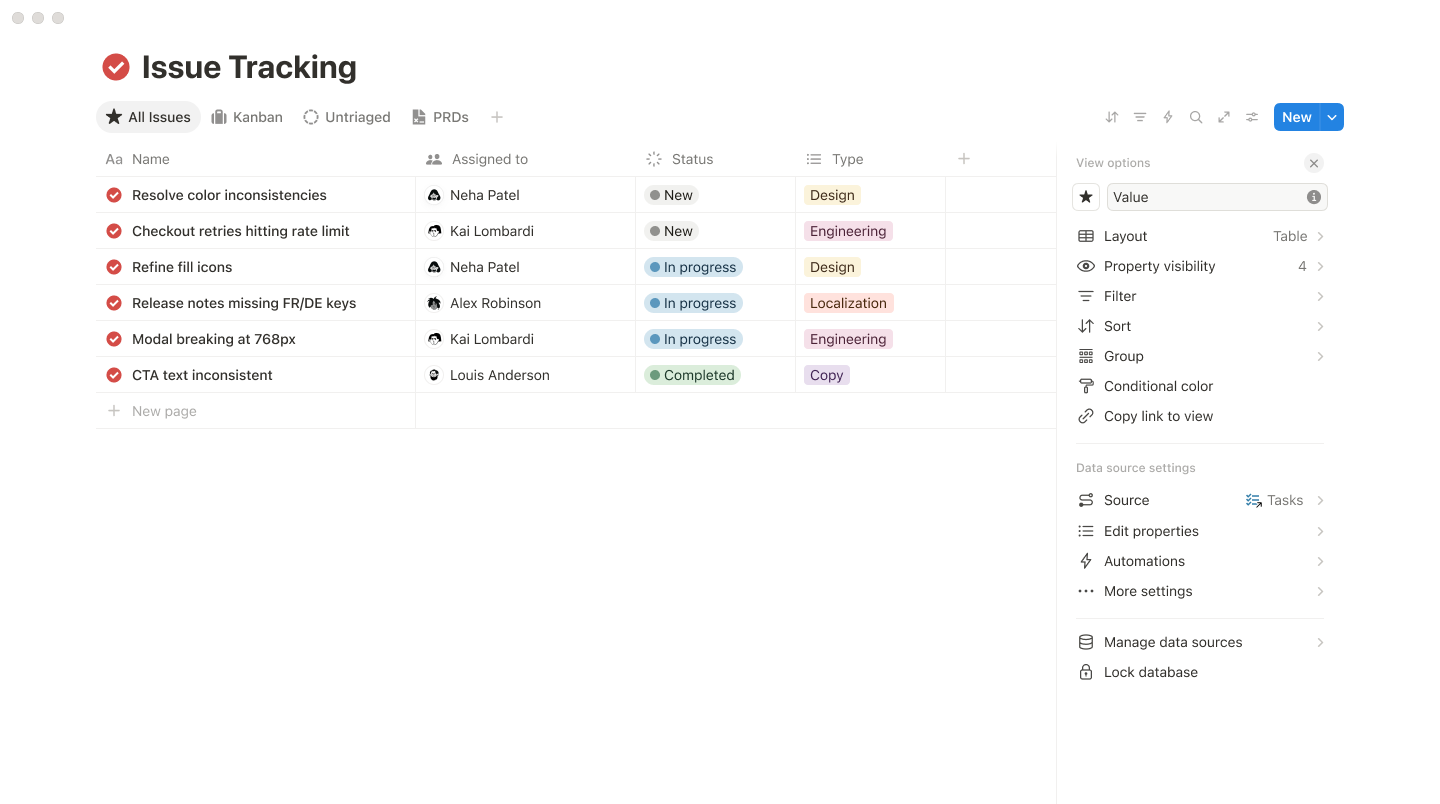
With Notion Databases, the Notion service plan focuses on the practical work needed to turn recurring business records into related, filterable views with consistent properties, owners, statuses, dates, and source context.
- Review record types, properties, relationships, formulas, views, owners, permissions, imports, status rules, templates, and reporting questions before approving the Notion Databases scope.
- Notion Databases implementation work will design schemas and relationships, clean and import records, configure views and templates, assign permissions, test workflows, and document maintenance rules.
- Notion Databases optimization tracks missing properties, duplicate records, broken relations, stale statuses, formula errors, view usefulness, access changes, and record ownership.
Notion Docs and Wikis
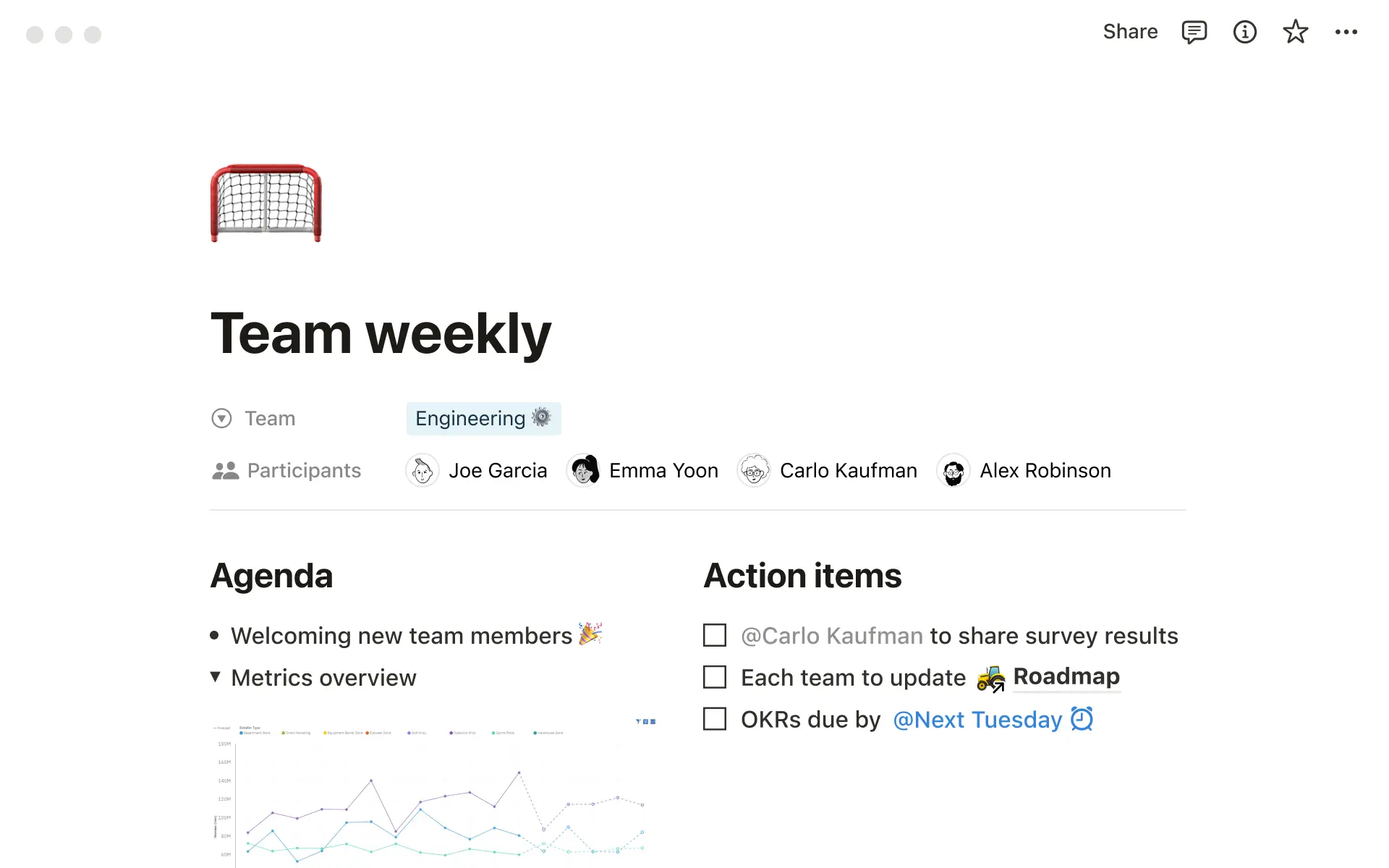
Notion Docs and Wikis support from ALLMSP helps Notion customers create an organized source for procedures, decisions, onboarding, project context, and reference material that employees can search and maintain.
- Assess content audiences, owners, hierarchy, page types, navigation, templates, permissions, search terms, review dates, and archival rules before Notion Docs and Wikis is selected or changed.
- For Notion Docs and Wikis, ALLMSP will design the wiki structure, migrate priority documents, build page templates and navigation, assign owners and access, test search, and train contributors.
- Notion Docs and Wikis support uses stale pages, missing owners, duplicate guidance, broken links, search failures, excessive access, review completion, and employee feedback to prioritize the next actions.
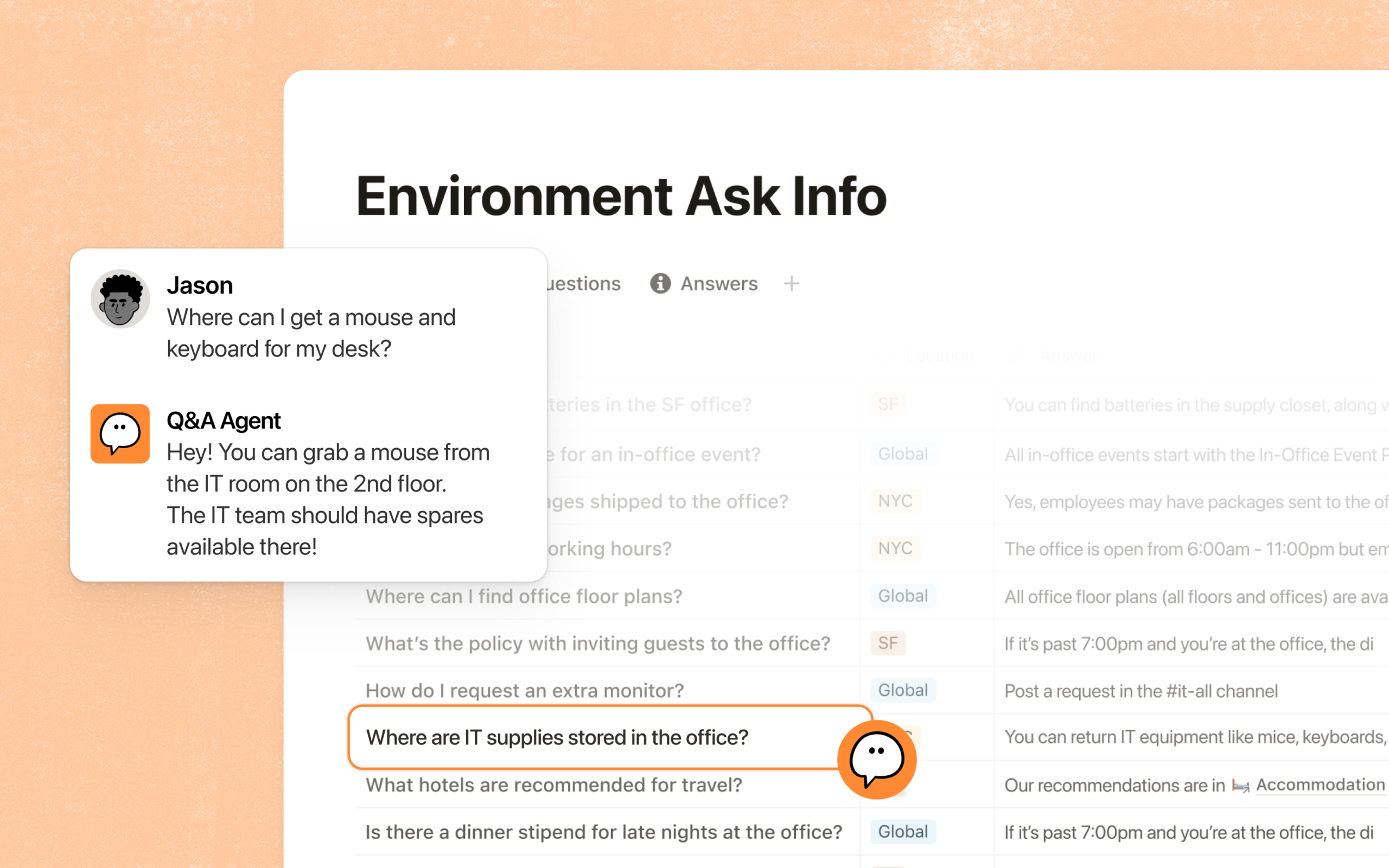
Notion AI
ALLMSP plans and supports Notion AI within the Notion environment to reduce repetitive project administration through controlled automation, useful notifications, and visible exceptions.
- Plan Notion AI around triggers, actions, fields, owners, approvals, timing, integrations, exception paths, notifications, and expected savings.
- The Notion AI rollout includes work to map the workflow, configure rules and integrations, build approvals and safeguards, test exceptions, document ownership, and train teams.
- After the Notion AI launch, ALLMSP reviews failed rules, duplicate notifications, stale connections, exception volume, user workarounds, access changes, and time saved.
Related services for Notion
Notion often connects Notion Projects, Notion Databases, Notion Docs and Wikis, and Notion AI with the wider needs around projects, tasks, boards, knowledge, forms, approvals, automation, reporting, and cross-team work. These related services keep Notion, its users, security controls, and supporting systems working as one managed business environment.
Software Support
Software Support manages Notion Projects, Notion Databases, and Notion Docs and Wikis with clean access, configuration, integrations, employee training, issue resolution, and documented administration.
Business Process Support
Business Process Support connects Notion Projects, Notion Databases, and Notion Docs and Wikis to approvals, notifications, data movement, exception handling, ownership, and reporting that remove repetitive work.
Automation Support
Automation Support connects Notion Projects, Notion Databases, and Notion Docs and Wikis to approvals, notifications, data movement, exception handling, ownership, and reporting that remove repetitive work.
Industry Specific Solutions for IT Consulting, Marketing, HR, Cybersecurity & Cloud
Related Articles
Notion consulting and support FAQ
Q. What Notion products and services does ALLMSP support?
A. ALLMSP supports business use of Notion Projects, Notion Databases, Notion Docs and Wikis, and Notion AI. A Notion engagement can cover evaluation and account ownership, subscription or licensing review, configuration, migration, testing, documentation, training, and ongoing administration. For Notion, ALLMSP also provides troubleshooting, optimization, and a documented support plan for the selected platform.
Q. Do you provide Notion services and support in Atlanta?
A. Yes. ALLMSP provides Notion planning, implementation, and support for Atlanta and Metro Atlanta businesses. Scope is based on the organization's users, locations, current environment, risk, schedule, and the business result expected from Notion.
Q. Can ALLMSP help us choose the right Notion product?
A. Yes. We compare Notion Projects, Notion Databases, Notion Docs and Wikis, and Notion AI using project types, phases, milestones, teams, roles, dependencies, resources, dates, templates, permissions, reporting, and closeout requirements. The Notion recommendation documents fit, tradeoffs, implementation work, warranty or subscription impact as applicable, and ongoing support before a purchase or commitment is made.
Q. Can ALLMSP handle a Notion project from planning through support?
A. Yes. ALLMSP handles the Notion engagement in house from discovery and planning through account ownership, subscription or licensing review, configuration, migration, testing, documentation, training, and ongoing administration. The ALLMSP team documents Notion ownership, resolves launch issues, and continues improving the environment after handoff.
Q. Can you improve an existing Notion environment?
A. Yes. We assess the current use of Notion Projects, Notion Databases, Notion Docs and Wikis, and Notion AI, preserve what is working, and identify changes that remove risk or recurring friction. The Notion improvement plan is prioritized using project health, milestone slippage, missing owners, dependency risk, workload, scope changes, closeout quality, and portfolio visibility.
Q. Can ALLMSP review Notion accounts, plans, and access?
A. Yes. ALLMSP reviews Notion account ownership, subscription or licensing needs, administrators, user access, integrations, billing access where applicable, and unused assignments. The result is a cleaner Notion administration model with documented owners and recovery contacts.
Q. How does ALLMSP secure a Notion environment?
A. The Notion security review considers project types, phases, milestones, teams, roles, dependencies, resources, dates, templates, permissions, reporting, and closeout requirements. ALLMSP then documents Notion administrator protection, least privilege, alert or logging needs, recovery access, test results, and the person responsible for each critical control.
Q. Will Notion work with our current technology?
A. Before Notion deployment, ALLMSP checks project types, phases, milestones, teams, roles, dependencies, resources, dates, templates, permissions, reporting, and closeout requirements. We test Notion Projects and Notion Databases against real devices, data, applications, integrations, and employee workflows so compatibility means more than a successful sign-in or basic connection.
Q. Does ALLMSP provide Notion training?
A. Yes. Notion training is based on the work employees and administrators actually perform with Notion Projects, Notion Databases, Notion Docs and Wikis, and Notion AI. Notion sessions include safe daily use, common errors, ownership, documentation, and the support path for questions that appear after launch.
Q. Can ALLMSP troubleshoot Notion Projects?
A. Yes. ALLMSP troubleshoots Notion Projects using the product configuration, connected systems, recent changes, logs or device evidence, and the affected business workflow. Findings and completed corrections are documented so recurring Notion problems can be fixed at their source.
Q. How do you optimize Notion after implementation?
A. After Notion implementation, ALLMSP reviews project health, milestone slippage, missing owners, dependency risk, workload, scope changes, closeout quality, and portfolio visibility. The Notion backlog separates urgent corrections from improvements in reliability, security, usability, cost, adoption, and lifecycle or subscription management.
Q. Can Notion be standardized across multiple offices?
A. Yes. ALLMSP can establish repeatable Notion models or settings, naming, access, integrations, testing, documentation, spare or licensing standards, and support procedures. Legitimate Notion differences between locations and teams are recorded instead of being forced into one unsuitable configuration.
Q. What documentation is included with Notion support?
A. Documentation for Notion can cover ownership, platform or subscription details, administrators, configuration, integrations, locations, test results, support contacts, recovery notes, warranty or renewal dates, and operating procedures for Notion Projects, Notion Databases, Notion Docs and Wikis, and Notion AI.
Q. Do you support Notion in Lawrenceville, Suwanee, and Gwinnett County?
A. Yes. ALLMSP supports Notion for organizations in Lawrenceville, Suwanee, Gwinnett County, Metro Atlanta, and nearby Georgia communities. Remote Notion support can also serve a local business with traveling staff or locations outside Georgia.
Q. What determines the cost of Notion consulting and support?
A. Notion cost depends on the selected platform, user or device count, locations, current condition, migration or installation work, integrations, security requirements, training, project timing, and ongoing support. ALLMSP defines assumptions and acceptance criteria before major Notion work begins.