




























































































































































Autodesk Construction Cloud Data Connector Governance Guide
This guide covers Autodesk Construction Cloud Data Connector Governance with clear ownership, validation, documentation, and measurable follow-up.

Type at least two characters
Type at least two characters
Browse business hardware first, then explore software by the work it supports.
Managed technology, AI integration, marketing, infrastructure, and business support.
Support, protection, devices, and dependable daily operations
AI systems, integrations, automation, analytics, and governance
Marketing, websites, hosting, print, signs, and brand visibility
Cloud, backup, cabling, planning, leadership, and business support
Technology, security, automation, and marketing aligned to the way your organization works.
ALLMSP supports businesses across Lawrenceville, Suwanee, Gwinnett County, Metro Atlanta, and nationwide remote environments.
Discuss Your Environment
Autodesk Construction Cloud can support projects, estimates, schedules, drawings, field work, dispatch, work orders, costs, customer communication, and mobile operations. ALLMSP helps Atlanta and Gwinnett businesses evaluate, configure, document, train, troubleshoot, and improve Autodesk Build, Autodesk BIM Collaborate, Autodesk Docs, and Autodesk Takeoff, with every stage handled in house.
ALLMSP provides Autodesk Construction Cloud construction and field service software consulting and support for organizations in Lawrenceville, Suwanee, Gwinnett County, Metro Atlanta, and nearby Georgia communities. Our work covers Autodesk Build, Autodesk BIM Collaborate, Autodesk Docs, and Autodesk Takeoff with planning tied to the way employees, locations, and business systems actually operate.
For Autodesk Construction Cloud, discovery begins with teams, projects, field use, mobile devices, drawings, scheduling, estimates, accounting, reporting, integrations, and connectivity. The Autodesk Construction Cloud plan defines implementation, support, security, training, documentation, and the next review for the actual environment.
Compare Autodesk Build, Autodesk BIM Collaborate, Autodesk Docs, and Autodesk Takeoff using teams, projects, field use, mobile devices, drawings, scheduling, estimates, accounting, reporting, integrations, and connectivity. Autodesk Construction Cloud subscriptions and administrative ownership are aligned with the people and workflows that actually need them.
Autodesk Construction Cloud implementation work can configure companies and roles, migrate projects and customers, connect accounting and email, prepare mobile workflows, test field use, and train teams. The Autodesk Construction Cloud rollout includes practical training and clear administrative documentation.
Autodesk Construction Cloud optimization reviews scheduling, field adoption, documents, costs, integrations, reporting, mobile performance, and handoffs between office and field. Autodesk Construction Cloud improvements are prioritized by business value, risk, employee impact, and the effort required to deliver them.
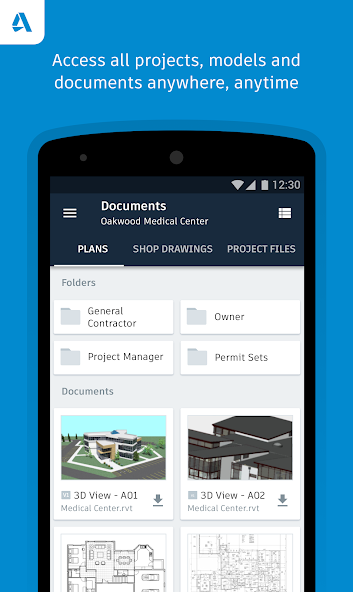
Autodesk Build support for project management, field collaboration, RFIs, submittals, issues, forms, and documentation.
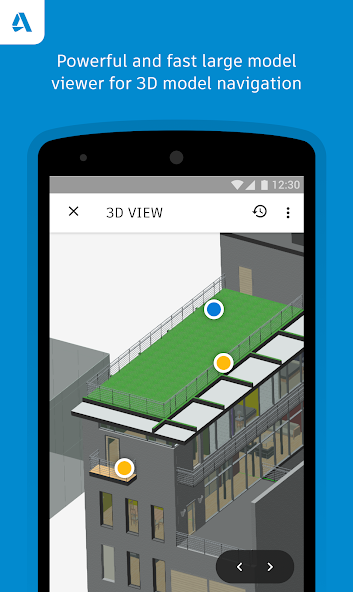
Autodesk BIM Collaborate support for model coordination, design review, team access, issue tracking, and workflow documentation.
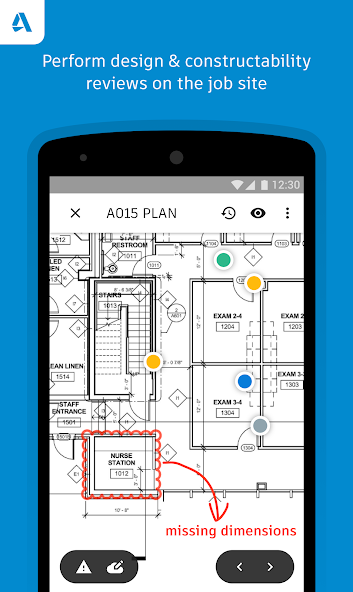
Autodesk Docs support for document control, file structure, permissions, revisions, field access, and support procedures.
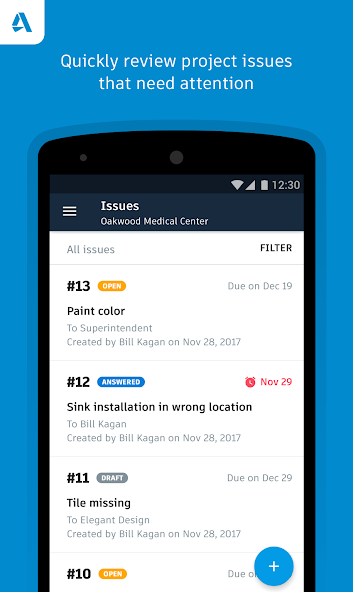
Autodesk Takeoff support for estimating workflows, drawing access, quantity review, team handoff, and documentation.
Autodesk Construction Cloud often connects Autodesk Build, Autodesk BIM Collaborate, Autodesk Docs, and Autodesk Takeoff with the wider needs around projects, estimates, schedules, drawings, field work, dispatch, work orders, costs, customer communication, and mobile operations. These related services keep Autodesk Construction Cloud, its users, security controls, and supporting systems working as one managed business environment.
Software Support manages Autodesk Build, Autodesk BIM Collaborate, and Autodesk Docs with clean access, configuration, integrations, employee training, issue resolution, and documented administration.
Business Process Support connects Autodesk Build, Autodesk BIM Collaborate, and Autodesk Docs to approvals, notifications, data movement, exception handling, ownership, and reporting that remove repetitive work.
IT Help Desk gives Autodesk Construction Cloud users one support path for Autodesk Build, Autodesk BIM Collaborate, and Autodesk Docs, with documented escalation, recurring issue review, and coordination across IT.
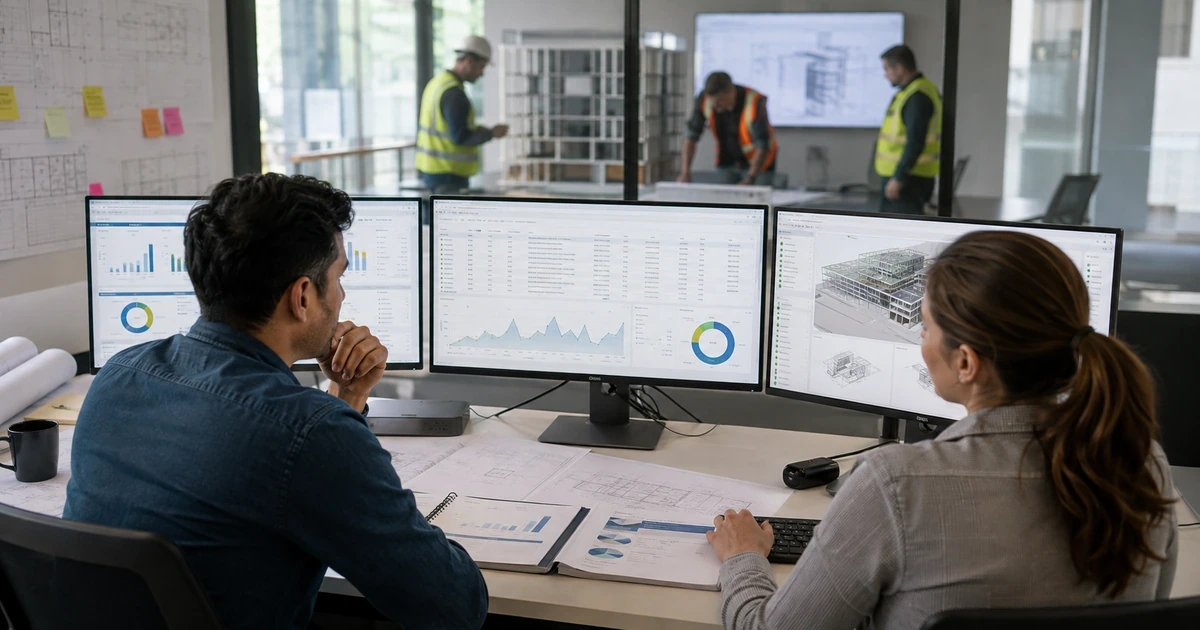
This guide covers Autodesk Construction Cloud Data Connector Governance with clear ownership, validation, documentation, and measurable follow-up.
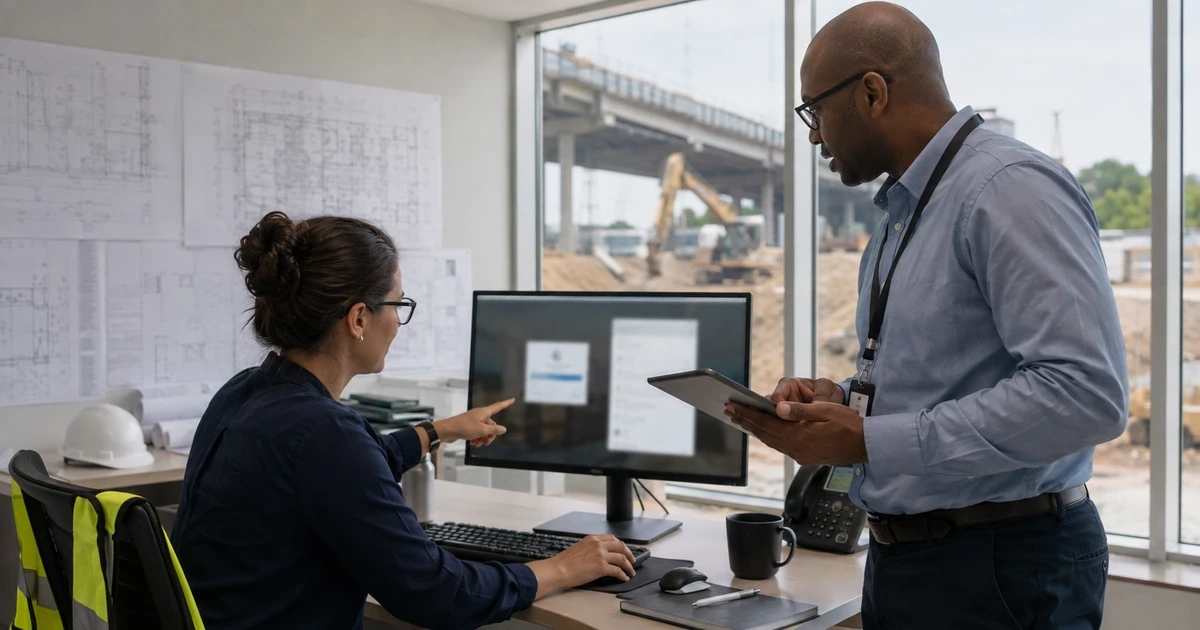
A person added to the hub without project access is different from a project member, and neither fact alone proves entitlement to use a licensed product.
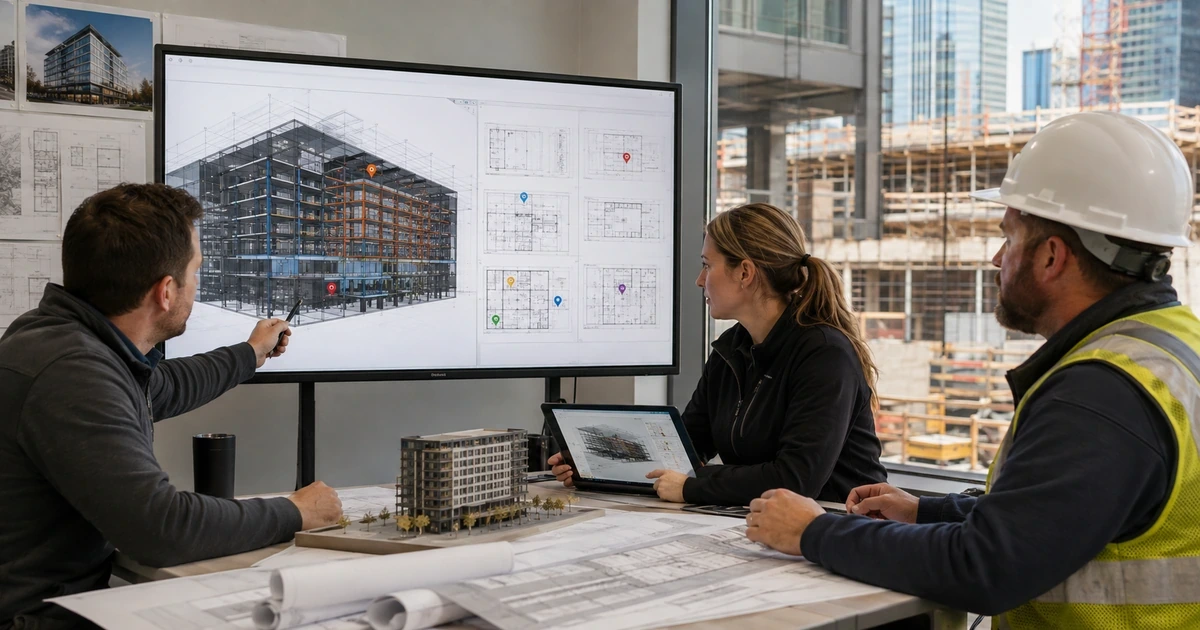
Project templates can accelerate repeatable work, but Autodesk notes that only supported products, tools, settings, and items are included.
A. ALLMSP supports business use of Autodesk Build, Autodesk BIM Collaborate, Autodesk Docs, and Autodesk Takeoff. An Autodesk Construction Cloud engagement can cover evaluation and account ownership, subscription or licensing review, configuration, migration, testing, documentation, training, and ongoing administration. For Autodesk Construction Cloud, ALLMSP also provides troubleshooting, optimization, and a documented support plan for the selected platform.
A. Yes. ALLMSP provides Autodesk Construction Cloud planning, implementation, and support for Atlanta and Metro Atlanta businesses. Scope is based on the organization's users, locations, current environment, risk, schedule, and the business result expected from Autodesk Construction Cloud.
A. Yes. We compare Autodesk Build, Autodesk BIM Collaborate, Autodesk Docs, and Autodesk Takeoff using teams, projects, phases, tasks, schedules, mobile use, documents, customers, permissions, integrations, and reporting. The Autodesk Construction Cloud recommendation documents fit, tradeoffs, implementation work, warranty or subscription impact as applicable, and ongoing support before a purchase or commitment is made.
A. Yes. ALLMSP handles the Autodesk Construction Cloud engagement in house from discovery and planning through account ownership, subscription or licensing review, configuration, migration, testing, documentation, training, and ongoing administration. The ALLMSP team documents Autodesk Construction Cloud ownership, resolves launch issues, and continues improving the environment after handoff.
A. Yes. We assess the current use of Autodesk Build, Autodesk BIM Collaborate, Autodesk Docs, and Autodesk Takeoff, preserve what is working, and identify changes that remove risk or recurring friction. The Autodesk Construction Cloud improvement plan is prioritized using project status, missing owners, schedule changes, field adoption, documents, customer communication, integrations, and reporting.
A. Yes. ALLMSP reviews Autodesk Construction Cloud account ownership, subscription or licensing needs, administrators, user access, integrations, billing access where applicable, and unused assignments. The result is a cleaner Autodesk Construction Cloud administration model with documented owners and recovery contacts.
A. The Autodesk Construction Cloud security review considers teams, projects, phases, tasks, schedules, mobile use, documents, customers, permissions, integrations, and reporting. ALLMSP then documents Autodesk Construction Cloud administrator protection, least privilege, alert or logging needs, recovery access, test results, and the person responsible for each critical control.
A. Before Autodesk Construction Cloud deployment, ALLMSP checks teams, projects, phases, tasks, schedules, mobile use, documents, customers, permissions, integrations, and reporting. We test Autodesk Build and Autodesk BIM Collaborate against real devices, data, applications, integrations, and employee workflows so compatibility means more than a successful sign-in or basic connection.
A. Yes. Autodesk Construction Cloud training is based on the work employees and administrators actually perform with Autodesk Build, Autodesk BIM Collaborate, Autodesk Docs, and Autodesk Takeoff. Autodesk Construction Cloud sessions include safe daily use, common errors, ownership, documentation, and the support path for questions that appear after launch.
A. Yes. ALLMSP troubleshoots Autodesk Build using the product configuration, connected systems, recent changes, logs or device evidence, and the affected business workflow. Findings and completed corrections are documented so recurring Autodesk Construction Cloud problems can be fixed at their source.
A. After Autodesk Construction Cloud implementation, ALLMSP reviews project status, missing owners, schedule changes, field adoption, documents, customer communication, integrations, and reporting. The Autodesk Construction Cloud backlog separates urgent corrections from improvements in reliability, security, usability, cost, adoption, and lifecycle or subscription management.
A. Yes. ALLMSP can establish repeatable Autodesk Construction Cloud models or settings, naming, access, integrations, testing, documentation, spare or licensing standards, and support procedures. Legitimate Autodesk Construction Cloud differences between locations and teams are recorded instead of being forced into one unsuitable configuration.
A. Documentation for Autodesk Construction Cloud can cover ownership, platform or subscription details, administrators, configuration, integrations, locations, test results, support contacts, recovery notes, warranty or renewal dates, and operating procedures for Autodesk Build, Autodesk BIM Collaborate, Autodesk Docs, and Autodesk Takeoff.
A. Yes. ALLMSP supports Autodesk Construction Cloud for organizations in Lawrenceville, Suwanee, Gwinnett County, Metro Atlanta, and nearby Georgia communities. Remote Autodesk Construction Cloud support can also serve a local business with traveling staff or locations outside Georgia.
A. Autodesk Construction Cloud cost depends on the selected platform, user or device count, locations, current condition, migration or installation work, integrations, security requirements, training, project timing, and ongoing support. ALLMSP defines assumptions and acceptance criteria before major Autodesk Construction Cloud work begins.