






















































































































































Audit Anker Power Banks for Safety, Recalls, and Retirement
Portable power banks often enter businesses as travel accessories and then escape normal asset control. Validate the result and document ongoing ownership.

Type at least two characters
Type at least two characters
Browse business hardware first, then explore software by the work it supports.
Managed technology, AI integration, marketing, infrastructure, and business support.
Support, protection, devices, and dependable daily operations
AI systems, integrations, automation, analytics, and governance
Marketing, websites, hosting, print, signs, and brand visibility
Cloud, backup, cabling, planning, leadership, and business support
Technology, security, automation, and marketing aligned to the way your organization works.
ALLMSP supports businesses across Lawrenceville, Suwanee, Gwinnett County, Metro Atlanta, and nationwide remote environments.
Discuss Your Environment
Anker can support docks, adapters, cabling, power accessories, and dependable desk connectivity. ALLMSP helps Atlanta and Gwinnett businesses evaluate, configure, document, train, troubleshoot, and improve Anker Docks and Hubs, Anker USB-C Adapters and Cables, and Anker Power Accessories and Surge Protectors, with every stage handled in house.
ALLMSP provides Anker workspace hardware planning, installation, and support for organizations in Lawrenceville, Suwanee, Gwinnett County, Metro Atlanta, and nearby Georgia communities. Our work covers Anker Docks and Hubs, Anker USB-C Adapters and Cables, and Anker Power Accessories and Surge Protectors with planning tied to the way employees, locations, and business systems actually operate.
For Anker, discovery begins with port requirements, laptop compatibility, display count, cable length, power load, desk layout, availability, and warranty. The Anker plan defines implementation, support, security, training, documentation, and the next review for the actual environment.
Compare Anker Docks and Hubs, Anker USB-C Adapters and Cables, and Anker Power Accessories and Surge Protectors using port requirements, laptop compatibility, display count, cable length, power load, desk layout, availability, and warranty. Anker purchasing is coordinated with availability and project timing so the selected equipment is ready when deployment begins.
Anker implementation work can stage equipment by workstation, route and label cables, test displays and power, document models, and hand users a clean working setup. Each Anker installation is tested and recorded for faster support after handoff.
Anker support reviews dock, cable, display, charging, and power issues, then standardize accessories that reduce desk-side support. Anker findings become a prioritized repair, standardization, or refresh plan with named next actions.
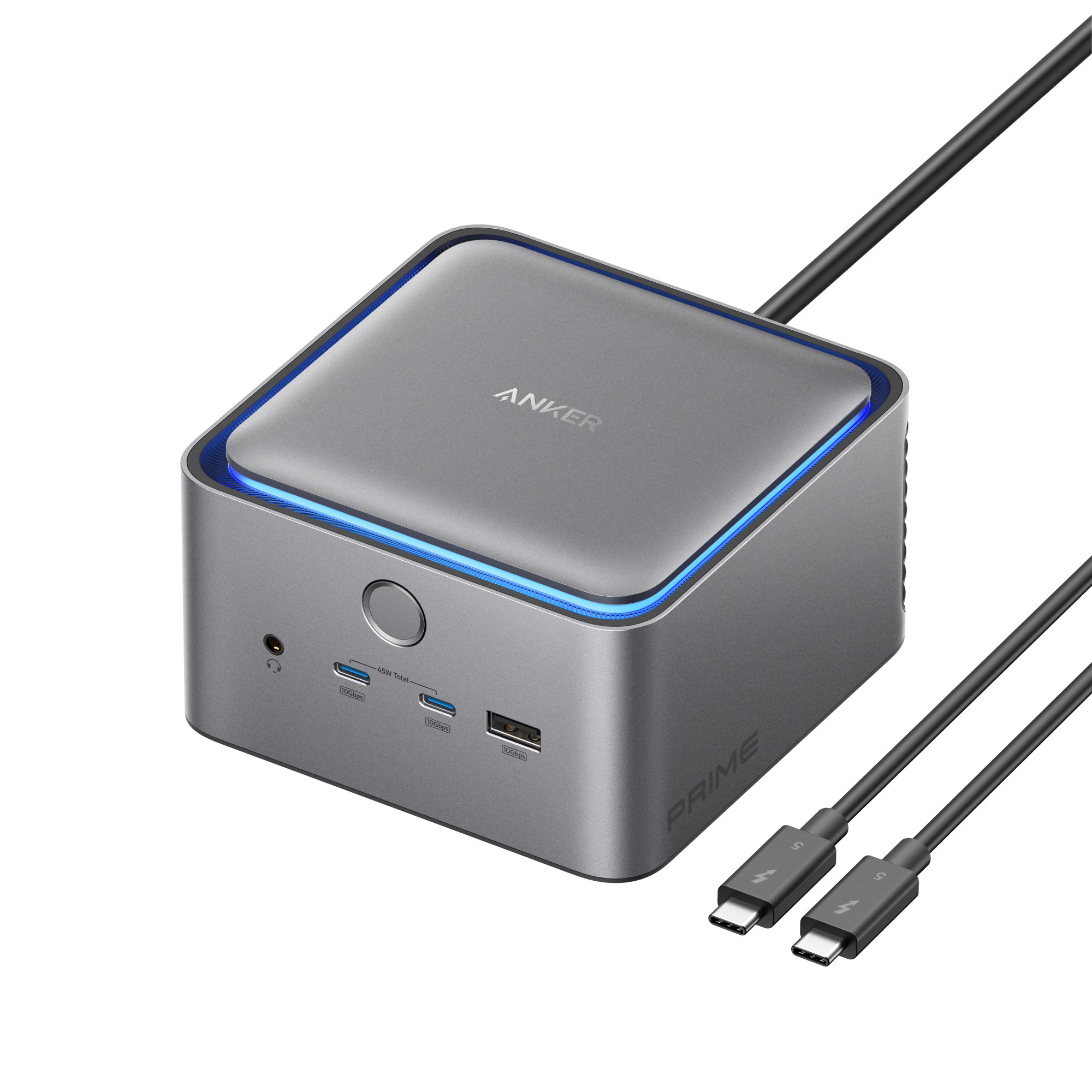
Anker docking station and USB-C hub planning for business laptops, external monitors, wired Ethernet, meeting rooms, and clean desk setups.
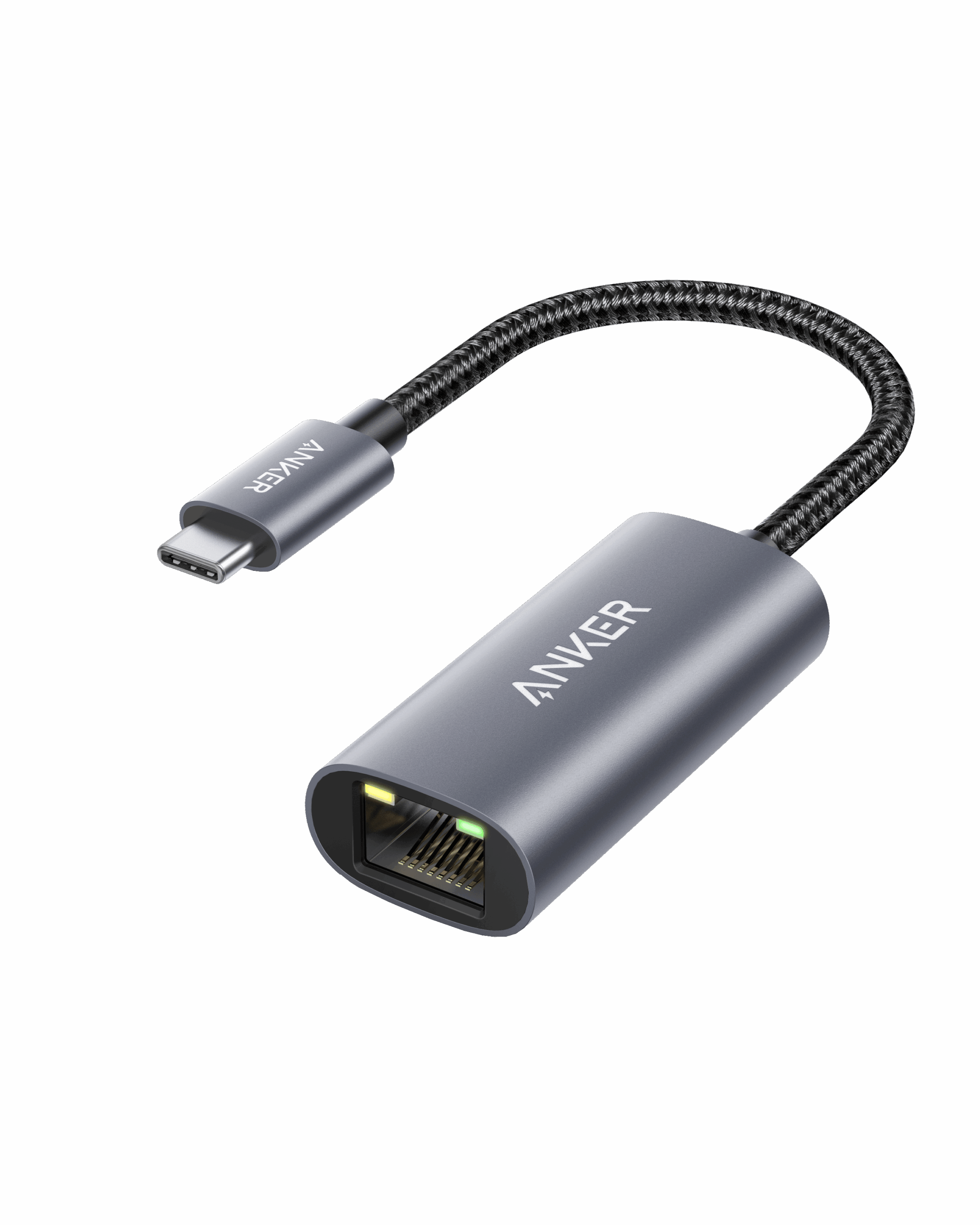
Anker USB-C adapters, HDMI adapters, Ethernet adapters, and business-ready cables for standardized workstation, conference room, and replacement-stock connectivity.
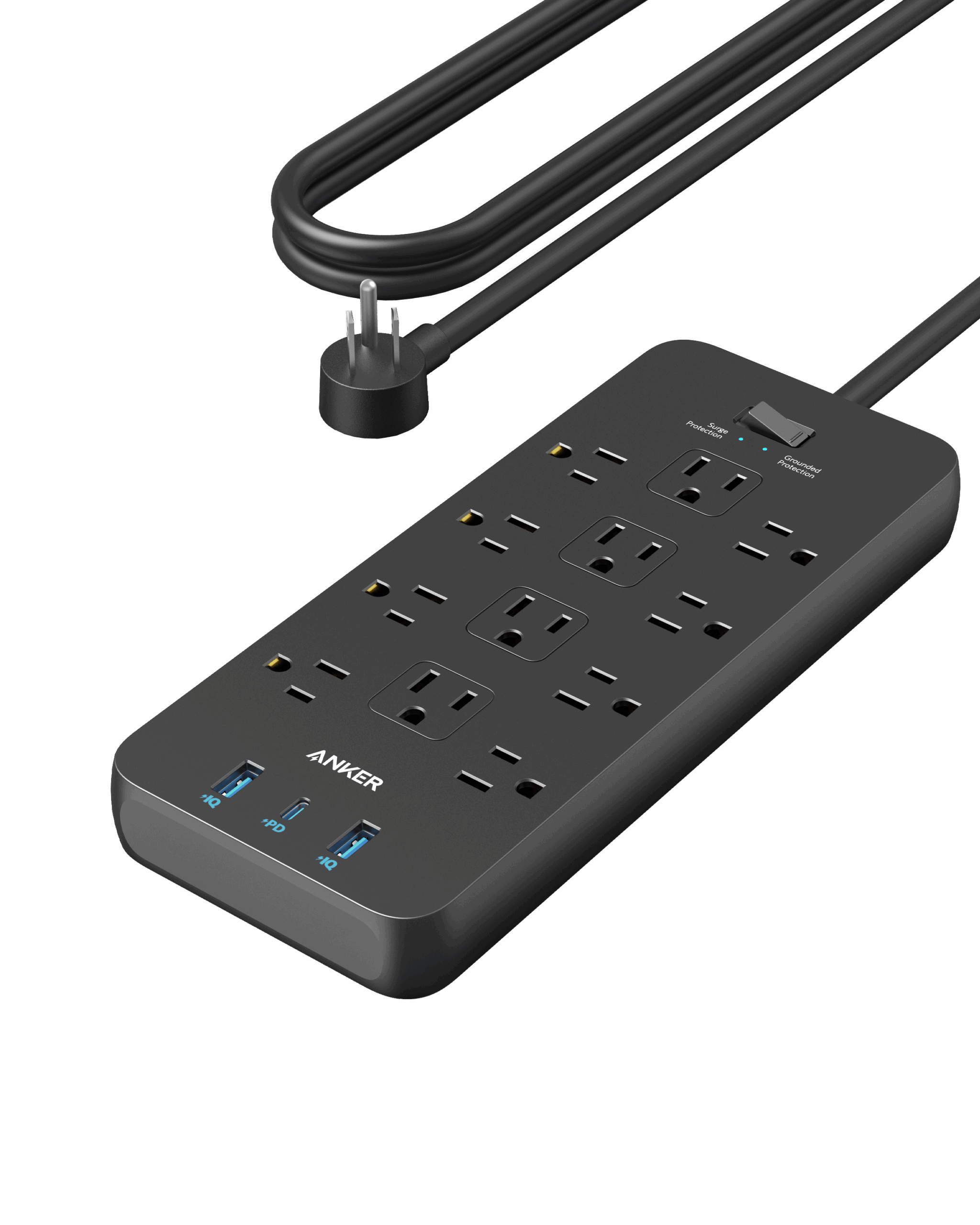
Anker power strips, desk power stations, and surge protectors for cleaner workstation power and safer office accessory layouts.
Anker often connects Anker Docks and Hubs, Anker USB-C Adapters and Cables, and Anker Power Accessories and Surge Protectors with the wider needs around docks, adapters, cabling, power accessories, and dependable desk connectivity. These related services keep Anker, its users, security controls, and supporting systems working as one managed business environment.
Hardware Support supports Anker Docks and Hubs, Anker USB-C Adapters and Cables, and Anker Power Accessories and Surge Protectors with compatibility checks, staged deployment, diagnostics, warranty records, inventory, repairs, and lifecycle planning.
Network and Cabling for Anker covers the switching, wireless, internet, ports, pathways, labeling, and cable management that Anker Docks and Hubs, Anker USB-C Adapters and Cables, and Anker Power Accessories and Surge Protectors needs.
IT Help Desk gives Anker users one support path for Anker Docks and Hubs, Anker USB-C Adapters and Cables, and Anker Power Accessories and Surge Protectors, with documented escalation, recurring issue review, and coordination across IT.
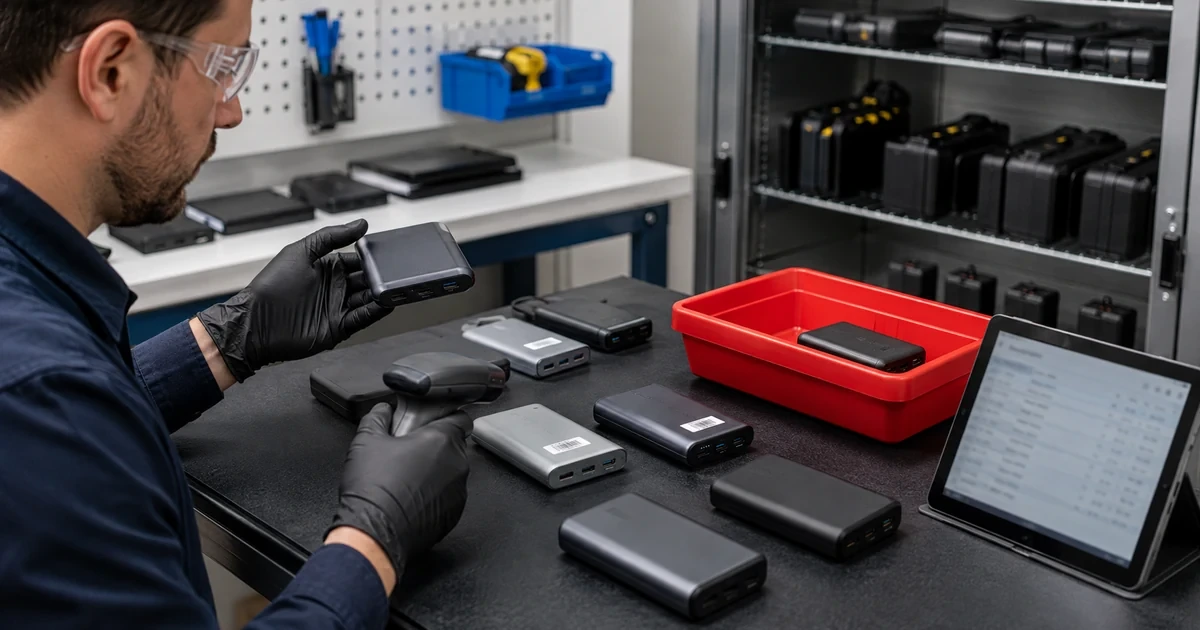
Portable power banks often enter businesses as travel accessories and then escape normal asset control. Validate the result and document ongoing ownership.

Operate Anker USB-C Docks and Multi-Monitor Desks Reliably with practical steps to validate the result and document ongoing ownership.
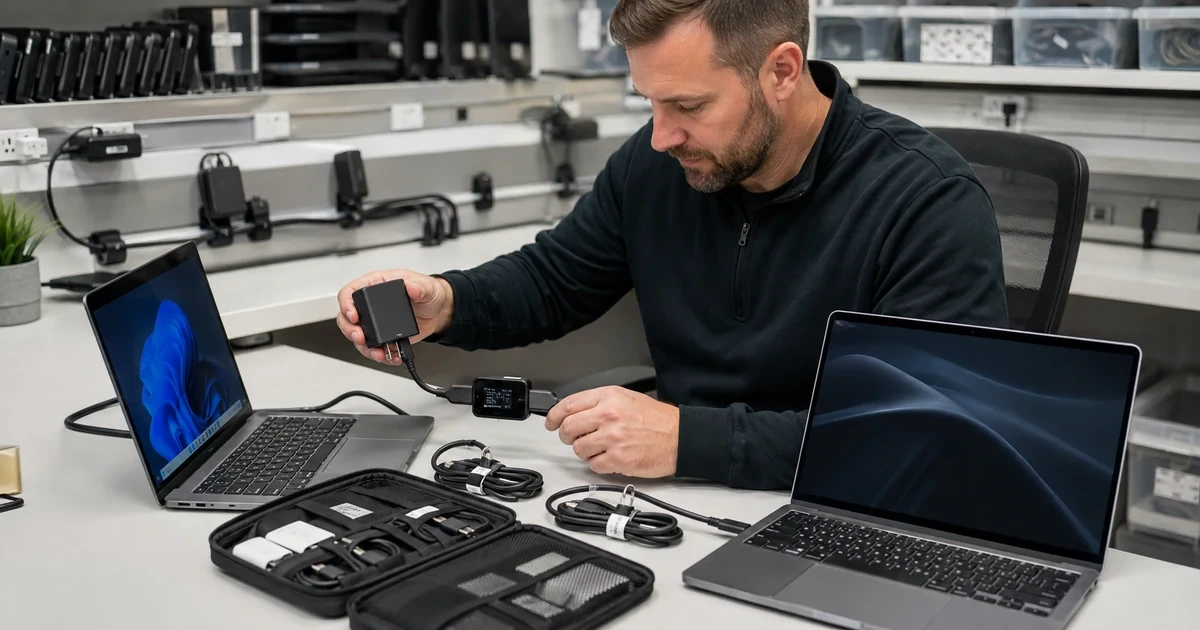
Standardize Anker USB-C Chargers and Cables for Business Laptops with practical steps to validate the result and document ongoing ownership.
A. ALLMSP supports business use of Anker Docks and Hubs, Anker USB-C Adapters and Cables, and Anker Power Accessories and Surge Protectors. An Anker engagement can cover evaluation and model selection, competitive purchasing, delivery timing, staging, installation, testing, labeling, and warranty records. For Anker, ALLMSP also provides troubleshooting, optimization, and a documented support plan for the selected equipment.
A. Yes. ALLMSP provides Anker planning, implementation, and support for Atlanta and Metro Atlanta businesses. Scope is based on the organization's users, locations, current environment, risk, schedule, and the business result expected from Anker.
A. Yes. We compare Anker Docks and Hubs, Anker USB-C Adapters and Cables, and Anker Power Accessories and Surge Protectors using laptop ports, USB-C or Thunderbolt support, monitor count, resolution, power delivery, Ethernet, peripherals, desk layout, and warranty. The Anker recommendation documents fit, tradeoffs, implementation work, warranty or subscription impact as applicable, and ongoing support before a purchase or commitment is made.
A. Yes. ALLMSP handles the Anker engagement in house from discovery and planning through model selection, competitive purchasing, delivery timing, staging, installation, testing, labeling, and warranty records. The ALLMSP team documents Anker ownership, resolves launch issues, and continues improving the environment after handoff.
A. Yes. We assess the current use of Anker Docks and Hubs, Anker USB-C Adapters and Cables, and Anker Power Accessories and Surge Protectors, preserve what is working, and identify changes that remove risk or recurring friction. The Anker improvement plan is prioritized using display detection, network dropouts, USB instability, power delivery, firmware, cable wear, model mismatches, and replacement stock.
A. Yes. ALLMSP can compare Anker models, compatibility, warranty, availability, project timing, and competitive pricing. Selected Anker equipment is staged, installed, tested, labeled, documented, and prepared for practical employee use.
A. For Anker equipment, ALLMSP reviews laptop ports, USB-C or Thunderbolt support, monitor count, resolution, power delivery, Ethernet, peripherals, desk layout, and warranty. The Anker record includes configuration, test results, warranty details, inventory, physical placement, support contacts, and replacement timing so reliability concerns remain visible.
A. Before Anker deployment, ALLMSP checks laptop ports, USB-C or Thunderbolt support, monitor count, resolution, power delivery, Ethernet, peripherals, desk layout, and warranty. We test Anker Docks and Hubs and Anker USB-C Adapters and Cables against real devices, data, applications, integrations, and employee workflows so compatibility means more than a successful sign-in or basic connection.
A. Yes. Anker training is based on the work employees and administrators actually perform with Anker Docks and Hubs, Anker USB-C Adapters and Cables, and Anker Power Accessories and Surge Protectors. Anker sessions include safe daily use, common errors, ownership, documentation, and the support path for questions that appear after launch.
A. Yes. ALLMSP troubleshoots Anker Docks and Hubs using the product configuration, connected systems, recent changes, logs or device evidence, and the affected business workflow. Findings and completed corrections are documented so recurring Anker problems can be fixed at their source.
A. After Anker implementation, ALLMSP reviews display detection, network dropouts, USB instability, power delivery, firmware, cable wear, model mismatches, and replacement stock. The Anker backlog separates urgent corrections from improvements in reliability, security, usability, cost, adoption, and lifecycle or subscription management.
A. Yes. ALLMSP can establish repeatable Anker models or settings, naming, access, integrations, testing, documentation, spare or licensing standards, and support procedures. Legitimate Anker differences between locations and teams are recorded instead of being forced into one unsuitable configuration.
A. Documentation for Anker can cover ownership, equipment or subscription details, administrators, configuration, integrations, locations, test results, support contacts, recovery notes, warranty or renewal dates, and operating procedures for Anker Docks and Hubs, Anker USB-C Adapters and Cables, and Anker Power Accessories and Surge Protectors.
A. Yes. ALLMSP supports Anker for organizations in Lawrenceville, Suwanee, Gwinnett County, Metro Atlanta, and nearby Georgia communities. Remote Anker support can also serve a local business with traveling staff or locations outside Georgia.
A. Anker cost depends on the selected equipment, user or device count, locations, current condition, migration or installation work, integrations, security requirements, training, project timing, and ongoing support. ALLMSP defines assumptions and acceptance criteria before major Anker work begins.