






























































































































































Yealink Support
Yealink hardware support for Metro Atlanta businesses
Yealink provides business headsets, speakerphones, video bars, meeting room systems, desk phones, and conference phones for modern communications. ALLMSP helps Atlanta and Gwinnett businesses select, purchase, install, configure, document, train, troubleshoot, and improve the right Yealink equipment, with every stage handled in house.
Yealink meeting room and business communications hardware support for Atlanta and Gwinnett businesses
ALLMSP provides Yealink business communications support for organizations in Lawrenceville, Suwanee, Gwinnett County, Metro Atlanta, and nearby Georgia communities. We support four practical product groups: Headsets and Speakerphones, MeetingBars and Room Cameras, Meeting Room Systems, and Desk Phones and Conference Phones.
Each project begins with the people, rooms, calling platform, acoustics, camera coverage, network, cabling, and support process. The resulting plan identifies compatible hardware, installation requirements, configuration standards, training, documentation, and a clear path for ongoing support.
Plan and Procure
Compare Yealink models using employee roles, room dimensions, meeting platforms, acoustics, camera coverage, device compatibility, network readiness, warranty, availability, and project timing. ALLMSP coordinates competitive purchasing so approved equipment arrives when the installation team is ready.
Install and Commission
Mount and cable room equipment, connect accounts and calendars, update firmware, pair headsets and phones, tune audio and camera framing, test calls and content sharing, label connections, and record the finished configuration. Users receive practical training before the system becomes business critical.
Support and Standardize
Resolve audio, video, pairing, firmware, network, room-control, and call-quality problems using the actual device and workflow. Support findings become documented standards for approved models, room types, settings, spares, maintenance, and replacement timing.
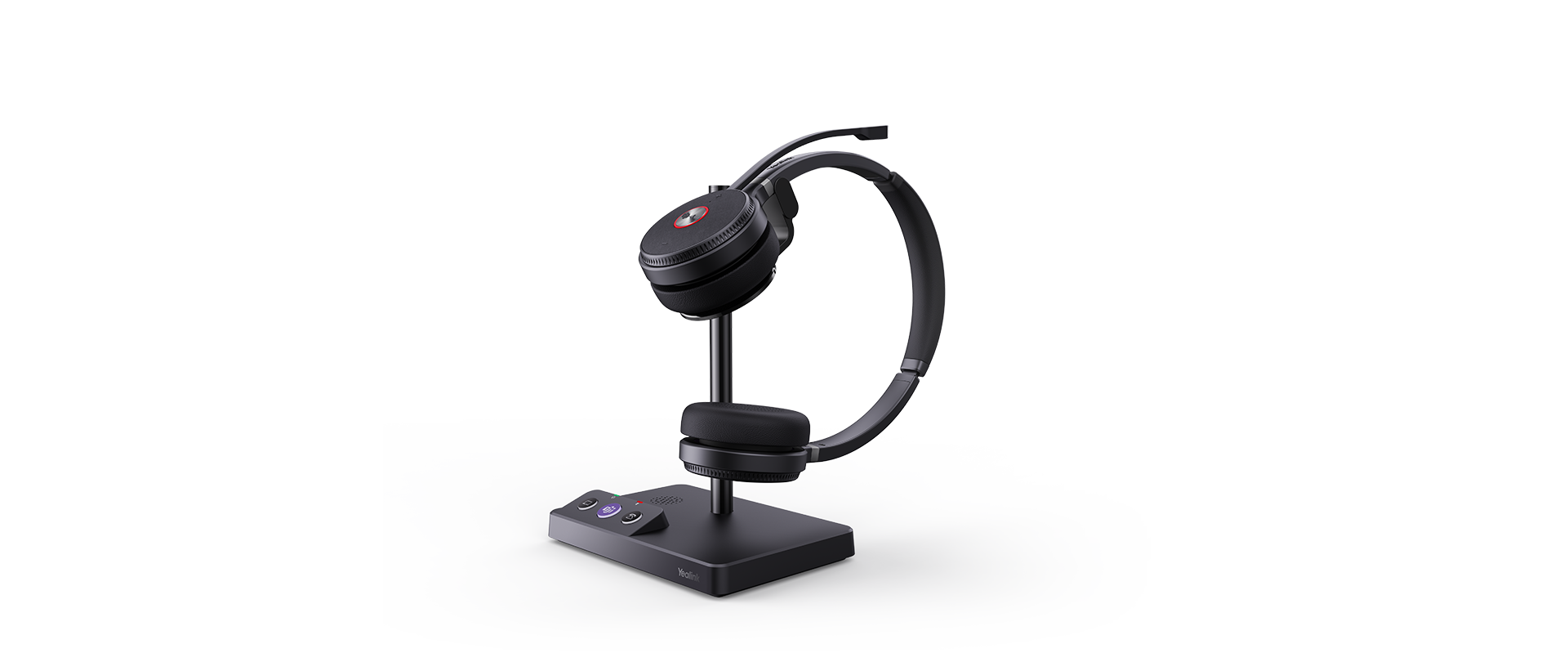
Yealink Headsets and Speakerphones
Yealink business headsets and speakerphones support focused calls at desks, shared workspaces, reception areas, and remote offices. ALLMSP matches the connection method, controls, wearing style, and audio performance to the way each employee actually works.
- Compare wired, Bluetooth, and DECT options using computer and desk-phone compatibility, call volume, background noise, range, battery life, wearing comfort, and Microsoft Teams or UC controls.
- Pair devices, update firmware, test microphones and speakers, configure call controls, label assigned equipment, document warranty details, and prepare spare headsets for critical users.
- Troubleshoot poor microphone quality, pairing failures, device switching, charging, range, firmware, call controls, and recurring user issues, then document the proven correction.
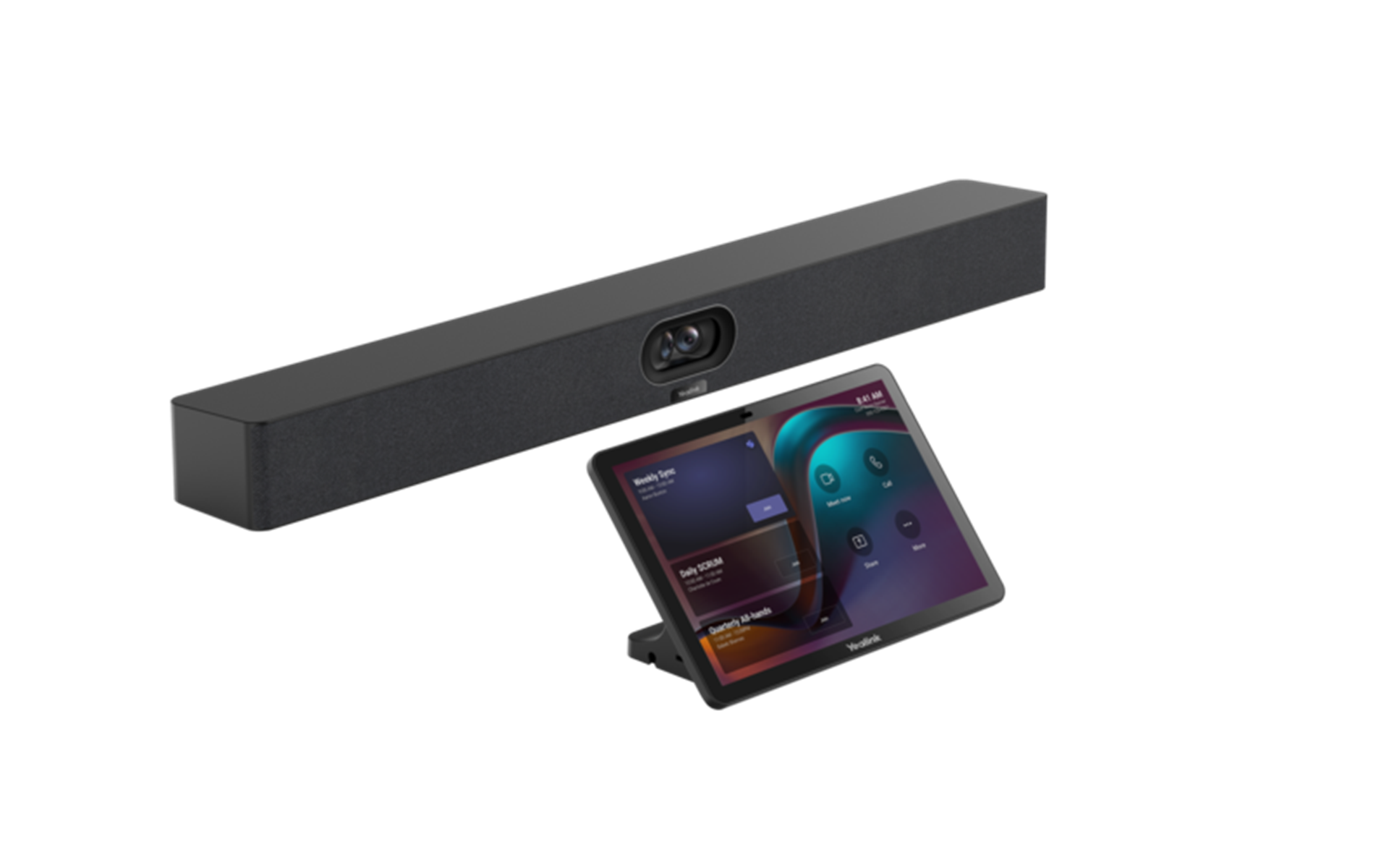
Yealink MeetingBars and Room Cameras
Yealink MeetingBars and room cameras bring professional video, microphones, speakers, and meeting controls into appropriately sized collaboration spaces. ALLMSP designs the installation around clear coverage, simple joining, and dependable daily use.
- Evaluate room dimensions, seating, displays, camera field of view, microphone pickup, speaker coverage, platform certification, network capacity, mounting, power, and cable paths.
- Install and configure the video bar or camera, update firmware, connect room accounts and calendars, tune framing and audio, test internal and external meetings, and document controls.
- Review framing, echo, microphone pickup, speaker levels, display handoff, content sharing, network performance, firmware, room controls, and support history when quality declines.
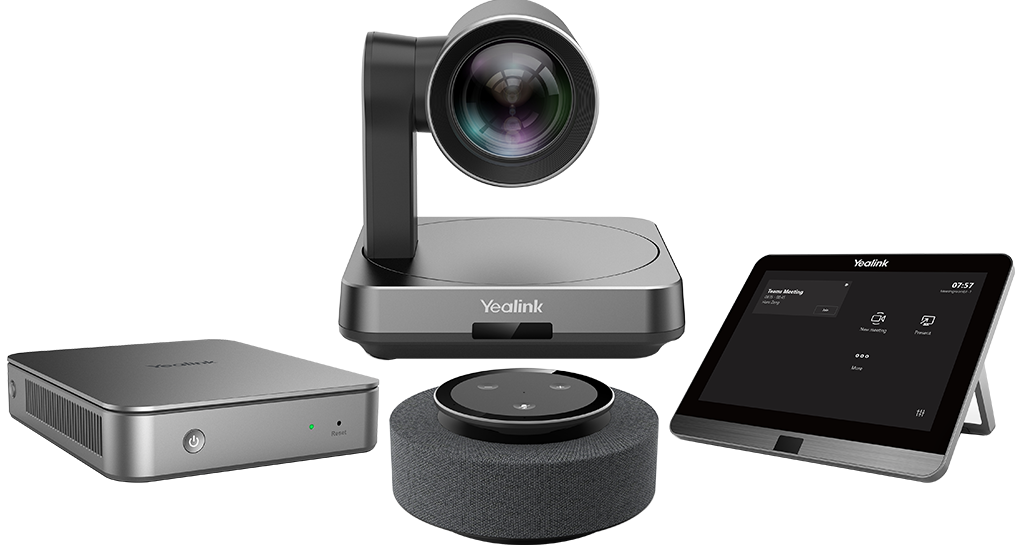
Yealink Meeting Room Systems
Yealink MVC and related room systems combine dedicated computing, touch controls, cameras, microphones, and speakers for managed Microsoft Teams Rooms. ALLMSP plans the complete room as one supported system instead of treating each component separately.
- Select a room system using room size, participant layout, display count, camera reach, microphone coverage, speaker placement, content sharing, calendar workflow, and Microsoft Teams Rooms requirements.
- Coordinate mounting, structured cabling, network and power preparation, room-account configuration, firmware, touch controls, camera presets, audio testing, content sharing, and user training.
- Maintain a room record with component models, serial numbers, accounts, network connections, firmware, test results, warranty, support contacts, known issues, and replacement recommendations.
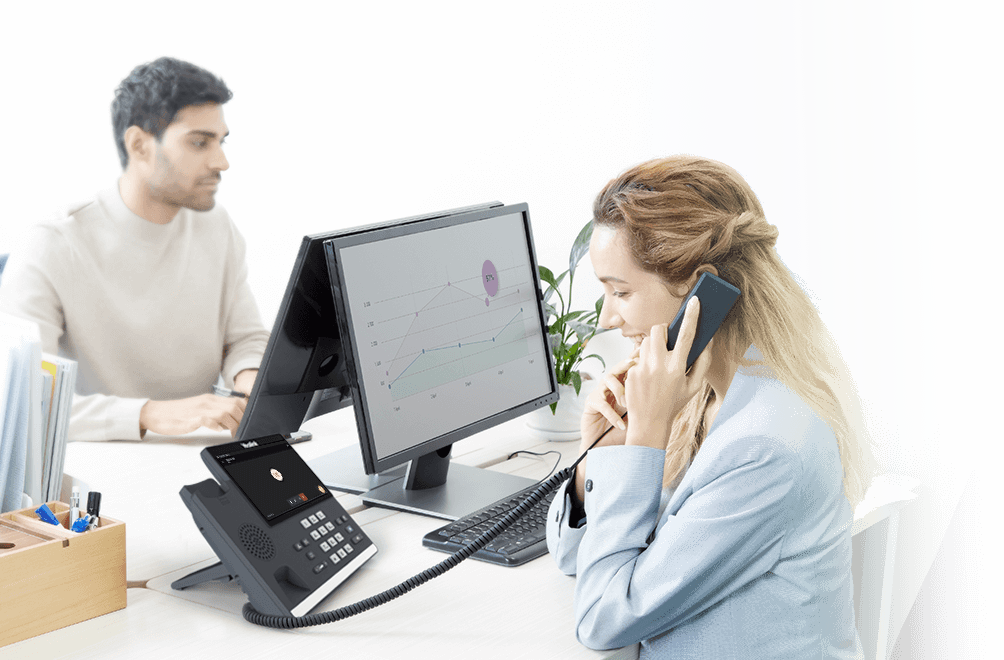
Yealink Desk Phones and Conference Phones
Yealink desk phones and conference phones give receptionists, shared areas, executives, and meeting spaces purpose-built calling controls. ALLMSP supports compatible SIP, Microsoft Teams, and conference phone deployments with clear ownership and tested call behavior.
- Match phone models to the approved calling service, user role, line keys, expansion needs, headset compatibility, conference-room size, Power over Ethernet, wireless options, and accessibility needs.
- Provision users or shared accounts, connect the network, update firmware, configure time and directory behavior, test inbound and outbound calls, verify transfers and conferencing, and label each device.
- Troubleshoot registration, call quality, handset and speaker audio, touch controls, network access, Power over Ethernet, directory sync, firmware, and replacement needs using documented test results.
Related services for Yealink
A reliable Yealink deployment depends on more than the device. ALLMSP can align meeting-room hardware with Microsoft 365 and Teams, prepare the wired and wireless network, organize power and cabling, document ownership, and provide one support path for the room and the systems behind it.
Microsoft 365 and Teams
Configure Microsoft 365 identities, calendars, room accounts, Teams policies, licensing, and user workflows that allow compatible Yealink meeting rooms and phones to work predictably.
Network and Cabling
Prepare switching, Power over Ethernet, wireless coverage, internet capacity, VLANs, ports, cable routes, table connections, labeling, and cable management for dependable Yealink calls and meetings.
Managed IT Support
Give employees one accountable support team for Yealink devices, computers, accounts, networks, conference rooms, documentation, troubleshooting, and planned lifecycle improvements.
Industry Specific Solutions for IT Consulting, Marketing, HR, Cybersecurity & Cloud
Related Articles
Yealink consulting and support FAQ
Q. Which Yealink product lines does ALLMSP support?
A. ALLMSP supports Yealink business headsets and speakerphones, MeetingBars and room cameras, Microsoft Teams Rooms systems, business desk phones, and conference phones. We can plan the equipment, purchase it competitively, configure it, install it, document it, train users, and support it after deployment.
Q. Does ALLMSP provide Yealink support in Lawrenceville, Suwanee, and Metro Atlanta?
A. Yes. ALLMSP provides Yealink planning, installation, troubleshooting, and ongoing support for organizations in Lawrenceville, Suwanee, Gwinnett County, Metro Atlanta, and nearby Georgia communities.
Q. How do you select the right Yealink equipment for a business?
A. We start with the calling platform, room dimensions, seating, acoustics, camera coverage, employee work style, device compatibility, network readiness, warranty, and available support. The recommendation identifies specific models and accessories that fit the real environment.
Q. Can you configure Yealink equipment for Microsoft Teams or Zoom?
A. Yes. ALLMSP can prepare supported Yealink devices for Microsoft Teams, Zoom, or another approved communications platform. We verify account requirements, device compatibility, firmware, calendars, meeting controls, audio, video, and content sharing before users depend on the system.
Q. Can ALLMSP handle a complete Yealink meeting room installation?
A. Yes. We handle the work in house from room assessment and equipment selection through mounting, cabling, network preparation, account configuration, testing, documentation, user training, and post-installation support.
Q. Can you deploy Yealink headsets across a team?
A. Yes. We match wired, Bluetooth, and DECT headset options to employee roles, noise levels, computers, desk phones, softphones, wearing preferences, and call volume. Deployment can include firmware updates, device pairing, call-control testing, labels, spare equipment, and short user training.
Q. What is the difference between a Yealink MeetingBar and an MVC room system?
A. A MeetingBar combines camera, microphones, speakers, and meeting controls into a compact appliance for an appropriately sized room. An MVC system uses a modular Microsoft Teams Rooms design with separate computing, touch control, camera, and audio components. ALLMSP evaluates the room and workflow before recommending either approach.
Q. Does ALLMSP support Yealink desk phones and conference phones?
A. Yes. We support compatible Yealink business desk phones and conference phones, including provisioning, network connectivity, user assignment, call testing, directory behavior, firmware, accessories, and documented replacement procedures.
Q. What network and cabling work can be included with a Yealink project?
A. ALLMSP can review switching, Power over Ethernet, wireless coverage, internet quality, VLAN design, ports, cable routes, table connections, labels, adapters, and cable management. We test the finished path so audio, video, controls, and content sharing work reliably.
Q. Can you manage Yealink firmware and device settings?
A. Yes. We can document approved firmware, configuration standards, device ownership, update procedures, room accounts, and support contacts. Where the selected Yealink platform supports centralized management, we can use it to improve inventory, consistency, and troubleshooting.
Q. Do you train employees to use Yealink meeting rooms and phones?
A. Yes. Training covers joining scheduled and ad hoc meetings, inviting participants, sharing content, adjusting cameras and audio, transferring calls where applicable, recognizing common connection problems, and contacting support with useful details.
Q. Can ALLMSP troubleshoot poor Yealink audio or video quality?
A. Yes. We isolate microphone pickup, speaker placement, echo, camera framing, USB or network connectivity, firmware, room acoustics, platform settings, and bandwidth. Completed corrections and any remaining recommendations are documented.
Q. Can Yealink equipment be standardized across several offices?
A. Yes. ALLMSP can create repeatable room types, approved device models, configuration baselines, naming, account ownership, cable labels, testing checklists, spare inventories, and support procedures while preserving legitimate differences between locations.
Q. What documentation is included with Yealink support?
A. Documentation can include device models, serial numbers, room locations, network connections, platform accounts, configuration notes, firmware, warranty details, test results, user instructions, support contacts, and replacement recommendations.
Q. What affects the cost of a Yealink project?
A. Cost depends on room size, product models, device quantity, mounting and cabling, network improvements, platform configuration, migration needs, training, project timing, and ongoing support. ALLMSP defines the scope and assumptions before major work begins.