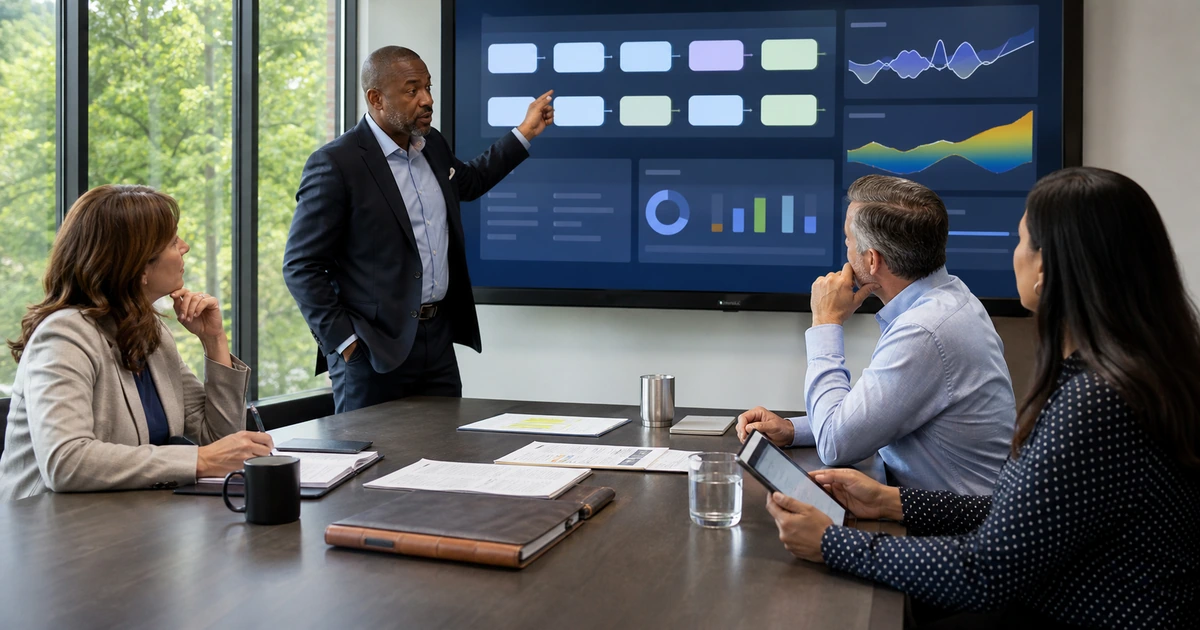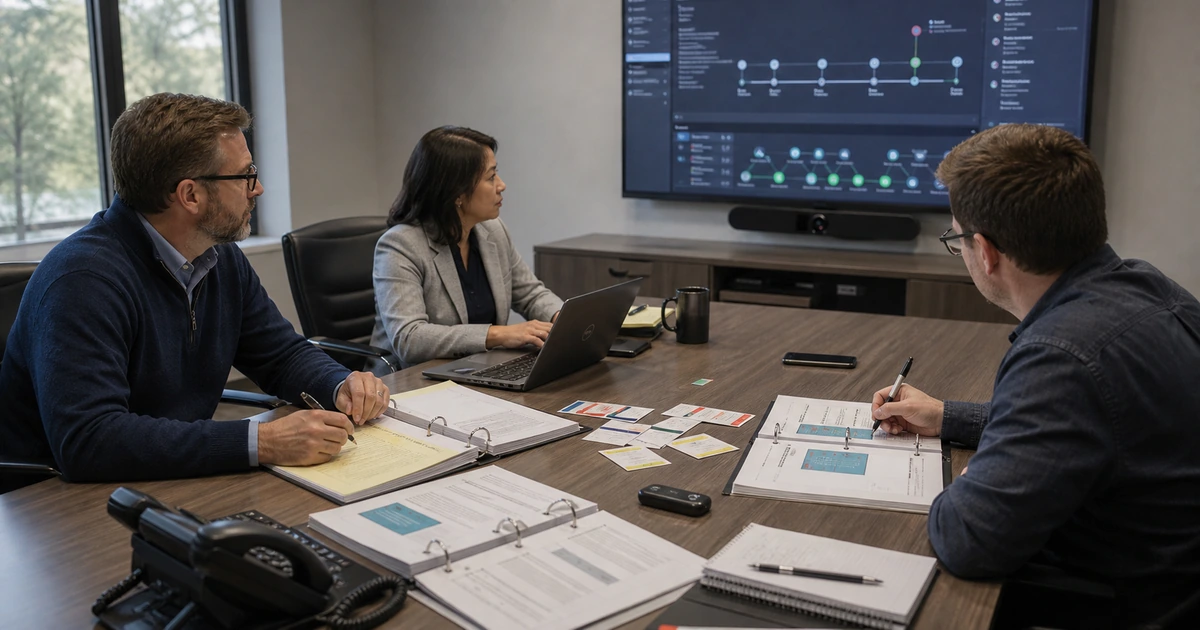
A Virtual CISO program should make the organization more capable before, during, and after a cyber incident. Policies, security products, and assessment reports matter only when they change everyday behavior, produce useful evidence, and help named people make timely decisions. The program therefore connects governance, risk, safeguards, detection, response, recovery, and continuous improvement as one operating system.
The work begins with critical business services, data, identities, vendors, devices, applications, and recovery needs. Leadership defines risk authority and priorities. Technical controls are implemented in layers and exceptions remain visible. Alerts route to responders who know what to do. Executives, operations, communications, legal, finance, and technology rehearse realistic scenarios. Recovery tests prove that the business can restore the right services and data within agreed targets.
ALLMSP provides Virtual CISO leadership and hands-on cybersecurity for organizations in Lawrenceville, Suwanee, Gwinnett County, Metro Atlanta, and across Georgia. Our in-house team can assess, design, implement, monitor, respond, recover, document, train, test, and improve the entire program without separating strategy from daily operations.
The operating components of a complete vCISO program
- Govern: Define security outcomes, roles, authority, policies, risk tolerance, vendor expectations, reporting, and leadership review.
- Identify: Maintain critical services, assets, data, identities, vulnerabilities, dependencies, vendors, risk scenarios, and improvement priorities.
- Protect: Apply identity, device, email, network, cloud, application, data, backup, awareness, and configuration safeguards with measured coverage.
- Detect: Collect useful evidence, monitor material events, tune alerts, assign response ownership, and preserve records for investigation.
- Respond: Declare incidents, contain harm, coordinate decisions, communicate appropriately, preserve evidence, and maintain business operations.
- Recover: Restore services and authoritative data in business priority order, validate integrity, communicate status, and correct lessons learned.
Establish governance, risk ownership, and policies people can follow
Define the program charter with executive sponsorship, scope, authority, risk ownership, reporting, decision thresholds, and resources. Identify critical business outcomes and the technology, data, people, facilities, and vendors they require. Build a current risk register from credible scenarios and evidence. Leadership should know which exposures require funding, which residual risks have been accepted, which deadlines are approaching, and who can authorize emergency action during an incident.
Write policies around real decisions and workflows. An access policy should state how accounts are approved, authenticated, reviewed, recovered, changed, and removed. A backup policy should identify protected workloads, recovery order, retention, isolation, testing, and acceptance. An incident policy should define declaration, roles, authority, evidence, communication, escalation, legal and insurance contacts, business continuity, and post-incident improvement. Supporting standards and procedures can carry technical detail while the policy remains readable.
- Program charter: Purpose, scope, sponsor, authority, participants, outcomes, resources, reporting, cadence, escalation, and annual review.
- Risk governance: Scenario, impact, likelihood, controls, owner, treatment, due date, residual exposure, acceptance authority, and review trigger.
- Policy hierarchy: Executive policy, measurable standard, operational procedure, technical configuration, evidence record, exception, and enforcement.
- Vendor responsibility: Data, access, security commitment, incident notice, support, recovery, subcontractors, evidence, termination, and alternate operation.
- Exception control: Business reason, scope, risk, compensating safeguard, monitoring, owner, approver, expiration, and closure requirement.
- Executive reporting: Top risks, incidents, control coverage, overdue treatments, recovery results, exceptions, vendor concerns, investment needs, and decisions.
Governance succeeds when employees can follow the rules, owners can produce evidence, and leadership can see which decisions remain unresolved.
Operate layered safeguards, monitoring, and response ownership
Prioritize controls that reduce several common attack paths and protect critical services. Use unique identities, strong authentication, least privilege, managed devices, supported software, secure configuration, patching, email protection, network controls, protected backups, employee reporting, and logging. Measure which users, assets, applications, locations, and protocols are covered. A security tool that is installed but not monitored, maintained, or included in support procedures is not a dependable safeguard.
Design detection around decisions responders can make. Each material alert needs an owner, expected evidence, severity criteria, containment options, communication route, escalation threshold, and closure record. Preserve accurate time, identity, device, application, network, and cloud logs according to business and legal needs. Tune noisy alerts and investigate missing telemetry. Test that a suspicious sign-in, disabled protection, malware event, unusual data movement, failed backup, or high-risk configuration change reaches the correct person.
- Identity layer: Strong authentication, separate administration, least privilege, lifecycle, service identities, conditional access, review, and protected recovery.
- Endpoint and email layer: Managed configuration, encryption, patching, endpoint detection, attachment and link protection, reporting, isolation, and device recovery.
- Network and cloud layer: Segmentation, secure remote access, configuration control, exposure management, logging, workload identity, encryption, and change monitoring.
- Data and recovery layer: Classification, access, retention, sharing, protected backup, immutable or isolated copies where appropriate, restore testing, and disposal.
- Detection workflow: Event source, alert logic, owner, severity, evidence, investigation, containment, escalation, communication, closure, and learning.
- Operating measures: Control coverage, exception age, patch exposure, privileged access, alert response, incident containment, restore success, and overdue risk treatment.
Layered defense becomes operational when coverage is known, evidence is trustworthy, and alerts lead to a practiced decision rather than an unattended dashboard.
Exercise incident decisions and prove business recovery
Create an incident response plan that includes executive leadership and business operations, not only technical responders. Define who may declare an incident, isolate systems, disable accounts, contact customers, notify insurers, engage legal counsel, preserve evidence, approve emergency spending, and shift to alternate operations. Maintain protected contact information and essential procedures outside the systems that could be unavailable. Align cyber response with business continuity, disaster recovery, crisis communication, and vendor escalation.
Run tabletop exercises using realistic scenarios such as business email compromise, ransomware, cloud administrator loss, exposed customer data, vendor outage, or destructive insider action. Introduce uncertainty and changing evidence. Observe decisions, handoffs, authority, communication, and recordkeeping. Follow with technical recovery exercises that restore representative systems and authoritative data, validate access and integrity, and measure recovery time. Assign every lesson an owner, due date, priority, and retest.
- Incident declaration: Trigger, initial facts, severity, incident lead, executive authority, protected communication, evidence preservation, and time record.
- Containment: Accounts, devices, networks, applications, integrations, data movement, vendor access, business effect, approval, and fallback operation.
- Communication: Employees, leadership, customers, vendors, insurance, legal, law enforcement, regulators, timing, approval, accuracy, and protected channels.
- Recovery sequence: Business priority, clean environment, identity control, trusted backup, dependencies, validation, monitoring, user acceptance, and return to service.
- Exercise evidence: Scenario, participants, decisions, timing, assumptions, gaps, strengths, observations, after-action report, improvement owner, and retest date.
- Post-incident learning: Root and contributing causes, control failures, detection gaps, business effect, response quality, recovery result, policy change, and verified correction.
Preparedness is demonstrated when the organization can make difficult decisions with incomplete information and restore trusted operations through a tested path.
An in-house Virtual CISO program from strategy through response
ALLMSP can establish the security charter, map critical services, build the risk register, write policies and standards, assess vendors, design the control roadmap, implement identity and device protection, secure cloud and networks, protect backup, configure monitoring, build incident procedures, and prepare executive reporting.
Our in-house team also operates the controls, trains employees, responds to alerts, coordinates incidents, conducts tabletop and recovery exercises, documents evidence, and drives improvements. Businesses in Lawrenceville, Suwanee, Gwinnett County, Atlanta, and throughout Georgia receive one accountable cybersecurity program from leadership through daily support.
- Program foundation: Charter, critical services, risk register, ownership, policies, vendor expectations, roadmap, budget, evidence, and governance cadence.
- Security operations: Identity, endpoints, email, network, cloud, data, backup, monitoring, alert response, exceptions, maintenance, and reporting.
- Response and resilience: Incident plan, protected communications, tabletop exercises, containment, recovery testing, after-action work, retesting, and executive review.
Primary resources for incident readiness and cyber resilience
These official sources connect incident response to governance, risk management, operational safeguards, executive participation, and tested recovery.
- ALLMSP Virtual CISO Services. Cybersecurity governance, risk, controls, monitoring, incident response, recovery, and executive reporting.
Virtual CISO program and incident readiness FAQs
What does a Virtual CISO program include?
It includes governance, risk ownership, policies, standards, safeguards, monitoring, response, recovery, vendor oversight, evidence, awareness, executive reporting, exercises, and continuous improvement.
How is a Virtual CISO different from a security product?
A product performs a bounded technical function. The Virtual CISO aligns business risk, authority, people, processes, technologies, evidence, incidents, recovery, and investment as one operating program.
Who should participate in incident response planning?
Include executive leadership, technology, security, operations, communications, legal, finance, human resources where relevant, insurance contacts, facilities, and owners of critical business services.
What should a cybersecurity policy contain?
State purpose, scope, ownership, required outcomes, responsibilities, authority, exceptions, enforcement, evidence, related standards and procedures, approval, and review timing.
How often should tabletop exercises be conducted?
Conduct them at least annually and after material changes, then add focused exercises for high-impact scenarios, new leaders, major systems, acquisitions, or lessons from real incidents.
What makes a security alert actionable?
It has reliable evidence, severity criteria, a named owner, investigation steps, containment options, escalation thresholds, communication requirements, and a defined closure record.
What should a ransomware recovery test prove?
It should prove trusted identity control, clean recovery conditions, usable protected backups, dependency order, data integrity, service restoration, monitoring, communication, and business acceptance within target time.
How should incident lessons be handled?
Record observations without blame, identify root and contributing causes, assign improvements to owners with dates, update plans and controls, and retest the corrected condition.
Can ALLMSP run the complete program in house?
Yes. ALLMSP handles assessment, governance, policies, identity, endpoint, email, cloud, network, backup, monitoring, response, recovery, exercises, training, and support with its own team.
Where does ALLMSP provide Virtual CISO services?
ALLMSP supports organizations in Lawrenceville, Suwanee, Gwinnett County, Metro Atlanta, and across Georgia with local security leadership and operations.
Sources
- NIST SP 800-61 Revision 3. Current NIST recommendations for integrating incident response across Cybersecurity Framework 2.0 risk management activities. ↩
- NIST Cybersecurity Framework 2.0. Outcomes spanning governance, identification, protection, detection, response, and recovery for organizations of any size. ↩
- CISA Tabletop Exercise Packages. Planning, facilitation, participant feedback, and after-action materials for cybersecurity exercises. ↩
- CISA StopRansomware Guide. Practical safeguards, response considerations, and recovery guidance for ransomware risk. ↩