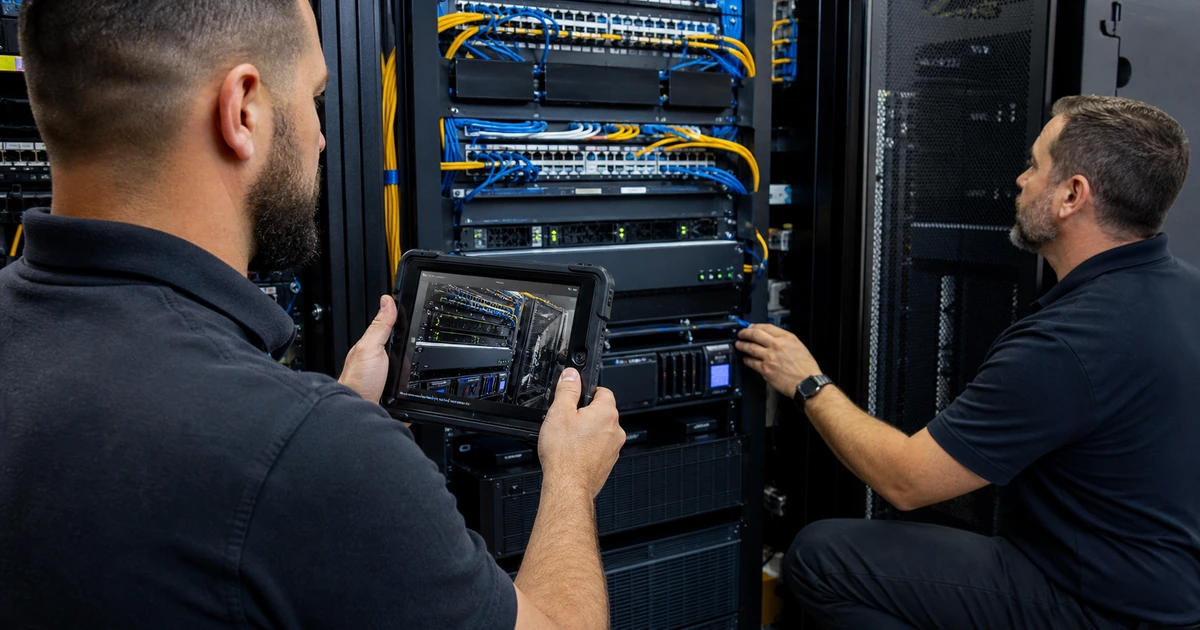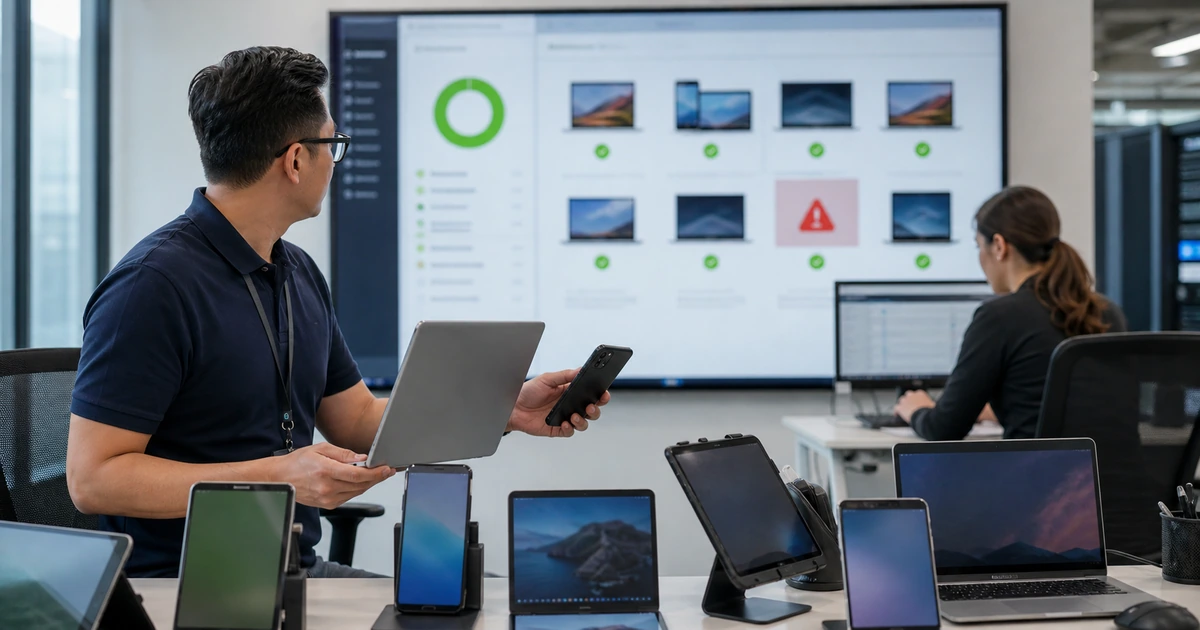
A compliance dashboard is a decision aid, not proof that every endpoint is secure or usable. A device may stop checking in, lack an assigned policy, report stale state, satisfy a narrow rule while missing another safeguard, or appear healthy while a user cannot reach a critical application. Operations must connect management evidence with identity access, endpoint security, support, platform lifecycle, and the employee’s actual work.
Review compliance by cause and consequence. A lost executive laptop with sensitive data requires a different response from a field tablet waiting for a routine restart. Policies also need deliberate behavior for unsupported platforms, unknown status, grace periods, new enrollments, emergency access, contractors, shared devices, and temporary business exceptions. Every block and every bypass should be explainable.
ALLMSP manages device compliance and endpoint support in house for organizations around Lawrenceville, Suwanee, Gwinnett County, Metro Atlanta, and across Georgia. We can monitor platforms, investigate access, remediate endpoints, support users, tune policies, manage exceptions, document evidence, and respond to incidents.
Connect compliance signals with access, endpoint health, and business use
- Know the population: Track active, inactive, duplicate, unsupported, unknown, exempt, personal, shared, lost, and retiring devices.
- Interpret the signal: Identify the exact policy, setting, check-in, evaluation, grace period, status age, and access dependency.
- Support remediation: Give users clear steps, help-desk context, safe remote assistance, escalation, and business continuity options.
- Govern exceptions: Require reason, scope, risk, compensating controls, approval, owner, expiry, and recurring review.
- Control policy change: Pilot assignments, exclusions, access effects, communication, rollback, and monitoring before enforcement.
- Report outcomes: Measure coverage, freshness, causes, remediation time, access effect, repeated failure, incidents, and user impact.
Monitor inventory freshness, compliance causes, and access decisions
Review active device counts across management, directory, endpoint security, network, and support sources. Segment by ownership, platform, version, location, department, criticality, last check-in, compliance state, endpoint risk, encryption, update status, and support lifecycle. Investigate sudden changes, unknown or not-evaluated status, devices without policy, stale check-in, repeated object creation, unsupported versions, and endpoints that continue to reach company data after retirement or loss.
For access problems, identify the user, device object, application, authentication event, identity policy, management compliance result, endpoint risk, platform, client, network, time, and error. Compliance evaluation and identity enforcement are separate steps, so confirm both. Review report-only or impact evidence before broad changes. Protect emergency access and enrollment dependencies. Avoid adding permanent exclusions because one user’s device has an unresolved identity or check-in problem.
- Population health: Track managed coverage, duplicates, inactivity, unsupported platforms, missing policy, unknown state, and lifecycle exceptions.
- Signal freshness: Record last check-in, evaluation time, policy version, endpoint telemetry, directory state, and report delay.
- Cause distribution: Group failures by encryption, operating system, update, threat state, credential, configuration, inactivity, and unknown.
- Access trace: Connect user, device, application, authentication, identity condition, grant control, and compliance signal.
- Critical exclusion: Review emergency, service, enrollment, shared, and exceptional identities for necessity and compensating safeguards.
Compliance operations become trustworthy when every important status and access decision can be traced to timely evidence.
Remediate users and devices without weakening the baseline
Create remediation paths for common causes. A user may need to restart, reconnect, update the operating system, enable encryption, remove a conflicting profile, complete authentication, free storage, reinstall a management component, or bring a device online long enough to evaluate. Help-desk guidance should identify the expected signal and escalation point. For remote actions, verify the requester and device, obtain authorization, limit privilege and duration, preserve session evidence, explain disruptive effects, and confirm user work after the fix.
When immediate correction is impossible, use a formal exception rather than an undocumented policy gap. Record business reason, affected user and device, data and applications, risk, alternate access, compensating controls, approver, technical owner, start, expiry, and review. Limit scope and duration. Monitor the exception and close it when the device is fixed, replaced, retired, or no longer needs access. Repeated exceptions often reveal an application, hardware, communication, or baseline-design problem that deserves a permanent solution.
- User guidance: Provide plain steps, expected outcome, time, restart or data effect, support route, and escalation.
- Technician evidence: Capture identity, device, consent, checks, action, privilege, before and after state, and user confirmation.
- Continuity option: Offer a loaner, web access, alternate workstation, or other approved path when remediation takes time.
- Exception record: Limit person, device, application, data, control, location, duration, and approving authority.
- Recurring cause: Escalate patterns involving hardware, applications, policy design, enrollment, training, or support capacity.
Effective remediation restores productive work while preserving the purpose of the security control and making temporary risk visible.
Test policy changes and report security and user outcomes
Treat material policy or access edits as controlled releases. Define the problem, affected population, expected device state, access effect, dependencies, business owner, test cases, communication, help-desk readiness, rollback, and monitoring window. Use representative pilot users and devices. Test compliant, noncompliant, unknown, new, offline, unsupported, exempt, shared, remote, and emergency scenarios. Confirm enrollment remains possible and administrators retain a protected recovery path.
Report more than the compliant percentage. Include managed coverage, policy coverage, stale signals, noncompliance by cause, unsupported platforms, mean and maximum remediation time, repeated failures, exception count and age, user downtime, help-desk volume, access blocks, security incidents, and retirement completion. Sample endpoints to validate dashboard truth. Prioritize actions that reduce unmanaged access, shorten high-impact remediation, eliminate chronic exceptions, or improve lifecycle control without obscuring business risk.
- Release test: Exercise normal, failing, unknown, excluded, new, offline, unsupported, and emergency conditions.
- Support readiness: Prepare scripts, articles, permissions, communications, loaners, escalation, and staffing before enforcement.
- Rollback: Define how to remove or narrow the change without creating unmanaged access or deleting useful evidence.
- Balanced scorecard: Show coverage, causes, freshness, remediation, access, exceptions, incidents, user impact, and retirement.
- Improvement priority: Rank work by security exposure, business consequence, recurrence, affected population, effort, and confidence.
A compliance program improves when policy evidence, security exposure, support effort, and employee experience lead to one accountable action list.
Device compliance operations and support from ALLMSP
ALLMSP can monitor inventory and compliance, trace identity access decisions, investigate endpoint health, provide secure remote support, manage exceptions, coordinate replacements, and document evidence. We help users recover productive work without hiding the risk behind broad exclusions.
Our in-house team also pilots policy changes, prepares help-desk procedures, reviews administrative access, reports meaningful trends, and improves recurring causes. Businesses across Lawrenceville, Suwanee, Gwinnett County, Metro Atlanta, and Georgia receive continuous technical and user support under one owner.
- Monitor: Review population, signal freshness, compliance causes, access effects, exceptions, and lifecycle status.
- Remediate: Guide users, perform controlled support, preserve the baseline, and provide continuity.
- Improve: Pilot policy changes and prioritize recurring security and business constraints from evidence.
Official guidance for compliance operations
Interpret compliance and access through current platform behavior, then evaluate each decision against the organization’s endpoint, identity, application, and user evidence.
- Microsoft Intune compliance overview. Explains policy evaluation, dashboards, device states, noncompliance actions, and use of compliance status with Conditional Access.
- Microsoft compliant-device access guidance. Documents required components, report-only testing, emergency exclusions, enrollment behavior, and known platform details.
- Microsoft Windows management deployment guide. Provides planning, compliance, access, enrollment, application, configuration, update, and administration guidance.
- NIST mobile device security guide. Covers centralized management, endpoint protection, organization-owned and personal scenarios, ongoing use, and disposal.
Device compliance operations FAQs
Does a compliant device always receive access?
Not necessarily. Identity policies may evaluate additional user, application, location, risk, authentication, client, and session conditions.
Why can a compliant device still be unsafe?
Compliance reports only defined and available checks. Unsupported software, stale signals, missing telemetry, excessive privilege, or uncovered threats may remain.
What does an unknown compliance state mean?
It requires investigation of policy assignment, evaluation timing, check-in, platform support, device identity, licensing, connectivity, and reporting.
How should users fix common compliance issues?
Provide clear, platform-specific steps for reconnecting, restarting, updating, encryption, authentication, profiles, storage, and contacting support.
When is a device exception appropriate?
Use one only for a justified temporary business need with limited scope, documented risk, compensating controls, approval, ownership, expiration, and review.
Should a blocked employee be permanently excluded?
No. Diagnose the identity, device, compliance, and application path first. Broad exclusions can create lasting unmanaged access.
How are policy changes tested safely?
Use representative pilots and cover compliant, failing, unknown, new, offline, unsupported, excluded, shared, remote, and emergency scenarios.
Which compliance metrics should leaders see?
Include coverage, freshness, failure causes, remediation time, repeated issues, exceptions, user downtime, support volume, access effects, incidents, and retirement.
Can ALLMSP manage compliance and user support together?
Yes. ALLMSP handles platform, identity, endpoint, help-desk, policy, documentation, replacement, incident, and reporting work in house.
Where does ALLMSP provide device compliance support?
Device compliance support is available across Georgia, with local service for Lawrenceville, Suwanee, Gwinnett County, and the Atlanta metro.