





























































































































































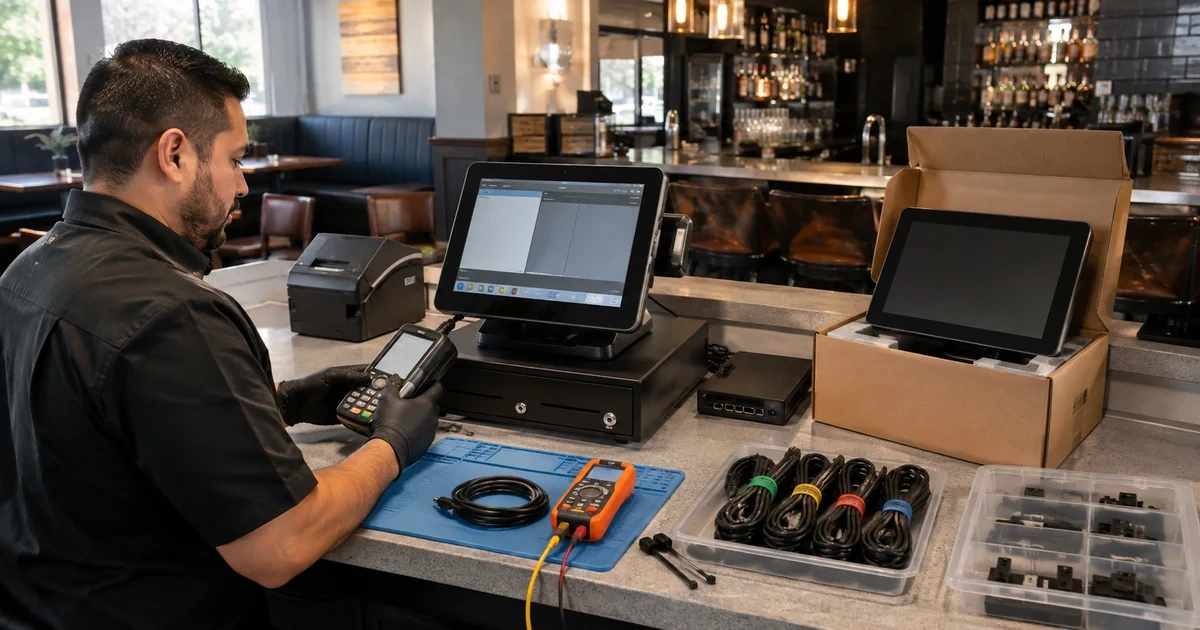
Restaurant hardware support often begins with a vague message: the Toast is broken. That description does not identify whether the affected object is a Flex terminal, Toast Go handheld, KDS device, Printing Hub, receipt printer, kitchen printer, card reader, cash drawer, access point, switch, router, hub, cable, power supply, or assigned configuration. It also does not preserve when the failure appeared, which station and employee were affected, what the device last reported, or whether orders and card transactions remained queued. Without those facts, a five-minute fix and a costly replacement can look identical.
Toast now provides several useful identification and support surfaces. Device Status on a POS device exposes status, queues, network and device information, Device Hub in Toast Web centralizes terminals, handhelds, and printers with identifiers, last-seen state, connections, versions, alerts, and selected configuration. Toast’s serial-number guidance explains both physical-label and application methods, which is valuable when a sticker is missing or a screen is damaged. Those tools become much more useful when the restaurant maintains its own station, purchase, warranty, accessory, repair, and change context.
This guide builds a lifecycle process from that foundation. It covers the asset register, evidence-first diagnosis, firmware and reset controls, spares, replacement installation, and the current Toast RMA return workflow. It does not assume every malfunction qualifies for a free replacement: Toast Customer Care makes the final eligibility determination after troubleshooting, coverage depends on warranty status, and physical damage can lead to a paid replacement. ALLMSP can coordinate evidence and logistics while the restaurant keeps purchasing and financial authority.
Companies across Lawrenceville, Suwanee, Gwinnett County, Metro Atlanta, and Georgia can bring ALLMSP in to manage Toast hardware diagnostics, replacement, and lifecycle. We coordinate the affected technology and business workflow through our own team.
Key decisions at a glance
- Maintain a device record that joins Toast identity and status data to physical station, model, serial, power supply, connection, peripherals, warranty context, and change history.
- Collect Device Status, Device Hub, printer, power, cable, queue, and symptom evidence before resets or swaps remove the conditions needed for diagnosis.
- Use model-specific troubleshooting and firmware guidance because Toast terminal, handheld, KDS, printer, and network generations do not share one universal reset procedure.
- Treat cache clearing, application-data clearing, logout, factory reset, and local-hub changes as controlled actions with prerequisites and outage consequences.
- Track RMA approval, replacement validation, accessories retained, cables returned, shipping evidence, deadlines, and old-device retirement as one chain of custody.
Build a Toast inventory that can identify the exact failing chain
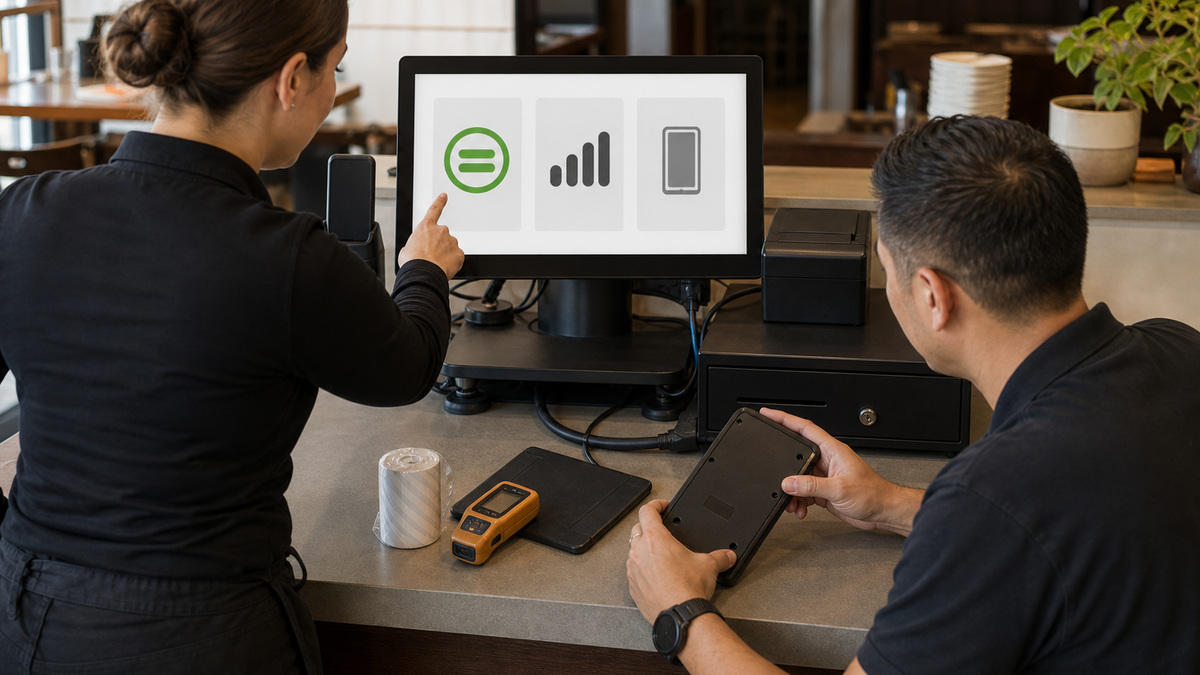
Create one record per terminal, handheld, KDS, printer, reader, network device, hub, and battery-backed component. Capture restaurant location, station name, vendor and model, serial, Device ID or MAC address where operationally appropriate, wired or wireless connection, primary mode, Toast POS and firmware versions visible through approved tools, purchase or installation date, warranty reference, subscription or license context, owner, and support state. Link peripherals without collapsing them into the parent record, a reader, dock, printer, drawer, and power supply can each fail independently.
Use Device Hub as an evidence source, not the sole inventory. Toast says it can list terminal, handheld, and printer names, online or offline state, serial number, last-seen time, enabled connections, IP address, alerts, mode, firmware, POS version, and device details, subject to product and permission behavior. A Device Hub setting view may represent the device’s last report rather than a live value when it is offline. Reconcile it with physical observation, purchase records, the floor plan, and Device Status on the unit.
Standardize serial collection. Toast’s support guidance locates serials differently across Flex, Toast Go generations, Elo terminals, card readers, network equipment, and scanners, and it also provides an in-app route through Device Status when a sticker is missing or unreadable. Photograph labels only into a restricted asset system, do not expose serials on public tickets or shared chat. Add the station identifier separately so a replacement can inherit the role without inheriting the retired unit’s identity.
- Record model generation and compatible power supply or dock, a broad label such as Toast terminal is insufficient for replacement work.
- Track printer connection type, selected device relationships, prep stations, drawer attachment, paper type, and physical cable path.
- Include spare status, storage location, last charge or test date, and compatibility for equipment held outside active service.
- Keep full serials, addresses, network identifiers, tracking numbers, and warranty documents in access-controlled records.
- Audit Device Hub against a physical walk so inactive, moved, duplicate-named, missing, and retired devices become explicit exceptions.
Collect diagnostic evidence before changing state
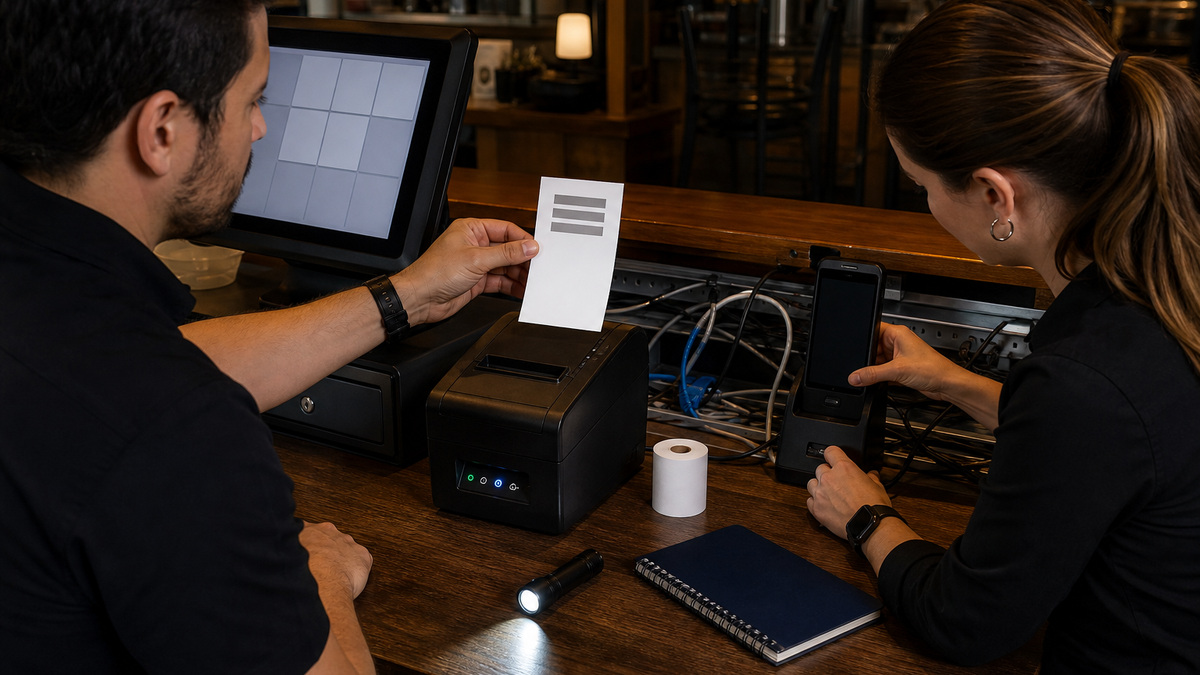
Begin every incident with scope, time, and preservation. Ask what the employee attempted, what appeared, whether another device or station works, whether the fault follows a cable or peripheral, whether orders or payments are queued, and what changed recently. Capture safe photos of power and network indicators, physical damage, cable seating, charging contacts, paper path, and the on-screen condition without exposing payment or guest data. A clear symptom record prevents the next technician from repeating disruptive guesses.
Use Toast Device Status to collect the relevant tabs. The Status area can reveal network and service information, Queues can show printing or card-processing activity, and Device information includes IP, Device ID, serial, and Toast version. For printers, inspect the local printer status, queue, model-specific indicators, configuration match, paper, and cables. Toast’s Printing Hub material distinguishes power, network, USB, paper, routing, accessory, and internal hardware symptoms and documents diagnostic slips for that model. Do not apply those exact button sequences to a different printer merely because both print receipts.
Troubleshoot by substituting one known-good element at a time during an approved window. Try an approved outlet, compatible power adapter, verified cable, dock, paper roll, printer path, or coverage location only when doing so is safe and will not lose active work. Record the result before the next change. Avoid swapping several devices and ports simultaneously because that destroys the causal trail and can move a configuration or cable problem to a second station.
- Do not include full card numbers, guest details, Wi-Fi credentials, employee codes, or unrestricted serial photographs in a support request.
- Check whether the problem is power, local connectivity, internet reachability, Toast service, peripheral assignment, routing, or physical hardware.
- Preserve printing and card queues before restart decisions and state explicitly whether the restaurant is currently offline.
- Match the troubleshooting article to the exact Toast or third-party model and hardware generation shown in the inventory.
- Escalate with timestamp, device identity, station, symptoms, indicators, status evidence, attempted steps, and current operational impact.
Govern firmware, application data, and resets as production changes
Toast’s security guidance requires supported devices to accept specified firmware changes and removes non-approved applications from Toast devices and managed networks in relevant migrations. It also distinguishes behavior among hardware types, for example, different terminal generations can have different prompted steps. Maintain an update register with device group, vendor instruction, prerequisite, owner, maintenance window, pre-check, expected behavior, validation, and rollback or escalation path. Never extrapolate one model’s instructions to the whole estate.
Before a major update or setup workflow, confirm power, charging, network health, manager availability, active payment and print queues, local-hub role, current Toast documentation, and replacement coverage for a failure. Pilot on a low-risk representative device when vendor guidance permits, then verify login, primary mode, printers, drawer, reader, KDS route, wireless roaming, and Device Hub reporting. Separate Toast-managed network equipment from guest and general-business devices as required, do not reconnect personal phones, speakers, televisions, or unrelated tablets simply because they were previously present.
Place strong controls around destructive application actions. Toast’s offline material warns not to uninstall or reinstall the app, clear cache or app data, or log out while offline. KDS documentation also cautions that clearing application data or uninstalling can have consequential effects, especially where a device participates in local synchronization. A factory reset, application-data clear, reinstallation, router reboot, or hub change should require a named approver, verified prerequisites, protected queues, captured configuration, a supported instruction, and a post-change acceptance test.
- Read the current Toast instruction for the exact model before accepting, deferring, or troubleshooting a firmware prompt.
- Schedule production changes outside peak service and ensure the restaurant has enough unaffected devices to operate safely.
- Confirm which device provides an eligible local-hub role before resetting, moving, or replacing a KDS-related component.
- Verify every peripheral and route after a reset, a successful login does not prove printer, cash, payment, or kitchen readiness.
- Document exceptions where a legacy device requires a different process and plan its retirement instead of normalizing special handling forever.
Run replacement, RMA, spares, and retirement as one custody process
Contact Toast Customer Care after completing appropriate model-specific troubleshooting and preserving the evidence. Toast’s current RMA guidance says Customer Care verifies warranty status, performs or reviews troubleshooting, and makes the final eligibility decision. A malfunctioning in-warranty device may qualify for a no-charge replacement, while cracked screens, drops, liquid damage, other physical damage, and out-of-warranty equipment can require paid replacement. Record the case reference, decision, replacement model, shipment, expected deadline, and restaurant owner.
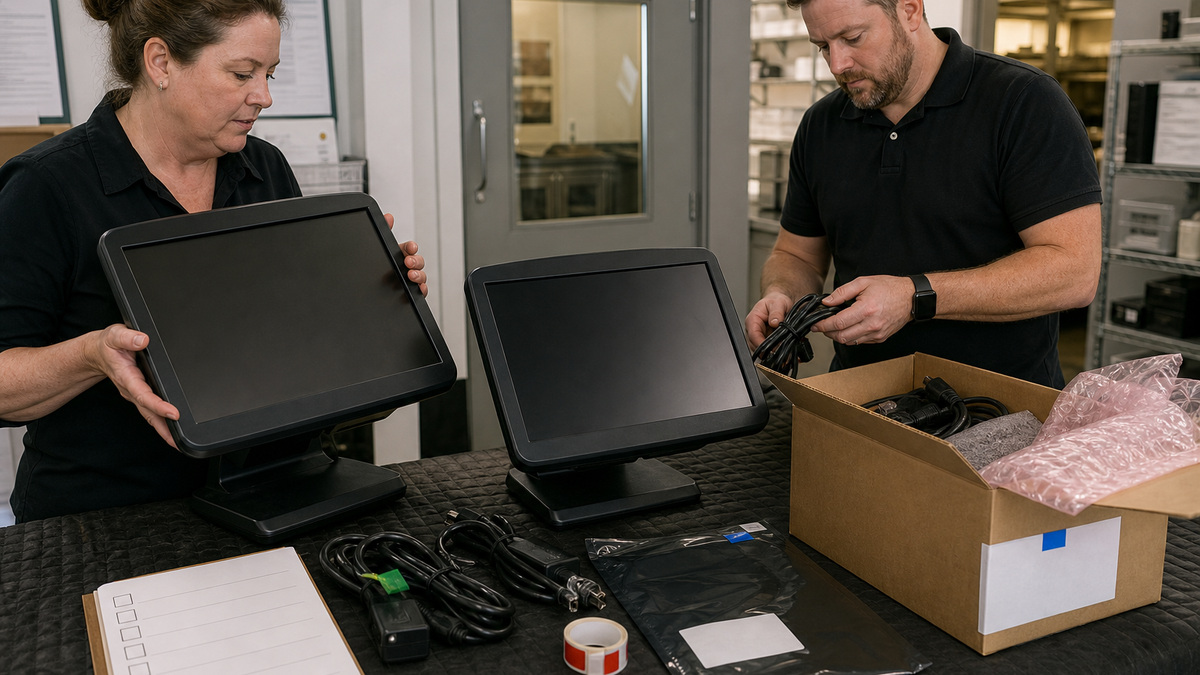
When the replacement arrives, compare the model and accessories before removing the active station. Back up operational knowledge rather than trying to clone unsupported state: record device name, role, primary mode, printer and drawer selection, KDS or prep relationship, network path, and acceptance cases. Toast’s US-oriented RMA workflow currently says to remove attached accessories such as card readers or guest displays from the faulty unit, include power and Ethernet cables, clean the device, reuse the replacement packaging, apply the provided prepaid label, and return it within thirty days. Follow the instructions in the actual case because country, product, and policy details can change.
Keep a small, compatible spare pool based on service impact and replacement lead time. Charge handheld spares, test printers and power supplies, protect equipment from heat and moisture, and rotate batteries or consumables according to manufacturer guidance. After the replacement passes ordering, printing, payment, drawer, KDS, network, and reporting tests, update the asset record and track the return until received. Sanitize or retire non-returned equipment through an approved data and e-waste process, preserving financial and audit records without retaining unnecessary device data.
- Keep the original RMA email, reference, shipping label, outbound tracking, delivery proof, deadline, and vendor closure in the case record.
- Follow the case instructions for accessories and cables, Toast’s current general article says attached add-ons stay while power and Ethernet cables return.
- Do not ship a failed device until the replacement is validated and the restaurant can identify the correct old serial and station assignment.
- Retest with realistic but synthetic orders and approved tenders, then have operations acknowledge the restored station.
- Review repair frequency, battery condition, unsupported generations, spare consumption, and downtime quarterly to shape the capital plan.
Official product documentation and ALLMSP resources
- Toast Support: Device Hub Overview
- Toast Support: Find the Serial Number on Your Toast Device
- Toast Support: Identify Your Toast Hardware
- Toast Platform Guide: Verify Device Status Information
- Toast Support: Get Help With the Toast Printing Hub
- Toast Support: Toast Device and Network Security FAQ
- Toast Platform Guide: KDS Overview
- Toast Platform Guide: Offline Mode
- Toast Support: Replace Faulty Hardware (RMA)
- Toast Support: Order New Products on Toast Shop
- ALLMSP Hardware Support
- ALLMSP Managed IT Services
- ALLMSP Cybersecurity Services
- ALLMSP Retail and Restaurant Resources
- ALLMSP Toast Hardware Support Category
- Contact ALLMSP
Frequently Asked Questions
What information belongs in a Toast hardware inventory?
Record location, station, exact model and generation, serial, device and network identifiers where appropriate, primary mode, firmware and POS versions, connection type, related printer, drawer, reader, dock or KDS role, purchase and warranty context, power supply, support history, owner, spare status, and retirement state in an access-controlled system.
Where can a restaurant find a Toast device serial number?
Toast publishes model-specific physical label locations for Flex, Toast Go, Elo, readers, network equipment, and other devices. When a label is missing or unreadable, the serial may also be available through Device Status in the Toast app. Restrict serial photos and associate the value with a separate stable station name.
What does Toast Device Hub show?
Toast describes Device Hub as a centralized view for terminals, handhelds, and printers with names, status, serials, last-seen time, connections, IP addresses, alerts, versions, mode, settings, and device details depending on permissions and type. Offline information can be stale, so reconcile it with on-site evidence and the asset register.
What should be collected before contacting Toast support?
Capture device and station identity, model, serial, time, user action, exact symptom, scope, power and network indicators, Device Status, queues, printer state, physical condition, recent changes, safe steps already attempted, and business impact. Remove guest, payment, credential, and unnecessary employee information from the evidence.
Is it safe to clear Toast app data to fix a device?
Treat it as a controlled, vendor-supported action rather than a routine first step. Toast warns against clearing cache or application data, reinstalling, or logging out while offline, and KDS or local-sync roles can add consequences. Protect queues, capture configuration, confirm current instructions, obtain approval, and plan a complete validation.
How should Toast firmware updates be managed?
Follow current Toast guidance for the exact hardware generation, prepare stable power and network, choose a quiet window, record versions, pilot when supported, and validate login, primary mode, readers, printers, drawers, KDS routes, handheld coverage, and Device Hub reporting afterward. Keep non-approved apps and devices off managed Toast environments as required.
When does Toast replace faulty hardware under RMA?
Toast Customer Care makes the final decision after troubleshooting and warranty verification. Current guidance indicates that qualifying hardware or functional failures may receive a no-charge in-warranty replacement, while physical damage and out-of-warranty devices can require paid replacement. Preserve the case-specific decision rather than assuming coverage.
What must be returned with a Toast RMA device?
Toast’s current general RMA article says to remove attached accessories such as card readers and guest-facing displays, include power and Ethernet cables, clean the faulty device, reuse the replacement packaging, apply the provided label, and return it within thirty days. Always follow the instructions in the actual case because policy, product, and country requirements can change.
How many spare Toast devices should a restaurant keep?
Base the spare pool on station criticality, service volume, replacement lead time, model compatibility, and the operational fallback. A spare must have the correct dock, power, cables, paper or ribbon, and tested configuration path. Track charge and test dates so stored equipment does not become an unverified shelf artifact.
How can ALLMSP support the Toast hardware lifecycle?
ALLMSP can maintain asset and station records, collect sanitized diagnostics, coordinate model-specific troubleshooting, govern firmware and reset windows, test spares, validate replacements, track RMA shipping and deadlines, maintain protected networks and power, and plan retirement. Toast remains the authority for vendor policy, and restaurant leadership controls purchasing and operations.


