





























































































































































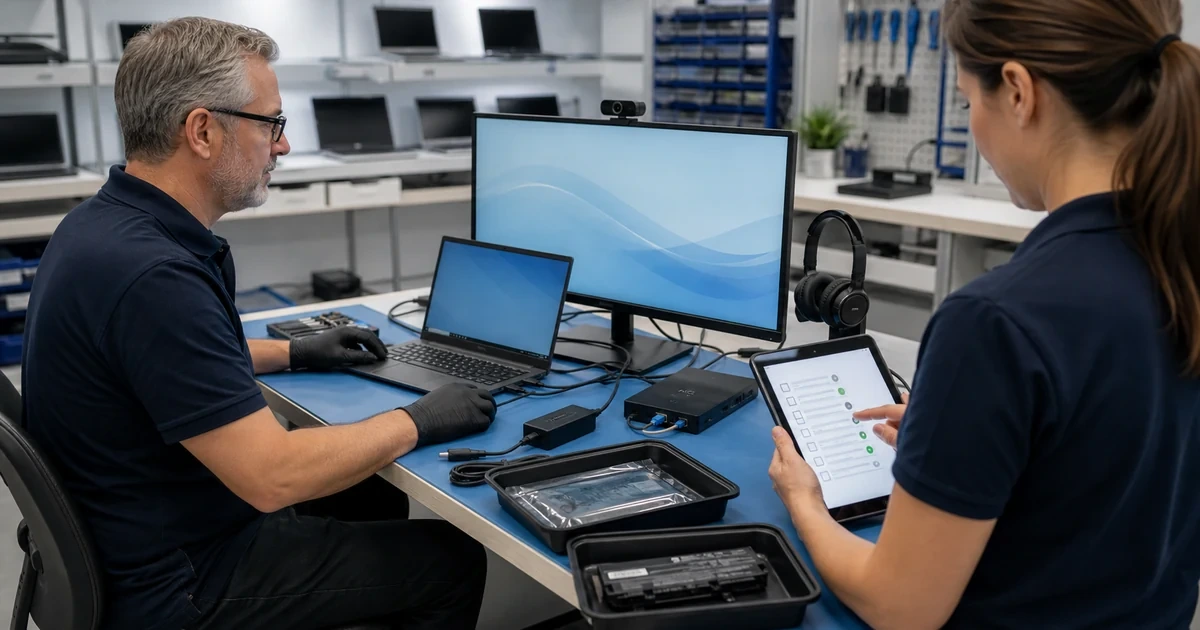
Repeat support tickets usually indicate that the symptom was treated without correcting the shared cause, the repair was not validated under normal work, or the device returned to an environment that recreates the failure. Reducing repeats requires a consistent incident history, root-cause categories, standard configurations, and post-repair measurement.
Do not keep a repeatedly failing device in production merely to improve ticket statistics. Protect data and users first, isolate safety or security incidents, and provide a temporary replacement when the business cannot tolerate another failure. A lower ticket count is not success if employees stop reporting problems or work around the device unsafely.
For organizations in Lawrenceville, Suwanee, Gwinnett County, Metro Atlanta, and across Georgia, ALLMSP can reduce repeat support tickets by correcting shared workstation causes and validating repairs under normal business use through one accountable in-house process for assessment, configuration, testing, and support.
How to choose the right workstation repair process improvements
A useful reliability program reduces recurrence by device, model, failure category, department, application, and technician. It improves first-time fix quality, identifies fleet-wide patterns, creates objective repair-versus-replace decisions, and turns repair evidence into monitoring, standards, and support knowledge.
- The same device returns with changing symptoms after quick cleanup, reinstallation, or restart-based fixes.
- Several devices of one model show similar storage, battery, dock, thermal, firmware, or driver failures.
- Tickets close when the computer starts but do not include the original workload or follow-up test.
- Employees rely on personal chargers, unsupported peripherals, local data, disabled updates, or undocumented workarounds.
- Help-desk records use broad categories such as slow computer without health evidence or a confirmed root cause.
- Repair cost, downtime, age, warranty, and recurrence are not used to trigger replacement.
Find recurring patterns in tickets, devices, and environments
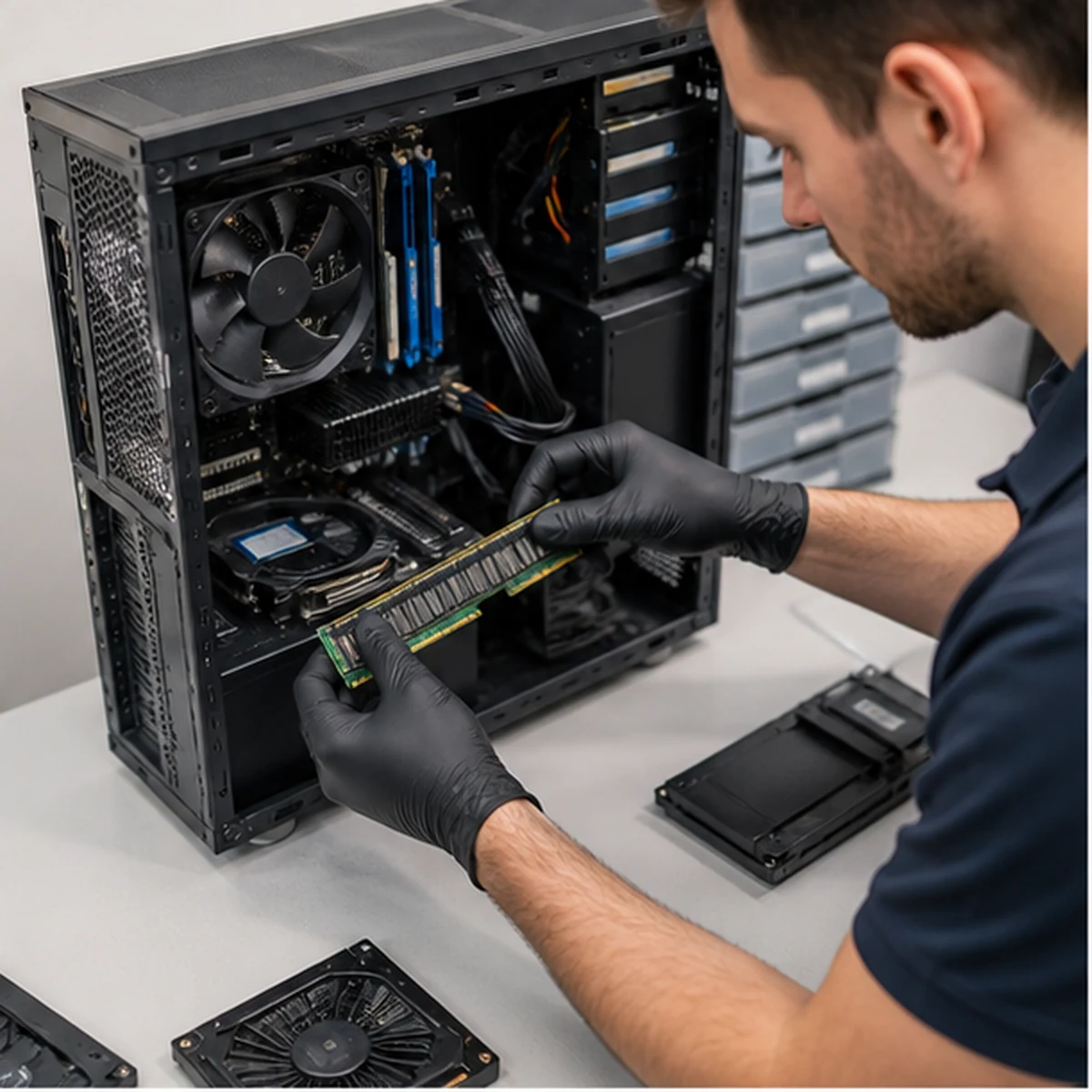
Incomplete incident history
Diagnosis: Group tickets by asset, serial number, user, model, symptom, error, component, application, location, and time. Identify closed incidents that lack reproduction, cause, parts, test, or follow-up evidence.
Computer Repair improvement: Use a consistent repair record linked to the asset and require the symptom, evidence, root-cause confidence, work, validation, limitations, and recurrence check.
Measurement: Track tickets with complete evidence, repeat incidents within 7, 30, and 90 days, and time spent rediscovering device history.
Storage and capacity problems return
Diagnosis: Review drive health, age, free space, application growth, cloud sync, temporary files, profile size, backup status, interface errors, and previous disk cleanup. Identify devices repeatedly returned near capacity.
Computer Repair improvement: Replace weak storage, right-size capacity, correct data placement and sync, monitor health and free space, and establish an escalation threshold before performance or data safety degrades.
Measurement: Track drive alerts, free-space threshold breaches, storage-related incidents, boot time, and recurrence after upgrade or cleanup.
Heat, dust, and power environment
Diagnosis: Compare failures with vents, desk placement, dock, charger, UPS, outlet, dust, room temperature, fan behavior, sustained workload, and power events. Look for patterns by location or device model.
Computer Repair improvement: Correct airflow and placement, clean safely, replace failed cooling or power components, standardize approved chargers and docks, and monitor temperatures or power events where justified.
Measurement: Track thermal throttling, shutdowns, temperature under load, battery or power alerts, and incidents by location.
Correct standards, monitoring, and shared technical causes

Firmware and driver inconsistency
Diagnosis: Compare BIOS, dock firmware, chipset, graphics, storage, network, and peripheral driver versions across similar devices and against incident timing. Identify mixed update sources and rolled-back devices.
Computer Repair improvement: Create model-specific approved baselines, use supported vendor packages, test on a pilot group, document exceptions, and stage deployment with rollback and validation.
Measurement: Track version compliance, update failures, crashes by version, pilot defects, and post-deployment recurrence.
Application and user-profile problems
Diagnosis: Compare the issue across user accounts, clean profiles, application versions, plugins, licensing, startup items, permissions, network dependencies, and resource use. Identify repeated profile rebuilds that never address the application cause.
Computer Repair improvement: Repair the specific application or profile component, standardize approved versions and plugins, preserve required user settings, and document the workflow and validation case.
Measurement: Track application crashes, profile rebuilds, login time, affected versions, and recurrence by user versus device.
Unsupported docks, chargers, and peripherals
Diagnosis: Correlate failures with USB devices, hubs, displays, adapters, cables, printers, cameras, headsets, and home-office equipment. Test with known-good approved accessories and review power and bandwidth needs.
Computer Repair improvement: Standardize compatible accessories, label and track shared equipment, update dock firmware, replace weak cables, and give users a supported connection diagram.
Measurement: Track incidents by accessory model, connection failures, replacements, and repeat calls after standardization.
Security or malware symptoms recur
Diagnosis: Review endpoint alerts, browser extensions, unwanted software, phishing history, local administrator use, patch status, account compromise, and persistence. Distinguish performance symptoms from an active security incident.
Computer Repair improvement: Contain and remediate the complete incident, correct account and endpoint controls, patch the entry point, remove unauthorized software, and train the affected workflow without blaming the user.
Measurement: Track recurring detections, compromised accounts, unauthorized software, patch gaps, and time from alert to containment.
Improve validation, user workflow, and lifecycle decisions
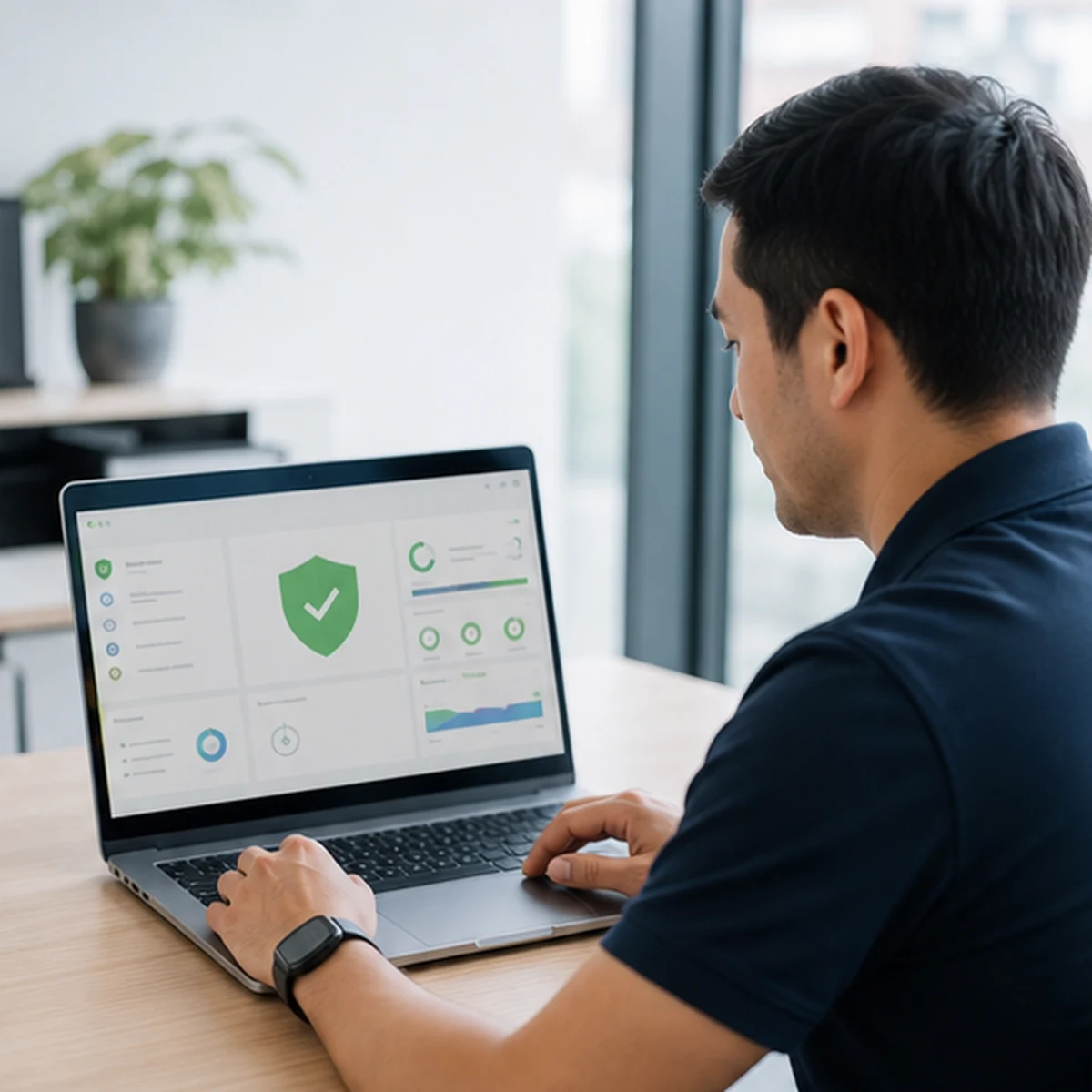
Repair validation is too shallow
Diagnosis: Review whether tickets close after startup or one diagnostic pass without the original application, user, network, dock, display, printer, power state, and sustained workload. Compare repeat tickets with missing tests.
Computer Repair improvement: Use symptom-specific validation plus a standard business-workflow checklist, document expected and actual results, and schedule follow-up for intermittent cases.
Measurement: Track validation completion, first-time fix rate, reopen rate, recurrence by test omitted, and user acceptance.
Repair continues past economic value
Diagnosis: Combine age, warranty, operating-system support, parts, labor, downtime, prior repairs, performance, security capability, and replacement cost. Identify devices with several incidents or temporary fixes.
Computer Repair improvement: Set repair-versus-replace thresholds by device class, maintain spare capacity, plan procurement before failure, and transfer data and configuration through a documented replacement process.
Measurement: Track repair cost by asset, downtime, repeat rate, replacement lead time, and incidents on devices beyond standard life.
Fleet lessons never become standards
Diagnosis: Review whether common failures update build standards, purchasing, monitoring, patch rings, accessory lists, knowledge articles, user guidance, and spare-parts plans. Find repeated diagnosis across technicians.
Computer Repair improvement: Hold a recurring reliability review, publish concise model and symptom playbooks, update procurement and configurations, assign preventive actions, and close the loop with measurable results.
Measurement: Track repeat categories, knowledge reuse, time to diagnosis, fleet-wide actions completed, and incident decline after each standard change.
Measure whether repaired devices stay reliable
Review reliability monthly by device and quarterly by model, department, location, and failure category. Investigate a lower ticket count alongside device uptime, monitoring, user feedback, replacement activity, and unreported workarounds. The aim is dependable work, not simply fewer records in the help desk.
- Repeat incident rate: Related workstation incidents returning within 7, 30, and 90 days after repair, grouped by asset and root-cause category.
- First-time fix quality: Repairs that pass symptom-specific and business-workflow tests and do not reopen during the validation window.
- Time to confirmed diagnosis: Time from intake to an evidence-supported cause or clearly bounded uncertainty, excluding waiting outside support control.
- Device downtime: Employee work time affected from initial failure through stable return, including repeat visits and temporary workaround burden.
- Repair value: Parts, labor, downtime, recurrence, age, warranty, and expected useful life compared with supported replacement.
- Fleet prevention result: Reduction in a repeated failure category after a standard, update, monitoring, purchasing, or environmental correction.
Official guidance and ALLMSP resources
Frequently Asked Questions
How can better ticket history reduce repeat computer repairs?
Begin by checking whether group tickets by asset, serial number, user, model, symptom, error, component, application, location, and time. Identify closed incidents that lack reproduction, cause, parts, test, or follow-up evidence. Use a consistent repair record linked to the asset and require the symptom, evidence, root-cause confidence, work, validation, limitations, and recurrence check. Measure progress with track tickets with complete evidence, repeat incidents within 7, 30, and 90 days, and time spent rediscovering device history.
How can recurring storage-related computer tickets be prevented?
Begin by checking whether review drive health, age, free space, application growth, cloud sync, temporary files, profile size, backup status, interface errors, and previous disk cleanup. Identify devices repeatedly returned near capacity. Replace weak storage, right-size capacity, correct data placement and sync, monitor health and free space, and establish an escalation threshold before performance or data safety degrades. Measure progress with track drive alerts, free-space threshold breaches, storage-related incidents, boot time, and recurrence after upgrade or cleanup.
How can office heat and power conditions cause repeat computer failures?
Begin by checking whether compare failures with vents, desk placement, dock, charger, UPS, outlet, dust, room temperature, fan behavior, sustained workload, and power events. Look for patterns by location or device model. Correct airflow and placement, clean safely, replace failed cooling or power components, standardize approved chargers and docks, and monitor temperatures or power events where justified. Measure progress with track thermal throttling, shutdowns, temperature under load, battery or power alerts, and incidents by location.
Can standardized firmware and drivers reduce workstation tickets?
Begin by checking whether compare BIOS, dock firmware, chipset, graphics, storage, network, and peripheral driver versions across similar devices and against incident timing. Identify mixed update sources and rolled-back devices. Create model-specific approved baselines, use supported vendor packages, test on a pilot group, document exceptions, and stage deployment with rollback and validation. Measure progress with track version compliance, update failures, crashes by version, pilot defects, and post-deployment recurrence.
How can recurring application and Windows profile issues be diagnosed?
Begin by checking whether compare the issue across user accounts, clean profiles, application versions, plugins, licensing, startup items, permissions, network dependencies, and resource use. Identify repeated profile rebuilds that never address the application cause. Repair the specific application or profile component, standardize approved versions and plugins, preserve required user settings, and document the workflow and validation case. Measure progress with track application crashes, profile rebuilds, login time, affected versions, and recurrence by user versus device.
Why do docks and peripherals create repeat support tickets?
Begin by checking whether correlate failures with USB devices, hubs, displays, adapters, cables, printers, cameras, headsets, and home-office equipment. Test with known-good approved accessories and review power and bandwidth needs. Standardize compatible accessories, label and track shared equipment, update dock firmware, replace weak cables, and give users a supported connection diagram. Measure progress with track incidents by accessory model, connection failures, replacements, and repeat calls after standardization.
What should happen when malware symptoms return after cleanup?
Begin by checking whether review endpoint alerts, browser extensions, unwanted software, phishing history, local administrator use, patch status, account compromise, and persistence. Distinguish performance symptoms from an active security incident. Contain and remediate the complete incident, correct account and endpoint controls, patch the entry point, remove unauthorized software, and train the affected workflow without blaming the user. Measure progress with track recurring detections, compromised accounts, unauthorized software, patch gaps, and time from alert to containment.
Which tests reduce the chance of a computer repair coming back?
Begin by checking whether review whether tickets close after startup or one diagnostic pass without the original application, user, network, dock, display, printer, power state, and sustained workload. Compare repeat tickets with missing tests. Use symptom-specific validation plus a standard business-workflow checklist, document expected and actual results, and schedule follow-up for intermittent cases. Measure progress with track validation completion, first-time fix rate, reopen rate, recurrence by test omitted, and user acceptance.
When should repeated computer repair lead to replacement?
Begin by checking whether combine age, warranty, operating-system support, parts, labor, downtime, prior repairs, performance, security capability, and replacement cost. Identify devices with several incidents or temporary fixes. Set repair-versus-replace thresholds by device class, maintain spare capacity, plan procurement before failure, and transfer data and configuration through a documented replacement process. Measure progress with track repair cost by asset, downtime, repeat rate, replacement lead time, and incidents on devices beyond standard life.
How can repair findings improve the whole workstation fleet?
Begin by checking whether review whether common failures update build standards, purchasing, monitoring, patch rings, accessory lists, knowledge articles, user guidance, and spare-parts plans. Find repeated diagnosis across technicians. Hold a recurring reliability review, publish concise model and symptom playbooks, update procurement and configurations, assign preventive actions, and close the loop with measurable results. Measure progress with track repeat categories, knowledge reuse, time to diagnosis, fleet-wide actions completed, and incident decline after each standard change.


