





























































































































































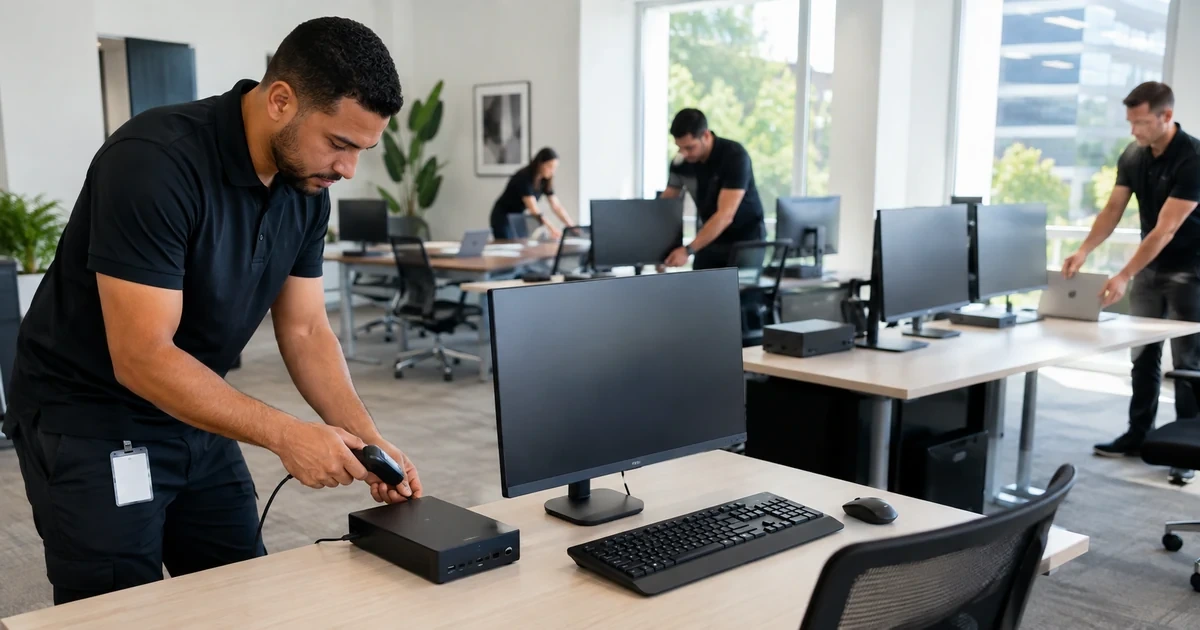
ASUS uses broad commercial families such as ExpertBook and ExpertCenter, but the supportable unit is the exact model and configuration in front of the technician. Two machines that look alike can have different processor generations, wireless devices, cameras, panels, storage controllers, power requirements, BIOS packages, docks, or regional warranty terms.
A reliable rollout therefore starts with identity and evidence, continues through model-matched firmware and driver staging, and ends with representative workflow testing. The target is not merely a device that reaches the desktop, it is an endpoint that can be patched, recovered, repaired, replaced, and audited without rediscovering its history.
This runbook covers Windows-oriented ASUS business PCs while preserving model-specific decisions. It does not apply consumer gaming utilities, motherboard procedures, or settings copied from another ASUS family unless the exact product support page and organizational change record authorize them.
Businesses in Lawrenceville, Suwanee, Gwinnett County, Metro Atlanta, and across Georgia can use ALLMSP to deploy ASUS ExpertBook and ExpertCenter business fleets. Our in-house team handles planning, technical work, testing, and documentation.
Key decisions at a glance
- Treat the full model identifier, configuration, serial, warranty territory, and purchase record as deployment controls, not clerical details.
- Source BIOS, firmware, utilities, and drivers from the support page for the exact model and supported operating system.
- Separate a reproducible corporate baseline from optional vendor utilities and device-specific exceptions.
- Pilot docks, displays, charging, network, audio, cameras, sleep, updates, recovery, and line-of-business workflows before broad release.
- Accept each endpoint only after management, encryption, recovery, asset, user, and support ownership records agree.
Establish Exact ASUS Identity, Ownership, and Support Scope
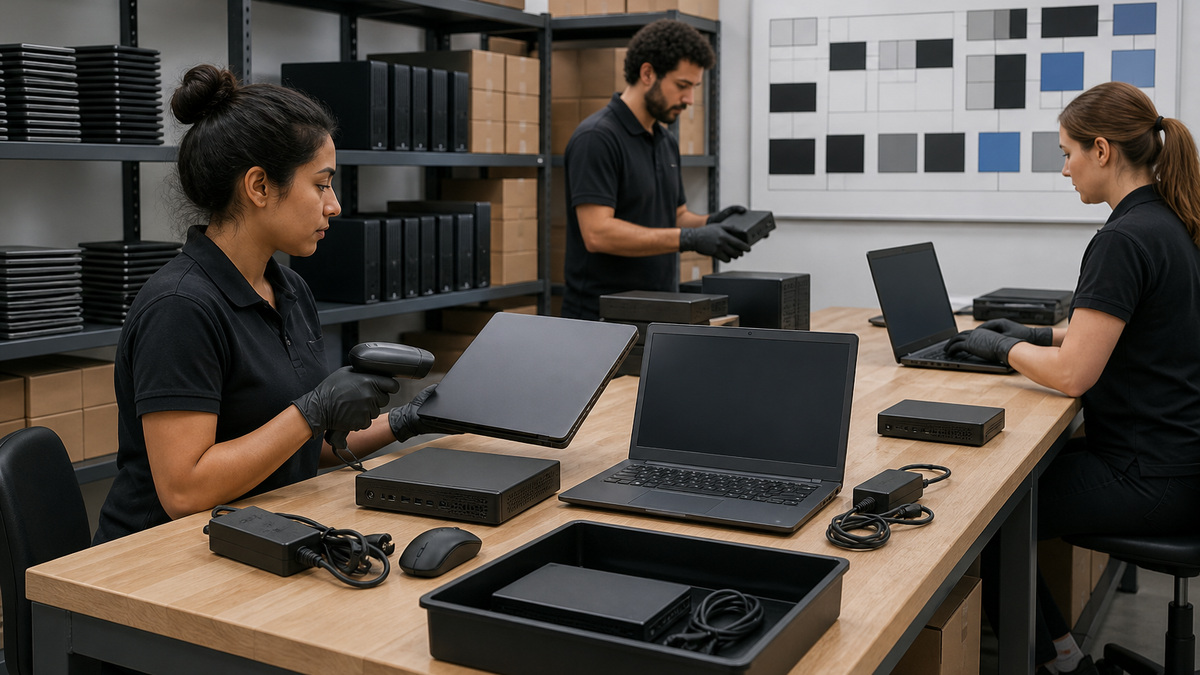
Open an asset record before imaging or enrollment. Capture the purchase order, reseller, received date, full ASUS model name, configured SKU, serial number in a restricted field, processor architecture, memory and storage configuration, display, wireless adapter, power adapter rating, included accessories, warranty territory and expiration, assigned location, intended user, and operational owner. ASUS documents several ways to locate model and serial details, including packaging, the chassis, BIOS, and MyASUS, but technicians should reconcile at least two views so a swapped carton or system board does not silently poison the record. Preserve the device identifier that the management platform will use and distinguish the commercial family name from the exact support model. Photograph asset labels only into the restricted evidence store, never into a public ticket or article. Check warranty status and service coverage before deployment so the team knows whether the unit has depot, on-site, accidental-damage, or reseller-managed service and which proof of purchase must be retained. Record whether the unit arrived new, as a replacement, from another user, or from repair because each path changes the required custody and data checks. Quarantine any device whose chassis, packaging, firmware-reported identity, or purchasing record disagrees until the variance is resolved. This intake record becomes the join key for downloads, change history, support cases, spares, and eventual retirement.
- Record the full model and configured SKU rather than only ExpertBook or ExpertCenter.
- Keep serial numbers, invoices, and warranty evidence in access-controlled systems.
- Reconcile packaging, chassis, BIOS or MyASUS, purchasing, and management identity.
- Flag replacement boards, repaired units, and reseller-managed service as distinct intake paths.
- Do not stage a unit whose physical and electronic identity disagree.
Build a Model-Matched BIOS, Driver, and Utility Baseline
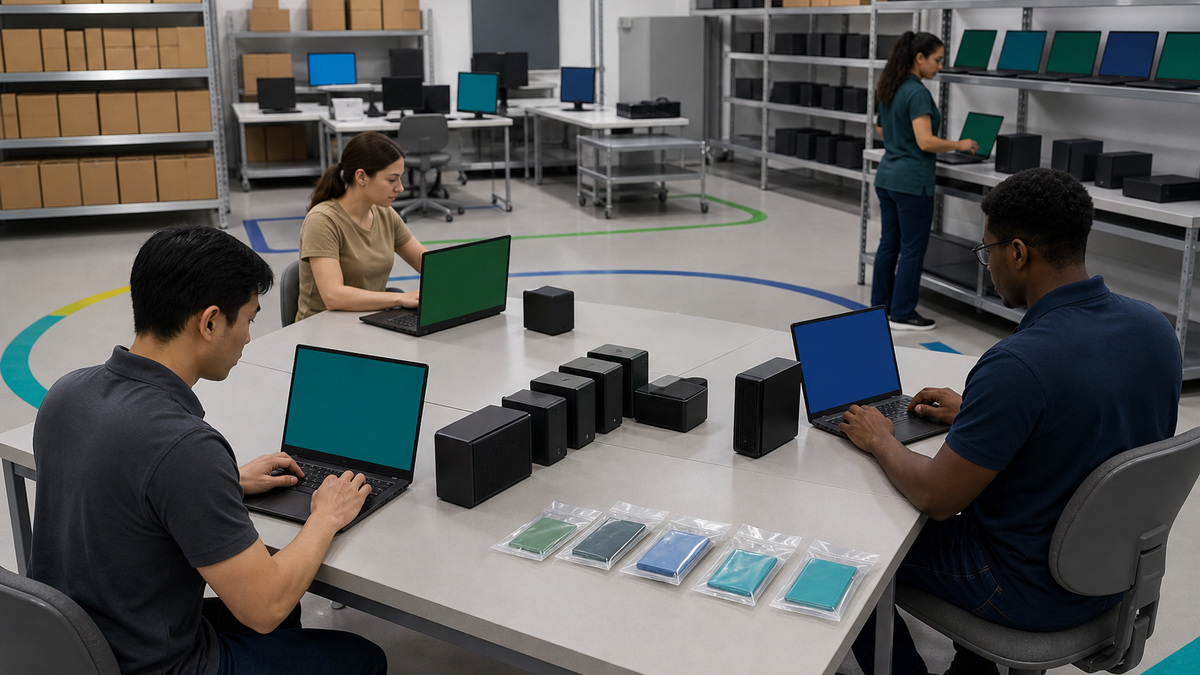
Create a support matrix for every exact model and operating-system combination in scope. ASUS directs administrators to MyASUS or the official product support site for verified drivers, utilities, BIOS, and manuals, and its download workflow requires selection of the model and supported operating system. Save the support-page URL, package title, published version, release date, file hash, approval state, test ring, deployment mechanism, reboot behavior, and rollback or recovery plan. Separate platform requirements such as chipset, storage, graphics, wireless, Bluetooth, audio, camera, touchpad, hotkey, and ASUS System Control Interface components from optional user-facing tools. Do not install every utility merely because it appears in a download list. Establish which MyASUS features are permitted, whether System Update is used interactively or superseded by managed deployment, and which package authority owns each component to avoid conflicting update channels. Review release notes and applicability against the actual hardware IDs in a pilot. For a new model, test the factory baseline first, then add approved changes in dependency-aware stages so a failed dock, network, or sleep test can be traced to a small change set. Keep the original recovery path and known-good packages accessible during staging. A green matrix names the tested versions and exceptions, it never says only that devices are current.
- Use only the exact product support page and supported operating-system branch.
- Track package version, hash, approval, ring, reboot, dependency, and recovery information.
- Define one management authority for each BIOS, driver, firmware, and utility class.
- Treat ASUS System Control Interface and MyASUS capability as model-dependent.
- Retain a known-good baseline and test changes in small, attributable sets.
Pilot Enrollment, Power, Docks, Displays, and Real Workflows
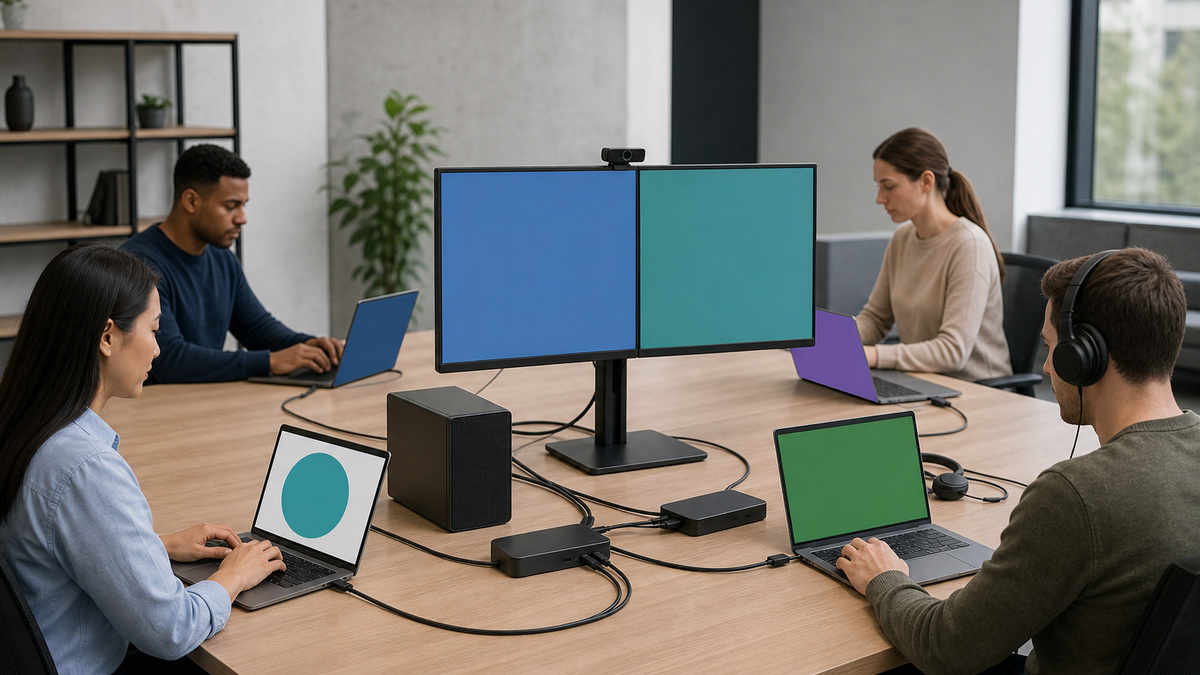
Select pilot units that represent every material configuration, not merely one visually typical laptop and desktop. Include processor architecture, graphics, panel resolution, camera type, wireless chipset, memory and storage size, USB-C or Thunderbolt capability, power adapter, dock, monitor count, conference equipment, smart-card or security-key use, and any specialized application. Enroll the units through the organization’s approved identity and endpoint-management path, then verify device name, ownership, compliance, encryption escrow, local administrator policy, endpoint security, certificates, VPN, Wi-Fi, printers, update rings, and remote-support tooling. Exercise cold boot, restart, sleep, wake, lid behavior, AC removal, battery use, docking and undocking, wired and wireless network transitions, external displays, audio, camera, Bluetooth, USB devices, and charging under realistic load. Confirm that the supplied adapter and approved dock negotiate expected power without intermittent discharge. Test line-of-business applications with representative files, meetings, peripherals, browser policies, and authentication. Run ASUS-supported diagnostics where available and record the result rather than treating an apparently healthy desktop as proof. A pilot passes only when failures are reproducible, corrected, retested, and linked to the affected model or accessory combination.
- Represent each processor, graphics, panel, wireless, dock, adapter, and accessory combination.
- Verify management, encryption, security, certificates, networking, updates, and remote support.
- Exercise power-state, docking, display, audio, camera, wireless, and USB transitions.
- Test real applications and meetings rather than relying on a synthetic boot check.
- Attach diagnostic and retest evidence to the exact configuration that produced it.
Scale with Rings, Maintenance Windows, and Measurable Stop Conditions
Promote the baseline from lab to technical pilot, business pilot, and broad deployment only when each ring meets written criteria. Define sample size, observation period, acceptable failure rate, deployment duration, reboot communication, battery and AC requirements, service-desk coverage, and a stop threshold for boot, encryption, driver, dock, display, network, or application incidents. Keep firmware actions distinct from routine application updates because BIOS changes may restart outside Windows, surface BitLocker recovery, alter device behavior, or become difficult to reverse. ASUS notes that some BIOS interfaces and update methods vary by model, so the rollout record must identify the approved method for each model rather than publishing a universal click path. Schedule remote devices only when power, network, recovery-key access, and user coordination are credible. Pause a ring when telemetry becomes ambiguous instead of interpreting incomplete reporting as success. Sample completed endpoints manually to confirm that inventory and compliance data are not merely stale. Publish a concise decision log for every promotion, hold, rollback, and model exception.
- Use lab, technical, business, and broad rings with explicit observation periods.
- Define failure thresholds for boot, encryption, docks, displays, network, and applications.
- Document the supported BIOS method separately for every exact model.
- Require reliable power, connectivity, recovery-key access, and user coordination.
- Treat missing telemetry as an exception requiring investigation.
Design Spares and Exceptions Around Whole Configurations
A useful spare pool matches the failed workflow, not just the diagonal screen size. Stock approved adapters, docks, display cables, storage or memory parts only where ASUS documentation and warranty terms permit field service, and complete replacement units for configurations that cannot tolerate a long depot cycle. Record firmware and driver readiness, battery condition, enrollment state, encryption state, warranty, physical location, and last validation for every spare. Keep dormant devices on a maintenance cadence so a replacement does not arrive with an expired credential chain, stale firmware, depleted battery, or unsupported operating-system build. For deviations, record the affected model, hardware ID, accessory, symptom, evidence, approved workaround, compensating control, owner, review date, and closure test. Never let a one-off dock workaround become an undocumented fleet standard. When a repaired or replacement unit returns, reconcile its serial and system-board identity before rejoining it to an existing asset record. Measure spare consumption and incident clusters by exact configuration to improve future purchasing decisions.
- Match spares to complete hardware and accessory configurations.
- Maintain dormant units so they remain charged, patched, enrollable, and recoverable.
- Document deviations with evidence, owner, compensating control, and expiry.
- Reconcile returned repair hardware before reusing an existing device identity.
- Use configuration-level incident data to guide refresh and procurement.
Accept Each Device with Evidence and an Operational Handoff
Create a per-device acceptance record that binds the asset, user, management identity, baseline version, encryption escrow, security state, recovery path, peripheral tests, warranty, support route, and date. Confirm that the user receives the correct adapter and accessories and knows how to report a lost device, power problem, docking failure, or recovery prompt without bypassing controls. Give the service desk the exact-model lookup method, common symptom questions, supported diagnostic route, escalation evidence checklist, spare policy, and vendor case path. Store public-facing documentation separately from restricted serial, invoice, key, and user data. Require the technician to resolve or formally accept every variance between intended and observed state. Close the deployment only when management and physical inventory agree and the endpoint survives a final restart, update check, network transition, and critical application test. The handoff should make the next incident faster because the device’s supported baseline and ownership are already known.
- Bind asset, user, management, encryption, warranty, peripherals, and support records.
- Give users a safe reporting path for loss, power, docking, and recovery events.
- Equip the service desk with model lookup, diagnostics, evidence, spares, and escalation rules.
- Separate restricted identity and key data from routine documentation.
- Require a final restart, network transition, update, and business-workflow check.
Operate the ASUS Fleet Through Changes and Retirement
Review model support pages, approved versions, open defects, warranty status, battery and storage health, spare readiness, and exception age on a defined cadence. Correlate incidents with model, firmware, driver, dock, display, adapter, operating-system build, and change window so the team can distinguish a fleet defect from a single damaged unit. Before offboarding, confirm authorization, preserve business data, remove organizational accounts and management, rotate or revoke device-bound credentials, clear recovery and remote-support associations, and choose reuse, repair, return, resale, or recycling. Use an approved sanitization method that reflects storage type, encryption state, contractual requirements, and the next custody path. If a motherboard or storage device changed during service, treat trust and encryption identity as new until verified. Update purchasing and lifecycle records so retired units cannot remain as phantom managed assets. A closed device record should show who approved disposition, which controls were removed, how data was handled, and where the hardware went.
- Review support status, versions, health, spares, warranties, and exceptions routinely.
- Correlate failures with exact hardware, accessories, software, and change timing.
- Remove accounts, management, recovery associations, and device credentials at retirement.
- Select sanitization from storage, encryption, contract, and custody requirements.
- Retain disposition evidence and eliminate phantom inventory entries.
Official product documentation and ALLMSP resources
- ASUS: Find Product Serial Number and Check Number
- ASUS: Search and Download Drivers, Utilities, BIOS, and Manuals
- ASUS Download Center
- ASUS: Update BIOS in Windows
- ASUS: MyASUS System Diagnosis
- ALLMSP Asus Hardware Support
- ALLMSP Hardware Support
- ALLMSP IT Consulting
- ALLMSP Managed IT Services
- ALLMSP Cybersecurity Services
- Contact ALLMSP
Frequently Asked Questions
Why is the exact ASUS model more important than the family name?
ExpertBook and ExpertCenter names cover many generations and configurations. The exact model determines supported BIOS files, drivers, utilities, operating systems, ports, power requirements, diagnostics, parts, and warranty path.
Where should an MSP obtain ASUS drivers and BIOS packages?
Use MyASUS where the exact model supports it or the official ASUS product support page for that model and operating system. Record package version, hash, approval, ring, dependencies, and recovery plan.
Should every ASUS utility be installed on business PCs?
No. Approve utilities according to a defined operational need, exact-model support, security review, update ownership, and interaction with enterprise management. Optional consumer or gaming software does not belong in a business baseline by default.
What must an ASUS deployment pilot test?
Test enrollment, encryption, security controls, BIOS and drivers, restarts, sleep and wake, charging, approved docks, displays, wired and wireless networking, audio, camera, USB, authentication, recovery, and real business applications.
How should BIOS updates be rolled out to ASUS endpoints?
Use exact-model packages and the supported update method, verify power and recovery readiness, test in controlled rings, watch for boot or BitLocker events, and stop promotion when evidence is incomplete or failures cross the threshold.
Can one spare laptop cover every ExpertBook configuration?
Usually not. A useful spare must satisfy the user’s processor architecture, ports, adapter, dock, display, authentication, application, and performance needs and must already be maintained to a deployable state.
What evidence closes an ASUS endpoint deployment?
The asset, user, management identity, baseline, encryption escrow, security state, diagnostics, peripheral tests, warranty, accessories, support route, restart, network transition, and critical workflow must all pass and agree.
How should serial numbers and warranty documents be stored?
Keep serials, invoices, proof of purchase, warranty details, and label photos in restricted asset or evidence systems. Routine tickets and public documentation should use non-sensitive references.
What should happen when an ASUS unit returns from repair?
Reconcile the chassis, serial, system-board identity, storage, firmware, encryption trust, management registration, warranty record, and accessories before returning the unit to production or an existing asset record.
How does ALLMSP support ASUS business fleets?
ALLMSP can help inventory exact configurations, engineer deployment baselines, test peripherals and workflows, stage updates, maintain evidence and spares, troubleshoot incidents, and coordinate supported repair or replacement.


