A Google Business Profile should represent a real business exactly as customers encounter it. The business name, location or service area, primary category, hours, phone number, website, and services must agree with real operations and public evidence. Adding keywords to a name or creating an ineligible location may seem like a shortcut, but it can confuse customers and place the profile at risk.
Ownership matters as much as public information. The company should control the primary owner account, recovery methods, manager access, website, phone number, and supporting records. Agencies and employees can receive the minimum role they need without becoming the only route back into the listing. A documented ownership model protects the profile when staff, vendors, or marketing relationships change.
ALLMSP sets up and manages Google Business Profiles in house for Lawrenceville, Suwanee, Gwinnett County, Metro Atlanta, and businesses throughout Georgia. We connect profile setup with the website, local SEO, analytics, call and form measurement, review processes, and ongoing maintenance.
Build the profile from real operations and company-controlled ownership
- Confirm eligibility: Determine whether the business is a storefront, service-area business, hybrid, department, practitioner, or other eligible type.
- Secure ownership: Use company-controlled accounts, protected recovery, least-privilege manager roles, and a documented access register.
- Match reality: Publish the real-world name, address or service area, customer-facing hours, local phone, website, and business description.
- Choose categories: Select the most specific primary category for the core business and only relevant additional categories.
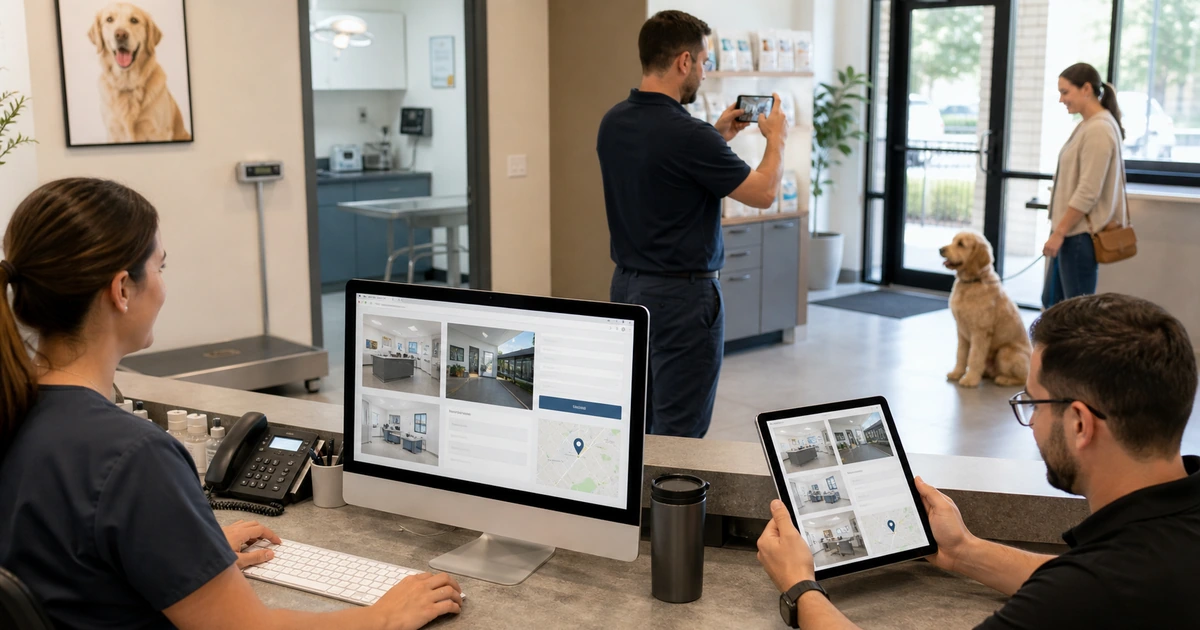
- Add evidence: Use authentic exterior, interior, team, work, product, and service photos that help customers understand the business.
- Validate: Complete verification, inspect Search and Maps, test contact paths, and record the approved launch state.
Confirm eligibility and place ownership with the business
Identify how customers interact with the organization. A staffed storefront can display its address and customer-facing hours. A service-area business that travels to customers may need to hide a residential or non-customer address and define a reasonable service area. A hybrid business may serve customers at its location and travel to them. Review special rules for departments, practitioners, shared locations, seasonal operations, and multiple branches before creating separate profiles.
Create an access register listing the primary owner, additional owners, managers, business purpose, account type, recovery method, MFA, approval date, and removal condition. Keep primary ownership in a company-controlled Google Account. Avoid shared passwords and personal accounts as the only owner. Protect the domain registrar and website accounts that support verification. Test recovery while the authorized owners are available and document how access is removed when an employee or service relationship ends.
- Eligibility: Record the customer-facing model, staffed location, service area, signage, hours, and reason for each profile.
- Primary owner: Use an account controlled by the business with secure recovery and phishing-resistant MFA where available.
- Managers: Grant named users only the role needed for updates, reviews, photos, performance, or support.
- Evidence: Retain registration, utility, lease, signage, phone, website, and operating information that accurately supports the listing.
- Continuity: Maintain at least two authorized company owners and a tested process for recovery and access removal.
A profile is ready to build when its eligibility is defensible and the business can recover and govern access without depending on one person.
Publish accurate categories, services, contact paths, and customer expectations
Use the business’s real-world name without location, service, or promotional keywords that are not part of the name used consistently on signage and official materials. Choose the most specific available primary category that describes the core business, then add only categories that represent other real lines of business. Categories describe what the company is, while services explain what it does. Write a plain description focused on useful customer information rather than claims, links, prices, or repetitive location phrases.
Enter the correct location or service area, local phone number, website landing page, regular hours, special hours, and applicable service or appointment details. Make sure the linked page clearly represents the same business and location. Add services using customer language and accurate descriptions. Upload authentic photographs that help a customer recognize the location, team, work, products, or environment. Do not use stock images as evidence of a place or service the company does not actually provide.
- Business name: Match the name used in the real world and keep categories, services, locations, and taglines in their proper fields.
- Primary category: Choose the single most specific category that best represents the main customer-facing business.
- Contact: Use a controlled local phone and a relevant website page that do not redirect customers to an unrelated business.
- Hours: Publish ordinary customer-facing hours and schedule special hours for holidays, temporary changes, and seasonal operation.
- Photos: Add current, well-lit, truthful images for the location, people, work, products, and services customers need to evaluate.
The public profile should let a customer understand what the business is, where and when it operates, and how to take the next step without guesswork.
Verify the profile and test the complete customer path before promotion
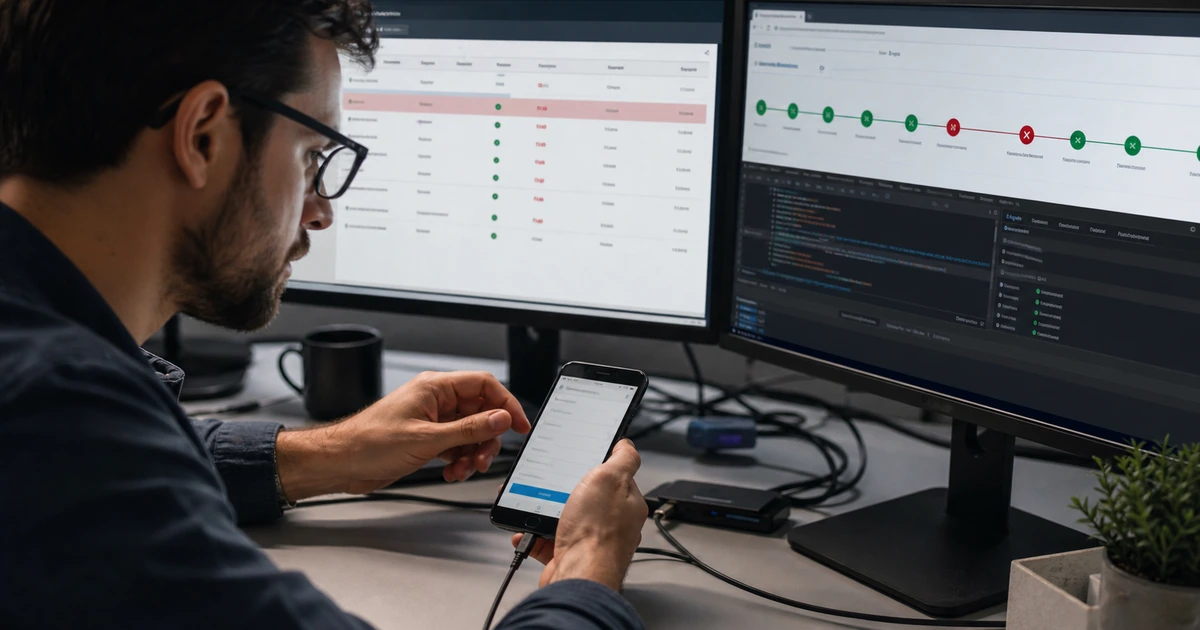
Complete the verification method Google makes available and monitor the owner account for requests. After verification, inspect the profile from Search and Maps on desktop and mobile. Check the displayed name, map location, service area, category, hours, phone, website, photos, services, and any platform-generated updates. Search from realistic nearby locations without assuming every user will see the same result. Correct factual errors through the approved fields and preserve screenshots of the actual profile state for the launch record.
Test the customer journey beyond the profile. Call the listed number, request directions where applicable, open the website link, submit the form, test booking or other enabled actions, and confirm each event reaches an owner. Add consistent UTM parameters to the website link when appropriate so Analytics can distinguish Business Profile sessions. Verify privacy and consent behavior for measurement. Establish who will monitor proposed edits, reviews, photos, messages or other available interactions, performance, and access after launch.
- Search and Maps: Inspect the verified profile on multiple devices and confirm every visible field and customer action.
- Contact test: Place a call, open directions, visit the tagged website link, and complete the relevant form or booking flow.
- Lead ownership: Confirm calls, forms, bookings, and other inquiries reach a person or queue with response expectations.
- Measurement: Use consistent campaign tagging, Analytics events, call evidence, and CRM outcomes without overstating attribution.
- Operating schedule: Assign weekly review, special-hour updates, photo and review response, access audit, and quarterly performance analysis.
Launch is complete when the profile is verified, the customer path works, measurement is understood, and ongoing ownership is assigned.
Google Business Profile setup and local search support from ALLMSP
ALLMSP can assess eligibility, establish company ownership, configure profile information, choose categories, add services and authentic media, complete verification, and validate Search and Maps presentation. We coordinate the profile with website content, structured data, analytics, calls, forms, and review handling.
Our in-house team can continue maintaining access, hours, services, photos, reviews, performance, and customer-conversion paths. Businesses around Lawrenceville, Suwanee, Gwinnett County, Metro Atlanta, and Georgia receive both technical and marketing support from one team.
- Establish: Confirm eligibility, secure company ownership, and collect accurate operating evidence.
- Launch: Configure, verify, inspect, test customer actions, and connect useful measurement.
- Maintain: Review edits, hours, categories, services, photos, reviews, access, performance, and lead response.
Official guidance for Google Business Profile setup
Use current Google policies and help documentation when building a profile, then verify every field against the business’s real operations and customer experience.
- Google guidelines for representing a business. Defines requirements for names, locations, service areas, categories, hours, contact information, and other business details.
- Google Business Profile category guidance. Explains how primary and additional categories describe what the business is and affect available profile features.
- Google profile photo guidance. Provides requirements and recommendations for truthful business-specific photos and videos.
- Google LocalBusiness structured data. Documents website markup that can communicate applicable local business details to Google Search.
Google Business Profile setup FAQs
Who should own the Google Business Profile?
The business should retain primary ownership through a company-controlled account, with protected recovery and at least one additional authorized owner for continuity.
Can keywords be added to the business name?
Only when they are genuinely part of the real-world name used consistently. Adding service or location keywords solely for ranking can violate Google’s guidelines.
What is the difference between a storefront and service-area business?
A storefront receives customers at a staffed location. A service-area business travels to customers and may need to hide an address that is not customer-facing.
How should the primary category be chosen?
Select the most specific available category that best describes the core business. Use additional categories only for other real business lines.
Should every service become a category?
No. Categories describe what the business is. Use service fields and website pages to explain specific work without selecting unrelated categories.
What photos should a new profile include?
Use authentic, current photos of the location, exterior, interior, team, work, products, and services that help customers evaluate the business.
How should holiday hours be handled?
Set special hours before holidays and temporary schedule changes, then verify that Search and Maps display the expected customer-facing times.
Can Google Business Profile website traffic be measured?
Yes. Use consistent UTM parameters and Analytics events, then connect sessions and leads with call, form, booking, and CRM evidence.
Can ALLMSP build and verify the profile?
Yes. ALLMSP can handle eligibility, ownership, configuration, verification, website alignment, measurement, review processes, and ongoing maintenance in house.
Where does ALLMSP provide Google Business Profile services?
ALLMSP launches and maintains Google Business Profiles for businesses in Lawrenceville, Suwanee, Gwinnett County, Metro Atlanta, and throughout Georgia.