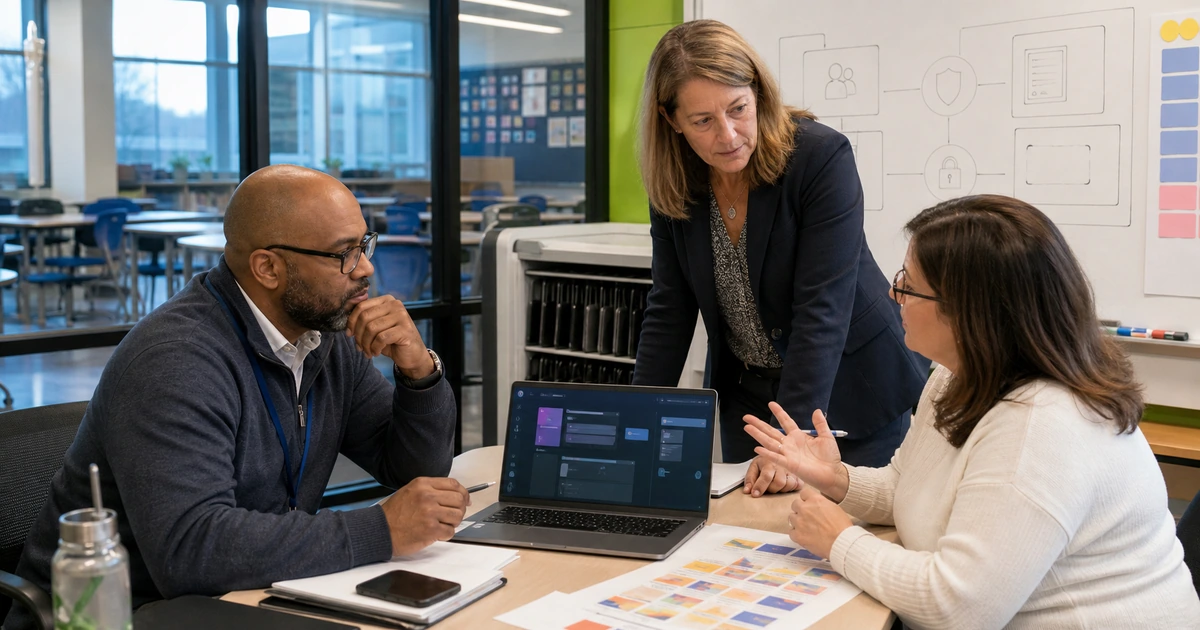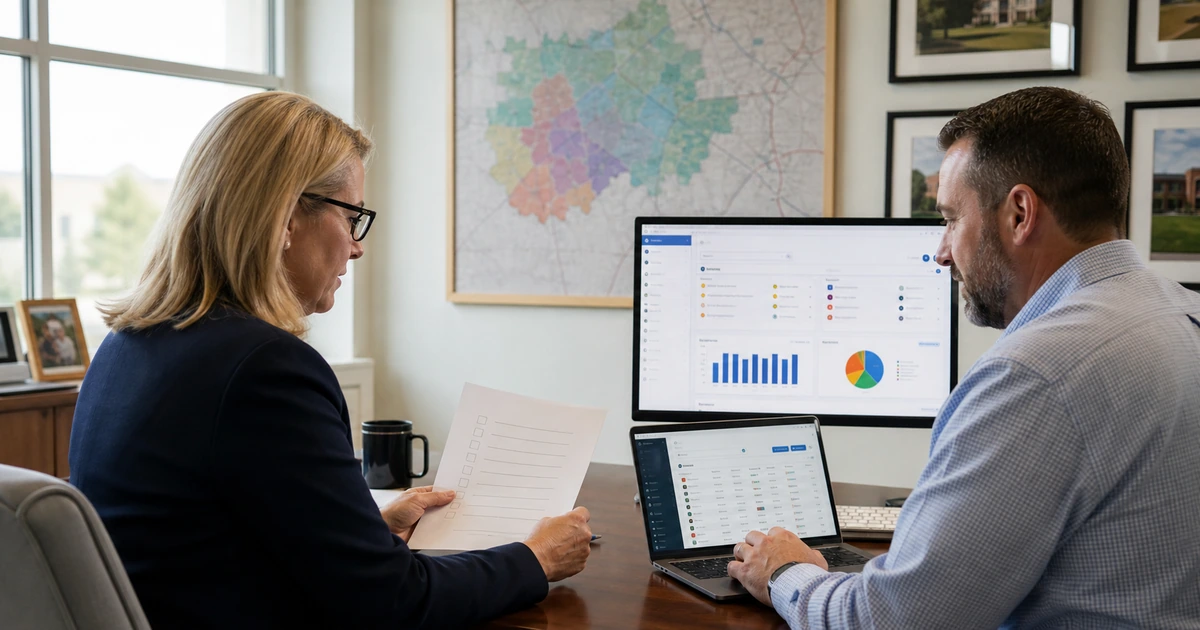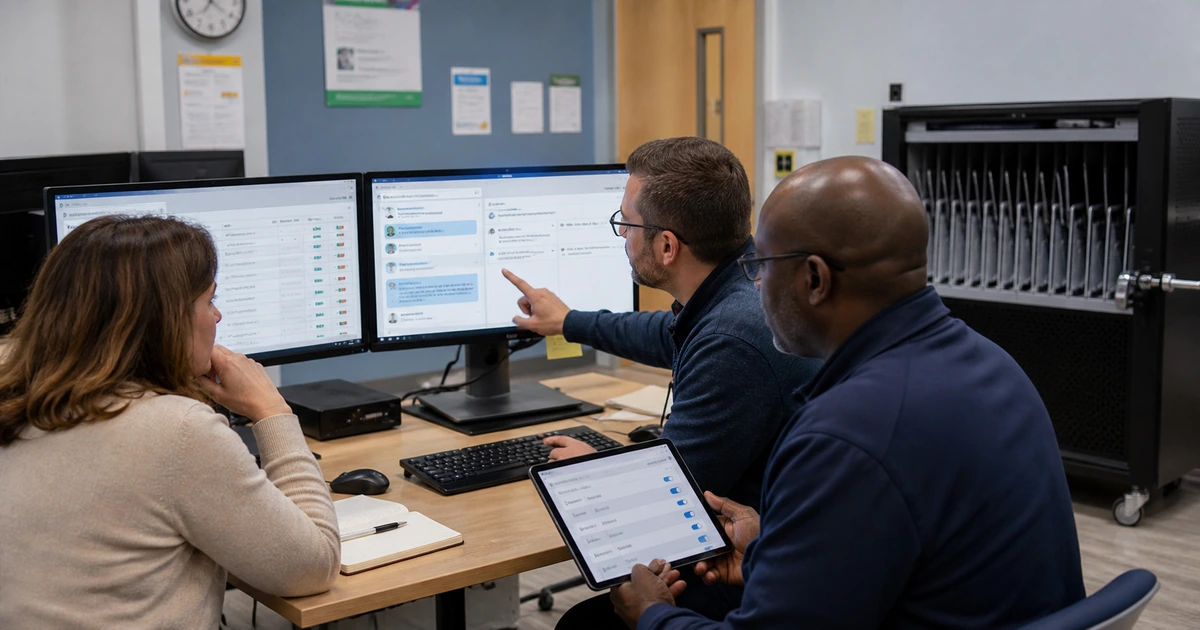
An AI demonstration can look impressive while avoiding every condition that makes real school work difficult. A responsible pilot uses ordinary faculty and administrative tasks, representative users, controlled accounts, realistic exceptions, and a decision process that can stop or correct the project. It is a small operating deployment, not a sales presentation.
Choose one to three use cases where the expected benefit can be measured and mistakes can be reviewed before they cause harm. Good starting points may include drafting public communications, summarizing approved internal guidance, preparing first-pass lesson ideas from public sources, or organizing non-sensitive operational requests. Avoid beginning with automated grading, discipline, admissions decisions, or unrestricted access to student records.
ALLMSP designs and operates school AI pilots for organizations in Lawrenceville, Suwanee, Gwinnett County, Metro Atlanta, and throughout Georgia. The work includes platform setup, security controls, test design, training, documentation, support, and the final recommendation to expand, revise, or stop.
The five decisions that make an AI pilot useful
- Define one outcome: State the exact task, current effort, expected improvement, output owner, and reason the school is testing AI.
- Control the data: Use public, synthetic, or properly de-identified examples until the approved platform and privacy conditions support anything more sensitive.
- Select representative users: Include confident users, hesitant users, accessibility needs, heavy workloads, and people responsible for reviewing or supporting the result.
- Test failures on purpose: Include ambiguous prompts, missing context, incorrect source material, unsafe requests, and tasks the system should not complete.
- Set a decision date: Agree in advance which measurements and risks will lead to expansion, correction, a different product, or cancellation.
Scope the pilot around real school work
Write a one-page pilot charter before configuring the tool. Name the business or instructional problem, people involved, start and end dates, approved data, platforms, integrations, support contact, acceptance measures, and excluded uses. This prevents the pilot from quietly growing into an unsupported production service.
Select tasks with enough volume to measure but enough human oversight to catch problems. If staff currently spend ten hours each week formatting routine communications, the pilot can compare preparation time, corrections, approvals, and recipient questions. If the task happens twice a year, the team may not gather useful evidence within the pilot window.
- Instructional example: Draft multiple versions of a practice activity from teacher-approved source material, then have the teacher verify facts, level, accessibility, and alignment with the objective.
- Administrative example: Classify non-sensitive service requests into a queue while a staff member reviews every assignment and records corrections.
- Communications example: Create a first draft from approved public facts, then require a named editor to verify accuracy, tone, translation, links, and audience before sending.
- Knowledge example: Answer staff questions only from a controlled collection of current school procedures and require source links in each response.
- Excluded work: List decisions, records, and automated actions that remain outside the pilot so users know when to return to the established process.
A narrow pilot is not less ambitious. It gives the school a clean test of value and risk, which is far more useful than opening a tool broadly and trying to reconstruct what happened later.
Configure accounts, privacy, and support before launch
Provision pilot access through school-managed identities when possible. Apply multifactor authentication, role assignments, group-based licensing, and a removal process. Disable or restrict unnecessary connectors, sharing, publishing, plug-ins, and automated actions until each capability has a documented reason and owner.
Prepare the support team before participants begin. Support should know the approved use cases, common setup problems, data boundary, known limitations, incident path, and evidence to collect. A user who receives an unsafe or inaccurate result needs a clear next step that does not depend on finding the original project manager.
- Account checklist: Confirm identity, license, role, recovery method, group membership, sign-in policy, and the date access should be reviewed or removed.
- Data checklist: Label the sample set, remove unnecessary identifiers, document where it is stored, and prevent copies from spreading into personal drives or unmanaged devices.
- Configuration record: Capture important privacy, retention, sharing, connector, logging, and administrator settings so changes can be explained and reversed.
- User briefing: Show allowed tasks, prohibited information, output review, disclosure expectations, accessibility responsibilities, and the method for reporting a problem.
- Support runbook: Document sign-in fixes, license issues, lost work, unsafe output, suspected disclosure, service interruption, and the escalation contact for each condition.
Use the same controls during testing that the school expects to use after launch. A pilot built on personal accounts or temporary exceptions cannot prove that the production design will work.
Measure the pilot and make an honest decision
Collect a baseline before users change their process. Depending on the task, measure completion time, revision count, factual errors, approval delays, support tickets, user confidence, and the percentage of outputs that can be used after review. Pair numbers with short interviews because a faster task may still create confusion or shift work to another employee.
Review failures weekly while the pilot is active. Separate problems caused by training, missing source material, poor workflow design, product limitations, access configuration, and inappropriate use. Each cause leads to a different correction. More prompt training will not repair unreliable source data, and a new license will not resolve an unclear approval process.
- Compare with the baseline: Use the same task definition and quality standard so the team is not rewarding speed while overlooking correction time or mistakes.
- Review difficult cases: Examine the worst outputs, privacy concerns, accessibility issues, and support escalations, not only the examples that worked.
- Confirm user behavior: Check whether participants stayed inside approved accounts, followed the data rules, reviewed output, and knew when to stop.
- Estimate operating cost: Include licenses, administration, integrations, support, training, review time, and future feature changes.
- Record the decision: Document what will expand, what must change, what remains prohibited, who owns the next phase, and when the school will review results again.
Stopping a weak use case is a successful pilot outcome when the evidence prevents a larger mistake. Expanding a strong use case should still happen in controlled groups with the same measurement and support discipline.
ALLMSP support for school AI pilots
ALLMSP can take responsibility for the complete pilot instead of leaving faculty to test disconnected consumer tools. We help leadership select a useful target, evaluate the platform, configure managed access, prepare protected test data, build the workflow, train participants, monitor support, and present a plain-language result.
Because ALLMSP also supports identity, endpoints, cloud platforms, cybersecurity, backups, networking, and automation, the pilot can be tested inside the environment the school actually operates. Problems are corrected at the right layer instead of being blamed on AI by default.
- Pilot charter: A written scope with outcomes, exclusions, owners, users, dates, data rules, measurements, and decision criteria.
- Configured environment: Managed accounts, access groups, security settings, approved connectors, test data, logging, and support access.
- Acceptance tests: Representative tasks, known answers, privacy checks, failure cases, and a repeatable method for scoring results.
- Training and support: Role-specific workshops, examples, quick references, help desk procedures, and incident escalation.
- Pilot findings: A clear recommendation with measured benefits, limitations, costs, risks, required corrections, and next steps.
The result is a pilot the school can explain to leadership, faculty, families, auditors, and support staff, with evidence behind the decision.
Planning resources for a secure school AI pilot
These official and local resources help teams define responsible tests and protect school information.
- ALLMSP AI services. AI readiness, secure implementation, automation, training, and ongoing support.
- ALLMSP managed IT services. Identity, endpoint, cloud, network, help desk, and operational support for the pilot environment.
Frequently asked questions about secure school AI pilots
What is the best first AI pilot for a school?
Start with a frequent, reviewable task that uses public, synthetic, or low-risk information and has a clear owner. Drafting approved communications, searching current internal procedures, or preparing first-pass instructional ideas can be easier to test than decisions involving grades, discipline, admissions, or student services.
How many people should join the pilot?
Choose the smallest group that still represents the real environment. Include different roles, confidence levels, workloads, devices, and accessibility needs, plus the person responsible for approving output and the support employee who will handle problems.
Should students participate in the first pilot?
Not necessarily. Many schools should first establish governance, managed accounts, educator training, content review, privacy controls, and support through a faculty or operations pilot. Student participation can follow when the learning objective, age-appropriate rules, consent considerations, supervision, and assessment expectations are clear.
What data should be used during testing?
Prefer public, synthetic, or properly de-identified data that still reproduces the task. If the workflow cannot be evaluated without protected information, pause until the school has reviewed the platform, agreement, access model, retention, integrations, and applicable privacy requirements.
How do we measure whether the pilot saved time?
Measure the full task before and during the pilot. Include preparation, prompting, source collection, fact checking, revisions, approvals, corrections, and support. Counting only the first generated draft can make a weak workflow look faster than it is.
What problems should be reported during the pilot?
Report inaccurate facts, invented sources, biased or inappropriate output, sensitive information exposure, unexpected sharing, account problems, inaccessible content, unauthorized integrations, service outages, and any task where the user is unsure whether AI is allowed.
Can the pilot use personal AI accounts?
Personal accounts make administration, retention, access removal, support, and evidence harder to control. Use school-managed accounts when the platform supports them. If a limited test begins elsewhere, prohibit sensitive data and document why the arrangement is temporary.
Who should approve the pilot result?
The business or instructional owner should approve whether the outcome is useful. IT and security should approve the technical and data controls. Leadership should accept the remaining risk, cost, policy impact, and scope before access expands.
Can ALLMSP configure and support the entire pilot?
Yes. ALLMSP handles discovery, platform review, account setup, security, integration, workflow design, test cases, training, documentation, launch support, and measured follow-up with its in-house team.
What happens after a successful pilot?
Expand in stages. Correct the issues found, finalize operating documentation, train the next group, confirm licensing and support capacity, monitor the same measures, and schedule a formal review after the workflow has handled normal work and important exceptions.
Sources
- NIST Generative AI Profile. Suggested actions for governing, mapping, measuring, and managing generative AI risk. ↩
- NIST AI Resource Center. Implementation resources for AI testing, evaluation, verification, and validation. ↩
- Department of Education student privacy resources. Guidance for handling education records and third-party data sharing. ↩