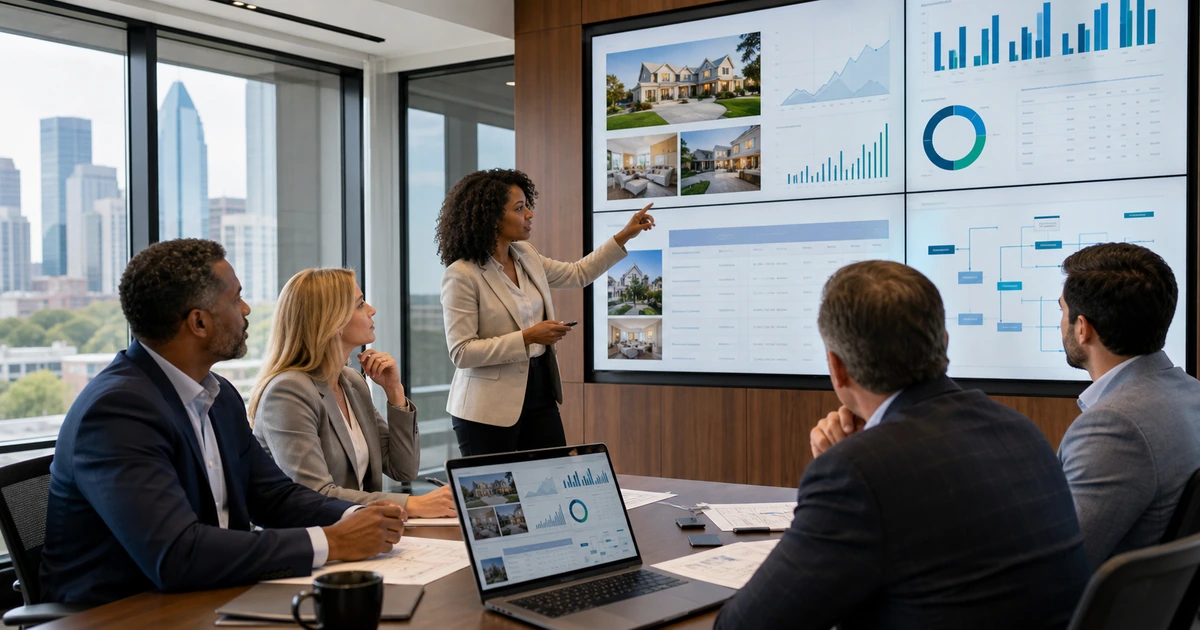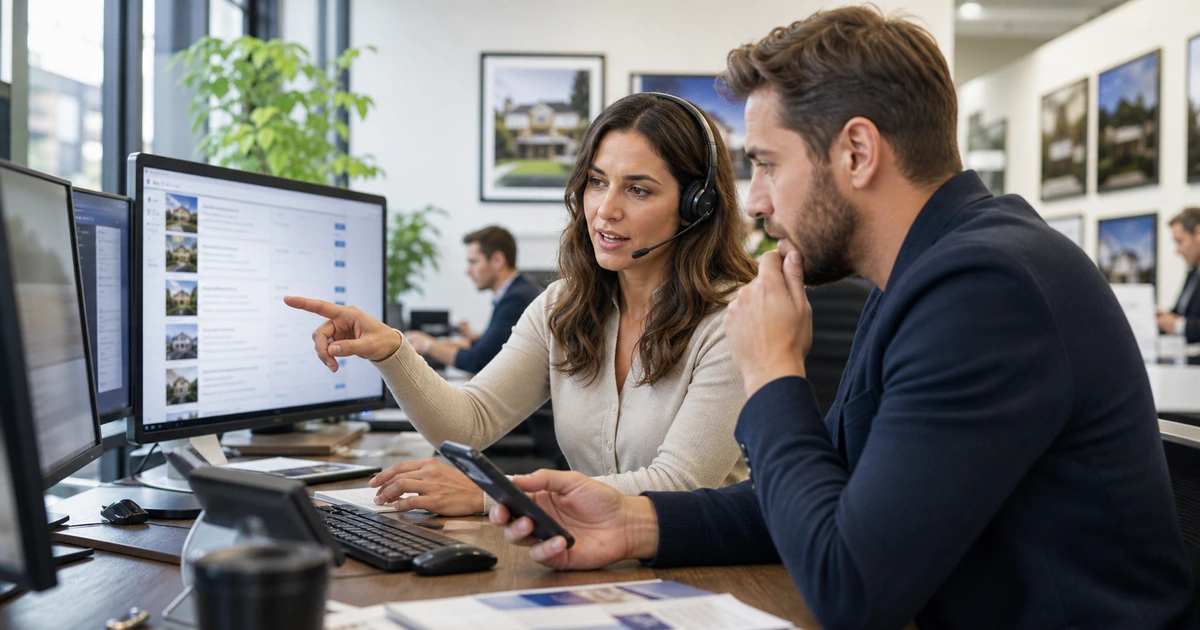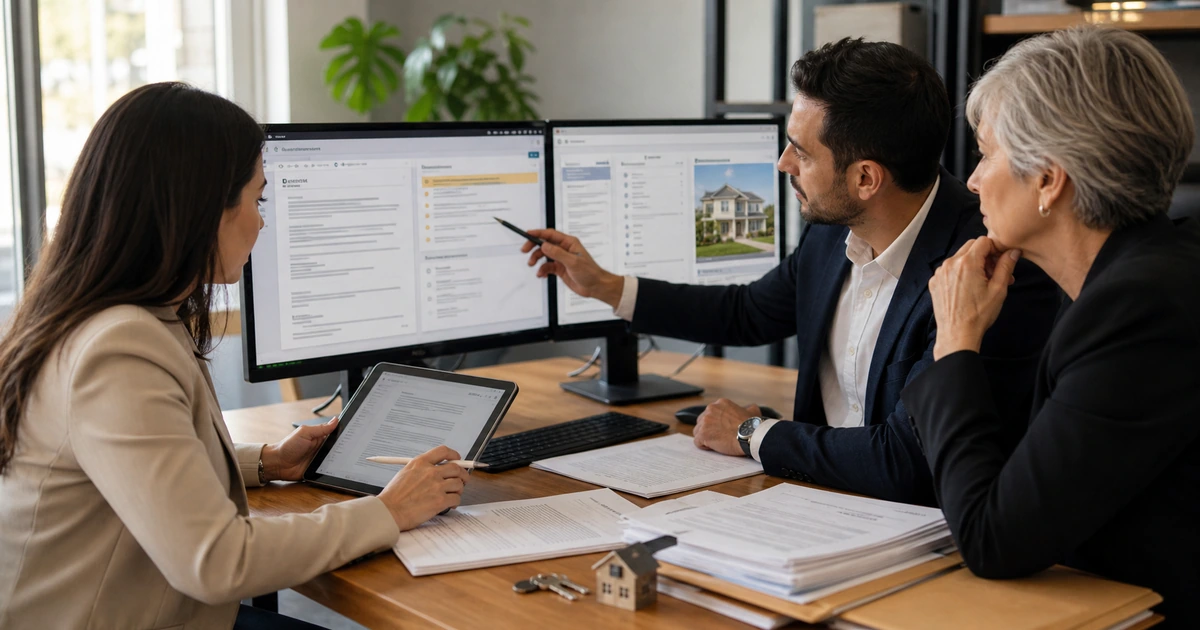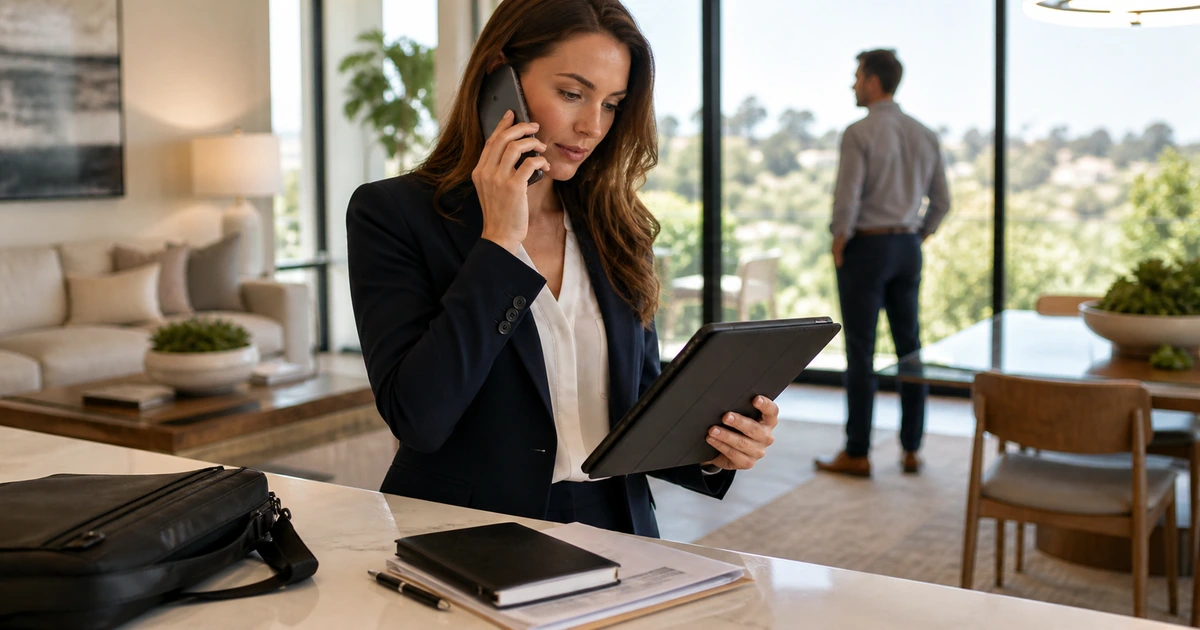
Real estate work moves between the brokerage office, home, vehicle, property, closing table, and client meeting. Agents need reliable access to communication, property information, transaction records, calendars, signatures, photography, and support without carrying uncontrolled copies of sensitive data across personal devices and consumer accounts.
A secure mobile design begins with managed identity and supported equipment. It defines how users sign in, where documents live, which applications are approved, how communication is retained, what networks are acceptable, and what happens when a phone or laptop is lost. It also accounts for practical needs such as battery, connectivity, screen visibility, adapters, cameras, and fast help during a showing or deadline.
ALLMSP builds mobile technology environments for real estate teams in Lawrenceville, Suwanee, Gwinnett County, Metro Atlanta, and throughout Georgia. We provide device setup, cloud access, security, phone systems, field connectivity, workflow integration, training, replacement, and ongoing support in house.
A dependable mobile technology standard for real estate
- Managed identity: Use company-controlled accounts, strong authentication, conditional access where appropriate, secure recovery, and prompt session revocation.
- Supported devices: Choose reliable laptops, tablets, and phones with current operating systems, encryption, endpoint protection, screen lock, and lifecycle records.
- Approved data locations: Keep listings, client records, transaction files, photos, and communications in managed platforms instead of local downloads and personal storage.
- Field-ready connectivity: Plan cellular service, Wi-Fi behavior, offline needs, hotspot policy, call quality, charging, and backup communication for locations with weak coverage.
- Practical accessories: Standardize chargers, power banks, privacy screens, docks, adapters, headsets, protective cases, and presentation equipment by role.
- Fast recovery: Prepare lost-device response, replacement equipment, account revocation, data restoration, contact escalation, and a manual route for urgent work.
Design mobile access around real estate tasks and data sensitivity
List the work performed away from the office. Include property search, showing preparation, maps, photography, client calls and messages, document review, e-signature, inspection coordination, scheduling, expense capture, market research, CRM updates, and transaction milestones. For each task, identify the system, data, device, network, required speed, offline behavior, owner, and support need.
Classify the information handled in the field. Public listing material can be treated differently from identification, financial documents, signed agreements, access codes, private client conversations, and payment information. Restrict local downloads, clipboard transfer, personal backup, uncontrolled sharing, and screen exposure according to risk. Use managed applications and repositories that preserve access and records when a device changes.
- Communication: Business phone, voicemail, text or messaging, email, video meetings, contact records, retention, after-hours behavior, and urgent escalation.
- Property work: Search, maps, listing details, showing instructions, media, notes, lockbox-related procedures, presentation, and synchronization.
- Transaction work: Approved document access, signatures, dates, status, tasks, participant communication, sharing, and source verification.
- Client privacy: Screen visibility, device lock, notification previews, voice conversations, photos, local files, printed material, and safe disposal.
- Support priority: Define which failures threaten an active showing, offer, inspection, deadline, closing, or client communication and how they escalate.
A task-based design gives agents the access they need while keeping sensitive records inside systems the brokerage can govern and support.
Configure devices, applications, connectivity, and field kits
Enroll company devices before assignment and apply the approved operating system, updates, encryption, endpoint security, browser settings, screen lock, authentication, applications, storage, communication, and support tools. Record the user, serial, phone number where applicable, accessories, warranty, and recovery method. For personal devices, define a supported access model and clear separation between business data and the owner’s private information.
Test the field experience under realistic conditions. Use cellular and property Wi-Fi, move between networks, place and receive calls, open required documents, join a meeting, capture and upload media, use the CRM, complete an approved signature flow, and work with poor signal. Verify battery life and charging. A configuration that succeeds only on office Wi-Fi is not a mobile solution.
- Security build: Encryption, supported version, updates, endpoint protection, screen lock, strong authentication, safe recovery, and remote response.
- Application build: Approved property, CRM, transaction, document, communication, mapping, camera, scheduling, expense, and support applications.
- Connectivity test: Cellular coverage, hotspot, Wi-Fi transitions, call quality, video, upload, offline limits, captive portals, and fallback communication.
- Field accessories: Correct charger, power bank, case, privacy screen, adapter, cable, headset, portable display or presentation accessory, and organized bag.
- Acceptance: Agent signs in, completes representative work, understands data rules, knows the support route, and can explain lost-device reporting.
Field testing prevents small equipment and connectivity problems from becoming client-facing failures during time-sensitive work.
Support lost devices, urgent deadlines, and continuous improvement
Publish a simple support route that agents can reach from another device. The technician should have asset, user, role, application, security, and recent-change context. Prioritize incidents by business effect, especially problems involving active transactions, client communication, suspected compromise, property access, and deadlines. Keep replacement equipment staged or define realistic procurement and loaner procedures.
When a device is missing, act quickly. Confirm the user and device, revoke sessions, protect the mobile number, locate or wipe where authorized, change exposed credentials, review sign-ins and connected apps, preserve evidence, and document the result. After ordinary support events, look for repeat causes such as weak coverage, failing batteries, missing adapters, oversized files, confusing authentication, unsupported personal devices, or training gaps.
- Urgent support: Identity, device, current task, deadline, client effect, location, connectivity, error evidence, safe workaround, owner, and follow-up.
- Lost-device response: Report, identify, revoke, protect number, locate or wipe, review access, reset as needed, replace, restore, and close with evidence.
- Replacement readiness: Supported spare or rapid replacement path, configuration profile, current application list, managed data restoration, accessories, and user test.
- Monthly trends: Connection failures, battery health, device age, storage, application crashes, authentication issues, repeated questions, and agent feedback.
- Lifecycle review: Ownership, assignment, security state, warranty, software support, repair history, accessories, cost, replacement date, and disposition.
Mobile IT earns trust when agents can recover quickly and the brokerage learns from every field failure instead of treating it as an isolated inconvenience.
Mobile real estate IT support with ALLMSP
ALLMSP can select and procure devices, configure identity and security, enroll laptops and mobile equipment, deploy applications, connect cloud and transaction systems, improve business communications, test field connectivity, train agents, prepare replacement, and provide responsive help desk and on-site support. Cybersecurity, backup, networks, automation, and managed IT remain connected under one team.
We support real estate professionals in Lawrenceville, Suwanee, Gwinnett County, Metro Atlanta, and throughout Georgia with practical mobile systems designed around client service and transaction continuity.
- Mobile assessment: Roles, tasks, devices, accounts, applications, data, connectivity, accessories, support history, security, and recovery gaps.
- Field deployment: Procurement, enrollment, applications, identity, communication, cloud access, security, testing, accessories, documentation, and training.
- Managed support: Help desk, device health, updates, access, lost-device response, replacement, vendor support, reporting, and ongoing optimization.
Primary resources for secure mobile real estate work
Connect mobile productivity to strong identity, cybersecurity, and transaction procedures that employees can follow away from the office.
- ALLMSP Managed IT. Device management, identity, cloud, communication, support, cybersecurity, and field service.
Mobile real estate IT FAQs
Which devices should a mobile real estate agent use?
Choose supported equipment based on property work, transaction access, communication, photography, presentation, battery, connectivity, security, serviceability, and the brokerage’s application requirements.
Can agents safely use personal phones for business?
Only under a documented model that defines approved applications, business data separation, authentication, updates, screen lock, support, privacy, lost-device response, retention, and access removal.
How should agents access transaction documents in the field?
Use managed accounts and approved document or transaction platforms with strong authentication, controlled sharing, current source records, and minimal local download to unmanaged storage.
What belongs in a real estate field technology kit?
A suitable device, correct charger, power bank, protective case, privacy screen, adapters, cables, headset, connectivity option, presentation equipment where needed, and a clear support path.
How can a brokerage protect client information on mobile screens?
Use screen locks, short timeout, protected notification previews, privacy screens where appropriate, careful positioning, approved applications, minimal local storage, and awareness of conversations in public spaces.
What should an agent do after losing a phone or laptop?
Report it immediately using another device. The response team can revoke sessions, protect the phone number, locate or wipe where authorized, reset exposed access, review activity, and arrange replacement.
How should poor connectivity at a property be handled?
Test common service areas, define hotspot and fallback options, identify which tasks can work offline, keep trusted contact methods available, and avoid using insecure shortcuts merely to meet a deadline.
Can mobile devices be replaced without losing brokerage data?
Yes, when business data stays in managed cloud and application systems, configurations are documented, identities are recoverable, and a tested replacement process exists.
Can ALLMSP provide both device setup and field support?
Yes. ALLMSP handles purchasing, enrollment, applications, identity, security, communication, testing, training, help desk, on-site support, lost-device response, and replacement in house.
Where is ALLMSP mobile real estate IT support available?
ALLMSP serves Lawrenceville, Suwanee, Gwinnett County, Metro Atlanta, and real estate professionals across Georgia.
Sources
- CISA phishing-resistant MFA guidance. Authentication guidance relevant to mobile and cloud account protection. ↩
- NIST Cybersecurity Framework 2.0. Cybersecurity outcomes for governance, protection, detection, response, and recovery. ↩
- NAR real estate wire-fraud guide. Trusted verification and response guidance for sensitive transaction communication. ↩