





























































































































































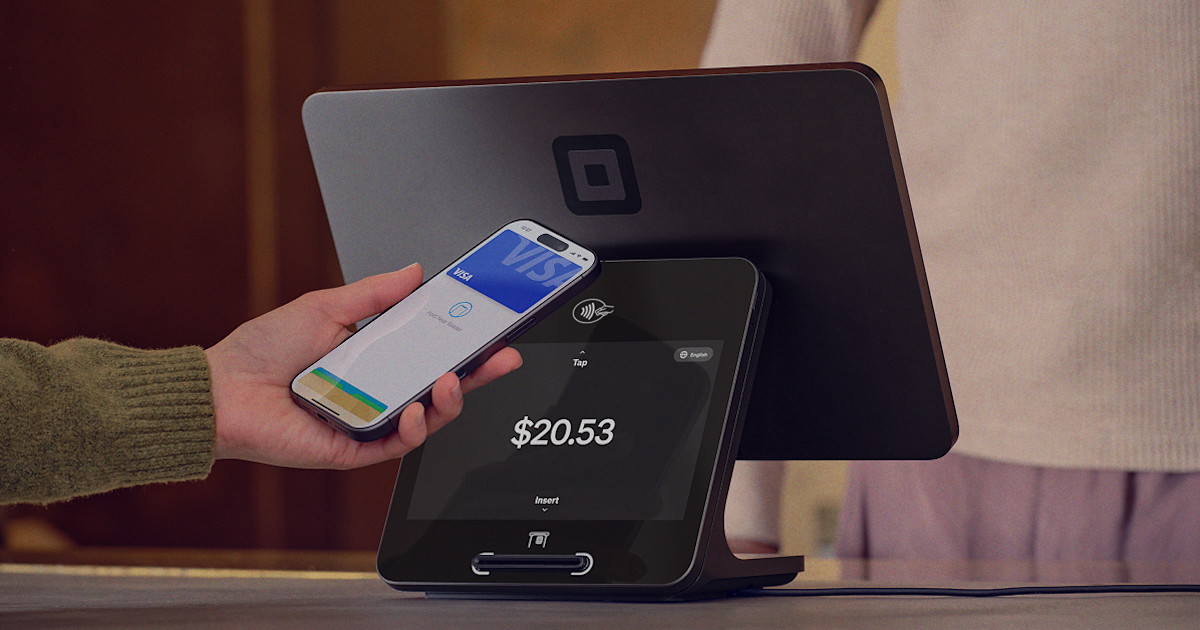
Square secures card-present data within its payment architecture, but a merchant still owns the physical environment around the reader. Staff must notice an added device, damaged housing, changed cable, loose mount, unfamiliar replacement, unsupported generation, failed update, swelling battery, liquid exposure, or terminal that no longer behaves like the approved baseline. Security and reliability meet at the same checkout counter.
Square’s identification guide is especially important now. It says software updates stopped on September 1, 2025 for Square Terminal first generation version 1 and Square Register first generation version 1. Current update guidance says Terminal, Register, and Handheld normally update overnight when powered and connected, and it distinguishes core firmware from the Square applications installed on the device. A device that still takes a payment is not automatically a healthy lifecycle choice.
This hardware playbook connects daily inspection, confidential inventory, power and update maintenance, reversible troubleshooting, diagnostic reporting, factory-reset safeguards, warranty, and replacement. Account access policies and business configuration remain part of Square software governance, the focus here is the trusted physical payment endpoint and its controlled custody.
Key decisions at a glance
- Maintain a confidential inventory of Square model, generation, version, serial, displays, host device, accessories, location, warranty, update eligibility, repair history, and replacement target.
- Perform a repeatable opening inspection of card slots, contactless surfaces, housings, seams, fasteners, mounts, cables, ports, and expected device appearance, isolate anything altered or unexplained.
- Keep Terminal, Register, and Handheld powered and online for overnight updates, monitor update success, and plan replacement for hardware that Square no longer updates.
- Troubleshoot from power, cable, charge, link, pairing, and known-good substitution through diagnostic evidence, protect pending offline payments and reserve factory reset for the documented final step.
- Treat warranty and replacement as a controlled chain that includes eligibility, full component return, acceptance testing, accessory reconciliation, return deadline, and retirement evidence.
Inventory Generation, Custody, Update Eligibility, and Physical Baseline
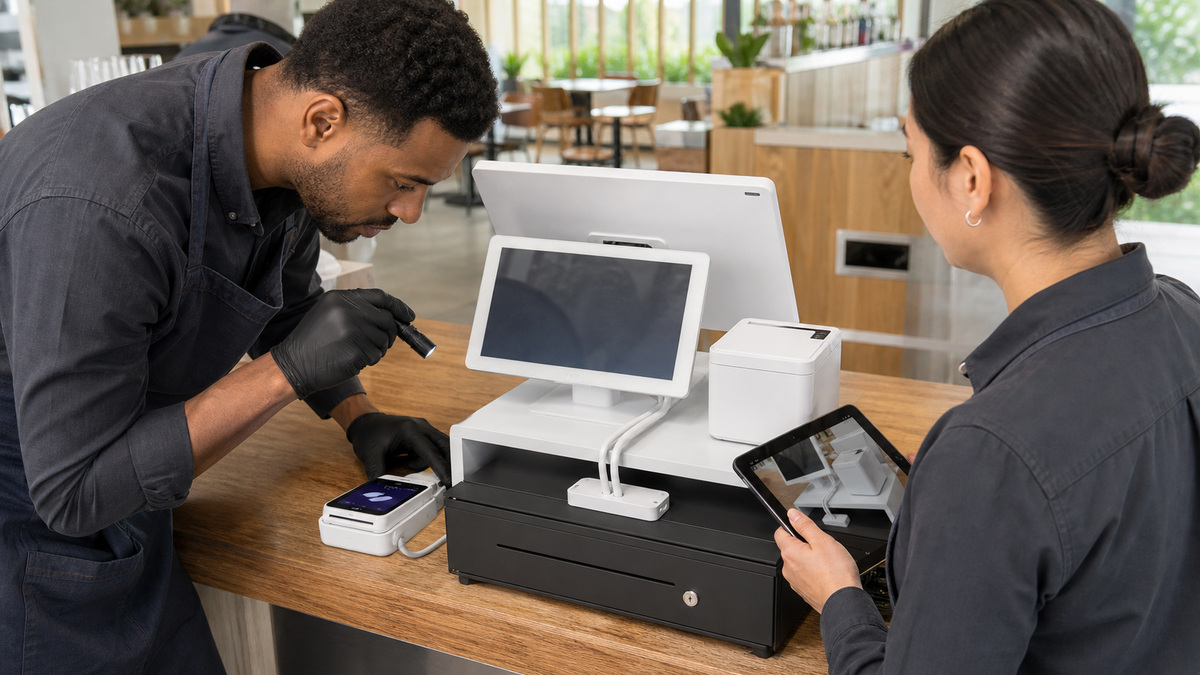
Create one asset record for each Square Reader, Terminal, Register seller display, Register customer display, Stand, Kiosk, and Handheld. Record the exact generation and version, serial in a restricted system, purchase source and date, warranty window, store and lane, assigned employee or role, host tablet where applicable, hub, dock, charger, mount, compatible accessories, current update state, last inspection, support cases, and target replacement date.
Use Square’s documented identification methods instead of guessing from color or screen size. Reader generations can be distinguished by port and button placement as well as serial sequences, Register seller and customer displays each have their own identities, Terminal and Stand have versions with different characteristics. Pair the record with clean photographs of front, back, ports, seams, mount, and installed cable path, but mask serials and any operationally sensitive details before sharing outside the support system.
Flag lifecycle exceptions. Square says Terminal first generation version 1 and Register first generation version 1 no longer receive software updates as of September 1, 2025 and recommends current replacements. Also track a host iPad or phone that no longer meets Square compatibility, a third-party accessory beyond manufacturer support, missing original cables, repeated battery or connector faults, and a model for which the organization no longer has a known-good spare.
- Reconcile Square hardware records with purchasing, store inventory, warranty eligibility, assigned lane, network documentation, and physical observation.
- Keep full serials, device codes, network details, and support evidence in a restricted asset system rather than an open spreadsheet or public ticket.
- Capture the expected physical appearance and installed cable route so staff can recognize an added component or unauthorized swap.
- Create a dated replacement plan for end-of-update devices, unsupported host platforms, unreliable batteries, damaged ports, and obsolete accessories.
Inspect the Payment Endpoint and Keep Updates Healthy
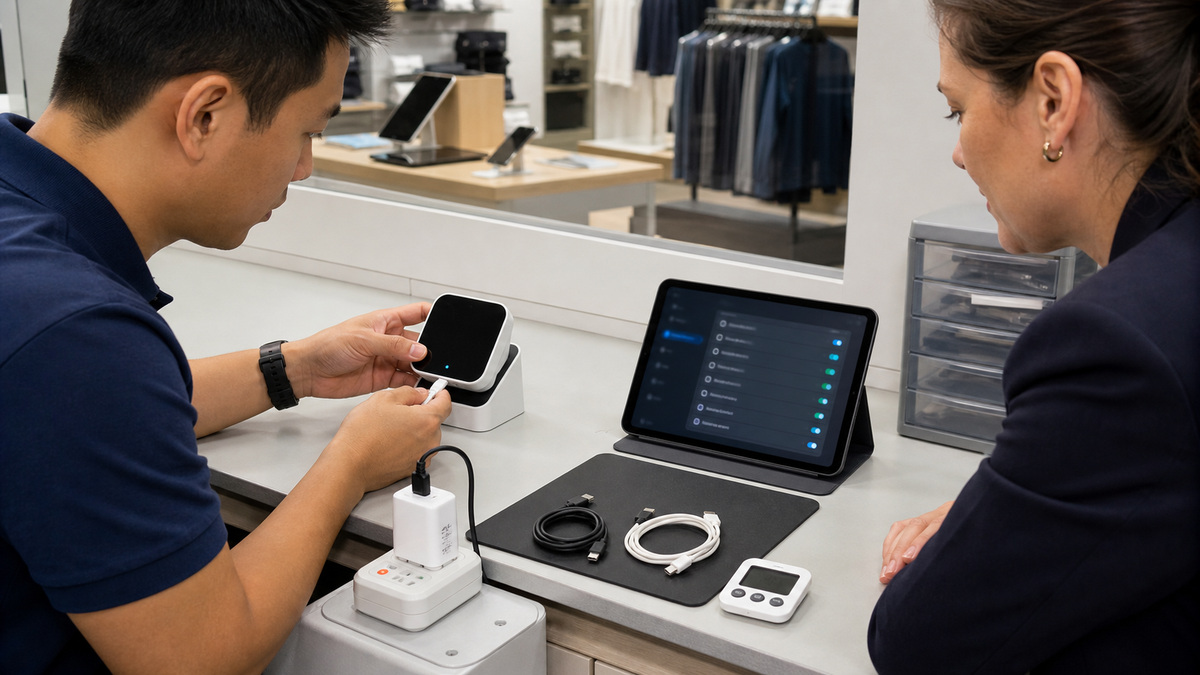
At opening and after any unattended period, compare the payment device with its approved baseline. Check the tap surface, dip and swipe openings, housing seams, screws or fasteners, mount, customer display, cables, hubs, adapters, docks, ports, and the space around the lane. Look for an overlay, extra cable, unexpected wireless device, broken seal or housing, prying, residue, obstruction, liquid, impact, or a serial-bearing device that does not match the lane record.
If something is altered or unexplained, stop using that endpoint, preserve the scene and device, notify the designated manager and security or payment contact, and move transactions only to an approved known-good lane. Do not pry open or attempt a merchant repair. Square’s security guidance says payment data is encrypted and full card data is not stored on client devices, but those platform protections do not make an untrusted physical reader acceptable.
Maintain update conditions. Square currently says Terminal, Register, and Handheld update automatically overnight when they are plugged in, powered on, and online, updates may contain core firmware or application changes. Schedule the nightly reboot outside operating hours, keep battery devices above the documented threshold, leave adequate network capacity, and verify each application used on a device because Square notes that only the logged-in application may update.
- Use a short opening inspection with expected photographs, clear isolation criteria, named escalation contacts, and a record of the person who checked the lane.
- Remove a payment endpoint from service for unexplained hardware, changed cabling, damaged housing, liquid intrusion, loose mount, or identity mismatch.
- Keep Square Terminal, Register, and Handheld powered, connected, ventilated, and scheduled to update outside trading hours.
- Review update state by physical device and application, then investigate repeat failures before the lane is needed for a peak shift.
Troubleshoot From Reversible Evidence to the Documented Final Reset
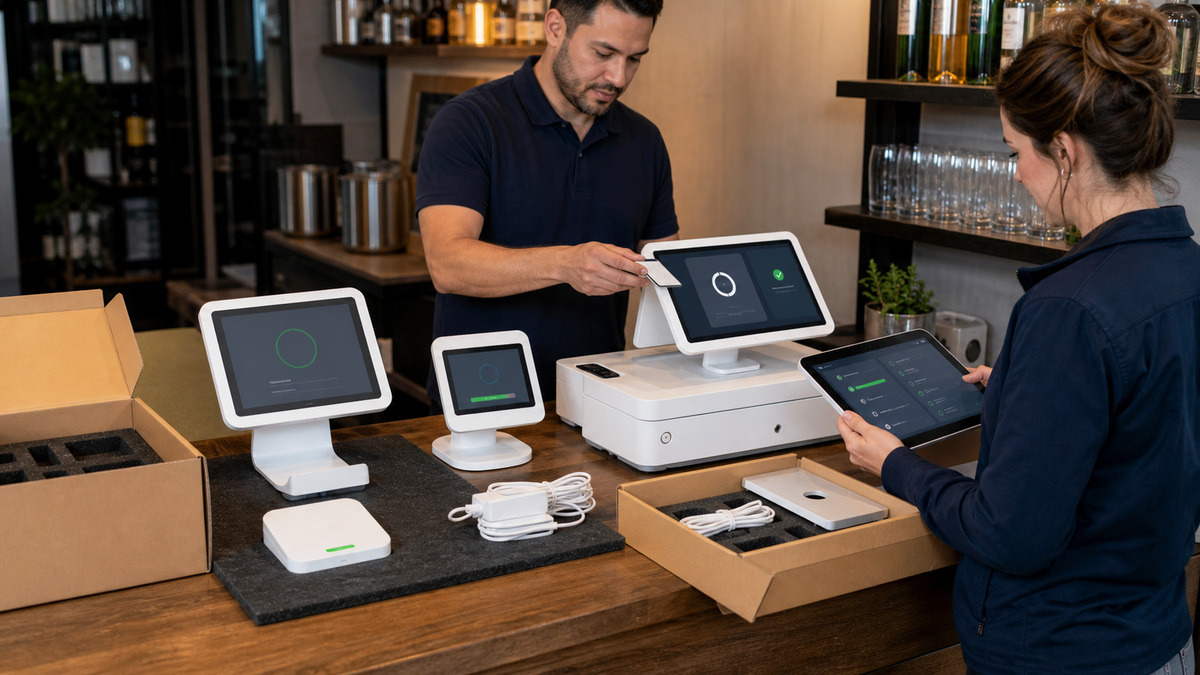
Record the symptom before changing anything: device identity, indicator lights, power and battery state, connection type, network status, last successful transaction, error class without customer data, affected accessory, recent change, and whether offline payments are pending. If pending payments exist, Square warns not to sign out, delete the app, switch modes or locations, or factory reset because the transactions will be permanently lost.
Move through reversible checks. For Reader charging, Square recommends checking the grounded outlet, supplied or compatible cable, another power source, charge period, and restart before factory reset. For Reader pairing, verify the generation, host device, Bluetooth state, Square app recognition, forget and re-pair sequence, and only then the reset supported on Reader second generation and first generation version 3. Keep one known-good cable, adapter, dock, host device, and Reader available to isolate the failing component.
For Terminal, Register, or Handheld update and network failures, verify power, battery, software state, Wi-Fi or Ethernet, and Square’s current connectivity requirements. Square directs sellers to send a diagnostic report before a factory reset. A reset returns the device to its initial state, removes local settings and profiles, deletes pending offline payments, and requires setup and updates again, it belongs in a scheduled window with credentials, network details, acceptance checklist, and management approval.
- Protect pending offline payments first and preserve the indicator, symptom, time, physical state, and recent-change evidence before restarting anything.
- Use known-good power, cable, adapter, dock, host device, network, and compatible spare substitutions to isolate one physical component at a time.
- Upload the Square diagnostic report where documented and retain the support reference before considering a factory reset.
- Reset only the supported model, after reversible steps, in a controlled window with setup credentials, update time, accessory tests, and rollback capacity.
Execute Warranty, Replacement, Return, and Retirement as One Chain
Square’s warranty and returns guide directs sellers to troubleshoot first, locate the device serial, confirm eligibility, and use the claim process appropriate to the hardware. Purchases from Square Shop have a stated 30-day risk-free return policy, while warranty periods vary by product. Third-party accessories generally follow the manufacturer’s warranty and support terms, so record which organization owns each printer, drawer, scanner, dock, or mount claim.
Stage the replacement before removing the production endpoint. Verify generation, country, package contents, power and network, updates, displays, payment methods, printers, drawers, scanners, and employee and customer ergonomics. Reconcile every cable and accessory moving to the replacement. Square’s process states that the old hardware and original cables and accessories must be returned within 14 days after Square delivers the warranty replacement to avoid a charge, confirm the current instructions on the actual claim.
Close the asset chain with shipment tracking, receipt confirmation, sanitized photographs, disposition, updated lane record, warranty date, and the support case. ALLMSP can help Georgia organizations build the inspection standard, confidential inventory, update review, diagnostic runbook, spare pool, acceptance test, and warranty handoff that keeps payment devices trustworthy through their entire service life.
- Verify purchase source, serial, troubleshooting evidence, eligibility, approval requirement, replacement address, and the current Square or manufacturer claim terms.
- Acceptance-test the replacement on stable power and network before changing the production lane or packing the known device.
- Return the required hardware, cables, adapters, hubs, docks, accessories, and documentation in the specified packaging by the claim deadline.
- Update inventory, photographs, warranty, lane assignment, software state, spare status, return tracking, and replacement target when the handoff closes.
Official product documentation and ALLMSP resources
- Square: Identify your Square hardware
- Square: Security and data encryption features
- Square: Update software on Terminal, Register, and Handheld
- Square: Troubleshoot failed hardware software updates
- Square: Factory reset your Square hardware
- Square: Troubleshoot Reader Bluetooth pairing
- Square: Troubleshoot Reader charging
- Square: Warranty or return your Square hardware
- Square: Hardware policies and limited warranty
- ALLMSP Square Hardware Support
- ALLMSP Hardware Support
- ALLMSP Retail and Restaurants
- Contact ALLMSP
Frequently Asked Questions
Which details belong in a Square payment hardware asset record?
Keep the exact product, generation, version, restricted serial, seller and customer display identities, host device, lane, location, mounts, hubs, docks, cables, chargers, compatible accessories, purchase and warranty, update eligibility, inspection, support history, spare status, and replacement target.
Which Square devices stopped receiving software updates in 2025?
Square’s current identification and update guidance says software updates ended September 1, 2025 for Square Terminal first generation version 1 and Square Register first generation version 1. Confirm each device identity and plan tested replacement rather than relying on continued basic payment behavior.
What should staff inspect on Square payment hardware each day?
Compare the approved device and cable path, then inspect tap surface, card openings, housing seams, fasteners, mounts, display, cables, hubs, adapters, docks, ports, nearby objects, damage, residue, liquid exposure, and device identity. Isolate anything altered or unexplained.
Does Square encryption eliminate the need for physical terminal inspections?
No. Square documents encryption and the absence of full card data on client devices, but the merchant still controls the physical checkout. An altered, added, damaged, swapped, or unexplained device should be removed from service and escalated without merchant disassembly.
How do Square Terminal, Register, and Handheld receive updates?
Square says these devices normally update overnight when plugged in, powered on, and connected. Updates can include core firmware and Square applications. Set a suitable reboot time, maintain power and network, check each application used, and investigate repeat failures before peak operations.
What should be checked before resetting Square hardware?
Identify pending offline payments, record the symptom, complete power, cable, battery, pairing, network, update, restart, and known-good substitutions, and send the diagnostic report where Square instructs. Confirm credentials, setup time, acceptance tests, and management approval before the final reset step.
Which Square Readers support the documented factory-reset sequence?
Square’s current guide says factory reset is available for Square Reader for contactless and chip second generation and first generation version 3. Identify the exact Reader, protect pending payments, complete reversible charging and pairing steps, and follow the live instructions precisely.
What information is needed for a Square hardware warranty claim?
Square’s guide calls for completed troubleshooting and the hardware serial, with order and contact details needed for returns. Eligibility, warranty period, and support approval vary by product. Third-party accessories normally follow the original manufacturer’s support and warranty.
What must be returned after a Square warranty replacement?
Square’s current process says the old hardware, original cables, and accessories must be returned in the specified packaging within 14 days after delivery of the replacement to avoid a charge. Follow the instructions attached to the actual claim because required contents can vary.
How can ALLMSP manage Square hardware lifecycle for Georgia businesses?
ALLMSP can identify generations, build the confidential asset record, create physical inspection and update checks, preserve diagnostic evidence, manage compatible spares, acceptance-test replacements, coordinate warranty returns, and maintain the lifecycle schedule for Georgia retail and restaurant sites.


