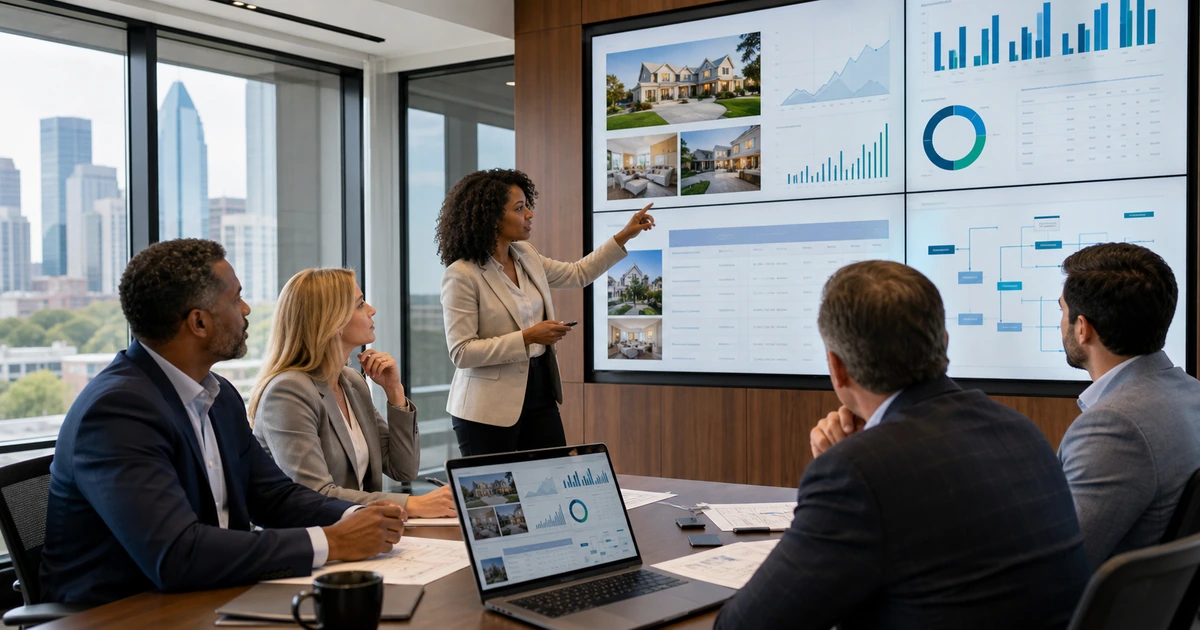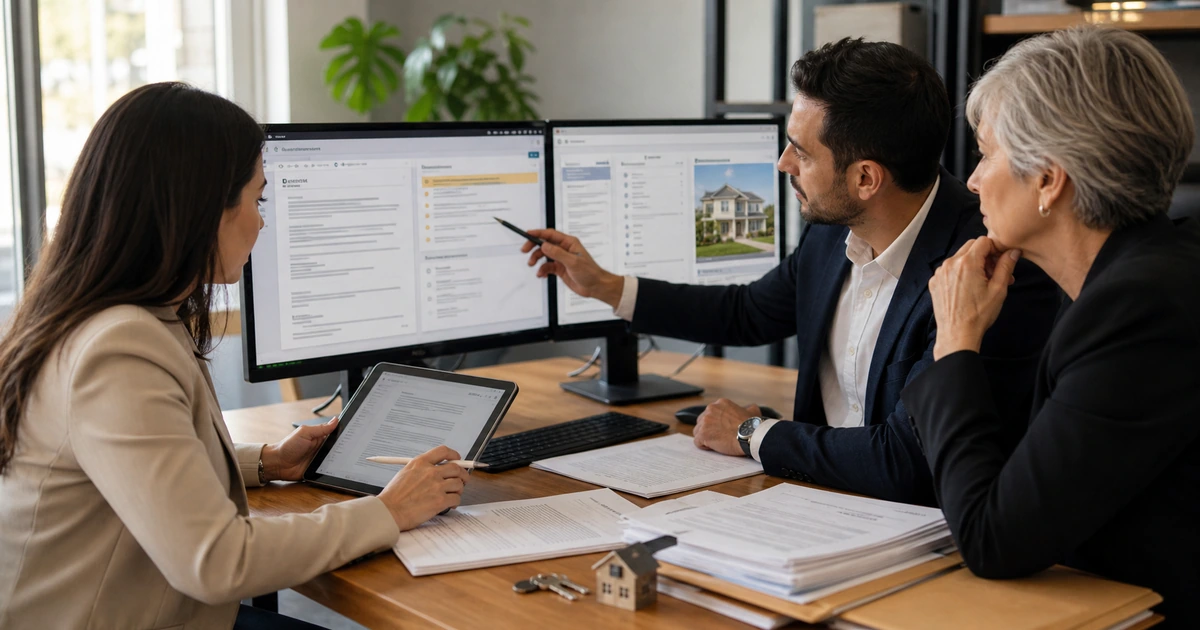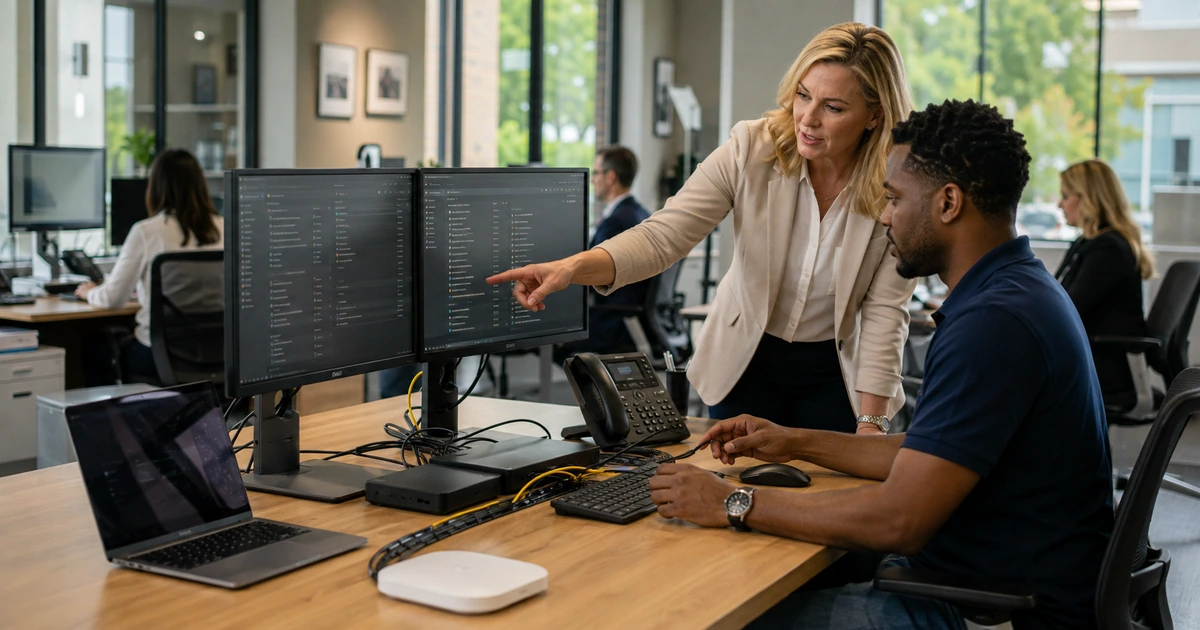
A brokerage becomes harder to support when every office, employee, and agent uses a different combination of devices, accounts, applications, phone settings, storage locations, and troubleshooting habits. The result is slower onboarding, inconsistent security, abandoned data, repeated purchasing, and help desk work that begins with discovering what exists.
Standardization does not require every role to have identical equipment. It establishes supported choices, minimum configurations, company ownership, clear exceptions, and a repeatable lifecycle. An agent who works primarily in the field may need a different kit than a transaction coordinator, marketing specialist, or office manager, but all should use managed identity, approved data locations, dependable communications, and a known support path.
ALLMSP plans, deploys, and operates real estate technology for Lawrenceville, Suwanee, Gwinnett County, Metro Atlanta, and brokerages across Georgia. We can handle procurement, configuration, installation, migration, training, security, support, documentation, and optimization in house.
A role-based brokerage technology standard
- Define supported roles: Document the applications, devices, accessories, permissions, phone features, mobility, security, and support needs for each job pattern.
- Create standard builds: Use approved hardware, operating systems, identity, updates, encryption, endpoint protection, browser settings, applications, and recovery.
- Standardize offices: Establish network, Wi-Fi, printing, phones, meeting rooms, displays, power, cabling, physical placement, monitoring, and documentation.
- Control the lifecycle: Plan request, approval, purchasing, staging, assignment, change, repair, replacement, return, data handling, and responsible disposal.
- Automate access changes: Tie onboarding, role changes, leaves, and departures to repeatable account, application, device, license, training, and ownership tasks.
- Measure support: Review recurring incidents, aging devices, capacity, coverage, response, user experience, unresolved ownership, and the cost of exceptions.
Build standards from roles, workflows, and support evidence
Inventory current devices, operating systems, warranties, users, locations, applications, phone extensions, networks, printers, shared resources, administrators, and recurring tickets. Interview employees and agents about property showings, transaction documents, video meetings, photography, printing, client communication, office work, and remote access. Standards should solve observed needs rather than reflect one person’s preferred brand.
Create role profiles with a default kit and documented options. Define computer performance, screen count, docking, mobile device, headset, camera, power, storage, printing, software, identity, permissions, and replacement interval. State who pays, owns, supports, updates, and recovers each item. Exceptions should have an owner, business reason, security review, support decision, and end date.
- Agent field kit: Managed mobile access, dependable laptop or tablet, secure communication, charger, adapters, privacy, presentation needs, and lost-device response.
- Transaction workstation: Reliable computer, dual displays where justified, document tools, scanning, approved storage, communication, backup power, and strong identity.
- Marketing workstation: Performance for media and web work, calibrated display where needed, fast storage, approved creative tools, asset management, and backup.
- Office manager setup: Business applications, phone administration, printing, scheduling, shared resources, reporting, visitor needs, and controlled privilege.
- Lifecycle record: Purchase, serial, warranty, assignment, configuration, security state, repair, accessories, return, data disposition, and replacement.
Role-based standards reduce confusion while leaving room for justified differences in how brokerage employees serve clients.
Make every office dependable, secure, and easy to support
Document each location with an internet circuit, firewall, network equipment, wireless coverage, segmentation, cabling, power protection, phones, printers, meeting spaces, shared displays, vendors, support contacts, and recovery steps. Measure Wi-Fi where people actually work and meet. Separate guest access from business systems, secure network administration, and monitor equipment that can interrupt the whole office.
Standardize user-facing details that consume support time. Use consistent printer deployment, shared-resource naming, meeting-room controls, phone features, browser configuration, storage locations, and sign-in experience. Provide a clear contact path and asset context to the help desk so an employee does not have to identify every component before receiving assistance.
- Connectivity: Internet capacity, failover need, firewall, switching, wireless coverage, guest network, remote management, monitoring, and escalation contacts.
- Physical systems: Structured cabling, rack or enclosure, patching, labels, cooling, power protection, safe placement, photos, and floor-plan references.
- Communication: Business numbers, routing, voicemail, emergency behavior, mobile application, headsets, call quality, ownership, and after-hours coverage.
- Shared resources: Printers, scanners, meeting rooms, displays, file locations, access groups, supplies, service vendors, and simple user instructions.
- Office acceptance: Test wired and wireless service, calls, printing, meetings, core applications, guest access, monitoring, backup power, and support handoff.
A documented office can be maintained and recovered without depending on the memory of the last person who touched the equipment.
Operate onboarding, support, replacement, and departures as one lifecycle
Use a single approved request to trigger identity, licenses, groups, applications, phone, equipment, security, training, and data access. Set the start time, manager, role, location, and required services before staging begins. Test the complete user experience and retain assignment evidence. For role changes, compare the old and new profiles so unnecessary access is removed as well as new access added.
Support data should improve the standard. Review repeated connection problems, failing accessories, slow devices, application conflicts, confusing sign-ins, printer incidents, and common training questions. Replace unreliable components before they disrupt active transactions. When someone leaves, disable access, transfer business records, recover equipment, preserve required communication, remove forwarding, and verify completion across connected systems.
- Before day one: Approved role, managed account, access groups, licenses, staged device, phone, security, recovery, training, and manager acceptance.
- Support context: User, role, device, office, applications, recent changes, security state, warranty, known incidents, and ownership available to the technician.
- Replacement planning: Age, warranty, performance, battery, reliability, repair history, security support, transaction risk, lead time, and budget.
- Departure evidence: Disabled identity, revoked sessions, transferred files, recovered equipment, updated phone and email routing, removed access, and manager signoff.
- Quarterly review: Asset accuracy, unresolved exceptions, ticket patterns, capacity, security, replacement forecast, vendor issues, and improvement priorities.
Lifecycle discipline gives agents consistent service and gives leadership a reliable view of cost, risk, and readiness across the brokerage.
Managed IT for real estate brokerages with ALLMSP
ALLMSP can assess current technology, design role and office standards, purchase equipment, stage devices, improve networks and phones, migrate accounts and data, implement security, document the environment, train users, and provide ongoing help desk and field support. We also connect websites, CRM, marketing platforms, transaction tools, automation, AI, backup, and cybersecurity.
From local offices in Lawrenceville and Suwanee to multi-site operations across Gwinnett, Atlanta, and Georgia, ALLMSP provides one accountable in-house team for the complete technology lifecycle.
- Technology baseline: Users, roles, offices, devices, applications, identity, networks, phones, support history, security, ownership, and lifecycle gaps.
- Standard deployment: Procurement, configuration, staging, installation, migration, access, testing, documentation, training, and acceptance.
- Managed operations: Help desk, monitoring, patching, access, backup, cybersecurity, vendor coordination, replacement, reporting, and optimization.
Primary resources for standardized and secure brokerage IT
Use established cybersecurity outcomes and a complete internal inventory to build standards that fit real estate roles and locations.
- ALLMSP Managed IT. Managed devices, networks, cloud, identity, support, procurement, documentation, and technology planning.
Real estate managed IT FAQs
Why should a brokerage standardize employee technology?
Standards improve purchasing, setup, security, support, training, replacement, recovery, and budgeting while reducing one-off configurations that fail during important work.
Does every real estate role need the same computer?
No. Use role-based standards with supported choices. Agents, transaction coordinators, marketers, managers, and executives may need different performance, mobility, displays, accessories, applications, and permissions.
What belongs in a real estate workstation standard?
Include hardware, operating system, updates, encryption, endpoint security, identity, applications, browser, storage, phone, displays, docking, power, accessories, support, and replacement.
How should a brokerage manage multiple office networks?
Document circuits, firewalls, switching, Wi-Fi, guest access, cabling, power, monitoring, administrators, vendors, capacity, configuration, and recovery consistently at each location.
Can independent agents use personal devices?
The brokerage should define which personal devices are allowed, minimum security, approved access, data handling, support limits, monitoring or management expectations, and removal of access when the relationship ends.
How early should IT receive a new-user request?
Provide an approved role, manager, location, start date, equipment, applications, phone, data access, and special requirements early enough for staging, shipping, setup, testing, and training.
What should happen during an employee or agent departure?
Disable identity, revoke sessions, transfer business records, recover equipment, update communication routing, remove application and outside access, preserve required data, and verify completion.
How does help desk data improve technology standards?
Ticket patterns reveal weak devices, confusing configurations, training gaps, application conflicts, poor connectivity, and exceptions that should be corrected in the next standard build.
Can ALLMSP procure, install, and support brokerage technology?
Yes. ALLMSP handles planning, purchasing, staging, installation, migration, security, documentation, training, help desk, field service, monitoring, and replacement in house.
Which areas receive ALLMSP real estate managed IT service?
ALLMSP serves Lawrenceville, Suwanee, Gwinnett County, Metro Atlanta, and real estate organizations across Georgia.
Sources
- NIST Cybersecurity Framework 2.0. A flexible structure for connecting technology standards with governance and risk outcomes. ↩
- CISA identity and access best practices. Administrative identity, access, authentication, and recovery considerations. ↩
- NAR guide to real estate wire fraud. Transaction-focused guidance for verification and urgent response. ↩