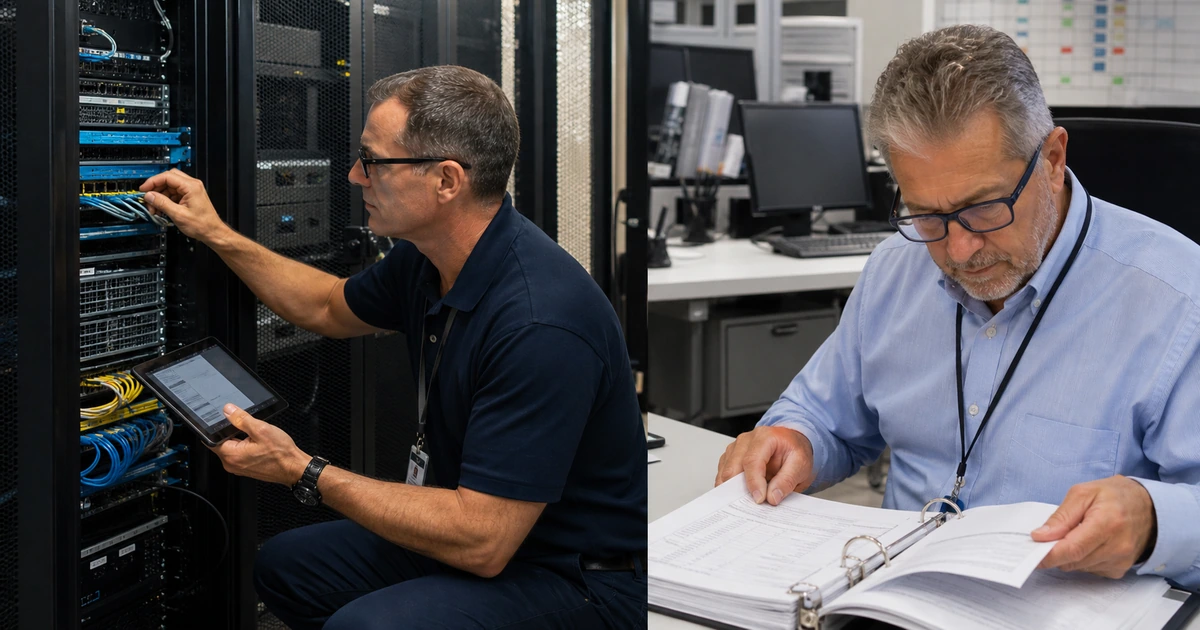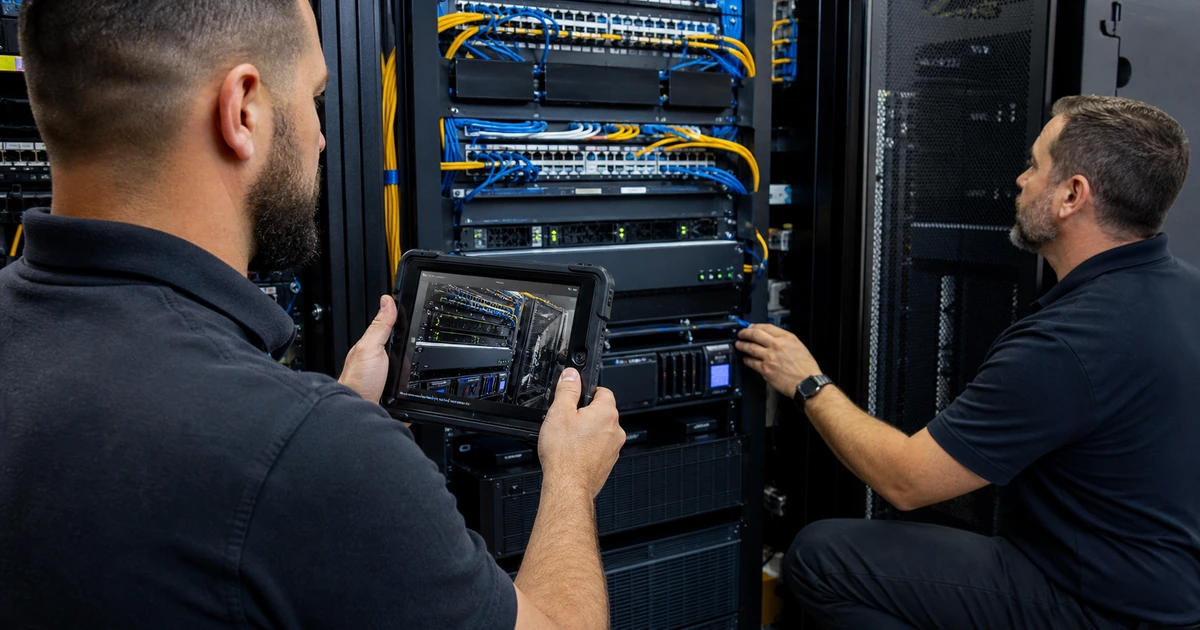
A device cannot be protected consistently when the organization does not know it exists, who uses it, or which management authority controls it. Expanding policies before resolving enrollment can create a false sense of coverage. It can also block the wrong users, apply settings to duplicate records, or leave unsupported laptops and phones outside monitoring while dashboards still look healthy.
Start by reconciling people, purchases, directories, device-management consoles, endpoint security, network activity, support records, and physical equipment. Separate organization-owned, personally owned, shared, kiosk, laboratory, contractor, loaner, lost, replaced, and retired devices. Then prioritize gaps by data access, privilege, internet exposure, business dependency, user effect, and the ability to recover.
ALLMSP audits and remediates device management in house for Lawrenceville, Suwanee, Gwinnett County, Metro Atlanta, and businesses throughout Georgia. We can discover endpoints, correct identity and enrollment, clean records, repair policies, secure administration, coordinate users, and prove the result on real devices.
Establish trustworthy coverage before increasing control
- Reconcile inventory: Compare purchasing, identity, management, endpoint security, network, cloud access, support, and physical evidence.
- Classify ownership: Identify corporate, personal, shared, kiosk, contractor, loaner, lost, replaced, retired, and unknown endpoints.
- Verify enrollment: Confirm device identity, user association, management authority, certificate, check-in, assigned scope, and duplicate state.
- Rank exposure: Prioritize sensitive data, privilege, unsupported software, missing encryption, internet use, critical work, and failed recovery.
- Correct safely: Pilot identity, enrollment, policy, access, application, security, and retirement changes with rollback.
- Close with proof: Retest the exact endpoint, user access, management state, support route, data handling, and business function.
Reconcile device identity, ownership, and management state
Create a working population from procurement, accounting, warranty, directory, mobile and endpoint management, endpoint protection, remote support, network discovery, cloud sign-ins, VPN, help desk, and site inspection. Match records with stable identifiers such as serial number, hardware identity, platform identifier, and management record rather than display name alone. Investigate endpoints seen in one source but not the others, repeated objects for one device, generic names, stale users, unexpected operating systems, and devices that continue to authenticate after retirement.
Assign ownership and intended use. Record business unit, primary user or shared purpose, location, purchase or lease, platform, lifecycle, support eligibility, data access, privilege, management method, security coverage, encryption state, backup requirement, and return responsibility. Personal and contractor devices require explicit eligibility and separation rules. Unknown equipment should be identified and contained when risk requires, then enrolled, restricted, or retired through an approved decision.
- Stable match: Use serial, hardware identifier, management identity, platform record, and assigned user to resolve duplicates.
- Coverage comparison: Measure which active endpoints appear in management, security, support, directory, and approved inventory sources.
- Ownership class: Record corporate, personal, contractor, shared, kiosk, loaner, lost, replacement, retirement, and exception status.
- Lifecycle evidence: Verify receipt, assignment, enrollment, repair, return, sanitization, disposal, and financial disposition.
- Unknown response: Identify the device, assess access and data, contain if needed, assign a decision owner, and document disposition.
Coverage becomes credible when each active endpoint has one stable identity, intended owner, lifecycle state, and approved management path.
Repair enrollment, assignment, policy, and administrative gaps
For representative devices, verify supported platform and version, licensing, directory state, enrollment method, management authority, certificate or profile, user association, group membership, ownership classification, last check-in, installed agents, and assigned applications and policies. Trace duplicate or stale objects before deleting them because identity and compliance services may reference different records. Correct time, DNS, network, proxy, certificate, token, licensing, or account prerequisites that prevent enrollment.
Review policy conflicts and scope from the device and user perspective. Separate configuration, compliance evaluation, access enforcement, endpoint security, update, application, and script responsibilities. A compliance status does not itself guarantee every control or automatically explain why access was allowed. Check default behavior for devices without a policy, assignment filters, exclusions, emergency accounts, unsupported platforms, grace periods, and dependencies. Use least-privileged administrative roles and remove stale technicians, enrollment accounts, application permissions, and shared credentials.
- Enrollment trace: Inspect platform support, identity, authority, license, certificate, network, user, group, profile, and check-in.
- Duplicate handling: Determine which object each management, directory, security, and access service trusts before cleanup.
- Policy source: Identify the exact user and device assignments, exclusions, filters, precedence, conflicts, and effective state.
- Access dependency: Verify how compliance information reaches identity controls and what happens when status is unknown or delayed.
- Administrative rights: Limit tenant roles, device actions, exports, scripts, enrollment identities, integrations, and local privilege.
Enrollment remediation is complete when the correct object checks in, receives deliberate scope, reports expected state, and supports an explainable access decision.
Pilot corrections and verify security, work, and retirement outcomes
Build a pilot group that represents executives, remote users, field staff, shared devices, accessibility needs, different hardware, supported operating systems, critical applications, VPN, printers, industry peripherals, and unusual permissions. Capture current state and user tasks. Test enrollment, application delivery, encryption, endpoint protection, updates, Wi-Fi, certificates, VPN, browser, email, file access, printing, performance, restart, remote support, and recovery. Include an excluded or unsupported case to confirm controls fail safely.
After a correction, validate both administrative and business evidence. Confirm inventory, check-in, applied configuration, compliance reason, access, security telemetry, patch state, application function, help-desk visibility, and user acceptance. Test loss, reassignment, replacement, selective or full wipe where authorized, data preservation, return, and sanitization procedures. Record the issue, cause, change, pilot devices, results, rollback, known exceptions, owner, and follow-up date before widening the deployment.
- Representative pilot: Include varied users, hardware, locations, applications, peripherals, networks, privileges, and support scenarios.
- Business workflow: Test the tasks employees must complete, not only whether a policy reports success.
- Safe failure: Verify unsupported, excluded, offline, expired, duplicate, and unenrolled conditions produce an understood response.
- Lifecycle action: Exercise reassignment, repair, loss, replacement, return, wipe, data validation, and retirement when applicable.
- Closure record: Retain root cause, release, affected scope, test evidence, user acceptance, exception, and monitoring owner.
A device-management gap is closed when technical state and daily work both pass, including the endpoint’s eventual return or retirement path.
Device management audits and remediation from ALLMSP
ALLMSP can reconcile device inventories, ownership, directories, management platforms, endpoint security, network evidence, and support records. We diagnose enrollment and policy problems, remove stale access, correct assignments, and prioritize endpoints by actual business and data risk.
Our in-house team can implement and pilot the changes, coordinate employees, document exceptions, validate business applications, and maintain the lifecycle through managed IT services. Georgia organizations receive one accountable route from discovery through verified correction.
- Discover: Find unmanaged, duplicate, stale, unknown, unsupported, and incorrectly owned endpoints.
- Repair: Correct identity, enrollment, scope, policy, access, security coverage, and lifecycle records.
- Prove: Test representative devices, user work, safe failures, support, recovery, and retirement.
Official guidance for device-management remediation
Use current platform documentation to interpret enrollment and compliance behavior, then verify the result against the organization’s own users, applications, data, and lifecycle requirements.
- Microsoft Intune enrollment guide. Covers enrollment planning, platform options, ownership, compliance, configuration, and deployment resources.
- Microsoft Intune compliance overview. Explains compliance evaluation, monitoring, actions for noncompliance, and integration with access controls.
- Microsoft compliant-device access guidance. Documents prerequisites, report-only validation, exclusions, and the relationship between compliance and Conditional Access.
- NIST mobile device security guide. Provides enterprise recommendations across deployment, use, management, security, personally owned scenarios, and disposal.
Device management remediation FAQs
What should be fixed first in device management?
Resolve unknown, unmanaged, unsupported, highly privileged, unencrypted, security-blind, and critical devices before expanding less urgent settings.
How can a business find unmanaged devices?
Compare purchasing, directory, management, security, network, cloud sign-in, remote support, help-desk, and physical evidence.
Why do duplicate device records matter?
Different services may apply configuration, compliance, access, security, or retirement actions to different objects, creating incorrect decisions.
Does a compliant status prove a device is secure?
No. Compliance reflects defined checks and reporting. Review configuration, security telemetry, access, platform support, exceptions, and actual device state.
Should unknown devices be deleted from the console?
Not until identity, access, ownership, dependencies, and the authoritative record are understood. Deletion can hide an active unmanaged endpoint.
How are personal devices handled?
Define eligibility, consent, data separation, privacy, support, application protection, access, loss response, and removal before allowing business use.
What belongs in a device-management pilot?
Use varied people, hardware, operating systems, locations, networks, applications, peripherals, privileges, accessibility needs, and support cases.
How is an enrollment repair verified?
Confirm the correct identity, check-in, scope, profiles, applications, compliance, access, security data, support visibility, and user work.
Can ALLMSP repair Microsoft Intune and other endpoint environments?
Yes. ALLMSP can audit, configure, migrate, secure, document, test, train, and manage supported endpoint platforms in house.
Where does ALLMSP provide device-management audits?
ALLMSP helps businesses in Lawrenceville, Suwanee, Gwinnett County, Metro Atlanta, and elsewhere in Georgia bring unmanaged devices under consistent control.