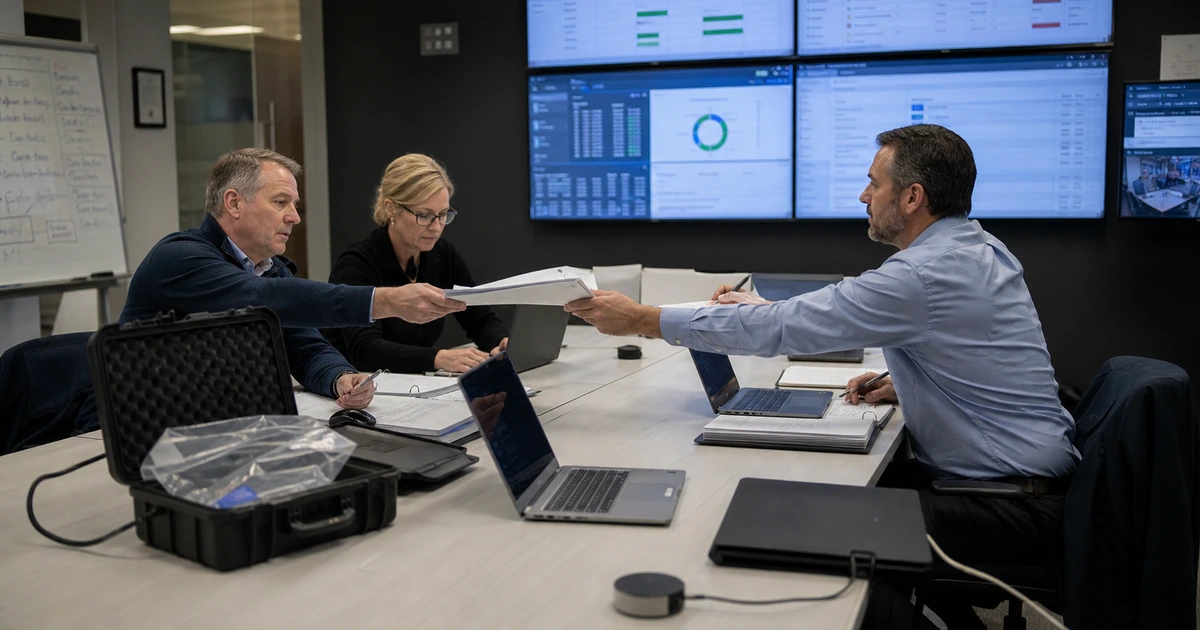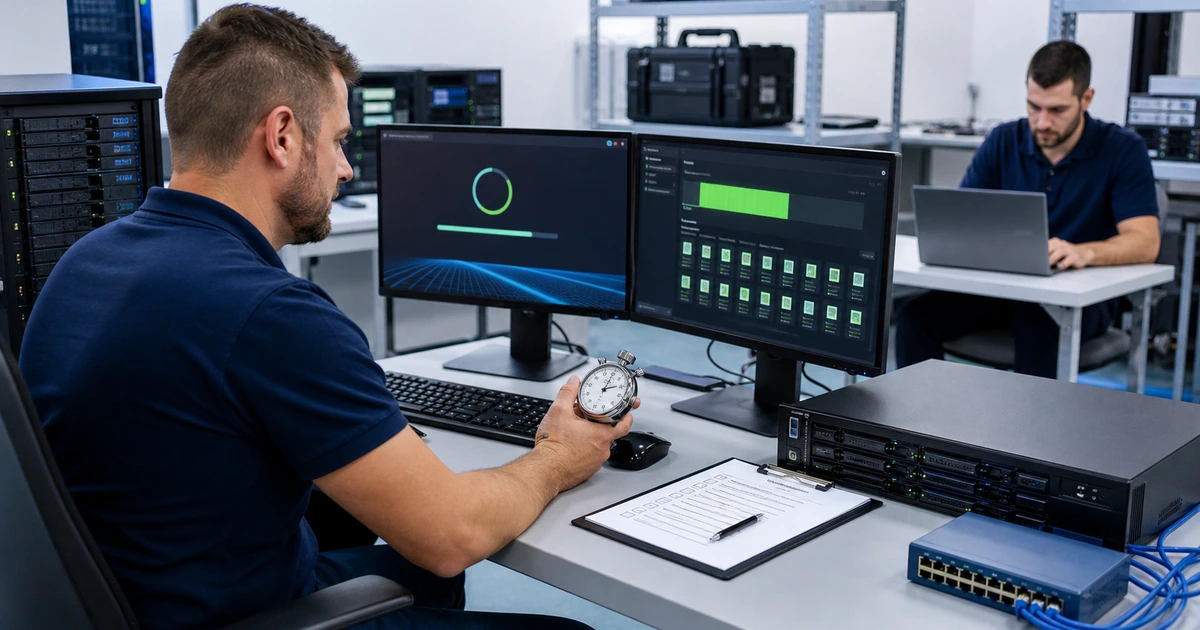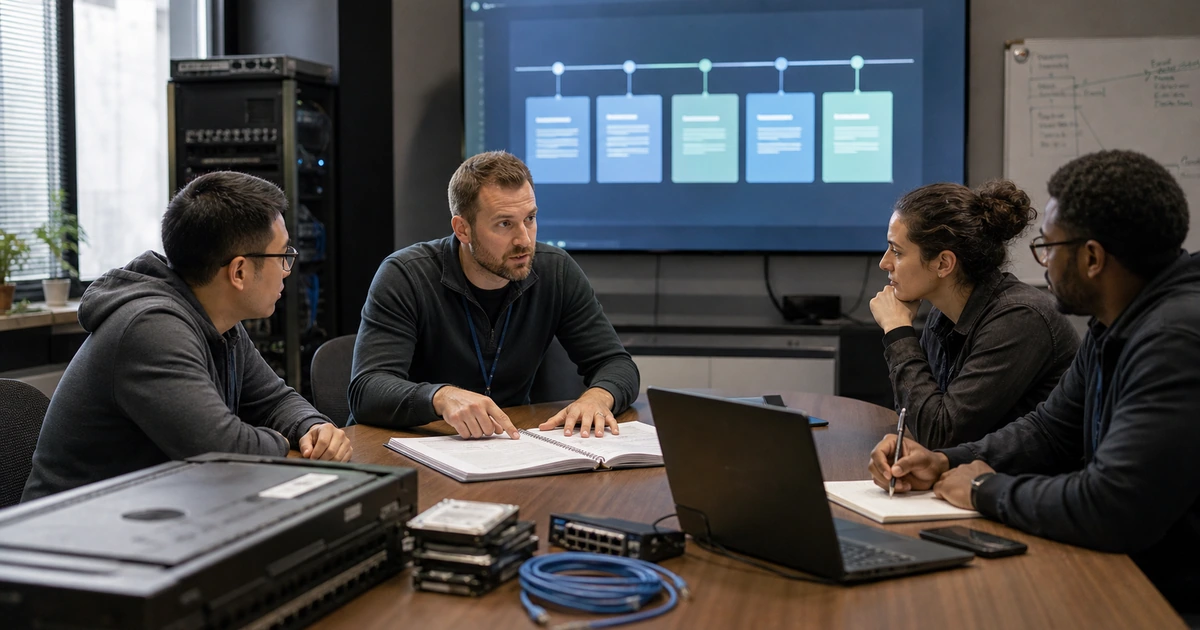





























































































































































A disaster recovery test should answer a business question that monitoring cannot answer. Can authorized people declare the event, reach protected recovery tools, restore dependencies in the right order, recover trustworthy data, complete a real transaction, communicate with employees and customers, and return operations safely? A successful backup job or a server that starts does not prove those outcomes.
Use different exercise types for different questions. A tabletop tests decisions, roles, escalation, and communication. A technical restore tests data, systems, access, timing, and runbook accuracy. A functional exercise combines technology with user activity and leadership decisions. Testing can be isolated from production, but the scenario, data, accounts, devices, and validation steps should still reflect how the organization actually operates.
ALLMSP plans and runs disaster recovery exercises in house for businesses in Lawrenceville, Suwanee, Gwinnett County, Metro Atlanta, and across Georgia. We help define safe test boundaries, restore complete services, measure actual results, document gaps, implement corrections, and retest failed steps.
Use this checklist before, during, and after a recovery exercise
- Choose an objective: State the service, failure scenario, assumptions, safety limits, recovery targets, and proof the exercise must produce.
- Prepare participants: Name decision makers, technical owners, business validators, communicators, observers, alternates, and emergency contacts.
- Protect the test: Separate test and production actions, approve access, preserve evidence, define stop conditions, and prepare rollback.
- Measure recovery: Timestamp detection, declaration, access, containment, restore start, dependency recovery, validation, communication, and failback.
- Validate work: Have business users authenticate, find current data, complete representative transactions, and record limitations.
- Retest corrections: Assign every gap to an owner and acceptance test, then rerun the failed portion before closing it.
Write an exercise brief with a realistic scenario and safe boundaries
Select one or two objectives that can be measured. Examples include restoring a critical file service after ransomware, recovering a line-of-business application after server loss, operating from alternate internet connectivity, restoring identity access when the normal administrator is unavailable, or validating a Microsoft 365 recovery workflow. Name the business service, users, data, dependencies, expected minimum capacity, target recovery time, acceptable data loss, and the transaction that will demonstrate usable service.
Build a scenario that challenges assumptions without hiding the answer in advance. Add realistic conditions such as an unavailable primary administrator, a compromised privileged account, a failed internet circuit, a delayed software provider, a questionable recent restore point, a missing device, or a customer deadline. Do not combine so many failures that the team cannot identify what the test proved. Record what is simulated, what will be executed, what production systems are protected from change, and who may stop the exercise.
Prepare participants and logistics. Name the exercise director, incident leader, recovery technicians, security lead, business validators, communications owner, observer, and alternates. Confirm access to clean devices, emergency identities, backup consoles, cloud control planes, network equipment, software sources, keys, documentation, vendor support details, meeting channels, and test data. NIST exercise guidance emphasizes objectives, participants, scenarios, conduct, evaluation, and improvement. A one-line calendar invitation is not an adequate test plan.
- Objective: Define the service, scenario, target, minimum operation, transaction, and evidence the test must produce.
- Scope: List executed systems, simulated conditions, excluded production actions, locations, users, data, and dependencies.
- Participants: Assign command, technical, security, business, communication, observer, alternate, and approval roles.
- Safety: Approve access, isolation, test data, stop conditions, rollback, monitoring, and cleanup before execution.
- Materials: Prepare runbooks, diagrams, contacts, credentials, devices, software, keys, consoles, forms, and timing records.
A test is ready when every participant understands the objective, boundaries, authority, evidence, and conditions that require a pause or rollback.
Run the recovery, measure every handoff, and validate the complete service
Begin with the scenario evidence and let the assigned team decide whether and when to declare recovery. Record the time to detect, escalate, assemble decision makers, authorize containment, reach recovery tools, identify a trustworthy point, and start restoration. Observe whether people follow the runbook, find current contact information, obtain required approvals, and work through an unavailable person or system. Do not quietly supply missing information without recording the gap.
Restore dependencies in the order the service requires. That may include identity, DNS, networking, firewall policy, compute, storage, database, application, certificates, integrations, files, endpoints, printing, phones, and monitoring. Capture actual recovery-point age, restore duration, errors, manual steps, resource consumption, and capacity. For a cyber scenario, validate containment and the cleanliness of accounts, devices, software, and restored data before reconnecting the service. CISA recommends protected backups and regular testing of their availability and integrity in a disaster recovery scenario.
Business validation must use representative work. Ask named users to sign in from expected devices and locations, find the correct record, create or update a transaction, save and retrieve it, produce required output, and verify connected systems. Record data completeness, permissions, performance, security, customer or supplier communication, and known limitations. Compare the complete elapsed time with the approved objective. Separate technical restoration time from the time needed for decisions, access, validation, and employee restart.
- Decision timing: Capture detection, escalation, declaration, containment, priority changes, approvals, and recovery start.
- Dependency timing: Record identity, network, platform, data, application, integration, device, and communication restoration.
- Data evidence: Document selected point, age, item or record counts, integrity, versions, transactions, and accepted loss.
- Security evidence: Verify trusted access, clean systems, containment, monitoring, logging, patch state, and controlled reconnection.
- Business evidence: Record user transactions, capacity, performance, communication, limitations, and named owner acceptance.
The service passes when authorized users can complete the agreed business transaction securely within measured and understood recovery limits.
Control failback, write the after-action report, and prove corrections
Plan the return path before ending the exercise. Determine whether new transactions were created in the recovery environment, how they will be synchronized, who resolves conflicts, when the primary environment is trusted, and who approves the transition. Monitor the recovery and primary environments during the change. Confirm user instructions, data consistency, security controls, integrations, and rollback. A restore test that leaves unclear cleanup or conflicting data is not finished.
Hold a short debrief while details are fresh, then issue an after-action report. Separate observations from verified findings. For each objective, record expected and actual results, timestamps, evidence, successful controls, blocked steps, manual workarounds, unavailable people or systems, communication issues, capacity limits, and business impact. Avoid grading the whole exercise with a single pass or fail label. One dependency can meet its target while another creates an unacceptable bottleneck.
Turn findings into corrective work with severity, affected service, owner, due date, required resources, dependency, acceptance test, and retest date. Update runbooks and diagrams, but do not close a finding only because text changed. Prove that the new account works, the corrected backup restores, the alternate circuit carries the workload, or the revised procedure can be followed by an alternate operator. Trend recurring findings across exercises and incidents so leaders can decide where architecture, staffing, training, or recovery objectives need to change.
- Failback: Control data synchronization, conflict handling, trusted primary state, user transition, approval, monitoring, and rollback.
- Objective score: Compare expected and actual timing, data, security, capacity, communication, and business acceptance.
- Finding: Describe evidence, cause, affected service, consequence, severity, and the control or procedure that failed.
- Corrective action: Assign owner, resources, due date, dependency, acceptance test, and responsible approver.
- Retest: Repeat the affected action under comparable conditions and retain proof before marking the finding closed.
The exercise creates value when measured weaknesses become verified corrections and the next recovery attempt is demonstrably faster, clearer, or more reliable.
Disaster recovery exercises and corrective implementation from ALLMSP
ALLMSP can design tabletop, technical, and functional recovery exercises with its in-house team. We define realistic objectives, prepare protected test conditions, facilitate execution, measure results, validate business workflows, and produce an evidence-based after-action report.
When the exercise finds a weakness, ALLMSP can correct backup, cloud, server, identity, network, security, endpoint, documentation, monitoring, or communication issues and then retest the affected step. Testing remains connected to daily support and future technology changes.
- Prepare: Define the scenario, targets, participants, dependencies, safety controls, transactions, and evidence.
- Exercise: Run decisions and recovery steps, measure the timeline, and validate security and business use.
- Improve: Assign findings, implement corrections, retest failed actions, and maintain a repeatable schedule.
Official disaster recovery testing references
Use authoritative planning and exercise guidance as a framework, then tailor every objective, scenario, safety control, and acceptance test to the organization’s real services.
- NIST contingency planning guide. Covers business impact, recovery strategies, plans, testing, training, exercises, and maintenance.
- NIST guide to test, training, and exercise programs. Explains how to design, conduct, evaluate, and improve technology exercises.
- NIST cybersecurity event recovery guide. Connects recovery planning, communications, metrics, playbooks, and improvement.
- CISA StopRansomware guide. Recommends protected backups and regular tests of availability and integrity for recovery.
- Azure disaster recovery architecture guidance. Covers roles, targets, runbooks, communications, exercises, automation, and failback.
Disaster recovery testing FAQs
A tabletop evaluates decisions, roles, escalation, and communication through a facilitated scenario. A technical test executes restoration and validates systems, data, access, timing, and runbooks. A functional exercise combines both.
What is the difference between a tabletop and a technical recovery test?
It should prove authority, access, containment, dependency order, recovered data, security, minimum capacity, a real business transaction, communications, measured time, cleanup, and controlled failback.
What should a disaster recovery test prove?
Yes. Many objectives can be tested in isolated environments, alternate locations, selected data sets, or tabletop exercises. Define boundaries, monitoring, stop conditions, rollback, and cleanup before execution.
Can a recovery test be run without risking production?
Who should participate in a disaster recovery exercise?
Include an incident leader, technical owners, security, business validators, communications, observers, decision makers, and alternates. Add facilities, legal, insurance, or provider contacts when the scenario requires them.
How should recovery time be measured?
Timestamp detection, escalation, declaration, access, containment, restore start, each dependency, technical availability, security validation, business acceptance, communication, and failback. Report the complete service timeline.
Why is business validation required after a restore?
A server or file can look healthy while permissions, integrations, data relationships, performance, devices, or workflows remain broken. A named business owner should complete a representative transaction and document acceptance.
What should happen when a recovery test fails?
Preserve the evidence, assess impact, assign a corrective owner and due date, implement the change, and rerun the affected step. Do not close the issue only because a document was edited.
How often should disaster recovery be tested?
Set frequency from service criticality, change rate, threat, obligations, prior results, and risk. Test again after major architecture changes, failed exercises, incidents, or changes to key people and providers.
Can ALLMSP run the full recovery exercise in house?
Yes. ALLMSP can plan, facilitate, execute, document, correct, and retest disaster recovery across backup, cloud, servers, identity, networks, security, endpoints, applications, and communications using its in-house team.
Where does ALLMSP provide disaster recovery testing?
ALLMSP provides recovery testing for businesses in Lawrenceville, Suwanee, Gwinnett County, Metro Atlanta, and throughout Georgia, including organizations with cloud systems and remote locations.