





























































































































































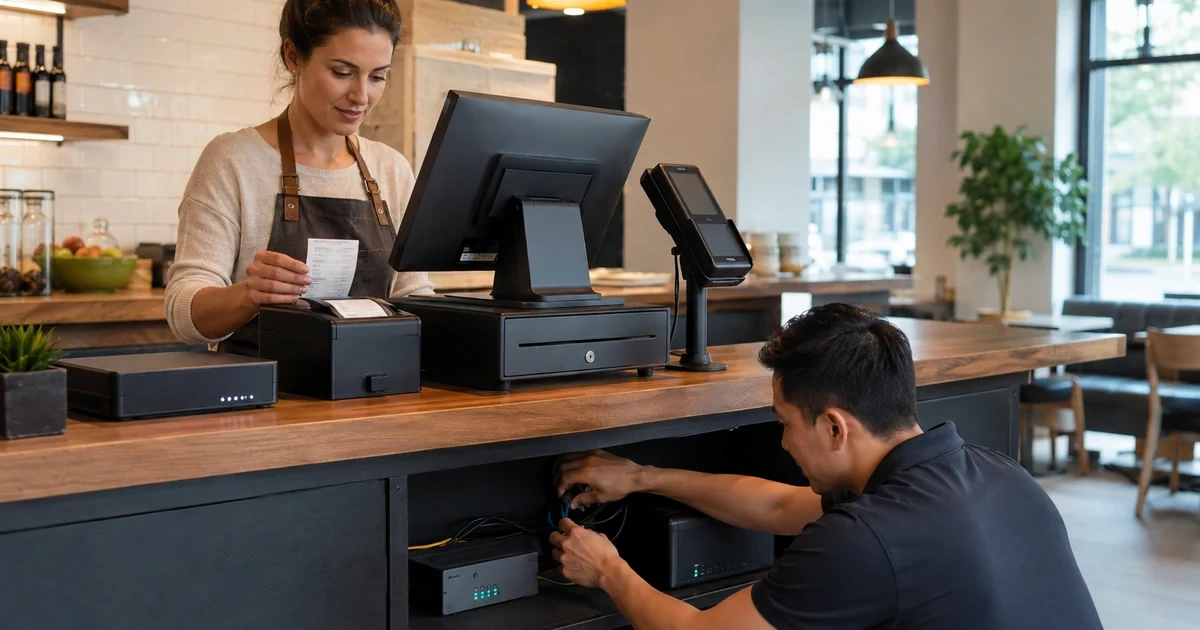
A Clover rollout succeeds or fails at the checkout counter, where device choice, network reach, power, receipt handling, customer prompts, and staff habits meet. A terminal that looked fine on a staging table can still create a line if its hub is underpowered, its receipt roll is loaded incorrectly, or its tipping flow does not match how the business takes orders.
Clover documents different device capabilities across Station, Mini, Compact, Flex, and Go families, including differences in Ethernet, Wi-Fi, cellular connectivity, printer design, and peripheral ports. The rollout plan should therefore identify what each lane must do and then match the device and connection method to that job instead of assuming one diagram fits every model.
The most useful handoff is specific enough for a manager to open the store and for support to diagnose a failure. It should show where the device gets power and network access, which printer and drawer belong to the lane, which customer prompts were approved, and what evidence to collect before escalating a problem.
Key decisions at a glance
- Choose each Clover device for its actual lane, mobility, printer, and connectivity requirements rather than treating every checkout position as identical.
- Document the complete power and network path, including the terminal hub, Ethernet or Wi-Fi dependency, network equipment, and backup-power decisions.
- Test receipt selection, paper loading, customer-facing prompts, and tipping behavior against the merchant’s retail or restaurant operating model.
- Record the device, peripheral, lane, and merchant assignment so support can distinguish a local hardware problem from a configuration problem.
- Run an acceptance test before launch and leave staff with a short opening check, escalation path, and known-good baseline.
Engineer the Network and Power Path Before Mounting a Device
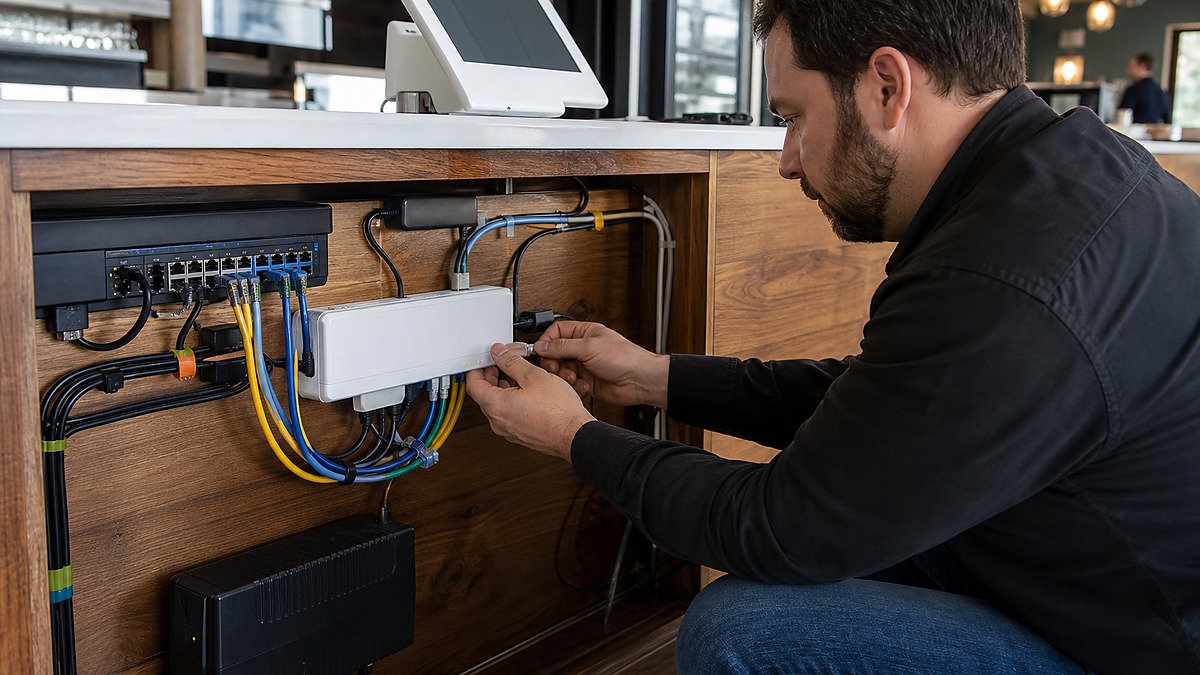
Start with the exact Clover model and the intended location. Official specifications show that connectivity and ports vary by device, so the plan should identify whether the lane uses Ethernet, Wi-Fi, or an available cellular option and which hub, cradle, printer, scanner, or cash drawer depends on that choice.
Trace the path from the terminal to the network edge and from every power adapter to a protected outlet. If the business elects to use a UPS for the terminal, switch, router, or access point, size and maintain it as part of the site’s infrastructure plan, do not assume a battery-backed terminal can keep a disconnected network online by itself.
Test coverage and cable seating at the installed counter, not only in the back office. Record the switch port or wireless network used, keep power bricks ventilated, secure cables against pulls and spills, and leave enough service loop to move a device safely without stressing a connector.
- Record the Clover model, lane name, serial or asset identifier, hub, and peripheral set.
- Identify the primary connection and any approved fallback available for that model and location.
- Label the network and power path in the support record without exposing credentials at the counter.
- Test the installed counter for weak Wi-Fi, loose adapters, blocked ventilation, and trip or spill hazards.
Validate Receipts, Tips, and Customer-Facing Prompts

Clover’s documented cashier, restaurant, and table-pay configurations do not present tipping in exactly the same place. Confirm which person interacts with the device, when the tip prompt should appear, and whether the approved flow is configured at the merchant, device, or integration level before staff begin taking live orders.
Receipt testing should cover the actual method the business plans to offer. Load the correct thermal roll, print a merchant-approved test receipt, confirm that the paper feeds and cuts cleanly, and review delivery choices such as print, email, or text only when they are part of the configured workflow.
Integrated applications can apply per-transaction settings for supported SDK flows, including receipt selection and tip behavior, but those settings can interact with merchant configuration and regional rules. Document any integration-level override and avoid changing duplicate-checking or offline behavior simply to make a test appear easier.
- Confirm where the tip is entered for the merchant’s approved cashier, restaurant, or table-pay flow.
- Test the customer-facing prompts without using real customer contact information during training.
- Load and print from each physical printer that staff will depend on during a shift.
- Record merchant, device, and integration settings that can change the receipt or tip experience.
Standardize Every Lane and Write the Support Handoff
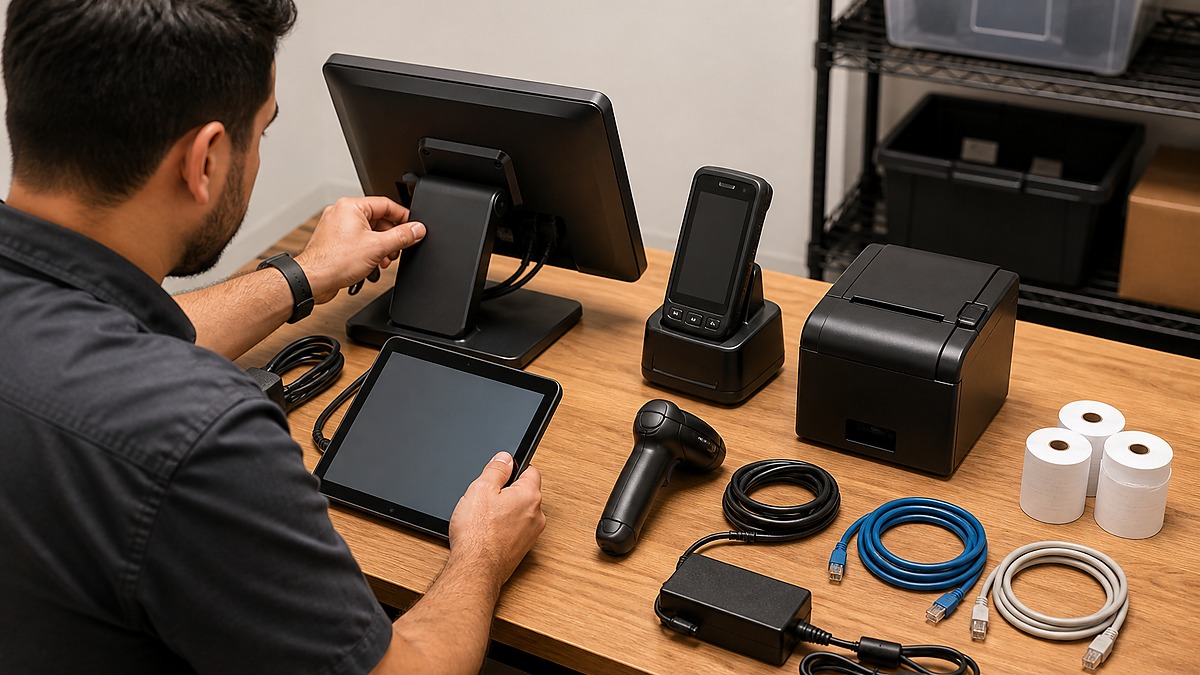
A multi-lane rollout needs a repeatable bill of materials. Photograph or diagram the rear of each approved setup, list the exact cables and power supplies, and note which components are interchangeable. This prevents a well-meaning replacement from introducing the wrong adapter, printer, or network path during a busy shift.
Keep the merchant and location context with the asset record. Clover diagnostics can show device and merchant details, and those details help support verify that a terminal is associated with the expected operation before treating a symptom as a network or application failure.
Train managers on the few tasks they should perform locally: check the connection indicator, reseat an approved external cable, replace receipt paper, identify the affected lane, and capture the time and transaction context. Anything involving account access, payment state, merchant reassignment, or unexplained repeated failures should follow the escalation path.
- Create one approved component list and cable diagram for each distinct Clover lane type.
- Store merchant, location, device, and peripheral identifiers in the protected support record.
- Give managers a short opening check and a separate escalation checklist for live incidents.
- Keep spare paper and approved cables on site without storing passwords, PINs, or tokens with them.
Run an Opening-Day Acceptance Test That Reflects Real Service
Test each lane from the employee’s first sign-in through the customer-facing flow, receipt delivery, and the business’s closeout procedure. Use merchant-approved test transactions and reversal procedures so the test does not create unexplained sales, tips, or inventory movement.
Include the conditions that commonly change after installation: a full dining room, staff moving a Flex device away from its cradle, a printer nearing the end of a roll, and the primary network recovering after a brief interruption. The purpose is to confirm the documented response, not to improvise risky failure tests during live service.
ALLMSP can coordinate counter cabling, network readiness, device documentation, security review, vendor escalation, and staff-facing support for Georgia retailers and restaurants. The result should be a checkout environment that a manager can operate and a support team can diagnose without guessing.
- Complete a lane-by-lane test before opening and record the result with the device inventory.
- Confirm receipt, tip, drawer, scanner, and customer-facing behavior against the approved workflow.
- Time the manager’s basic triage steps and make sure escalation contacts are reachable.
- Schedule a post-launch review after staff have used the system during a representative busy period.
Official product documentation and ALLMSP resources
Frequently Asked Questions
Which Clover device should a restaurant or store place at each checkout?
Choose by the lane’s actual job: fixed or mobile use, customer interaction, connectivity, printer needs, scanning, and peripheral requirements. Clover’s device specifications differ, so document the selected model and accessories for every lane.
Should a Clover terminal use Ethernet or Wi-Fi?
Use the connection supported by the device and best suited to the installed location. Where Ethernet is available it can provide a defined physical path, while Wi-Fi requires verified coverage and capacity at the counter. Record any approved fallback separately.
Does putting the Clover terminal on a UPS keep checkout online?
A UPS can protect selected power-dependent components, but it does not restore an unavailable internet service or an unpowered network path. Decide which terminal, switch, router, and access-point components need backup power and test the complete path.
Why should tip prompts be tested before launch?
Clover documents different default tip behavior for cashier, restaurant, and table-pay configurations, and integrations may add supported per-transaction settings. Testing confirms that the prompt appears in the intended place without surprising staff or customers.
What should be checked when a Clover receipt will not print?
Check that the correct printer is selected, the device and printer are connected, the roll is loaded in the correct direction, the cover is fully closed, and the print queue does not contain a stalled job. Use Clover device diagnostics when the basic checks do not resolve it.
Can every Clover model use the same hub and cables?
Do not assume that. Ports, cradles, charging, Ethernet support, and printer arrangements vary by model. Use the official specifications and the approved bill of materials for the exact device being deployed.
What information belongs in the Clover lane documentation?
Include the merchant and location, lane name, device and peripheral identifiers, network method, switch port or wireless dependency, power path, printer, drawer, scanner, approved settings, and support contacts.
How should a business test a Clover rollout without disrupting accounting?
Use a merchant-approved test and reversal procedure, document each transaction, and coordinate with the person responsible for payment reconciliation. Do not leave unexplained test sales, tips, refunds, or inventory changes in production.
What should staff do first when one Clover lane stops working?
Identify whether the problem affects one device or the whole site, note the time and last successful transaction, check visible connection and power state, verify receipt paper if printing is involved, and follow the documented escalation path.
How can ALLMSP help with a Clover POS rollout?
ALLMSP can assess network and counter readiness, coordinate cabling and backup-power decisions, document devices and peripherals, test the approved checkout workflow, train managers on basic triage, and work with Clover or application vendors when escalation is required.


