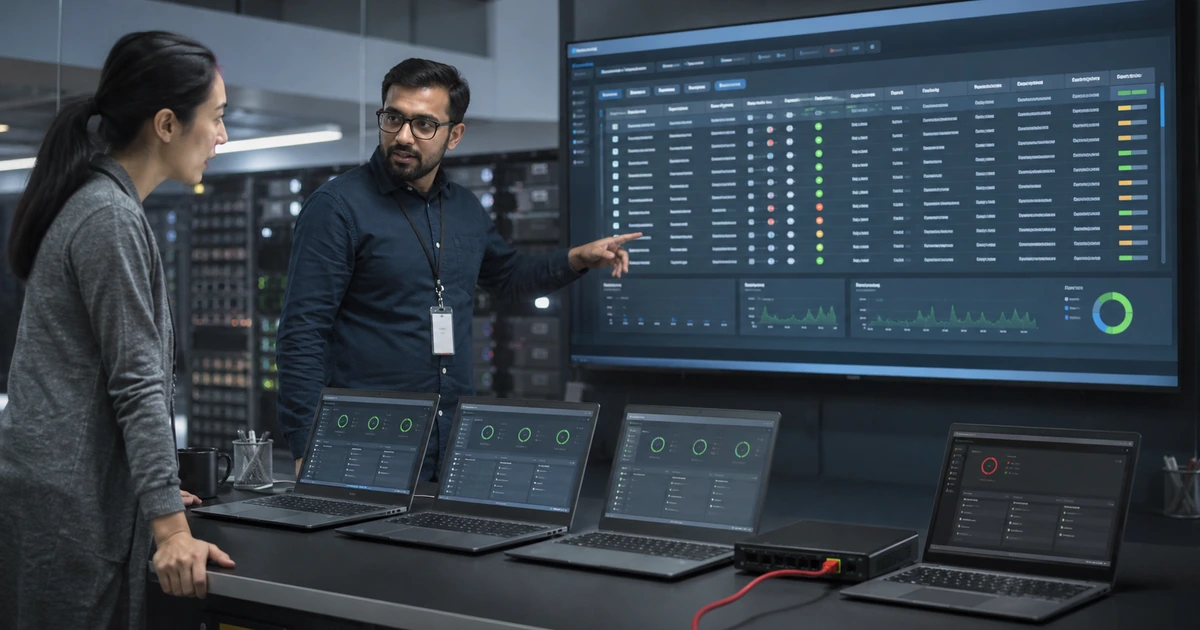
Endpoint protection gaps often remain invisible because each management system tells only part of the story. A security console may show healthy devices while purchasing records contain computers that were never onboarded. An agent can appear installed while its sensor is inactive, its assigned policy is wrong, or its response channel cannot isolate the device. A useful assessment joins those records and tests outcomes.
Cleanup should distinguish legitimate lifecycle records from active risk. Reimaged, renamed, retired, and replaced devices can create stale entries, while remote computers and intermittently connected systems can look inactive for benign reasons. Each difference still needs an explanation supported by directory, network, management, ownership, and recent communication evidence. Assumptions create blind spots that attackers do not respect.
ALLMSP audits and corrects endpoint protection in house for Lawrenceville, Suwanee, Gwinnett County, Metro Atlanta, and Georgia organizations. We trace missing coverage, restore sensor health, rationalize policy, test containment, close ownership gaps, and document verified results.
Turn inconsistent endpoint records into a verified protection baseline
- Reconcile: Compare endpoint, directory, device-management, network, vulnerability, remote-support, purchasing, and service records.
- Classify: Separate active, inactive, misconfigured, duplicate, retired, reimaged, unmanaged, unsupported, and unexplained devices.
- Inspect: Verify onboarding, sensor health, prevention state, assigned policy, updates, tamper controls, exclusions, and alert routing.
- Exercise: Test detection, investigation data, device isolation, account containment, user contact, remediation, and release.
- Correct: Repair agents, onboard devices, standardize policy, narrow exceptions, retire stale assets, and assign owners.
- Prove: Retest findings and retain evidence, business impact, root cause, owner, completion date, and residual risk.
Reconcile every device before trusting the protection percentage
Export complete records from the endpoint platform and compare them with directory objects, endpoint management, DHCP or network discovery, vulnerability scanners, remote-support tools, purchasing, warranty, repair, and disposal information. Normalize device names, serial numbers, hardware identifiers, assigned users, operating systems, last-seen times, and management status. Investigate duplicate names and entities created by reinstallation rather than deleting them before their history and replacement relationship are understood.
Classify every record with evidence. An active business device should have an owner, supported operating system, expected management state, current protection, and recent communication. An inactive entry should map to a known spare, leave, repair, reimage, replacement, retirement, or connectivity condition. An unknown device requires network and identity investigation. Also search for servers, virtual machines, executive computers, remote laptops, and specialized systems that fall outside ordinary workstation reports.
- Active devices: Confirm recent use, assigned owner, platform support, management, encryption, policy, and sensor health.
- Inactive records: Tie each entry to leave, storage, repair, replacement, reimage, retirement, or a documented communication issue.
- Unmanaged systems: Determine owner, data access, business function, network location, risk, and an onboarding or isolation decision.
- Duplicate entities: Preserve incident history while connecting old records to renamed, rebuilt, or replaced devices.
- Coverage evidence: Report the protected population against an independently verified expected population, including exceptions.
A coverage percentage becomes meaningful only when its denominator represents the organization’s real and current devices.
Investigate unhealthy sensors, wrong policies, and dangerous exceptions
Review devices that are inactive, misconfigured, impaired, missing sensor data, overdue for updates, or assigned to unexpected groups. Check service state, network connectivity, proxy and filtering behavior, required destinations, certificates, operating-system prerequisites, local tampering, deployment logs, and conflicts with other security products. Confirm that an apparently healthy device is producing the telemetry required for detection and remote response rather than merely checking in with management.
Compare intended policy with effective policy by platform and device group. Inspect real-time protection, behavior monitoring, cloud-delivered protection, firewall, web controls, attack-surface reduction, script and macro settings, removable media, tamper resistance, automated investigation, and update channels as applicable. Export exclusions and trace each one to a current application, technical test, business owner, approval, compensating protection, and review date. Remove abandoned deployment, troubleshooting, and vendor-requested exclusions that no longer have evidence.
- Sensor health: Determine whether the device can send complete telemetry and receive investigation or containment commands.
- Policy assignment: Compare the intended group, assigned policy, effective settings, conflicts, and last successful refresh.
- Protection currency: Review platform version, engine, intelligence, operating-system updates, restart state, and support lifecycle.
- Exclusions: Narrow paths, extensions, processes, certificates, or network exceptions to the smallest proven requirement.
- Tamper paths: Test whether ordinary users, local administrators, scripts, or competing management tools can weaken protection.
The cleanup is effective when device health and policy evidence show the intended control, not simply a green management icon.
Test alert ownership and containment before closing findings
Use vendor-approved test methods and controlled scenarios to verify that important events become alerts with enough context for triage. Confirm severity, device and user identity, process tree, file or network evidence, timestamps, related incidents, notification route, ticket creation, and named response owner. Test after-hours delivery and escalation. An alert that sits in a portal without authority or a documented action path is visibility without protection.
Exercise isolation on representative devices across office, home, and VPN connections. Confirm responders can preserve management communication, collect evidence, revoke exposed identity sessions, contact the user, provide safe continuity, remediate the system, validate it, and release it. Review every isolation exclusion because maintaining broad communications can reduce containment. Close each audit finding only after retesting the exact failed outcome and recording root cause, corrective action, evidence, owner, completion date, and remaining risk.
- Alert path: Verify console event, notification, ticket, acknowledgment, severity decision, escalation, and documented closure.
- Investigation context: Confirm responders can see device, user, process, file, network, identity, and related-event evidence.
- Isolation: Test command delivery and containment on representative platforms and network conditions.
- Continuity: Prepare safe user communication, replacement access, business priorities, and exception handling during containment.
- Retest: Repeat the failed control after remediation and preserve reproducible proof rather than accepting a configuration screenshot.
A finding is closed when the corrected control performs under realistic conditions and the responsible team can repeat the result.
Endpoint protection assessment and remediation from ALLMSP
ALLMSP can join device and security records, investigate missing or unhealthy systems, repair onboarding, correct policy assignments, remove unjustified exclusions, and test alert and containment workflows. Findings are tied to plausible business impact and closed with live evidence rather than license counts or copied console summaries.
Our in-house team can also provide continuing monitoring, endpoint response, device support, patch coordination, identity containment, and management reporting. This gives Georgia businesses one accountable path from discovery through correction and sustained operation.
- Audit: Reconcile scope and inspect live health, configuration, telemetry, ownership, exceptions, and operations.
- Correct: Repair agents, onboard missing devices, standardize policy, close exclusions, and clarify response authority.
- Validate: Retest coverage, alerts, investigation, containment, user continuity, remediation, and reporting.
Primary guidance for endpoint coverage and health validation
Use platform documentation to understand health and response behavior, then compare it with independent inventories and real technical tests before declaring the environment protected.
- Microsoft Defender endpoint device inventory. Documents device identity, risk, exposure, operating system, onboarding status, sensor health, and mitigation details available for investigation.
- Microsoft Defender service health guidance. Explains active, inactive, misconfigured, impaired-communication, and missing-sensor-data conditions that require review.
- Microsoft endpoint isolation guidance. Describes full and selective isolation, response communication, and the security consequences of isolation exclusions.
- NIST Guide to a Secure Enterprise Network Landscape. Connects endpoint posture, device management, telemetry, patching, and contextual access decisions across distributed networks.
Endpoint protection audit FAQs
Why can an endpoint console overstate coverage?
It may contain duplicate, retired, reimaged, or inactive records while missing active devices that were never onboarded. Compare it with independent business and technical inventories.
What does an inactive endpoint record mean?
It may represent an unused, rebuilt, renamed, offboarded, disconnected, or malfunctioning device. Investigate the identity and lifecycle before classifying it.
What is an unhealthy endpoint sensor?
A sensor may have impaired communications or incomplete telemetry, which can limit alerts, investigation, file collection, isolation, and other remote response actions.
How should duplicate devices be handled?
Link old and new identities, preserve useful incident history, confirm which record is active, document the lifecycle event, and retire stale entries carefully.
Why audit effective policy instead of assigned policy?
Conflicts, targeting errors, failed refresh, platform limits, local changes, or deployment problems can cause the device to enforce something different from the intended policy.
Are endpoint exclusions always unsafe?
Some are necessary, but each one reduces inspection. Keep it narrow, tested, approved, monitored, time-bound, and supported by a specific business requirement.
What proves device isolation works?
A controlled test shows the command reaches a representative device, unwanted communication stops, management access remains as designed, and the response team can remediate and release it.
How often should endpoint coverage be reconciled?
Review continuously where automation allows and on a defined schedule, with additional checks after acquisitions, migrations, mass replacements, tool changes, and significant incidents.
Can ALLMSP fix gaps found during an endpoint audit?
Yes. ALLMSP can remediate onboarding, health, policy, exclusions, alerts, isolation, device management, identity response, and documentation in house.
Where does ALLMSP perform endpoint assessments?
ALLMSP serves Lawrenceville, Suwanee, Gwinnett County, Metro Atlanta, and organizations throughout Georgia through local and remote support.