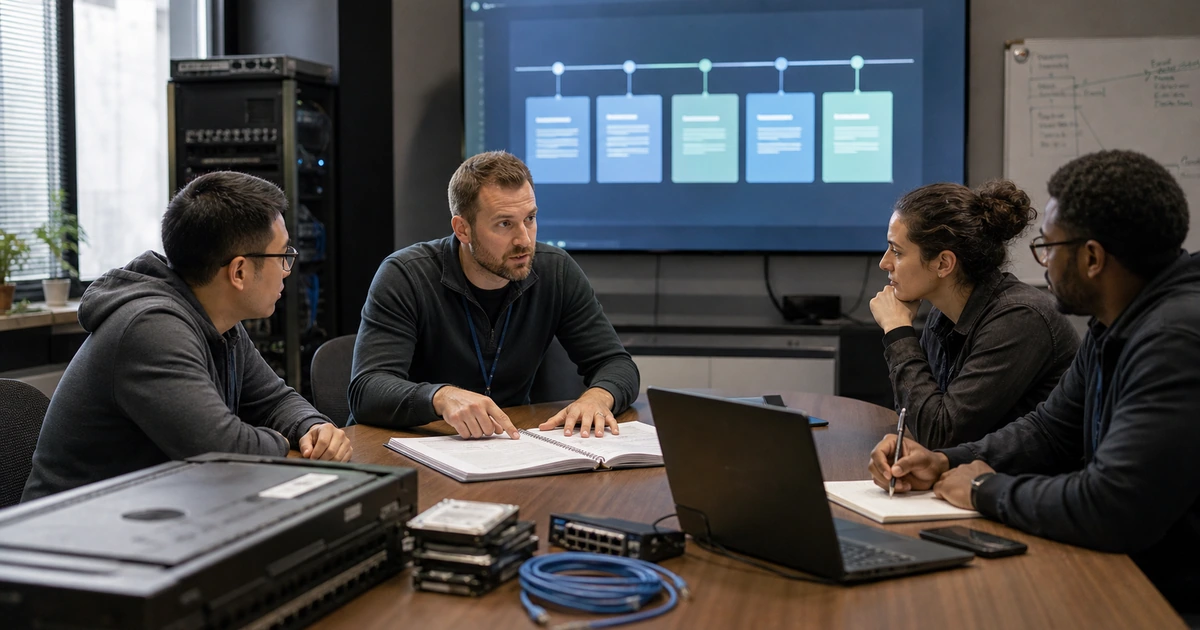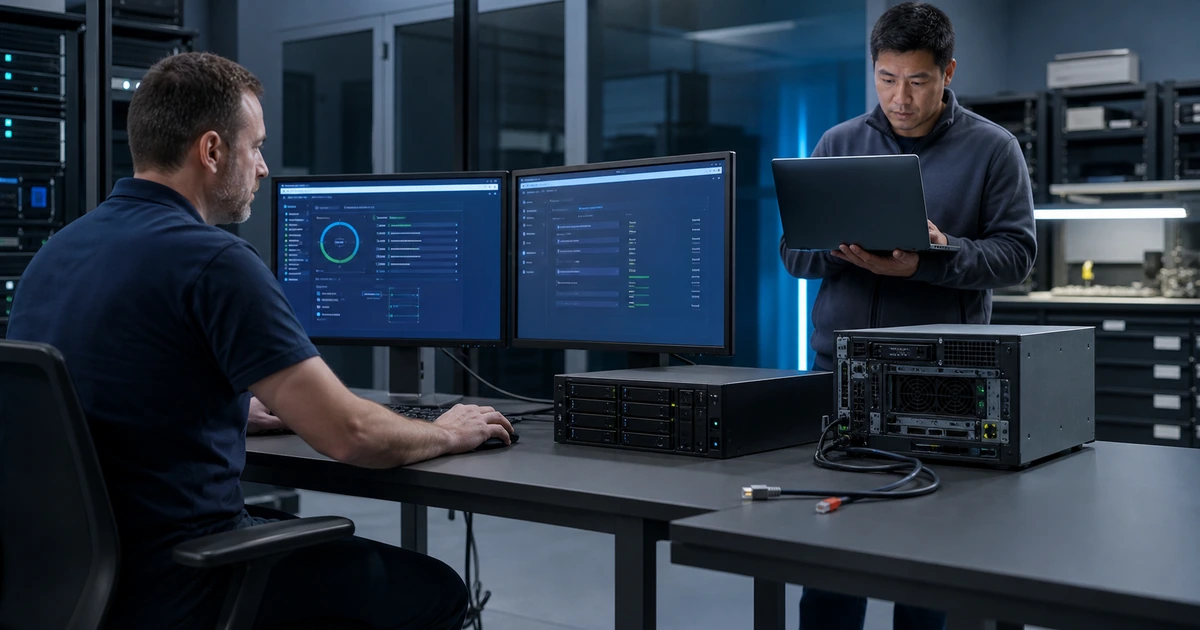
A successful backup job does not prove that a business can recover from ransomware. The backup may be reachable by compromised administrators, may not include cloud data or configurations, may contain the attacker’s persistence, may restore onto unavailable hardware, or may produce an application that starts but contains inconsistent data. Restoration testing must prove the full path from protected source to trusted business operation.
A useful test is controlled, repeatable, timed, and tied to a defined scenario. It identifies the recovery point, builds or verifies a clean destination, restores dependencies in order, validates security and data, involves the employees who use the system, measures elapsed time, records limitations, and destroys or protects test data appropriately. Every failure becomes assigned corrective work followed by a retest.
ALLMSP designs and runs ransomware recovery tests for businesses in Lawrenceville, Suwanee, Gwinnett County, Metro Atlanta, and across Georgia. Our in-house team validates backups, recovery credentials, infrastructure, applications, data, monitoring, documentation, and business workflows so leaders know what can be restored and how long the work actually takes.
Test the complete path from protected backup to trusted business use
- Choose a scenario: Define compromised systems, unavailable services, attack timing, data exposure, recovery point, business priority, and test boundaries.
- Protect production: Use isolation, approved copies, controlled credentials, restricted data, safe networking, monitoring, and cleanup procedures.
- Build clean: Verify hardware or cloud capacity, trusted images, patches, hardening, identity, certificates, DNS, networks, and security tools.
- Restore in order: Recover configurations, platforms, applications, databases, files, integrations, and endpoints according to mapped dependencies.
- Validate deeply: Test malware status, permissions, records, transactions, consistency, integrations, reports, employee tasks, and downstream effects.
- Measure and improve: Record recovery point, elapsed time, hands-on effort, decisions, blockers, gaps, owners, corrections, and retest results.
Define a safe test scenario, recovery point, environment, and evidence plan
Select a scenario that reveals a real weakness. Examples include encrypted file and identity services, unavailable virtualization, stolen administrator credentials, compromised cloud storage, a corrupted database, deleted backups, inaccessible encryption keys, a failed internet circuit, or unavailable primary hardware. State what is assumed compromised, what remains trusted, which backup date is eligible, what data may be used, what business service must return, and which actions are simulated instead of performed against production.
Protect production and sensitive data. Use an isolated recovery network or cloud boundary, dedicated administrator workstations, separate credentials, controlled DNS, restricted outbound connectivity, monitoring, approved test datasets or protected copies, and a documented teardown process. Do not allow restored systems to send customer email, process transactions, synchronize changes, call production integrations, trigger automation, or expose duplicate services unless each behavior is intentionally contained and approved.
Create the evidence package before the test. Record scope, scenario, owners, approvals, start and stop conditions, recovery source, backup identifiers, integrity information, architecture, tools, credentials, dependencies, expected recovery time and point, validation steps, screenshots or logs, decision timeline, data-handling rules, cleanup, and acceptance criteria. Assign an observer who records events while technical responders work so the timeline is not reconstructed from memory.
- Scenario statement: Specify attack, affected services, trusted assets, unavailable dependencies, recovery source, business objective, and boundaries.
- Isolation plan: Control networks, DNS, identity, outbound traffic, integrations, email, automation, production access, and teardown.
- Data protection: Use approved test data or protected copies with limited access, retention, cleanup, and evidence of disposal.
- Acceptance criteria: Define security, infrastructure, application, data, performance, integration, employee, timing, and documentation requirements.
- Observer record: Capture actual times, decisions, errors, missing information, workarounds, support calls, actions, results, and open findings.
A controlled scenario makes the result trustworthy without creating a new outage, privacy problem, or synchronization failure in production.
Rebuild trusted foundations and restore applications in dependency order
Start with clean administration. Verify recovery credentials, multifactor authentication, emergency access, password vaults, encryption keys, certificates, and trusted administrator devices. Reset credentials and revoke sessions when the scenario requires it. Build identity, DNS, time, network, virtualization, storage, management, logging, endpoint protection, vulnerability scanning, and backup access in the correct order. Restore configurations from protected sources and compare them with approved baselines rather than assuming the newest copy is safe.
Use known-good system images, installation media, infrastructure definitions, firmware, drivers, and software packages. CISA recommends maintaining golden images of critical systems and offline copies of software or source material needed to rebuild. Apply supported updates and hardening, then scan and monitor before introducing business data. Document every deviation caused by unavailable hardware, expired licenses, deprecated software, missing installers, unsupported operating systems, or incompatible backup formats.
Restore application tiers according to architecture. Databases, file shares, application services, web tiers, message queues, reporting, identity integrations, certificates, DNS names, scheduled tasks, service accounts, APIs, and endpoints may depend on one another. Control startup and connection order. Keep suspicious artifacts separate. If a chosen recovery point contains indicators, unexplained administrator changes, damaged records, or incomplete logs, stop and escalate rather than promoting it because the test clock is running.
- Trust foundation: Verify administrator devices, credentials, MFA, vaults, keys, certificates, identity, DNS, time, networks, and logging.
- Clean build: Use approved images, installers, definitions, firmware, patches, hardening, scanning, endpoint protection, and monitoring.
- Configuration proof: Compare restored settings with protected baselines, approved changes, dependencies, security requirements, and known exceptions.
- Application order: Sequence databases, storage, application services, web tiers, messaging, reporting, integrations, jobs, and endpoints.
- Stop condition: Pause for indicators, unknown changes, failed integrity, missing evidence, unexpected connections, inconsistent data, or unsafe assumptions.
Restoring in dependency order exposes missing credentials and configurations early, before they delay the applications the business is waiting to use.
Validate data and business work, then measure true recovery performance
Validate more than file counts. Check database consistency, record relationships, permissions, ownership, timestamps, versions, encryption, search indexes, queues, attachments, reports, scheduled tasks, and audit logs. Sample recent and historical records from several departments. Compare expected totals and checksums where available. Confirm that the recovery point matches the stated data-loss tolerance and identify transactions, messages, or work that must be reconstructed from alternate sources.
Have representative employees perform defined tasks. A finance system may open while posting, reconciliation, export, or printing fails. A file service may work for administrators but not ordinary users. Test sign-in, permissions, customer lookup, order or case processing, document creation, reporting, communications, integrations, remote use, printing, and safe shutdown as applicable. Record expected results and evidence. Business owners should approve whether the restored service is usable, while technical owners approve security and operational readiness.
Measure the entire recovery, not only data transfer. Record detection and authorization delay, environment preparation, hardware or cloud provisioning, credential recovery, downloads, clean builds, configuration, restoration, scanning, troubleshooting, validation, employee testing, approval, and controlled promotion. Compare actual recovery time and recovery point with business objectives. Assign blockers such as slow media, bandwidth, missing runbooks, expired licenses, unavailable vendors, insufficient capacity, or unclear authority, then retest the corrected path.
- Data integrity: Check consistency, relationships, permissions, versions, timestamps, encryption, indexes, attachments, queues, reports, and logs.
- Recovery point: Identify the restored timestamp, missing changes, reconstruction sources, responsible owners, effort, and accepted business impact.
- Business validation: Test realistic sign-in, records, transactions, documents, reports, communication, integrations, remote work, and output.
- Full elapsed time: Measure authorization, preparation, provisioning, access, build, restore, security, troubleshooting, validation, approval, and promotion.
- Correction loop: Assign each gap, define the fix, preserve evidence, verify completion, update the runbook, and repeat the failed test.
A restore test is successful only when trusted data supports the intended work within an accepted time and every important limitation is documented.
Ransomware restore testing and recovery validation from ALLMSP
ALLMSP can design the scenario, prepare isolation, validate backup sources, recover administrative access, build clean infrastructure, restore applications and data, coordinate business tests, measure recovery, document evidence, correct findings, and retest. Our in-house team performs the technical work and builds runbooks that can be used during a real incident.
We provide ransomware recovery testing for organizations in Lawrenceville, Suwanee, Gwinnett County, Metro Atlanta, and throughout Georgia. Tests can begin with one critical workload and expand into a complete recovery exercise covering cloud services, servers, endpoints, networks, identity, backup, and operational continuity.
- Design: Define scenario, trust assumptions, recovery source, isolation, data handling, acceptance, evidence, and safety controls.
- Recover: Restore identity, infrastructure, configurations, applications, databases, files, integrations, and required endpoints.
- Validate: Test security, integrity, business tasks, timing, data loss, documentation, cleanup, corrections, and repeatability.
Official ransomware restoration and incident testing references
Adapt government guidance to the organization’s systems, obligations, insurance, and risk. Run tests under approved change, privacy, security, and business-continuity procedures.
- CISA StopRansomware Guide. Recommends protected backups, regular restoration testing, golden images, clean recovery, and prioritized critical services.
- NIST ransomware publications. Collects NIST resources for ransomware protection, response, and recovery.
- NIST SP 800-61 Revision 3. Provides current incident-response recommendations aligned to Cybersecurity Framework 2.0.
- NIST Cybersecurity Framework 2.0. Helps structure recovery priorities, safeguards, detection evidence, incident actions, service restoration, and lessons learned.
- CISA StopRansomware information. Collects federal ransomware preparation, response, reporting, and recovery resources.
Ransomware restore testing FAQs
How is a ransomware restore test different from a backup job check?
It proves protected source access, clean infrastructure, dependency order, application restoration, data integrity, employee tasks, recovery timing, documentation, and safe return to service.
Can a ransomware restore test be run without affecting production?
Yes. Use an isolated environment, controlled identity and DNS, blocked integrations, approved data, safe networking, monitoring, clear boundaries, and a teardown plan.
What is a golden image?
It is a protected, known-good system template with an approved operating system and configuration that can speed clean rebuilding when current systems cannot be trusted.
Which systems should be restored first?
Follow documented dependencies and business priority. Identity, credentials, DNS, network, management, security, virtualization, storage, and databases may be needed before applications.
How is a backup recovery point validated?
Identify the exact timestamp, test representative records, compare totals and integrity, document missing changes, and confirm the data loss is within the approved objective.
Who should validate a restored application?
Technical owners should verify security and operation, while representative business owners complete documented tasks and approve that the service supports real work.
What time should a recovery test measure?
Measure authorization, environment setup, hardware or cloud capacity, credentials, build, restore, scanning, troubleshooting, validation, approval, and promotion, not only transfer speed.
What happens when a recovery test fails?
Preserve evidence, assess impact, assign a responsible owner, correct the root cause, update the runbook, and repeat the failed path until acceptance is proven.
Can ALLMSP run the complete restore test in house?
Yes. ALLMSP handles test design, isolation, clean building, restoration, validation, measurement, documentation, remediation, and retesting through its own team.
Where does ALLMSP provide ransomware restore testing?
ALLMSP serves businesses in Lawrenceville, Suwanee, Gwinnett County, Metro Atlanta, and across Georgia with onsite and secure remote testing.