Nonprofit technology should make the mission easier to deliver. Staff and volunteers need dependable access to email, files, donor and constituent records, program systems, fundraising tools, financial data, event resources, communications, and reporting. Those needs often span offices, homes, community sites, mobile devices, shared spaces, and seasonal teams. A useful IT plan begins with those operating realities instead of beginning with a product catalog.
Limited budgets make design discipline more important, not less important. A discounted subscription can still create waste when the organization buys the wrong edition, assigns access broadly, leaves inactive accounts open, or cannot support the system. Grants and nonprofit offers should be evaluated alongside eligibility, security, administration, compatibility, data ownership, training, renewal terms, and the long-term cost of keeping the service useful.
ALLMSP plans, implements, secures, documents, and supports nonprofit technology with its in-house team. We help organizations in Lawrenceville, Suwanee, Gwinnett County, Metro Atlanta, and across Georgia align technology with programs, donor stewardship, employee and volunteer work, reporting obligations, and realistic budgets.
Turn mission requirements into a supportable technology plan
- Map the mission: Document programs, people served, locations, schedules, communications, records, reporting, funding, and continuity needs.
- Define users: Separate employees, leadership, board members, volunteers, contractors, partners, donors, and program participants by role.
- Choose deliberately: Compare security, administration, integrations, accessibility, support, ownership, nonprofit eligibility, and total cost.
- Set standards: Create approved identity, device, application, file, communication, backup, purchasing, and support practices.
- Implement in phases: Pilot real workflows, migrate carefully, train each role, measure adoption, correct gaps, and expand with evidence.
- Fund the lifecycle: Budget renewals, replacement, training, support, security, backup, connectivity, and change instead of only acquisition.
Map programs, information, people, and locations before selecting tools
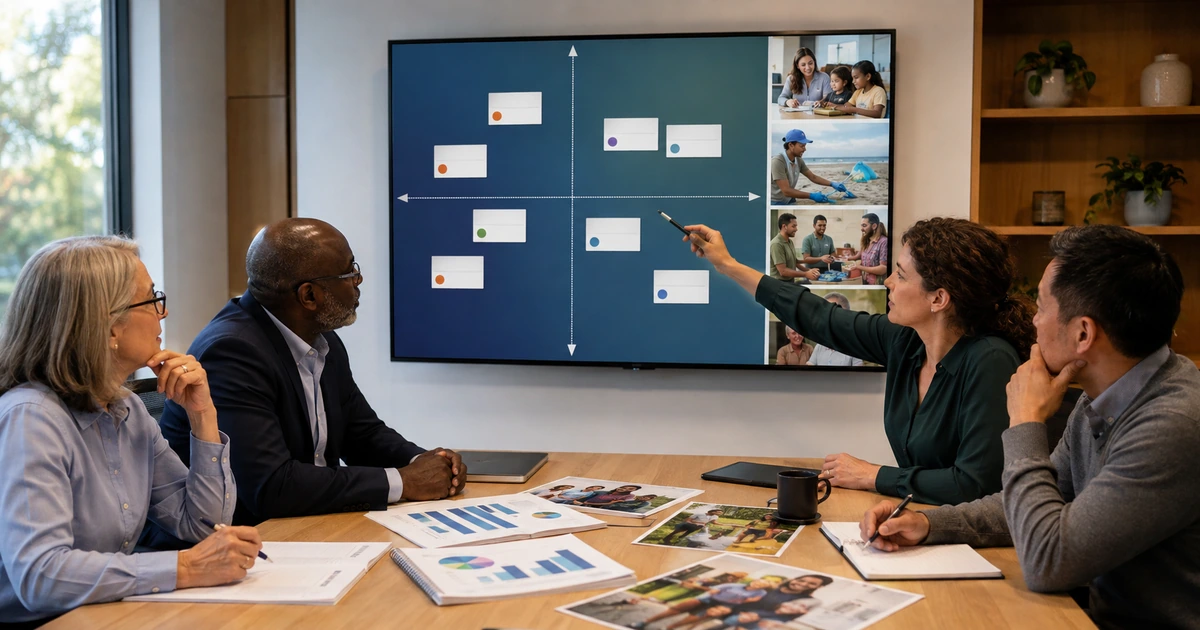
Start with a service map. For each program, record who performs the work, who receives the service, where work occurs, which information is collected, how consent is obtained, what communications are sent, which reports are required, and what must continue during an outage. Include fundraising, donor care, volunteer coordination, finance, grants, events, community outreach, board activity, and administration. Name the person accountable for each workflow and the technical owner for each supporting system.
Classify users by what they actually do. A full-time program manager, temporary event volunteer, board member, bookkeeper, grant writer, field worker, and outside consultant should not receive identical access. Define the applications, shared resources, devices, administrative privileges, communication channels, and retention needs for each role. Record start and end dates for temporary access and decide how ownership transfers when a volunteer, employee, officer, or vendor leaves.
Document constraints early. Check internet quality at every site, mobile coverage, accessibility needs, language needs, shared-computer use, printing and scanning, donated equipment, personal-device use, privacy commitments, funder requirements, insurance conditions, and peak event periods. The result should be a prioritized requirements list that distinguishes work the organization must perform from conveniences that can wait. This gives leadership a defensible basis for product selection and budgeting.
- Program record: Capture purpose, audience, locations, schedule, owner, workflow, data, applications, communications, and outage impact.
- Role matrix: Define approved services, files, devices, privileges, sharing, training, review dates, and departure actions by role.
- Data inventory: List donor, constituent, volunteer, employee, financial, program, grant, event, media, and governance information.
- Site readiness: Test connectivity, Wi-Fi, power, physical security, accessibility, mobile work, printing, scanning, and recovery options.
- Priority decision: Rank work by mission impact, safety, privacy, compliance, continuity, employee time, total cost, and implementation effort.
A mission and workflow map prevents the organization from buying disconnected tools that create more administration than value.
Evaluate nonprofit offers without letting discounts make the decision
Google for Nonprofits and Microsoft for Nonprofits publish eligibility requirements, grants, and discounts for qualified organizations. These programs can reduce costs, but eligibility does not prove that a platform fits the work. Compare identity controls, device management, email protection, collaboration, records handling, accessibility, administration, reporting, integrations, support, data export, and recovery. Confirm the current offer directly with the provider because plans, limits, features, and availability can change.
Build a total-cost comparison. Include paid add-ons, security capabilities, backup, migration, data cleanup, consulting, employee training, support, integration maintenance, mobile devices, internet service, replacement hardware, payment processing, and internal administration. Review whether donated or discounted hardware is supportable, repairable, compatible with required applications, and covered for the expected service life. A free product that creates recurring manual work can cost more than a well-chosen paid service.
Protect ownership from the beginning. Register domains, cloud tenants, fundraising platforms, social profiles, analytics, payment services, and recovery methods in organization-controlled accounts. Use named administrators, separate emergency access, multifactor authentication, documented billing, and at least two trained internal owners. Keep vendor access limited and reviewable. Confirm that the nonprofit can export its data and continue operating if a product, grant, employee, or supplier changes.
- Eligibility: Verify charitable status, country, mission, exclusions, validation, renewal, usage, and current provider requirements.
- Functional fit: Test daily workflows, accessibility, security, reporting, integration, mobile use, administration, and support.
- Full cost: Include subscriptions, add-ons, migration, cleanup, devices, connectivity, backup, training, support, and employee time.
- Organization ownership: Control domains, tenants, billing, recovery, administrators, data, integrations, and vendor relationships.
- Exit readiness: Document export, retention, replacement, ownership transfer, contract end dates, and continuity procedures.
The strongest nonprofit technology decision uses grants and discounts as one input within a complete operating, security, and lifecycle review.
Pilot real work, train every role, and budget for dependable operation
Use a pilot that includes the difficult cases. Select employees and volunteers who work remotely, share devices, manage sensitive records, coordinate events, create reports, communicate with donors, support participants, or use historical workarounds. Test sign-in, file access, collaboration, printing, mobile use, forms, integrations, reporting, accessibility, and support. Record what succeeds, what confuses users, what creates duplicate work, and what would prevent a program from operating.
Plan migration and change by workflow. Clean account lists, folders, permissions, contact records, mailing lists, calendars, forms, devices, and integrations before moving them. Preserve required records and confirm who approves deletion or consolidation. Train each role with realistic examples and short reference material. Provide a clear support route for questions, lost access, suspicious activity, data errors, and urgent program needs. Verify adoption after launch instead of assuming that attendance at training equals successful use.
Create a multi-year technology budget tied to service life and risk. Include replacement dates, warranty, connectivity, subscriptions, security, backup, employee onboarding, volunteer turnover, seasonal demand, support, training, major projects, and a reserve for failure. Review actual usage and program outcomes at least quarterly. Retire services that no longer have an accountable owner or a mission purpose, then reinvest the savings in the controls and support that protect active work.
- Representative pilot: Include heavy users, mobile roles, volunteers, reporting owners, shared devices, sensitive data, and known workarounds.
- Migration control: Clean identities, files, permissions, records, devices, integrations, retention, and ownership before changing platforms.
- Role training: Teach the exact sign-in, sharing, data, communication, security, reporting, and support tasks each group performs.
- Adoption evidence: Measure successful tasks, support requests, workarounds, delays, errors, duplicate work, and employee confidence.
- Lifecycle budget: Fund replacement, renewals, security, backup, support, connectivity, training, growth, and emergency recovery.
Technology becomes sustainable when the organization funds operation, support, learning, and replacement as carefully as the initial launch.
In-house nonprofit technology planning and support from ALLMSP
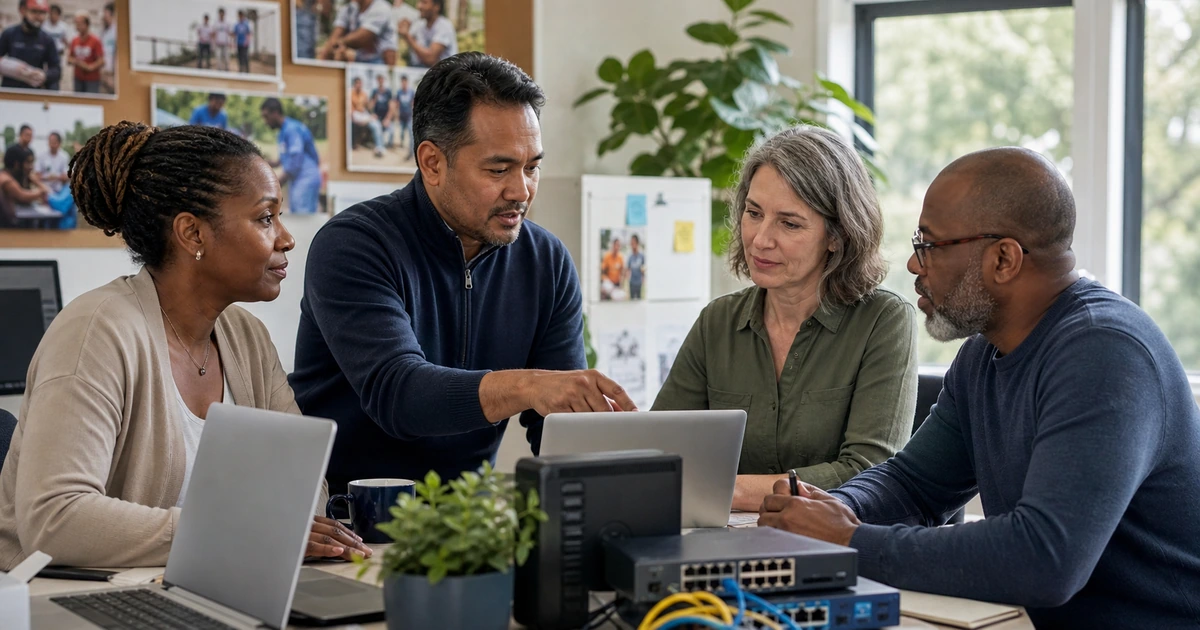
ALLMSP can inventory nonprofit workflows and systems, compare platforms, configure identities, standardize devices, migrate data, secure collaboration, implement backup, improve networks, document ownership, train users, and provide ongoing help desk support. Our team handles the work directly from assessment through implementation and recurring optimization.
Organizations in Lawrenceville, Suwanee, Gwinnett County, Metro Atlanta, and throughout Georgia can use ALLMSP for a focused technology project or a complete managed IT program. We translate mission priorities and budget constraints into a practical roadmap with accountable owners, measurable results, and a supportable operating model.
- Plan: Connect programs, users, information, locations, risks, requirements, costs, grants, and priorities.
- Implement: Configure platforms, devices, identity, data, collaboration, connectivity, backup, documentation, and training.
- Operate: Support users, monitor systems, manage changes, review access, test recovery, track lifecycle, and improve adoption.
Official nonprofit technology planning references
Use current provider terms and recognized cybersecurity guidance when building the plan. Eligibility, grant availability, regulatory duties, contracts, and insurance requirements must be confirmed for the specific organization.
- NIST Cybersecurity Framework 2.0. Organizes cybersecurity outcomes across governance, identification, protection, detection, response, and recovery.
- NIST small business quick-start guides. Provides practical starting guidance that smaller organizations can adapt to their risks and resources.
- Google for Nonprofits. Describes Google’s nonprofit program and the products available to eligible organizations.
- Google for Nonprofits eligibility. Lists current eligibility and verification information for the program.
- Microsoft nonprofit offers. Explains grants and discounts that Microsoft makes available to eligible nonprofits.
Nonprofit IT planning and support FAQs
What should a nonprofit IT plan include?
Include mission workflows, users, locations, data, applications, devices, identity, networks, communications, security, backup, support, training, ownership, lifecycle, budget, and continuity.
Should a nonprofit choose software mainly because it is free or discounted?
No. Compare functional fit, security, administration, accessibility, integrations, support, data ownership, total cost, eligibility, renewal terms, and exit options.
What nonprofit roles should be included in technology planning?
Include leadership, program employees, administration, finance, fundraising, communications, board members, volunteers, contractors, partners, and people responsible for privacy, reporting, and continuity.
How should temporary volunteers receive access?
Use named accounts where possible, role-based permissions, approved devices, multifactor authentication, clear training, start and end dates, accountable owners, and prompt removal after the assignment.
What should a nonprofit technology pilot test?
Test real sign-in, mobile work, file sharing, forms, communications, printing, accessibility, integrations, reporting, security prompts, data quality, and the support process.
What belongs in a nonprofit technology budget?
Budget subscriptions, devices, replacement, connectivity, security, backup, migration, data cleanup, training, support, integration maintenance, projects, and emergency recovery.
How can a nonprofit prevent technology ownership problems?
Use organization-controlled accounts, named administrators, protected recovery methods, documented billing, multiple trained owners, limited vendor access, and current export and exit procedures.
How often should nonprofit technology be reviewed?
Review usage, access, support trends, costs, risks, lifecycle, and program fit at least quarterly, with deeper planning annually and after major mission or staffing changes.
Can ALLMSP implement and support the complete plan?
Yes. ALLMSP provides assessment, product selection, configuration, migration, security, backup, training, documentation, help desk support, and recurring optimization through its in-house team.
Where does ALLMSP provide nonprofit IT support?
ALLMSP supports nonprofits in Lawrenceville, Suwanee, Gwinnett County, Metro Atlanta, and across Georgia with onsite and secure remote service.