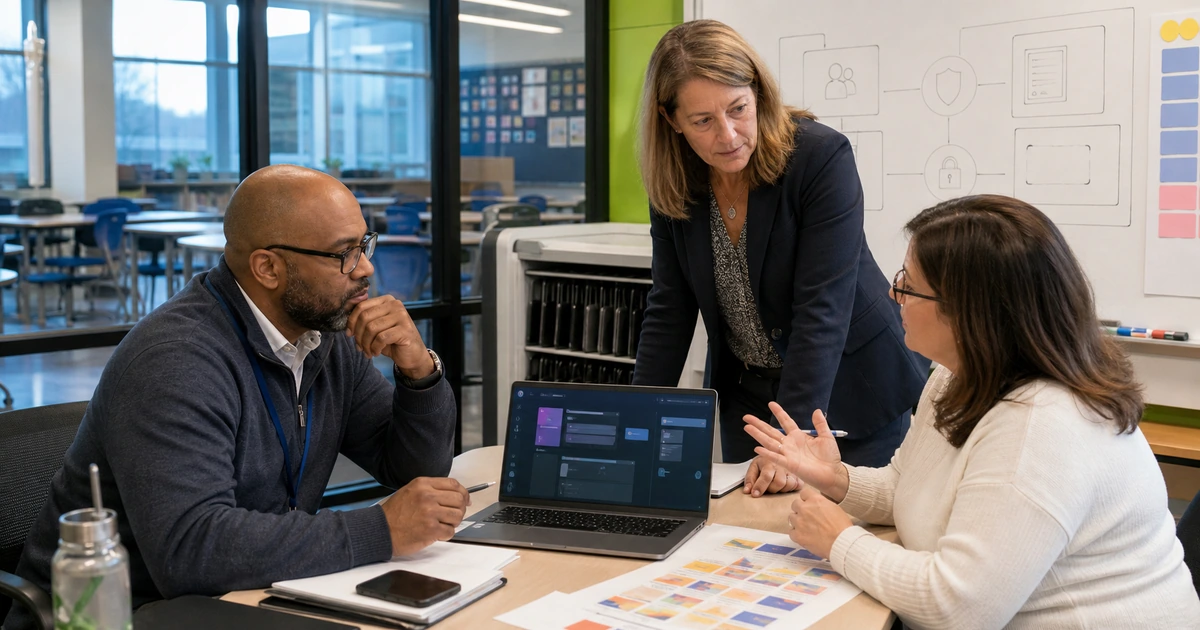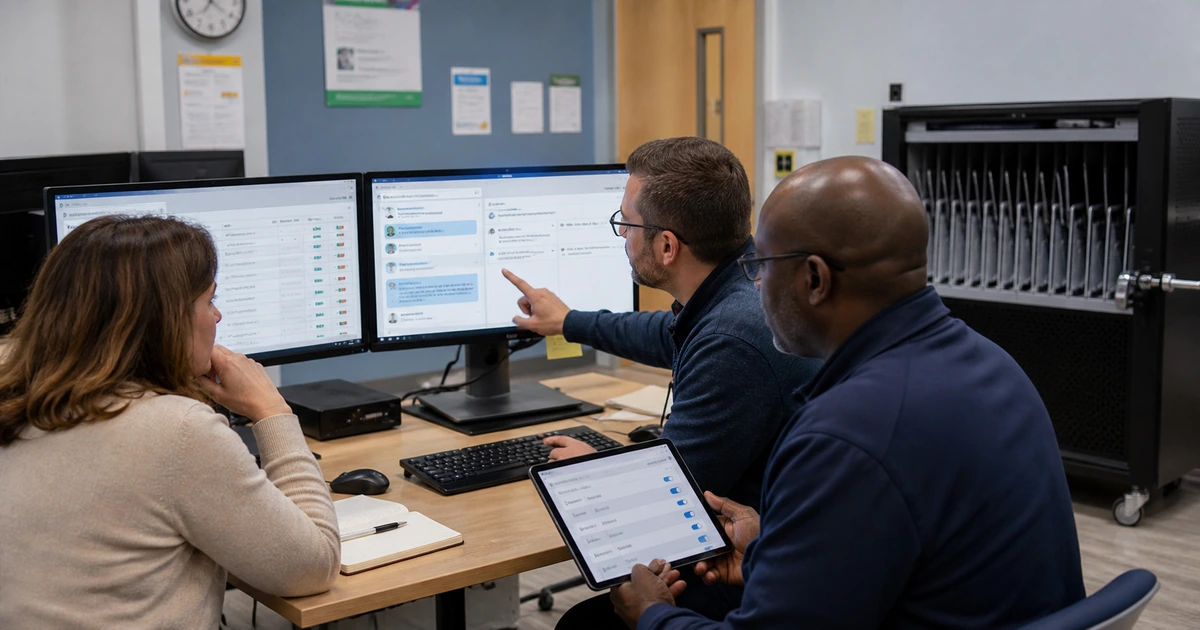
Nonprofits often have valuable information spread across donor systems, grant folders, program databases, finance tools, email, forms, spreadsheets, volunteer platforms, and individual knowledge. AI-assisted automation can reduce repetitive handling, but only when the workflow respects ownership, data sensitivity, review requirements, and the authoritative record. Connecting systems without those decisions can accelerate duplicates and mistakes.
A useful workflow begins with one complete outcome, such as acknowledging a donation, preparing a grant status summary, routing a volunteer application, assembling a program report, or identifying records that need follow-up. The design should show exactly where information originates, how it is transformed, which employee approves it, what system records completion, and how exceptions return to a person.
ALLMSP designs and supports nonprofit AI workflows for organizations in Lawrenceville, Suwanee, Gwinnett County, Metro Atlanta, and across Georgia. Our in-house team can clean up data, secure accounts, configure platforms, connect applications, build automation, test failures, train users, monitor performance, and provide ongoing technical support.
How to design a nonprofit AI workflow that remains accountable
- Follow one outcome end to end: Map the trigger, source records, decisions, drafts, approvals, updates, communications, exceptions, and final evidence for a complete unit of work.
- Choose the authoritative record: Decide where donor, grant, volunteer, program, and finance information is owned so automation does not create competing versions.
- Separate assistance from authority: Allow AI to retrieve, classify, summarize, or draft where appropriate while preserving human control over sensitive decisions and commitments.
- Design exceptions first: Route missing data, conflicts, restricted records, low confidence, integration failures, and unusual requests to a named employee with useful context.
- Prove each system change: Verify writeback, duplicate prevention, audit history, permissions, notifications, retries, and reconciliation before increasing volume.
- Operate the workflow: Assign monitoring, support, access maintenance, change testing, fallback, performance review, and a process for retiring obsolete automations.
Map donor, grant, volunteer, and program work around authoritative data
Select a workflow and walk through recent examples with the employees who complete it. Record every form, email, spreadsheet, application, folder, database, decision, approval, and follow-up. Note where names, contact details, restrictions, relationships, amounts, outcomes, deadlines, and consent are copied by hand. Identify which system owns each field and which records exist only because current applications do not communicate reliably.
Data cleanup should precede automation. Merge duplicates through an approved process, standardize required fields and status values, name owners, document definitions, archive obsolete templates, and secure uncontrolled exports. When a workflow uses donor restrictions, grant terms, beneficiary information, payment records, or volunteer screening, restrict the AI and connected services to the minimum information needed for the exact task.
- Donor stewardship: Connect gift entry, restrictions, acknowledgments, relationship notes, campaign attribution, follow-up ownership, and finance reconciliation without inventing donor intent.
- Grant operations: Track requirements, deadlines, approved narratives, budgets, evidence, program updates, reporting, review, submission, and changes against the current award record.
- Volunteer coordination: Route applications, availability, skills, training, assignment, communication, restrictions, supervision, and completion while limiting unnecessary access.
- Program delivery: Organize intake, eligibility evidence, scheduling, service records, referrals, outcomes, reporting, and follow-up with human control over consequential decisions.
- Finance connection: Reconcile fundraising and grant activity with deposits, budgets, restricted funds, expenses, approvals, and reporting instead of creating shadow totals.
An authoritative data map prevents a faster workflow from becoming a faster way to spread conflicting donor, grant, program, or financial records.
Build human review, integration controls, and exception handling
Define what AI contributes at each step. Retrieval should cite the current approved source. Classification should expose uncertain cases. Summaries should preserve material conditions and missing information. Drafts should avoid unsupported claims and remain clearly subject to review. Automated updates should write only approved fields under a controlled service identity with a complete status and audit trail.
Treat exceptions as a normal part of design. A record may be incomplete, duplicated, restricted, assigned to a former employee, inconsistent with finance, or blocked by an unavailable service. The workflow should stop at a safe state, preserve context, alert a responsible person, support correction, and resume without creating duplicate messages or updates. Silent failure is especially costly for deadlines, donor commitments, beneficiary follow-up, and financial reporting.
- Identity: Use managed users and service accounts with least privilege, multifactor authentication, protected secrets, named ownership, review dates, and recovery.
- Source grounding: Retrieve from current approved records and show employees enough evidence to verify important statements, requirements, dates, amounts, and restrictions.
- Approval: Require a person for external commitments, beneficiary eligibility, grant submissions, donor restrictions, payments, personnel actions, and sensitive communication.
- Writeback: Validate record matching, field mapping, status transitions, duplication, timestamp, owner, and rollback before an automation changes a production system.
- Error queue: Give unresolved work a visible location with reason, source context, priority, accountable owner, due date, correction method, and verification.
- Audit evidence: Retain useful information about input, version, action, reviewer, change, notification, failure, correction, and final status without unnecessary sensitive copies.
A dependable nonprofit automation makes ownership and exceptions more visible, not less visible, and never hides a consequential action behind a successful status message.
Launch in stages and improve the workflow from operating evidence
Begin with a limited user group and controlled volume. Test current and historical examples, including missed deadlines, partial payments, duplicate contacts, restricted gifts, unusual grant requirements, declined volunteers, unavailable staff, multilingual communications, and interrupted integrations. Train users to verify sources, correct records, report unexpected behavior, and use the manual path when a result is uncertain.
Monitor the full operating result after release. Measure completed work, elapsed time, employee effort, correction, missed follow-up, support requests, donor or program complaints, integration failures, and platform cost. Review whether the workflow shifts burden to another team or creates records that cannot be reconciled. Use those findings to correct the design before adding new departments or higher-consequence actions.
- Release stage: Limit users, systems, data, volume, actions, and communication channels to the scope supported by test evidence.
- Operational dashboard: Show completed, pending, failed, corrected, overdue, and manually handled work with ownership and a link to the authoritative record.
- Quality sampling: Review representative output and every high-consequence exception for factual support, tone, privacy, correct action, and completion.
- Change testing: Repeat critical cases after provider, model, prompt, field, form, workflow, integration, permission, grant, policy, or program changes.
- Quarterly decision: Choose whether to expand, correct, consolidate, replace, or retire each workflow based on mission value, risk, effort, and supportability.
Staged operation gives a nonprofit the evidence to expand useful automation confidently while correcting weak assumptions before they become part of mission delivery.
Nonprofit AI workflow automation with ALLMSP
ALLMSP can map and improve donor, grant, volunteer, program, communication, and administrative workflows. We configure approved platforms, clean and connect data, secure identities, build automations, implement review and exception handling, test production failures, train users, document the system, and provide ongoing support. Our team can also improve the endpoints, networks, cloud services, backup, and security that the workflow relies on.
Nonprofits throughout Lawrenceville, Suwanee, Gwinnett County, Metro Atlanta, and Georgia can begin with one high-value process or establish a prioritized automation roadmap. Every project remains tied to accountable records, measurable mission results, and practical support.
- Workflow discovery: Current process, systems, data ownership, delays, errors, sensitive information, integration options, expected value, and project priority.
- Automation build: Platform configuration, connectors, service identities, prompts and rules, approval, exception queues, writeback, logging, testing, and training.
- Managed operation: Monitoring, error response, user support, access changes, quality review, provider updates, reporting, recovery, and continuous optimization.
Primary resources for nonprofit AI workflow design
Combine AI risk guidance with good nonprofit governance and resilient technology practices, then document how each workflow supports the organization’s mission and obligations.
- ALLMSP AI Workflow Automation. Workflow mapping, integration, automation, testing, training, and ongoing optimization.
Nonprofit AI workflow automation FAQs
Which nonprofit workflows can benefit from AI-assisted automation?
Good candidates include request routing, approved document retrieval, routine summaries, draft communications, incomplete-record checks, grant status preparation, volunteer coordination, donor follow-up queues, and program reporting support.
Should AI update a donor or program database automatically?
Only after record matching, field mapping, permissions, human approval, audit history, duplicate prevention, error handling, rollback, and reconciliation are tested. High-consequence fields should retain explicit human control.
How can a nonprofit avoid duplicate records during automation?
Define authoritative identifiers, normalize fields, test matching rules, route uncertain matches to a person, prevent repeated event processing, log writeback, and reconcile source and destination totals after failures.
What should happen when an AI workflow is uncertain?
It should stop at a safe point, preserve the relevant context, explain the reason, route the case to an authorized employee, retain the manual option, and avoid sending or changing anything that cannot be reversed.
Can AI help with grant reporting?
It can retrieve approved evidence, organize requirements, summarize current program records, identify missing documentation, and prepare drafts. Employees should verify source support, numbers, award terms, outcomes, and every submitted statement.
How should volunteer access work in an automated system?
Use managed accounts or controlled invitations, least privilege, role and assignment limits, training, end dates, periodic review, monitored activity, and verified removal from systems, groups, tokens, files, and shared credentials.
What is the safest way to launch a nonprofit automation?
Start with limited users, data, volume, and actions. Test routine and exceptional cases, maintain manual fallback, monitor every failure, sample quality, gather user feedback, and expand only after acceptance criteria remain stable.
How should nonprofit automation value be measured?
Compare completed work, cycle time, employee effort, missed follow-up, corrections, service outcomes, donor stewardship, reporting speed, support demand, platform cost, and risks with the pre-automation baseline.
Can ALLMSP connect our existing nonprofit applications?
Yes. ALLMSP can assess APIs and approved connectors, improve data ownership, configure identities, build and test integrations, document dependencies, monitor failures, support users, and maintain the workflow in house.
Where does ALLMSP provide nonprofit automation services?
ALLMSP serves nonprofits in Lawrenceville, Suwanee, Gwinnett County, Metro Atlanta, and across Georgia, including organizations with remote employees, field programs, volunteers, and multiple locations.
Sources
- NIST AI Resource Center. Resources for AI testing, evaluation, verification, validation, and risk management. ↩
- NIST Generative AI Profile. Risk considerations for organizations developing or using generative AI. ↩
- CISA resources for small and medium organizations. Practical cybersecurity and resilience resources that can support connected nonprofit systems. ↩