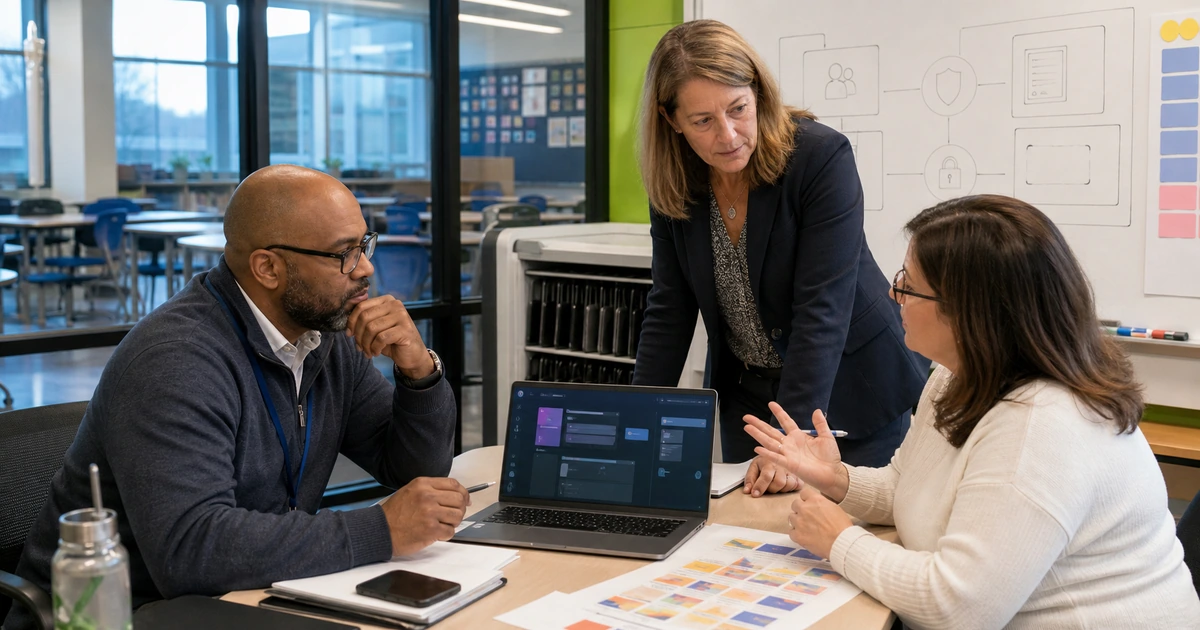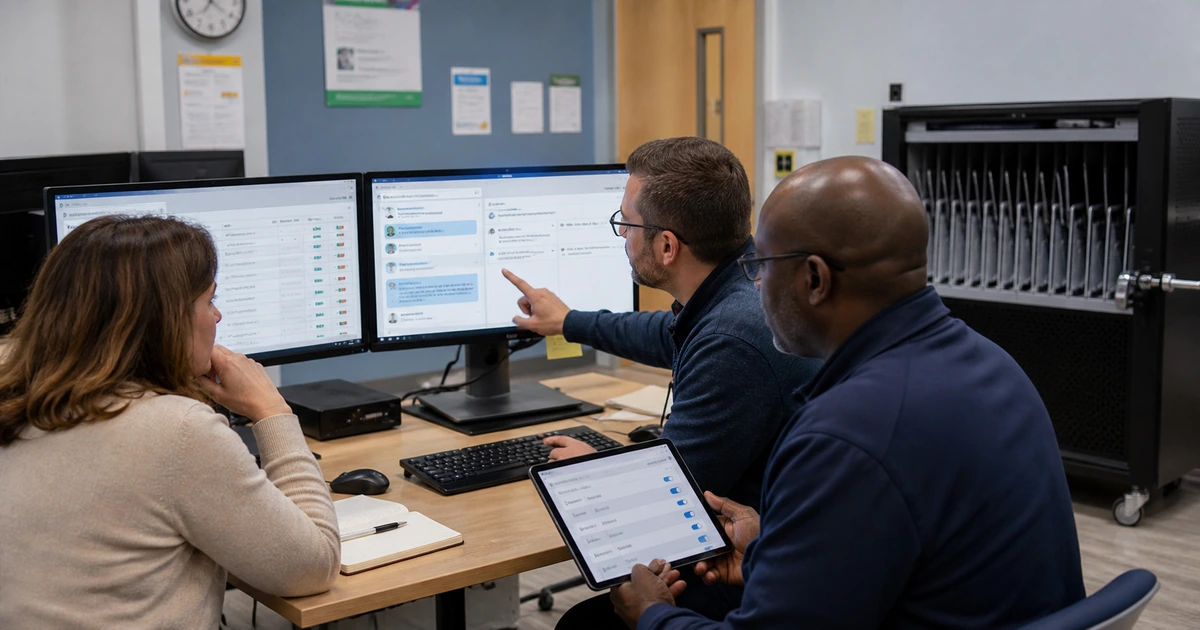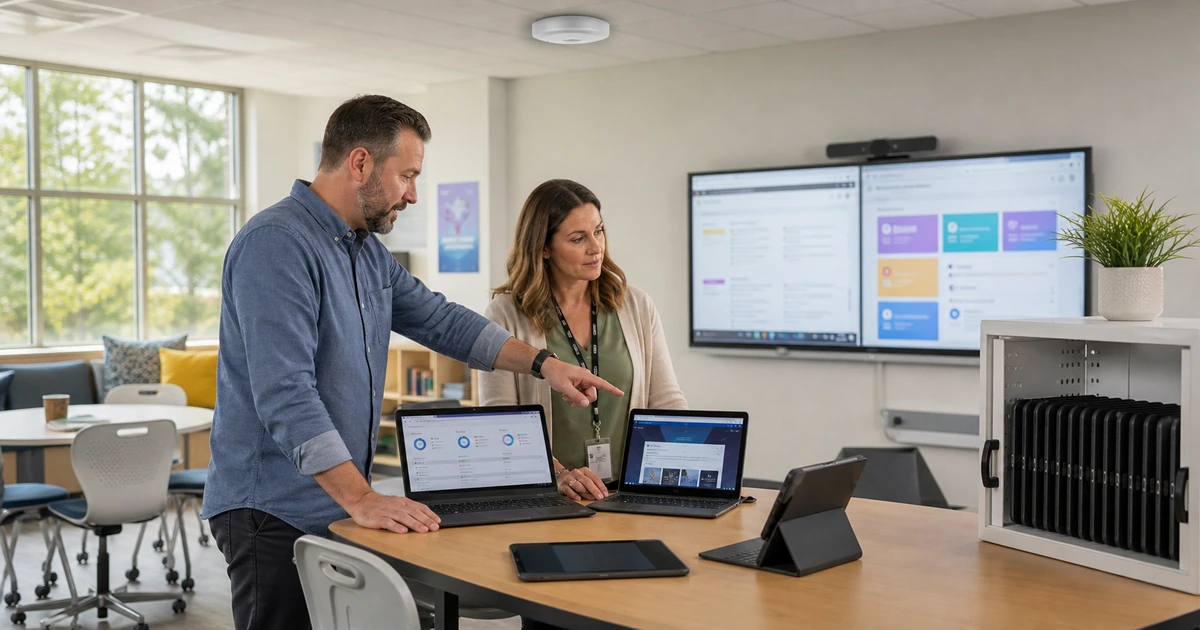
Education technology works best when the design begins with teaching, administration, safety, and support rather than a list of products. Identity affects every application. Wireless affects every classroom device. Cloud sharing affects privacy. Help desk capacity affects whether a new platform becomes useful or turns into another workaround.
An education IT blueprint documents the services the school must deliver, the people and systems that depend on them, the standards used across campuses and rooms, the exceptions that matter, and the recovery path when a component fails. It turns scattered projects into an operating plan leadership can fund and IT can support.
ALLMSP creates and implements school technology plans for Lawrenceville, Suwanee, Gwinnett County, Metro Atlanta, and organizations throughout Georgia. Strategy, procurement, configuration, migration, security, training, documentation, help desk service, and ongoing optimization stay with one in-house team.
The core layers of an education IT blueprint
- People and roles: Define students, faculty, staff, substitutes, families, administrators, vendors, guests, support teams, and the services each group needs.
- Identity and access: Use managed accounts, role-based groups, strong authentication, automated lifecycle processes, and clear ownership for privileged access.
- Devices and classrooms: Standardize supported endpoints, classroom technology, enrollment, applications, security, spares, refresh cycles, and repair procedures.
- Network and cloud: Design internet, switching, wireless, segmentation, collaboration, learning platforms, storage, integrations, monitoring, and capacity as connected services.
- Data and continuity: Classify records, control sharing, manage vendors, protect backups, define recovery priorities, and practice operating through disruption.
- Support and governance: Establish service ownership, help desk intake, escalation, documentation, training, change review, budgets, metrics, and recurring improvement.
Translate school operations into technology requirements
Interview instructional, administrative, facilities, finance, safety, communications, and support leaders. Ask what must happen during a normal day, enrollment, testing, grading, reporting, payroll, events, emergencies, and the start or end of a term. Record the technology, data, timing, location, and fallback behind each critical activity.
Compare stated requirements with live evidence. Use account directories, device inventories, network maps, wireless measurements, application sign-ins, licensing, cloud sharing, tickets, outages, contracts, backup reports, and classroom observation. Differences between the documented process and actual work often reveal the most urgent support and security gaps.
- Service catalog: Name each technology service in language users understand, its owner, audience, hours, dependencies, support path, and recovery priority.
- Application register: Document purpose, data, users, authentication, integrations, licensing, vendor, support, renewal, administrator, and replacement risk.
- Asset inventory: Track devices, servers, network equipment, displays, printers, cameras, warranties, support status, assigned location, and secure disposal.
- Data map: Identify student, employee, financial, health, operational, media, and public information, plus where it is stored, shared, backed up, and retained.
- Dependency map: Show how internet, DNS, identity, email, cloud storage, learning systems, student information, payment, voice, and building systems depend on one another.
Prioritize requirements by learning and business impact, legal or policy obligations, safety, security exposure, number of users, failure frequency, recovery difficulty, and the date a decision must be made.
Design standards that work across real school conditions
Create standards for account naming, groups, devices, operating systems, classroom connections, wireless, switching, cloud sharing, administrator roles, updates, security, backups, monitoring, documentation, and support. A standard should state the approved design, reason, owner, acceptance test, and conditions that justify an exception.
Plan for scale and seasonality. New terms, testing windows, enrollment deadlines, campus events, weather, construction, and staff transitions can change demand quickly. Capacity estimates should use device density, simultaneous applications, storage growth, internet use, support volume, and replacement lead times rather than last year’s purchase count alone.
- Identity standard: Authoritative source, account creation, groups, role changes, multifactor authentication, privileged access, guest access, suspension, and deletion.
- Endpoint standard: Approved models, enrollment, applications, filtering, updates, encryption, protection, remote support, local data, warranty, and refresh age.
- Network standard: Internet redundancy where justified, switching, wireless coverage and capacity, segmentation, management access, power protection, monitoring, and diagrams.
- Cloud standard: Approved platforms, sharing defaults, external users, retention, application consent, administrative roles, integrations, backup, and support.
- Classroom standard: Display, audio, camera, connection method, teacher device, student device, controls, cables, labeling, spare procedure, and acceptance test.
- Recovery standard: Critical services, acceptable data loss, restoration time, protected copies, configuration backup, communication, test schedule, and manual fallback.
Pilot standards in representative rooms, campuses, roles, and workflows. A design that works in the technology office may fail in a crowded classroom, a shared lab, a gym, an outdoor space, or a substitute-teacher scenario.
Turn the blueprint into a funded operating roadmap
Organize work into immediate risk corrections, reliability improvements, lifecycle replacements, capacity projects, platform changes, and future opportunities. Each initiative needs an owner, reason, affected users, dependencies, cost range, schedule, maintenance window, communication plan, acceptance test, support impact, and fallback.
Avoid launching more change than the school can absorb. A technically successful migration can still fail when training, documentation, help desk capacity, device readiness, or faculty time is missing. Sequence projects so foundational identity, network, security, data, and support work is ready before dependent classroom or administrative tools go live.
- Stabilize: Correct unsupported systems, failed backups, critical access problems, recurring outages, unsafe exposure, and single points of failure.
- Standardize: Reduce unnecessary variation in accounts, devices, rooms, applications, permissions, network design, support intake, and documentation.
- Modernize: Replace or migrate systems whose risk, cost, performance, integration, or support burden no longer fits school requirements.
- Enable: Introduce new learning, analytics, communication, AI, and automation capabilities only after the operating foundation can support them.
- Measure: Review availability, classroom downtime, ticket patterns, device compliance, account readiness, security events, restore tests, user satisfaction, cost, and roadmap progress.
Update the roadmap when enrollment, programs, campuses, staffing, regulations, insurance, vendors, or instructional models change. A blueprint is valuable because it guides decisions, not because it remains untouched.
How ALLMSP plans and operates education IT
ALLMSP can lead the assessment, planning, design, procurement, implementation, migration, security, documentation, training, and support required by the roadmap. We work with existing school leadership and internal IT staff, or provide the managed capacity needed to operate the environment directly.
Our coverage spans cloud platforms, Microsoft 365, Google Workspace, identity, networks, wireless, endpoints, servers, backups, cybersecurity, classroom technology, low voltage, websites, online marketing, AI, and workflow automation. That breadth helps identify dependencies before separate projects collide.
- Current-state assessment: Interviews, inventories, diagrams, configuration review, ticket analysis, classroom observation, security evidence, recovery tests, and vendor review.
- Technology blueprint: Service model, standards, architecture, ownership, support, security, continuity, lifecycle, budget assumptions, and measurable priorities.
- Implementation roadmap: Sequenced projects, dependencies, costs, schedules, communications, acceptance tests, training, fallback, and responsible owners.
- Project delivery: Procurement, configuration, installation, migration, integration, testing, launch support, documentation, and employee training.
- Managed operation: Help desk, monitoring, administration, cybersecurity, backups, vendor coordination, reporting, lifecycle planning, and continuous improvement.
The school receives a plan it can execute and a local technical team capable of carrying that plan through daily operations.
Related education IT planning resources
Connect the technology roadmap with current privacy, cybersecurity, AI, and operational guidance.
- ALLMSP education services. Technology, cybersecurity, marketing, cloud, and AI support for schools.
- ALLMSP managed IT services. Local planning, projects, help desk, monitoring, administration, documentation, and support.
Frequently asked questions about education IT planning
What is an education IT blueprint?
It is a practical design and operating plan for the people, services, accounts, devices, classrooms, networks, cloud platforms, applications, data, security, backups, support, lifecycle, projects, and budgets needed to deliver dependable school operations.
How is an IT blueprint different from a technology inventory?
An inventory records what exists. A blueprint also explains why each service exists, who depends on it, how it should be designed, who owns it, how it is supported, what it costs, when it changes, and how the school operates when it fails.
How often should a school technology plan be updated?
Review it at least annually and after major changes in enrollment, programs, campuses, staffing, vendors, regulation, insurance, instructional models, security risk, or funding. The project roadmap and risk register should be reviewed more frequently.
Which systems should be addressed first?
Prioritize unsupported technology, failed recovery, dangerous access, repeated outages, critical security exposure, and single points of failure. Then address standards, capacity, lifecycle, and improvements that depend on a stable foundation.
What should a school device standard include?
Document approved models, operating systems, enrollment, applications, filtering, updates, encryption, endpoint protection, remote support, local storage, accessories, warranty, repair, spare process, refresh age, secure reset, and disposal.
How should schools plan wireless capacity?
Use room occupancy, device density, simultaneous applications, coverage measurements, interference, roaming, channel use, wired uplinks, internet capacity, and expected growth. Design and test in realistic occupied conditions rather than relying only on floor-plan circles.
Does the roadmap need to include AI and automation?
Yes, when those capabilities support a defined instructional or operational need. Place them after the identity, data, privacy, security, integration, training, support, and governance foundations required to operate them responsibly.
How should technology budgets handle replacement cycles?
Track purchase date, warranty, support status, operating system eligibility, battery and failure trends, capacity, repair cost, replacement lead time, and project dependencies. Use a multiyear forecast so large groups do not become unsupported at once.
Can ALLMSP implement the roadmap as well as write it?
Yes. ALLMSP handles assessment, architecture, procurement, configuration, installation, migration, cybersecurity, testing, documentation, training, help desk support, monitoring, vendor coordination, recovery, and ongoing optimization with its in-house team.
Where does ALLMSP provide education IT services?
ALLMSP serves schools in Lawrenceville, Suwanee, Gwinnett County, Metro Atlanta, and across Georgia. Support can cover individual projects, one campus, multiple locations, a co-managed internal IT team, or a complete managed service.
Sources
- U.S. Department of Education K-12 cybersecurity. Federal school cybersecurity and privacy resources. ↩
- Protecting Student Privacy. Official resources for education records and data-sharing decisions. ↩
- NIST AI Risk Management Framework. A structured reference for responsible AI governance and risk management. ↩