





























































































































































Apple fleet reliability crosses software and hardware boundaries. A Mac that restarts during an enforced update may expose inadequate free space or a missing bootstrap token rather than a bad logic board. An iPad that appears to lose Wi-Fi after a release may reflect a configuration interaction. A laptop with intermittent shutdowns needs power, thermal, peripheral, operating-system, and diagnostic evidence before anyone authorizes depot repair. Treating updates and repairs as separate queues loses the chronology needed to make the right decision.
Apple’s current deployment guidance positions declarative device management as the preferred direction for managed software updates. Instead of repeatedly sending an install command, the service declares a desired operating-system version and optional deadline while the device reports status. Apple also documents prerequisites such as compatible enrollment, supervision for some settings, network access without incompatible HTTPS interception, adequate power and storage, and bootstrap-token support for seamless enforcement on managed Apple silicon Macs.
Apple Diagnostics can help identify a hardware component that may be at fault after external devices are isolated and the Mac is prepared on stable power and ventilation. A reference code should travel with the incident and service case, but it does not justify opening a device, replacing parts, or erasing data outside the organization’s authorization and Apple’s repair path. This runbook uses current official guidance and keeps user data, serials, diagnostic records, device names, management commands, and service credentials in restricted systems.
Companies across Lawrenceville, Suwanee, Gwinnett County, Metro Atlanta, and Georgia can bring ALLMSP in to operate Apple software updates, diagnostics, and repair escalation. We coordinate the affected technology and business workflow through our own team.
Key decisions at a glance
- Define Apple operating-system policy by supported device class, desired version, enforcement deadline, deferral, exception, pilot ring, rollback or recovery path, and measurable completion rather than relying on user prompts.
- Use declarative device management where the service supports it, and verify supervision, bootstrap-token readiness on Apple silicon Mac, network access, power, storage, terms, and status reporting before enforcement.
- Triage hardware with exact model, operating-system build, symptom, reproducibility, peripherals, power and thermal conditions, logs, backups, recent changes, and Apple Diagnostics rather than replacing parts from a vague complaint.
- Treat Apple Diagnostics reference codes as evidence that guides escalation, not a complete diagnosis, protect user data, avoid unauthorized repair, and preserve the conditions needed for Apple or an authorized provider to validate the fault.
- Close repair only after identity, ownership, data, Activation Lock, hardware, operating system, updates, management, encryption, apps, diagnostics, user acceptance, warranty, and recurring fleet signal all reconcile.
Build Apple Update Rings, Deadlines, and Readiness Controls
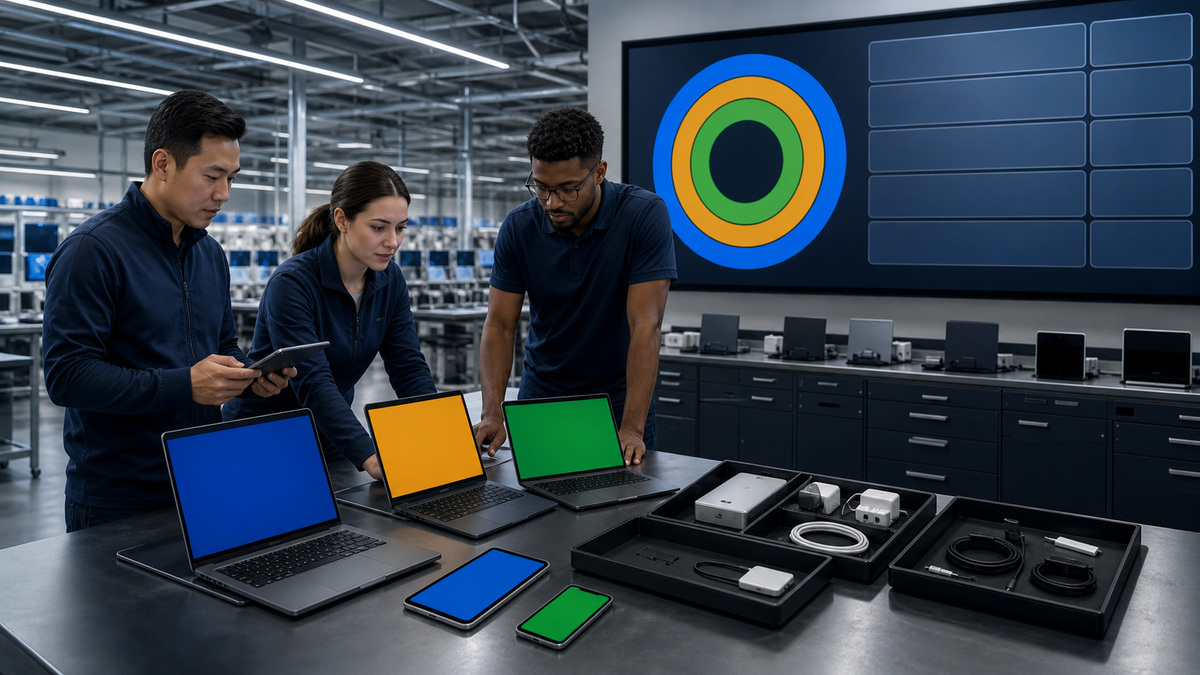
Inventory every managed Apple device by hardware class, model generation, architecture, current operating-system version and build, enrollment method, supervision, device-management service, declarative-management capability, bootstrap-token requirement and escrow state on Mac, battery health and power availability, free storage, network path, content cache relationship, critical apps, drivers or system extensions, security agents, accessories, business owner, and support status. Separate current major-version updates from major upgrades because application, hardware, and workflow risk may differ. Define a supported baseline and target for each device class using Apple’s support state, security requirements, application certification, and business constraints. Apple notes that not every known security issue is addressed in previous major versions, so exceptions to the current platform need an explicit risk owner and retirement date rather than indefinite deferral. Use rollout rings with representative hardware and work: lab, IT, volunteer or low-risk pilot, broad production, sensitive or high-dependency populations, and holdouts. A ring should have entry criteria, minimum sample, observation period, telemetry, user communications, stop conditions, recovery, approval, and promotion evidence. Test login, identity, FileVault, VPN, Wi-Fi, certificates, printers, docks, displays, accessibility, security tools, backups, browsers, productivity, conferencing, line-of-business apps, performance, sleep and wake, battery, and device management. Build deadlines around business need and user transparency. Declarative update enforcement can specify a target version and local deadline, and current settings can govern automatic download, preparation, installation, deferrals, and notifications according to platform support. Avoid overlapping declarations and legacy profiles that create ambiguous behavior, Apple explains that declarative update and app configurations take precedence over similar legacy commands. Record which mechanism owns each device population. Before enforcement, verify the update is available for the exact device, management status is current, bootstrap-token state supports the action where required, network can reach Apple services without unsupported HTTPS inspection, DNS and time work, power and battery meet Apple’s conditions, storage is sufficient, terms or user actions are understood, backups meet policy, and incident freezes are respected. A readiness dashboard should show desired version, deadline, ring, prepared or downloading or installing state, blockers, failures, exception expiry, and owner.
- Inventory model, architecture, operating system and build, enrollment, supervision, declarative support, bootstrap token, power, storage, network, apps, extensions, accessories, owner, and support.
- Set device-class baselines and time-limited exceptions from Apple support, security, application, and business risk.
- Use representative rings with entry, observation, telemetry, communications, stop, recovery, approval, and promotion evidence.
- Avoid conflicting legacy and declarative controls and name one owner for desired state.
- Gate enforcement on availability, management, token, network, power, storage, backup, terms, and operational readiness.
Enforce, Observe, Recover, and Reconcile Apple Updates
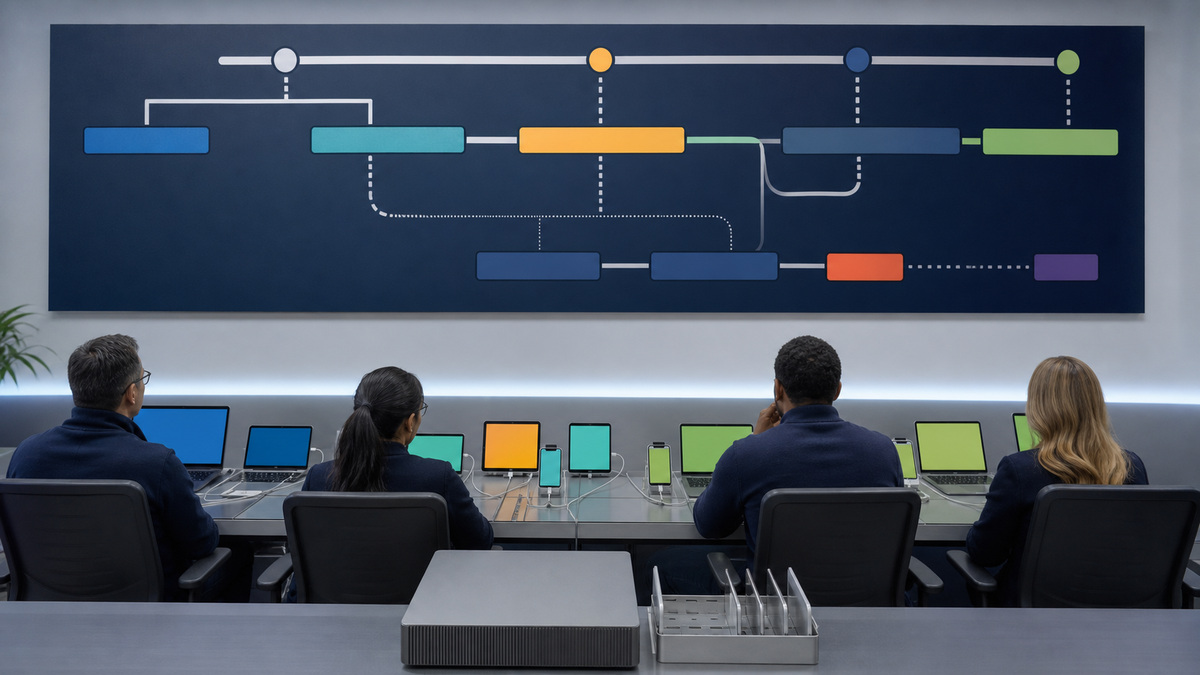
Pilot the exact declaration or management policy on the selected ring and preserve its target operating-system version, target build when used, enforcement date and local time, notification behavior, deferral policy, details URL, automatic actions, and scope. Verify the device interprets the desired state as intended. A configuration targeting the same or an older version may be ignored, multiple future configurations can queue by their rules, and declarations can override related profile settings. Consult the device-management developer’s implementation because Apple defines platform capability but the console, reporting, scheduling, and error workflow differ by service. Communicate the update window in plain language: device type, expected download and restart, power and network requirements, how to save work, deferral limit, deadline, accessibility or critical-work exception, and support route. Do not tell users to disable security tools or remove management to complete an update. Observe status reports for discovery, download, preparation, user deferral, scheduled enforcement, installation, restart, completion, and failure. Correlate with device check-in, storage, battery, power, network, bootstrap token, content cache, Apple service reachability, app blockers, terms, and local time. Apple identifies meaningful blockers such as offline state, low charge, and insufficient free space. Create separate remediation for each cause instead of repeatedly resending the same command. If a ring crosses stop criteria,data loss, boot failure, widespread application breakage, identity outage, unacceptable performance, or hardware-specific regression,pause promotion, preserve evidence, notify owners, and select a safe response. Apple operating-system downgrade is not a routine enterprise rollback, recovery may require erase, restore, backup restoration, or vendor support and can affect data. The rollout plan should therefore emphasize representative testing, repairability, and business continuity before broad enforcement. After completion, verify operating system and build, management check-in, encryption, security agents, certificates, network, apps, peripherals, backup, compliance, and user-critical workflows. Reconcile devices that updated outside the managed path, because they may be compliant but still reveal an unmanaged behavior. Close the release only when completion, failure, exception, and unknown totals equal the target population and every exception has an owner and deadline. Preserve aggregated metrics without publishing user or device identifiers.
- Pilot the exact target, build, deadline, notifications, deferral, automatic actions, scope, and service implementation.
- Communicate restart, power, network, saved work, deadline, exception, and support expectations without advising users to bypass management.
- Distinguish discovery, download, prepare, deferral, enforcement, install, restart, completion, and failure states.
- Remediate token, network, storage, power, terms, app, time, or service causes specifically and pause on defined fleet impact.
- Verify the full managed and business state after update and reconcile every target as complete, failed, excepted, or unknown.
Triage Apple Hardware and Run Apple Diagnostics Correctly
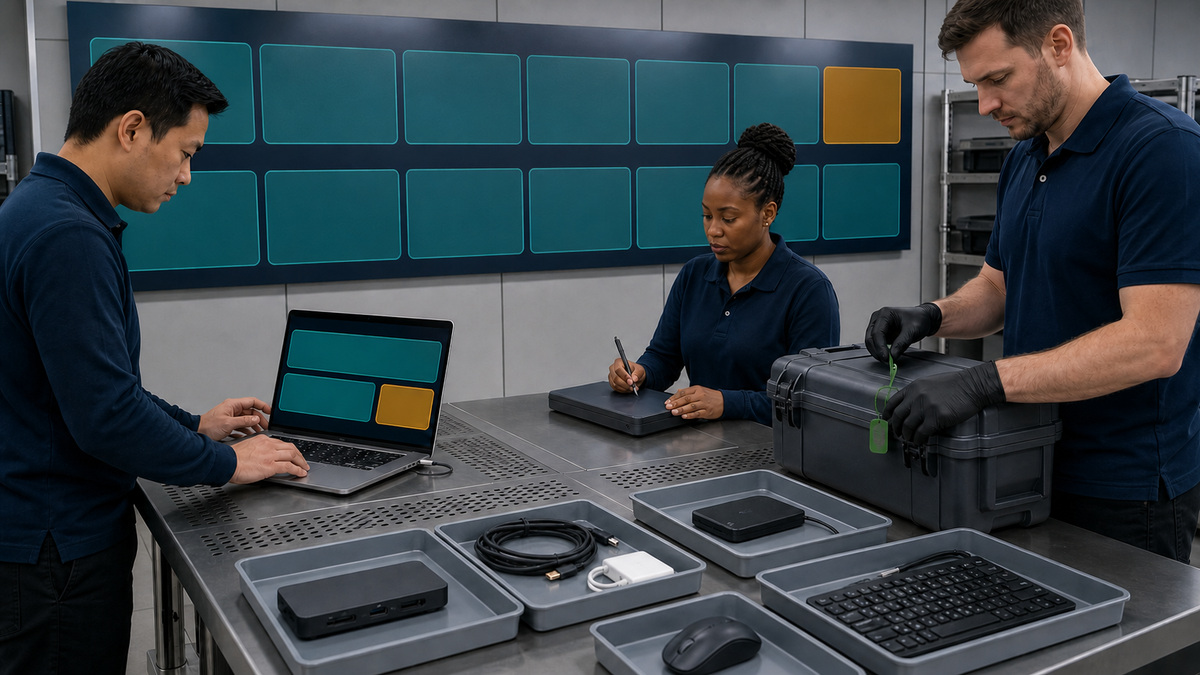
Open a hardware incident with precise evidence. Record device class and exact model, architecture, operating system and build, firmware where visible through supported inventory, warranty or AppleCare, enrollment and FileVault state, user and location, symptom, first occurrence, frequency, reproduction steps, power source, battery state, temperature and ventilation, network, attached dock, display, storage, adapter, cable, and other peripherals, recent update or repair, physical damage, liquid exposure indicators available without opening the device, backups, business impact, and safety condition. Keep serials, photos, user data, and diagnostic output restricted. Stop using and isolate hardware that shows smoke, unusual heat, swelling, odor, leakage, sparking, severe physical damage, or a compromised battery, follow site safety and Apple support guidance rather than continuing diagnostics. Separate peripheral and software variables before declaring a hardware fault. Reproduce on stable power and a hard, flat, well-ventilated surface. Save work and verify backup. Apply current supported updates when appropriate and safe, because Apple instructs users to install the latest macOS updates before diagnostics when possible. Disconnect external devices except the allowed keyboard, mouse, display, Ethernet, and AC power. Test with known-good Apple-compatible power, cable, adapter, dock bypass, external display, network, and user profile only when the step is safe and preserves evidence. Record each substitution and result. Start Apple Diagnostics using the current procedure for Apple silicon or Intel Mac. On current Apple silicon, the startup flow begins by holding the power button to startup options and using the documented key sequence, current diagnostic experiences may offer specific tests, while earlier systems run the applicable automated suite. Avoid remote instructions that ask a user to hold keys or erase data without confirming model and support context. Record the reference code, selected test, result, date, operating-system state, peripherals removed, power, and symptom correlation. A passing diagnostic does not prove there is no fault, especially for intermittent behavior, accessories, software interactions, or conditions outside the test. A code is a triage artifact, not permission to replace a named part without Apple service guidance. Correlate diagnostics with logs, panic or shutdown chronology, battery condition, update history, fleet prevalence, and reproduction. Escalate when safety, repeated failure, warranty, component code, inability to boot, data risk, or business impact exceeds local support. Preserve the device in the state the authorized repair path needs unless data protection requires erasure.
- Capture exact model, architecture, operating system, coverage, management, encryption, symptom, timing, reproduction, power, thermal, network, peripherals, changes, damage, backup, impact, and safety.
- Isolate unsafe battery, heat, odor, smoke, liquid, spark, or severe damage conditions.
- Remove permitted external devices and test controlled known-good substitutions without losing chronology.
- Run the current Apple Diagnostics procedure for the exact Mac and record reference code, test, conditions, and correlation.
- Treat diagnostic results as evidence alongside logs, history, reproduction, and fleet pattern, not an automatic repair authorization.
Prepare Apple Repair, Validate Return, and Learn Across the Fleet
Choose Apple, an Apple Authorized Service Provider, an Independent Repair Provider where applicable, or a qualified internal route based on warranty, AppleCare, model eligibility, geography, skill, data risk, parts policy, and authorization. Self Service Repair provides genuine parts, tools, and manuals for eligible out-of-warranty devices in supported regions, but it is intended for people experienced with complex electronics, it is not a blanket instruction for MSP staff to open every Mac. Keep battery and energized-device work within trained and approved boundaries. Before service, verify a current backup and recovery test appropriate to the business, decide whether to erase or retain data, document FileVault and key escrow, handle Find My and Activation Lock through authorized ownership controls, capture diagnostics and reference codes, record physical condition, coverage, purchase evidence, case number, accessories requested, temporary service account if absolutely necessary, and expected data or part replacement. Apple advises that storage may be erased or replaced during service and instructs customers to turn off Find My Mac. Do not disclose a user’s primary password in a shipping note or ordinary ticket. If the device remains encrypted and service requires access, use the approved temporary and revocable method agreed with security and the provider. Maintain chain of custody with sender, recipient, carrier, tracking, tamper evidence where justified, dates, condition photos, service location, and return recipient. On return, quarantine before user handoff. Match serial and asset record, reconcile logic-board or whole-device replacement, inspect enclosure, ports, display, keyboard, trackpad, camera, microphones, speakers, battery, charger, and included accessories, review service notes and warranty, run Apple Diagnostics and symptom-specific tests, apply the approved operating-system target, verify Repair Assistant when the current model and repair require it, restore or enroll through trusted management, confirm supervision, FileVault and PRK escrow, bootstrap token, Activation Lock policy, certificates, security tools, apps, peripherals, backup, and compliance. Reproduce the original workload long enough to challenge an intermittent fault. Obtain user or service-owner acceptance and keep the replaced part and data-disposition evidence the provider supplies. Feed the case back into fleet engineering. Group incidents by model, component, operating-system build, dock or adapter, office, workload, repair code, turnaround, repeat rate, and release ring. A pattern may justify an update hold, accessory standard change, environmental correction, Apple escalation, spare strategy, warranty action, or planned replacement. Close only when device, user, management, encryption, ownership, repair, financial, and knowledge records agree.
- Select a repair route from warranty, eligibility, skill, region, parts policy, authorization, and data risk.
- Prepare backup, FileVault, Activation Lock, diagnostics, condition, coverage, case, accessories, minimal service access, and custody.
- Never transmit a user’s standing password in an ordinary ticket or package.
- Quarantine returns and verify identity, repair, diagnostics, hardware, operating system, management, encryption, tokens, apps, accessories, backup, compliance, and original symptom.
- Analyze model, release, accessory, environment, code, turnaround, and repeat trends for fleet prevention.
Official product documentation and ALLMSP resources
- Apple: Use device management to deploy software updates
- Apple: About software updates for Apple devices
- Apple: Use declarative device management
- Apple: Use Apple Diagnostics to test your Mac
- Apple: Get your Mac ready for service
- ALLMSP Apple Hardware Support
- ALLMSP Hardware Support
- ALLMSP IT Consulting
- ALLMSP Managed IT Services
- ALLMSP Cybersecurity Services
- Contact ALLMSP
Frequently Asked Questions
Why use declarative management for Apple software updates?
It lets a service declare desired operating-system state and receive proactive status while the device carries out the update, improving transparency and resilience compared with repeated polling.
Can declarative and legacy Apple update controls coexist?
They can, but declarative update configurations take precedence over similar commands or profiles. Inventory which mechanism owns each population and remove ambiguous overlap.
Why does a managed Apple silicon Mac need a bootstrap token?
When the device reports that a bootstrap token is required for a software update, escrow lets the managed update be authorized without user interaction.
What commonly blocks an Apple software update?
Unsupported hardware or target, offline state, low charge, no power, insufficient storage, missing bootstrap token, Apple-service network failure, terms, app conflicts, or management policy can block progress.
Can an Apple operating-system update always be rolled back?
No. Downgrade is not a routine enterprise rollback and may require erase, restore, backup recovery, or vendor support. Strong pilot rings and recovery planning are essential.
What should be disconnected before Apple Diagnostics?
Apple instructs users to disconnect external devices except the keyboard, mouse, display, Ethernet if applicable, and AC power, then use a hard, flat, stable, ventilated surface.
Does a passing Apple Diagnostics result rule out hardware trouble?
No. Intermittent faults, peripherals, software interactions, environment, and conditions outside the test can remain. Correlate the result with reproduction, logs, history, and fleet patterns.
What should accompany an Apple repair case?
Include exact device and symptom, backup and data decision, FileVault and Activation Lock handling, diagnostics and reference codes, coverage, condition, accessories, custody, impact, and return criteria.
Should IT give a repair provider the user's Mac password?
Avoid sharing a standing user password. Use an approved temporary and revocable service method when access is necessary, or erase the device when policy and the repair path allow.
How can ALLMSP improve Apple update and repair operations?
ALLMSP can build rings, validate declarative policies and tokens, monitor blockers, run disciplined diagnostics, protect repair custody, verify returned devices, and detect recurring fleet patterns.


