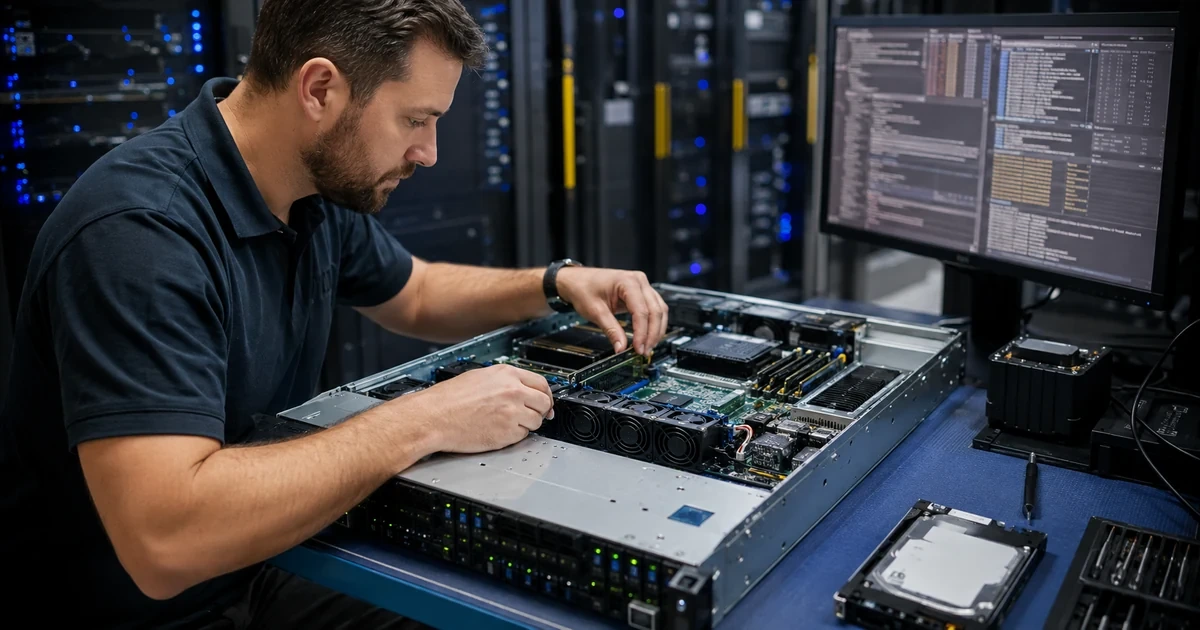
A network card turns an Eaton UPS into a remotely managed infrastructure endpoint. That is valuable during an outage, but it also means the card holds credentials, exposes device state, sends alerts and can participate in load-control or shutdown actions. Leaving it on a user VLAN with a shared password and broad SNMP community creates a security and availability problem around the system meant to protect availability.
Eaton identifies Network-M3 as its current Gigabit Network Card and documents support for HTTPS, TLS 1.2, SNMPv3, NTP, SMTPS, SSH, syslog and other integrations. Eaton also advises legacy Network-M2 owners to keep firmware current. Intelligent Power Manager can coordinate physical and virtual infrastructure actions, making configuration and identity boundaries especially important.
This baseline begins with discovery and a recovery plan, narrows network and protocol exposure, assigns purpose-built identities, validates certificates and time, establishes meaningful alerts and then tests shutdown automation safely. ALLMSP can keep the card, IPM and business-continuity policy aligned as Eaton firmware and the protected environment evolve.
For organizations in Lawrenceville, Suwanee, Gwinnett County, Metro Atlanta, and across Georgia, ALLMSP can harden Eaton Network-M3 UPS management: HTTPS, SNMPv3, alerts, and IPM through one accountable in-house process for assessment, configuration, testing, and support.
Key decisions at a glance
- Inventory the exact Eaton card generation, UPS compatibility, firmware, management address and monitoring dependencies before changing settings.
- Place UPS management on a restricted network reachable only through approved administration and monitoring paths.
- Prefer HTTPS, SNMPv3, trusted time and authenticated alert transport, disable unused services after validating operational dependencies.
- Separate human administration, monitoring, automation and recovery identities, and protect emergency access outside the UPS web interface.
- Patch and test Network-M3, IPM and shutdown automation as one controlled power-management system with preserved rollback evidence.
Inventory Cards, Firmware, Dependencies, and Recovery Paths
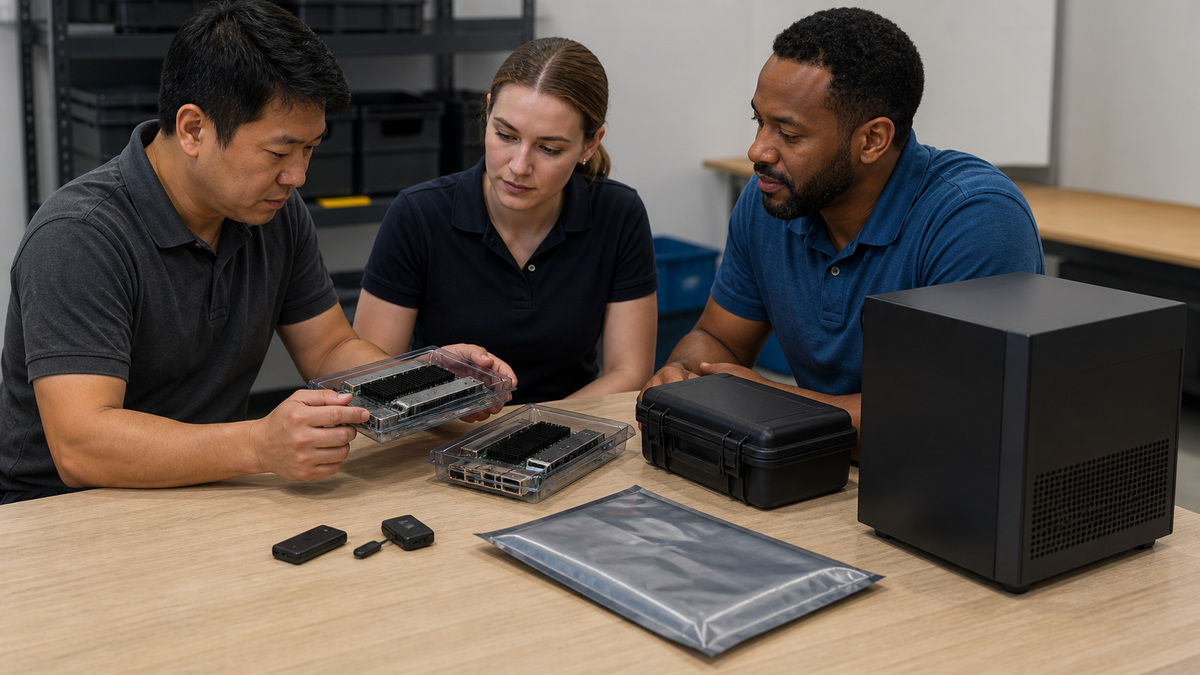
Identify every Eaton UPS, card model, hardware generation, firmware release, supported UPS family, management address, MAC address, configured services, sensor, alert target, monitoring collector, shutdown agent and IPM relationship. Distinguish Network-M3 from Network-M2 and older Network Card-MS hardware, do not assume firmware or procedures are interchangeable. Record model and serial data securely rather than publishing it in diagrams or tickets.
Map what depends on the card. A monitoring platform may poll SNMP, IPM may use the card for device discovery and automation, a hypervisor shutdown may rely on IPM, facilities may receive email alarms, and a remote site may need the web interface during an outage. Capture source, destination, protocol, port, identity and operational purpose before disabling anything.
Establish recovery before hardening. Save an approved configuration export when supported, document physical access and model-specific reset behavior, protect the emergency credential in the organization’s vault and define who may use it. Verify that administrators can reach the card through an alternate path if directory, DNS, DHCP or the primary WAN is unavailable.
- Separate Network-M3, Network-M2 and legacy card inventory.
- Record card and UPS compatibility with current firmware.
- Map every monitoring, alerting and shutdown dependency.
- Protect serials, addresses and configuration exports.
- Test a documented emergency access path.
Isolate Eaton Management Traffic and Restrict Administration
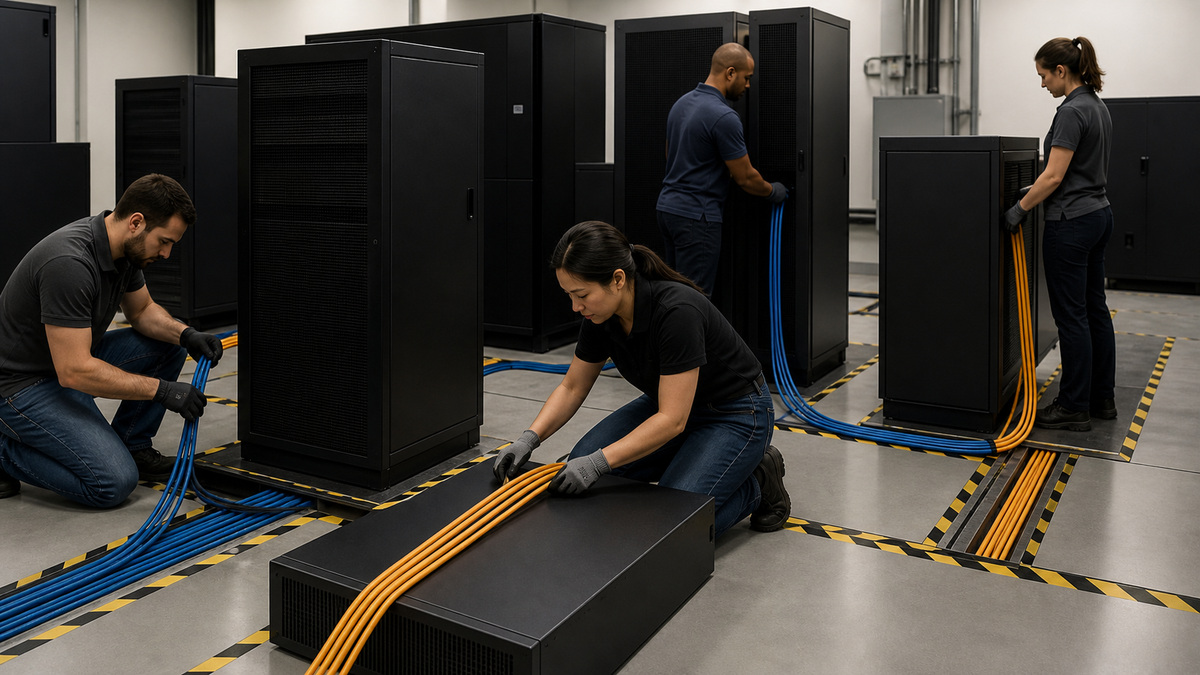
Place UPS cards and IPM on a dedicated management segment or similarly controlled zone. Deny access from guest, user, IoT and public networks. Permit only approved jump hosts, monitoring collectors, IPM components, DNS, NTP, syslog and alert relays according to the dependency map. Remote access should traverse the organization’s managed VPN or zero-trust administration path, not an internet-exposed port forward.
Use stable addressing and reservations according to local standards, but avoid treating DHCP as the only recovery record. Restrict east-west management traffic so a compromised appliance cannot browse every infrastructure endpoint. Apply switch port controls and cabinet security appropriate to the site, and monitor unexpected changes to the card’s address or link state.
Observe traffic during commissioning. When a rule blocks a dependency, identify the required flow rather than opening a broad subnet or service range. Log denied attempts from user networks and review them after network changes. The finished rule set should be narrow enough to explain and complete enough to support alerting and graceful shutdown during an actual utility event.
- Use a dedicated management zone where practical.
- Allow only named administration and monitoring sources.
- Keep remote management behind approved secure access.
- Protect the physical card, port and cabinet.
- Validate firewall rules from observed required traffic.
Configure Identity, HTTPS, SNMPv3, Time, and Logs
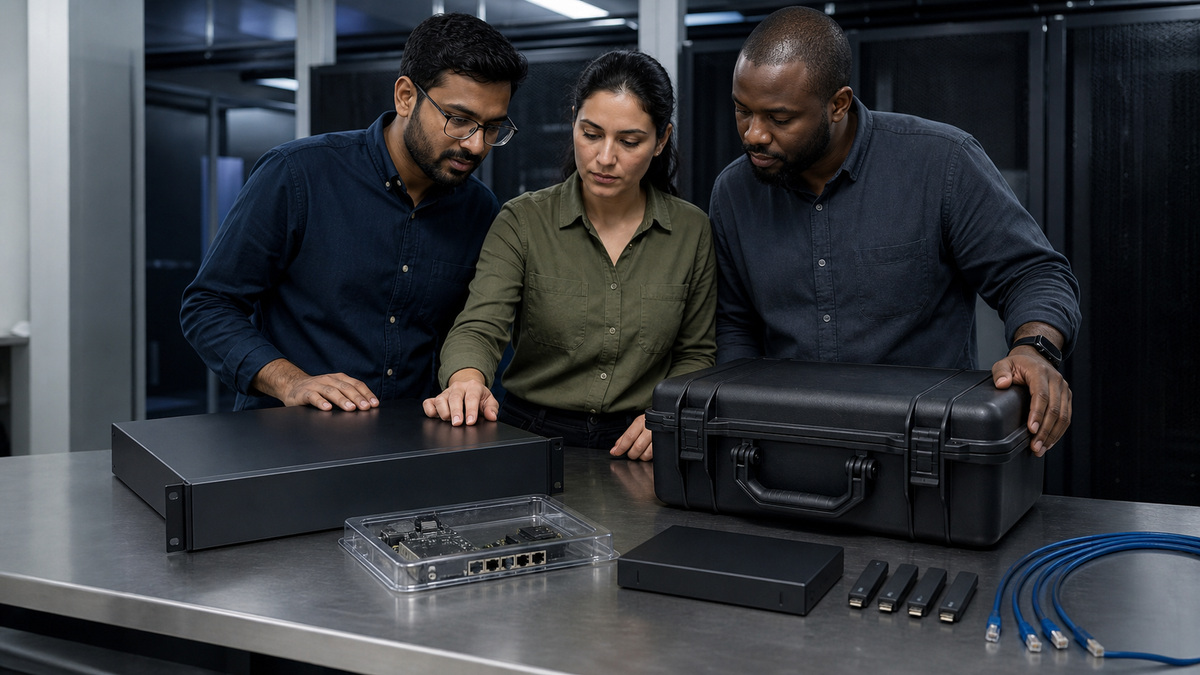
Replace default or shared credentials and give each administrator an attributable account or approved federated path where the installed version supports it. Separate read-only monitoring, configuration automation and human administration. Give service identities only the operations they require, store their secrets in the approved vault and rotate them with a tested sequence that does not silently stop UPS alerts.
Use HTTPS with a certificate trusted by administrative clients where the card supports certificate management. Validate name, chain and expiry monitoring. Prefer SNMPv3 with authentication and privacy for monitoring, if a legacy collector temporarily requires SNMPv1 or v2c, isolate it, constrain sources, document the exception and schedule removal. Disable unused HTTP, legacy SNMP, SSH, email or discovery services only after the dependency test passes.
Configure trusted NTP so UPS, card, IPM, hypervisor and facility events share a useful timeline. Send security and operational logs to an approved syslog or monitoring target where supported, and protect SMTP or API alert credentials. Test both successful administration and denied access, then preserve the protocol, identity and certificate baseline without recording secret values.
- Use attributable administrator identities.
- Separate monitoring, automation and human privileges.
- Deploy trusted HTTPS certificates and expiry monitoring.
- Prefer authenticated and encrypted SNMPv3.
- Synchronize time and retain useful security logs.
Create Actionable Power, Battery, Environmental, and Security Alerts
Route alerts to an owned queue rather than one person’s inbox. Distinguish utility loss, on-battery state, low runtime, overload, battery fault, bypass, output fault, communication loss, temperature and humidity thresholds, card restart, failed login and configuration change where available. Each event needs severity, owner, response target and an escalation path that remains reachable when the protected site loses power.
Tune notification repetition and recovery messages so staff can see whether an incident persists or clears without being flooded. Test email, SNMP traps, syslog and IPM events from the actual management segment. Confirm the alert includes enough device and site context to locate the correct UPS while avoiding exposed credentials, public IPs or unnecessary serial data.
- Send alerts to an owned operational queue.
- Separate utility, load, battery, bypass and communication events.
- Assign severity, owner and response objective.
- Test alert delivery during a controlled network or power event.
- Include site context without sensitive identifiers.
Patch Network-M3, Legacy M2, and IPM Through Controlled Change
Use Eaton’s current support resources for the exact card generation and do not install an image intended for another model. Review release notes, compatibility, prerequisites, backup, rollback and expected restart behavior. Schedule work when a card reboot, monitoring gap or shutdown-automation interruption will not hide an active power event. Preserve the current configuration and evidence before change.
After the update, verify firmware identity, HTTPS and certificate behavior, SNMPv3 polling, traps, time, syslog, alert delivery, sensors, IPM discovery and every configured shutdown action. Recheck disabled services because upgrades can introduce settings or defaults. If a legacy Network-M2 remains, record the support and replacement decision instead of allowing it to disappear from lifecycle planning.
- Match firmware to the exact card generation.
- Review compatibility and rollback before the window.
- Expect and monitor a temporary management gap.
- Retest protocols, alerts, sensors and IPM afterward.
- Maintain an explicit legacy-card replacement plan.
Test IPM and Graceful Shutdown Without Consuming the Safety Margin
Document the IPM edition, connectors, protected assets, trigger, delay, load-shedding order, host and storage dependencies, cancellation conditions and restart ownership. Eaton’s IPM materials distinguish monitoring from management and advanced automation capabilities, so confirm licensing and supported integrations rather than assuming every deployment can perform cluster-level actions.
Use a maintenance window and a controlled test event that preserves battery reserve. Validate alerts, initial delay, noncritical load shedding, guest and host actions, network availability, final shutdown and recovery order. Record actual durations and compare them with runtime at the tested load. Review accounts, certificates, firmware, logs and automation at least quarterly and after every power, virtualization or network change.
- Document IPM licensing and supported integrations.
- Model every dependency in the shutdown sequence.
- Test with reserve in a controlled maintenance window.
- Measure actual action and recovery durations.
- Audit the full management stack after material changes.
Official product documentation and ALLMSP resources
Frequently Asked Questions
What is Eaton Network-M3?
Network-M3 is Eaton’s current Gigabit Network Card for supported UPS and ATS equipment, providing remote monitoring and management through protocols including HTTPS and SNMPv3.
Is Network-M2 the same as Network-M3?
No. They are different card generations, inventory the exact model and use generation-specific firmware and procedures.
Should an Eaton UPS network card be internet-facing?
No. Place it on a restricted management path and use an approved VPN or controlled administrative access method rather than public port forwarding.
Which SNMP version should Eaton UPS monitoring use?
Prefer SNMPv3 with authentication and privacy, tightly constrain and document any temporary legacy SNMP exception.
Why does the Eaton card need trusted NTP?
Accurate time lets UPS, IPM, server, network and facility events be correlated during an outage or security investigation.
Can a shared administrator account be used?
Use attributable accounts for people and separate scoped service identities for monitoring or automation so actions and offboarding remain auditable.
What should be monitored on the HTTPS certificate?
Monitor the expected name, trust chain and expiration, and retest administrative access after renewal or firmware updates.
What events should Eaton UPS alerts cover?
At minimum cover utility loss, on-battery, low runtime, overload, battery fault, bypass or output fault, communication loss and relevant environmental conditions.
Does every IPM edition support advanced cluster shutdown?
No. Confirm the current edition, licensing, connector and supported platform before designing host, VM or cluster actions.
What should be retested after a Network-M3 firmware update?
Retest HTTPS, certificates, SNMPv3 polling and traps, NTP, syslog, alerts, sensors, IPM discovery and configured shutdown automation.