





























































































































































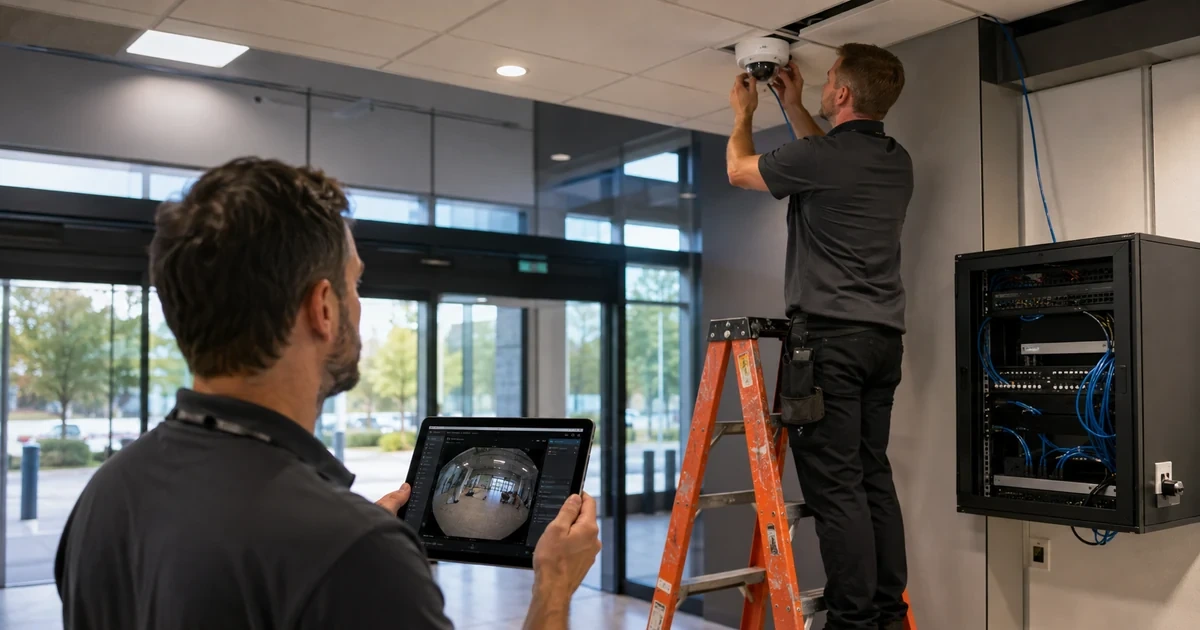
A camera that appears online can still fail its real purpose through the wrong lens, blind spots, backlight, motion blur, insufficient pixels on target, saturated PoE, unstable network paths, incorrect time, missing recordings, weak account controls, or an undocumented field of view. Axis deployments need a commissioning process that treats the device, scene, network, storage, management and privacy boundaries as one system.
AXIS Site Designer helps place devices on maps, visualize coverage, estimate power, bandwidth and storage, recommend recording and networking capacity, create a bill of materials, and share installer notes. Those calculations are engineering inputs, not substitutes for a field survey and representative validation.
This runbook gives IT and physical-security teams a repeatable path from design intent to accepted service. It deliberately separates restricted camera locations, credentials and video evidence from routine project records and avoids exposing sensitive security layouts.
When an organization in Lawrenceville, Suwanee, Gwinnett County, Metro Atlanta, or elsewhere in Georgia needs to deploy Axis cameras with Site Designer and controlled commissioning, ALLMSP handles the work in house from initial review through validation and ongoing support.
Key decisions at a glance
- Translate security and business outcomes into measurable scenes, retention, availability, privacy, and evidence requirements before selecting hardware.
- Use AXIS Site Designer estimates for coverage, power, bandwidth, storage, licenses, recorders and installation notes, then validate them in the real site.
- Bind every camera to its exact model, MAC or serial reference, mount, cable, switch port, VLAN, address, certificate, owner, AXIS OS track and recording profile.
- Commission optical, network, time, events, recording, export, failover, cybersecurity and privacy behavior as one acceptance test.
- Handoff as-built documentation, restricted credentials, support evidence, spares and maintenance ownership rather than only a live view.
Define Scene Outcomes, Privacy Boundaries, and Acceptance Measures

Begin with the decision each scene must support: detect presence, observe activity, recognize a known person, identify an unknown subject, read a vehicle plate, verify an access event, monitor a process, or provide situational awareness. Name the authorized area, excluded private zones, operating hours, lighting extremes, motion speed, viewing distance, mounting constraints, weather or vandal exposure, audio policy, retention, investigation workflow, availability target, and who may view or export material. Establish pixel-density or object-detail requirements from the use case rather than choosing resolution by marketing number. Document day, night, backlight, headlights, rain, foliage, reflective surfaces, vibration, and seasonal changes that could alter the scene. Define measurable acceptance clips and snapshots, not adjectives such as clear or good. Include privacy masks, signage, legal approval, access roles, audit expectations, evidence handling and deletion. Mark critical scenes that need redundant network, failover recording, monitored tamper state or faster repair. Separate must-have outcomes from useful enhancements so later tuning cannot silently trade identification for bandwidth. The design owner, site representative, network team, recording owner, security owner and privacy stakeholder should approve the scene schedule before equipment is ordered.
- State the authorized purpose and detail requirement for every scene.
- Document excluded zones, audio policy, retention, access, export and deletion rules.
- Model lighting, motion, weather, vibration and seasonal conditions.
- Define representative day and night acceptance evidence.
- Classify scenes by availability, failover, tamper and repair requirements.
Engineer Coverage, Power, Bandwidth, Storage, and Bill of Materials
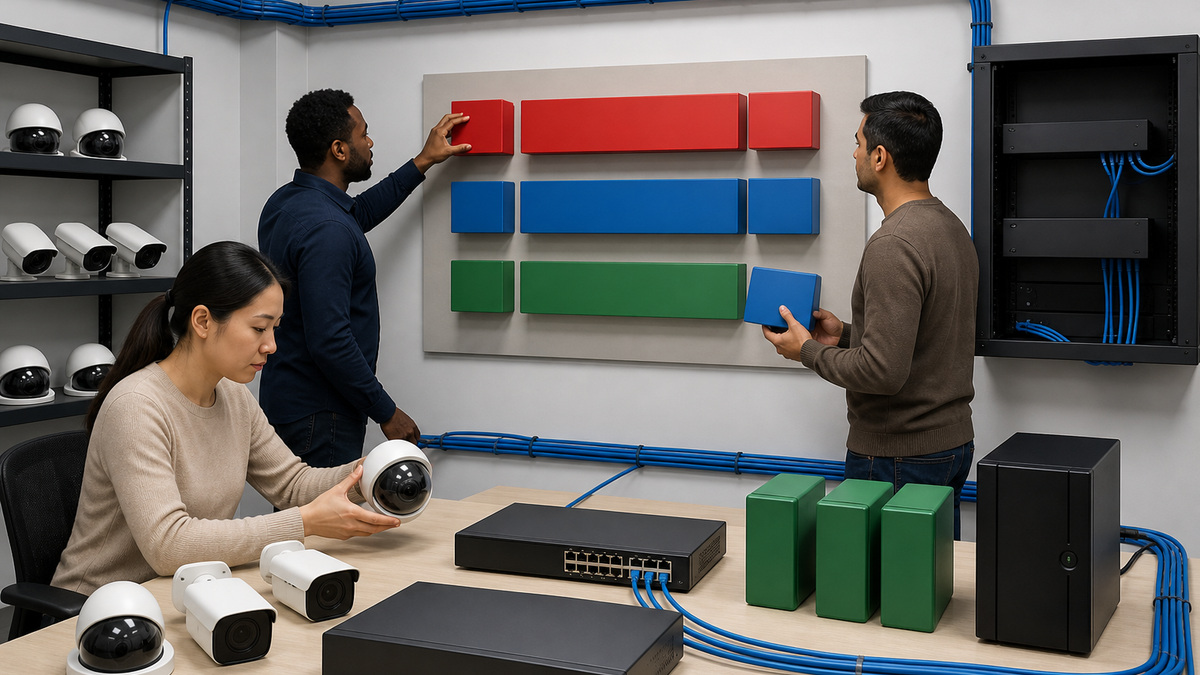
Create the site in AXIS Site Designer with controlled access to floor plans and location details. Place candidate devices, enter mounting height and direction, select exact models or preserve a documented placeholder, and adjust the visualization to meet the approved scene purpose. Use datasheets and environmental ratings to confirm lens range, minimum illumination, dynamic range, temperature, impact, ingress, accessory and mounting compatibility. Model video scenarios with realistic resolution, frame rate, codec, Zipstream, motion and continuous-recording assumptions. Review the resulting bandwidth and storage estimates with headroom for busy scenes, metadata, audio where authorized, retention, failover transfer, exports, software overhead and growth. Validate PoE class, worst-case consumption, switch budget, port count, uplinks, UPS runtime and midspan requirements. Site Designer can recommend recording and network capacity and show licensing needs, but reconcile the output against the selected VMS, current license rules and actual infrastructure. Generate an installer package containing device schedule, mounts, cables, weather protection, junction boxes, power components, network ports, accessories, notes and acceptance references. Record every approved substitution because lens, sensor, analytics, power and environmental changes can invalidate the design.
- Use controlled floor plans and exact model or explicit placeholder records.
- Validate lens, light, environmental, impact, mount and accessory requirements.
- Estimate bandwidth and storage with scene-specific profiles and operational headroom.
- Confirm worst-case PoE, switch ports, uplinks, UPS and recording capacity.
- Recalculate the design after any camera, lens, recorder, switch or retention substitution.
Stage Identity, AXIS OS, Network, Time, Accounts, and Certificates
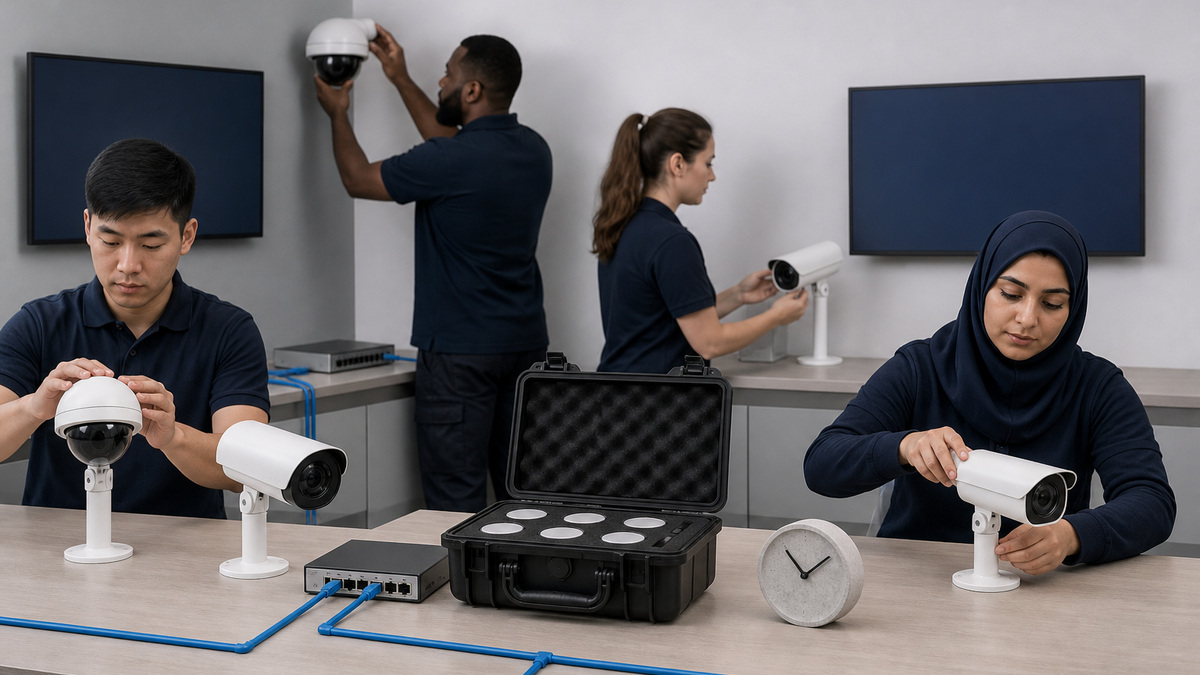
Receive each device into a restricted asset record with purchase, exact model, MAC or serial reference, warranty, destination, mount kit, current AXIS OS, target track, installer and owner. Inspect packaging and hardware for tampering or damage. Use an isolated staging segment and an approved workstation to discover devices with AXIS Device Manager or AXIS IP Utility. Axis notes that AXIS OS 12 devices may use link-local addressing when DHCP is absent, while older versions used a default IPv4 range, so follow current device guidance instead of assuming one address. Assign reserved or documented addressing, hostname, VLAN, DNS, NTP and gateway according to the network design. Set unique administrative credentials in controlled custody and create least-privilege client accounts for normal system access. Where architecture supports it, validate Axis device ID and certificate-based onboarding without copying certificate material into general tickets. Apply the approved AXIS OS version through the recommended path, then load a controlled template for security and baseline settings. Confirm synchronized time before certificates, events and recordings. Do not expose unconfigured devices to broad production access while discovery, password and network state remain unresolved.
- Bind exact model, restricted identity, AXIS OS, destination, kit, installer and owner.
- Inspect for transit damage or tampering before network attachment.
- Discover and address through current Axis tools on a controlled staging segment.
- Establish NTP, DNS, VLAN, least privilege and credential custody before production.
- Use device identity and certificates only through an approved trust design.
Install with Safe Mounting, Cabling, Weather, and Service Access
Verify the final mounting surface, structural fasteners, work-at-height plan, lift or ladder safety, electrical boundaries, weather sealing, drip loops, grounding or surge protection where required, cable bend and strain relief, vandal resistance, sun position, nearby lighting, moving objects and maintenance access. Qualified personnel should use the exact installation guide and approved mount. Do not use a camera body as a lever while aiming or leave a safety tether, gasket, desiccant, dome protection film or cable gland incorrectly fitted. Test the certified cable and label both ends with a restricted location reference. Confirm the switch port, VLAN, negotiated speed and PoE delivery before closing the mount. Protect lenses and domes from fingerprints, dust, paint and sealant. Record as-built height, direction, cable, switch, port, mount, accessories and deviations with photos that do not disclose more security layout than the controlled repository permits. Preserve enough slack and access for replacement without undermining tamper resistance. A physical install is complete only when its network and optical consequences are testable.
- Use qualified installers, approved mounts and the exact model installation guide.
- Control work at height, fasteners, tethers, seals, cable glands and surge exposure.
- Test cable and PoE before closing weather or vandal-resistant housings.
- Protect optical surfaces throughout construction and cleanup.
- Record as-built mount, cable, switch port, accessories and controlled photos.
Calibrate Image, Exposure, Streams, Analytics, Events, and Recording
Aim and focus against the approved scene reference at the representative focal length, not the installer’s temporary wide view. Configure rotation, corridor format, capture mode and image settings only where supported by the exact model. Validate day and night focus, exposure, shutter, gain, wide dynamic range, infrared behavior, motion blur, compression and bitrate using moving subjects or test targets appropriate to the authorized purpose. Set stream profiles so consumers request consistent resolution, format, frame rate, compression and Zipstream parameters, unnecessary unique streams increase encoder load. Configure privacy masks before general viewing access. Calibrate analytics in actual environmental conditions and test both expected events and likely false triggers. Verify event rules end to end through notification, recording, bookmark, access-control or other authorized action. Confirm continuous, motion, event and failover recording policies, storage destination, retention and time alignment. Play recordings from each required path, search them by event and time, export a sample through the approved evidence process and validate playback. Tuning is accepted only when the result meets the scene outcome without exceeding the designed network and storage envelope.
- Aim and focus to the approved scene purpose in representative light and motion.
- Tune exposure, shutter, gain, WDR, infrared, compression and bitrate with evidence.
- Standardize stream profiles to reduce unnecessary simultaneous encodes.
- Apply privacy masks before broad viewer access and calibrate analytics on site.
- Test events, recordings, retention, search, export, playback and failover end to end.
Accept, Document, Monitor, and Hand Off the Axis Installation
Run the final acceptance matrix with the camera in its permanent mount and production path. Verify exact identity, physical condition, uptime, network and PoE, NTP, certificates, accounts, AXIS OS, image quality, privacy masks, streams, audio policy, analytics, events, recording, failover, retention, playback, export, tamper state, monitoring and alert routing. Sample footage at the documented day and night conditions and store it in the restricted commissioning record. Compare observed bandwidth and storage with the design estimate and correct material drift. Confirm that the VMS and device clocks align and that a restart, switch failover or approved connectivity test does not strand the camera. Provide operations with as-built diagrams, restricted access instructions, device and port schedule, approved software track, backup and restore method, health thresholds, spare or replacement strategy, escalation evidence checklist and maintenance calendar. Train authorized users on incident reporting and evidence export without granting administrative access. Close every punch-list item or record its owner, compensating control, deadline and retest. The handoff succeeds when another qualified technician can support the system without reverse-engineering the site.
- Verify physical, network, time, security, image, event, recording and monitoring state.
- Retain restricted day and night acceptance evidence.
- Reconcile measured bandwidth and storage with the engineered model.
- Deliver as-built records, access controls, backups, spares, escalation and maintenance ownership.
- Close or formally own every commissioning exception.
Official product documentation and ALLMSP resources
- Axis: AXIS Site Designer User Manual
- Axis: Assign an IP Address and Access a Device
- Axis: AXIS Device Manager User Manual
- Axis: AXIS Device Manager Extend
- Axis: AXIS OS Hardening Guide
- ALLMSP Axis Hardware Support
- ALLMSP Hardware Support
- ALLMSP IT Consulting
- ALLMSP Managed IT Services
- ALLMSP Cybersecurity Services
- Contact ALLMSP
Frequently Asked Questions
What should be defined before selecting an Axis camera?
Define the authorized scene purpose, detail requirement, distance, motion, lighting, environment, privacy exclusions, audio policy, retention, access, availability, evidence workflow, and measurable day and night acceptance tests.
What does AXIS Site Designer calculate?
It can visualize coverage and estimate power, bandwidth and storage, suggest recording and networking capacity, identify licenses, generate a bill of materials, and share installation notes.
Does Site Designer replace an Axis field survey?
No. Its model must be validated against actual mounting surfaces, light, motion, weather, network paths, PoE, obstructions, privacy boundaries, service access, and representative video at the installed site.
How should an MSP discover new Axis devices?
Use AXIS Device Manager or AXIS IP Utility from a controlled staging segment, following current AXIS OS addressing behavior, then establish documented network, time, credential and software state before production exposure.
Why is synchronized time important for Axis systems?
Time affects certificate authentication, event correlation, recording searches, exported evidence, failover reconciliation and incident timelines. Cameras, management hosts and recorders should use approved consistent NTP.
What should an Axis camera commissioning test include?
Test identity, mount, cable, PoE, network, time, accounts, certificates, AXIS OS, day and night image quality, privacy, streams, analytics, events, recording, failover, retention, playback, export and monitoring.
How should stream profiles be designed?
Use scene-appropriate resolution, frame rate, format, compression and Zipstream settings, and keep consumer requests consistent because many unique simultaneous profiles increase device encoding load.
What information belongs in an Axis as-built record?
Include exact model, restricted identity, mount, direction, cable, switch and port, VLAN and address, time source, AXIS OS, accounts and certificates, profiles, events, storage, retention, validation and owner.
How should privacy be handled during camera commissioning?
Approve the capture purpose and excluded zones first, apply privacy masks before broad viewing, restrict access and exports, separate sensitive layouts and footage from routine tickets, and validate retention and deletion controls.
How can ALLMSP help deploy Axis cameras?
ALLMSP can coordinate scene requirements, Site Designer planning, PoE and network readiness, secure staging, field installation, optical calibration, recording tests, documentation, monitoring and lifecycle support.


