





























































































































































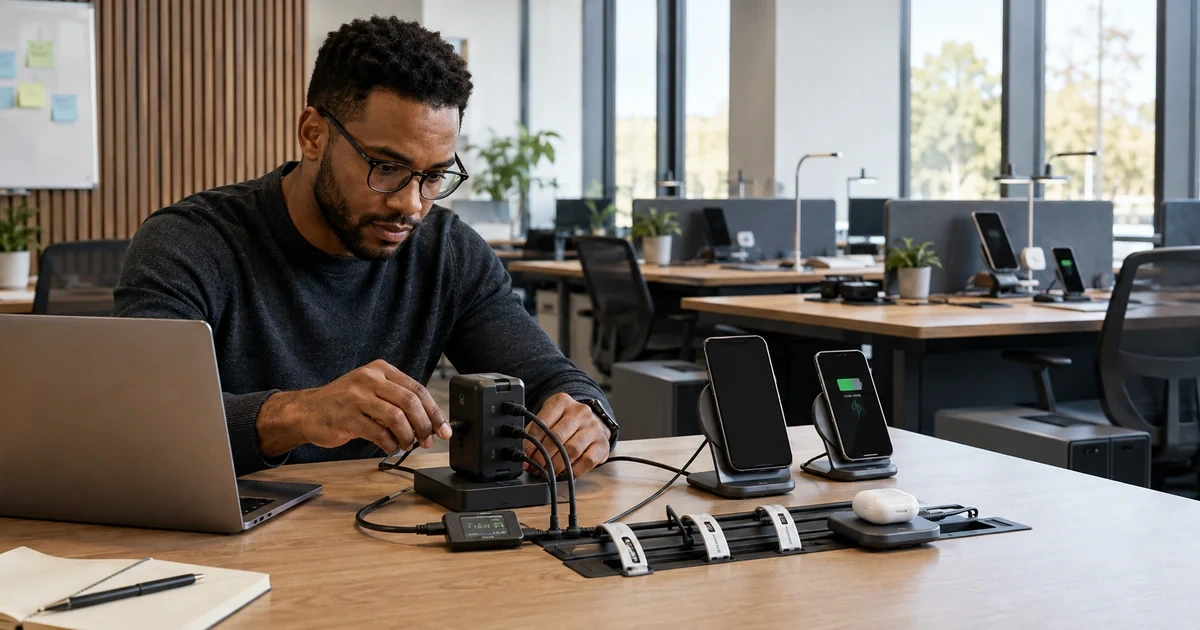
Charging incidents are often path problems rather than a defective phone or laptop. The power source, negotiated USB Power Delivery profile, port sharing, cable current rating, connector condition, device workload, case, coil alignment, temperature and outlet all influence the result.
Belkin’s current portfolio spans single- and multiport GaN USB-C adapters and Qi2 wireless products. Its support material distinguishes maximum total output from dual-port allocation, documents Power Delivery and PPS support on specific models, and warns against placing magnetic-stripe or RFID items between a device and a Qi2 charger.
The goal is not to buy the highest wattage in every location. It is to create a small set of exact, validated charger-cable-device combinations that meet business needs with clear limits and field evidence.
ALLMSP supports Lawrenceville, Suwanee, Gwinnett County, Metro Atlanta, and Georgia businesses that need to standardize Belkin USB-C, GaN, and Qi2 charging for managed devices, with local assistance available when the work requires an on-site component.
Key decisions at a glance
- Inventory device charging requirements and approved use cases before selecting wattage or connector count.
- Calculate single-port and shared-port output from the exact Belkin model, a charger’s headline total is not a promise to every attached device.
- Qualify USB-C cables for required current, Power Delivery, data and video functions and keep charge-only leads out of dock kits.
- Place Qi2 stations with compatible cases, ventilation and foreign-object controls, keeping badges, cards, passports and key fobs away from the magnetic charging path.
- Pilot temperature, charge rate, reconnection, multi-device allocation and physical wear, then manage adapters and cables as paired assets with replacement criteria.
Inventory Devices, Locations, Workloads, and Charging Outcomes
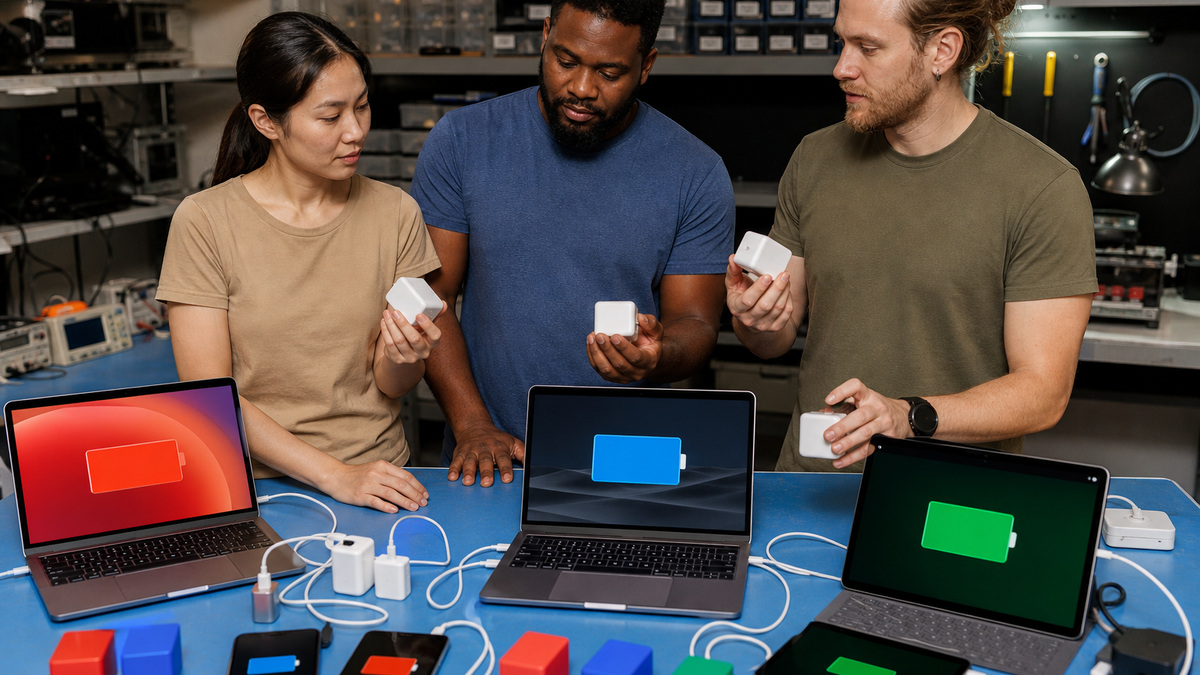
Create a charging profile for every managed device class: exact phone, tablet, ultrabook, laptop, accessory or power bank, connector, accepted input standards, normal and peak power need, original adapter, battery condition, workload while charging, expected time window, travel or fixed-desk use, and whether the device must also carry data or video over the same cable. Separate a phone top-up station from an eight-hour laptop desk, a meeting-room emergency charger and a travel kit. Identify outlets, power strips, grounding, physical clearance, ambient temperature, liquid exposure, public access, theft risk and cable strain. Define the outcome in observable terms such as maintaining battery under a video conference, recovering a stated amount during a meeting window or simultaneously charging a phone and tablet without thermal cycling. Note devices whose proprietary or high-power adapters exceed the planned Belkin output so staff do not mistake slow or steady-state charging for failure. Record accessibility and cable-length needs without creating floor hazards. Approve exact models rather than the phrase USB-C charger, because port allocation and included cables vary by Belkin SKU and regional package.
- Profile exact device input, workload, original adapter and required charging window.
- Separate fixed desks, shared rooms, travel kits and emergency top-up stations.
- Assess outlet, temperature, liquids, access, theft, strain and trip hazards.
- Define measured outcomes for single and simultaneous charging.
- Approve exact Belkin models, variants and included cable packages.
Calculate USB-C PD, PPS, and Shared-Port Power Budgets
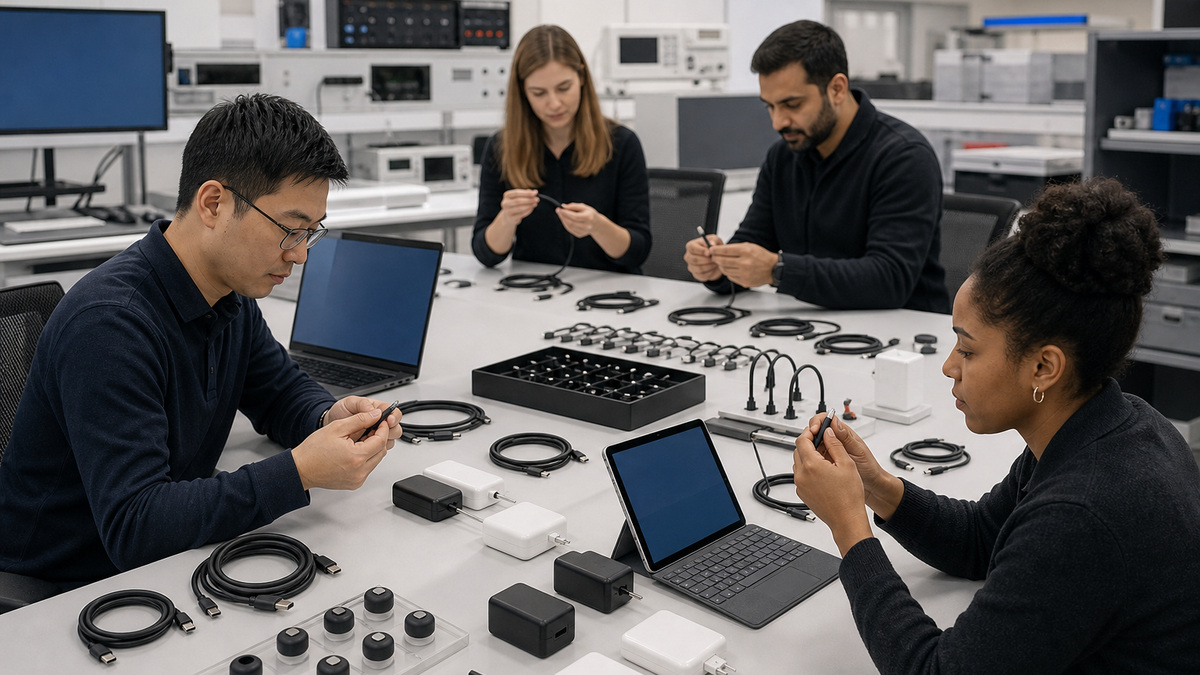
Read the exact model’s support page and device markings before building a standard. Belkin describes the INC016 as a 100W USB-C Core GaN adapter intended for compatible laptops and other USB-C devices. Its newer dual-port 50W WCH019 can deliver up to 50W to one port but divides the total into as much as 25W per port when both are active. That distinction determines whether a laptop continues charging when a phone is connected. Map the fixed Power Delivery profiles and Programmable Power Supply support needed by each device, while recognizing that the source and sink negotiate a mutually supported level. Reserve headroom for the device’s operating load and battery-management behavior, a 50W source may be adequate for an ultrabook yet unable to increase charge rapidly during heavy work. Test the exact port order and reconnect behavior because some multiport adapters renegotiate when another device appears. Never combine wattages across ports as if they were independent nameplate outputs. Preserve one-device and two-device acceptance results, cable identity, observed operating-system charge state and sustained behavior after the initial negotiation.
- Use model-specific single-port and simultaneous-output tables.
- Match supported PD and PPS profiles across charger, cable and device.
- Allow for active workload instead of testing only an idle battery.
- Observe renegotiation when a second device is connected or removed.
- Retain measured results for every approved device and port combination.
Qualify USB-C Cables, Connectors, and Paired Kits
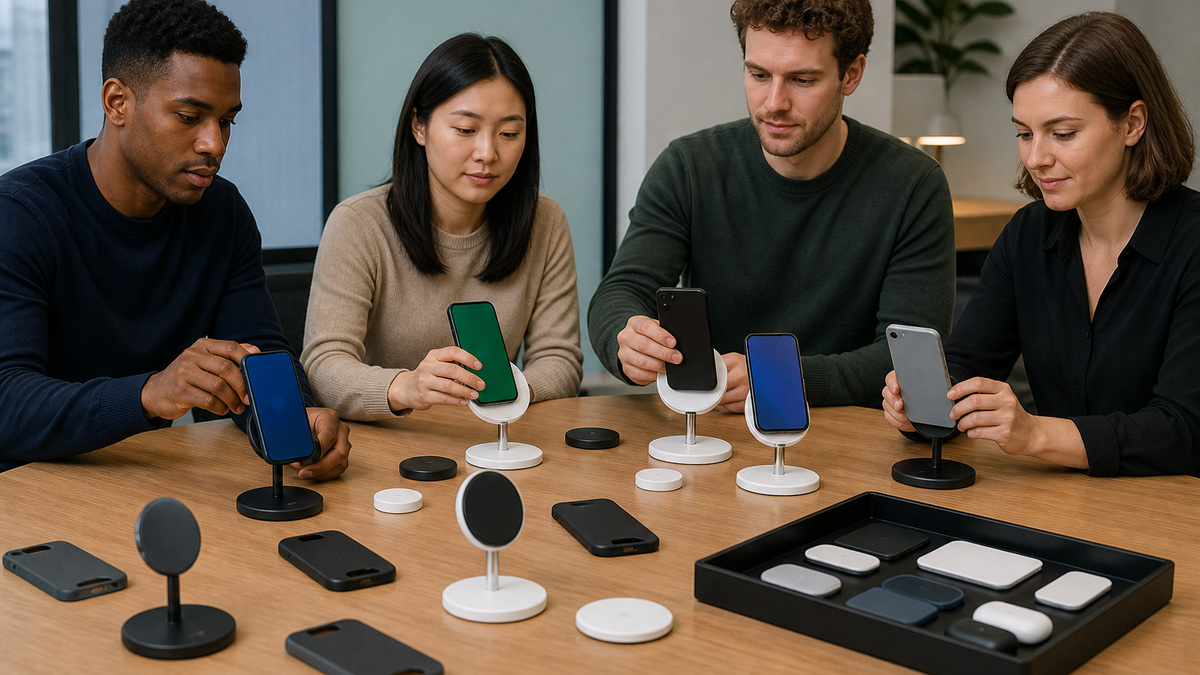
Treat the cable as an active part of the power path. Inventory length, connector ends, current capability, electronic marking where required, data rate, video support, bend condition and ownership. A lead that charges a phone may not safely deliver the same current to a laptop, and a charge-only cable cannot replace a dock host cable. Use the cable supplied with the Belkin product or an approved equivalent for the tested outcome. Inspect plugs for deformation, debris, looseness, discoloration, heat damage and damaged strain relief, remove suspect cables rather than repeatedly reseating them. Avoid excessive extension chains, magnetic intermediaries and unsupported adapters that add resistance or hide the negotiated path. Label travel and desk kits with a non-sensitive asset reference and keep charger and cable together. Where a high-power laptop needs a dedicated cable, prevent casual swaps with lower-rated phone leads. Validate cable length under real load because voltage drop and physical routing can change behavior. Maintain known-good short cables for diagnosis and replace field cables on condition, not only after total failure.
- Track cable current, data, video, length and condition,not connector shape alone.
- Use the supplied lead or a specifically qualified equivalent.
- Keep charge-only cables separate from data and dock host cables.
- Retire plugs with looseness, heat damage, debris or failed strain relief.
- Pair chargers and cables as testable desk or travel kits.
Stage Wired Chargers with Safe Placement and Thermal Checks
Inspect the Belkin adapter and regional plug for damage, correct model, secure prongs and applicable package contents. Use only an appropriate indoor outlet and do not bury the adapter under fabric, papers or furniture. Belkin identifies some compact chargers as indoor products and documents protections such as over-voltage, over-current, over-temperature and short-circuit control on specific models, those features do not remove the need for sound outlet and placement practices. Connect the approved cable and device, confirm the expected charge indication, and observe the path through idle, active use and a sustained interval. Warmth can be normal in compact GaN designs, but odor, discoloration, repeated shutdown, sparking, loose outlets or heat that makes the equipment unsafe to touch requires immediate removal from service and qualified review. Test single- and multiport scenarios in the intended order. Keep liquid, cleaning chemicals and metal debris away, preserve ventilation and avoid strain at the wall and device. In shared spaces, mount or route cables so connectors cannot fall into dirt or become a trip hazard. Record the outlet, adapter, cable and device used for any abnormal event.
- Verify model, regional plug, prongs, enclosure and supplied accessories.
- Use an appropriate indoor outlet with ventilation and strain control.
- Observe idle, active-workload and sustained charging behavior.
- Remove equipment showing damage, odor, arcing, shutdown or unsafe heat.
- Capture the complete power path when investigating an abnormal event.
Deploy Qi2 Stations with Alignment, Case, and Foreign-Object Controls
Approve the exact Belkin Qi2 device, included adapter and intended phone or accessory cohort. Belkin’s Qi2 guidelines describe magnetic alignment and up to 15W charging for compatible products, while actual rate depends on the product and device. Use a MagSafe- or Qi2-compatible case where applicable, center the device on the charging area and verify that a thick, damaged or noncompatible case does not cause cycling or excess heat. Place the station on a stable, ventilated, dry surface away from metal clutter. Belkin explicitly warns not to place credit cards, security badges, passports or key fobs between the phone and the magnetic charging surface because magnetic strips or RFID chips may be damaged. That warning matters in offices where access badges are commonly kept in phone wallets. Remove foreign objects and test earbuds or watch positions only on the designated pads of multi-device products. Confirm any status indicator against the model guide, a light may report an accessory pad rather than the phone. Exercise portrait and landscape placement where supported, repeated attach cycles, case variations and simultaneous charging before approving a shared room.
- Match the exact Qi2 station, power adapter, case and device cohort.
- Keep badges, cards, passports, key fobs and metal objects out of the magnetic path.
- Use a stable, dry and ventilated surface with reliable alignment.
- Interpret status lights using the specific product guide.
- Test cases, orientations, repeated attachment and simultaneous charging.
Accept, Monitor, Troubleshoot, and Retire the Charging Fleet
Build an acceptance matrix that records exact charger, cable, port, device, case, workload, starting battery state, observed charging status, sustained result, temperature observations and any port-sharing change. Repeat enough cycles to expose intermittent connectors and multiport renegotiation. Provide users with concise limits: which port to use, which cable belongs with the kit, which device combinations are approved, what normal warmth looks like, what objects must stay away from Qi2, and when to stop using equipment. Stock known-good chargers and cables for substitution and quarantine returned equipment with its incident context. Troubleshoot from the outlet forward: adapter condition, port allocation, known-good cable, connector cleanliness, device port, case or alignment, workload, operating-system status and a controlled second device. Do not open sealed adapters or continue testing equipment that shows electrical damage. Review failure and replacement rates by model and location, update standards when Belkin guidance or device fleets change, and erase asset association before disposal where records link accessories to people or desks. Recycle electronics and damaged batteries through approved channels. A charging standard remains healthy when its accepted combinations and rejection rules are easier to follow than ad hoc swaps.
- Record charger, cable, port, device, workload, outcome and thermal observations.
- Teach model-specific limits, Qi2 exclusions and stop-use symptoms.
- Use known-good substitutions from the outlet toward the device.
- Quarantine electrically damaged accessories without opening sealed adapters.
- Review failures, update the matrix and recycle through approved channels.
Official product documentation and ALLMSP resources
- Belkin: Connect USB-C Core GaN Power Adapter 100W FAQs
- Belkin: BoostCharge Pro Dual USB-C GaN Wall Charger 50W
- Belkin: BoostCharge Pro Dual USB-C GaN Wall Charger 50W FAQs
- Belkin: Qi2 Magnetic Product Guidelines
- Belkin: BoostCharge Pro 3-in-1 Wireless Charger with Qi2 FAQs
- Belkin: BoostCharge Pro Universal Easy Align Charging Pad FAQs
- ALLMSP Belkin Hardware Support
- ALLMSP Hardware Support
- ALLMSP IT Consulting
- ALLMSP Managed IT Services
- ALLMSP Cybersecurity Services
- Contact ALLMSP
Frequently Asked Questions
What information belongs in a Belkin charging profile?
Include exact device, accepted input, original adapter, workload, charging window, location, outlet, cable functions, travel or desk use, environmental risks and a measurable pass result.
Does a dual-port Belkin charger deliver its full rating to both ports?
Not necessarily. For example, Belkin documents up to 50W on one WCH019 port but up to 25W per port when two devices share its 50W total.
What is USB Power Delivery negotiation?
The charger and device select a mutually supported voltage and current profile through the cable. The resulting power depends on all three components and may change when another port becomes active.
Why can a laptop show slow charging on a healthy Belkin adapter?
Its active workload or original power requirement may exceed the negotiated output, especially when a multiport charger shares power. The battery may rise slowly or only maintain its level.
Can any USB-C cable be used for high-power charging?
No. Verify the cable’s current capability, electronic marking where required, connector condition and approved use. A phone or charge-only lead may not satisfy laptop, data, video or dock needs.
What should be kept away from a Belkin Qi2 charger?
Do not place credit cards, security badges, passports, key fobs or metal foreign objects between the device and magnetic charging surface.
Does a Belkin Qi2 status light always report phone charging?
No. Indicator behavior is model-specific, and on some multi-device products a light relates to an accessory pad. Consult the exact support guide and confirm charge state on the device.
Is warmth normal for a Belkin GaN charger?
Some warmth can occur under load, but damage, odor, discoloration, repeated thermal shutdown, arcing, a loose outlet or unsafe heat requires immediate removal from service.
What should a charging acceptance test measure?
Record exact charger, cable, port, device, case, workload, initial state, sustained charging result, temperature observations and behavior when a second device connects or disconnects.
How can ALLMSP standardize Belkin charging?
ALLMSP can inventory devices, calculate power and port sharing, qualify cables, stage wired and Qi2 products, pilot real workloads, document limits, stock spares and manage failures.


