





























































































































































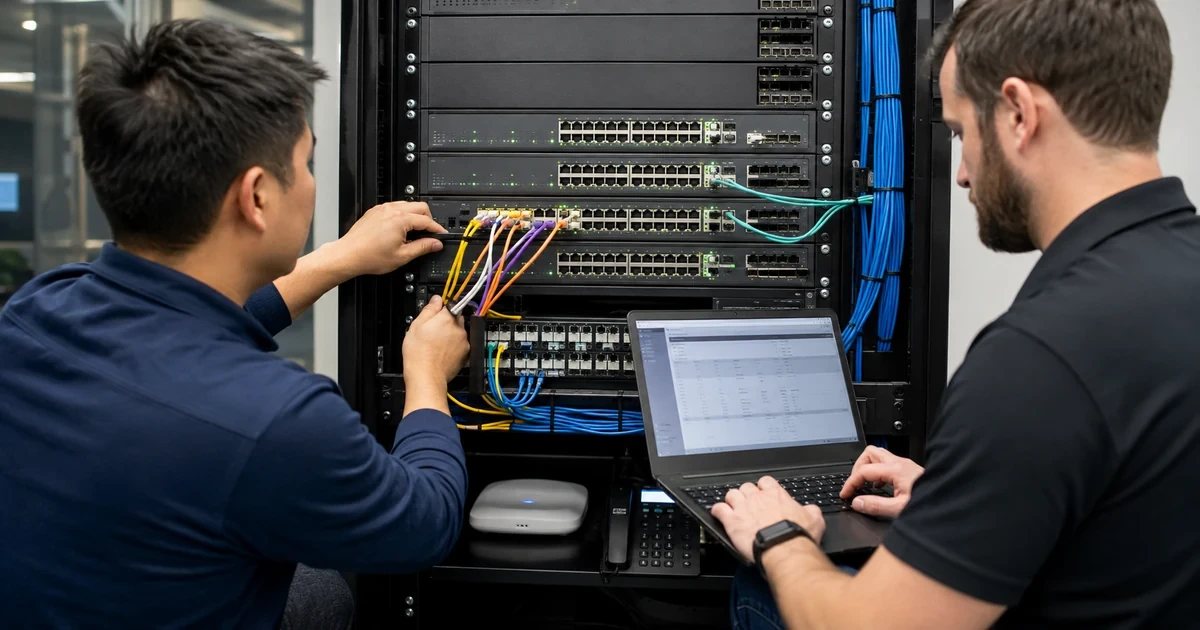
A Cisco Catalyst access switch is not just a collection of Ethernet ports. It is the enforcement point for VLAN membership, voice separation, power delivery, uplink policy, spanning-tree behavior, monitoring and often the management path for an entire floor. A rushed replacement can therefore keep link lights green while moving phones into the wrong voice VLAN, starving an access point during boot or breaking a trunk that carried an overlooked service network.
Cisco’s current Catalyst 9200 documentation distinguishes modular-uplink C9200 models, fixed-uplink C9200L models and compact C9200CX variants. The data sheet also separates their stacking and power characteristics. StackWise can simplify operations, but Cisco documents that C9200 and C9200L models cannot be mixed in the same stack and that members must meet software and license prerequisites. Those are procurement facts, not details to resolve after delivery.
This deployment plan joins the physical bill of materials to the logical design and the operating runbook. It gives Georgia organizations a practical way to standardize Catalyst access switching without copying an old configuration blindly or treating a successful ping as acceptance. ALLMSP can use the resulting record to manage upgrades, replacements, incidents and capacity decisions over the switch lifecycle.
Key decisions at a glance
- Choose the exact Catalyst 9200, 9200L or compact model from downlink, uplink, PoE, redundancy, airflow, stacking and license requirements rather than port count alone.
- Build an owned port matrix for access, voice, wireless, camera, printer, infrastructure and trunk roles before any cable is moved.
- Do not mix C9200 and C9200L members in one StackWise stack, align supported models, license levels and compatible IOS XE releases before assembly.
- Measure the real powered-device load and preserve budget for boot peaks, replacements and future access points instead of assuming every PoE port can deliver maximum power simultaneously.
- Accept the deployment only after failover, uplink, VLAN, PoE, monitoring, configuration backup and restore evidence is captured from the production design.
Select the Exact Catalyst Platform and Supportable Bill of Materials
Start with the building and endpoint inventory: copper port count, uplink type and speed, expected oversubscription, IP phones, wireless access points, cameras, badge readers, printers, conference devices, environmental sensors and any multigigabit requirement. Record growth, cable distances, closet power, rack depth, airflow and available circuits. The correct switch has to satisfy both network and facilities constraints for its expected service life.
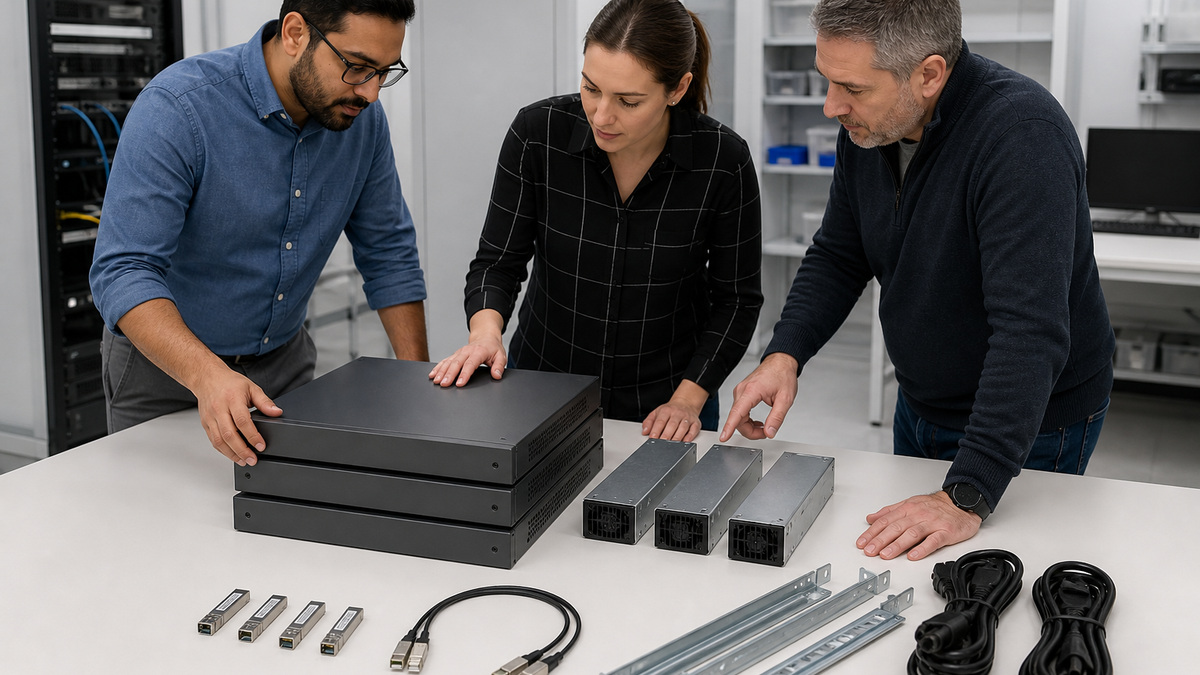
Match those requirements to a specific Catalyst model and network module. Cisco’s Catalyst 9200 data sheet separates C9200 models with modular uplinks from C9200L models with fixed uplinks, compact C9200CX models have different power and stacking capabilities. Verify PoE class, total available wattage, redundant power options, fan behavior, uplink optics, StackWise kit, console adapter, rack hardware, software entitlement and support coverage for every ordered unit.
Create a replacement standard, not a single purchase. Define approved chassis, power supplies, uplink modules, optics, stack kits, cable lengths, IOS XE train, license level and spare strategy. Record incompatibilities explicitly. A substitute with the same number of ports may lack the required PoE budget, modular uplink, airflow direction or stack family and can turn a planned swap into a redesign.
- Inventory endpoints, uplinks, PoE classes, rack conditions and growth by closet.
- Differentiate C9200, C9200L and C9200CX capabilities before ordering.
- Validate power supplies, optics, stack kits, console access and support coverage.
- Document approved spares and prohibited substitutions for emergency replacement.
- Tie lifecycle dates to business impact and available redundancy.
Design VLAN, Voice, Wireless, Camera, and Trunk Port Roles
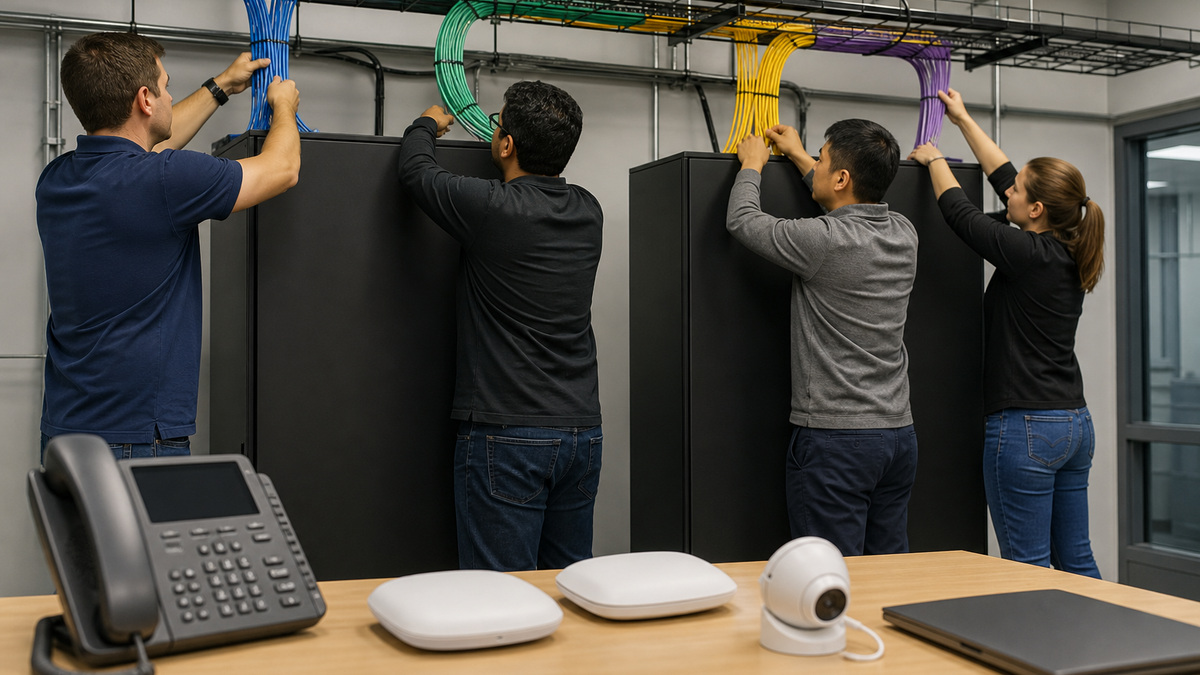
Build a port schedule before staging. For each interface, record closet, panel, jack, endpoint class, access VLAN, voice VLAN, expected speed, duplex policy, PoE expectation, authentication policy, spanning-tree edge behavior, description format and shutdown state when unused. Keep user, voice, wireless management, guest, camera, printer, building-control and switch-management networks distinct according to the organization’s segmentation design.
Define trunks from an explicit allowed-VLAN list and an intentional native VLAN. Cisco’s VLAN trunk guide notes that all VLANs are allowed by default, so relying on the default can extend old or sensitive broadcast domains farther than intended. Match both ends for mode, allowed VLANs, native VLAN, EtherChannel membership and spanning-tree assumptions. Document which system owns Layer 3 gateways and DHCP relay for each VLAN.
Treat discovery features and voice configuration as part of a tested endpoint pattern. A phone with a workstation behind it differs from a camera, access point or ordinary workstation port. Pilot each supported pattern using a non-sensitive device, verify addressing and intended reachability, and capture the final switchport result. Leave unused interfaces administratively shut and assigned according to the approved unused-port policy.
- Create an interface-by-interface port matrix tied to patch-panel and jack records.
- Specify access, voice, infrastructure and management VLANs by endpoint pattern.
- Limit trunks to required VLANs and define the native VLAN deliberately.
- Match EtherChannel, spanning-tree and Layer 3 ownership on both ends.
- Shut and control unused interfaces instead of leaving them in a production VLAN.
Calculate PoE Capacity from Endpoints, Boot Peaks, and Failure Cases

List every powered device with negotiated class, normal draw, possible startup draw and business priority. Compare the total with the exact switch and power-supply combination rather than multiplying the number of PoE ports by a headline wattage. Cisco publishes model-specific budgets and notes capabilities such as Perpetual PoE and Fast PoE on supported Catalyst 9200 platforms, decide whether those behaviors are required and verify them on the chosen release.
Design for the event that matters: a power-supply failure, stack member loss, restored utility power or an access-point refresh that raises consumption. Preserve headroom for negotiation variance and replacements. Spread critical phones, wireless and physical-security endpoints across members and power domains when the topology permits. Keep a ranked load-shed plan for noncritical devices instead of allowing a depleted budget to choose the victims implicitly.
During staging, connect representative phones, cameras and access points, then observe the actual allocation and device state. Verify that high-demand devices negotiate the expected power and that cabling supports the required standard. Record exceptions such as injectors or externally powered endpoints. A port that supplies power but drops data, or data without adequate power, must not pass acceptance.
- Record negotiated class and observed draw for each powered-device family.
- Compare aggregate load with the exact chassis and installed power supplies.
- Reserve capacity for boot peaks, hardware failure and planned endpoint growth.
- Distribute critical loads across members and available power domains.
- Test both data and power behavior with representative production endpoints.
Assemble StackWise with Compatible Members and a Known Election Plan
Use Cisco’s compatibility rules before joining members. Current Catalyst 9200 guidance requires compatible software and the same license level, limits a stack to supported stacking-capable models and prohibits mixing C9200 with C9200L. Certain specialized models have additional restrictions. Verify product IDs, hardware, stack adapters, cables and release support against the current guide for the exact fleet.
Build a complete ring with the correct StackWise cable length and orientation, then inventory every adapter and cable. Assign member numbers and priorities deliberately so the intended active and standby choices are predictable. Label rack position and member identity without exposing credentials. Confirm that the active switch is fully operational before adding a new member, as Cisco directs, and avoid introducing an unknown configuration or incompatible image into an established stack.
Validate the stack as a system: member state, roles, software, stack ports, ring topology, power, uplinks and management reachability. Simulate the approved failure cases during a maintenance window, including an uplink loss and active-member transition where supported. Record traffic impact and recovery time. A stack is not redundant merely because all members appear in inventory.
- Confirm model, license and IOS XE compatibility before connecting StackWise.
- Use a documented ring, cable inventory, member numbering and priority plan.
- Add members only after the active switch is stable and the newcomer is prepared.
- Verify stack ports, member roles, ring health and management continuity.
- Exercise approved member and uplink failure cases before business acceptance.
Establish the IOS XE, Configuration, Backup, and Rollback Baseline
Record the shipping IOS XE version, boot mode, ROMMON context, license state and available flash. Select a supported target release from Cisco documentation and organizational policy rather than assuming the newest image is automatically the correct production choice. Cisco recommends install mode for Catalyst 9200 platforms and documents different workflows for install and bundle mode, identify the current state before copying or activating software.
Preserve the existing configuration, VLAN data, image information and a protected pre-change evidence set. Stage the signed image from an approved source, verify integrity and space, read release-specific caveats, and define the exact reload and rollback decision points. For a stack, confirm the procedure applies to every member. Do not discover during the outage that an inactive package cleanup, boot variable or compatibility step was omitted.
Build the base configuration from controlled modules: management identity, time, DNS, logging, AAA, SSH, SNMP, VLANs, trunks, spanning tree, interfaces, PoE policy and monitoring. Replace site-specific addresses and secrets through the approved process. Save a sanitized reference and a protected device backup. Test that an authorized administrator can retrieve and interpret both without relying on the original installer.
- Capture version, boot mode, license state, flash and stack member software.
- Choose a supported release and follow the matching install-mode procedure.
- Verify image integrity, capacity, reload behavior and rollback thresholds.
- Build configuration from reviewed modules with site-specific values controlled.
- Store protected backups and a sanitized as-built reference with clear ownership.
Cut Over by Port Cohort and Prove the Production Failure Domains
Move a small, representative cohort before the entire closet. Include a workstation, phone, access point, camera or printer where those classes exist. For each, confirm link, speed, power, access and voice VLANs, addressing, DNS, required applications and denied paths. Compare the result with the port matrix. A successful Internet test does not validate internal segmentation, voice quality or device management.
During the main cutover, reconcile every moved cable against switch, member, interface, panel and jack. Watch interface errors, PoE allocation, trunk state, spanning tree, EtherChannel and stack health. Keep a timed rollback threshold and an alternate management path. Do not use broad VLAN allowance, disabled loop protections or emergency unmanaged switches as permanent fixes for an unexplained problem.
Close with evidence: exact hardware and support data, rack and cable map, member roles, power budget, port schedule, VLAN and trunk matrix, IOS XE and configuration hashes, monitoring enrollment, backups, test results, known exceptions and lifecycle owner. ALLMSP can maintain that record through patching, moves, endpoint refreshes and failure drills so the next change starts from observed truth.
- Pilot every endpoint pattern before moving the whole closet.
- Reconcile each cable to member, interface, panel, jack and intended role.
- Monitor errors, PoE, trunks, spanning tree, channels and stack health live.
- Use explicit rollback timing and preserve alternate management access.
- Publish an owned as-built package and update it after every material change.
Official product documentation and ALLMSP resources
- Cisco Catalyst 9200 Series Switches Data Sheet
- Cisco IOS XE 17.18: Managing Catalyst 9200 Switch Stacks
- Cisco IOS XE 17.17: Configuring VLAN Trunks
- Cisco IOS XE 17.18: Catalyst 9200 Device Setup and Install Mode
- Cisco: Upgrade Catalyst 9200 Switches
- ALLMSP Cisco Hardware Support
- ALLMSP Hardware Support
- ALLMSP Managed IT Services
- ALLMSP Cybersecurity Services
- ALLMSP Network Security
- Contact ALLMSP
Frequently Asked Questions
What should be inventoried before choosing a Cisco Catalyst switch?
Inventory copper ports, uplink speed and media, PoE endpoint classes, rack and airflow conditions, power redundancy, stack needs, software licensing, support coverage and growth.
Can Cisco Catalyst 9200 and 9200L switches share one StackWise stack?
No. Cisco’s current 9200 documentation says C9200L and C9200 models cannot be mixed in the same switch stack.
How many members can a Catalyst 9200 StackWise stack support?
Cisco documents up to eight stacking-capable members, subject to the exact model, license, software and compatibility restrictions in the current guide.
Why should Catalyst trunk allowed VLANs be explicit?
Cisco allows all VLANs on a trunk by default. An explicit list limits unintended Layer 2 extension and makes both sides easier to audit and troubleshoot.
How should a Catalyst PoE budget be calculated?
Use the exact chassis and power-supply capacity, negotiated device classes, observed draw, boot peaks, failure scenarios and planned growth rather than port count alone.
What is the difference between Catalyst 9200 and 9200L uplinks?
Cisco positions C9200 models with modular uplink options and C9200L models with fixed uplinks, verify the current data sheet for each SKU.
Does a green link light prove a Catalyst cutover is successful?
No. Validate VLAN, voice, addressing, power, required applications, denied paths, trunk behavior, errors, monitoring and failure recovery.
Which IOS XE boot mode does Cisco recommend for Catalyst 9200?
Cisco’s current system-management guide recommends install mode, confirm the existing mode and follow the release-specific upgrade workflow.
What evidence belongs in a Cisco switch as-built package?
Include hardware, support, rack position, member roles, power budget, ports, VLANs, trunks, software, configuration hashes, backups, monitoring, tests and exceptions.
How can ALLMSP help deploy Cisco Catalyst switches?
ALLMSP can design the model and PoE standard, stage VLANs and StackWise, manage IOS XE baselines, execute cutovers, verify failure cases and maintain lifecycle records.


