





























































































































































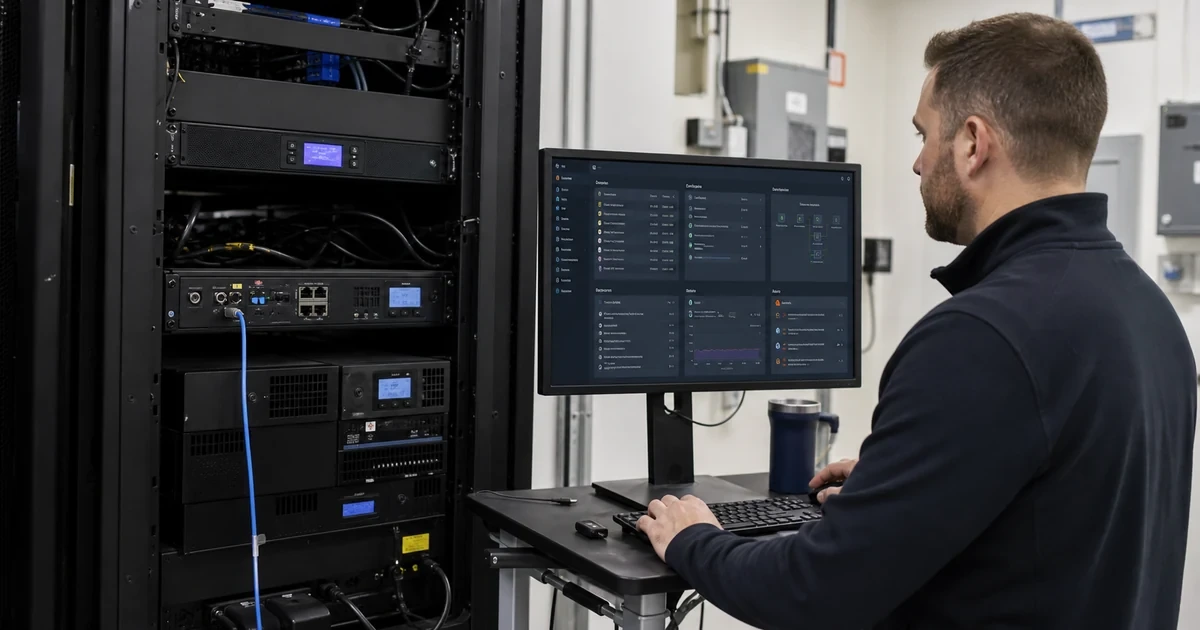
A CyberPower RMCARD can expose status, configuration, event actions, scheduling and remote power controls through web, CLI or network-management protocols. PowerPanel Business can coordinate graceful shutdown across physical and virtual systems. Those capabilities are valuable precisely because they are powerful. An interface left on a broad user network with shared credentials is not merely a monitoring weakness, it can become a path to disrupt infrastructure.
CyberPower currently documents HTTP and HTTPS, SSH, SNMPv1 and SNMPv3, NTP, email, traps, syslog and other services for the RMCARD205. The current product page also lists firmware updating and automatic shutdown for multiple clients. PowerPanel Business 4.12.2 documentation is available from CyberPower, and CyberPower has published releases that included security and false-shutdown fixes. Version ownership is therefore part of reliability as well as security.
This guide turns the UPS management plane into an administered service. It separates physical power design from access, telemetry and shutdown policy, and it gives a support team evidence to distinguish a power event from a management failure. ALLMSP can operate that control across Georgia client sites while keeping credentials, alerts, firmware and recovery tests tied to named owners.
Key decisions at a glance
- Choose PowerPanel Local, Remote or Center roles and a compatible RMCARD architecture from the number of UPS devices and shutdown clients rather than installing every component by habit.
- Place network management on an approved administrative segment, restrict source access and prefer current secure protocols such as HTTPS, SSH and SNMPv3 where supported.
- Replace defaults, give named administrators only the access they require, synchronize time and send actionable UPS events to maintained email, trap and syslog destinations.
- Track PowerPanel and RMCARD versions, review vendor advisories, back up configuration and stage updates without sacrificing the active shutdown path.
- Test each shutdown client, timing threshold, outlet action and restart decision during a controlled power event, a healthy dashboard alone does not prove protection.
Choose PowerPanel and RMCARD Roles Before Installing Agents
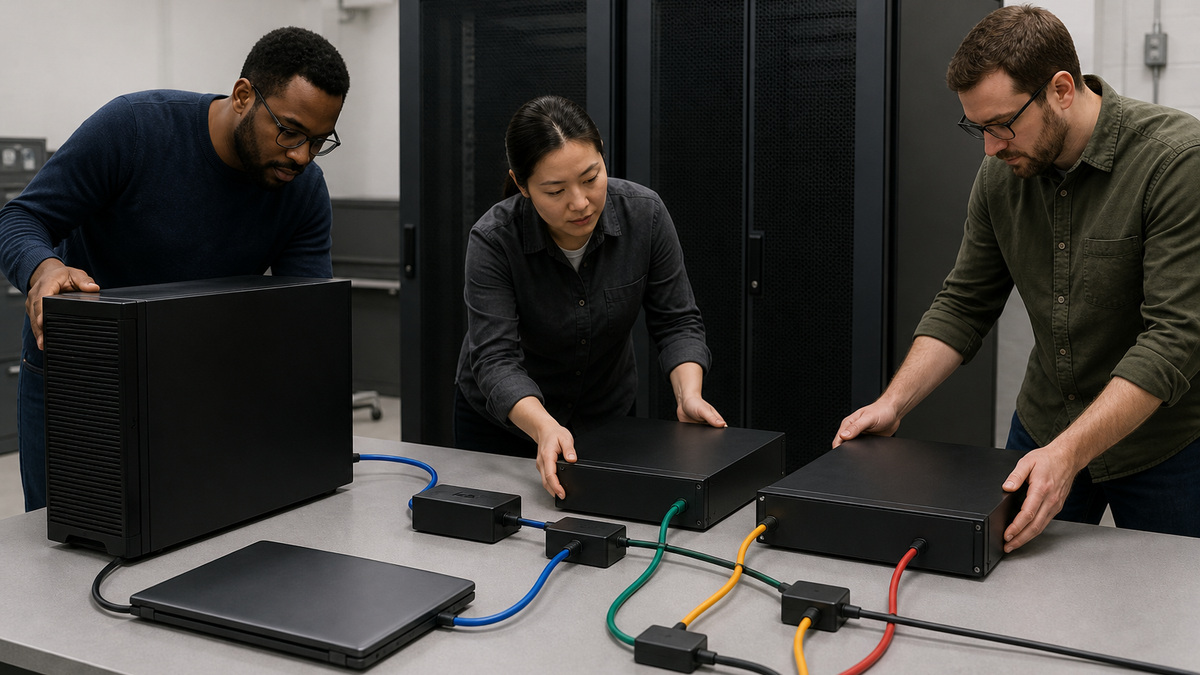
Start with a topology drawing that names every UPS, protected system, management path and shutdown client. A directly attached server may use USB or serial with PowerPanel Business Local. A compatible UPS fitted with an RMCARD can provide network status and event delivery, while PowerPanel components can coordinate local or remote shutdown. Use the current manual to decide which role belongs on each Windows, Linux, macOS or virtual platform.
Avoid overlapping control paths. Two agents reacting to the same event with different thresholds can stop systems in the wrong order, and a host connected by USB while also subscribed to a remote card may receive duplicate actions. Document the authoritative event source, each client relationship, communication timeout, shutdown threshold and recovery behavior. Remove abandoned agents and stale UPS records after migrations.
Preserve independence where it matters. The network path that carries a remote shutdown signal must remain powered long enough for the command to arrive. Keep the relevant switch, firewall, DNS or time service available according to the design, or use an appropriate local path. Test what happens when the RMCARD is reachable but a client is not, and when power is normal but management communication fails.
- Map every UPS, management source, agent and shutdown recipient.
- Assign one authoritative event path per protected system.
- Remove obsolete agents, duplicate relationships and stale device objects.
- Keep the required network and name-resolution path on protected power.
- Test communication loss separately from loss of utility input.
Place UPS Management on a Restricted Administrative Network

Give each RMCARD a stable address, site-specific name and documented switch port on the approved management segment. Restrict access at the firewall or management boundary to named administration systems, monitoring collectors, time, logging and required shutdown clients. Do not expose the web interface or SNMP service broadly to user, guest, camera or public networks merely because the device is physically inside the rack.
Inventory the protocols enabled on the exact card and firmware. The RMCARD205 product page documents HTTPS, SSH and SNMPv3 alongside older HTTP, Telnet, FTP and SNMPv1 capabilities. Prefer current encrypted and authenticated options where the model and integration support them, and disable unnecessary legacy services through the current interface or manual. A protocol should remain enabled only because an owned system uses it.
Use an administration workstation or jump path that produces an access trail. Limit outbound connectivity to the destinations required for alerts, time, logging, updates or approved cloud monitoring. Record DNS and gateway dependencies and avoid silent Internet exposure created by automatic port forwarding. A UPS card should have a smaller communication surface than a general-purpose server, not a larger one.
- Use a dedicated or tightly controlled management segment.
- Allow only named administration, monitoring, time and shutdown sources.
- Prefer HTTPS, SSH and SNMPv3 when supported by the full integration.
- Disable unused legacy services according to current vendor guidance.
- Document every required inbound and outbound flow and its owner.
Control Credentials, Certificates, Roles, and Recovery Access
Change factory or inherited credentials before production use. Give administrators unique accounts where the platform permits, reserve full control for the small group that can change outlet actions or shutdown policy, and use monitoring-only access for collectors. Do not share one password among staff, vendors and scripts. Store emergency access in the approved credential vault and test its retrieval without disclosing it in the as-built document.
Manage the HTTPS identity as an infrastructure certificate where supported. Record hostname, issuer, expiration and renewal owner, and teach administrators to stop on an unexpected certificate change rather than click through every warning. If a locally generated certificate is required, distribute trust through the approved path. Avoid embedding credentials in browser bookmarks, scripts or monitoring URLs.
Create a documented recovery path for a lost address, failed credential or replaced RMCARD. Keep the exact card model, UPS compatibility, protected configuration backup and current vendor reset procedure available to authorized staff. Physical reset access must be controlled because it can bypass normal authentication and may interrupt monitoring. After recovery, rotate affected credentials and revalidate alerts and clients.
- Replace defaults and shared administrator credentials before go-live.
- Separate configuration, monitoring and emergency access where possible.
- Track certificate identity and renewal instead of accepting warnings blindly.
- Vault recovery access outside the device and test authorized retrieval.
- Revalidate monitoring and shutdown after any card reset or replacement.
Make Events Trustworthy with NTP, Logging, Sensors, and Alert Ownership
Configure a stable time source and correct site timezone so UPS, host, generator and facility events can be correlated. The RMCARD205 supports NTP and syslog according to CyberPower’s product documentation. Send events and status records to an owned logging destination when appropriate, and retain enough history to compare repeated transfers, overloads, temperature excursions and battery warnings across maintenance cycles.
Design alerts around action. Utility failure, low battery, overload, replace-battery state, lost communication, temperature or humidity threshold and card restart may require different recipients and urgency. Use email, SNMP traps, syslog or approved messaging integrations as supported, but avoid sending every status transition to everyone. Include site, UPS identity, affected load and a clear response instruction in the testable naming scheme.
If an environmental sensor is attached to a compatible RMCARD, place it where it represents equipment intake conditions rather than a convenient cold wall. Set thresholds from the room and equipment requirements, account for normal HVAC cycling and test notification. A sensor alert should open the same incident path as the cooling or facilities owner, otherwise the data remains isolated inside the UPS interface.
- Synchronize time and verify event timestamps after reboots.
- Send logs and traps to destinations with retention and named owners.
- Differentiate power, battery, overload, communication and environment alerts.
- Use device names that identify site and protected workload.
- Test every recipient and escalation path instead of trusting configuration fields.
Patch PowerPanel and RMCARD Without Losing the Shutdown Path
Maintain an inventory of PowerPanel Business version, operating system, installation role, RMCARD model, card firmware and UPS firmware context. Review CyberPower release notes and advisories for security, reliability, compatibility and shutdown changes. CyberPower’s 2025 PowerPanel Business 4.11.3 notice, for example, described security improvements and a false-triggered-shutdown correction, current product downloads now identify later builds on supported model pages.
Stage software and firmware changes against a representative noncritical system or during an approved maintenance window. Back up configuration where the platform supports it, preserve screenshots or exports of event actions and clients, confirm package integrity from the official source and define rollback. Keep another way to observe power and stop systems safely while the primary management component is unavailable.
After updating, verify authentication, certificate identity, time, email, traps, syslog, sensors, event actions, client relationships and remote controls. Confirm that disabled legacy protocols remain disabled and that the monitoring platform still interprets state correctly. Do not close the change merely because the web page loads, the highest-risk functions are the ones that run later during an outage.
- Inventory PowerPanel, card firmware and UPS firmware context together.
- Read official release notes for security and shutdown behavior changes.
- Back up actions, clients and network settings before maintenance.
- Preserve an alternate observation and safe-shutdown method.
- Retest alerts, integrations, access and policies after every update.
Prove Shutdown Timing, Outlet Actions, and Recovery in a Live Drill
Build a test matrix for utility loss, low runtime, restored input, lost USB or network communication, an unreachable client and a scheduled outlet action. For each event, record the initiating source, delay, PowerPanel or RMCARD action, affected clients, application and host order, bank behavior, alert timing and cancellation rules. Use a maintenance window and a business owner-approved stopping point.
Observe the full dependency chain. Virtual machines may need application-aware sequencing before a hypervisor stops, storage must destage before its power disappears, the firewall and management switch may need to outlive every remote client. Confirm that a short power disturbance does not trigger unnecessary shutdown while a sustained event starts soon enough to finish with reserve. Test restart policy only after services and storage are ready.
Record actual results and correct the configuration or runtime target when the drill differs from the plan. Remove temporary accounts and firewall rules, preserve logs, update the client map and schedule the next exercise. ALLMSP can coordinate the power, server, network, virtualization and facilities owners so one tested runbook covers the whole event instead of leaving each tool with an isolated default.
- Test utility, low-runtime, restore and communication-loss scenarios.
- Measure event-to-alert and event-to-shutdown timing.
- Verify application, VM, host, storage, network and outlet order.
- Confirm abort and restart behavior when utility input returns.
- Update the authoritative client and dependency map from drill evidence.
Official product documentation and ALLMSP resources
- CyberPower PowerPanel Business
- CyberPower PowerPanel Business 4.12.2 User Manual
- CyberPower RMCARD205 Product Details
- CyberPower RMCARD205/305 User Manual
- CyberPower PowerPanel Business 4.11.3 Release Notice
- ALLMSP CyberPower Hardware Support
- ALLMSP Hardware Support
- ALLMSP Managed IT Services
- ALLMSP Cybersecurity Services
- ALLMSP Network Security
- Contact ALLMSP
Frequently Asked Questions
What is CyberPower PowerPanel Business used for?
It monitors supported UPS devices, reports events and can coordinate graceful shutdown for protected physical or virtual systems according to the installed role and configuration.
What does a CyberPower RMCARD add to a compatible UPS?
A compatible RMCARD provides network-based status, configuration, logging, notifications, scheduling and shutdown integration through supported web, CLI and management protocols.
Should a CyberPower RMCARD be on the user network?
Usually no. Place it on a restricted management segment and allow only approved administration, monitoring, time, logging and shutdown-client traffic.
Does the RMCARD205 support SNMPv3?
Yes. CyberPower’s current RMCARD205 product documentation lists SNMPv1 and SNMPv3, prefer the stronger option when every monitoring component supports it.
Why disable HTTP, Telnet, FTP or SNMPv1 on a UPS card?
If the exact firmware permits and no owned integration requires them, removing legacy cleartext or weaker services reduces the management surface. Follow the current card manual.
How should CyberPower UPS administrator accounts be managed?
Replace defaults, use unique named access where supported, limit full control, vault emergency credentials and remove stale vendor or employee access promptly.
Why is NTP important for UPS monitoring?
Correct time lets teams correlate utility, UPS, generator, server and facilities events and establish the real sequence during an outage.
Should PowerPanel Business and RMCARD firmware be updated?
Track current versions, review CyberPower advisories and release notes, stage supported updates, back up configuration and retest alerts and shutdown behavior afterward.
How can a UPS dashboard be healthy while shutdown protection is broken?
The interface may load even when a client is stale, a network path will lose power, credentials changed, thresholds are wrong or an agent cannot execute its shutdown action.
How can ALLMSP secure CyberPower UPS management?
ALLMSP can segment management, harden protocols and accounts, maintain versions and logs, configure actionable alerts, map shutdown clients and run controlled end-to-end tests.


