





























































































































































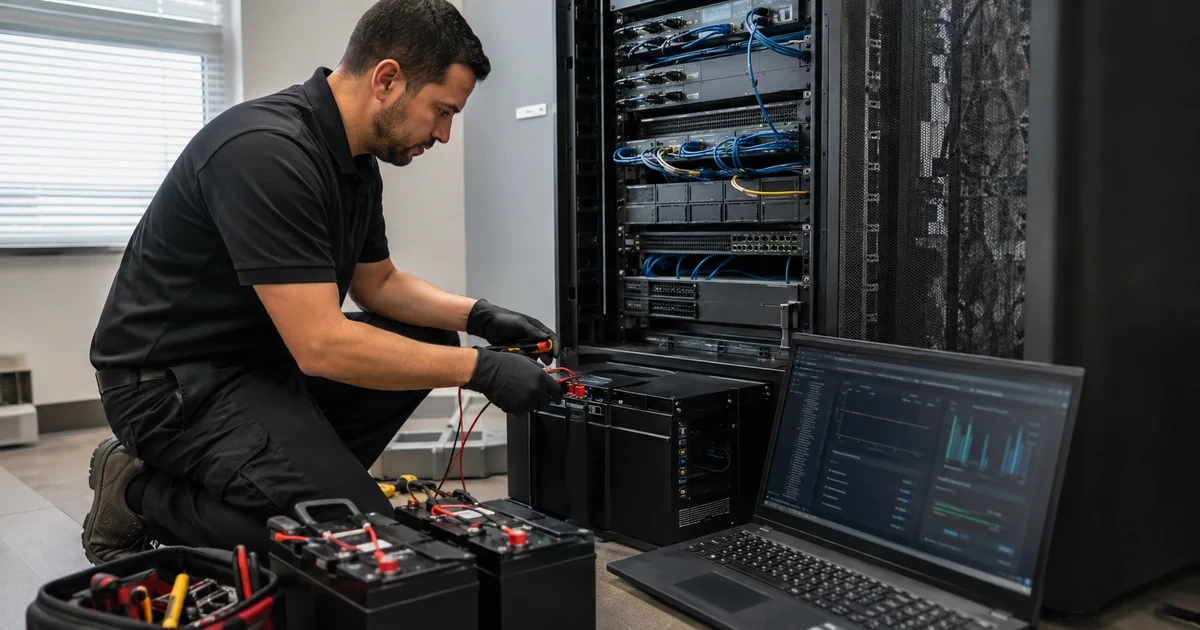
UPS incidents often arrive as noise: an alarm during a storm, a server that stopped sooner than expected, a replace-battery warning, a unit that transfers repeatedly on generator power or a PowerPanel client that missed its shutdown. Resetting the UPS or unplugging equipment can remove the evidence that separates input-power trouble from battery wear, overload, communication loss or an incorrect outlet map.
CyberPower provides model pages, manuals, a runtime calculator, replacement-battery matching, self-test guidance and PowerPanel or RMCARD event data. Those sources are most useful when the technician begins with the exact product and recorded load. A cartridge that fits one family may be wrong for another, and CyberPower identifies some batteries as user replaceable while others require a qualified technician.
This runbook keeps the protected business service at the center. It establishes a safe order for evidence, physical and electrical checks, runtime diagnosis, battery handling, communication repair and recovery testing. ALLMSP can use that record to coordinate facilities, generator, server, network and vendor support without turning a power incident into an uncontrolled series of reboots.
For organizations in Lawrenceville, Suwanee, Gwinnett County, Metro Atlanta, and across Georgia, ALLMSP can troubleshoot CyberPower UPS alarms, runtime, batteries, and shutdowns through one accountable in-house process for assessment, configuration, testing, and support.
Key decisions at a glance
- Record the exact model, topology, load, input and output state, alarm pattern, battery charge, estimated runtime, event time and affected devices before silencing or restarting anything.
- Separate building-power quality, circuit or generator behavior from UPS transfer logic, overload, outlet state and failed batteries using one safe test at a time.
- Treat reduced runtime as a measured capacity problem: compare current load, charge state, temperature, battery age and observed test duration with the commissioning baseline.
- Use CyberPower’s replacement-battery tool and exact model documentation, never assume hot-swap or user replacement is safe for a different model or installation.
- Verify PowerPanel, USB, RMCARD, alerts and graceful shutdown after the electrical fault is corrected, then escalate with logs, model data and reproducible evidence.
Capture Model, Load, Alarm, and Event Evidence
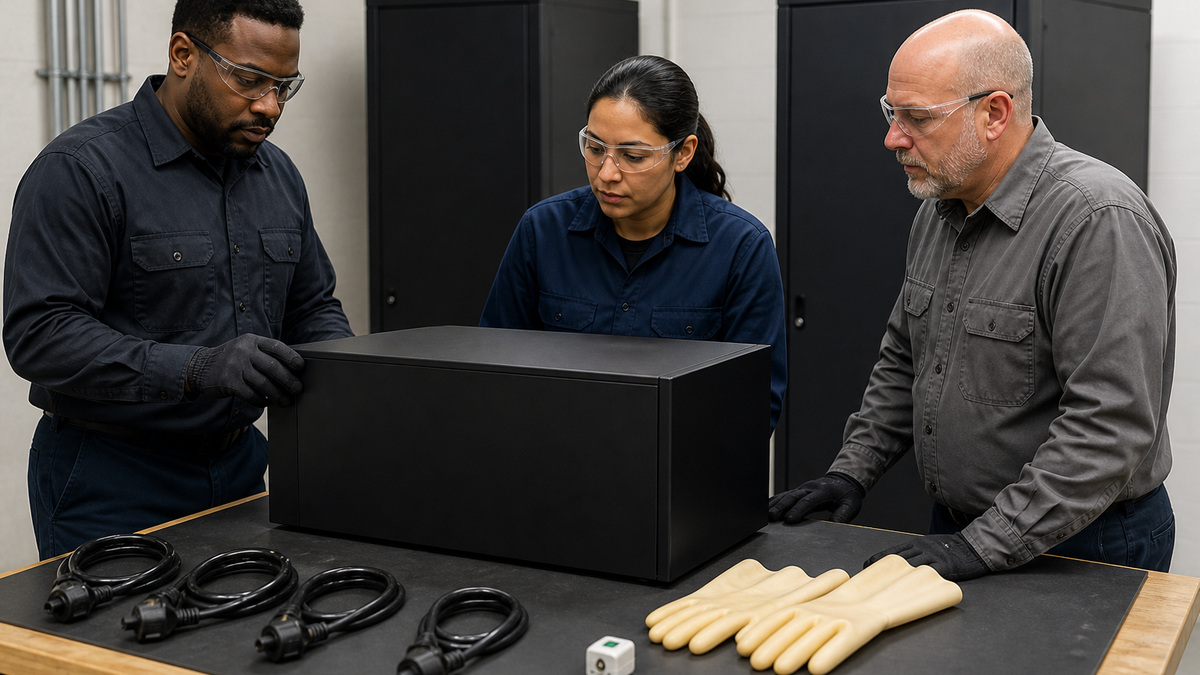
Identify the exact CyberPower model, serial context without exposing it publicly, topology, installed battery cartridge or EBM, input plug, circuit, protected outlets and management method. Record the front-panel state, alarm pattern, input and output voltage where available, frequency, load percentage, battery charge, estimated runtime and recent events. Note whether utility power, generator transfer, facilities work or rack changes occurred at the same time.
Describe the business symptom separately from the UPS symptom. Did every protected outlet lose power, one controlled bank switch off, one server shut down, a network device reboot, or only a monitoring alert fire? Confirm which devices are on battery-plus-surge outlets and which are surge-only. CyberPower notes that no power from battery-backed outlets can indicate a depleted or failed battery, but circuit state, load and model-specific behavior still need to be checked safely.
Preserve PowerPanel and RMCARD logs, alert messages, card uptime, USB or network communication state and host event records. Photograph cable and outlet placement without capturing credentials or customer labels. Avoid repeated self-tests, breaker resets, battery disconnects and power cycles until the critical load is protected and the evidence is saved. Escalate immediately if there is heat, swelling, odor, leakage, smoke, damaged wiring or an unsafe electrical condition.
- Record model, topology, battery, circuit, load and outlet assignment.
- Separate the business interruption from the audible or visual alarm.
- Save PowerPanel, RMCARD, host and facilities event timing.
- Avoid resets and repeated transfers before preserving evidence.
- Stop and use qualified help for heat, swelling, odor, leakage or damage.
Separate Utility, Generator, Circuit, and UPS Transfer Behavior

Check the branch circuit, breaker, receptacle and upstream power event through qualified personnel and approved tools. Determine whether the UPS lost input, rejected input outside its acceptable voltage or frequency range, or transferred because of an internal condition. Do not defeat protection settings or use an improvised extension to keep the alarm quiet. Compare the observed event with the input range and transfer behavior in the exact CyberPower manual.
When a generator is involved, correlate generator start, stabilization, transfer switch and UPS logs. CyberPower explains that some units can enter battery mode when generator frequency changes too quickly or remains unstable, while supported Smart App Online models may provide generator-specific behavior. Confirm that the exact model is generator compatible and that facilities can measure and correct the source rather than widening limits blindly.
Look for repeated transfers during HVAC starts, utility sags, loose connections or overloaded circuits. A line-interactive unit may use AVR for some variation and battery for conditions outside its operating window. An online double-conversion system behaves differently. Use the topology and event record to explain the response. After facilities correction, observe input and battery state through the former event interval before declaring the UPS faulty.
- Verify circuit and receptacle condition through approved electrical practice.
- Correlate UPS events with utility, generator and transfer-switch timing.
- Check generator compatibility for the exact CyberPower model.
- Do not widen protection limits merely to suppress transfers.
- Observe the system through the prior failure window after correction.
Diagnose Overload, Outlet Banks, Breakers, and Protected Loads

Compare current watts and VA with the UPS ratings and the commissioning load. Identify newly added servers, switches, heaters, printers, monitors or charging equipment. High-inrush and motor or laser-printer loads generally require special consideration and should not be added to a UPS casually. Check whether a controlled outlet bank or critical-load pair was scheduled off, remotely cycled or configured with a different low-battery action.
If an overload or breaker event occurred, protect the business service before removing load. Shed documented noncritical devices first and preserve network, storage and management paths required for a clean shutdown. Do not repeatedly reset a breaker into an unresolved fault. Inspect power cords, plugs and outlets for damage and use qualified electrical help where the installation or load is unsafe.
Re-measure after the immediate fault is cleared. Confirm that each redundant power supply lands on the intended path and that one bank action cannot stop both. Update the outlet map and load budget when the rack changed. A UPS that was correctly sized three years ago may now be operating near its watt limit because of silent additions, leaving no margin for startup or battery operation.
- Compare measured watts and VA with ratings and the original baseline.
- Find recent load additions and inappropriate protected equipment.
- Check schedules and remote actions for every controlled bank.
- Shed documented noncritical load before touching essential systems.
- Correct the outlet map and capacity plan after the incident.
Test Battery Health and Runtime Without Creating a Second Outage
Confirm the battery is connected, charged and within the environmental and service context for the exact model. Review replace-battery warnings, self-test history, charge percentage, estimated runtime, install date, temperature and recent discharge cycles. A new low-runtime report can reflect battery aging, a larger load, incomplete recharge after a prior outage or a changed shutdown threshold. Compare all of them before ordering parts.
CyberPower’s self-test FAQ describes initiating a test through PowerPanel and also mentions removing utility input, but production tests require a planned method appropriate to the installation. Protect critical systems, define a minimum reserve and observe the complete load. Do not run repeated deep discharges to prove a weak battery. Record the starting charge and watts, event timing, runtime at each checkpoint and recovery after input returns.
Compare observed runtime with the same load and conditions used at commissioning or with the current official runtime data. If the battery fails a self-test, drops abruptly, cannot recharge or runs materially below the approved threshold, remove it from critical reliance and plan replacement. Check charging and UPS faults as well, a fresh cartridge will not solve a failed charger, incorrect EBM configuration or excessive ambient heat.
- Review charge, test history, install date, temperature and discharge cycles.
- Compare current protected load with the original runtime baseline.
- Use a controlled test with a minimum reserve and recovery plan.
- Avoid repeated deep discharge of an already suspect battery.
- Rule out charging, EBM and thermal problems before replacing cartridges.
Replace the Exact Battery Cartridge Under Model-Specific Rules
Use the CyberPower battery-replacement tool, product specifications or current manual to match the exact UPS and cartridge. Record quantity, voltage, cartridge assembly, warranty and recycling instructions. Do not substitute loose batteries or a visually similar cartridge without approved compatibility. Preserve the original model and battery information because a mislabeled rack or inherited spare can produce a dangerous mismatch.
Determine whether the exact battery is user replaceable, field serviceable by a qualified technician or hot swappable under the current load and installation. CyberPower’s model specifications make these distinctions, and they are not universal across the product line. Hot-swap capability does not remove electrical, weight, PPE, short-circuit or battery-handling hazards. Follow the manual, use the correct personnel and maintain stable utility input where required.
After replacement, verify connections and covers, clear alarms only through the supported procedure, allow the required charge time and run the approved self-test. Confirm estimated and observed runtime at the documented load. Record cartridge, install date, responsible technician, disposition and next inspection. CyberPower replacement cartridges include recycling information and reusable packaging on current product descriptions, use the approved recycling path rather than storing expired batteries indefinitely.
- Match the cartridge through CyberPower’s exact-model documentation.
- Verify user-replaceable, technician-service and hot-swap rules explicitly.
- Use safe battery handling and maintain required utility conditions.
- Recharge and retest at the documented production load.
- Record installation and send expired batteries through approved recycling.
Restore Monitoring, Shutdown, and Vendor-Ready Escalation
Once electrical and battery conditions are stable, verify USB or serial communication, RMCARD reachability, PowerPanel device identity, client relationships, time, alerts, logs and shutdown actions. A cable may have been moved during service, an address can change after reset or an agent may remain bound to an old UPS object. Confirm the monitoring platform shows the actual load, charge and runtime rather than stale data.
Run a controlled shutdown-path test that stops before the safety reserve. Confirm event recognition, notification, client delay, application and virtual-machine order, host stop, outlet-bank action, restored-input cancellation and restart policy. Retest the protected business transaction after recovery. Remove temporary bypasses, local admin accounts, broad firewall rules and silenced alerts introduced during troubleshooting.
If CyberPower support or replacement is needed, provide exact model and protected serial context, purchase and warranty record, topology, battery and EBM details, PowerPanel and card versions, measured load, charge, input and output, alarm state, event logs, self-test result, runtime evidence and steps already tried. Redact credentials and customer network data. ALLMSP can keep one incident timeline across facilities, generator, network, server and vendor teams so the escalation starts with evidence rather than another reboot request.
- Verify fresh live data across UPS, RMCARD and PowerPanel clients.
- Retest alerts, orderly shutdown, cancellation and restart behavior.
- Remove emergency bypasses and restore normal access controls.
- Prepare model, version, load, battery, log and runtime evidence.
- Update the lifecycle and next-test record after resolution.
Official product documentation and ALLMSP resources
- CyberPower: How Do I Run a Self-Test?
- CyberPower UPS Replacement Batteries
- CyberPower Battery Replacement Tool
- CyberPower: UPS Battery Mode with a Generator
- CyberPower PR1500RM1UC Product Details
- CyberPower RMCARD205 Product Details
- ALLMSP CyberPower Hardware Support
- ALLMSP Hardware Support
- ALLMSP Managed IT Services
- ALLMSP Cybersecurity Services
- ALLMSP Network Security
- Contact ALLMSP
Frequently Asked Questions
What should be recorded before resetting a CyberPower UPS alarm?
Record exact model, topology, input, output, load, battery charge, estimated runtime, alarm pattern, outlet impact, event time, PowerPanel or RMCARD logs and recent changes.
Why can a CyberPower UPS switch to battery while a generator is running?
CyberPower notes that unstable generator frequency can cause battery operation. Confirm exact-model compatibility and correlate generator and UPS events rather than defeating protection.
What can cause a CyberPower UPS overload alarm?
The measured load may exceed watt or VA capacity, a high-inrush or unsuitable device may be connected, or rack additions may have consumed the original safety margin.
Why might battery-backed outlets have no power while surge-only outlets do?
CyberPower says a dead or malfunctioning battery is a common cause, but safely verify battery connection, breaker, load, outlet-bank state and model-specific behavior.
How should a CyberPower UPS self-test be run?
Use the current model and PowerPanel guidance in an approved maintenance plan with critical-load protection, a minimum runtime reserve and recovery monitoring.
What causes CyberPower UPS runtime to become shorter?
Common contributors are battery aging, higher load, incomplete recharge, heat, repeated discharge, charging trouble, EBM configuration or a changed shutdown target.
Can every CyberPower UPS battery be hot swapped?
No. Check the exact model specifications and manual for hot-swap, user-replaceable or qualified-technician requirements before opening the unit.
How is the correct CyberPower replacement battery selected?
Use the official battery-replacement tool, product specifications or current manual to match the exact UPS model and required cartridge.
What should be retested after CyberPower battery replacement?
Verify connections, charge, alarms, self-test, observed runtime, monitoring, alerts and graceful shutdown at the documented protected load.
How can ALLMSP troubleshoot CyberPower UPS failures?
ALLMSP can preserve evidence, isolate input, circuit, load, battery, management and shutdown layers, coordinate safe service and prepare a complete CyberPower support escalation.


