





























































































































































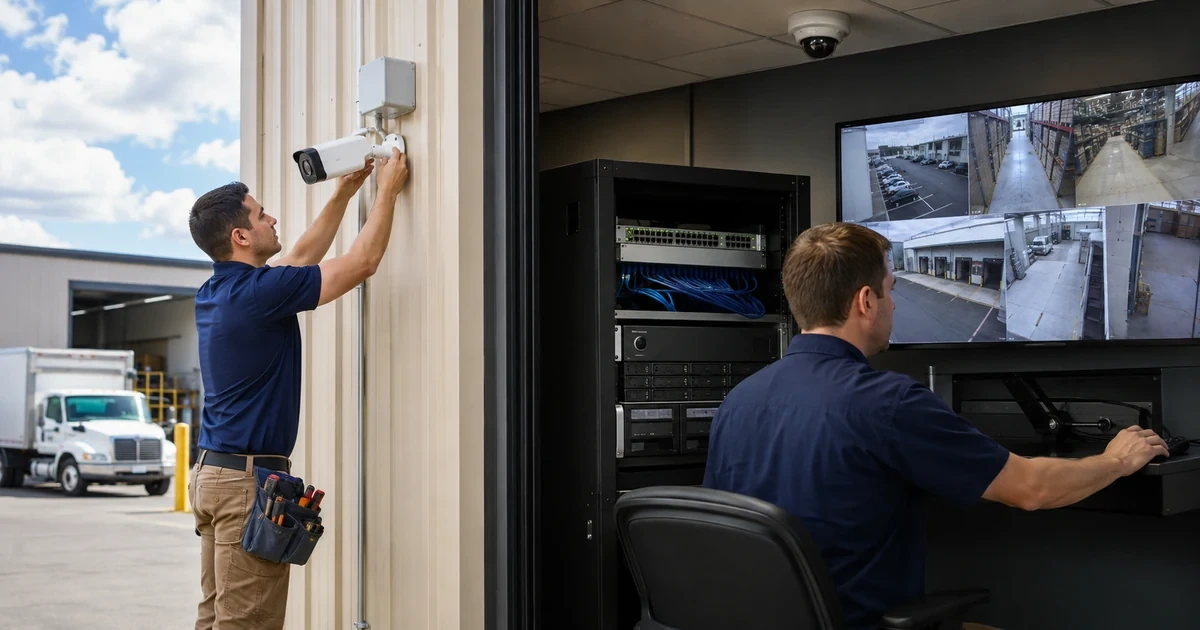
A Dahua deployment can display attractive live video while still failing its real purpose. The scene may be too wide to identify a person, backlight may hide a doorway, the NVR may exceed incoming bandwidth, or the retention estimate may assume a bit rate that production cameras do not use. Those failures begin in design and rarely disappear after the cameras are mounted.
Current Dahua recorder families publish channel counts, incoming bandwidth, decoding capability, PoE budgets, storage bays and supported network services. The Dahua Disk and Bandwidth Calculator combines channel, codec, scene, resolution, frame rate, bit rate and schedule assumptions. These are separate constraints: an NVR with enough channels can still be wrong for the required aggregate stream load, simultaneous playback or retention period.
This plan connects business evidence requirements to exact models, cable paths, addressing, recording profiles and acceptance tests. ALLMSP can maintain the resulting inventory and lifecycle evidence as cameras, firmware, analytics and retention needs change, avoiding an undocumented collection of devices that only one installer understands.
Key decisions at a glance
- Define identification, observation, coverage, lighting, privacy and retention outcomes for every scene before choosing a Dahua camera or recorder channel.
- Validate exact camera, NVR, PoE, stream, analytics and storage compatibility from current model documentation instead of relying on family names.
- Calculate aggregate incoming bandwidth and disk retention from the production codec, resolution, frame rate, bit rate, schedule and event assumptions.
- Separate camera, recorder, management and viewing traffic with documented addressing, time, credentials and recovery access.
- Commission day, night, motion, export and outage behavior, then publish an as-built record that another technician can support.
Translate Business Events into Scene and Evidence Requirements
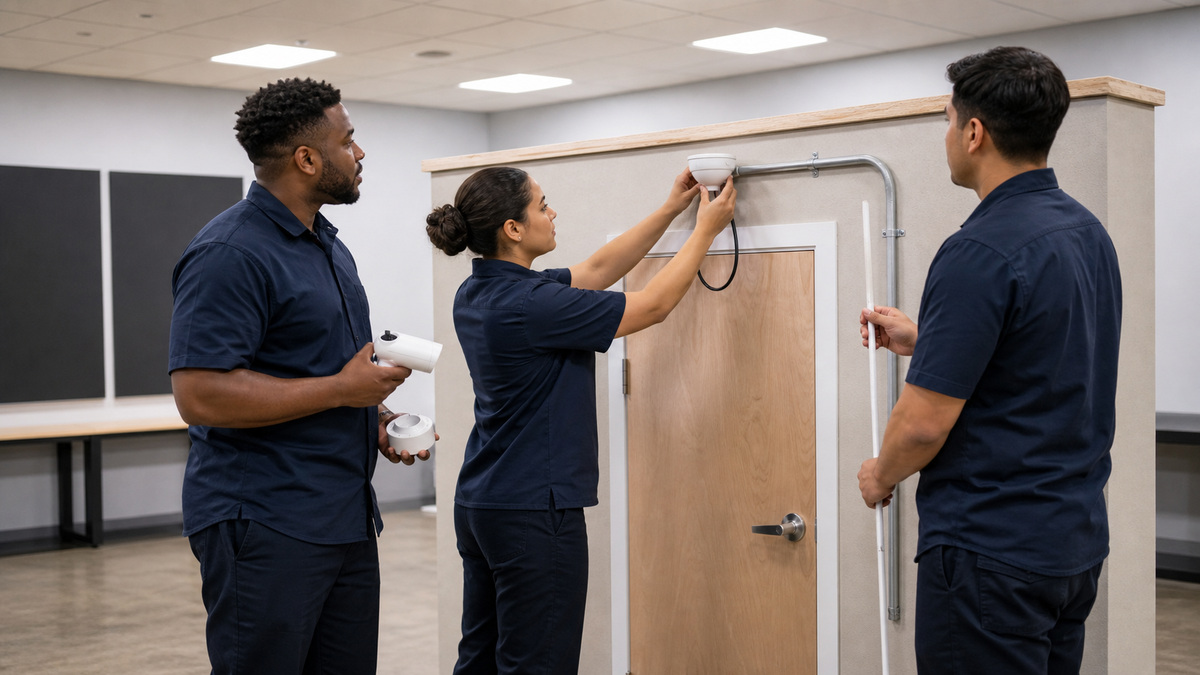
Start with the event each camera must help resolve: entry at a controlled door, movement through a corridor, activity around inventory, vehicle direction, register interaction or the condition of a loading area. Define whether the scene needs detection, observation, recognition or identification, then document the target distance, width, mounting height, expected direction and the smallest useful detail. A high megapixel number does not compensate for a subject that occupies too little of the frame.
Survey day and night conditions before fixing the model. Record backlight, low light, reflective surfaces, headlights, weather exposure, vibration, insects, foliage and moving shadows. Choose dome, turret, bullet or PTZ form, focal range, infrared behavior, wide dynamic range, environmental rating and vandal resistance from the actual location. Confirm the exact Dahua datasheet because similarly named cameras can differ in sensor, lens, illumination, edge storage, audio and analytics.
Mark privacy boundaries and permitted audio use during design. Aim away from spaces the organization has no reason or authority to record, mask prohibited areas using the supported device workflow and restrict microphones to an approved requirement. Retention and export procedures should reflect the organization’s policy and applicable obligations. The field survey becomes part of the acceptance record rather than an informal walk-through.
- Name the event and evidence outcome for each numbered camera.
- Record distance, width, direction, mounting height and lighting extremes.
- Select the lens and enclosure from the measured scene.
- Document privacy masks, audio approval and retention ownership.
- Capture an approved field-of-view sketch before drilling or cabling.
Match Dahua Cameras, Recorder Capacity, and Analytics
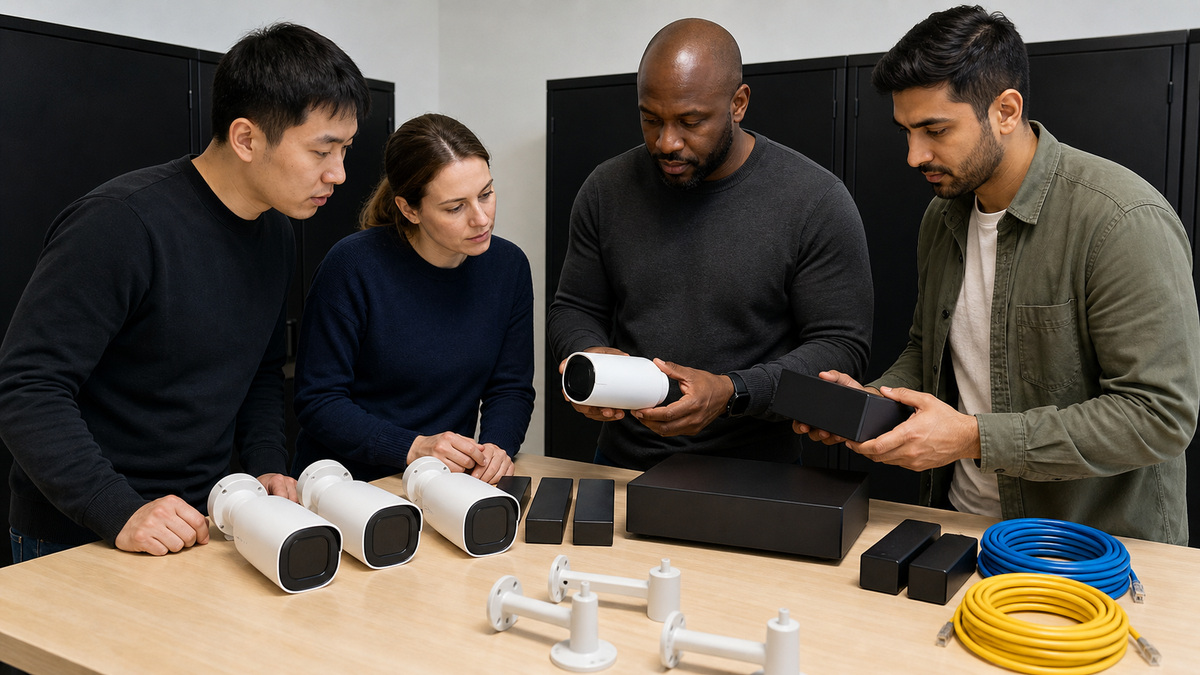
Build a compatibility matrix with exact camera and NVR model numbers. For the recorder, verify IP channel count, aggregate incoming and recording bandwidth, supported codecs and resolutions, simultaneous decoding, monitor outputs, PoE port count and budget, drive bays, maximum drive capacity, RAID or external storage options, alarm I/O and the analytics that can run on the NVR versus the camera. Dahua’s current NVR product pages expose these limits, and they vary materially even within one family.
Reserve capacity for realistic growth without treating every advertised maximum as available simultaneously. High-resolution streams, AI metadata, multi-screen decoding, remote viewing and playback exports draw on different resources. Confirm whether a desired function is provided by the camera, recorder or both, and whether enabling one analysis reduces another capacity. Write the chosen production feature set into the design so later technicians do not unintentionally exceed the planned workload.
Choose surveillance-rated storage supported by the recorder and approved for continuous write duty. Confirm drive quantity, per-drive capacity, bay access, thermal conditions and any RAID behavior for the exact model. Redundancy can improve resilience to a disk failure, but it does not replace an export, backup or incident-preservation procedure. Define what happens when storage degrades and who receives the corresponding alarm.
- Verify channels, incoming bandwidth and decoding separately.
- Map every analytic to its camera-side or recorder-side resource.
- Preserve headroom for growth, remote views and incident playback.
- Use supported surveillance disks and document bay assignments.
- Define storage-fault alerting and evidence preservation before launch.
Engineer PoE, Addressing, and Network Paths
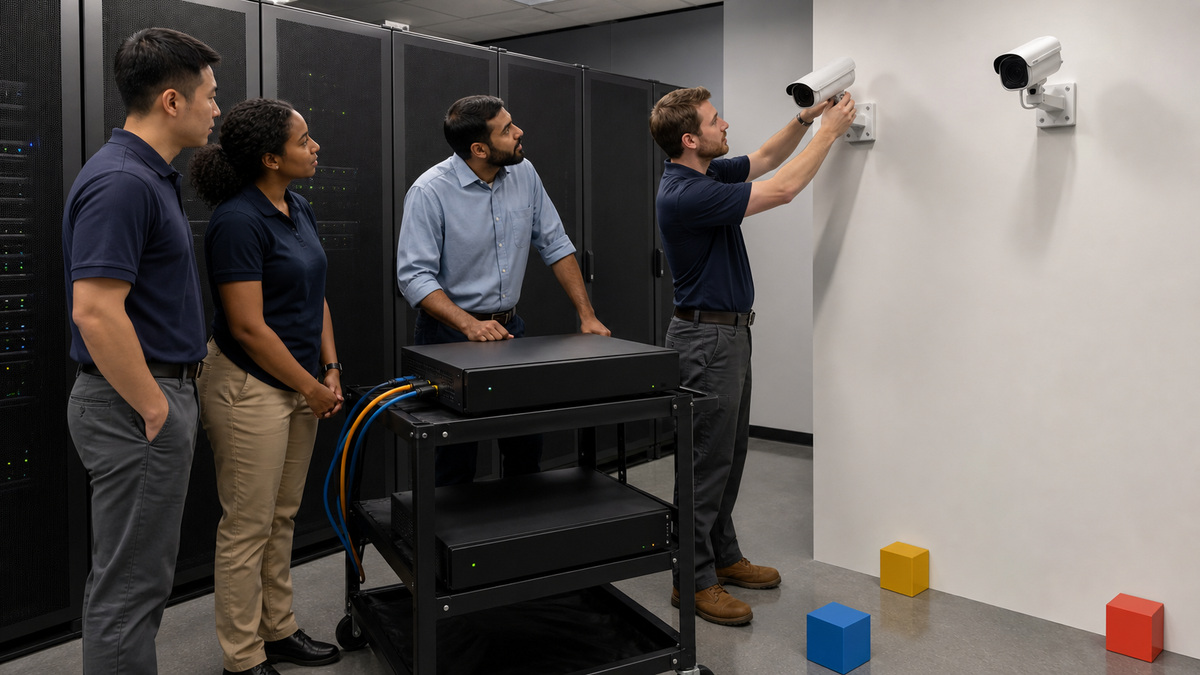
Decide whether cameras connect to integrated NVR PoE ports or managed access switches. An integrated PoE NVR can simplify a small isolated topology and Dahua manuals describe automatic initialization behavior on supported recorders. Managed switching can provide broader topology control, UPS-backed distribution, port visibility and VLAN design. The choice affects camera addressing, direct management, troubleshooting access and the failure domain, so document it rather than mixing approaches accidentally.
Calculate PoE draw from each exact camera’s maximum requirement, not its average daytime use. Include infrared illumination, heaters, PTZ movement and other peak states, then keep reserve below both total switch budget and per-port limits. Validate cable category, conductor material, length, pathway, grounding and surge protection for the environment. Long-reach or ePoE features must be supported at both ends and tested on the installed cable, they are not permission to accept damaged or undocumented runs.
Create an address plan for the camera network, recorder interfaces, gateways, DNS and NTP. Avoid overlapping the recorder’s internal PoE subnet with the production LAN. Reserve addresses or use controlled DHCP with durable mappings where supported, and record MAC, switch, port, camera name and physical location. Permit only required management and viewing paths between network zones while preserving a documented local recovery method.
- Choose integrated NVR PoE or managed switching as an explicit topology decision.
- Budget peak camera watts and retain PoE reserve.
- Certify cable paths and protect outdoor transitions appropriately.
- Separate camera, recorder and user networks with a clear route policy.
- Map address, MAC, switch port and physical location for every device.
Calculate Streams, Recording Bandwidth, and Retention
Set a main stream for evidence recording and a substream appropriate for constrained live views. For each camera, document codec, resolution, frame rate, rate-control mode, target or maximum bit rate, audio, smart codec behavior and event profile. Do not multiply a marketing resolution by camera count and call the result a design. Scene complexity, noise, rain, foliage and illumination can materially change variable-bit-rate demand.
Use Dahua’s Disk and Bandwidth Calculator with the intended production parameters and recording schedule. Model continuous, motion and event-heavy conditions separately, then compare the aggregate rate with NVR incoming bandwidth, network uplinks and storage throughput. Include a reserve for complex scenes and later additions. If retention is policy-critical, validate the estimate using observed production rates after commissioning instead of assuming the calculator inputs remained true.
Define normal, alarm and fallback recording. Confirm pre-record and post-record duration, holiday schedules, overwrite behavior, disk-full policy and edge-storage recovery where supported. Make sure motion or analytic schedules cover the intended hours and that continuous recording is used where missed detection is unacceptable. Record why each profile exists so a future quality change does not quietly shorten retention below the approved period.
- Document main and substream settings for every camera class.
- Model normal and worst-plausible bit-rate conditions.
- Compare total traffic with recorder, uplink and storage limits.
- Test schedule, pre-record, post-record and overwrite behavior.
- Recalculate retention from observed production data after cutover.
Initialize Devices, Time, Names, and Recording Policy
Stage the NVR and cameras on a controlled bench when practical. Inventory hardware revision and firmware build, initialize each device through the supported Dahua process and assign unique credentials under the organization’s custody rules. When cameras are added through recorder PoE, verify exactly which password, email or initialization data the current firmware propagates. A green channel icon is not proof that account recovery and direct device management are understood.
Use durable names that join site, area, direction and camera number without exposing sensitive information. Configure time zone, daylight-saving behavior and approved NTP on the recorder, then enable the supported camera synchronization behavior. Dahua’s NVR documentation includes NTP and camera time-sync controls. Verify timestamps against a trusted reference because an otherwise clear clip can become weak evidence when channels disagree about the event time.
Apply scene-specific image settings after installation, not only under bench lighting. Tune exposure, shutter, gain, WDR, infrared and focus at day and night while preserving the target detail. Confirm privacy masks, tamper or offline alarms, recording schedule, audio, analytics and notification ownership. Save a configuration backup after the device state is approved and store it with model and firmware context.
- Record hardware and firmware before initialization.
- Use unique managed credentials and verified recovery contacts.
- Adopt consistent site-area-direction camera names.
- Synchronize recorder and camera time to an approved source.
- Back up the accepted configuration with version context.
Commission Live View, Recording, Playback, Export, and Failure Modes
Inspect every scene in daylight, darkness and difficult transition conditions. Walk or drive through the target zone at realistic speed and distance, then review recorded,not merely live,video. Confirm the required detail, focus, motion rendering, infrared transition, WDR and analytic behavior. Adjust placement or lens selection when the evidence target is not met, digital zoom after an incident cannot recreate missing pixels.
Run playback and export tests from representative user roles. Search by time and event, play multiple channels, export a protected incident segment, verify the file on an authorized workstation and record the required player or format. Check that timestamps and channel names survive export. Exercise disk warning, camera offline, network interruption, recorder restart and power restoration in an approved window so alerts and recovery actions are known before a real event.
Publish the as-built package with model, serial context, firmware, address, MAC, switch and port, PoE draw, cable result, location, view, stream profile, schedule, storage calculation, retention target, time source, account owner, alert recipients, configuration backup and acceptance clips. ALLMSP can use that record to manage firmware, replacements and capacity changes without losing the design intent behind the camera system.
- Validate recorded evidence under day, night and motion conditions.
- Test search, playback and export using real support roles.
- Exercise camera, network, disk and recorder recovery paths.
- Confirm every alarm reaches an owned destination.
- Deliver an as-built map and schedule the next lifecycle review.
Official product documentation and ALLMSP resources
- Dahua NVR5432-EI2 Product Details
- Dahua NVR5416-16HP-EI2 Product Details
- Dahua Disk and Bandwidth Calculator
- Dahua Network Video Recorder User’s Manual
- Dahua Network Camera Web 3.0 Operation Manual
- ALLMSP Dahua Hardware Support
- ALLMSP Hardware Support
- ALLMSP Managed IT Services
- ALLMSP Cybersecurity Services
- ALLMSP Network Security
- Contact ALLMSP
Frequently Asked Questions
How should a Dahua camera model be selected?
Start with the required evidence detail, scene width, distance, lighting, weather and mounting conditions, then confirm the exact lens, sensor, illumination, enclosure and analytics in the current datasheet.
Can Dahua cameras be connected directly to NVR PoE ports?
Supported Dahua PoE NVRs can initialize and add cameras through integrated ports, but the exact addressing, password propagation and recovery behavior must be verified for the recorder firmware.
How much PoE reserve should a camera system keep?
Use each camera’s maximum draw, include infrared, heaters and PTZ movement, then maintain reserve below the switch’s total budget and every port limit.
What limits matter when choosing a Dahua NVR?
Check channels, incoming recording bandwidth, decoding capacity, PoE count and budget, drive bays, per-drive capacity, analytics resources, display needs and supported network services.
How is Dahua video storage retention calculated?
Model channels, codec, resolution, frame rate, bit rate and recording hours in Dahua’s calculator, preserve margin, and validate the result against observed production traffic.
Should the main stream and substream use the same settings?
Usually not. The main stream should satisfy recording evidence requirements, while substreams can support efficient remote or multi-camera viewing without replacing the evidence stream.
Why is NTP important for Dahua recorders and cameras?
Consistent trusted time supports incident correlation, event search, exports and audit evidence. Configure the recorder and supported camera synchronization, then test timestamps against a reference.
What should be tested at night?
Verify focus, exposure, infrared transition, reflective surfaces, motion detail, WDR, analytics and the actual recorded clip at the target distance.
What belongs in a Dahua camera as-built record?
Include models, firmware, locations, views, addresses, switch ports, PoE demand, stream profiles, recording schedules, storage estimates, retention, time, alerts, backups and acceptance evidence.
How can ALLMSP support a Dahua deployment?
ALLMSP can validate capacity and network design, coordinate secure staging, commission recording and failure paths, and maintain the lifecycle record for Georgia organizations.


