





























































































































































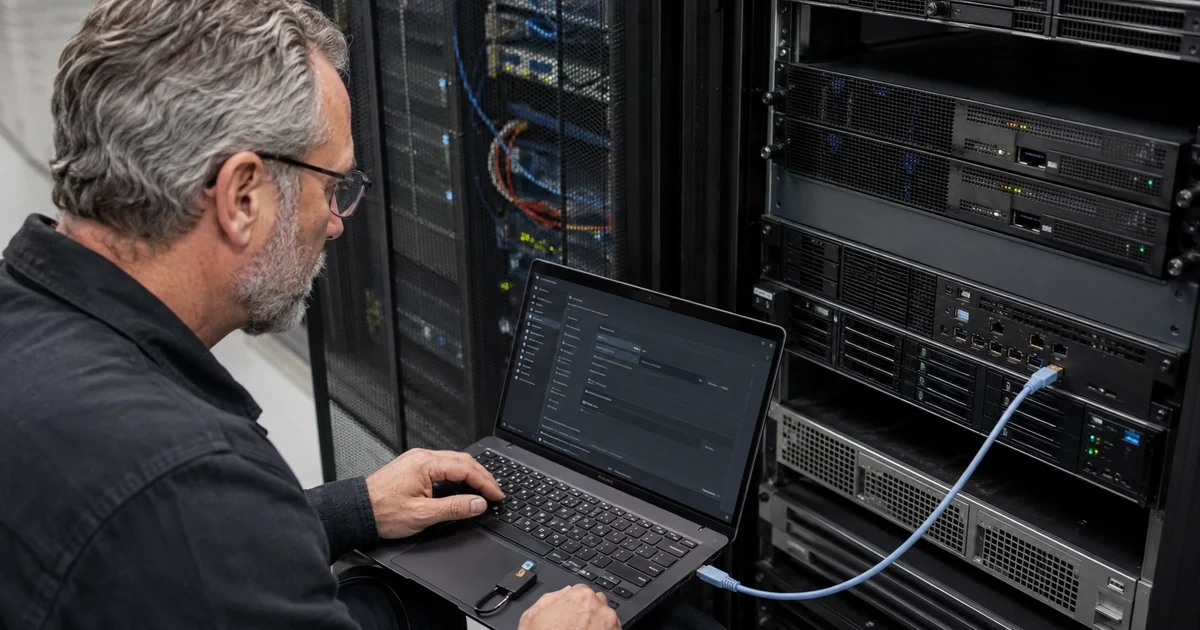
The Dell Integrated Remote Access Controller can operate independently of the host. That is its operational value and its security consequence: an administrator can power-cycle a server, view its console, mount remote media, change firmware and alter platform configuration even while the operating system is offline.
Dell’s current iDRAC10 material documents role-based authorization, directory authentication, public-key SSH, configurable ports, client IP restrictions, signed firmware, TLS certificates, smart-card and RSA SecurID options, and SNMPv3 authentication. Dell’s security guide recommends least privilege and says SNMP should be disabled when it is not needed. These capabilities require deliberate configuration, their presence alone does not create a secure baseline.
This hardening plan keeps serviceability while limiting who can reach iDRAC and what each identity can do. ALLMSP can retain evidence for exceptions, certificate renewal, firmware compliance and break-glass recovery so security controls do not depend on the memory of one administrator.
Companies across Lawrenceville, Suwanee, Gwinnett County, Metro Atlanta, and Georgia can bring ALLMSP in to harden Dell PowerEdge iDRAC: accounts, TLS, SNMPv3, and firmware. We coordinate the affected technology and business workflow through our own team.
Key decisions at a glance
- Inventory iDRAC, BIOS, CPLD and platform firmware, licenses, interfaces, users, services and certificates before enforcing a baseline.
- Place iDRAC on a dedicated management network reachable only through controlled administration paths, never treat an obscure port as the boundary.
- Use directory-backed or named local identities with least privilege, protected break-glass access and supported multifactor options where required.
- Replace unmanaged certificates, prefer SNMPv3 or disable SNMP, restrict SSH and other services, and control virtual console and virtual media as privileged functions.
- Update through Dell-signed packages and catalog baselines, then prove the final state with logs, alerts, configuration backup and recovery testing.
Inventory iDRAC Exposure, Versions, Licenses, and Dependencies
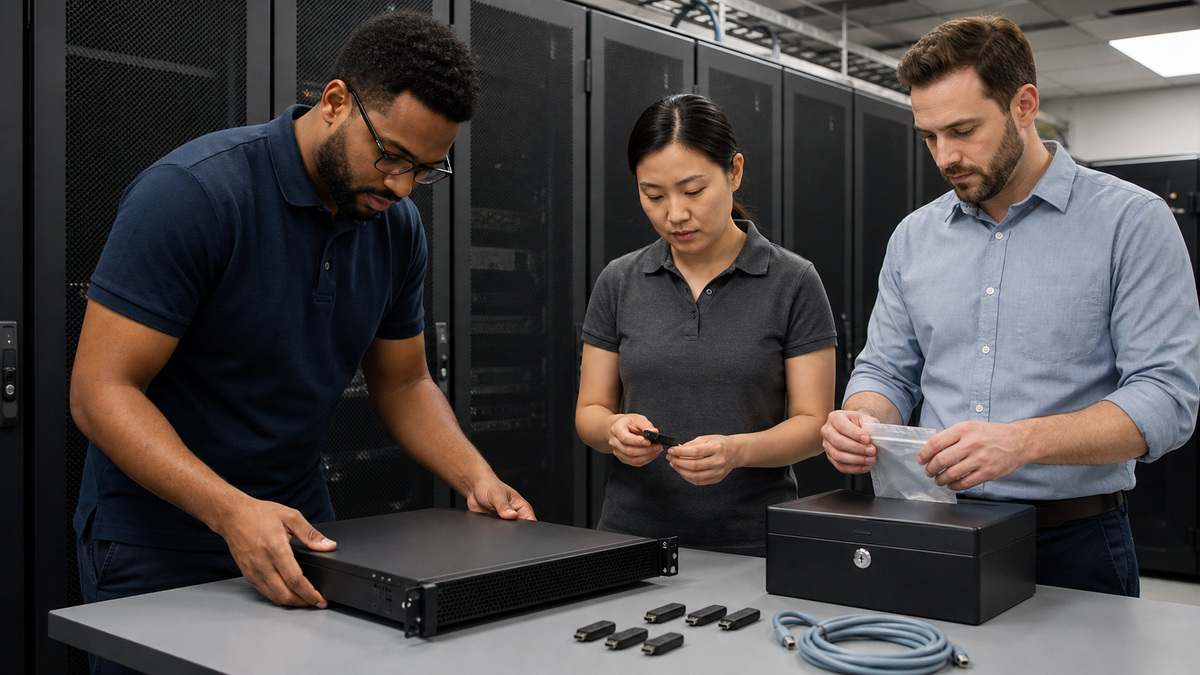
Record server model, Service Tag context, iDRAC generation, version, build, license, dedicated or shared interface, address, DNS name, certificate, enabled services, local users, directory integration, virtual console, virtual media, SNMP, syslog, mail alerts and OpenManage relationships. Capture BIOS, CPLD, PERC and other firmware because management security and platform behavior depend on a coordinated component state.
Map every system that connects to iDRAC: jump hosts, OpenManage Enterprise, monitoring, directory, DNS, NTP, mail relay, syslog, backup and vendor support workflows. Remove undocumented direct administrator access and stale automation credentials. Classify unsupported iDRAC generations for isolation and replacement rather than assuming a running web page means current security support.
Create a baseline-and-exception register before changing access. For every retained interface, local account or older protocol, identify the operational dependency, compensating control, owner and review date. This prevents the hardening window from disabling a critical monitoring path while also preventing temporary exceptions from becoming permanent and invisible.
- Inventory iDRAC and related platform firmware precisely.
- List interfaces, services, certificates and every account.
- Map management dependencies and automated credentials.
- Identify unsupported generations and temporary controls.
- Preserve configuration and access evidence before hardening.
Build a Dedicated and Restricted Management Network
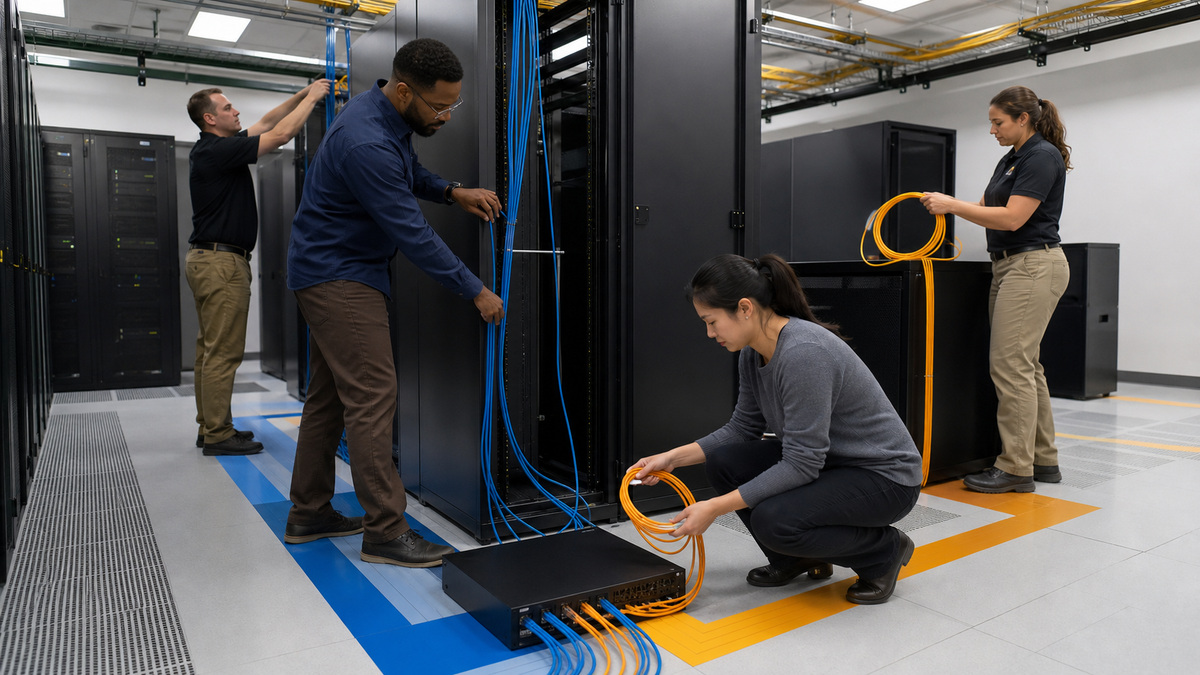
Use the dedicated iDRAC interface where appropriate and connect it to a privileged management network separated from user and production server traffic. Allow only managed support workstations, jump systems, OpenManage, monitoring, directory, name, time, logging and approved update flows. Apply firewall and switch controls in addition to iDRAC’s supported client IP restriction, defense should remain effective if one rule set changes.
Avoid direct internet exposure, router DMZ placement and broad inbound forwarding. Provide remote administration through an approved VPN or privileged access service with strong identity and session ownership. Keep a documented local recovery path for a management-network or certificate mistake, and test that it does not require weakening every server at the site.
Observe actual management traffic during commissioning and compare it with the intended rule set. Resolve blocked dependencies by identifying their purpose rather than opening broad ranges. Log denied attempts from user and production zones, and alert on unexpected source networks so the management boundary remains visible after future routing or firewall changes.
- Separate iDRAC from production and user networks.
- Limit sources to managed administration and required services.
- Use firewall, switch and supported controller restrictions together.
- Provide remote access through an approved secured path.
- Retain a tested local recovery method.
Use Named Identities, Least Privilege, and Protected Break-Glass Access
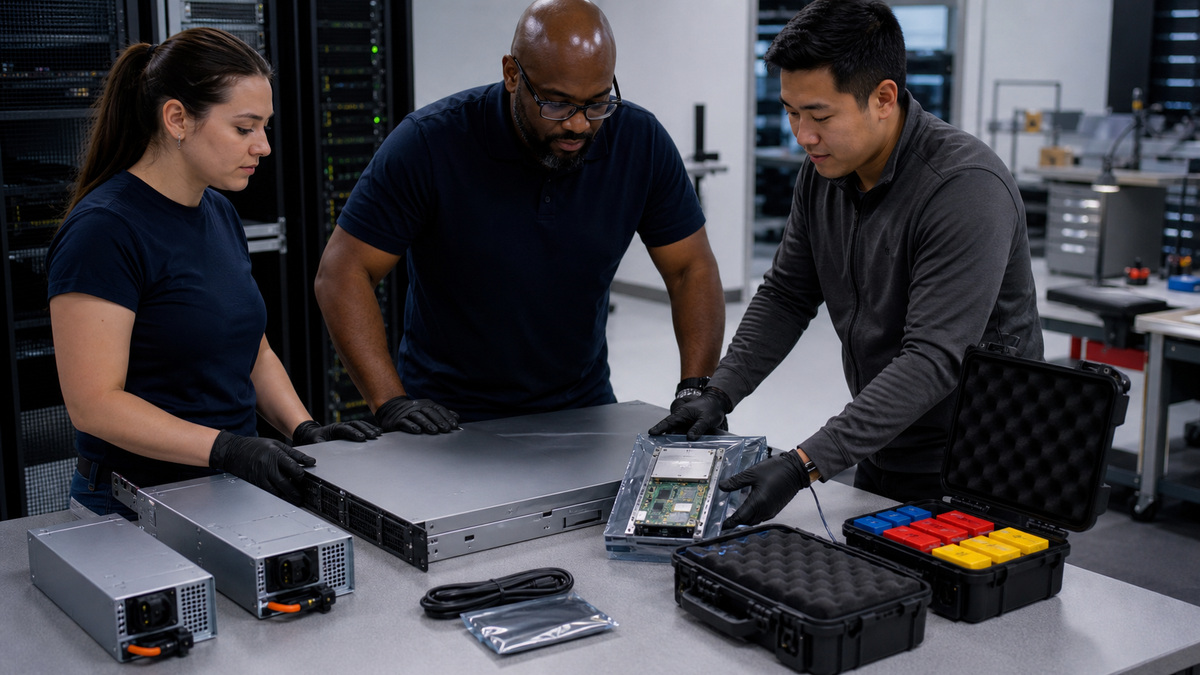
Integrate Active Directory or LDAP where the organization’s iDRAC version, license and operating model support it, assigning roles through managed groups. Keep local accounts limited to named service needs and one vaulted break-glass identity. Remove factory, shared, former-employee and installer credentials. Apply login-failure limits, session timeouts and client restrictions consistent with operational recovery.
Grant only required privileges for login, configuration, users, logs, power, console, virtual media, system control and debugging. Treat virtual console and media as high-impact rights, not ordinary viewing. Dell iDRAC10 supports smart-card and RSA SecurID options in applicable configurations, select multifactor methods from the organization’s identity design and test break-glass behavior before enforcing them broadly.
Separate human administration from monitoring and automation. Give each service identity only the protocol and operation it needs, store its secret or key in the approved system and define rotation without interrupting alerts. Review directory group membership and local accounts together during offboarding so a removed employee cannot retain an alternate iDRAC path.
- Prefer centrally governed named administration where supported.
- Vault and monitor a minimal local break-glass account.
- Assign granular iDRAC rights from actual job duties.
- Apply supported multifactor controls when required.
- Test lockout and emergency recovery before production enforcement.
Secure TLS, SSH, SNMP, IPMI, Console, and Virtual Media
Replace the default or unmanaged web certificate with a certificate issued and renewed through an owned process. Dell documents TLS/SSL as the protection for remote client communications. Validate the DNS name, trust chain, key handling and expiration from administration systems. Disable plaintext or obsolete protocols where supported and retain modern TLS settings compatible with required tools.
Use SSH public keys for approved automation, rotate secrets and disable unused SSH, Telnet, IPMI-over-LAN, VNC, remote RACADM, WS-Man, Redfish or other interfaces based on the exact baseline. If SNMP is unnecessary, Dell recommends disabling it, when monitoring requires it, use SNMPv3 authentication and privacy with named ownership. Restrict virtual media to approved administrators, disable automatic attachment and audit its use after maintenance.
- Deploy a trusted TLS certificate with renewal ownership.
- Disable obsolete and unused management services.
- Use public-key SSH for controlled automation.
- Prefer SNMPv3 or disable the agent entirely.
- Treat virtual console and media as privileged sessions.
Control Firmware with Dell Catalogs, Baselines, and Maintenance Evidence
Use Dell-provided catalogs or exact-model packages and signed-update validation. Create an OpenManage Enterprise baseline for the supported server group, refresh the catalog and run a compliance report. Review BIOS, iDRAC, CPLD and dependent component requirements, stable power, configuration backup, reboot behavior and rollback or replacement options before remediation.
Schedule updates in a maintenance window and never assume a baseline report applies changes automatically. After every stage, refresh inventory and compliance, verify users, directory access, certificate, network settings, services, SNMP, SSH, console, virtual media, alerts and host availability. Document components that require a cold reboot or manual package workflow instead of leaving them silently outside the baseline.
- Use official Dell packages and current catalog metadata.
- Review dependencies, power and recovery before updates.
- Initiate remediation in an approved maintenance window.
- Refresh inventory and security controls after reboot.
- Track manual and deferred components as explicit exceptions.
Centralize Logs and Alerts, Back Up Configuration, and Exercise Recovery
Synchronize iDRAC with approved time, forward supported logs and alerts to owned destinations, and monitor account, certificate, firmware, hardware-health, power and configuration events. Protect Service Tags, hostnames, addresses and support collections as sensitive operational data. Test one controlled alert to prove the recipient, server identity and escalation path.
Export the accepted iDRAC and BIOS configuration, secure it with version and model context, and document restore limitations. Exercise loss of directory access, expired certificate, locked account, management-network outage and controller replacement or reset. Remove temporary firewall rules and accounts after the drill. ALLMSP can retain the final baseline and exception register so secure recovery remains possible without defaulting to a factory reset.
- Use trusted time and centralize actionable management events.
- Test alert routing with the correct server identity.
- Protect configuration exports and SupportAssist collections.
- Exercise identity, certificate and network recovery.
- Review the baseline after firmware, staff or topology changes.
Official product documentation and ALLMSP resources
- Dell iDRAC10 Security Configuration Guide: Local Users
- Dell iDRAC10 Security Configuration Guide: TLS Certificates
- Dell iDRAC10 Security Configuration Guide: SNMP
- Dell iDRAC10 Key Features
- Dell OpenManage Enterprise 4.7 Firmware Management
- ALLMSP Dell Hardware Support
- ALLMSP Hardware Support
- ALLMSP Managed IT Services
- ALLMSP Cybersecurity Services
- ALLMSP Network Security
- Contact ALLMSP
Frequently Asked Questions
Why is iDRAC a high-value security interface?
It can remain available when the OS is down and may control power, console, virtual media, firmware, users and hardware configuration.
Should iDRAC be on the production server network?
Prefer a dedicated privileged management network with explicit administration, identity, time, logging, monitoring and update flows plus a documented recovery path.
Can iDRAC use directory authentication?
Current iDRAC supports Active Directory and LDAP options in applicable versions and licenses, assign roles through managed groups and retain protected break-glass access.
What is least privilege in iDRAC?
Grant only the login, configuration, user, log, power, console, virtual-media, system-control or debugging rights required for a person’s duties.
How should the iDRAC web certificate be managed?
Use a trusted certificate with correct DNS identity, protected key handling, monitored expiration and a renewal owner, then validate it from administrator systems.
Should SNMP be enabled on iDRAC?
Dell recommends disabling SNMP when it is unnecessary. When monitoring requires it, use SNMPv3 authentication and privacy with controlled credentials.
How should virtual media be controlled?
Limit it to approved administrators, disable automatic attachment, monitor sessions and remove mounted media after the maintenance task.
Are Dell firmware baseline updates automatic?
No. Catalogs and compliance reports identify state, authorized administrators must initiate remediation with maintenance and reboot planning.
What should be retested after iDRAC firmware changes?
Verify version, identities, directory access, certificate, network, services, SNMP, SSH, console, media, alerts, logs and host availability.
How can ALLMSP harden Dell iDRAC?
ALLMSP can inventory exposure, segment management, establish identity and certificate custody, reduce services, manage firmware compliance and test recovery.


