An Eaton UPS alarm can describe a utility event, an overloaded output, a disconnected or weak battery, low remaining runtime, bypass, an internal fault or a communication problem. Those conditions have different risks. Silencing the beeper or power-cycling the unit may erase evidence and can remove the last protected power path from servers and network equipment.
Eaton’s troubleshooting guidance starts with the attached load and battery state. Its current consumer and small-system guidance notes that an immediate alarm and shutdown can indicate overload, while a self-test shutdown can expose a degraded battery. Eaton manuals list model-specific states such as batteries disconnected, overload, end of battery life, remote power off and internal fault. The exact display code and manual control the response.
This runbook preserves the current power state, separates upstream utility and branch problems from UPS and downstream load problems, and tests one controlled hypothesis at a time. ALLMSP can join UPS evidence with server, network, backup and virtualization timelines so the repair restores business continuity rather than merely extinguishing an alarm.
Companies across Lawrenceville, Suwanee, Gwinnett County, Metro Atlanta, and Georgia can bring ALLMSP in to troubleshoot Eaton UPS overload, battery, runtime, and shutdown faults. We coordinate the affected technology and business workflow through our own team.
Key decisions at a glance
- Classify utility, input, output, bypass, battery, overload, internal-fault, communication and shutdown symptoms before taking action.
- Protect people and the critical load: escalate heat, odor, swelling, liquid, smoke, damaged conductors or repeated breaker trips immediately.
- Save LCD state, event logs, load, runtime, battery health, firmware, alerts and recent changes before resetting or disconnecting anything.
- Use model-specific Eaton guidance for outlet, battery, self-test, EBM, bypass and replacement decisions rather than improvised swaps.
- After recovery, prove protected load, transfer, alerts, graceful shutdown and restart, then update the service and battery record.
Classify Input, Output, Battery, Bypass, and Communication State

From a safe position, record the exact Eaton model, display text or code, LED pattern, audible cadence, input and output state, load percentage or watts, battery charge, estimated runtime, bypass state, EBM state, network-card reachability and event time. Photograph the front panel without exposing serial numbers or addresses. Identify whether equipment is still powered and whether it is on utility, battery or bypass before pressing any control.
Separate the symptom into layers. No input can be an upstream outlet, branch, breaker, plug, generator or transfer issue. Input present with no protected output points toward UPS state, remote power-off, bypass or an internal fault. On-battery with rapidly falling runtime points toward actual load, battery health or EBM state. A healthy local display with missing remote monitoring points toward the card, network, time or collector rather than the power converter.
State the current business impact and remaining decision time. List protected devices, redundant paths, shutdown dependencies and the last safe point for orderly application closure. Notify facilities for upstream electrical symptoms and the service owner for battery or internal faults. Do not let a generic ‘UPS down’ ticket cause separate teams to test the same layer while runtime expires.
- Capture the exact model, code, LEDs and alarm cadence.
- Record input, output, load, battery, runtime and bypass state.
- Confirm which devices still have power and through which path.
- Separate local power conversion from remote monitoring.
- Declare remaining runtime and the shutdown decision point.
Make the Area Safe and Preserve Incident Evidence
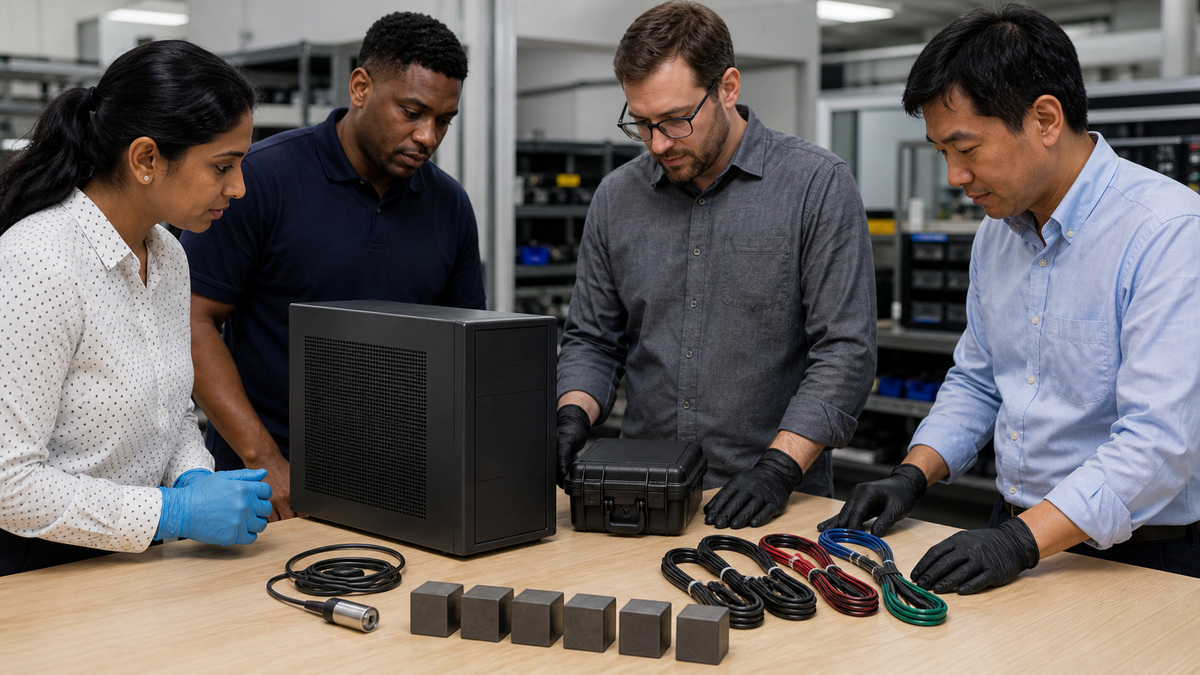
Stop and escalate if there is smoke, heat, unusual odor, swelling, liquid, arcing, damaged plugs, exposed conductors, impact damage or repeated breaker operation. Follow the site emergency plan and Eaton’s model-specific safety instructions. Do not open a UPS, defeat an interlock, work on hardwired conductors or service batteries beyond the allowed procedure, use qualified electrical or Eaton service personnel where required.
Export the network-card or management event log if available and record timestamps in both local time and UTC interpretation. Save alert messages, load history, runtime estimate, battery and EBM references, firmware, room temperature, upstream facility events, server shutdown logs and recent work. A reset, card reboot, battery disconnect or transfer can change this evidence.
Protect the collection because it may contain hostnames, addresses, usernames, email recipients or facility details. Store raw files and a concise timeline in the incident workspace with access control. Note clock drift before ordering events. Evidence gathered while the symptom is active is more useful than a long narrative written after the UPS has returned to normal.
- Escalate heat, odor, swelling, liquid, smoke or damaged wiring.
- Do not open or electrically service equipment beyond authorization.
- Export logs and history before resets.
- Correlate UPS, facility, server and network timelines.
- Protect sensitive operational evidence.
Resolve Overload, Outlet, Branch, and Redundant-Path Problems
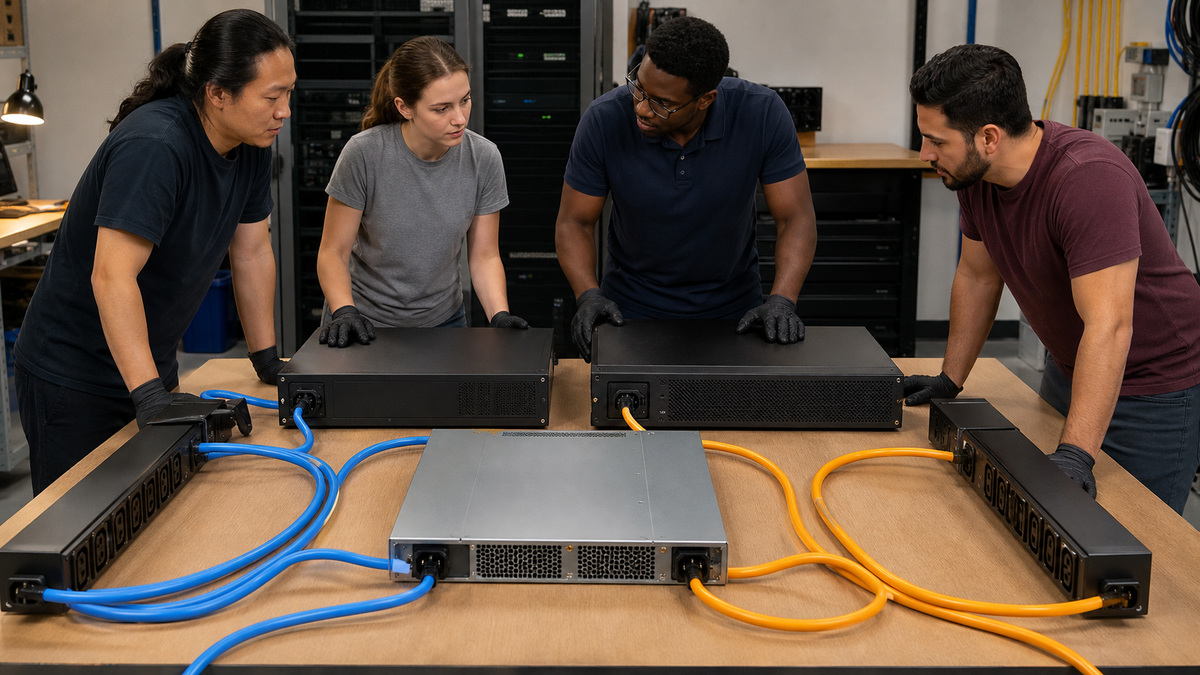
For overload, compare the present load with both the UPS watt and VA ratings and look for a recent device addition, failed server power supply, load-sharing change or inrush event. Eaton notes that excessive connected load can make a UPS alarm and power off. Remove only an approved noncritical load from the documented segment, never guess which cord is safe while a server is running.
Verify that critical devices use battery-backed outlets or intended load segments rather than surge-only connections on models that provide both. Check branch and receptacle power with qualified facilities staff, along with plug seating, breaker state and transfer source. Do not repeatedly reset a breaker or replace it with a larger value. A recurring trip needs electrical investigation and an accurate load record.
For dual-cord equipment, observe how demand shifts when a path fails. The surviving UPS or PDU may overload even though each path looked lightly loaded during normal sharing. Restore redundancy only after confirming the failed path, safe switching sequence and spare capacity. Update the outlet map when cabling does not match documentation.
- Compare current watts and VA with both output limits.
- Identify recent load additions or power-supply changes.
- Remove only approved noncritical loads.
- Verify battery-backed versus surge-only connections.
- Test the surviving redundant path at realistic load.
Diagnose Battery, EBM, Self-Test, and Low-Runtime Symptoms
Compare the displayed battery and EBM state with installation records, age, chemistry, temperature, recent discharges and the commissioning runtime baseline. Check model-approved battery and EBM connections without exposing energized internals. Eaton notes that an improperly stored UPS may need charging and that a self-test shutdown can reveal a battery unable to sustain the load. Do not run repeated tests against a questionable battery while production depends on it.
Use the exact Eaton manual and battery reference for replacement. External modules and internal strings must match the supported model, and battery age across a configured set matters. Schedule replacement with safe lifting, isolation, recycling and post-install charging requirements. After service, confirm recognition, clear only resolved alarms, run the supported test in a window and measure runtime under a controlled load.
- Compare runtime with a known-good baseline at similar load.
- Review battery age, temperature, discharges and storage history.
- Avoid repeated self-tests on a suspect production battery.
- Use exact Eaton battery and EBM references.
- Test recognition and runtime after replacement.
Restore Network Monitoring, Alerts, and Shutdown Automation
If the UPS powers the load but monitoring is unavailable, test physical link, switch port, address, VLAN, firewall, DNS, NTP, HTTPS and SNMPv3 from the approved management path. Check whether the card restarted with the UPS, whether its certificate expired, or whether credentials and collector settings changed. Preserve card logs before a reset and follow the generation-specific Network-M3 or Network-M2 recovery method.
For a failed graceful shutdown, reconstruct the sequence from utility loss through alert, IPM or agent trigger, delay, load shedding, application closure, host action and final UPS state. Compare actual runtime with configured delay and shutdown duration. A sequence can fail because network equipment loses power too early, an identity or certificate expired, the trigger never arrived, a host dependency changed or the battery reserve was smaller than the policy assumed.
- Separate UPS power health from card and collector health.
- Check link, VLAN, firewall, HTTPS, SNMPv3 and trusted time.
- Preserve card evidence before reset.
- Reconstruct the entire shutdown event chain.
- Keep the management network powered through final actions.
Validate Recovery and Escalate with a Complete Eaton Case
After the cause is addressed, confirm normal input, protected output, expected load, battery charge, EBM state, bypass state, card reachability and cleared alerts. Run only model-supported tests in a maintenance window. Validate battery transfer, notification, load shedding, application and host shutdown, reserve and restart. Monitor through the former failure interval and compare measurements with commissioning evidence.
Escalate to Eaton or an authorized service provider with the exact model and protected serial context, warranty, code, alarm state, load, input/output, battery and EBM references, runtime, environment, firmware, event logs, recent changes and safe tests performed. Do not send credentials or unredacted network details. Update the load worksheet, battery history, incident cause, repair, test result and next lifecycle action so recurrence is recognized sooner.
- Verify normal power, load, battery, bypass and monitoring state.
- Retest alerts and graceful shutdown safely.
- Compare results with the commissioning baseline.
- Give Eaton exact evidence without secrets.
- Update load, battery and service records after closure.
Official product documentation and ALLMSP resources
- Eaton UPS Battery Backup Troubleshooting
- Eaton 5P Installation and User Manual
- Eaton 9PX G2 Lithium Advanced User Guide
- Eaton UPS Replacement Parts and Services
- Eaton UPS Runtime Graphs
- ALLMSP Eaton Hardware Support
- ALLMSP Hardware Support
- ALLMSP Managed IT Services
- ALLMSP Network Security
- ALLMSP Data Backup and Recovery
- Contact ALLMSP
Frequently Asked Questions
What should be recorded before resetting an Eaton UPS?
Record the exact model, code, LEDs, alarm cadence, input, output, load, battery, runtime, bypass, EBM state, timestamps, alerts and recent changes.
Why can an Eaton UPS alarm and shut down when equipment starts?
Eaton notes that connected demand can exceed UPS capacity, compare both watts and VA and investigate startup or power-path changes.
What can make battery runtime suddenly shorter?
Higher load, an aging or overheated battery, a disconnected or failed EBM, recent discharge, charging state or changed shutdown timing can reduce useful runtime.
Should a self-test be run during an active incident?
Only when the model-specific procedure and current load permit it in a controlled window, a weak battery may not sustain production during the test.
What does bypass mean during troubleshooting?
Bypass can mean the load is receiving utility power without normal battery-backed conversion, confirm the exact Eaton state and protection implications before acting.
Why might some devices turn off while others stay on battery?
Some Eaton models have battery-backed and surge-only outlets or controllable load segments, verify the documented outlet map and capacity.
Can UPS batteries be mixed by age or model?
Use the exact Eaton-supported battery and EBM references and replacement instructions, do not mix components merely because connectors fit.
What if the UPS display is healthy but SNMP monitoring is down?
Troubleshoot the card, link, VLAN, firewall, address, time, certificate, SNMPv3 identity and collector separately from the power path.
What commonly breaks graceful shutdown?
Insufficient runtime, early loss of network power, an expired identity or certificate, changed host dependencies, a missed trigger or an incorrect delay can break the sequence.
What should an Eaton support case include?
Include exact model and protected serial context, warranty, codes, load, input/output, battery and EBM data, runtime, firmware, logs, environment, changes and safe tests without credentials.