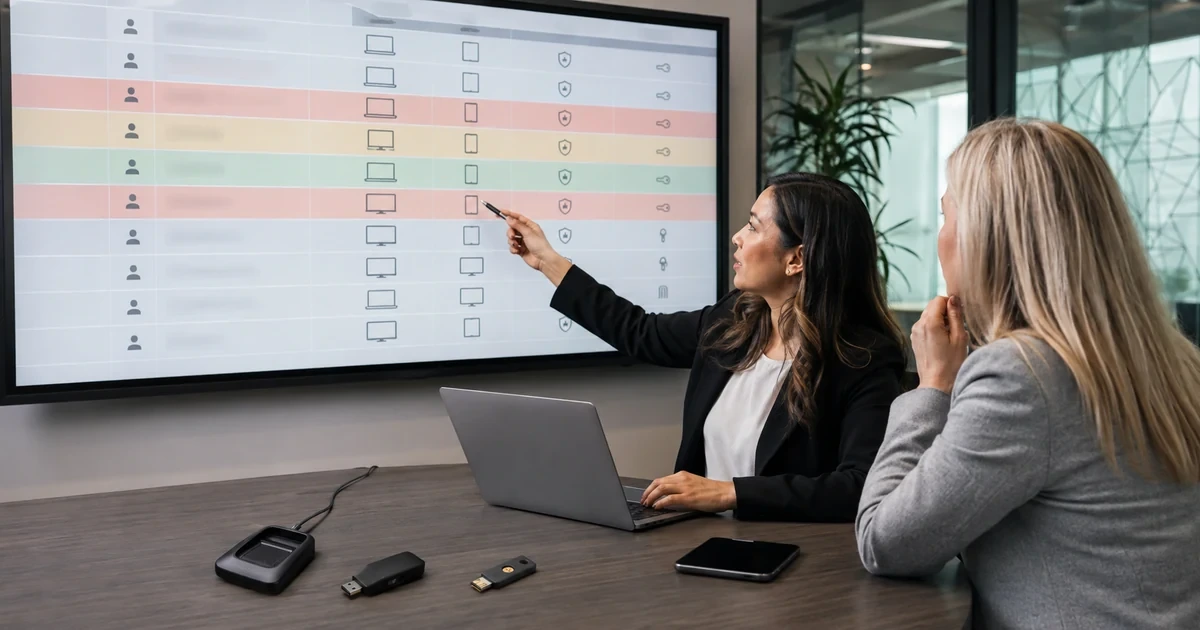
Business accounts do not carry equal consequences. A compromised newsletter login is disruptive, while a compromised global administrator, payroll account, domain registrar, or backup console can affect the entire organization. Password and MFA controls should therefore follow account impact, supported technology, recovery risk, and the way employees actually sign in.
A sound standard combines unique managed passwords with the strongest practical authenticator for each tier. It also governs account recovery, shared access, service identities, device trust, session revocation, and exceptions. MFA is not a complete control when an attacker can talk the help desk into resetting it or use a forgotten legacy sign-in path.
ALLMSP helps Georgia businesses select and implement these controls without handing the work to outside providers. We can assess identities, assign risk tiers, configure Microsoft, Google, password-management, cloud, and business platforms, then test normal sign-in and recovery from Lawrenceville and Suwanee across Metro Atlanta.
Match authentication strength to the damage an account could cause
- Tier accounts: Rank identities by privileges, data access, financial authority, recovery power, remote reach, and operational impact.
- Improve passwords: Use long unique secrets, block known compromised values, support managers, and avoid arbitrary composition rituals.
- Prefer resistance: Require phishing-resistant cryptographic methods for administrators and other high-impact access where supported.
- Control sharing: Replace shared identities with named access or tightly governed vault sharing and rotation.
- Secure recovery: Verify people before reset, protect backup methods, monitor emergency access, and revoke exposed sessions.
- Expire exceptions: Document unsupported systems and require a compensating control, owner, target date, and review.
Create account tiers from business impact and attack paths
Start with privileges and consequences, not job titles alone. Tier zero or critical accounts include tenant administrators, domain and DNS control, identity recovery, endpoint security, backup, virtualization, network administration, and any account able to create or reset another privileged identity. High-impact accounts may include finance, payroll, customer records, legal data, source code, marketing spend, or remote access. Standard accounts still need protection, but the approved method and recovery burden can differ.
Trace realistic attack paths. Determine whether a stolen mailbox can reset finance access, whether a vendor portal accepts email-only recovery, whether a service credential sits in a script, and whether a personal phone controls the only administrator method. Record current MFA, password storage, device requirements, session behavior, recovery, owner, and logs. This evidence reveals where a nominally protected account still depends on a weaker path.
- Critical: Identity, domain, security, backup, network, cloud, and emergency accounts that can change the environment.
- High impact: Finance, payroll, legal, customer, health, executive, development, and remote-access identities.
- Standard: Ordinary user accounts with bounded privileges and dependable administrator oversight.
- Nonhuman: Service accounts, application registrations, API credentials, automation identities, and device accounts.
- External: Vendor, contractor, guest, delegated, and cross-tenant access with an explicit sponsor and end date.
The tier should reflect what the account can change, expose, approve, or recover, even when its owner does not appear senior on an organization chart.
Choose password and authenticator requirements for each tier
Where passwords remain, require length and uniqueness, permit password-manager use and paste, screen new values against common or compromised passwords, and change them when compromise is known or suspected. Routine forced changes can encourage predictable variations without stopping phishing. Generated credentials stored in an approved manager are preferable for websites that still depend on passwords, while passkeys or other passwordless cryptographic methods can remove the reusable secret from supported sign-ins.
Phishing-resistant authentication binds the sign-in to the legitimate service, which reduces the value of a code or prompt captured by an impostor. Use FIDO2 security keys, passkeys, Windows Hello for Business, or another approved phishing-resistant method for administrators and critical resources where the platform supports it. If a weaker push or one-time-code method must remain, use number matching, limit registration, monitor changes, and plan the upgrade rather than calling all MFA equal.
- Password standard: Favor long unique secrets, manager generation, breach screening, secure storage, and change after exposure.
- Critical MFA: Require a registered phishing-resistant method and test it before enforcing access policy.
- General MFA: Use the strongest supported method that employees can operate and recover under managed control.
- Device signal: Add managed-device, compliance, location, or risk conditions where the identity platform can evaluate them.
- Registration control: Protect authenticator enrollment and method changes as carefully as the later sign-in.
Authentication policy is strongest when the method, enrollment process, device, application, and recovery route all meet the same risk objective.
Design shared access, service identities, and recovery as first-class controls
Shared usernames hide accountability and complicate offboarding. Replace them with named accounts, role assignment, delegation, shared mailboxes, or application-level access when available. If one secret must be shared, store it in a managed vault, restrict membership, require MFA on each person’s vault identity, record use where possible, and rotate the credential whenever access changes. Never reuse that password elsewhere.
Nonhuman identities need owners, minimum privileges, protected secrets or managed credentials, rotation, monitoring, and a documented replacement process. Recovery deserves the same discipline. Maintain company-controlled emergency access, protect backup codes outside the account they recover, verify the requester using an approved method, revoke lost authenticators and active sessions, inspect recent activity, and test the process periodically. An exception is acceptable only when its risk is understood and its end is scheduled.
- Named access: Use individual identities and delegation so actions and departures remain attributable.
- Vault sharing: Limit groups, review membership, avoid copying, and rotate after employee or vendor changes.
- Service identity: Assign an owner, purpose, least privilege, credential protection, renewal, alerting, and retirement date.
- Emergency access: Keep independent recovery accounts, monitor every use, and test them without using them for routine work.
- Reset procedure: Verify identity, invalidate the exposed path, issue a replacement, review activity, and record completion.
A control set is incomplete when ordinary sign-in is strong but sharing, automation, or recovery can bypass it.
Continue reading
Authentication standards designed and implemented by ALLMSP
ALLMSP can turn an account inventory into a practical authentication standard covering passwords, passkeys, security keys, authenticator apps, conditional access, vault sharing, service identities, and emergency recovery. We configure the chosen controls and validate them with the people and applications that depend on them.
Our in-house team also handles user enrollment, endpoint prerequisites, help desk verification, sign-in monitoring, exception closure, and ongoing policy review. Businesses in Gwinnett County and the wider Atlanta area get one accountable team for both the security design and daily support.
- Assess: Identify identities, privileges, data, attack paths, supported methods, and weak recovery routes.
- Implement: Configure policies, register authenticators, secure sharing, document exceptions, and test access.
- Maintain: Review coverage, sign-in risk, method changes, service credentials, recovery, and offboarding.
Authoritative authentication standards and platform guidance
Password and MFA control selection FAQs
Should every business account use the same MFA method?
No. Set a strong minimum, then require phishing-resistant methods for administrators and high-impact access. Document platform limits and upgrade weaker methods on a risk-based schedule.
Are passkeys the same as ordinary passwordless prompts?
Passkeys use public-key cryptography and are bound to the legitimate service. Other passwordless experiences may use different methods, so verify the platform’s exact implementation and policy controls.
What password length should a business require?
Follow the current standard and platform capability. NIST’s current guidance emphasizes sufficient length, acceptance of long values, common-password blocking, and avoiding arbitrary composition rules.
Should passwords expire every 60 or 90 days?
Routine expiration is usually less useful than unique managed passwords, breach screening, MFA, and prompt response. Change a secret when exposure is known or reasonably suspected.
Why is SMS considered a weaker MFA method?
It relies on carrier and telephone-number security and can be vulnerable to interception or transfer fraud. Use phishing-resistant or app-based options when the application supports them.
How should a company handle a shared login?
Replace it with named delegated access if possible. Otherwise restrict the secret in a business vault, require MFA on member identities, log use, review access, and rotate promptly.
Do service accounts need MFA?
Some nonhuman workflows cannot complete interactive MFA. Use managed identities or certificates where possible, least privilege, protected credentials, rotation, monitoring, and tightly controlled interactive use.
What makes account recovery secure?
A secure process verifies the person, limits reset authority, protects backup material, revokes lost methods and sessions, reviews recent activity, and records the completed change.
Can ALLMSP configure both Microsoft and Google authentication?
Yes. ALLMSP can design, configure, test, document, and support authentication across Microsoft, Google, password managers, remote-access tools, and connected business applications.
Which Georgia areas can receive local authentication consulting?
ALLMSP provides local service for Lawrenceville, Suwanee, Gwinnett County, and Metro Atlanta, with remote implementation and support throughout Georgia.
Sources
- NIST Digital Identity Guidelines for authentication. Covers password length, compromised-value screening, authenticator types, phishing resistance, binding, recovery, and lifecycle requirements. ↩
- CISA online safety guidance. Recommends password managers, strong unique passwords, MFA, prompt awareness, updates, and phishing reporting as core protective actions. ↩
- Microsoft Entra authentication strengths for administrators. Shows how to require phishing-resistant MFA for privileged roles after registering suitable methods and validating policy impact. ↩
- Google Workspace 2SV options and practices. Explains security keys, prompts, passkeys, backup codes, administrator enforcement, and the relative strength of available methods. ↩