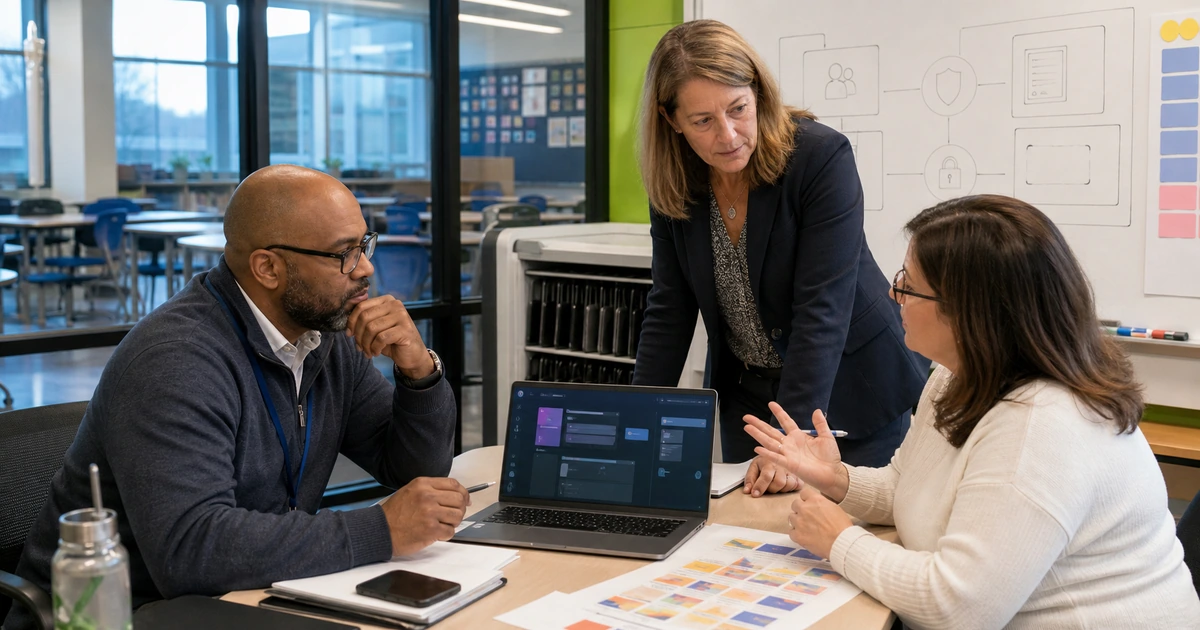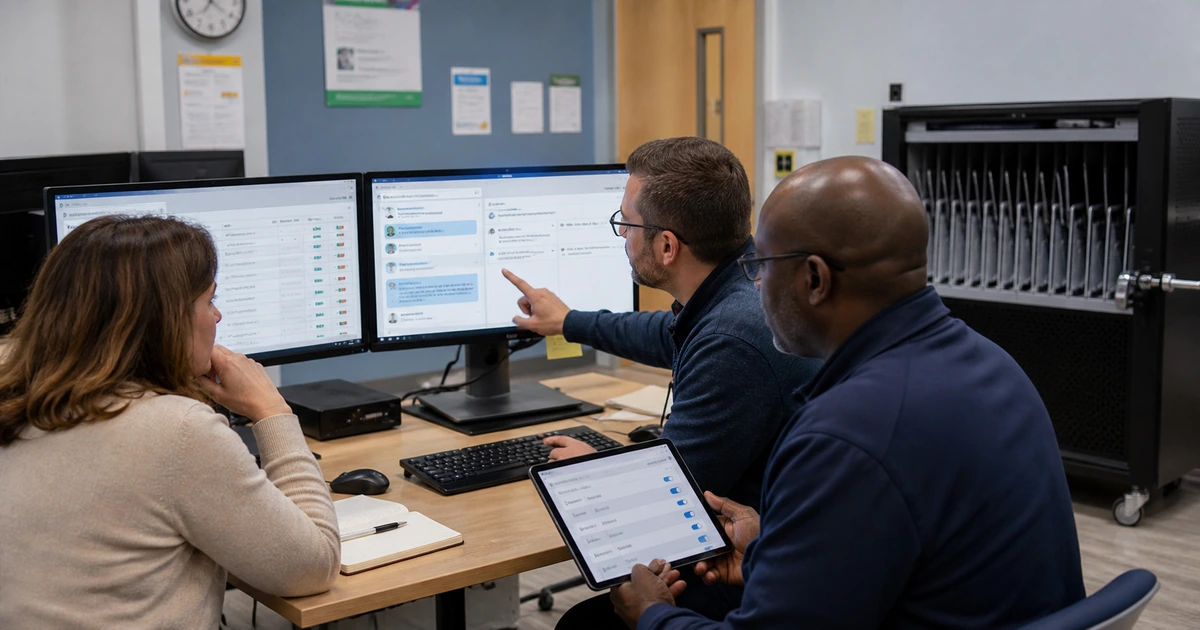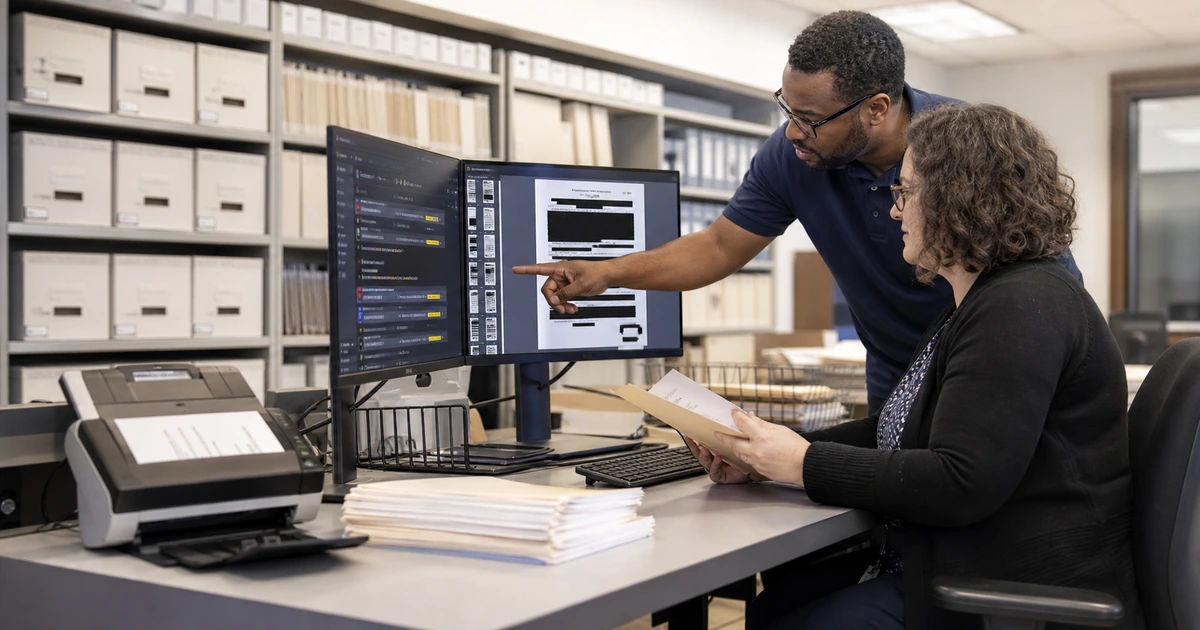
Public records and resident requests often arrive through email, forms, phone calls, walk-in notes, and forwarded messages. Staff may retype the same information, search several systems for ownership, and rely on individual memory to meet a deadline. Carefully designed automation can organize intake and move work to the right team while preserving the judgment, records handling, and public accountability that the process requires.
The objective is not to let AI decide what should be released or to send unreviewed answers. A reliable workflow captures the request, confirms receipt, identifies missing information, applies an approved classification, assigns an owner, tracks time, gathers responsive material, supports review and redaction, records approvals, and closes the matter with a complete history. People remain responsible for legal interpretation, exemptions, final communication, and contested cases.
ALLMSP builds secure service and records workflows for public organizations in Lawrenceville, Suwanee, Gwinnett County, Metro Atlanta, and throughout Georgia. We handle forms, integrations, identity, automation, AI assistance, security, testing, employee training, dashboards, documentation, and ongoing support as one coordinated in-house project.
A controlled workflow for public requests
- Capture every channel: Bring web forms, designated email, phone notes, walk-in requests, and internal referrals into one tracked queue without forcing staff to maintain duplicate lists.
- Standardize intake: Collect requester contact details, request text, date received, delivery preference, department clues, attachments, accessibility needs, and the original unaltered submission.
- Route with review: Use rules and limited AI assistance to suggest category, owner, priority, and missing details while allowing an authorized employee to correct every recommendation.
- Protect the record: Maintain source files, versions, search steps, redactions, approvals, communications, deadlines, and closure evidence according to agency policy and applicable law.
- Measure service: Track acknowledgment, assignment, aging, unresolved dependencies, rework, completion, delivery, and recurring request themes that reveal content or process gaps.
- Keep a human path: Provide clear escalation for complex scope, legal questions, protected information, accessibility requests, disputes, urgent matters, and any case the automation cannot classify safely.
Map the request lifecycle before automating a step
Follow recent requests from arrival through final delivery. Record each handoff, system, spreadsheet, mailbox, folder, approval, delay, and repeated data entry. Interview the employees who handle incomplete requests and exceptions because the published procedure rarely shows the work required when a submission is ambiguous or spans departments.
Create one case record that preserves the original request while storing normalized fields for routing and reporting. The workflow should distinguish the received date from later edits, maintain the requested wording, link every attachment, and show who changed a category or deadline. This supports both service continuity and a defensible history.
- Intake sources: List every mailbox, form, phone route, counter, portal, department referral, and third-party system that can create a request.
- Required fields: Identify information needed to acknowledge and route the matter while avoiding unnecessary personal data that increases risk without improving service.
- Ownership rules: Define the responsible department, backup owner, reassignment authority, escalation condition, and notification path for cross-department requests.
- Clock logic: Record when timing begins, which events require review, how holidays or clarifications are handled, and who watches cases approaching a deadline.
- Completion evidence: Specify what proves search, review, approval, delivery, payment if applicable, and final closure for each request type.
A clear lifecycle prevents the automation from accelerating the wrong process or hiding a delay behind a status label.
Use AI for assistance while keeping legal judgment with people
AI can help summarize a long submission, suggest departments, identify potentially duplicated language, extract dates, or group documents for review. It should work from a constrained purpose and approved sources. Staff must be able to see the original request, understand why a suggestion was made, correct the result, and continue without the AI service.
Redaction and disclosure decisions require careful review. Automated detection may flag personal information or privileged material, but it can miss context or conceal too much. Preserve the unaltered source, apply role-based access, keep each redaction version, record the authority and reviewer, and test the exported copy before delivery.
- Suggested classification: Allow the system to propose request type, department, subject, and likely duplicates without silently changing the official case.
- Document assistance: Use controlled extraction or summarization to help reviewers navigate large collections, then require comparison with the source before relying on a claim.
- Sensitive content: Flag possible personal, security, legal, juvenile, health, credential, or other protected information for authorized review instead of automatic release.
- Confidence and escalation: Send incomplete, conflicting, low-confidence, high-impact, or prohibited cases to a named person with the original information and reason for escalation.
- Audit trail: Retain the input, suggestion, employee correction, approval, output, model or rule version, timestamp, and identity needed to reconstruct the handling.
Automation should make accountable review easier to perform and explain, not replace it with an opaque answer.
Integrate, test, and improve the service queue
Connect only the systems needed for the defined workflow. Typical integrations may include a web form, designated mailbox, document repository, records platform, service desk, payment system, identity provider, and reporting dashboard. Use service accounts with limited permissions, documented owners, credential rotation, and alerts for failed transfers or unusual activity.
Test end to end with realistic volume and difficult conditions. Include attachments that fail, duplicate messages, inaccessible documents, requests in multiple languages, unclear scope, cross-department ownership, withdrawn requests, unavailable staff, deadline changes, protected records, and a complete outage of the primary system. Verify the fallback before launch.
- Acknowledgment: Confirm receipt through the resident’s chosen accessible channel and provide a stable case reference plus the correct contact for questions.
- Queue health: Monitor new, unassigned, aging, waiting, escalated, completed, reopened, and failed cases instead of reporting total volume alone.
- Quality sampling: Review a recurring sample for routing accuracy, complete records, appropriate communication, accessible delivery, and correct closure evidence.
- Content feedback: Use recurring questions and failed searches to improve public web pages, forms, instructions, and departmental ownership.
- Recovery: Export essential case data, protect attachments, test restoration, document manual intake, and decide the order in which services resume after disruption.
The best workflow improves both staff control and the resident’s ability to understand what happened next.
ALLMSP public records and resident service automation
ALLMSP can map the existing queue, design a secure intake experience, configure automation, connect approved systems, build dashboards, protect identities and records, test difficult cases, train employees, and document administration. We also support the live service and refine rules as volume, policy, and department responsibilities change.
Our team supports local governments and public organizations in Lawrenceville, Suwanee, Gwinnett County, Metro Atlanta, and across Georgia. The work stays coordinated in house across website forms, managed IT, cybersecurity, AI, workflow automation, backup, and ongoing help desk support.
- Workflow discovery: Channel inventory, lifecycle map, bottleneck analysis, records requirements, roles, exceptions, and measurable service goals.
- Secure build: Forms, queues, integrations, identities, permissions, notifications, audit history, dashboards, backup, and recovery.
- Operational launch: Scenario testing, role-based training, documentation, launch support, quality reviews, and recurring optimization.
Official resources for records and digital service workflows
The agency should interpret records and disclosure requirements with its records officer and counsel, then translate those decisions into verifiable workflow controls.
- ALLMSP Workflow Automation. Secure forms, integrations, routing, approvals, dashboards, and support.
Public records workflow frequently asked questions
Which parts of a public records request can be automated?
Automation can capture the request, preserve the original, confirm receipt, check required fields, suggest routing, track timing, collect status, notify owners, organize documents, and support reporting. Authorized staff should retain legal interpretation, exemption, redaction, approval, and final release decisions.
Can AI decide whether a government record should be released?
AI may assist an authorized reviewer by organizing documents or flagging possible concerns, but it should not make the final disclosure decision. The agency needs a reviewable process grounded in applicable law, policy, context, and accountable human approval.
How should the original request be preserved?
Store the received wording, source channel, timestamp, attachments, sender details, and delivery preference as an unaltered record. Keep later classification, clarification, assignment, and deadline changes as separate logged events.
What happens when a request involves several departments?
Create one accountable case, assign a coordinating owner, route defined work to each department, track dependencies and responses, prevent duplicate resident communication, and retain a combined history through final approval and delivery.
How can a government request queue protect private information?
Collect only necessary data, use managed identities and role-based access, encrypt transfer and storage, restrict exports, log activity, separate public copies from protected sources, review redactions, and apply approved retention and deletion rules.
What should be tested before launching request automation?
Test each intake channel, missing fields, duplicate submissions, large and failed attachments, cross-department routing, accessibility, multiple languages, deadline logic, staff absence, sensitive records, corrections, export, delivery, audit history, backup, and manual fallback.
Which dashboard measures are most useful?
Track acknowledgment time, time to assignment, aging, waiting reason, unresolved dependencies, deadline risk, rework, reopened cases, failed automation, completion, accessible delivery, and recurring topics that point to missing public information.
Does a workflow need a manual fallback?
Yes. Staff need documented procedures to receive, timestamp, assign, communicate, protect, and later reconcile requests when the portal, mailbox, records system, integration, identity service, or automation is unavailable.
Can ALLMSP connect forms, email, records systems, and service desks?
Yes. ALLMSP designs the data flow, configures approved connectors, limits service-account permissions, builds monitoring and recovery, tests each handoff, trains users, and supports the complete workflow in house.
Where does ALLMSP provide government workflow automation?
ALLMSP serves Lawrenceville, Suwanee, Gwinnett County, Metro Atlanta, and public organizations across Georgia. Projects can improve one request type, a department queue, or an agency-wide resident service process.
Sources
- Georgia Open Records Request guidance. An official overview of requests and the broad definition of public records in Georgia. ↩
- Georgia Attorney General open government resources. State guidance, law, FAQs, and training material for open government. ↩
- NARA electronic records requirements. Lifecycle-oriented requirements that can inform electronic records system design. ↩