Backup testing should prove that the business can recover a useful service, not merely that a file can be downloaded. A complete result may require the right restore point, application consistency, identity, network access, encryption keys, integrations, permissions, recent transactions, security controls, user validation, and a measured return-to-service time. Each of those can fail after a backup job reports success.
A sustainable program uses a portfolio of tests. Frequent small restores validate ordinary support requests and basic coverage. Application and system recoveries expose configuration and dependency problems. Tabletop and functional exercises test decisions, communications, clean environments, priorities, and simultaneous failures. The schedule should follow business impact, platform change, prior failures, and recovery uncertainty instead of applying one annual test to every workload.
ALLMSP designs and operates backup-testing programs in house for Lawrenceville, Suwanee, Gwinnett County, Metro Atlanta, and organizations throughout Georgia. We can build test environments, restore supported workloads, coordinate business validation, document evidence, correct gaps, and connect testing with cybersecurity and continuity planning.
Test data, systems, people, procedures, and business outcomes
- Define the claim: State the workload, recovery point, target time, data scope, dependencies, security condition, users, and business function the test must prove.
- Choose the method: Use item restores, application recoveries, full systems, isolated environments, tabletop discussions, functional exercises, and broader simulations appropriately.
- Protect production: Plan isolation, naming, routing, identities, data handling, cleanup, rollback, approvals, and change windows before restoring.
- Measure each phase: Track detection, declaration, preparation, transfer, infrastructure, application, security, validation, user access, and total recovery time.
- Record evidence: Capture source point, destination, logs, screenshots, hashes or integrity checks where relevant, settings, issues, decisions, acceptance, and cleanup.
- Close the loop: Assign corrective actions, owners, deadlines, retests, residual risk, runbook updates, and the next scenario.
Create a recovery scenario matrix from business risk and workload change
List important business processes and the workloads that support them, then identify the recovery claim attached to each one. A payroll database may need a transactionally consistent point and application validation. A Microsoft 365 or Google Workspace test may need messages, files, calendars, permissions, and ownership. A server recovery may depend on directory services, DNS, certificates, networking, storage, licenses, and integrations. A website may require both files and a matching database plus DNS, TLS, forms, analytics, and external services.
Build a scenario matrix that varies scope and cause. Include accidental deletion, overwritten or corrupt data, failed device, unavailable server, lost cloud account, broken application, storage outage, site loss, ransomware, administrator credential loss, and unavailable backup console where relevant. Mark the business owner, technical owner, target recovery point, target time, minimum operating state, environment, prerequisites, safety constraints, evidence, validation, cleanup, and frequency. Give higher-risk and fast-changing systems more frequent or deeper tests.
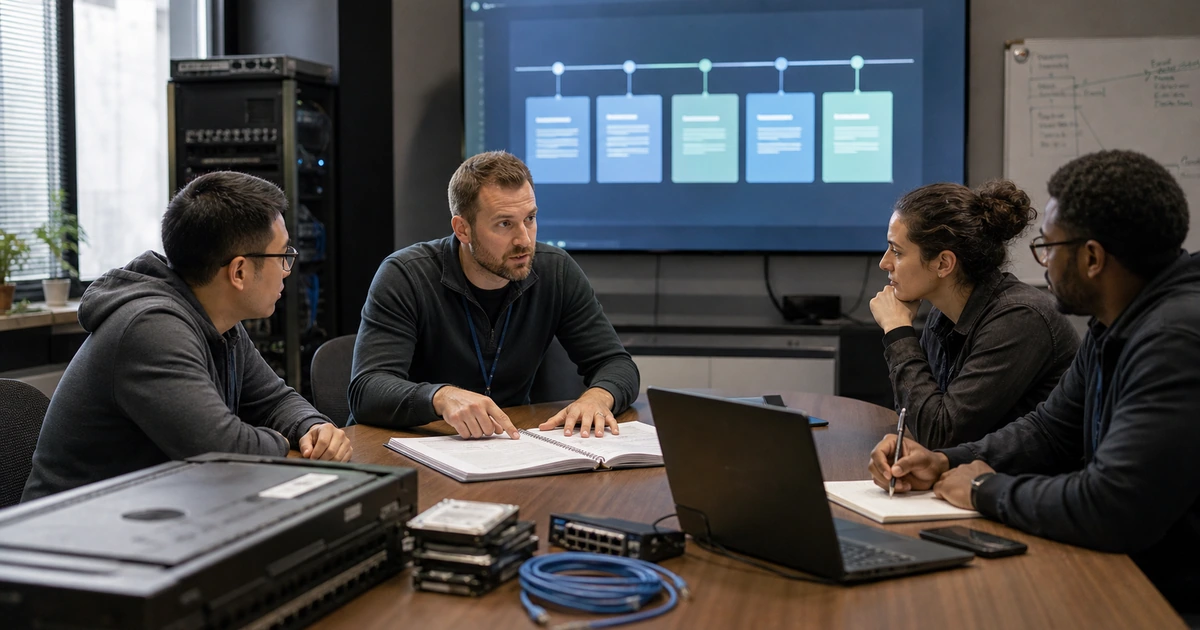
Use several test levels. A procedure review checks whether instructions and contacts are current. A tabletop walks decision makers through an event without changing systems. A technical test restores a defined component. A functional exercise combines people, technology, and procedures in a realistic sequence. NIST SP 800-84 describes tests, training, tabletop exercises, and functional exercises as complementary ways to prepare personnel, validate plans, test systems, and improve adverse-event readiness. Choose the least disruptive method that can still prove the intended claim.
- Item recovery: Restore representative files, messages, cloud records, versions, permissions, and deleted objects for common support needs.
- Application recovery: Recover data and configuration to a consistent point and validate dependencies, transactions, security, and user function.
- System recovery: Restore or rebuild servers, virtual machines, endpoints, websites, storage, and infrastructure components.
- Tabletop: Exercise authority, priorities, communications, constraints, escalation, vendors, fallback work, and decision records.
- Functional exercise: Combine contained technical recovery with staff actions, business validation, communications, and timed objectives.
The matrix is complete when each critical recovery promise has an appropriate test method, accountable owners, a planned frequency, and explicit acceptance evidence.
Prepare a safe restore environment, authoritative inputs, and observers
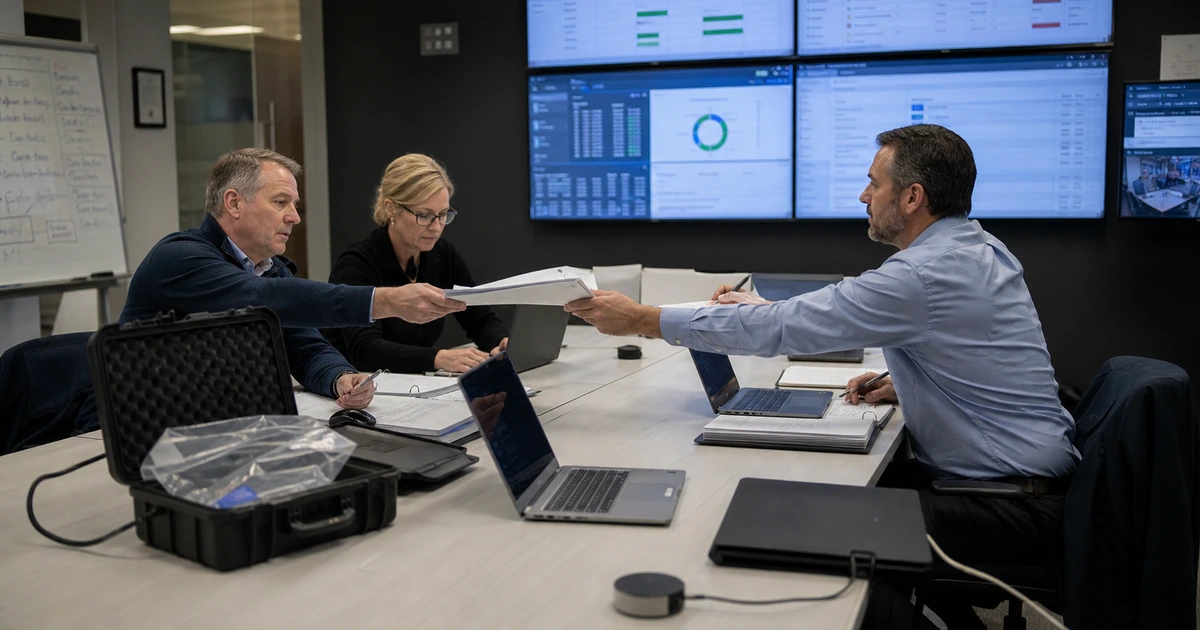
Write a test charter before the recovery begins. Identify purpose, scope, production systems excluded from change, approved window, requester, decision authority, operators, observers, business validators, data-handling rules, security review, communication path, success criteria, abort conditions, rollback, cleanup, and report deadline. Confirm that the selected restore point exists and record its timestamp, age, source, copy, repository, consistency status, and retention state.
Design the destination to avoid collisions and contamination. Use an isolated network, separate tenant, test account, alternate namespace, restricted storage, temporary cloud subscription, lab hypervisor, or other supported boundary according to the workload. Prevent restored systems from sending production email, processing live transactions, synchronizing stale data, contacting customers, updating external integrations, or conflicting with production addresses. Provide clean credentials, time, DNS, licenses, keys, installation media, software versions, and capacity without copying unnecessary secrets into the test.
Prepare validation scripts with the people who use the service. Technical checks can confirm boot, mounts, services, database consistency, logs, authentication, malware scans, and monitoring. Business checks should confirm representative records, recent transactions, calculations, reports, search, attachments, permissions, integrations, output, and the minimum workflow. Assign an observer to timestamp milestones and deviations while operators follow the current runbook. A test that relies on undocumented expert memory should be recorded as a procedure gap even when the recovery succeeds.
- Test charter: Define scope, authority, production protections, roles, schedule, evidence, success, abort, rollback, cleanup, and reporting.
- Restore source: Record workload, recovery point, copy, repository, consistency, retention, encryption, and expected data-loss window.
- Contained destination: Prevent identity, network, email, transaction, synchronization, address, and integration collisions with production.
- Required resources: Prepare clean access, infrastructure, storage, software, licenses, keys, documentation, contacts, and communication.
- Validation script: Combine infrastructure, application, security, data, permission, integration, user, and business-process checks.
Preparation is sufficient when the test can proceed without risking production and validators know exactly what recovered state they are being asked to accept.
Run, measure, report, remediate, and schedule the retest
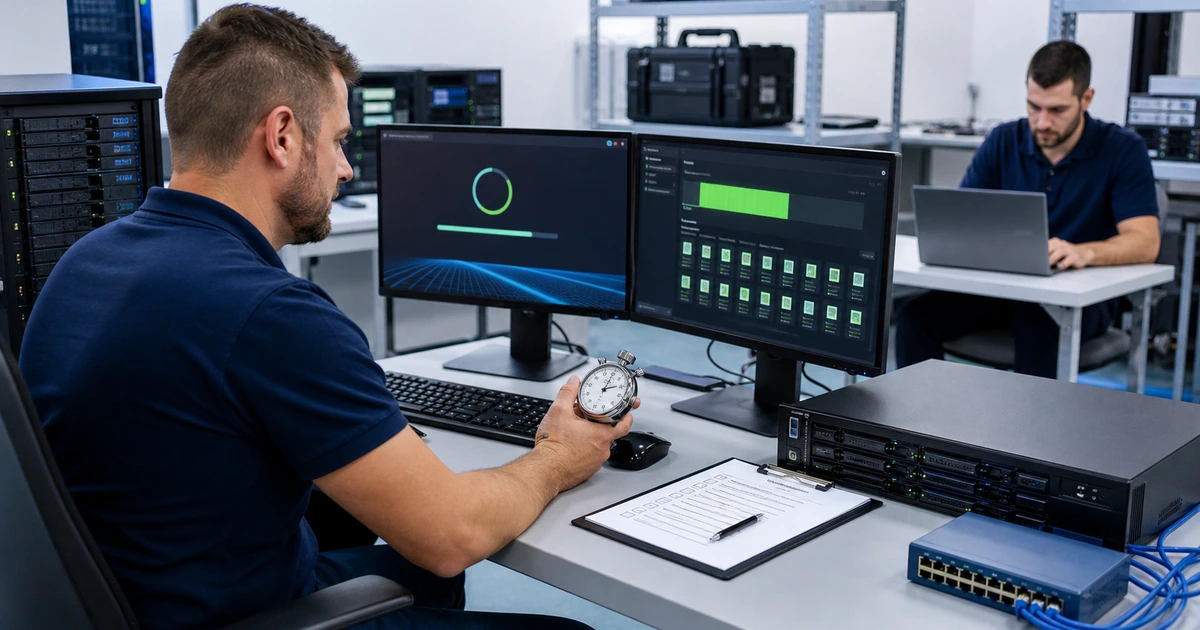
Start the clock at the event defined in the charter, such as request receipt, incident declaration, or approval to recover. Follow the runbook while recording each milestone, decision, wait, failure, workaround, escalation, and external dependency. Keep detection, declaration, preparation, data transfer, system build, application repair, security verification, business validation, and user return separate. This shows whether slower recovery comes from storage throughput, missing access, unclear authority, software installation, dependency repair, or validation rather than reducing the result to one total number.
Verify the requested and actual recovery points, recovered objects, data completeness, consistency, permissions, encryption, application behavior, integrations, security posture, monitoring, and representative user tasks. Record the business owner who accepted or rejected the result and why. If the test cannot finish safely, preserve the failure evidence and stop according to the charter. An incomplete test can be highly valuable when it identifies a real gap before an incident, but it should not be reported as a pass because some data appeared.
Issue a concise report with scenario, date, scope, participants, source, destination, target and actual times, target and actual recovery points, passed and failed acceptance checks, observed risks, deviations, screenshots or logs, cleanup, and corrective actions. Assign owners and dates, update the runbook and architecture, and repeat the affected part after remediation. Track coverage of critical workloads, tests completed on schedule, objectives met, recurring failures, overdue actions, and time since last business validation. Use the results to select the next scenario and adjust test depth.
- Timed phases: Measure authority, preparation, transfer, build, dependency repair, application recovery, security, validation, and return to use.
- Recovery-point proof: Compare the requested and actual point and quantify missing or reconstructed business activity.
- Acceptance: Require technical, security, data, integration, user, and business-owner validation against the charter.
- Corrective action: Document root cause, risk, owner, deadline, architecture or runbook change, and required retest.
- Program metrics: Track critical coverage, test currency, target performance, open gaps, repeated findings, and improvement over time.
A backup test creates confidence when the evidence shows what recovered, how long it took, whether the business could use it, and which remaining gaps have accountable corrective work.
Backup testing programs delivered by ALLMSP
ALLMSP can inventory recovery claims, build the scenario matrix, prepare contained test environments, restore supported files, cloud data, databases, servers, virtual machines, websites, and configurations, and coordinate technical and business validation with our in-house team.
We can also measure results, correct architecture and runbook gaps, improve backup coverage and security, train recovery roles, run tabletop and functional exercises, and maintain the test calendar. The organization receives evidence that can guide decisions rather than a generic success certificate.
- Design: Map recovery promises to scenarios, methods, owners, schedules, production protections, metrics, and acceptance.
- Execute: Prepare the environment, restore the selected point, measure phases, validate function, and clean up safely.
- Improve: Report findings, remediate causes, update plans, retest failures, and maintain recovery evidence.
Backup test and exercise planning references
Use recognized test and recovery guidance to structure the program, then tailor scenarios and acceptance to the organization’s real workloads, people, dependencies, and risks.
- NIST test, training, and exercise guide. Describes program design, tests, training, tabletop exercises, functional exercises, conduct, and evaluation.
- NIST contingency planning guide. Connects recovery priorities and targets with strategies, procedures, testing, training, and plan maintenance.
- NIST cybersecurity event recovery guide. Focuses on realistic recovery scenarios, playbooks, resource priorities, metrics, and continual improvement.
- CISA cybersecurity exercise scenarios. Provides exercise resources for threats such as ransomware, insider activity, phishing, and industrial-system compromise.
- Ready Business preparedness resources. Connects continuity planning, communications, IT recovery, training, testing, and exercises for businesses.
Backup testing program FAQs
How is backup testing different from checking job status?
Job status reports the backup operation’s result. Testing restores a selected point and validates data, dependencies, application behavior, security, user access, business function, and actual recovery time.
How often should backup restores be tested?
Frequency should reflect workload criticality, change rate, recovery uncertainty, prior failures, platform changes, obligations, and business impact. Use more frequent small tests plus scheduled deeper scenarios.
What is a backup test scenario matrix?
It maps workloads and recovery promises to failure causes, test methods, environments, owners, targets, prerequisites, safety controls, acceptance evidence, frequency, and corrective actions.
Can a restore test be performed without affecting production?
Usually, with careful design. Use isolated networks, alternate names, restricted test accounts, separate tenants or subscriptions, lab infrastructure, blocked integrations, and defined cleanup appropriate to the workload.
Who should approve a backup test?
The technical owner, business data or process owner, security authority, and change authority should be involved according to scope. The charter should name who can start, stop, accept, and clean up the test.
What should be measured during a restore?
Measure declaration, preparation, data transfer, infrastructure build, dependency repair, application recovery, security checks, business validation, user return, actual recovery point, data gaps, and total time.
What makes a restore test pass?
It passes when the stated data, system, security, dependency, user, business, recovery-point, and timing criteria are met and the authorized owners accept the evidence.
What should happen after a failed restore test?
Preserve evidence, identify root causes, rate business risk, assign remediation, update architecture and runbooks, set a deadline, and retest the failed claim after correction.
Can ALLMSP run backup tests and exercises in house?
Yes. ALLMSP can design, prepare, execute, observe, validate, report, remediate, and retest supported recovery scenarios using its in-house team.
Where does ALLMSP provide restore testing services?
ALLMSP provides backup and restore testing for Lawrenceville, Suwanee, Gwinnett County, Metro Atlanta, and other Georgia organizations according to environment and scope.