





























































































































































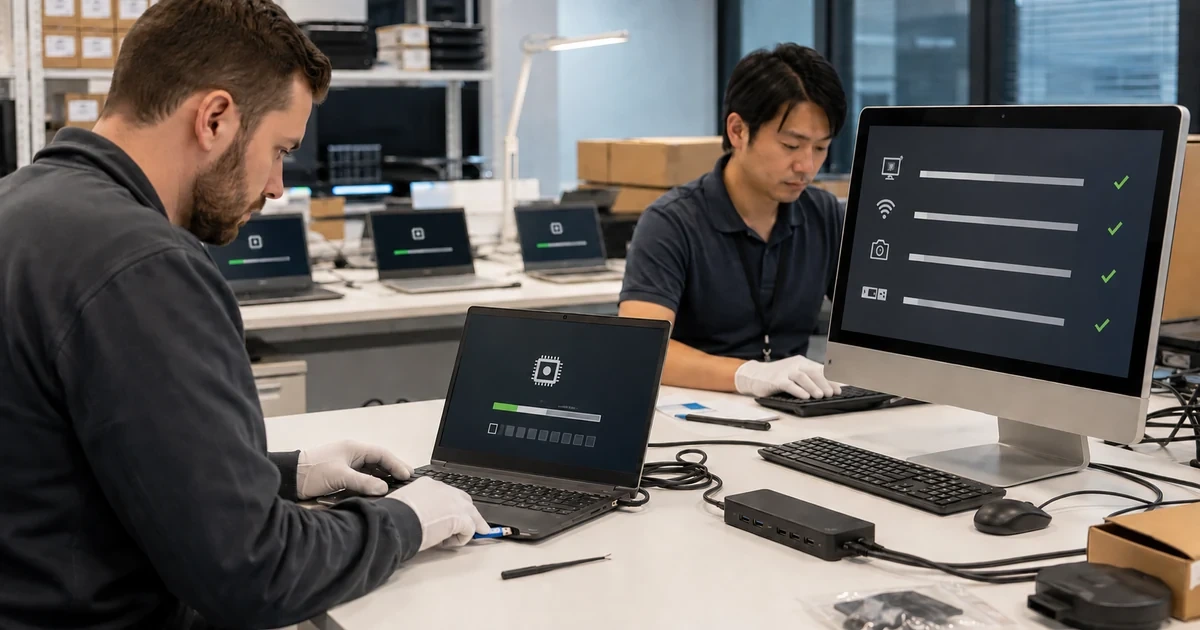
An Acer rollout can fail even when every carton carries the same marketing family. One family may span several model codes, firmware lines, wireless adapters, storage controllers, touchpads, cameras, graphics options, USB-C capabilities, and Windows support states. Acer’s support guidance explicitly notes that the same model can use components from different manufacturers and that the correct driver must match the installed hardware. That turns model and component identification into a deployment control, not clerical inventory work.
Firmware needs an even narrower boundary. Acer directs customers to identify the specific product by serial number, SNID, or model before comparing BIOS versions, and warns that an incorrect BIOS can seriously damage the system. Some devices receive firmware through Windows Update when no standalone Acer package is published. A recent Acer troubleshooting article also documents how a BIOS change can alter boot, storage-controller, or priority settings and leave a previously healthy computer unable to start. A responsible rollout therefore preserves the before-state and a recovery path instead of measuring success only by an installer exit code.
This playbook connects receiving, restricted asset identity, Windows qualification, component detection, driver and BIOS package governance, pilot tests, deployment rings, acceptance, and operational ownership. It does not publish real serials, SNIDs, encryption recovery keys, user names, firmware passwords, internal URLs, hardware IDs, or deployment commands. Those details belong in protected systems, the public process should explain the control without exposing an organization or device.
For organizations in Lawrenceville, Suwanee, Gwinnett County, Metro Atlanta, and across Georgia, ALLMSP can deploy Acer business PCs with controlled BIOS and driver changes through one accountable in-house process for assessment, configuration, testing, and support.
Key decisions at a glance
- Inventory the complete Acer model, serial or SNID in a restricted system, BIOS version, Windows edition, architecture, and actual internal component vendors before assigning software or firmware.
- Use Acer Drivers and Manuals for the exact device, Acer warns that the same product model can contain components from different vendors that require different drivers.
- Treat a BIOS update as a powered, model-bound change with prerequisites, recovery evidence, BitLocker planning, boot-setting capture, pilot validation, and an explicit stop rule.
- Confirm Windows 11 support and required applications on the ordered configuration, then validate Device Manager, network, audio, camera, docks, sleep, encryption, update, and restore behavior.
- Expand through measurable deployment rings and reconcile every Acer asset to its exact package set, last successful update, exception owner, warranty path, and tested recovery option.
Build an Exact Acer Platform Inventory Before Packaging
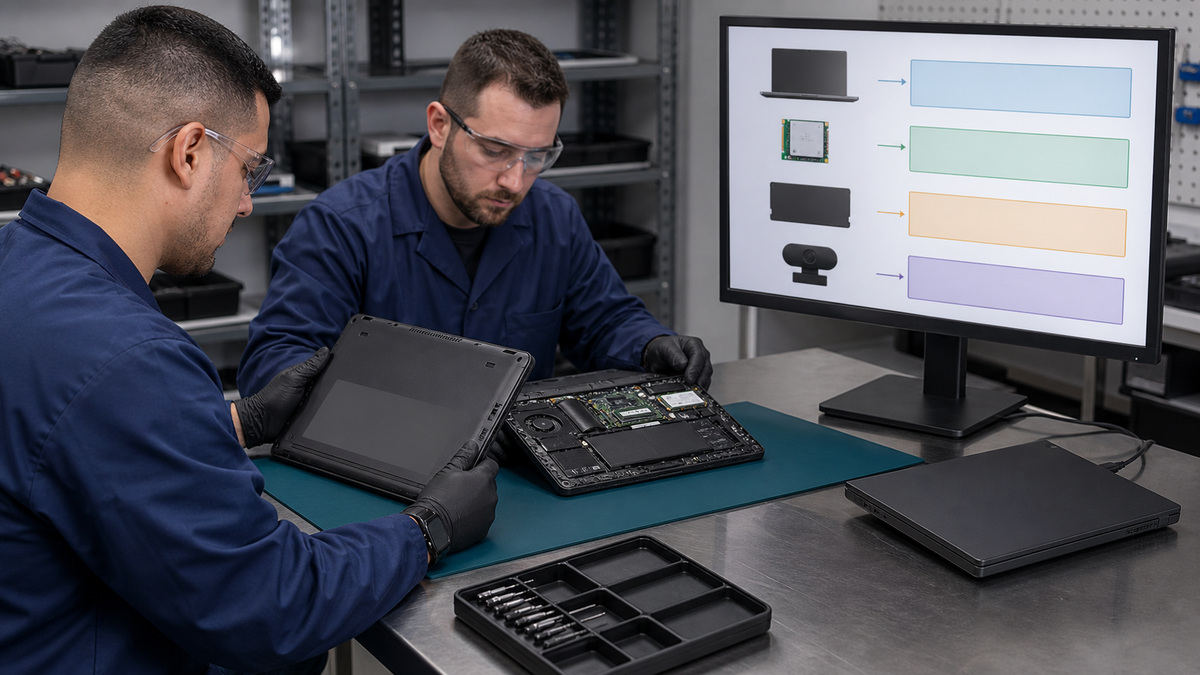
Start at receiving with the full commercial identity of each endpoint. Record the purchase-order line, product family, complete model code, ordered configuration, restricted serial and SNID, form factor, processor, memory, storage, display, graphics, network adapters, camera, fingerprint reader, touchpad, ports, charger, dock, warranty, assigned cohort, and expected retirement date. Acer explains that the SNID is a shorter numeric representation of the serial and uses it to identify downloads and support resources, protect both values because they connect a physical asset to service and warranty records. Do not place full identifiers in a public spreadsheet, screenshot, image prompt, QR code, or shipping photo. Capture the model and current BIOS from firmware or an approved inventory agent, then use Acer Drivers and Manuals to resolve the device rather than relying on a search result for a similar family. Qualify Windows separately. Acer’s Windows 11 compatibility list states that unlisted products were not tested by Acer and do not have updated drivers from Acer for that model. That does not automatically prove an endpoint cannot run, but it is a material support boundary that procurement and security must accept before rollout. Compare processor, TPM, Secure Boot, memory, storage, application, accessory, encryption, and management requirements with both Acer and Microsoft support. Baseline the installed component vendors. Acer’s current driver-selection guidance explains how two apparently identical systems can contain different wireless, Bluetooth, audio, touchpad, graphics, camera, or storage parts. Use Device Manager or hardware IDs in a restricted diagnostic record, map each approved component to its Acer package, and reject a package rule based only on the product family. Build a model-component-package matrix with owner, source URL, version, release date, hash, signing result, silent behavior, reboot requirement, prerequisite, rollback, and pilot evidence. Freeze that matrix for the wave so a new download does not silently replace the tested artifact mid-deployment.
- Record complete model code, protected serial and SNID, BIOS, Windows build, architecture, component vendors, ports, charger, dock, warranty, cohort, owner, and retirement date.
- Resolve downloads from the exact Acer product page and preserve package name, source, release date, hash, signature, prerequisite, reboot, and rollback.
- Treat Windows 11 qualification as a model-specific support decision rather than assuming that every recent-looking Acer family is equivalent.
- Detect actual wireless, Bluetooth, storage, graphics, audio, touchpad, camera, and USB controllers before selecting vendor-specific drivers.
- Keep full asset identifiers, hardware IDs, firmware passwords, recovery keys, user associations, and management details in restricted systems.
Separate Windows, Driver, Application, and BIOS Change Paths
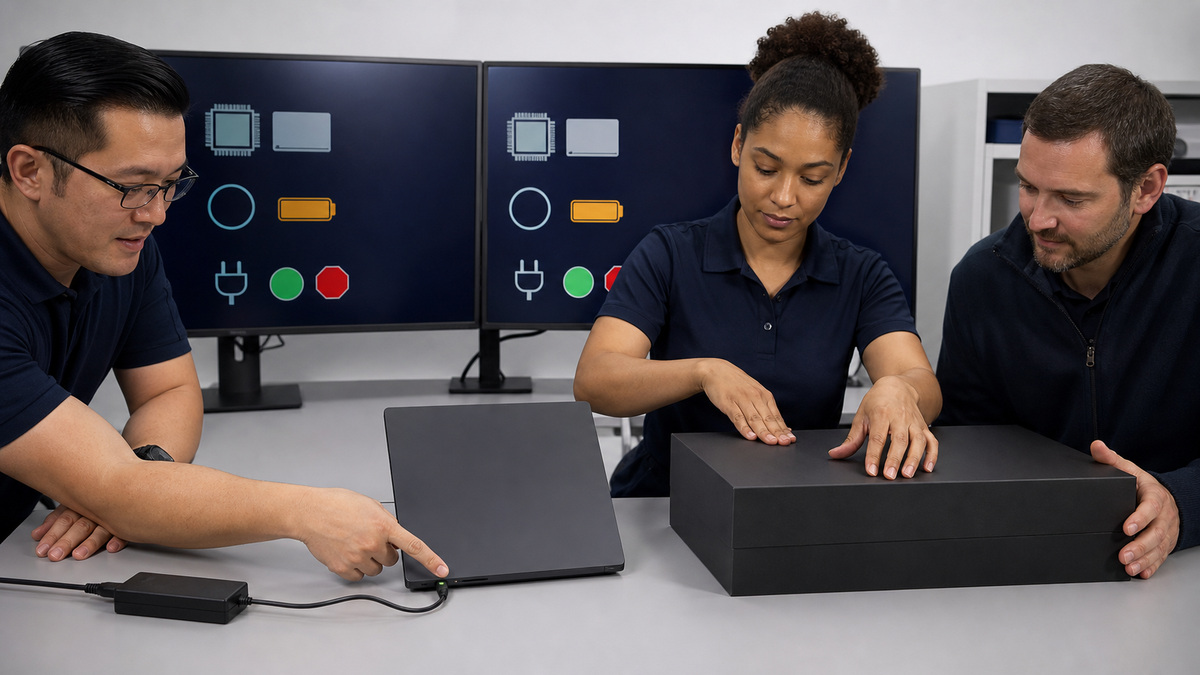
Build four related but distinct release tracks. The Windows track owns the supported edition, feature release, cumulative update level, language, security baseline, encryption, management enrollment, and application prerequisites. The Acer driver track owns exact model and component packages. The application track owns Acer utilities only when the model and operational requirement justify them. The firmware track owns BIOS or UEFI, dock firmware, storage-controller implications, power conditions, and recovery. Do not bundle all four into one opaque task where a failure cannot be attributed. Prefer Windows Update for inbox and approved current drivers when that is the documented path, but keep Acer packages for components Windows cannot identify correctly or when the exact Acer support page provides required functionality. Acer’s driver instructions recommend choosing the operating system and actual device vendor, its newer hardware-ID guidance covers the Unknown Device case. Test package supersedence and uninstall behavior instead of assuming a higher version number is universally safer. Gate BIOS separately. Verify exact model, current version, applicable target, release notes, AC power, healthy battery, stable storage, encryption recovery-key escrow, firmware password handling, free disk space, no pending restart, and a maintenance window that can tolerate a nonbooting endpoint. Acer warns against incorrect firmware, and says some models obtain BIOS through Windows Update when no manual download exists. Never force a package from another region, family, or near-match. Record boot mode, Secure Boot, storage-controller mode, VMD or RAID state, boot order, virtualization, network boot, and any organization-approved settings before the change. Pause encryption according to the approved endpoint procedure, do not disable it casually or expose the key. A firmware package should fail closed if model, power, version, or prerequisite checks do not match. The rollback plan may be restoration of settings, vendor support, board service, or device replacement rather than a simple downgrade, so write the real path before approval.
- Maintain separate owners and evidence for Windows, Acer drivers, Acer utilities, firmware, and dock updates.
- Match every driver to the exact operating system, model, component vendor, release, signature, and tested hardware ID.
- Gate BIOS on exact applicability, reliable AC power, healthy battery, encryption recovery, current settings, pending-restart state, maintenance window, and support path.
- Capture boot, Secure Boot, storage-controller, VMD or RAID, boot-order, virtualization, and network-boot settings before firmware changes.
- Stop on ambiguous model identity, missing recovery evidence, failed signature, weak power, unresolved storage mode, unknown encryption state, or a package that cannot fail safely.
Pilot Real Acer Configurations and Prove Recovery

Create a pilot that represents each approved model code and component combination, not merely each product family. Include different wireless and storage vendors, graphics options, dock types, charger wattages, office and remote networks, language builds, security baselines, and at least one endpoint that has accumulated ordinary user software. Use synthetic data and protected test accounts. Capture before-state inventory, BIOS, boot settings, Device Manager, encryption readiness, battery condition, update state, sleep behavior, and peripheral map. Apply one release track at a time. After Windows or driver changes, test cold boot, restart, sleep, wake, hibernate if used, wired and wireless networking, Bluetooth, audio, microphone, camera, display brightness, graphics, storage, USB, card reader, fingerprint reader, keyboard, touchpad, power, battery, approved dock, external monitors, VPN, management check-in, encryption, security agent, printing, and a representative business workload. After BIOS, prove that the system boots repeatedly, the storage controller remains correct, Secure Boot and encryption are healthy, the boot order and approved firmware settings persist, the OS sees every device, and no unexpected recovery prompt appears. Acer’s no-boot guidance shows why setup defaults, SATA or VMD state, boot priority, UEFI mode, and a hard power reset belong in the recovery runbook. Those steps are diagnostic possibilities, not permission to toggle production storage modes without knowing the original state. Test Acer recovery and standard organizational recovery before production. Confirm a bootable approved recovery device, network or offline driver availability for LAN and wireless, access to encryption recovery, restoration of the managed Windows build, re-enrollment, patching, application deployment, backup restoration, and acceptance. Time the process. A recovery drive that reaches a menu but cannot restore the managed environment is not a proven recovery path. Require two successful pilot cycles for high-impact firmware when operational risk justifies it, and preserve sanitized evidence for every gate.
- Represent every approved Acer model and material component-vendor combination in the pilot matrix.
- Test hardware, sleep, power, network, Bluetooth, audio, camera, storage, security, encryption, dock, displays, management, applications, and business workflows after each change track.
- After BIOS, verify repeat boot, storage-controller state, Secure Boot, encryption, boot order, settings, Device Manager, and recovery behavior.
- Prove recovery from boot media or the approved enterprise method through managed Windows, drivers, enrollment, patches, apps, data restoration, and acceptance.
- Treat any boot-mode, VMD, RAID, encryption, firmware-setting, driver, dock, or recovery anomaly as a stop condition with a named owner.
Expand in Rings and Reconcile the Fleet to Evidence
Release by bounded rings such as IT lab, support team, one office, one hardware cohort, then broader production. Keep the exact packages immutable within a ring and publish a service-desk brief that distinguishes expected restart, firmware time, black-screen intervals, power requirements, and escalation symptoms without revealing admin commands or keys. Prevent users from disconnecting AC or closing the lid during firmware, and schedule remote endpoints only when power, bandwidth, supervision, and replacement options are credible. Monitor both deployment-tool status and endpoint health. A successful task can leave an unknown device, wrong wireless package, altered boot setting, missing camera, failed dock, recovery-key prompt, or stale BIOS inventory. Reconcile every in-scope Acer asset to model, component set, Windows state, BIOS, driver baseline, last check-in, encryption, acceptance, recovery evidence, exception, warranty, and owner. Investigate devices that are absent, duplicated, on an unapproved model, using a different component vendor, stuck pending restart, reporting a changed storage controller, failing Secure Boot, missing a driver, or unable to restore. Define rollback at the layer that changed. Remove a driver package only when the tested rollback is safe, return a Windows ring through the approved servicing path, restore firmware settings from protected evidence, escalate a bricked or unstable system through Acer support and warranty rather than improvising cross-model firmware. Keep a ready spare for business-critical cohorts. Review the standard quarterly and after every new model, firmware release, Windows feature update, component substitution, dock change, or material incident. Retire superseded packages from distribution while retaining the evidence needed to rebuild a supported endpoint. Completion means every asset has a known platform state and recoverable support path, not that the deployment console reached one hundred percent.
- Use bounded deployment rings with immutable tested artifacts, explicit maintenance windows, user power instructions, stop criteria, and service-desk routing.
- Reconcile tool success with actual BIOS, boot, component, driver, encryption, management, dock, peripheral, and business-workflow health.
- Track absent, duplicate, unapproved-model, component-drift, pending-restart, changed-storage, Secure Boot, unknown-device, and recovery exceptions separately.
- Escalate firmware damage or uncertain board state through the documented Acer support and warranty path.
- Review the approved platform matrix after new SKUs, component substitutions, firmware, Windows feature releases, dock changes, and incidents, and maintain tested spares for critical users.
Official product documentation and ALLMSP resources
- Acer: TravelMate P4 14 user manual
- Acer: Aspire AL17-31P lifecycle extension guide
- Acer: Global download portal
- Microsoft: Overview of device and driver installation
- Microsoft: Update drivers through Device Manager
- Microsoft: BitLocker FAQ
- Microsoft: Recovery options in Windows
- ALLMSP Acer Hardware Support
- ALLMSP Hardware Support
- ALLMSP Computer Repair
- ALLMSP Managed IT Services
- ALLMSP Cybersecurity Services
- Contact ALLMSP
Frequently Asked Questions
Why is the full Acer model code more important than the product family?
One Acer family can span different boards, firmware lines, ports, graphics, radios, storage controllers, and Windows support. Use the complete model plus protected serial or SNID and actual component inventory to select the correct support page and package.
Why can two apparently identical Acer laptops need different drivers?
Acer explains that the same model can contain components from different manufacturers. Detect the installed wireless, Bluetooth, touchpad, graphics, camera, audio, storage, or USB vendor and match its driver rather than installing every option listed.
Where should an IT team obtain Acer BIOS and driver packages?
Resolve the exact device in Acer Drivers and Manuals by protected serial, SNID, or complete model. Preserve the source URL, version, date, hash, signature, prerequisites, release evidence, and tested package instead of relying on an unverified mirror.
What if Acer lists no manual BIOS download for a model?
Acer says some systems receive BIOS updates through Windows Update when no standalone package is published. Do not substitute firmware from a similar model, document and test the actual supported delivery path.
What should be captured before an Acer BIOS update?
Record the exact model and current BIOS, AC and battery health, encryption recovery readiness, boot mode, Secure Boot, storage-controller and VMD or RAID state, boot order, important firmware settings, pending restarts, owner, and recovery route.
Why can a BIOS update cause a no-boot condition?
Acer documents cases where firmware updates reset setup defaults, storage-controller settings, boot order, or UEFI state. Recovery must start from the protected before-state, random changes can make an encrypted or RAID-configured device harder to recover.
Does appearance on an Acer family page prove Windows 11 support?
No. Verify the complete model against Acer’s published compatibility information and test the ordered configuration. Acer says unlisted models were not tested by Acer and do not have updated Acer drivers for that model.
What belongs in an Acer deployment pilot?
Include every approved model and meaningful component combination, office and remote networks, chargers and docks, security controls, business apps, sleep and power states, firmware, drivers, encryption, peripherals, management check-in, and a full recovery exercise.
Is a successful software-deployment status enough evidence?
No. Reconcile the tool result with actual BIOS, component drivers, Device Manager, boot, encryption, network, dock, display, sleep, security-agent, application, and recovery health on the endpoint.
How can ALLMSP help with Acer business PC deployment?
ALLMSP can build the restricted model-component inventory, package and pilot exact Acer drivers and firmware, coordinate Windows and encryption controls, verify docks and peripherals, operate deployment rings, reconcile exceptions, and maintain recovery and repair evidence.


