






























































































































































An Apple device can appear in an asset spreadsheet and still miss the controls that make it safe for business use. A Mac may have been purchased outside the approved reseller channel, an iPhone may remain unassigned in Apple Business, an enrollment profile may point to a retired device-management service, or a user may pass through Setup Assistant before encryption, certificates, network access, and required apps arrive. Automated Device Enrollment reduces touch labor, but it does not replace ownership records, dependency design, test evidence, or support procedures.
Apple describes Automated Device Enrollment as the organization-owned model that configures devices from first activation, enables supervision, supports nonremovable enrollment, and exposes the broadest management capabilities. Apple Business connects eligible purchases from Apple, participating resellers, and carriers to a chosen device-management service, Apple Configurator can add supported devices that did not arrive through those channels. The enrollment profile can hold a device in Setup Assistant, require authentication, skip selected panes, enforce a minimum operating-system version, and, for supported Mac deployments, require FileVault before the user proceeds.
This runbook is deliberately service-neutral. The device-management product must support the Apple capabilities the organization intends to use, and its exact controls, token exchange, scoping, identity integration, and reporting should be tested against current vendor documentation. Keep serial numbers, reseller identifiers, service tokens, certificates, Apple Business account details, user identities, network names, enrollment URLs, and device-management endpoints in restricted systems. Public tickets and articles should explain process and evidence without publishing a deployment map.
When an organization in Lawrenceville, Suwanee, Gwinnett County, Metro Atlanta, or elsewhere in Georgia needs to deploy Apple devices with Business Manager and automated enrollment, ALLMSP handles the work in house from initial review through validation and ongoing support.
Key decisions at a glance
- Reconcile each organization-owned Apple device from purchase source and serial through Apple Business inventory, assigned device-management service, enrollment profile, user or purpose, support state, and final disposition.
- Use Automated Device Enrollment for organization-owned devices when the control model requires supervision, nonremovable management, Setup Assistant gating, minimum operating-system enforcement, and configuration before use.
- Treat Apple Business device-management tokens, APNs relationships, certificates, enrollment profiles, Setup Assistant choices, network access, and device-management availability as production dependencies with owners and expiry controls.
- Test every enrollment profile on representative Mac, iPhone, and iPad hardware before broad assignment, including first boot, authentication, FileVault, apps, certificates, restrictions, restart, offline behavior, and recovery.
- Reassign, repair, erase, return to service, sell, recycle, and release devices in the correct order so management, Activation Lock authority, ownership evidence, data protection, and inventory remain aligned.
Build the Apple Ownership, Assignment, and Enrollment Record
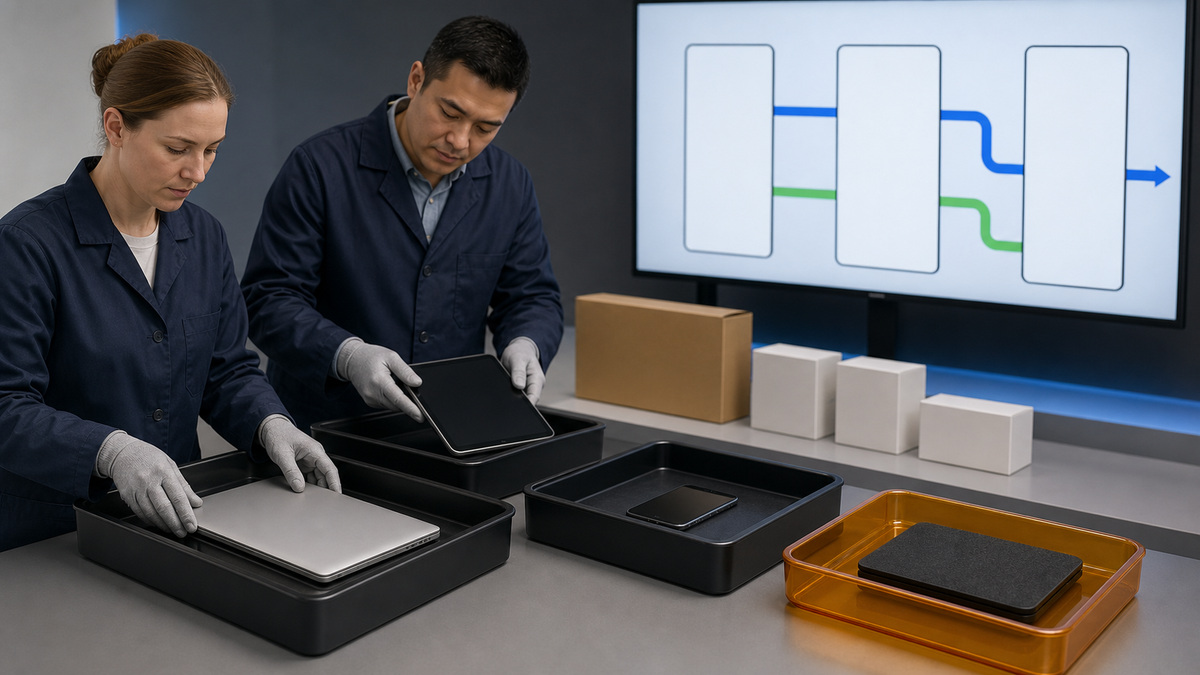
Start with a controlled record for every Mac, iPhone, iPad, Apple TV, Apple Watch, or Apple Vision Pro the organization owns. Capture device type, model and configuration, serial, purchase order, reseller or carrier, invoice, receiving date, warranty or AppleCare state, physical location, assigned user or shared purpose, Apple Business source, device-management-service assignment, enrollment profile, supervision state, operating-system version, activation state, FileVault or device-encryption evidence, recovery and Activation Lock authority, support owner, and disposition. Store account secrets and recovery values separately. Reconcile three views: purchasing proves ownership, Apple Business proves the device is registered to the organization and assigned correctly, and the device-management inventory proves successful enrollment and current state. A match in only two systems is an exception, not a completed deployment. Define approved intake paths. Direct Apple and participating reseller or carrier purchases should flow into Apple Business under the correct customer relationship. Devices already owned but missing from the portal may be eligible for addition with Apple Configurator using the current supported workflow. Configurator-added devices need explicit assignment and a refreshed device-management inventory before they are treated as ready. Quarantine unknown, personally owned, Activation-Locked, duplicate, released, or ownership-disputed hardware from production enrollment. Establish roles with least privilege in Apple Business: organization administration, device enrollment, content, people, and support responsibilities should be accountable and not concentrated in one shared account. Protect Managed Apple Accounts with current authentication controls, keep at least two recoverable administrators, and review anyone who can assign or release devices. Link each external device-management service with a distinct name and documented public key, token owner, creation date, one-year expiry, renewal procedure, and rollback. Apple states that the token must also be replaced when its public key changes, the downloader changes the Managed Apple Account password, or that person leaves. Renew early and verify device synchronization before the prior token expires. A useful intake dashboard shows received devices, portal presence, assigned service, profile, enrollment result, exceptions, user readiness, token expiry, and accountable owner without exposing sensitive identifiers broadly.
- Record purchase, serial, source, portal status, assigned device-management service, profile, supervision, operating system, encryption, Activation Lock authority, user or purpose, support, and disposition.
- Reconcile purchasing, Apple Business, and live device-management inventory before handoff.
- Define approved direct, reseller, carrier, and Apple Configurator intake paths and quarantine ownership or Activation Lock exceptions.
- Use named least-privilege Apple Business roles and protected Managed Apple Accounts.
- Track each external device-management token, public key, owner, one-year expiry, early renewal, sync proof, and recovery plan.
Design Automated Device Enrollment and Setup Assistant Controls
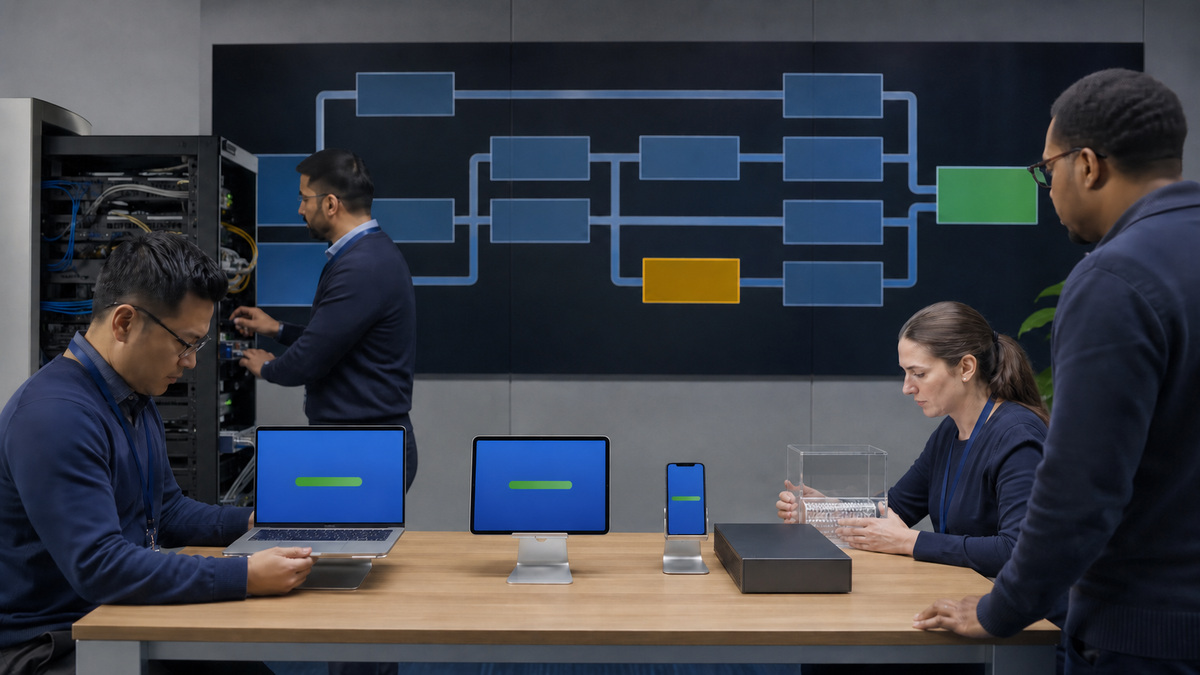
Choose enrollment method from ownership and privacy requirements, not convenience. Automated Device Enrollment is intended for organization-owned hardware and produces supervision, which permits additional restrictions, commands, and visibility. User Enrollment is designed for stronger separation on personally owned devices, profile-based or account-driven Device Enrollment can fit other managed scenarios. Document why each population uses its method, what data the service can see, which commands it can issue, whether the user can remove management, and what happens at offboarding. Build separate enrollment profiles when Mac, iPhone, iPad, kiosk, shared, executive, developer, regulated, or lab devices require different Setup Assistant and security outcomes. For every profile, document eligible device types and operating systems, service assignment, authentication flow, whether management is nonremovable, whether the device waits for configuration, minimum operating-system policy, setup panes shown or skipped, pairing rules, account creation, local administrator model, Platform SSO or identity dependencies, FileVault behavior, activation and network requirements, and recovery. Skipping a pane does not necessarily enforce the feature afterward, pair the setup experience with the relevant management configuration. Apple notes that skipped panes use default behavior, so privacy and business requirements should be reviewed explicitly. Holding a device in Setup Assistant can prevent access before critical profiles and apps arrive, but only if the device can reach Apple activation services, APNs, the device-management service, identity, certificates, DNS, time, content distribution, and required app sources. Map those dependencies and exempt necessary Apple traffic from unsupported HTTPS interception. Auto Advance for supported Mac deployments requires the correct Apple Business record, profile setting, Ethernet connectivity during initial configuration, and access to the management service, it is a specialized workflow, not a default for every laptop. Use authenticated enrollment to associate the intended user where the service supports it, but protect the identity path from creating a permanent setup deadlock. Decide what limited, safe recovery experience appears when identity or management is unavailable. Never embed device-management credentials or sensitive network details in public setup notes. Enrollment design is accepted only after security, support, identity, network, HR, and device owners agree on user experience, data boundary, exception handling, and rollback.
- Select Automated Device Enrollment for organization-owned supervised control and choose privacy-preserving enrollment for personal ownership where appropriate.
- Separate profiles by device class, use case, risk, operating system, account model, and support path.
- Document authentication, nonremovable enrollment, Setup Assistant hold, minimum version, panes, pairing, local accounts, identity, FileVault, network, apps, and recovery.
- Treat activation, APNs, management, DNS, time, identity, certificates, and content as setup dependencies.
- Test defaults and recovery because skipping a pane or holding setup is not the same as enforcing a lasting configuration.
Pilot First Boot, Configuration, Handoff, and Recovery
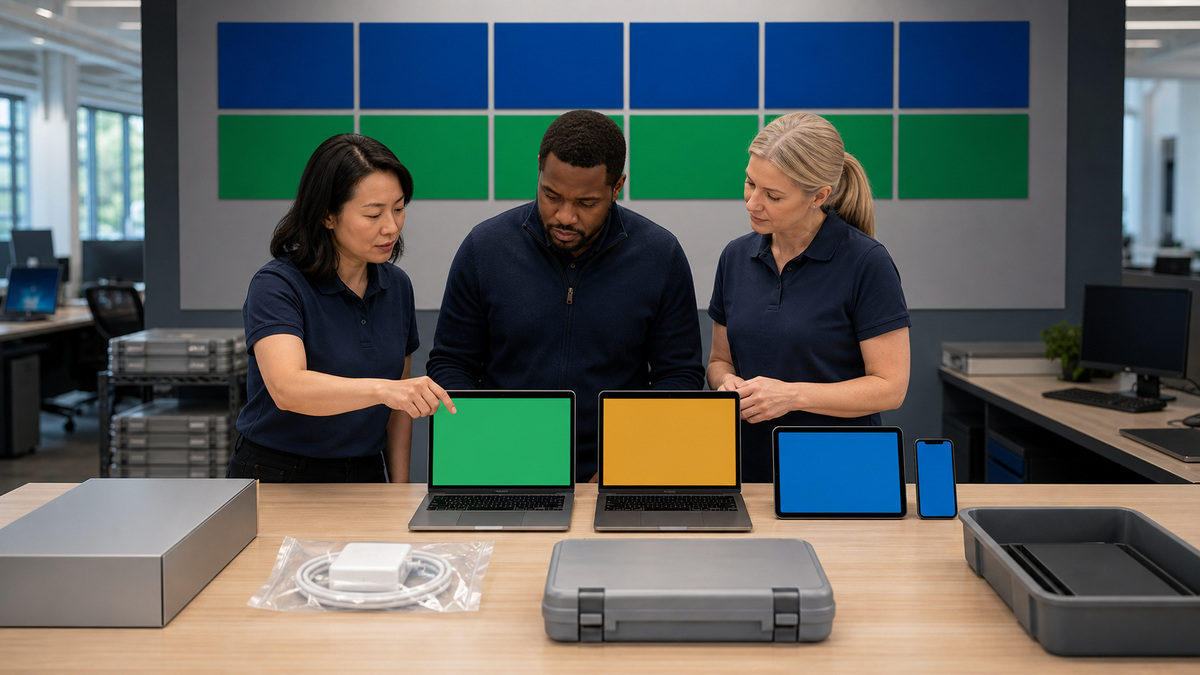
Create a representative pilot matrix before assigning a profile to production. Include Apple silicon Mac laptops and desktops used by the fleet, current iPhone and iPad classes, Wi-Fi-only and cellular paths where applicable, remote and office networks, existing and new users, accessibility needs, standard and elevated roles, and at least one device at the minimum supported operating-system version. Preserve a known recovery device and a way to reassign the pilot without disturbing the production population. Begin from an erased, activation-ready device. Verify that Apple Business shows the correct service assignment and that the device-management service has synchronized it. Observe activation, profile retrieval, Setup Assistant authentication, minimum-version enforcement, supervision, nonremovable management, user association, local account or identity creation, time, certificates, Wi-Fi or Ethernet, VPN, security controls, FileVault, personal recovery-key escrow where used, bootstrap-token escrow on Mac, required apps, updates, restrictions, inventory, and compliance reporting. Confirm the device cannot reach business data before required protections arrive. Reboot and repeat key checks because setup success does not prove persistent state. Test failure modes deliberately in a lab: expired or replaced service token, device left unassigned, wrong profile, APNs or management temporarily unreachable, identity unavailable, insufficient network access, certificate failure, low power, not enough storage for an enforced update, and a user who closes the lid or walks away. Document the visible symptom, safe wait or retry behavior, support decision tree, reassignment process, erase authority, escalation, and evidence. Avoid testing by exposing real credentials or weakening production controls. Handoff requires more than a Home Screen or desktop. Confirm asset tag, physical condition, correct model and accessories, charger, operating-system target, enrollment, encryption, key escrow, updates, required apps, backup or cloud-data policy, support contact, acceptable use, return requirements, and user acknowledgement. For shipped devices, use tracked custody, tamper-evident packaging where appropriate, identity-confirmed receipt, and a method that does not transmit passwords alongside hardware. Measure enrollment duration, manual touches, failures by stage, support cases, app readiness, policy compliance, and user interruptions. A pilot passes when the device is usable, recoverable, supportable, and securely represented in all systems,not merely because the automated path completed once.
- Pilot representative Mac, iPhone, iPad, network, user, operating-system, role, accessibility, and location combinations from an erased state.
- Verify assignment, activation, authentication, supervision, persistence, accounts, connectivity, certificates, FileVault, tokens, apps, updates, restrictions, inventory, and compliance.
- Reboot and test safe failure modes for portal assignment, service token, APNs, management, identity, network, certificates, power, storage, and interrupted setup.
- Require asset, hardware, accessory, custody, security, support, return, and user evidence at handoff.
- Track time, touches, failures, readiness, compliance, and cases to improve the profile without hiding exceptions.
Operate Reassignment, Repair, Return to Service, and Release
Review Apple Business and device-management exceptions on a scheduled cadence. Alert on unassigned devices, enrollment failures, profile mismatch, missing supervision, stale inventory, encryption or recovery-key failure, unsupported operating system, token or certificate expiry, duplicate serial, unauthorized release attempt, Activation Lock risk, and devices that remain assigned to departed users. Reconcile Apple Business roles, external services, token downloaders, reseller relationships, and Configurator stations at least quarterly and after personnel, identity, service, or purchasing changes. Offboarding begins with business data and ownership, not an immediate wipe. Confirm the exact device, user, legal or preservation requirements, backup and transfer, managed app and account removal, FileVault recovery, Activation Lock authority, accessories, physical return, and new assignment. Select lock, erase, Return to Service, manual rebuild, repair, sale, donation, recycling, or loss workflow from risk and supported capability. For eligible shared iPhone and iPad scenarios, Apple Return to Service can automate erase, activation, re-enrollment, and configuration, test the exact operating system and device-management implementation before depending on it. Mac turnover commonly relies on Erase All Content and Settings where supported, followed by Automated Device Enrollment and configuration. Verify the resulting enrollment and data state rather than assuming that a command acknowledgment proves completion. Repair has its own chain. Back up or securely erase according to policy, document condition and diagnostics, manage Find My or Activation Lock through authorized organizational procedures, preserve ownership and coverage evidence, package accessories only when requested, and track shipment or service custody. Apple warns not to release a device merely because it is going for repair, if a released device is replaced, the replacement may not remain available to the organization in Apple Business. Reconcile any replacement serial, warranty, Apple Business record, management assignment, and asset record before returning it to a user. Release is a controlled disposition step for devices the organization has sold, lost, cannot repair, or no longer owns or controls. Clear organizational Activation Lock while authority remains, preserve required records, erase and validate data disposition, remove management and licenses, update financial and physical inventory, and then release under an authorized role. Apple notes that Activation Lock cannot be managed through Apple Business after release. Confirm the released state and recipient responsibility. If a device is added back later with Apple Configurator or an authorized seller, treat it as a new intake and prove ownership again.
- Monitor unassigned, unenrolled, unsupervised, stale, unencrypted, unsupported, token-expiring, profile-mismatched, duplicate, Activation-Locked, or departed-user devices.
- Offboard with legal hold, backup, data transfer, account and app removal, key recovery, custody, accessories, and destination before erasure.
- Test eligible Return to Service and Mac Erase All Content and Settings flows end to end.
- Keep repair devices registered to the organization and reconcile any replacement serial before redeployment.
- Clear Activation Lock, data, management, licenses, inventory, and ownership evidence before authorized final release, because release removes important organizational control.
Official product documentation and ALLMSP resources
- Apple: Automated Device Enrollment and device management
- Apple: Deploy devices with Apple School Manager or Apple Business
- Apple Business Manager: Link an external device management service
- Apple Business: Add devices using Apple Configurator
- Apple Business: Release devices
- ALLMSP Apple Hardware Support
- ALLMSP Hardware Support
- ALLMSP IT Consulting
- ALLMSP Managed IT Services
- ALLMSP Cybersecurity Services
- Contact ALLMSP
Frequently Asked Questions
What is Apple Automated Device Enrollment for?
It is the organization-owned enrollment model for automatic management during activation. It enables supervision, broader controls, streamlined Setup Assistant, and an option to prevent users from removing management.
Does zero-touch Apple deployment eliminate IT planning?
No. Purchasing, Apple Business registration, service assignment, profiles, tokens, networks, identity, apps, encryption, support, testing, repair, and release still need owners and evidence.
How often does an Apple Business device-management token expire?
Apple states that an external device-management-service token expires after one year. Renew it early, install it promptly, and verify synchronization before the prior token expires.
When else should the Apple Business token be replaced?
Replace it when the service public key changes, when the downloader changes their Managed Apple Account password, or when that person leaves, following the service developer’s procedure.
Can Apple Configurator add devices missing from Apple Business?
Supported Apple devices can be added through current Configurator workflows. They still need explicit service assignment, inventory refresh, enrollment testing, and ownership validation.
Should every Apple Setup Assistant pane be skipped?
Not automatically. A skipped pane uses default behavior and may remain configurable later. Show or skip each pane based on privacy, security, identity, support, and user-experience requirements.
What does supervision mean for an Apple device?
Supervision indicates an organization-owned control model and unlocks additional management capabilities. Automated Device Enrollment supervises supported devices as part of enrollment.
Why hold an Apple device in Setup Assistant?
Holding setup can let critical profiles and apps arrive before the user proceeds, but it requires reliable activation, network, APNs, management, identity, certificate, DNS, and time dependencies.
Should a device be released from Apple Business before repair?
No. Apple specifically warns against releasing a device merely for repair because a replacement for a released unit might not remain available to the organization in Apple Business.
How can ALLMSP improve Apple Automated Device Enrollment?
ALLMSP can reconcile ownership, design profiles, govern tokens and roles, validate networks and identity, pilot first boot, document recovery, monitor exceptions, and coordinate reassignment, repair, and release.


