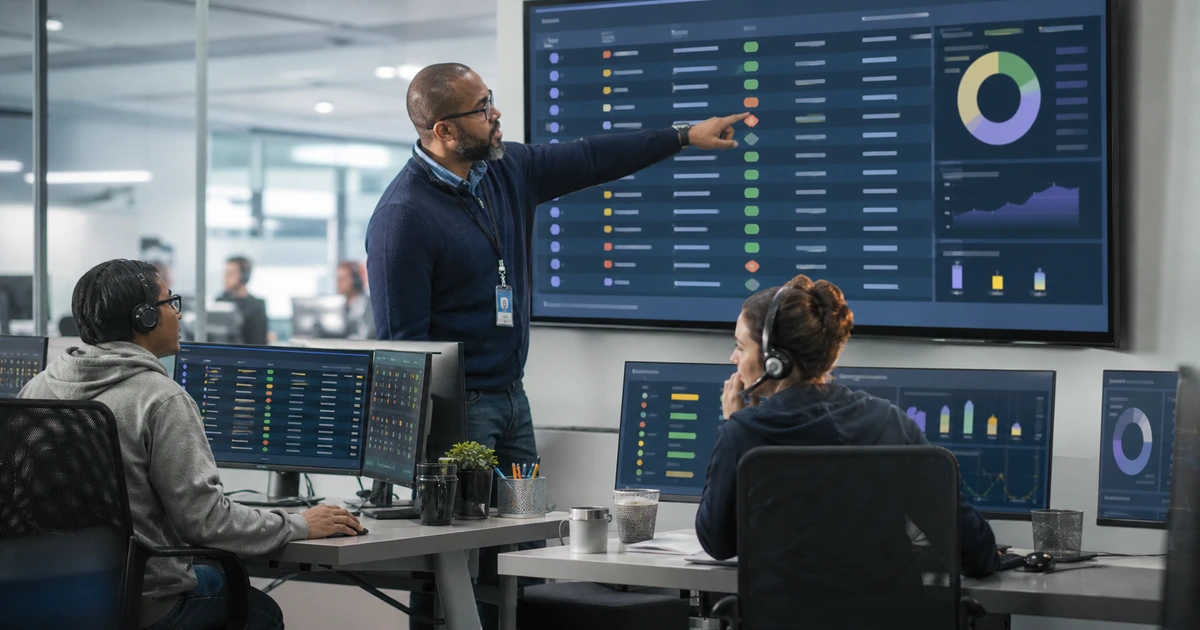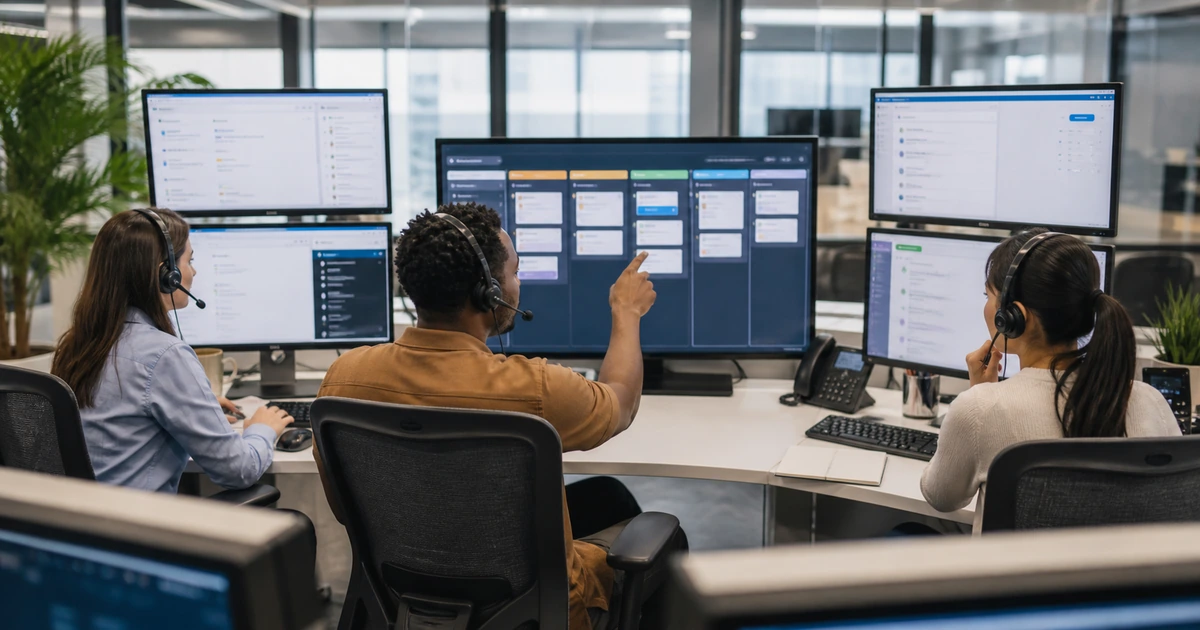
A help desk dashboard is only as trustworthy as the ticket records beneath it. If employees bypass intake, categories mean different things to different technicians, priorities are based on emotion, waiting time is hidden, and tickets close without a verified outcome, polished charts can still mislead management. Reporting design therefore begins with the operating workflow, required fields, status definitions, and ownership rules.
Useful reporting should show what employees need, how demand changes, which business services are affected, whether urgent work receives timely attention, where tickets wait, what restores service, and which failures return. It should distinguish incidents from service requests, one outage from dozens of duplicate contacts, first response from meaningful progress, technical resolution from employee acceptance, and activity from an improved business outcome.
ALLMSP builds and operates help desk reporting in house for organizations in Lawrenceville, Suwanee, Gwinnett County, Metro Atlanta, and across Georgia. We can configure intake, service catalogs, categories, priorities, queues, service targets, automation, dashboards, and management reviews around the customer’s actual users, devices, applications, locations, and operating hours.
Create ticket data that accurately describes support demand and results
- Control intake: Provide clear portal, email, phone, monitoring, project, and emergency paths with identity verification and required context.
- Define categories: Use a small service-based hierarchy that employees and technicians can apply consistently without guessing.
- Set priority: Combine business impact and urgency rather than treating the loudest request as the highest priority.
- Track ownership: Record queue, assignee, service owner, vendor owner, status, handoffs, waits, escalations, and next action.
- Measure clocks: Define business calendars, start and stop events, pauses, reopen behavior, response, progress, and resolution targets.
- Prove outcomes: Capture resolution, root cause where known, affected asset or service, validation, user acceptance, and follow-up.
Design intake and classification around services employees understand
List every supported intake channel and decide how each creates an accountable record. A portal can collect structured fields, email can handle convenient ordinary requests, phone can support urgent or blocked users, monitoring can generate technical events, and project systems can track planned work. Define which situations require immediate calling, which data should never appear in a ticket, how the support team verifies identity before sensitive actions, and how duplicate reports are joined to a known incident without losing the affected-user count.
Build a service catalog in business language. Categories might include identity and sign-in, email and collaboration, computers and devices, printing and scanning, network and internet, phones and meetings, files and permissions, business applications, security concerns, purchasing, onboarding, offboarding, and access requests. Add a second level only when it leads to a different owner, procedure, service target, or management decision. Avoid hundreds of overlapping choices that force technicians to select Other for ordinary work.
Separate the employee’s request type from the final technical cause. A user may report a slow application, while the cause is wireless interference, storage failure, identity delay, a vendor outage, or a bad software release. Preserve the reported service and symptom, then add affected configuration item, cause category, resolution code, and known problem after investigation. This lets managers understand both the experience that created demand and the technical systems generating it.
- Required intake: Capture requester, contact, location, affected service, device, symptom, start time, impact, urgency, and safe evidence.
- Service hierarchy: Use stable employee-facing categories that map to ownership, workflows, knowledge, targets, and reporting.
- Issue type: Distinguish incident, service request, access request, security concern, alert, problem, change, project, and question.
- Duplicate handling: Link related contacts to one incident while retaining each affected employee, site, device, and communication need.
- Cause data: Record component, root cause when established, resolution method, workaround, vendor, change, and known problem.
Classification works when employees can choose the right service, technicians can refine the cause, and management can use both views without manually recoding the data.
Define priority, ticket states, ownership, and service clocks precisely
Create an impact and urgency matrix. Impact considers the number and importance of affected people, sites, services, customers, transactions, deadlines, security, safety, and available workaround. Urgency considers how quickly harm grows or a required deadline arrives. Use the combination to assign priority, then document when technicians may raise or lower it. A company-wide email outage and one user’s routine software request should not compete under a label chosen only by the requester.
Define every status and transition. New means received but not yet accepted. Assigned means an accountable queue or person owns the next action. In progress means active work is occurring. Waiting for customer, vendor, scheduled change, approval, delivery, or another team should be separate when those waits need different management. Resolved means the technical work is complete and validation is pending or satisfied. Closed means the record meets the organization’s closure rule. Document what happens to clocks during each state and how reopening changes reporting.
Name the exact events behind each measure. First response may require a human acknowledgment that includes ownership and next step, not an automated receipt. Resolution time may run from creation to a verified restoration while pausing only for approved states. Atlassian documents that its time-to-resolution chart averages resolved work items for each day, illustrating why managers must understand platform calculation before interpreting a graph. Maintain business calendars, holidays, after-hours rules, priority targets, breach behavior, and excluded work in a reporting dictionary.
- Impact: Assess users, locations, service criticality, customers, revenue, deadlines, security, safety, and workaround.
- Urgency: Evaluate time sensitivity, growing harm, legal or contractual deadlines, and the safe duration of any workaround.
- Ticket state: Define entry, exit, owner, next action, communication, clock behavior, and evidence for every status.
- Service clock: Document calendar, start, pause, resume, stop, breach, reopen, merge, and cancel rules for each measure.
- Accountability: Keep one current owner while recording resolver groups, vendors, approvals, handoffs, and service ownership.
A service target becomes actionable only when everyone understands which work it covers, when its clock runs, who owns it, and what event proves completion.
Capture resolution evidence and build dashboards for specific decisions
Require a concise resolution record. State what failed or was requested, what evidence was reviewed, what action was taken, what configuration changed, what result was tested, who confirmed the outcome, whether a workaround remains, and what follow-up is needed. Link the ticket to the affected user, asset, application, location, knowledge article, problem, change, alert, or vendor case where the service platform supports it. Do not close a record with vague text such as fixed, done, or user good.
Build different dashboards for different audiences. Technicians need current queue, aging, priority, approaching targets, blocked work, reopened tickets, and assigned next actions. Service leads need demand, backlog, flow, breaches, repeat issues, handoffs, escalations, customer confirmation, and staffing patterns. Business leaders need service availability, major business impact, trend, recurring causes, risk, planned improvement, and whether support capacity matches operations. Limit personal performance rankings that reward quick closures while encouraging shallow troubleshooting or ticket splitting.
Validate reports before using them for decisions. Reconcile source records, manually calculate a sample, test time zones and business calendars, inspect reopened and merged tickets, check missing categories, compare dashboard filters, and document refresh timing. Atlassian’s custom-report documentation includes created-versus-resolved, time to resolution, SLA results, incidents, requests, problems, and changes. Those examples are useful only when local definitions and data quality are clear.
- Resolution evidence: Record symptom, cause if known, action, configuration, validation, user confirmation, workaround, and follow-up.
- Operations dashboard: Show active queues, priority, age, target risk, waits, escalations, reopenings, ownership, and next actions.
- Service review: Analyze demand, flow, backlog, breaches, recurring causes, knowledge opportunities, staffing, and improvement work.
- Leadership view: Summarize business impact, availability, material trends, unresolved risk, capacity, and verified corrective actions.
- Report validation: Sample source tickets, recalculate metrics, test filters and calendars, reconcile totals, and document refresh behavior.
A trustworthy dashboard lets its audience move from a visible condition to a specific operational decision and then verify whether that decision helped.
Help desk reporting design and operation from ALLMSP
ALLMSP can configure request channels, service catalogs, ticket fields, categories, impact and urgency rules, priorities, queues, statuses, service targets, automations, resolution codes, dashboards, and management reviews through its in-house team. We can also operate the support desk that creates the underlying records and uses the findings to improve devices, applications, access, networks, and employee guidance.
Organizations in Lawrenceville, Suwanee, Gwinnett County, Metro Atlanta, and across Georgia can receive reporting tailored to their business hours, locations, services, users, security requirements, and leadership decisions rather than a generic collection of platform charts.
- Define: Standardize intake, service categories, issue types, priority, states, ownership, clocks, and completion evidence.
- Build: Configure queues, automation, validation, dashboards, alerts, documentation, and audience-specific reporting.
- Improve: Use demand, flow, outcomes, recurrence, business impact, and data quality to guide operational changes.
Official service reporting and incident-management references
Platform reports use product-specific definitions. Document local workflow and calculations before comparing results or using them for staffing, service targets, and performance decisions.
- Atlassian Jira Service Management custom reports. Describes built-in report types for demand, resolution, service targets, incidents, requests, problems, and changes.
- Atlassian time-to-resolution calculation. Explains how daily average resolution data points are calculated in Jira Service Management Cloud.
- Atlassian service-level display settings. Documents time-left and time-to-response or resolution presentation in queues and work items.
- NIST SP 800-61 Revision 3. Provides current recommendations for integrating cybersecurity incident response into risk management.
- Microsoft Power BI data alerts. Explains supported dashboard alert behavior and the role of refreshed data in threshold notifications.
Help desk reporting setup FAQs
What fields are essential for help desk reporting?
Capture requester, location, service, issue type, symptom, impact, urgency, priority, owner, status, affected asset, timestamps, waits, escalation, resolution, validation, confirmation, and related problem or change.
How many help desk categories should a business use?
Use the smallest service-based set that employees and technicians can apply consistently. Add detail only when it changes ownership, workflow, target, knowledge, automation, or a management decision.
What is the difference between an incident and a service request?
An incident concerns an interruption or reduction in service. A service request asks for a standard item, access, information, setup, or approved action. The workflows and targets may differ.
How should help desk priority be assigned?
Combine business impact and urgency using a documented matrix. Consider affected users, sites, services, customers, deadlines, security, safety, workarounds, and how quickly harm increases.
What should count as a first response?
Define it explicitly. A useful first response usually shows that a human accepted ownership, understood the request, and provided a meaningful next step rather than only sending an automated receipt.
Should service-level clocks pause while waiting for a user?
They may pause if the documented service definition allows it, but waiting states should remain visible and managed. Report total elapsed experience separately when it matters to the business.
When is a help desk ticket resolved?
Resolution should require a documented action and validation that the requested service or affected workflow works. Closure may follow user acceptance, a defined waiting period, or another approved rule.
Why are average resolution times sometimes misleading?
Averages can hide a small number of very old tickets, priority differences, business-hours rules, waits, reopenings, and changing volume. Review medians, percentiles, distributions, and aged records as well.
Can ALLMSP build and operate help desk reporting in house?
Yes. ALLMSP can configure the service platform, define records and metrics, build dashboards, operate support, verify data, and lead recurring service reviews through its in-house team.
Where does ALLMSP provide help desk reporting services?
ALLMSP supports organizations in Lawrenceville, Suwanee, Gwinnett County, Metro Atlanta, and across Georgia with remote administration and onsite support when needed.