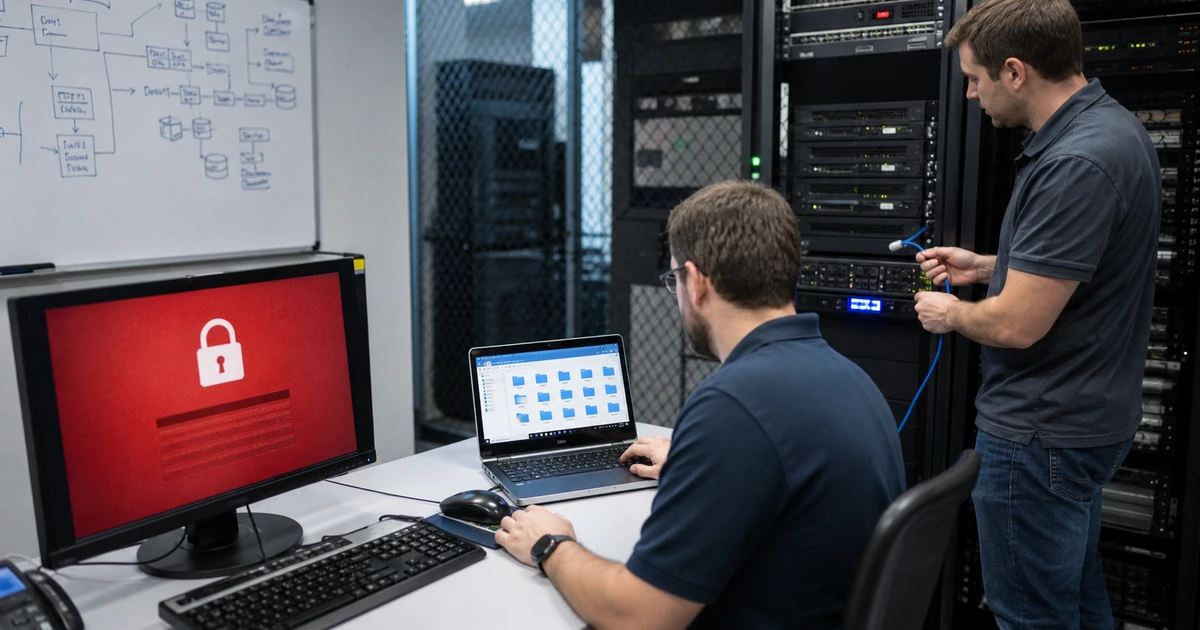
Ransomware readiness is determined before the ransom note appears. Attackers often begin with stolen credentials, phishing, exposed remote access, unpatched systems, or a compromised vendor tool, then spend time expanding privilege, learning the network, stealing data, and weakening recovery. A prevention review should therefore find the conditions that let an intrusion become a business-wide outage.
The most consequential gaps are rarely one missing product. They are unmanaged assets, permanent administrator rights, weak remote access, incomplete endpoint coverage, flat network paths, unmonitored identity changes, online backups reachable by production accounts, and an incident plan that has never been exercised. Correcting them requires technical work plus decisions about critical operations and acceptable interruption.
ALLMSP can assess and remediate ransomware exposure in house for Lawrenceville, Suwanee, Gwinnett County, Metro Atlanta, and Georgia organizations. We connect identity, endpoint, network, cloud, backup, help desk, and business-continuity work under one accountable team.
Close the paths that turn one compromised account or device into a major outage
- Reduce entry: Protect email, remote access, public services, vendors, administrators, and high-impact accounts.
- Limit privilege: Remove unnecessary administration, shared credentials, stale access, and uncontrolled service identities.
- See endpoints: Reconcile assets with current protection, policy, telemetry, patching, isolation, and tamper resistance.
- Constrain movement: Segment critical systems, restrict management protocols, harden identity infrastructure, and monitor lateral activity.
- Protect recovery: Use separate credentials, deletion resistance, offline or isolated copies, clean rebuild material, and restore testing.
- Prepare decisions: Name containment authority, communication, legal and insurance contacts, restoration order, and closure criteria.
Fix exposed access, privileged identities, and unmanaged assets
Inventory internet-facing systems, VPNs, remote desktop, remote support tools, firewalls, cloud consoles, email, identity providers, vendor access, and web applications. Compare vulnerability and configuration evidence with business ownership. Remove unused exposure, patch known weaknesses, require strong authentication, restrict source and device conditions where possible, and monitor failed and successful access. Every externally reachable service should have a named owner and an approved reason to exist.
Review directory administrators, local administrators, service accounts, backup administrators, application owners, network credentials, and emergency access. Replace shared privileged identities with named accounts, separate routine work from administration, rotate exposed secrets, and limit standing privilege. Reconcile the asset inventory with endpoint and vulnerability consoles so missing agents, stale devices, unsupported operating systems, and unmanaged virtual machines cannot disappear between tools.
- External services: Record owner, purpose, software, patch state, authentication, source restrictions, logs, and retirement plan.
- Remote access: Close unused RDP and VPN paths, require strong MFA, control devices, and monitor sign-ins.
- Privileged access: Use named administration, least privilege, protected credentials, approval, monitoring, and timely removal.
- Asset coverage: Match directory, network, virtualization, cloud, endpoint, vulnerability, and support inventories.
- Unsupported systems: Isolate, restrict, monitor, replace, or formally accept risk with an owner and date.
Ransomware has less room to expand when entry points are deliberate, privileged access is scarce, and every active asset is visible to protection and support.
Limit lateral movement and make destructive behavior observable
Identify the systems that provide identity, virtualization, management, software deployment, file storage, databases, backups, and remote control. Restrict which users, devices, and networks can administer them. Segment server, user, guest, operational technology, camera, point-of-sale, and management traffic according to business needs. Disable obsolete protocols, harden file sharing, restrict script and application execution, and protect security tools from casual tampering.
Centralize identity, endpoint, firewall, server, cloud, backup, and critical-application logs with useful retention and synchronized time. Alert on mass file changes, security-tool interference, unusual privilege grants, new administrator accounts, remote execution, backup deletion, suspicious PowerShell or scripting, abnormal data transfer, and activity from unusual devices or locations. Route alerts to someone authorized to isolate endpoints, disable identities, block network paths, and preserve evidence.
- Management plane: Restrict access to directory, virtualization, endpoint, backup, network, and cloud administration.
- Segmentation: Separate systems whose compromise should not provide direct reach to critical operations or recovery.
- Execution control: Limit macros, scripts, remote tools, unsigned applications, and administrative utilities by role.
- Detection: Correlate identity, process, network, file, privilege, data, and backup events.
- Response authority: Preauthorize containment actions and define when business leaders must be consulted.
A strong control limits an attacker’s reach and also gives responders enough evidence and authority to act before encryption spreads.
Separate recovery from production and rehearse the first critical hours
Map critical business services to applications, identities, infrastructure, data, keys, vendors, licenses, and people. Protect backups with separate administration, minimum access, deletion resistance or immutability where suitable, encryption, monitoring, and copies that are not continuously reachable from production. Retain known-good configurations, installers, infrastructure definitions, and recovery documentation. A successful backup job is not evidence that a complete service can be restored safely.
Run a ransomware tabletop and technical restore exercise. Practice who declares the incident, isolates devices or networks, disables accounts, preserves volatile evidence, contacts leadership, cyber insurance, counsel, law enforcement, customers, and regulators when applicable, and decides restoration order. Restore representative systems into a clean environment, validate identity and application dependencies, scan for persistence, reconcile transactions, and obtain business-owner acceptance before reconnecting production.
- Recovery map: Link each critical service to data, infrastructure, identity, network, keys, vendors, owners, and target times.
- Backup isolation: Use independent credentials, restricted management, protected copies, alerts, and tested retention.
- Clean rebuild: Maintain trusted images, configurations, software, licenses, keys, and infrastructure definitions.
- Tabletop: Exercise technical, executive, legal, insurance, communication, and business-continuity decisions.
- Restore proof: Validate clean systems, correct data, permissions, integrations, transactions, performance, and user work.
Recovery is credible when the organization can make early decisions and restore a usable business service without trusting the compromised environment.
Ransomware readiness and remediation from ALLMSP
ALLMSP can identify exposed services, reconcile assets, strengthen privileged access, deploy and tune endpoint protection, segment networks, centralize monitoring, harden backups, and build incident and recovery procedures. We prioritize findings by attack path and business consequence, then complete the approved technical changes.
Our in-house team can also support exercises, containment, clean rebuilds, identity recovery, user communication, and ongoing managed protection. Businesses around Lawrenceville, Suwanee, and Metro Atlanta receive local coordination with remote coverage across Georgia.
- Assess: Trace entry, privilege, movement, destruction, exfiltration, detection, and recovery paths.
- Remediate: Correct access, assets, endpoints, segmentation, monitoring, backups, and response readiness.
- Exercise: Test containment, communication, clean restoration, business acceptance, and follow-up.
Primary ransomware prevention and response guidance
Use current government guidance to structure preparation and response, then adapt controls and restoration priorities to the organization’s real systems and business services.
- CISA StopRansomware Guide. Provides prevention practices and a response checklist covering common access paths, backups, MFA, patching, containment, evidence, communication, and recovery.
- NIST Ransomware Risk Management Profile. Maps ransomware risk outcomes to the Cybersecurity Framework and supports decisions across governance, protection, detection, response, and recovery.
- NIST SP 800-61 Rev. 3. Integrates incident response preparation, detection, response, recovery, and improvement with broader cybersecurity risk management.
- Microsoft ransomware incident response approach. Describes evidence-driven investigation, scope, containment, identity recovery, clean restoration, and response priorities for human-operated ransomware.
Ransomware readiness gap FAQs
What are the first ransomware gaps to investigate?
Start with exposed remote access, privileged identities, missing endpoint coverage, known vulnerabilities, unmanaged assets, weak segmentation, reachable backups, and untested incident authority.
Why is MFA important but not sufficient?
MFA reduces credential abuse, but ransomware can also exploit vulnerabilities, compromised endpoints, stolen sessions, service accounts, weak recovery, and excessive privilege.
Should internet-facing RDP remain available?
Avoid direct exposure. Use a controlled remote-access architecture, strong authentication, managed devices, source restrictions, logging, patching, and explicit ownership.
How can a company find missing endpoint agents?
Reconcile endpoint-console records with directory, network, asset, purchasing, virtualization, cloud, and support inventories, then investigate every unexplained difference.
Why separate backup administration?
Attackers with production or domain privileges often try to delete or encrypt recovery data. Independent identities and management paths reduce that shared failure.
Does immutable storage guarantee recovery?
No. It can help resist deletion or change, but retention, configuration, identity, encryption keys, application dependencies, clean systems, capacity, and restore testing still matter.
What should a ransomware tabletop cover?
Cover detection, isolation, authority, evidence, insurance and legal contacts, communication, critical-service priorities, clean rebuild, data restoration, reconnection, and business acceptance.
How often should restoration be tested?
Set frequency from business impact and change rate, then test after major platform, identity, application, backup, network, or staffing changes as well.
Can ALLMSP correct the findings it identifies?
Yes. ALLMSP can implement identity, endpoint, network, monitoring, backup, response, rebuild, testing, and documentation improvements with its in-house team.
Where does ALLMSP provide ransomware services?
ALLMSP supports Lawrenceville, Suwanee, Gwinnett County, Metro Atlanta, and organizations throughout Georgia with local and remote capabilities.