





























































































































































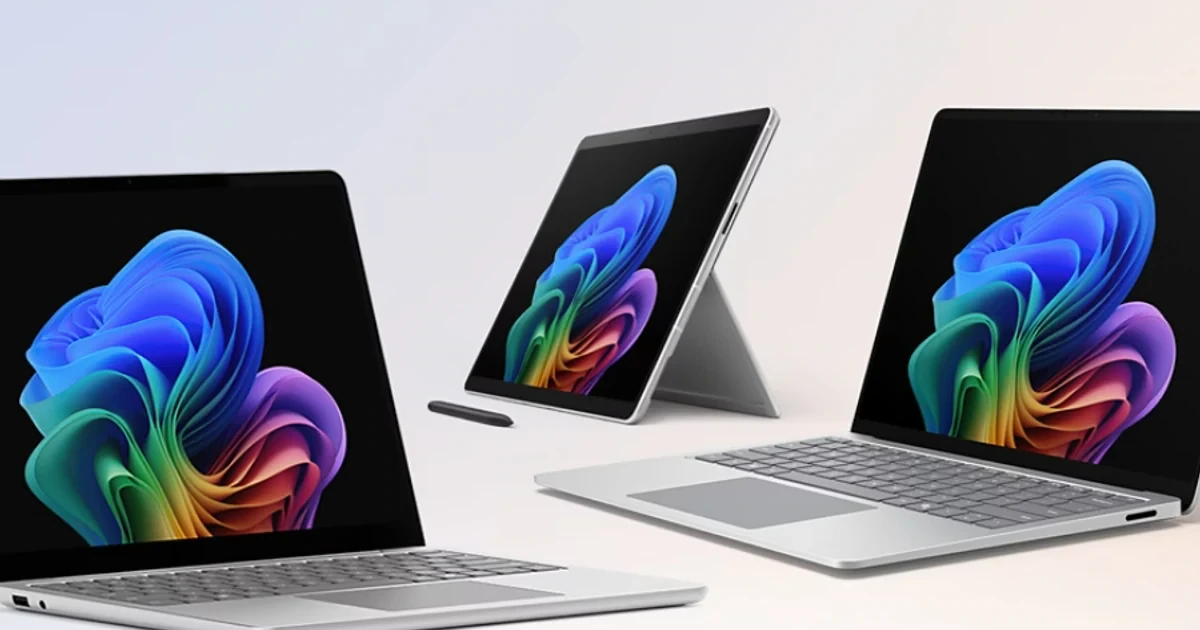
A Surface purchase becomes a dependable business endpoint only when the device, accessories, cloud enrollment, applications, network, and support process have been designed together. Buying the same attractive laptop for every employee can still produce an uneven fleet if a mobile estimator needs pen input, an analyst needs two external displays, and a field supervisor depends on an x64-only driver or peripheral.
Microsoft’s current Surface for Business documentation separates deployment, management, security, and troubleshooting guidance, while the current comparison tool lets buyers evaluate device specifications side by side. That combination is useful: the commercial decision should begin with measurable job requirements and finish with a recorded bill of materials, rather than relying on a model name that may span different processors, memory levels, storage capacities, or generations.
Windows Autopilot can reduce manual imaging by taking a registered device through organization-controlled setup when the user connects to a network and authenticates. It does not remove planning. A successful Georgia rollout still needs accurate tenant registration, group assignment, an Intune baseline, reliable application packaging, realistic network tests, a representative pilot, and a support handoff that covers the entire workday.
Key decisions at a glance
- Start with role, application, mobility, pen, display, port, and performance requirements before deciding whether a Surface Pro, Surface Laptop, or another Surface form factor belongs in the standard.
- Treat processor architecture, dock and peripheral compatibility, memory, storage, warranty, and the exact Surface System SKU as procurement controls rather than details to resolve after purchase.
- Confirm Windows Autopilot registration, tenant ownership, Microsoft Entra join, Intune enrollment, deployment profile, Enrollment Status Page, applications, and certificates as one end-to-end path.
- Pilot the real user journey on every approved model and role, including office and remote networks, sleep and resume, camera and audio, external displays, printers, VPN, and line-of-business software.
- Close the rollout with an asset record, acceptance checklist, support owner, warranty view, loaner plan, and replacement date so the device stays manageable after the welcome call.
Translate Each Job Into a Surface Device and Accessory Standard

Interview role owners about the work that happens away from a desk, not only the applications listed on a purchasing request. Record sustained processor and memory demand, local storage, screen size, keyboard time, pen or touch use, camera and microphone needs, cellular or Wi-Fi conditions, expected battery window, travel weight, and the number and resolution of external displays used at a normal workstation.
Processor architecture deserves a separate compatibility gate. Microsoft’s current guidance covers deployment and servicing for Arm-based Surface devices, but a business should still prove its own desktop applications, browser extensions, add-ins, VPN client, endpoint agents, printer packages, scanners, specialty USB devices, and other drivers on the intended architecture. An application launching once is weaker evidence than a user completing a normal transaction and printing or exporting the result.
Turn the findings into approved configurations instead of an open catalog. Each standard should identify the Surface model and System SKU, processor architecture, memory, storage, keyboard or Type Cover, pen, dock, power supply, monitor arrangement, headset, protection plan, supported Windows edition, target replacement window, and the roles allowed to order it. That record prevents an otherwise similar-looking device from entering the fleet with the wrong ports, capacity, or support coverage.
- Build a role-to-workload matrix that distinguishes desk-heavy, mobile, field, executive, creative, and shared-device use.
- Run the actual business task on the proposed processor architecture, including every driver-dependent peripheral and add-in.
- Test the complete dock, cable, charger, monitor, headset, keyboard, pen, case, and travel-power combination before approving the bundle.
- Record one purchase-ready bill of materials per approved role, including warranty or protection coverage and an alternate model.
Control Autopilot Registration and the Tenant Build
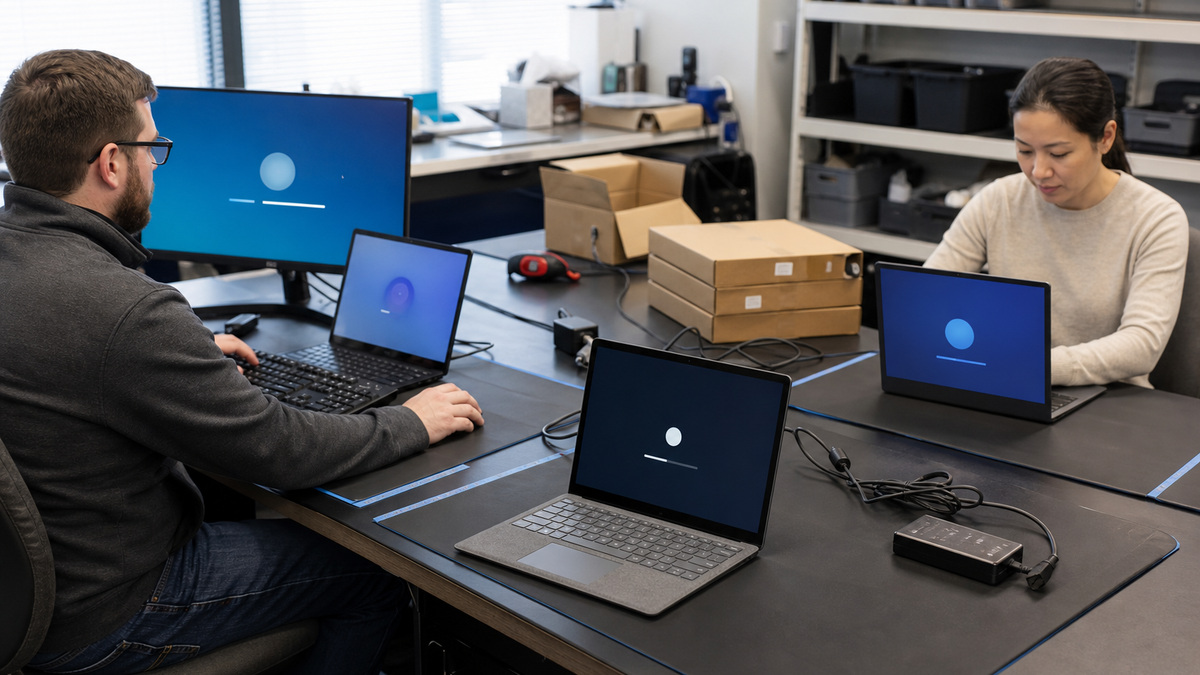
Decide who registers each Surface in Windows Autopilot before the purchase order is released. Microsoft documents partner registration, customer self-registration, and support-assisted Surface scenarios. Support-assisted requests can require proof of ownership and device serial information, while every route ultimately needs the device associated with the correct organization and assigned an appropriate deployment profile.
Build the tenant sequence on paper before opening cartons. The chain normally includes the Microsoft Entra join choice, automatic mobile-device-management enrollment, device naming, dynamic or assigned group membership, Autopilot profile, Enrollment Status Page behavior, compliance and configuration policies, security controls, certificates, Wi-Fi or VPN access, Microsoft 365 Apps, line-of-business packages, and any role-specific software. Name the team that owns each stage and the evidence that shows it completed.
Network and identity conditions can determine whether a technically correct configuration feels broken. Test a new device on the office network and on a realistic remote connection, account for proxy or inspection rules, and observe multifactor or Conditional Access prompts during setup. If an application package needs a restart, an interactive installer, or access that is unavailable during enrollment, decide whether it blocks the user or belongs in a later deployment phase.
- Reconcile the purchase record, external serial, System SKU, tenant, Autopilot record, assigned user, and deployment profile before handoff.
- Use a dedicated pilot group so production policy changes do not accidentally reach every Windows endpoint.
- Define which required applications must finish during the Enrollment Status Page and which can arrive after the desktop is available.
- Test first sign-in with a standard user, the intended authentication methods, and the same network path the employee will use.
Prove the Entire Experience With a Representative Pilot
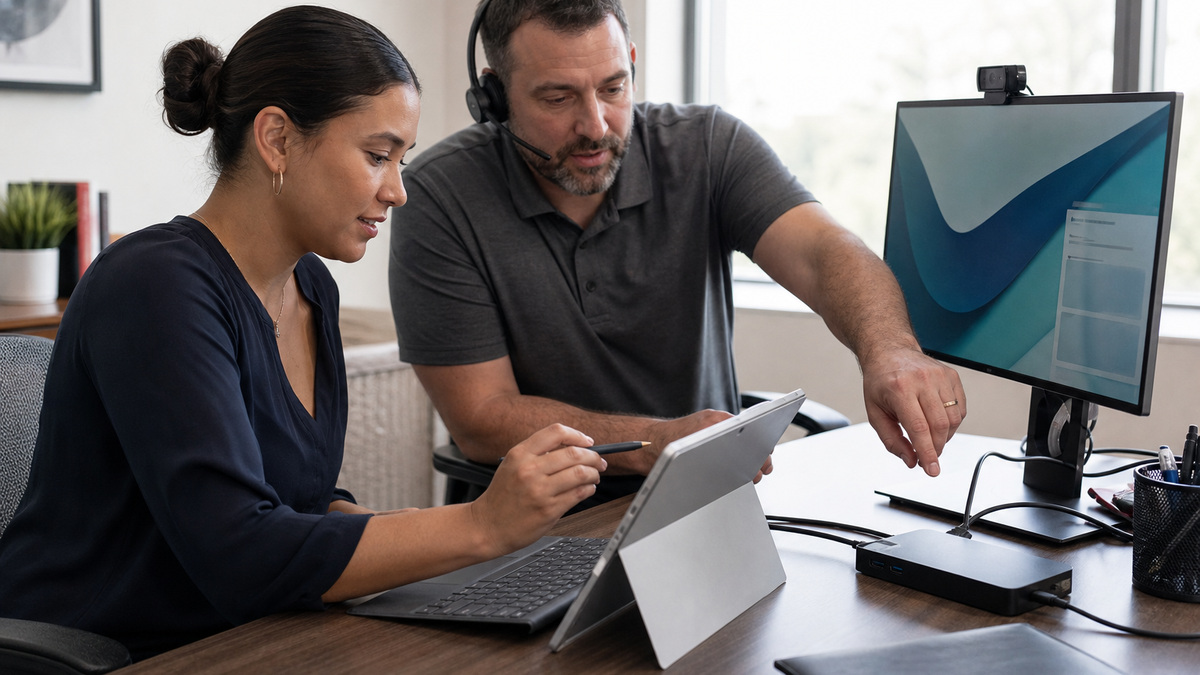
Select pilot participants for variation, not convenience. Include at least one person for every approved model, processor architecture, major role bundle, important office, and remote-work pattern. Give the pilot a controlled change window and a direct way to report a blocker, then measure elapsed setup time and the point at which the user can complete the first productive business task.
Verify more than enrollment. Check Windows activation, Intune inventory, compliance, encryption state, current Surface drivers and firmware, approved applications, browser and identity experience, file synchronization, printer access, VPN, camera, microphone, speakers, headset, touch, pen, dock, external monitors, sleep and resume, charging, and any specialized peripheral. Capture the exact model, accessory, policy, and network involved when a test fails.
Use pilot failures to correct the standard rather than teaching each participant a workaround. A driver issue may require a different device ring, a display problem may belong to the dock, cable, monitor firmware, or chosen port, an enrollment delay may trace to an application dependency or network endpoint. Retest the corrected path from reset or factory state so a cached success does not hide the original defect.
- Define pass criteria for enrollment, security, applications, peripherals, collaboration, recovery, and the user’s primary workflow.
- Log every test against model, architecture, accessory revision, Windows build, Surface firmware, policy set, and network location.
- Separate device defects from configuration, application, identity, network, dock, cable, monitor, and training issues.
- Require a second clean deployment after material changes before procurement or assignment expands to the next group.
Create the Handoff, Support, and Replacement Record
A user handoff should be short enough to complete and specific enough to catch a bad deployment. Confirm the asset assignment, sign-in and recovery methods, expected applications, OneDrive or approved data location, dock and display behavior, camera and audio, touch or pen, charging, remote connection, printer path, and the exact way to reach support. Photograph or record the accessory bundle when loss or return disputes are likely.
The Surface Management Portal in the Microsoft Intune admin center can surface enrolled-device details, warranty or protection coverage, compliance and encryption insights, and support or service activity when licensing and enrollment prerequisites are met. Use those signals with purchasing records to identify coverage gaps, upcoming expirations, and models that should move into a replacement budget before support becomes an emergency.
ALLMSP can turn the plan into a repeatable local service for Lawrenceville, Suwanee, Gwinnett County, Metro Atlanta, and organizations across Georgia. The practical deliverable is not a pile of configured computers, it is a maintained Surface standard, Autopilot and Intune build, test evidence, user handoff, support queue, loaner method, warranty record, and lifecycle schedule that another technician can follow.
- Give the employee one concise acceptance checklist and a named support route before the old device is reclaimed.
- Store the asset, user, accessories, warranty, Autopilot registration, management record, and replacement target together.
- Review failed deployments and recurring dock, driver, battery, camera, or application tickets by exact model and bundle.
- Revalidate standards when a new Surface generation, processor architecture, accessory, Windows release, or business application enters scope.
Official product documentation and ALLMSP resources
- Microsoft: Surface for Business IT documentation
- Microsoft: Compare Surface for Business devices
- Microsoft: Surface Autopilot Cookbook for Cloud Solution Providers
- Microsoft: Surface registration support for Windows Autopilot
- Microsoft: Deploy, manage, and service Arm-based Surface devices
- Microsoft: Surface Management Portal overview
- ALLMSP Hardware Support
- ALLMSP Managed IT Services
- ALLMSP Cloud Computing and Migrations
- ALLMSP Microsoft Surface Support
- Contact ALLMSP
Frequently Asked Questions
Should a business choose Surface Pro or Surface Laptop for everyone?
No. Surface Pro is useful where touch, pen, tablet posture, or low travel weight matters, while Surface Laptop can fit keyboard-intensive work. Match the exact model, processor architecture, memory, storage, display, ports, and accessory bundle to each role instead of standardizing on appearance alone.
Does Windows Autopilot mean a Surface can be shipped directly to an employee?
It can support direct delivery when the device is registered to the correct tenant and the organization’s Entra, Intune, network, application, and security configuration has been proven. Test the complete out-of-box experience with a standard user before treating direct shipment as routine.
How can Microsoft Surface devices be registered for Windows Autopilot?
Microsoft documents registration through eligible partners, customer self-registration, and Surface support-assisted scenarios. The required data varies by route, so confirm the tenant, proof of ownership, serial or hardware-hash requirements, device assignment, and deregistration responsibility before ordering.
Can Arm-based Surface devices run existing business software?
Many Windows applications work on Arm, but the safe decision is a workload test. Validate every critical application, add-in, VPN or security agent, printer package, scanner, and other driver-dependent peripheral on the intended Surface model and Windows build before approval.
What should be tested with a Surface dock?
Test the exact dock, power supply, cables, monitors, resolutions, refresh rates, USB devices, network connection, audio devices, camera, charging behavior, sleep, resume, and hot-desk sequence. Record accessory revisions so a later ticket can be matched to the tested bundle.
When might image-based Surface deployment still be considered?
Microsoft documents the Surface Deployment Accelerator for supported image-based scenarios, while Autopilot is the modern cloud-provisioning path. Choose only after documenting requirements, supported devices, maintenance effort, and why factory-state Autopilot provisioning does not satisfy the use case.
How large should a Surface rollout pilot be?
Size matters less than coverage. Include every approved model, processor architecture, major application bundle, office or remote network pattern, dock setup, and business-critical role. Keep the group small enough to diagnose failures, then repeat a clean deployment after corrections.
What belongs in a Surface user acceptance check?
Verify sign-in and recovery, management enrollment, encryption, required apps, file access, VPN, printers, camera, microphone, speakers, headset, touch, pen, dock, external displays, sleep and resume, charging, and the user’s primary business transaction before reclaiming the old endpoint.
Which records should be retained after a Surface deployment?
Keep the asset and user assignment, System SKU, processor architecture, accessory bundle, warranty, Autopilot identity, Intune record, configuration baseline, pilot evidence, exceptions, support owner, loaner path, and planned replacement date in a location the service desk can reach.
How can ALLMSP manage a Microsoft Surface rollout in Georgia?
ALLMSP can build the role matrix, approved configurations, procurement and registration checklist, Autopilot and Intune baseline, application packages, pilot tests, user handoff, warranty view, support runbook, and lifecycle schedule for Georgia organizations that want one accountable rollout process.


