





























































































































































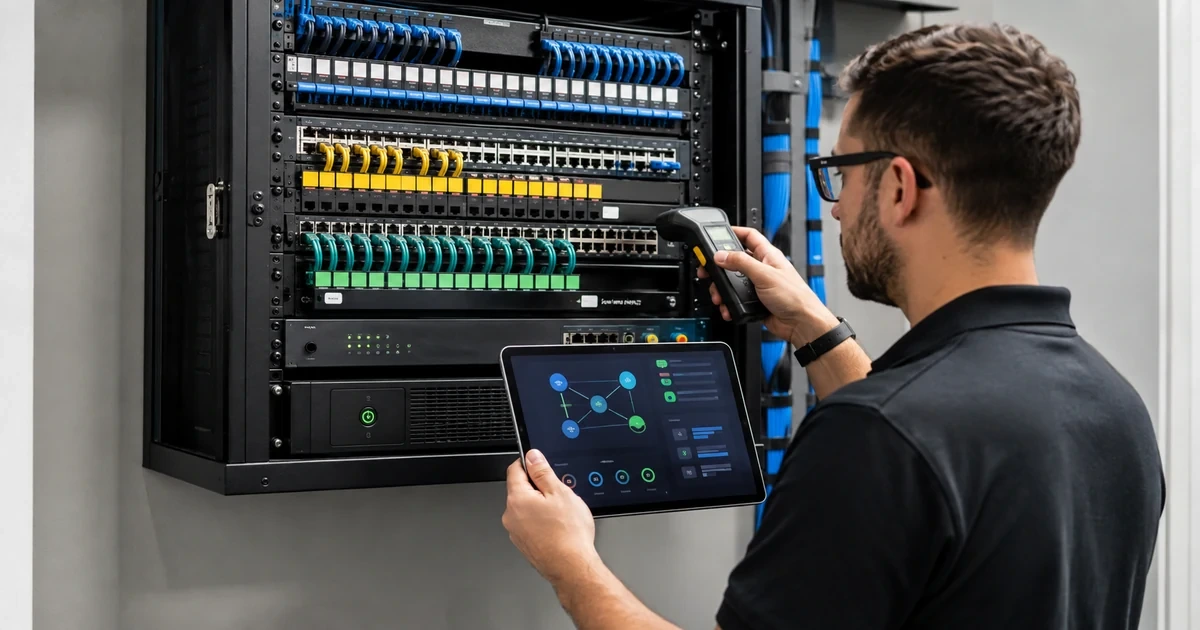
A business switch is not a passive box with blinking lights. It connects employees, servers, phones, wireless access points, cameras, printers, point-of-sale systems, building devices, internet circuits, and security controls. Its configuration decides which systems can communicate, which devices receive power, how failures are detected, and whether a technician can restore service after hardware loss or an unauthorized change.
Accountable operation requires more than knowing the administrator password. Each device needs a business owner, technical owner, supported firmware, protected management path, configuration source of truth, tested backup, documented uplinks, port and VLAN records, monitoring, spare or replacement strategy, and change history. The network should remain understandable when the original installer is unavailable.
ALLMSP installs, configures, monitors, and supports managed network switches in house for organizations in Lawrenceville, Suwanee, Gwinnett County, Metro Atlanta, and throughout Georgia. We can coordinate cabling, switches, firewalls, wireless, phones, cameras, servers, power, internet, security, documentation, and daily help desk operations as one service.
Give every network switch an owner, baseline, backup, and support path
- Inventory devices: Record model, serial, location, rack, role, management, firmware, license, support, power, uplinks, owner, and criticality.
- Protect management: Restrict administrative paths, use named accounts, strong authentication, least privilege, logging, and controlled recovery.
- Document service: Map ports, panels, outlets, endpoints, VLANs, trunks, link aggregation, PoE, voice, wireless, cameras, and dependencies.
- Preserve configuration: Maintain an approved baseline, automated or routine backups, version history, secure storage, restore tests, and change records.
- Monitor health: Alert on availability, errors, uplinks, loops, power, temperature, PoE, configuration changes, log failures, and capacity.
- Plan lifecycle: Track support dates, vulnerabilities, licenses, modules, optics, spares, replacement lead time, migration, and disposal.
Build an authoritative switch inventory and service map
Discover switches through physical inspection, management platforms, network scans approved for the environment, configuration records, purchasing, rack diagrams, cabling documentation, and staff knowledge. Record manufacturer, model, serial number, management address, physical location, rack unit, stack or virtual-chassis membership, role, firmware, boot image, license, warranty, support contract, power supply, UPS source, owner, criticality, and last verified date. Include small switches in conference rooms, warehouses, camera closets, and behind furniture because unmanaged edge devices often become invisible dependencies.
Map topology and uplinks. Identify upstream and downstream devices, physical interfaces, transceivers, media, speed, link aggregation, spanning-tree role, routed interfaces, trunks, native and allowed VLANs, redundancy, and carrier or firewall relationships. Reconcile the map with actual neighbor and interface evidence. Record single points of failure and links whose purpose is unknown. Preserve separate logical and physical views so a technician can understand both traffic flow and where to find the equipment.
Document access ports at a useful level. Connect the switch interface to patch panel, outlet, area, endpoint, user or service, VLAN, voice setting, authentication, PoE demand, negotiated speed, and port description. Identify phones with connected computers, access points carrying multiple networks, cameras, printers, servers, storage, controls, and trunk-like connections. Disable unused ports according to policy after confirming they are truly unused, and preserve a process for activating a new port with approved role and security.
- Device record: Capture model, serial, role, location, rack, management, firmware, license, power, support, owner, and criticality.
- Topology record: Map neighbors, uplinks, media, speed, optics, aggregation, spanning tree, routing, trunks, redundancy, and dependencies.
- Port record: Connect interface, panel, outlet, endpoint, owner, VLAN, voice, authentication, speed, PoE, and purpose.
- Unknown device: Record evidence, likely purpose, risk, owner search, isolation decision, next test, and disposition date.
- Source of truth: Assign where inventory, topology, configurations, credentials, port records, and changes are maintained.
The inventory is useful when it explains what each switch supports, how traffic reaches the rest of the network, and which business services depend on it.
Secure administration and preserve recoverable configurations
Restrict management to approved networks, dedicated administrative workstations where justified, or other controlled paths. Avoid exposing management interfaces to the public internet. Use named accounts, centralized authentication when appropriate, least privilege, strong multifactor authentication where supported, protected break-glass access, encrypted protocols, trusted certificates, secure time, and administrative logging. Remove default, inactive, shared, or vendor accounts that are no longer needed. Review changes to users, access lists, routes, VLANs, and management settings.
Treat the approved configuration as a controlled asset. Store it centrally with device identity, software version, date, author, reason, approval, and validation. Back up running and startup configurations after approved changes and on a routine schedule. Encrypt backups and restrict access because they may contain sensitive topology, addresses, account data, and shared secrets. Test restoration on spare equipment, a lab, or another safe method supported by the platform. Document the bootstrap steps needed when a failed device has no configuration.
Use change control proportional to risk. A port description update is not the same as a core uplink, spanning-tree, routing, authentication, or firmware change. Define affected services, prerequisites, maintenance window, communication, command or interface steps, expected state, validation, monitoring, and rollback. Save before and after evidence. CISA’s communications-infrastructure hardening guidance recommends centrally storing configurations and scrutinizing changes outside the approved process.
- Management boundary: Limit source networks, workstations, protocols, accounts, roles, recovery, certificates, time, and internet exposure.
- Account review: Validate named users, service accounts, vendor access, privilege, MFA, last use, owner, expiration, and logging.
- Baseline: Store approved configuration, firmware, hardware, date, owner, reason, checksum or comparison, and known exception.
- Backup test: Confirm complete export, protected storage, version history, credentials, compatible target, restoration, and validation.
- Network change: Document purpose, scope, risk, approval, commands, window, communication, expected result, test, and rollback.
Secure management and tested configuration recovery reduce the chance that one stolen credential, undocumented change, or failed switch becomes a prolonged outage.
Monitor capacity, performance, power, security, and lifecycle every day
Collect availability, interface state, errors, discards, speed and duplex, utilization, broadcast or multicast behavior, loop events, link aggregation, spanning-tree changes, CPU, memory, temperature, fans, power supplies, stack health, PoE use, and configuration events according to the platform and network role. Send logs and telemetry to a protected central destination where feasible. Alert thresholds should identify material change without overwhelming the support queue. Test that an actual device or uplink failure reaches a responsible person.
Manage capacity at the service level. Count available ports, high-speed uplinks, optics, stack bandwidth, PoE budget, rack space, UPS load, internet use, and growth. Review access points, phones, cameras, and other powered devices before adding them because advertised maximum switch power and real redundant-power behavior may differ. Investigate interfaces that repeatedly flap, negotiate below expectation, show increasing errors, or consume unusual traffic. Coordinate cabling tests when physical-layer evidence points beyond the switch.
Maintain a lifecycle calendar for hardware, software, licenses, subscriptions, support, certificates, and compatible modules. Review vendor advisories and CISA’s Known Exploited Vulnerabilities Catalog, then prioritize based on active exploitation, internet or management exposure, criticality, safeguards, and business impact. Test updates and configuration migrations before production where possible. Keep current replacement configurations, compatible spares or rapid sourcing plans, console access, optics, power supplies, and documented cutover procedures for critical locations.
- Health signal: Monitor device, stack, uplink, interface, error, resource, temperature, fan, power, PoE, and configuration status.
- Alert route: Define threshold, severity, owner, notification, ticket, acknowledgment, escalation, suppression, and closure evidence.
- Capacity review: Track ports, uplinks, bandwidth, optics, PoE, racks, UPS, internet, endpoint growth, and replacement lead time.
- Firmware decision: Assess support, advisory, exploitation, exposure, criticality, compatibility, testing, window, rollback, and verification.
- Failure readiness: Maintain configuration, access, spares, sourcing, licenses, images, optics, cables, power, cutover, and tests.
A managed switch becomes a dependable business system when its health, capacity, security, configuration, and replacement path remain visible between projects.
Managed network switch operations from ALLMSP
ALLMSP can inventory switches, map topology and ports, secure administration, standardize configurations, automate or schedule backups, monitor health, manage firmware, document changes, plan capacity, keep recovery procedures, and support connected business devices with our in-house team.
We serve organizations in Lawrenceville, Suwanee, Gwinnett County, Metro Atlanta, and across Georgia. Network operations can be combined with firewalls, wireless, internet, cabling, phones, cameras, servers, cloud services, cybersecurity, and daily user support.
- Control: Establish inventory, ownership, management boundaries, accounts, baselines, configuration backups, and change records.
- Operate: Monitor device, port, uplink, PoE, power, temperature, errors, security, capacity, and business-service health.
- Recover: Maintain tested configurations, access, firmware, licenses, spares, cutover plans, validation, and lifecycle replacements.
Official network-device operations and hardening references
Use current platform documentation and risk-based configuration. Apply government guidance to the organization’s topology, equipment capability, operational needs, and approved security architecture.
- CISA communications-infrastructure hardening guidance. Recommends current inventory, centralized configurations, secure management, monitoring, logging, and review of unauthorized changes.
- CISA business logging guidance. Encourages logs from firewalls, endpoints, servers, and cloud systems with defined incident roles.
- CISA Known Exploited Vulnerabilities Catalog. Provides an authoritative input for prioritizing vulnerabilities known to be exploited.
- NIST guidance for securing network connections. Collects small-business references related to firewalls, routers, modems, and secure network setup.
- IEEE 802.3 Ethernet Working Group. Maintains standards work for Ethernet networking technologies.
Managed network switch FAQs
Why should a small business use managed network switches?
Managed switches provide visibility and control for VLANs, ports, PoE, uplinks, security, monitoring, configuration, troubleshooting, and recovery that unmanaged devices generally cannot provide.
What information should be recorded for each switch?
Record model, serial, role, location, rack, management address, firmware, license, power, uplinks, support, owner, criticality, configuration, backup, and lifecycle.
How should switch management interfaces be protected?
Restrict management paths, avoid public exposure, use named least-privilege accounts, strong authentication, encrypted protocols, protected recovery, trusted time, certificates, and central logs.
How often should switch configurations be backed up?
Back up after every approved change and on a routine schedule. Monitor failures, maintain versions, protect storage, and test restoration for critical platforms.
What should a switch port record include?
Connect interface, patch panel, outlet, endpoint, owner, service, VLAN, authentication, speed, PoE, description, and last verified state.
How should unused switch ports be handled?
Confirm they are truly unused, disable them according to policy, keep a documented activation process, and preserve capacity records for future needs.
Which switch conditions should be monitored?
Monitor availability, interfaces, uplinks, errors, utilization, loops, spanning tree, aggregation, CPU, memory, temperature, fans, power, PoE, stacks, and configuration changes.
When should a network switch be replaced?
Consider end of support, security updates, capacity, reliability, PoE, speed, modules, licensing, parts, management, configuration limits, and business risk.
Can ALLMSP manage switches from multiple vendors?
Yes when the equipment is supportable and access is available. ALLMSP can inventory, secure, back up, monitor, update, troubleshoot, document, and plan migration across platforms.
Where does ALLMSP provide managed switch support?
ALLMSP supports businesses in Lawrenceville, Suwanee, Gwinnett County, Metro Atlanta, and across Georgia through onsite and secure remote service.


