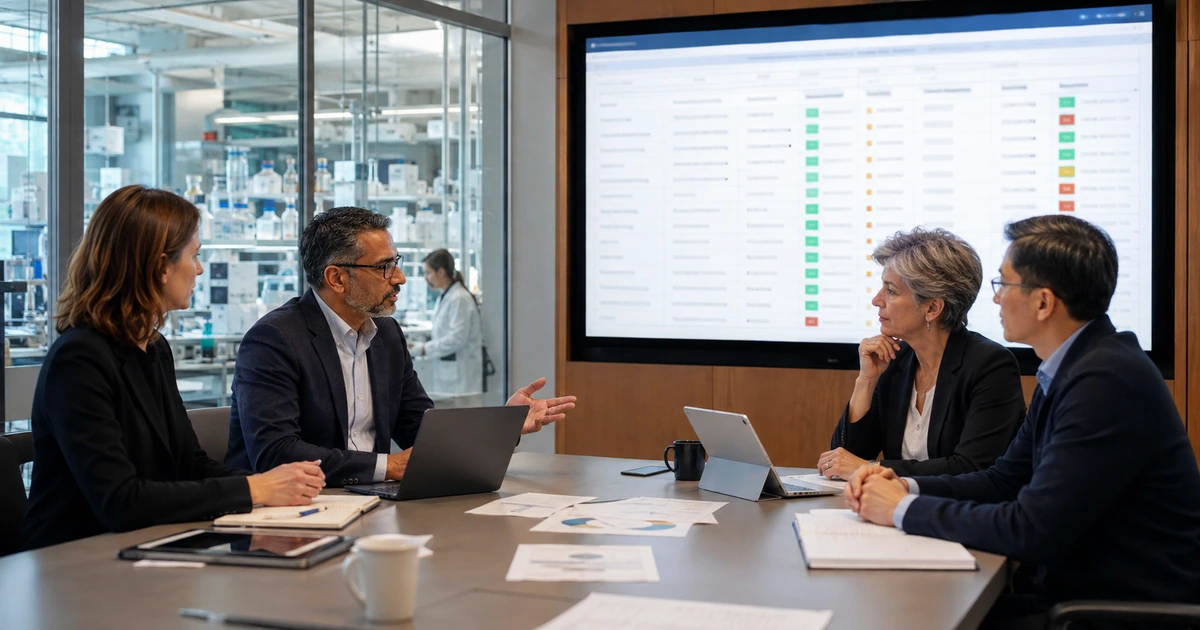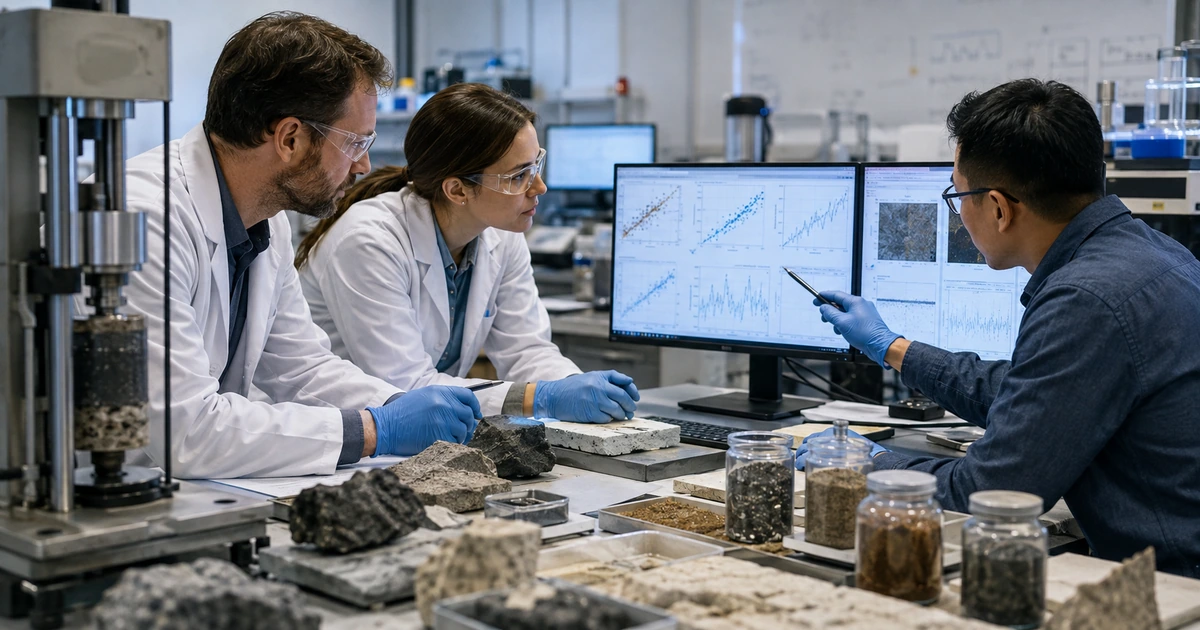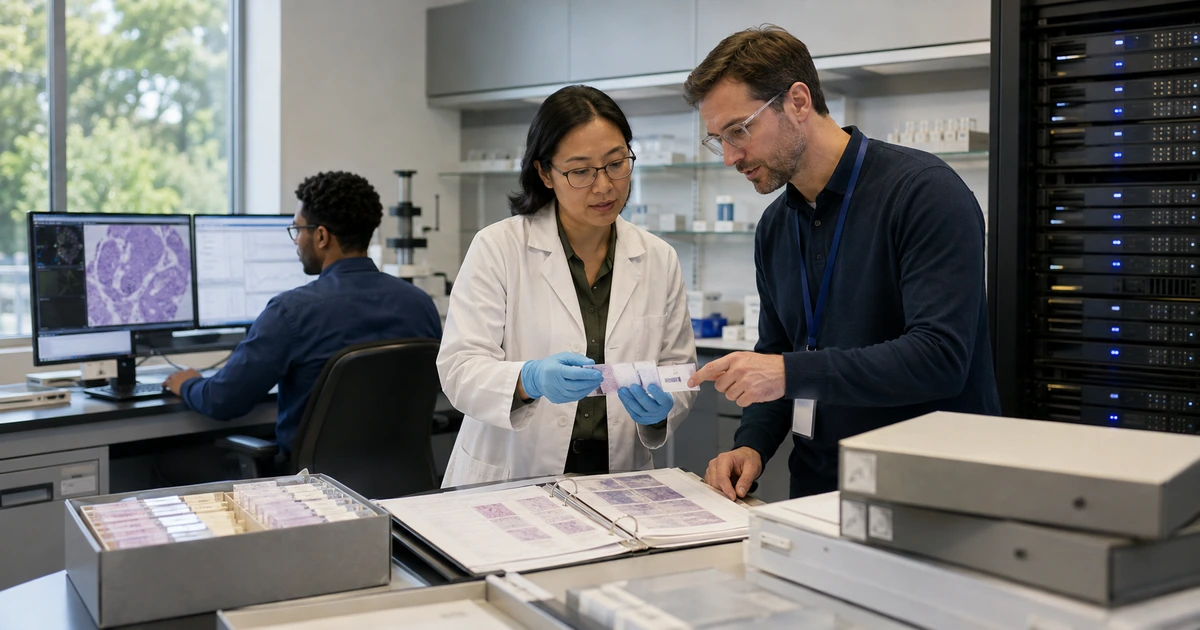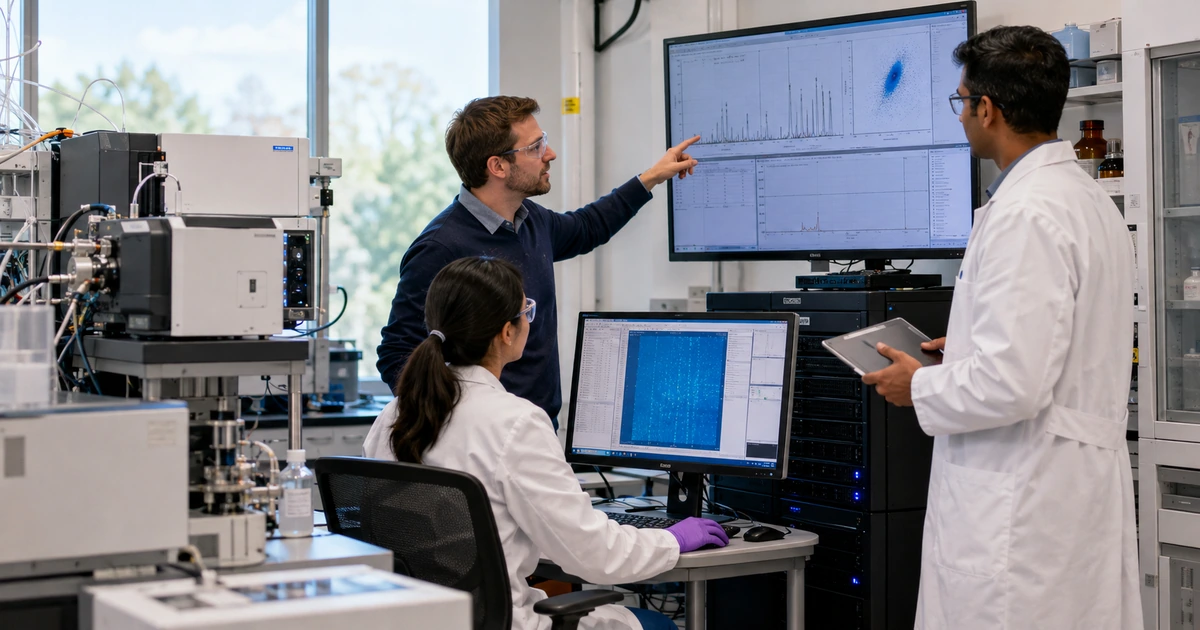
Research technology should preserve the path from physical observation to defensible result. That path may include an instrument, acquisition workstation, proprietary software, local cache, network transfer, shared storage, metadata record, analysis environment, code repository, collaborator workspace, backup, archive, publication, and future reuse. A failure at any handoff can separate data from context or produce a result that cannot be reconstructed.
A useful research IT design therefore begins with the scientific workflow and data lifecycle, not a generic office network. NIST’s Research Data Framework organizes research data work across envision, plan, generate or acquire, process or analyze, share or reuse, and preserve or discard stages. A laboratory can use that lifecycle to identify owners, formats, capacity, integrity controls, access, documentation, retention, sharing, cost, and risk before infrastructure decisions become difficult to reverse.
ALLMSP designs and supports research technology through its in-house team for laboratories, engineering groups, research organizations, and science-driven businesses in Lawrenceville, Suwanee, Gwinnett County, Metro Atlanta, and across Georgia. We connect instruments, networks, storage, compute, collaboration, backup, security, documentation, and support into an accountable environment.
Design the complete path from instrument to preserved evidence
- Map the research lifecycle: Trace planning, acquisition, processing, analysis, quality review, sharing, publication, preservation, reuse, and disposal.
- Profile every instrument: Record vendor, controller, operating system, software, interfaces, formats, data rate, local capacity, support limits, and recovery.
- Define data classes: Separate raw, processed, derived, code, configuration, metadata, documentation, participant, confidential, shared, and published material.
- Engineer data movement: Specify transfer path, naming, identity, checksums, staging, storage tier, compute, versioning, logs, and exception handling.
- Control collaboration: Use named access, project spaces, external-user approval, data-use rules, expiration, audit evidence, and documented export.
- Prove recovery: Restore representative data, metadata, code, configuration, permissions, and analysis dependencies into a usable workflow.
Map instruments, acquisition systems, data types, and scientific dependencies
Interview principal investigators, laboratory managers, researchers, technicians, data stewards, analysts, compliance owners, and IT support while observing actual work. For each workflow, identify samples or inputs, instrument settings, calibration, acquisition sequence, controller, software, generated files, metadata, naming, temporary storage, transfer, processing, analysis, quality review, collaboration, publication, archive, and disposal. Record what constitutes the authoritative raw record and which information is required to interpret it later.
Create an instrument technology profile. Include vendor and model, serial number, location, business owner, scientific owner, acquisition computer, operating system, software and license, drivers, interfaces, network address, time source, accounts, local disk, data rate, file count, format, configuration exports, calibration records, support contract, warranty, remote-support method, update restrictions, known dependencies, consumables, spare parts, and end-of-support date. Identify controllers that cannot run current security agents or operating systems without affecting vendor validation.
Estimate capacity from experiments rather than averages alone. Record peak data rate, daily and project volume, number of files, file size distribution, concurrent acquisitions, retransmission, processing expansion, temporary scratch use, derived copies, collaboration copies, backup, archive, and retention. Small-file workloads can behave differently from a few large files. Imaging, sequencing, simulation, sensor, video, and analytical-instrument workflows may place different pressure on network, metadata, storage, memory, graphics, and compute resources. Plan growth and temporary surges before acquisition workstations fill.
- Workflow record: Capture scientific purpose, input, instrument, settings, acquisition, files, metadata, transfer, analysis, quality, sharing, retention, and owner.
- Instrument profile: Track model, controller, software, interfaces, network, accounts, local storage, data rate, support, configuration, and lifecycle.
- Data profile: Describe classification, format, size, count, growth, source, authoritative version, metadata, sensitivity, retention, and reuse.
- Dependency map: Connect licenses, drivers, firmware, time, identity, network, storage, compute, scripts, libraries, databases, and vendors.
- Continuity threshold: Define acceptable acquisition pause, local buffer, transfer delay, analysis delay, data loss, recovery time, and escalation.
A laboratory can protect and scale the workflow only after it knows what the instrument produces, which context makes it meaningful, and which dependencies are difficult to replace.
Build reliable acquisition, storage, compute, metadata, and collaboration paths
Separate instrument control from ordinary office and guest traffic while preserving required vendor and research connections. Use managed network paths, documented firewall rules, appropriate segmentation, stable addressing where needed, time synchronization, monitored switching, clean power, environmental controls, and labeled cabling. Avoid placing an unsupported controller directly on the internet. If remote vendor support is required, use an approved method with named access, strong authentication, limited scope, scheduling, logging, monitoring, and removal when the session or contract ends.
Define a standard data handoff. Use project and instrument identifiers, consistent file and folder naming, controlled destination paths, automatic or documented transfer, checksums or other integrity verification where appropriate, retry behavior, duplicate handling, completion records, and alerts for stalled work. Preserve raw data as read-only or otherwise protected according to the workflow. Keep processing outputs, analysis code, environment definitions, parameters, quality records, and provenance connected to the source. Version code and configuration separately from large datasets when that provides clearer control.
Choose storage and compute by workload and recovery need. Fast acquisition buffers, shared project storage, databases, compute scratch, cloud object storage, collaboration platforms, backup, and long-term archive serve different purposes. Document performance, capacity, durability, access, encryption, cost, data egress, retention, immutability, deletion, export, and exit requirements for each tier. Give collaborators project-scoped access through named accounts and approved sharing methods. Use expiration, access review, data-use conditions, download controls where justified, and a documented process for returning or preserving project records.
- Acquisition network: Define segments, allowed flows, addressing, time, switching, power, environment, monitoring, vendor access, and exception handling.
- Transfer contract: Specify source, destination, naming, metadata, trigger, integrity check, retry, duplicate behavior, log, alert, and owner.
- Storage tier: Document purpose, performance, capacity, protection, access, backup, retention, cost, export, deletion, and lifecycle.
- Analysis environment: Record code, versions, libraries, containers or environments, parameters, compute, data references, output, and validation.
- Collaboration space: Control project membership, external users, data class, sharing, download, expiration, ownership, export, and closure.
A defined data path reduces manual copying while preserving the source, context, integrity, and analysis conditions needed for reliable scientific work.
Validate launch, support, backup, restoration, documentation, and lifecycle costs
Test with representative experiments before declaring the environment ready. Run small and peak data volumes, concurrent instruments, long acquisitions, many-file workloads, network interruption, local-disk pressure, stalled transfer, duplicate files, compute queues, access changes, external collaboration, and application restarts. Compare counts, checksums, metadata, timestamps, calibration links, processing outputs, and analysis results. Verify that failure alerts identify the instrument, project, stage, severity, owner, and safe next action without interrupting acquisition unnecessarily.
Design backup and recovery around research objects rather than folders alone. Protect raw data, metadata, laboratory documentation, analysis code, environment definitions, databases, instrument configurations, network configurations, access records, and essential business files according to their recovery needs. A synchronized collaboration copy is not automatically a protected backup. Restore a representative project into a controlled destination and confirm that authorized researchers can open the data, understand the metadata, run the analysis, reproduce a known output, and document any component that must be rebuilt.
Create support and lifecycle plans for instruments that may outlive their controllers. Define one intake route that captures instrument, project, run, time, symptom, data at risk, safe-stop requirements, prior actions, and vendor status. Preserve diagnostic evidence before rebooting or changing acquisition systems. Plan licenses, support contracts, storage growth, cloud use, security tooling, batteries, replacement controllers, operating-system retirement, software migrations, archive transfer, and data exit. Budget for stewardship and recovery as part of the research program rather than an unplanned IT charge after failure.
- Acceptance run: Test representative experiments, peak volume, concurrency, metadata, integrity, processing, analysis, sharing, alerts, and failure recovery.
- Research backup: Protect raw and derived data, metadata, code, environments, configurations, databases, documentation, access, and retention evidence.
- Restore proof: Recover a project, validate files and context, restore permissions, rerun known analysis, compare output, and record timing.
- Support record: Capture instrument, project, run, time, symptom, scientific impact, data risk, safe state, evidence, change, test, and resolution.
- Lifecycle budget: Plan support, licenses, storage, compute, cloud, security, backup, batteries, controllers, migrations, archive, and disposal.
Research IT is ready when the organization can complete, support, and reconstruct an experiment across realistic failures and technology changes.
Research IT planning and support delivered in house by ALLMSP
ALLMSP can map laboratory workflows, profile instruments, design networks, size storage and compute, build transfer automation, configure collaboration, secure vendor access, implement backups, test restoration, document dependencies, and provide ongoing support. Our in-house team works with researchers and vendors while keeping technical ownership accountable to the organization.
We support laboratories and science-driven businesses in Lawrenceville, Suwanee, Gwinnett County, Metro Atlanta, and across Georgia with project work and complete managed IT services.
- Discover: Map instruments, data, metadata, workflows, dependencies, risks, people, vendors, capacity, and recovery needs.
- Build: Implement networks, transfer paths, storage, compute, collaboration, security, backup, monitoring, and documentation.
- Operate: Support acquisition and analysis, manage changes, monitor capacity, test recovery, coordinate vendors, and plan lifecycle work.
Official research data and cybersecurity references
Use current sponsor, institutional, contractual, ethical, privacy, records, export, safety, and discipline-specific requirements together with these general resources.
- NIST Research Data Framework. Provides a customizable lifecycle approach for planning, acquiring, analyzing, sharing, preserving, and governing research data.
- NIST RDaF Version 2.0 publication. Documents research data topics, roles, risks, costs, stewardship, dissemination, and sample profiles.
- NIH Data Management and Sharing Policy resources. Explains planning, budgeting, management, repository selection, sharing, and privacy for applicable NIH-supported research.
- NIST Cybersecurity Framework. Offers a flexible structure for governing and managing cybersecurity risk across technology and operations.
Research IT design FAQs
What makes research IT different from ordinary office IT?
Research IT must account for instruments, acquisition timing, proprietary controllers, unusual formats, high data rates, metadata, analysis dependencies, reproducibility, collaboration, retention, and scientific recovery.
What should an instrument technology profile include?
Record model, controller, software, licenses, interfaces, network, time, accounts, storage, data rate, formats, configuration, support, recovery, and end-of-support risks.
How should research storage capacity be estimated?
Model peak and sustained data rates, file counts, concurrent instruments, processing expansion, scratch space, derived copies, collaboration, backup, archive, retention, and growth.
Should instrument controllers connect directly to the internet?
Avoid direct exposure. Use managed network boundaries and approved vendor access with named identities, strong authentication, limited scope, scheduling, logging, monitoring, and removal.
How can a laboratory verify data transfers?
Use consistent naming, metadata, controlled destinations, completion logs, file counts, checksums or appropriate integrity methods, retry handling, duplicate controls, alerts, and periodic comparison.
What is the difference between backup and archive?
Backup supports recovery from loss or corruption. Archive preserves selected records for longer-term retention, access, interpretation, compliance, or reuse under defined policy.
What belongs in a reproducible analysis record?
Preserve source references, code, versions, libraries or environment, parameters, compute context, metadata, quality steps, output, reviewer, and change history.
How should external research collaborators receive access?
Use named project-scoped accounts, documented data-use rules, appropriate authentication, least privilege, expiration, review, audit evidence, secure transfer, and project closure.
Can ALLMSP support instruments and the surrounding infrastructure?
Yes. ALLMSP handles networks, controllers, storage, compute, transfers, security, backup, collaboration, documentation, support, and vendor coordination through its in-house team.
Where does ALLMSP provide research IT services?
ALLMSP serves Lawrenceville, Suwanee, Gwinnett County, Metro Atlanta, and research organizations throughout Georgia.