





























































































































































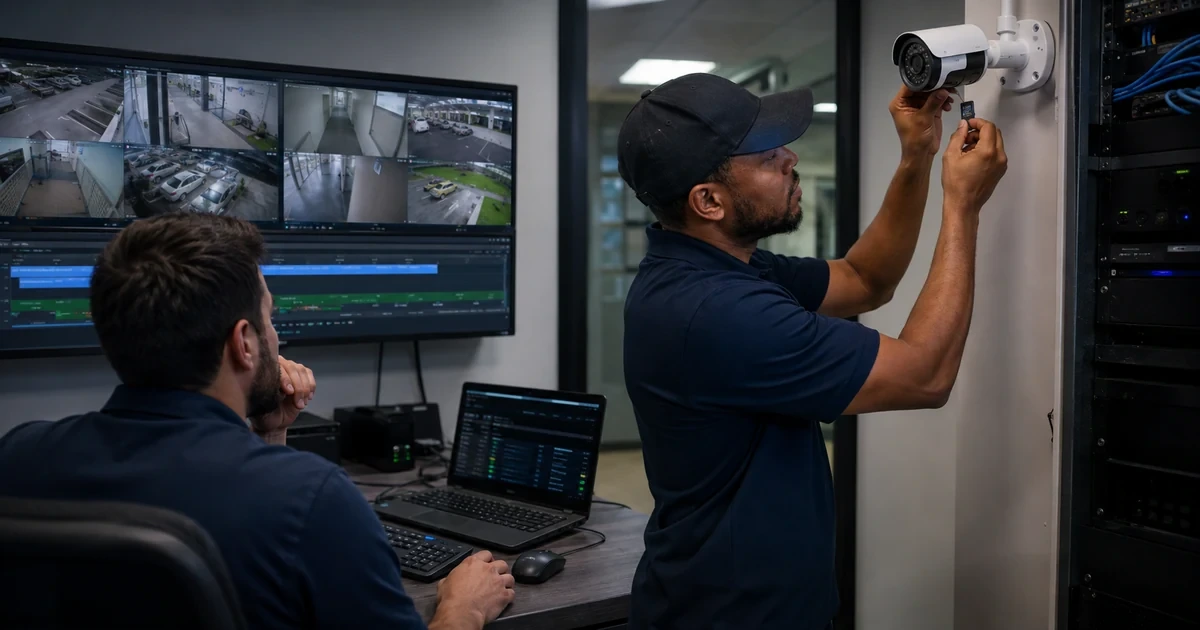
A black tile, reconnect loop, choppy view or recording gap does not identify the failed component. The camera may be unable to encode the requested stream, the network may be congested, the VMS may create too many unique profiles, the client may be unable to decode, time may have shifted, storage may be full or worn, or an event rule may never have fired.
Axis troubleshooting guidance divides end-to-end latency into device, network and client contributions and recommends testing supported stream parameters and simplifying unique streams. Its Camera Station guidance separately covers discovery, reconnection, recordings, storage and failover symptoms.
The workflow below preserves footage and configuration while walking the entire path. It uses controlled comparisons and timestamps so a temporary restart is not mistaken for root cause.
For organizations in Lawrenceville, Suwanee, Gwinnett County, Metro Atlanta, and across Georgia, ALLMSP can troubleshoot Axis video streams, recording, and edge storage through one accountable in-house process for assessment, configuration, testing, and support.
Key decisions at a glance
- Scope the affected cameras, viewers, profiles, times, scenes, changes and recording obligations before restarting or resetting anything.
- Separate device, network and client latency, then distinguish live-view trouble from recording, event, storage or export failure.
- Normalize unnecessary unique streams and verify supported resolution, format, frame rate, compression and Zipstream settings.
- Protect recordings and retention while checking server capacity, network shares, SD-card health, time, failover and transfer behavior.
- Escalate with server reports, traces, clips, timestamps, topology and reproduction evidence that Axis support can act on.
Scope the Symptom, Timeline, Impact, and Evidence Risk
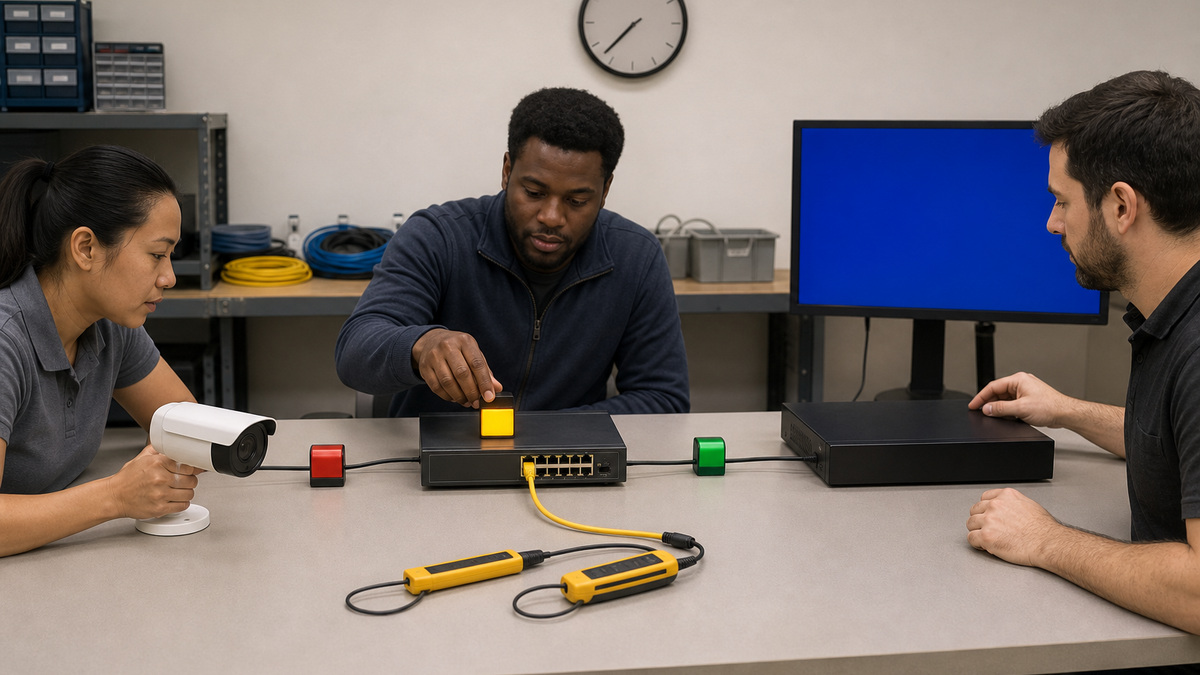
Record exact camera models and restricted identities, site and scene, AXIS OS, VMS and client versions, stream profiles, recording method, storage target, retention, event rules, time sources, network path, PoE source and recent changes. Define whether the issue affects live view, recorded video, audio, analytics, events, exports or several layers. Capture the first and last known good times, frequency, duration, affected users and devices, error messages, screenshots or clips, observed frame rate and bitrate, latency reference, packet loss, camera uptime, CPU or resource indicators, storage free space and health, and management alerts. Preserve recordings that may be overwritten and follow evidence or legal-hold procedure before changing retention, formatting media or factory defaulting a device. Ask whether all viewers request the same profile, whether one client differs, whether the issue appears in the device web interface, and whether a known-good camera on the same path behaves normally. Note lighting and motion because a busy or dark scene changes bitrate and exposure load. Build a narrow incident statement before restarting anything.
- Separate live, recorded, audio, analytic, event and export symptoms.
- Capture models, versions, profiles, storage, retention, time, network and recent changes.
- Preserve at-risk recordings before changing storage or retention.
- Compare device web view, VMS, clients and a known-good peer.
- State the observed scope without assigning a premature root cause.
Walk Device, Network, and Client Latency Separately

Start at the device web interface with one supported stream profile. Confirm the requested resolution, format, frame rate, compression and features exist on the exact camera. Axis notes that an unsupported request can prevent retrieval and that many unique simultaneous streams can exhaust encoding resources. Inventory every consumer and normalize settings where business needs allow so multiple clients reuse the same encode. Measure device response, capture rate, bitrate and image processing under a representative scene. Then examine switch port errors, negotiated speed, PoE events, uplink utilization, VLAN and routing, QoS, firewall or NAT, multicast or unicast design, packet loss, jitter and path changes. Compare TCP and UDP behavior only within the approved VMS design. At the client, check CPU, GPU, memory, hardware acceleration, decoder capacity, display refresh, buffers and concurrent views. Axis recommends considering device, network and client contributions rather than changing camera quality blindly. Use identical timestamps and test intervals for each layer.
- Begin with one supported stream in the camera web interface.
- Reduce unnecessary unique profiles and align consumers where possible.
- Measure device processing, network loss and client decoding independently.
- Inspect PoE, switch errors, bandwidth, routing, QoS, protocol and path changes.
- Use synchronized measurements and representative scene activity.
Balance Image Quality, Frame Rate, Bitrate, and Storage

Return to the approved scene purpose before tuning. Confirm capture mode, resolution, frame rate, shutter, gain, WDR, infrared, noise reduction, codec, compression, Zipstream and bitrate control. A choppy image may come from high latency, insufficient light forcing long exposure, client decode load or a bitrate ceiling that sacrifices quality during motion. Axis generally recommends starting with default settings because they balance image and stream behavior for common scenes. Change one parameter at a time and preserve before-and-after clips with measured bitrate, frame rate and latency. If storage or bandwidth is excessive, model the scene’s actual activity rather than applying an arbitrary low maximum bitrate. Recalculate aggregate recorder ingress, uplink, client egress, storage write, retention and failover-transfer load. Confirm that VMS profiles match camera capabilities and that continuous, event and live profiles do not create needless duplicates. The corrected profile must still satisfy the security outcome in day, night and motion tests.
- Tune from the approved scene outcome, not a generic bandwidth target.
- Begin near Axis defaults and change one measured parameter at a time.
- Distinguish long exposure, encoding, network and decode causes of choppy video.
- Recalculate recorder, uplink, client, storage and failover loads together.
- Validate the final profile with representative light, motion and evidence needs.
Trace Recording and Event Flow from Trigger to Playback
For a missing recording, walk the chain: camera time and health, event condition, analytic or input state, rule schedule, action, stream profile, VMS connection, recording method, storage selection, write operation, index, retention, search and playback permissions. Test the event deliberately and record timestamps at each stage. Confirm continuous or event recording is enabled for the correct device and that storage allocation has free capacity. Axis Camera Station guidance warns that full storage or excessive intruding data can stop recordings and that retention may shorten when reserved space is exhausted. Check server services, drive health, write permissions, network shares, throughput and time alignment. For failover, verify supported SD storage, camera recording during disconnection, reconnect timing, bandwidth for transfer and consistent NTP. A controlled server shutdown or a very short interruption may not exercise failover as expected. Export a known segment and verify playback through the approved player and evidence process.
- Follow trigger, rule, action, profile, connection, storage, index, search and playback.
- Test with synchronized timestamps and the exact affected camera.
- Check allocation, free space, drive health, services, permissions and throughput.
- Validate edge failover, reconnection, transfer bandwidth and NTP.
- Export and play a known segment before declaring recording healthy.
Protect and Diagnose SD Cards, Network Shares, and Retention
Inventory storage type, supported media, encryption, mount state, file system, free capacity, retention, write protection, health, wear, temperature where available and ownership. Do not remove an SD card while the Axis device is running, unmount it through the supported interface. The AXIS OS interface can check or repair file systems, but repair may pause recording or lose data, and formatting or encryption changes erase data, so preserve evidence and authorize the action first. Axis provides wear monitoring for supported surveillance cards and recommends alerting before expected end of life. Confirm that automatic cleanup and configured retention match policy, recognizing that space pressure may delete older recordings sooner. For NAS, test the connection, credentials, supported SMB path, name resolution, time and available space, and review whether network or server maintenance coincides with gaps. Encrypt edge storage where supported and protect keys separately. Replace questionable media through a documented custody and validation process rather than repeated repairs.
- Track media, encryption, mount, capacity, retention, health, wear and owner.
- Unmount SD cards before removal and authorize any repair, format or encryption change.
- Preserve evidence because storage tools can pause recording or erase data.
- Alert before supported surveillance-card wear reaches expected end of life.
- Test NAS connectivity, credentials, SMB, DNS, time, capacity and maintenance history.
Escalate with Reproducible Axis Evidence and Close the Incident
If the issue persists, assemble a support package containing exact model, restricted identity, AXIS OS, topology, PoE and switch data, VMS and client versions, stream profiles, scene conditions, timestamps, reproduction steps, frequency, logs, server report, storage health, event configuration, before-and-after clips and a network trace captured through an approved method. Redact credentials, private network information and uninvolved video. Axis streaming guidance recommends a latency marker and may use a device network trace to expose delays, coordinate any capture with security and retention policy. State which layers were tested directly and which remain inferred. After correction, retest the original symptom, representative day and night video, live and recorded profiles, events, failover, search, export, playback, time, monitoring and resource headroom through an observation window. Document root cause, contributing factors, disproved hypotheses, changes, data handling, residual risk and prevention. Feed repeated model, profile, switch, storage or client patterns into a known-error record and capacity plan.
- Provide model, versions, topology, profiles, times, logs, reports, clips and traces.
- Redact credentials, private network details and unrelated footage.
- Distinguish direct tests from inference in the escalation narrative.
- Retest live, recording, events, failover, export, time and monitoring through observation.
- Create a known error and capacity action for recurring patterns.
Official product documentation and ALLMSP resources
- Axis: Troubleshooting Guide for Streaming Issues
- Axis: AXIS Camera Station 5 Troubleshooting Guide
- Axis: AXIS OS Knowledge Base
- Axis: AXIS OS Web Interface Help LTS 2026
- Axis: AXIS Camera Station Pro User Manual
- ALLMSP Axis Hardware Support
- ALLMSP Hardware Support
- ALLMSP IT Consulting
- ALLMSP Managed IT Services
- ALLMSP Cybersecurity Services
- Contact ALLMSP
Frequently Asked Questions
What are the three main sources of Axis video latency?
Axis separates end-to-end latency into device processing, network transport and client decoding or rendering. Measure each layer before lowering quality or replacing a camera.
Why can too many unique streams overload an Axis camera?
Different resolution, format, frame rate, compression or Zipstream combinations may require separate encodes. Align consumers to identical profiles where requirements allow so they can reuse an encode.
Why should an Axis stream be tested in the device web interface?
It removes the VMS and downstream client path, helping determine whether the camera and requested parameters work directly before investigating network, recorder or viewer layers.
What can make an Axis stream choppy besides bandwidth?
Long exposure in low light, high image-processing load, excessive unique streams, packet loss or jitter, VMS buffering, and client CPU, GPU, memory, decoder or display limits can all contribute.
Why can Axis recordings disappear before the configured retention period?
When the allocated storage is full, cleanup may remove older video before the requested number of days. Check capacity, allocation, incoming load, profiles and actual retention.
What should be checked when an Axis event recording is missing?
Trace camera time, event condition, analytic or input, schedule, rule action, stream profile, VMS connection, recording method, storage write, indexing, retention, search and playback permission.
Can an Axis SD card be removed while the camera is running?
No. Axis warns that removal while running risks data loss and corrupt recordings. Unmount the card through the supported interface before physical removal.
What actions can erase Axis edge-storage data?
Formatting and enabling or disabling SD-card encryption erase data. File-system repair can also cause loss or pause recording, so preserve required footage and authorize the action first.
What evidence helps Axis support diagnose streaming trouble?
Provide exact model and software versions, topology, profiles, timestamps, scene conditions, reproduction steps, logs, reports, measured bitrate and frame rate, latency clips and an approved network trace.
How can ALLMSP troubleshoot Axis video systems?
ALLMSP can scope incidents, isolate device, network and client stages, normalize profiles, test events and recording, protect edge storage, capture support evidence, validate fixes and improve capacity planning.


