





























































































































































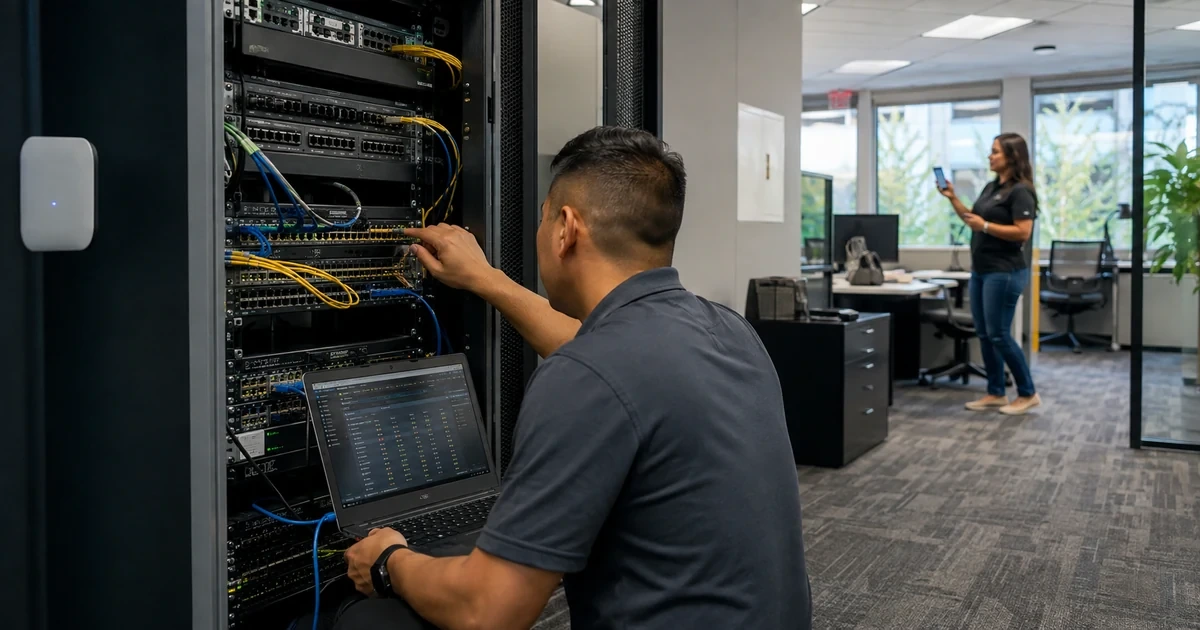
A Catalyst outage often looks simpler than it is. A phone that is dark may reflect depleted PoE budget, a cabling fault or an err-disabled port. A workstation with link but no application access may be in the wrong access VLAN, behind a mismatched trunk or isolated by a spanning-tree or EtherChannel inconsistency. A stack can still answer management traffic while one member or ring segment is unstable.
The fastest safe method is to preserve state and trace the smallest reproducible failure. Cisco’s troubleshooting guidance starts PoE analysis with available and per-port power evidence, uses interface and VLAN commands to verify switching state, and provides specific StackWise checks for member, adapter, cable and ring problems. The goal is not to issue every command, it is to test competing causes in an order that avoids destroying the clues.
This runbook assumes a managed production environment with authorization for changes. It avoids immediate reloads, broad trunk changes and repeated shut/no-shut cycles. Those actions can restore service temporarily while erasing counters, logs and failure timing. ALLMSP can apply this evidence-first approach across the switch, cabling, endpoint, firewall, identity and carrier owners involved in the incident.
Companies across Lawrenceville, Suwanee, Gwinnett County, Metro Atlanta, and Georgia can bring ALLMSP in to troubleshoot Cisco Catalyst VLAN, PoE, uplink, and stack failures. We coordinate the affected technology and business workflow through our own team.
Key decisions at a glance
- Capture the exact switch, member, interface, endpoint, VLAN, power, uplink and time window before reloading, clearing counters or bouncing the port.
- Use Cisco show evidence to distinguish physical errors, administrative state, err-disable, access or trunk mismatch, spanning-tree blocking, channel failure and stack instability.
- For PoE faults, check the available budget and per-port detail before replacing the endpoint, validate cable pairs, negotiated class and port events with a known-good substitution.
- Compare both ends of a trunk or EtherChannel for mode, allowed and native VLANs, LACP membership, speed and spanning-tree state instead of changing one side repeatedly.
- Escalate with topology, timestamps, logs, version, inventory, safe command output and a minimal reproduction so Cisco TAC or a hardware provider can act on evidence.
Freeze the Incident Scope Before Touching the Interface
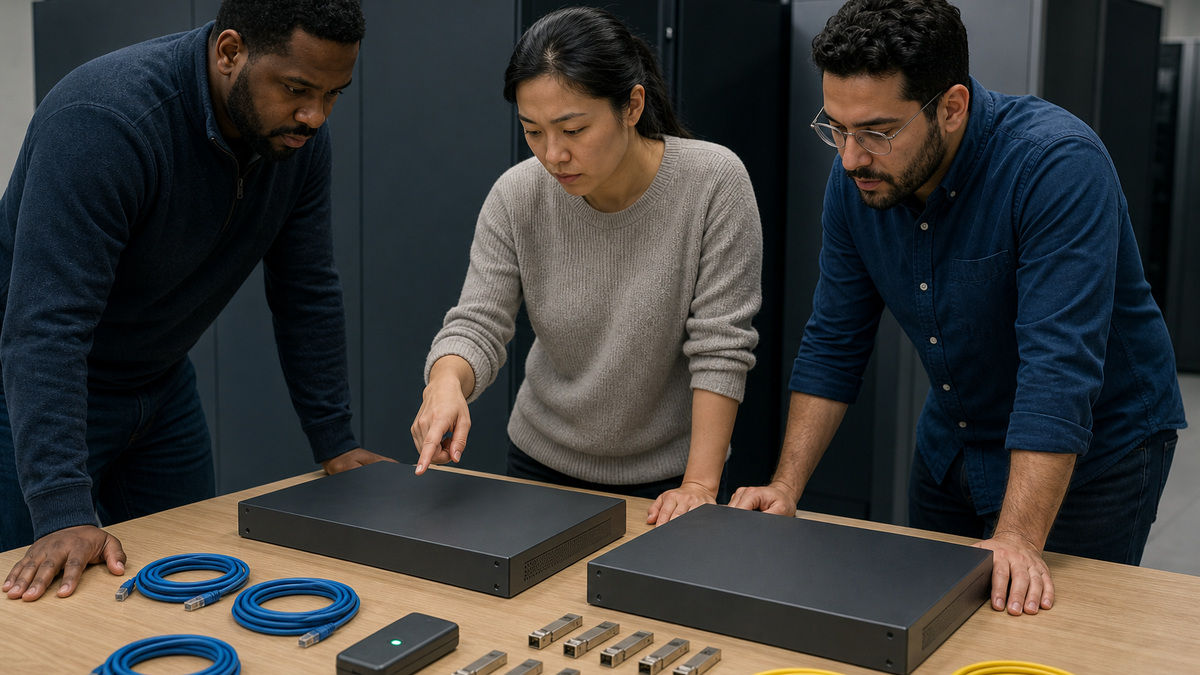
Record the affected user or device class, switch hostname, stack member, interface, patch panel, jack, VLAN, IP context, onset, recurrence and last-known-good time. Determine whether the scope is one endpoint, one port, one member, one VLAN, one closet, one uplink or multiple sites. Capture recent changes to cabling, endpoint hardware, port policy, IOS XE, power, stack components, firewall rules or upstream services.
Preserve current state: version and uptime, switch and member roles, logging, interface status, errors, err-disable reason, switchport mode, VLAN membership, trunk and channel state, spanning-tree role, MAC learning, PoE allocation and environmental alerts. Use an approved terminal with timestamps and redact secrets or customer addressing before sharing. Do not clear counters, reload a member or initialize configuration at the beginning.
Write one expected transaction. Examples include a phone receiving power and joining the voice network, an access point negotiating the intended power and trunk, or a workstation reaching its gateway through a specific access VLAN. Test a non-sensitive known-good endpoint or cable only after the baseline is saved. Keep each substitution singular so a successful result identifies the layer that changed.
- Identify the exact member, interface, cable path, endpoint and intended VLAN role.
- Separate one-port, one-member, one-VLAN, one-closet and upstream scope.
- Capture uptime, logs, interface, power, trunk, channel, STP and stack evidence.
- Avoid clears, reloads and repeated bounces before preserving the failure state.
- Define one reproducible expected transaction and change one variable at a time.
Prove Physical Link, Interface State, Errors, and Err-Disable Cause
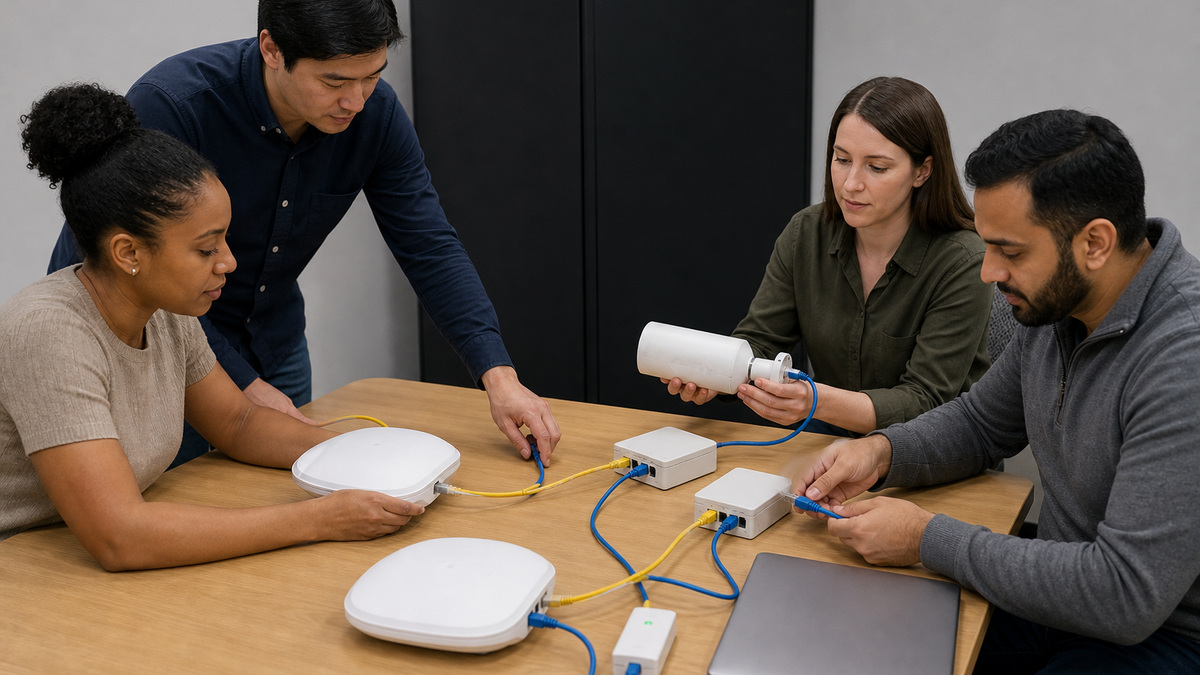
Compare administrative and operational state with the intended port record. Verify the interface description, configured speed and duplex policy, negotiated result, link transitions and input, output, CRC or FCS errors. Inspect both patch leads, jack and endpoint port without disturbing unrelated cables. A link flap can be caused by copper pairs, optics, transceiver seating, endpoint power, negotiation or a failing physical port.
If the interface is err-disabled, capture the reason and correlated logs before recovery. Common causes can include inline-power faults, channel misconfiguration, security policy or loop protections. Correct the cause first. A shut/no-shut may reenable the port, but if the violating condition remains it will fail again and the original event context may be lost.
Substitute one known-good element: endpoint, patch lead, switch port or optic, while preserving the intended policy. Monitor counters and event timing after each test. Do not force speed, duplex or transceiver assumptions merely to make the link come up. Record whether the fault follows the endpoint, cable, interface or uplink component and quarantine intermittent hardware.
- Compare admin state, operational state, negotiation and the approved port role.
- Capture CRC, FCS, drops, link transitions and correlated logs.
- Record the exact err-disable cause before attempting recovery.
- Correct the triggering condition before re-enabling the interface.
- Use one known-good substitution and watch whether the fault follows it.
Trace Access VLAN, Voice VLAN, Trunk, and Native-VLAN State
For an access endpoint, verify that the VLAN exists and is active, the interface is in the intended static access mode, and the access and voice VLAN values match the design. Confirm the endpoint learns an address from the expected network and that its MAC appears on the intended interface and VLAN. A device can have link while remaining isolated in a wrong, missing or inactive VLAN.
For a trunk, compare both ends. Check operational trunking state, encapsulation where applicable, native VLAN, allowed VLAN list and the VLANs currently forwarding. Cisco’s configuration guide notes that trunks allow all VLANs by default, but production designs often restrict them. A required VLAN may exist locally yet be removed from one allowed list, pruned, suspended or blocked by spanning tree farther along the path.
Investigate native-VLAN and spanning-tree inconsistencies from the logs and both neighboring interfaces. Avoid solving a single missing VLAN by allowing every VLAN across the trunk. Make the smallest approved correction on both ends, then verify the endpoint transaction, MAC learning, gateway reachability and denied segmentation paths. Update the as-built record when the documented design was wrong.
- Confirm the VLAN exists, is active and matches the access or voice port role.
- Verify MAC learning and endpoint addressing in the expected VLAN.
- Compare trunk mode, native VLAN and allowed VLANs at both ends.
- Check forwarding and spanning-tree state along the complete Layer 2 path.
- Correct narrowly and do not replace an audited trunk list with allow-all.
Diagnose PoE Budget, Negotiation, Cabling, and Powered-Device Behavior
Start with the switch’s total available and used power. Cisco’s Catalyst 9000 PoE troubleshooting guide specifically directs engineers to use show power inline to determine whether the budget is depleted before and after connecting the device. Then inspect per-port detail, negotiated class, allocated power, device state and inline-power logs. Compare those values with the exact switch, power-supply and endpoint design.
Separate data from power. Test whether the endpoint works from its approved external supply, whether another known-good powered device works on the same cable and port, and whether the original device works on a known-good supported PoE port. Inspect all four cable pairs and intermediate patching. Some devices can establish Ethernet while failing higher-power negotiation, and a damaged pair can produce intermittent boot loops.
If a port enters err-disable because of inline power, preserve the message and port detail before recovery. Validate endpoint draw, cabling, switch capacity, model support and current software guidance. Do not repeatedly cycle power to a critical camera, phone or access point without business approval. After correction, monitor startup, steady draw, link, traffic and switch budget through a normal operating interval.
- Check total PoE availability and consumption before replacing the endpoint.
- Inspect per-port class, allocation, state and inline-power event logs.
- Test power and data separately with supported known-good components.
- Validate all cable pairs, patching and endpoint power requirements.
- Observe boot and steady-state behavior after the cause is corrected.
Follow EtherChannel, Spanning Tree, Uplink, and StackWise Health
For an EtherChannel, compare local and remote port-channel configuration and member state. Verify mode, LACP behavior, speed, duplex, trunk policy and whether each member is bundled, suspended or stand-alone. Cisco’s inconsistency guidance points to show etherchannel summary and correlated err-disable evidence. Do not bounce individual members until the configuration mismatch and traffic impact are understood.
For spanning tree, identify the root and backup root, the affected VLAN’s root port, blocked ports and topology-change source. Cisco recommends beginning with an accurate topology and tracking repeated changes toward the originating interface. Treat high topology-change counts, inconsistent roots or unexpected forwarding as evidence of a physical flap, unauthorized bridge, policy mismatch or loop. Use disruptive debug only with explicit risk controls.
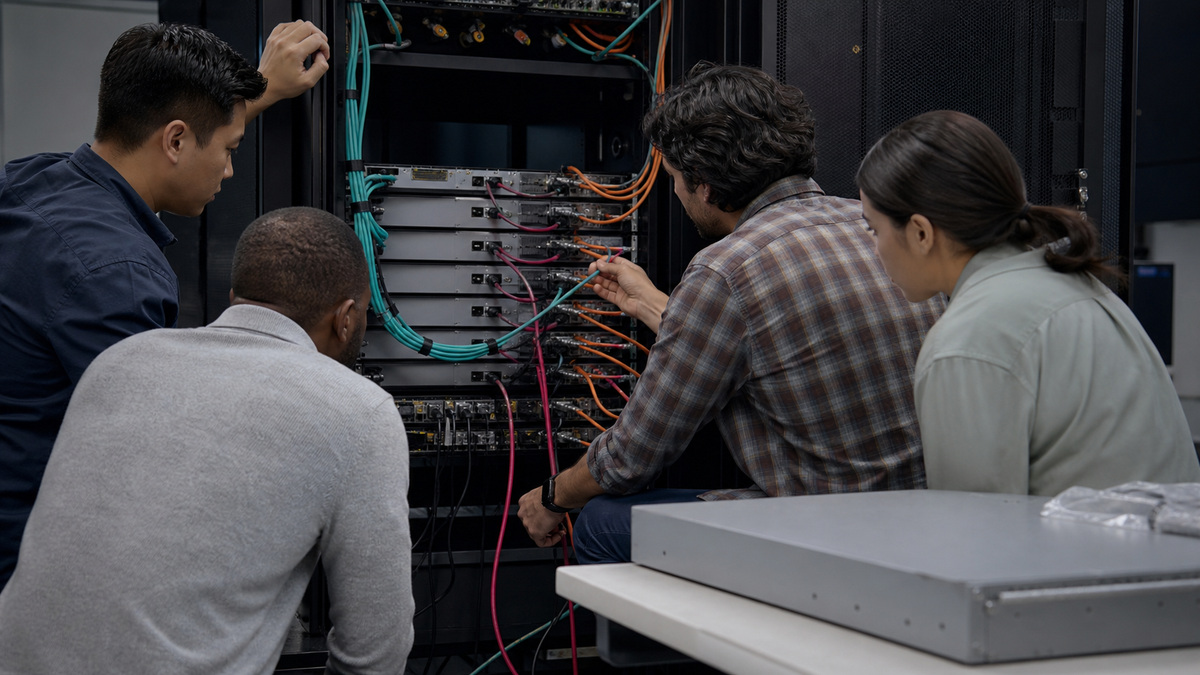
For StackWise, verify member roles, versions, inventory, stack adapters, cable recognition and ring state. Cisco’s StackWise troubleshooting article notes that unstable cables or kits can contribute to member reloads and stack-merge behavior. Correlate member uptime and logs, reseat components only in an authorized window, and confirm the complete ring afterward. Preserve crash or reload evidence for TAC before replacing or reloading an unstable member.
- Compare both EtherChannel ends and every member’s bundle state.
- Identify spanning-tree root, port roles and the source of repeated changes.
- Use an accurate physical and logical topology during loop investigation.
- Verify StackWise members, versions, adapters, cables and full-ring health.
- Preserve reload and instability evidence before reseating or replacing hardware.
Restore the Intended Transaction and Escalate with Cisco-Ready Evidence
Retest the original endpoint and business service through the production path. Confirm power, link, VLAN, addressing, DNS, gateway, required applications and intended denied paths. Exercise phone registration, access-point radios, camera stream or printer traffic as appropriate. Watch errors, PoE, trunk, channel, spanning-tree and stack state during the prior failure interval rather than closing on one successful ping.
Document the root cause, disproved layers, exact change, affected ports and measured result. Update the port schedule, trunk matrix, power budget, topology or spare record if reality differed from the baseline. Remove test VLANs, broad trunk allowances, temporary static settings and bypass connections. Restore monitoring thresholds and keep intermittent components quarantined with a clear owner.
For Cisco TAC or hardware escalation, collect the exact model, protected serial context, IOS XE version and boot mode, uptime, stack inventory, topology, timestamps, logs, safe show output, optics or cable data, PoE detail, reproduction and recent change history. Redact secrets and customer addresses. ALLMSP can coordinate switch, cabling, endpoint, firewall, identity and carrier teams while preserving one incident record and an evidence-based recovery plan.
- Retest the complete original service, not only link or ping.
- Observe counters and control-plane state through the prior failure window.
- Record root cause, excluded layers, exact fix and before-and-after evidence.
- Remove temporary bypasses and correct the authoritative as-built record.
- Escalate with model, version, topology, logs, command evidence and timing.
Official product documentation and ALLMSP resources
- Cisco: Troubleshoot Power over Ethernet on Catalyst 9000 Switches
- Cisco IOS XE 17.17: Configuring VLAN Trunks
- Cisco: Troubleshoot STP Issues on Catalyst Switches
- Cisco: Understand EtherChannel Inconsistency Detection
- Cisco: Verify and Troubleshoot StackWise on Catalyst 9200/9300
- Cisco Catalyst 9200 Troubleshooting TechNotes
- ALLMSP Cisco Hardware Support
- ALLMSP Hardware Support
- ALLMSP Managed IT Services
- ALLMSP Cybersecurity Services
- ALLMSP Network Security
- Contact ALLMSP
Frequently Asked Questions
What should be captured before troubleshooting a Cisco Catalyst port?
Capture switch, member, interface, endpoint, cable path, intended VLAN, power state, onset, logs, counters, switchport, trunk, channel, STP and stack evidence.
Why can a Catalyst interface show link but still fail user traffic?
The port may have the wrong access or voice VLAN, a missing trunk VLAN, spanning-tree blocking, channel inconsistency, addressing trouble or an upstream policy failure.
What should be checked when a Catalyst port is err-disabled?
Preserve the exact err-disable reason and logs, correct the triggering condition, then reenable the interface and monitor recurrence.
Which Cisco command starts PoE budget troubleshooting?
Cisco’s Catalyst 9000 guide directs engineers to use show power inline to check total availability and per-port power detail.
Can an Ethernet cable pass data but still cause PoE trouble?
Yes. Higher-power negotiation uses the cable pairs and can fail because of damaged pairs or patching even when some link behavior remains.
How should a Catalyst trunk problem be isolated?
Compare both ends for operational mode, allowed VLANs, native VLAN, channel membership and spanning-tree forwarding across the whole path.
What does show etherchannel summary help reveal?
It shows whether channel members are bundled, down, suspended or stand-alone and helps identify a local or remote EtherChannel mismatch.
How should repeated spanning-tree topology changes be investigated?
Start at the root for the affected VLAN and trace the latest topology-change source toward the flapping link or incorrectly configured edge port.
What should be checked during StackWise instability?
Verify member roles, versions, inventory, adapters, cable recognition, ring state, uptime and reload evidence before reseating or replacing components.
How can ALLMSP troubleshoot Cisco Catalyst failures?
ALLMSP can preserve evidence, isolate physical, VLAN, PoE, uplink, STP, EtherChannel and stack layers, coordinate owners and produce TAC-ready escalation data.


